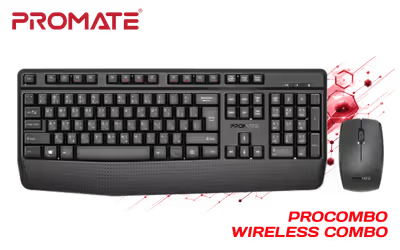
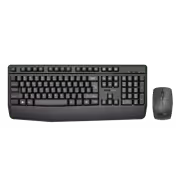
Promate ProCombo 14 Wireless Mouse and Keyboard Combo
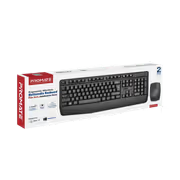
Promate Wireless Keyboard and Mouse Combo, 2.4GHz Wireless with Built-In Palm Rest, Multi-Grip 1200 DPI Mouse, Nano USB Receiver / ProCombo-14.EN / ProCombo-14.EN
2 Years Local Warranty
Model No : MARVO ProCombo-14.EN
Price Inc. Vat
R 329
Save R 170
ListR 499
329Change Quantity:
In Stock with Evetech
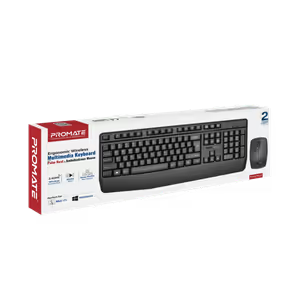
Promate ProCombo-14.EN Wireless Keyboard & Mouse Combo
Full-Sized Wireless Keyboard And Mouse Set For Daily Work
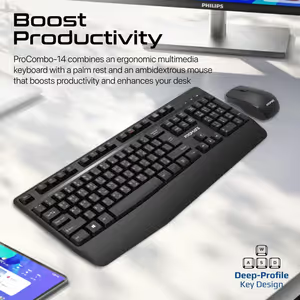
The Promate ProCombo-14 pairs a full-sized wireless keyboard with a precision-engineered wireless mouse, both running on 2.4GHz. It is built for desk work rather than occasional use, with a modern, low-profile look and an ergonomic layout that keeps typing and cursor control comfortable across a full day at a computer.
Full-Sized Wireless Keyboard And Mouse Set For Daily Work
The Promate ProCombo-14 pairs a full-sized wireless keyboard with a precision-engineered wireless mouse, both running on 2.4GHz. It is built for desk work rather than occasional use, with a modern, low-profile look and an ergonomic layout that keeps typing and cursor control comfortable across a full day at a computer.
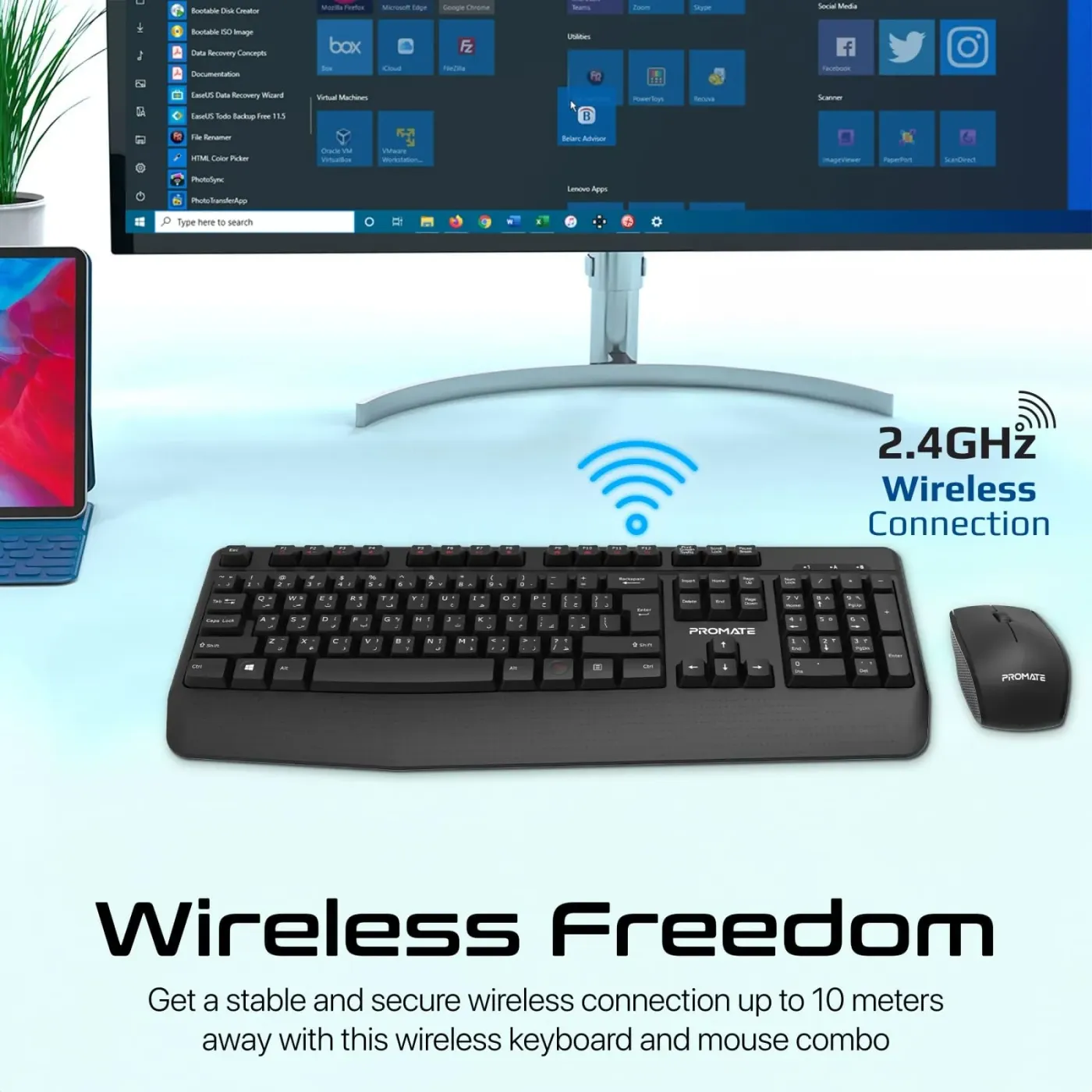
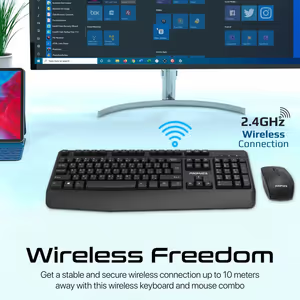
2.4GHz Wireless Works Up To 10 Metres Away
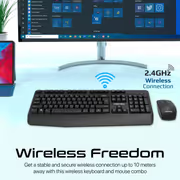
The ProCombo-14 uses 2.4GHz wireless technology and holds a stable, responsive connection at up to 10 metres from the receiver. That range covers a normal desk with room to spare, and it also means the keyboard still works from a couch or across a small meeting room when the display is a TV rather than a monitor.
2.4GHz Wireless Works Up To 10 Metres Away
The ProCombo-14 uses 2.4GHz wireless technology and holds a stable, responsive connection at up to 10 metres from the receiver. That range covers a normal desk with room to spare, and it also means the keyboard still works from a couch or across a small meeting room when the display is a TV rather than a monitor.
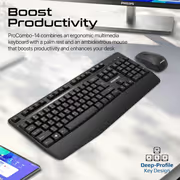
Full-Sized Layout With Deep-Profile Keys
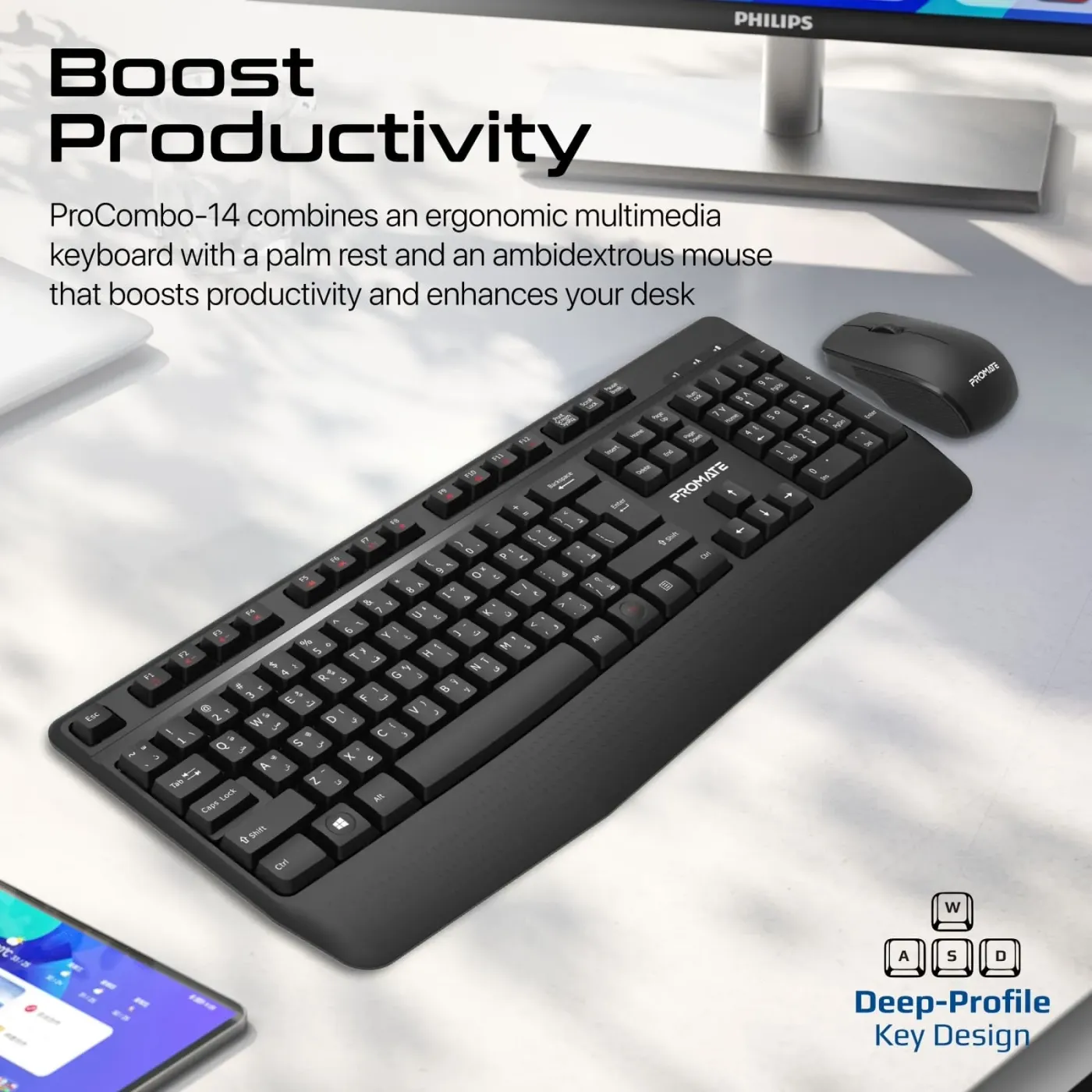
The keyboard is full-sized, so the number pad, function row and navigation cluster are all present rather than compressed into shared keys. Its deep-profile keys suit anyone who prefers a traditional typing feel with clear travel under the finger, and that extra depth is what keeps fast typing accurate over long documents.
Full-Sized Layout With Deep-Profile Keys
The keyboard is full-sized, so the number pad, function row and navigation cluster are all present rather than compressed into shared keys. Its deep-profile keys suit anyone who prefers a traditional typing feel with clear travel under the finger, and that extra depth is what keeps fast typing accurate over long documents.
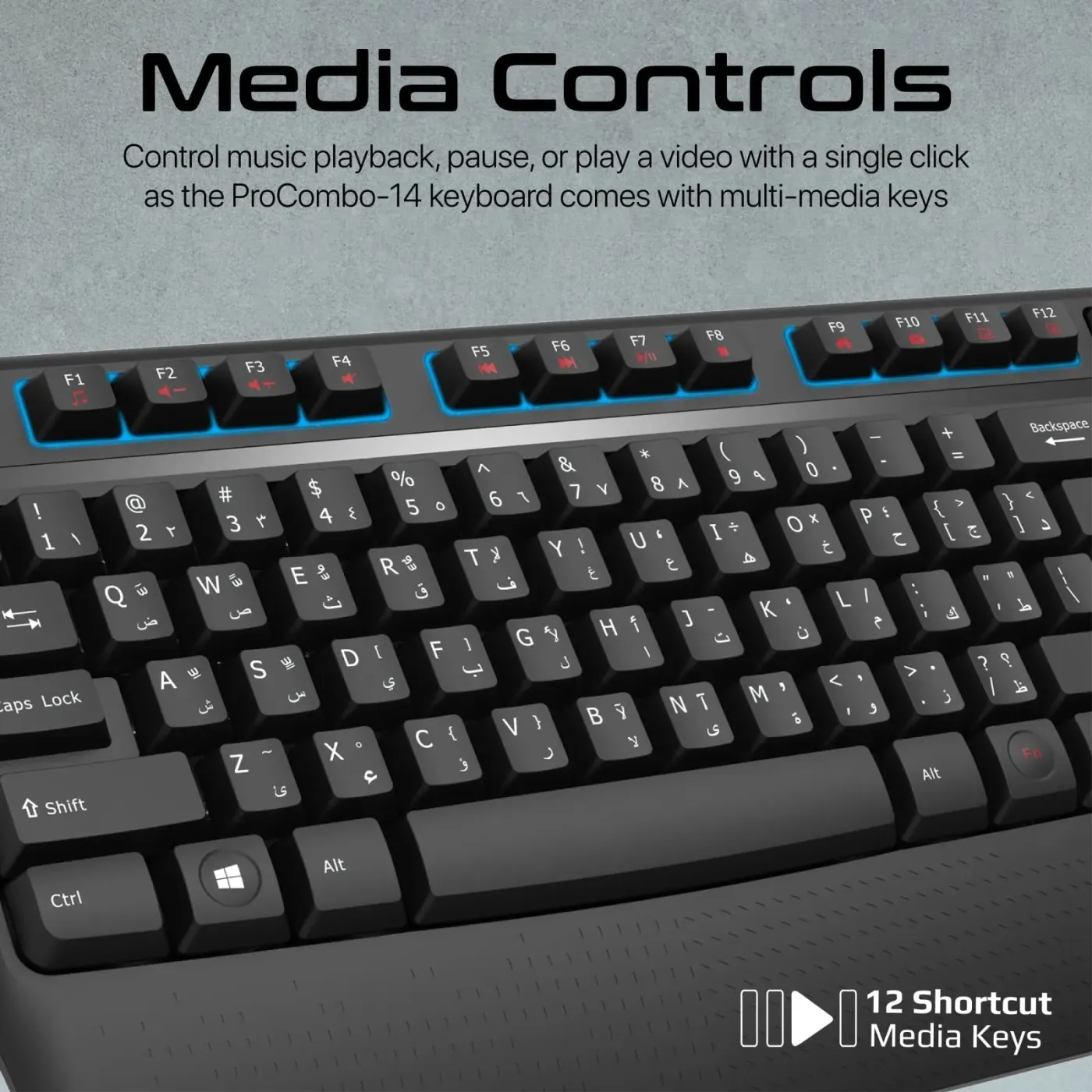
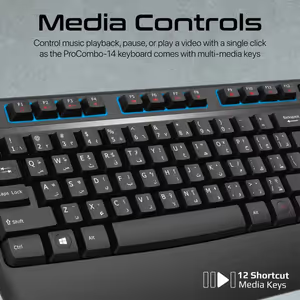
Dedicated Media, Email And Calculator Shortcut Keys
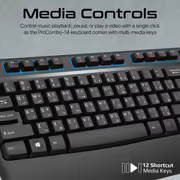
Dedicated shortcut keys handle multimedia playback and video actions, and open your email client or the calculator directly. Having those functions on their own keys removes the usual detour through menus and mouse clicks, which is where small amounts of time disappear during a working day.
Dedicated Media, Email And Calculator Shortcut Keys
Dedicated shortcut keys handle multimedia playback and video actions, and open your email client or the calculator directly. Having those functions on their own keys removes the usual detour through menus and mouse clicks, which is where small amounts of time disappear during a working day.
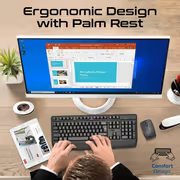
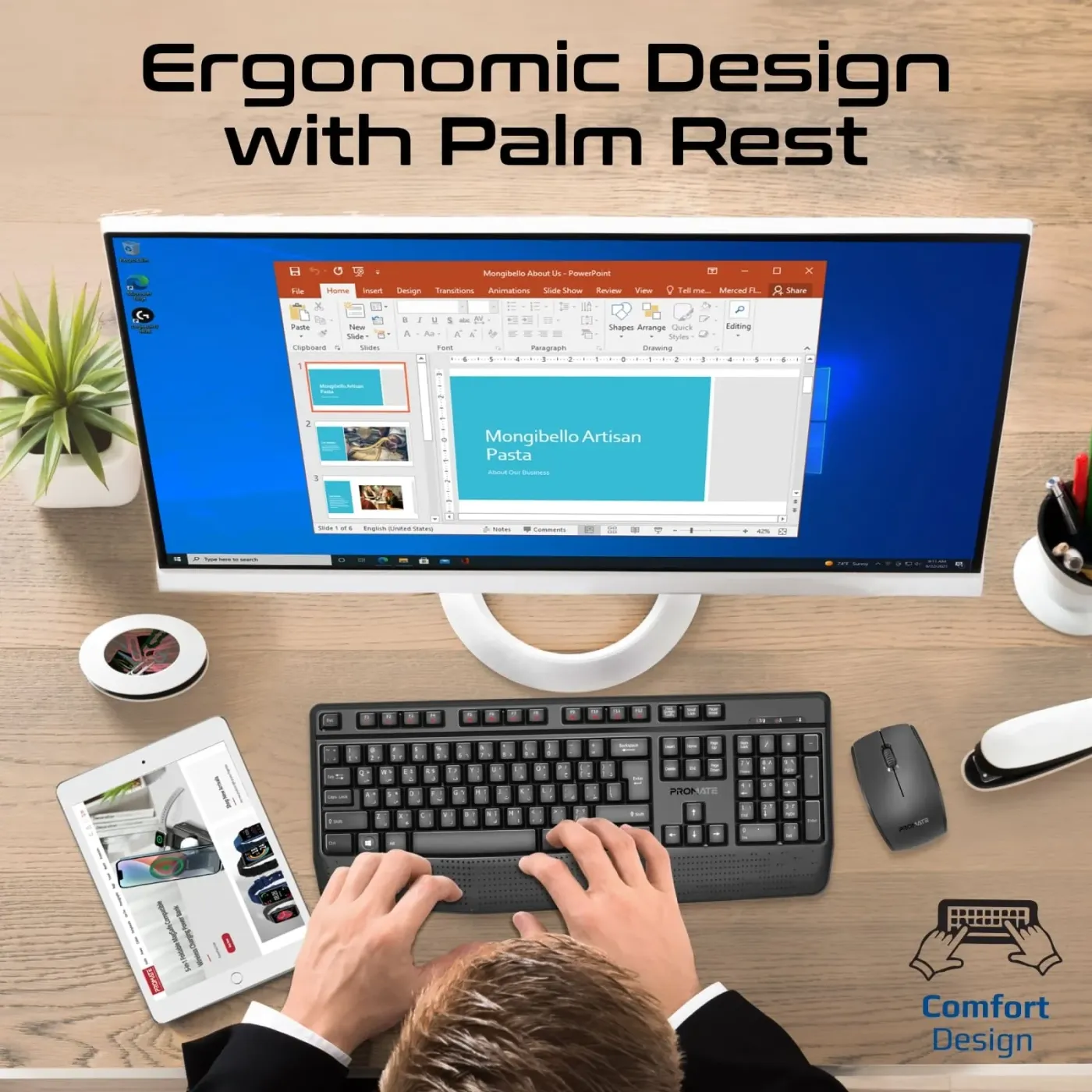
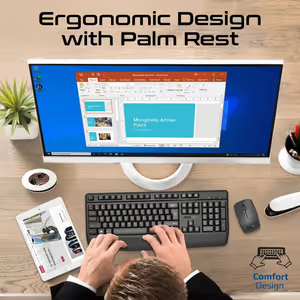
Angled Kickstand Base And Built-In Palm Rest
The ProCombo-14 has an ergonomically angled base with a kickstand design, so the keyboard sits at a typing angle instead of flat on the desk. A built-in palm rest supports the wrists at that angle, which is what makes long typing sessions manageable and keeps your hands in a stable position throughout.
Angled Kickstand Base And Built-In Palm Rest
The ProCombo-14 has an ergonomically angled base with a kickstand design, so the keyboard sits at a typing angle instead of flat on the desk. A built-in palm rest supports the wrists at that angle, which is what makes long typing sessions manageable and keeps your hands in a stable position throughout.
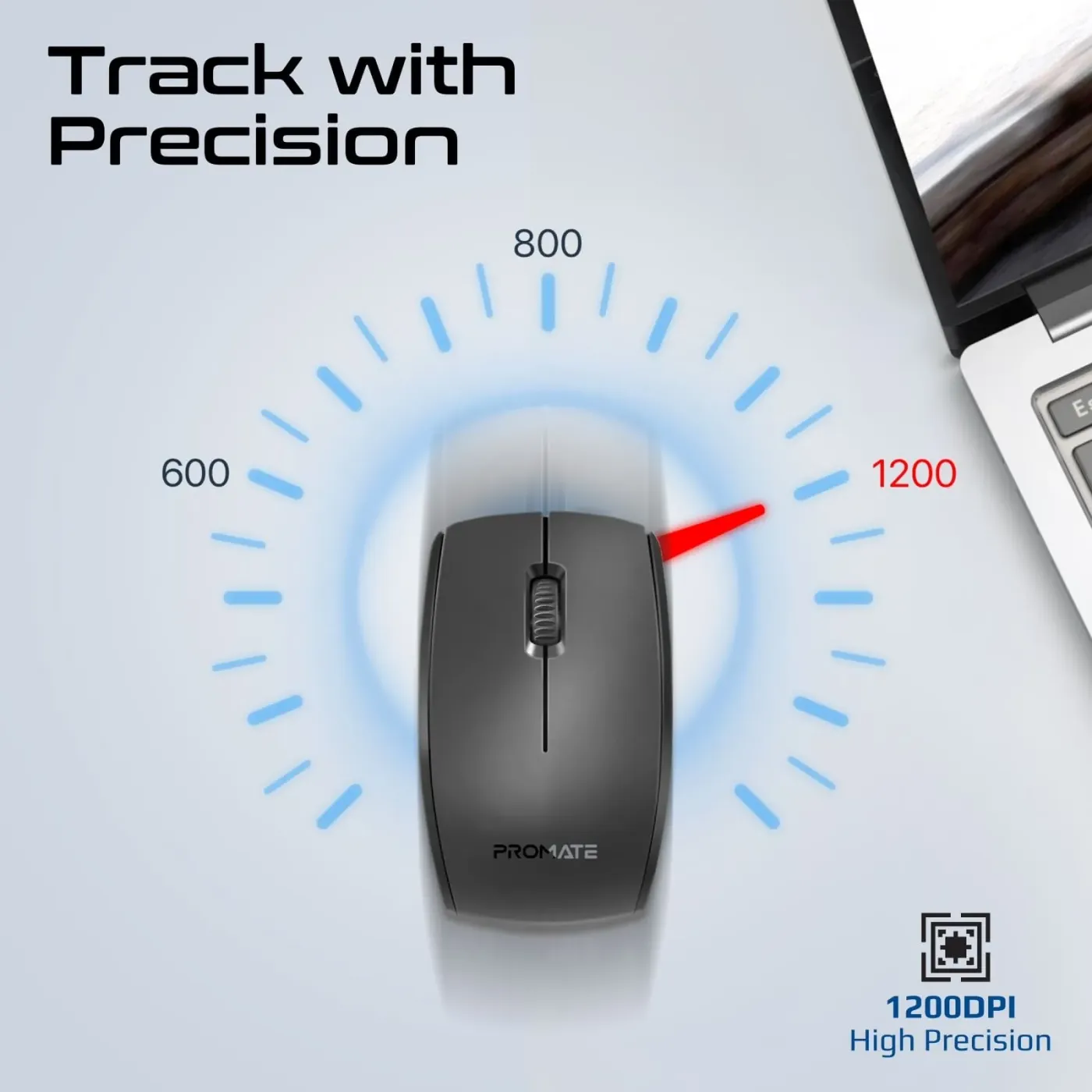
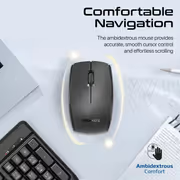
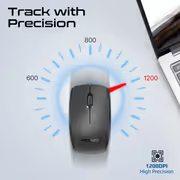
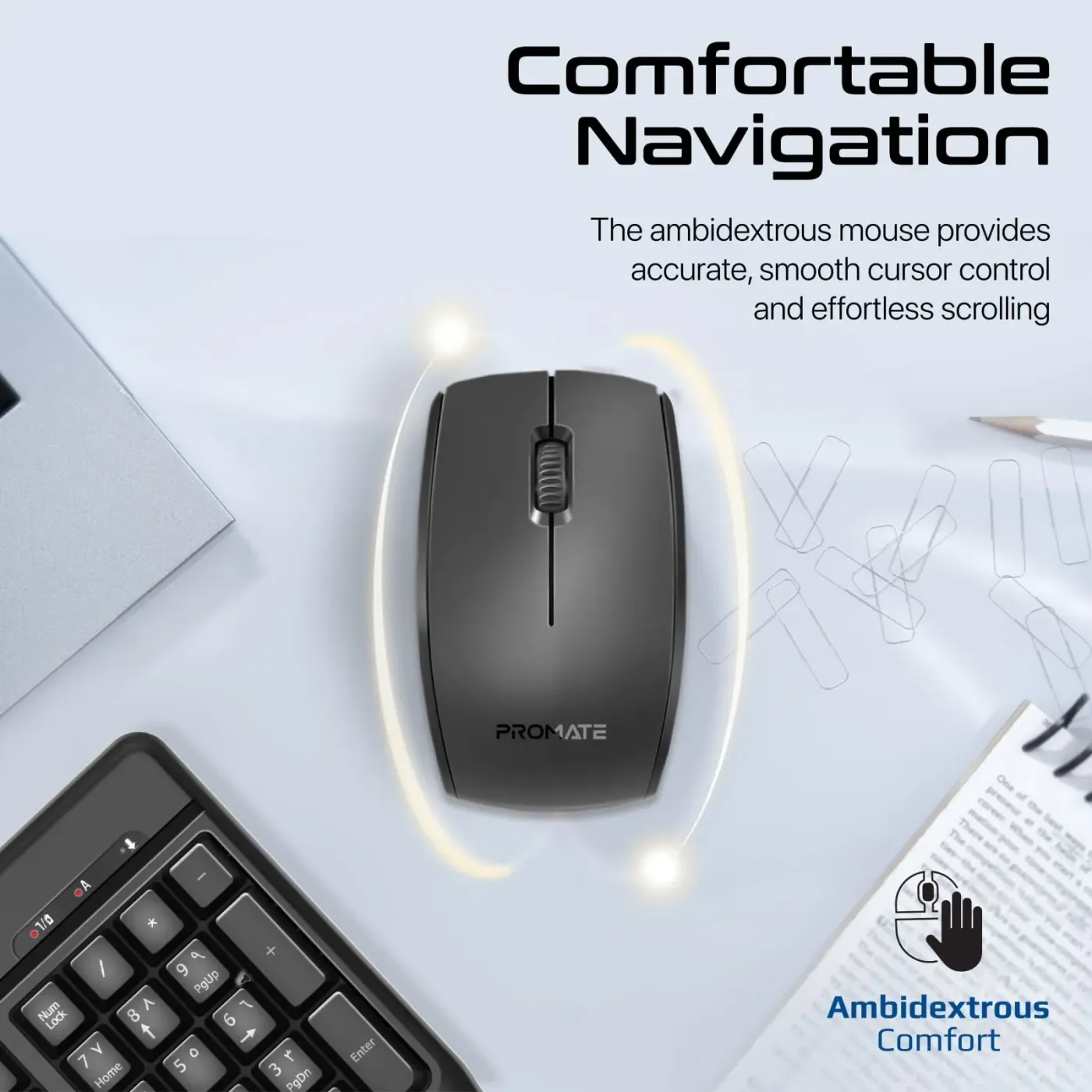
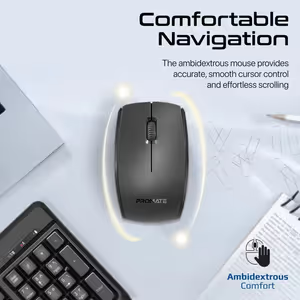
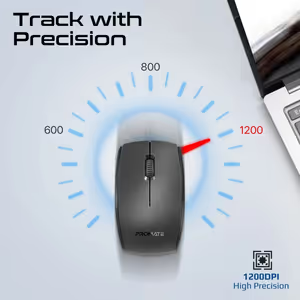
Ambidextrous Mouse With A 1200 DPI Optical Sensor
The included wireless mouse uses a 1200 DPI optical sensor for accurate tracking and fluid cursor movement across the screen. Its shape is ambidextrous, so left-handed and right-handed users get the same grip and the same button placement rather than one of them adapting to a shape built for the other.
Ambidextrous Mouse With A 1200 DPI Optical Sensor
The included wireless mouse uses a 1200 DPI optical sensor for accurate tracking and fluid cursor movement across the screen. Its shape is ambidextrous, so left-handed and right-handed users get the same grip and the same button placement rather than one of them adapting to a shape built for the other.
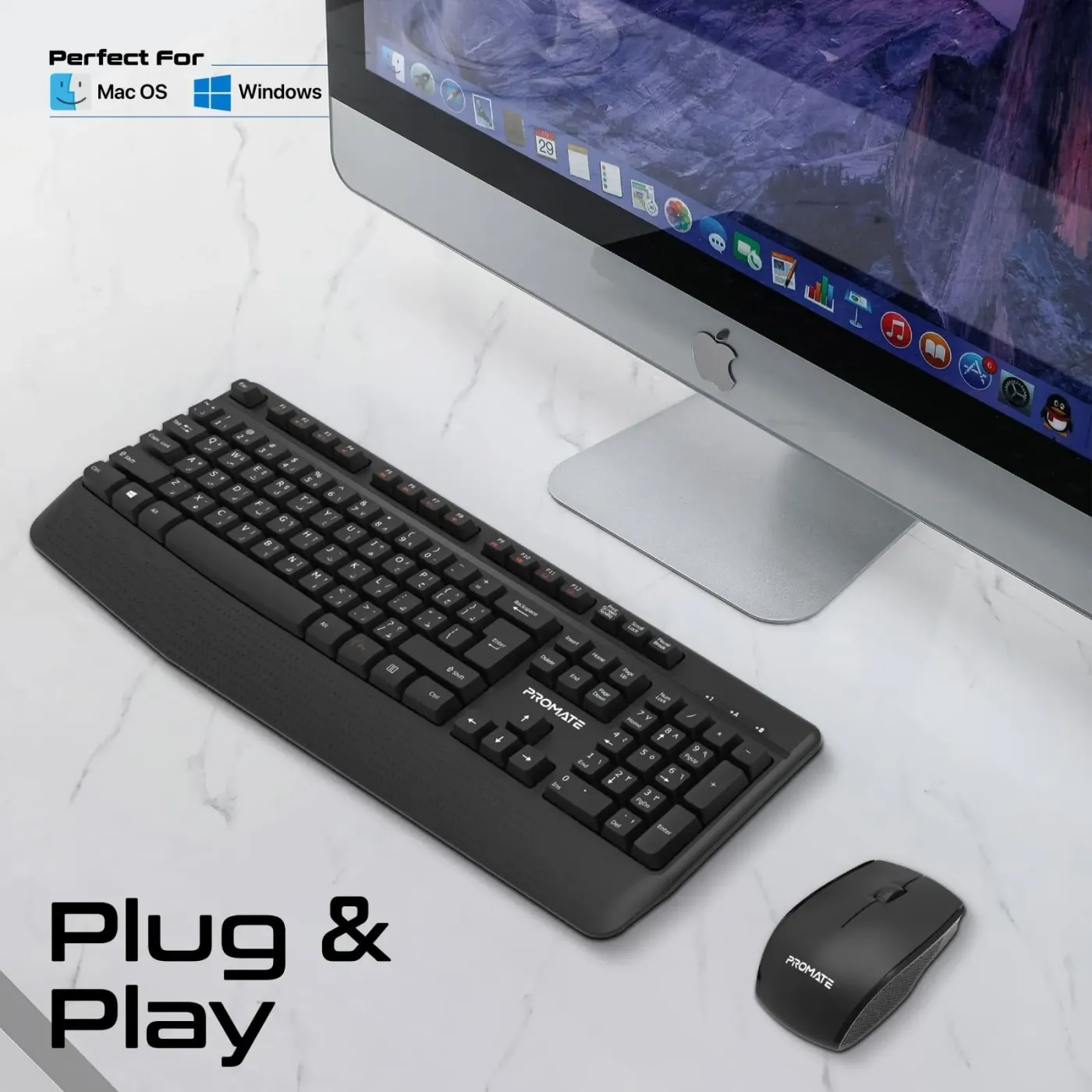
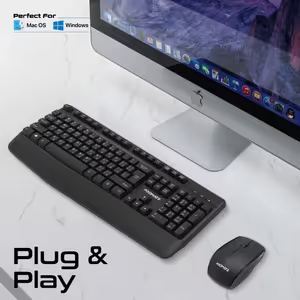
One Nano USB Receiver, No Drivers To Install
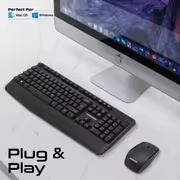
A single compact nano USB receiver links both the keyboard and the mouse, so only one USB port is used and there is nothing extra cluttering the desk. Setup is plug and play: connect the receiver and start typing and clicking straight away, with no additional drivers or software required.
One Nano USB Receiver, No Drivers To Install
A single compact nano USB receiver links both the keyboard and the mouse, so only one USB port is used and there is nothing extra cluttering the desk. Setup is plug and play: connect the receiver and start typing and clicking straight away, with no additional drivers or software required.
FAQ
Frequently Asked Questions
Everything you need to know about this product
It uses 2.4GHz wireless technology through a compact nano USB receiver.
It maintains a stable, responsive connection up to 10 metres away.
Yes. The ProCombo-14 keyboard is full-sized and uses deep-profile keys for a traditional typing feel.
The optical mouse has a 1200 DPI sensor.
Yes. It is ambidextrous, designed for both left-handed and right-handed use.
No. One nano USB receiver links both the keyboard and the mouse.
No. Setup is plug and play, with no additional drivers or software needed.
Yes. It has a built-in palm rest along with an ergonomically angled base and kickstand design.
Yes. Dedicated keys control multimedia playback and video actions, and open your email and calculator.
One. The single receiver plugs into a USB port and serves both devices.

AI-Generated Content:These FAQs are generated by an automated AI system and may contain inaccuracies or omissions. Evetech makes no warranties, express or implied, regarding their completeness or reliability. For definitive information, please refer to the manufacturer's official specifications.
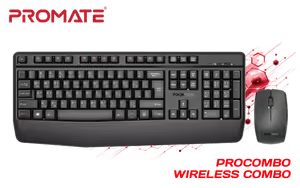
Please Note: Product images are for illustrative purposes only and may differ from the actual product.
Choose your
own PC
Hand-pick every part with live stock, compatibility, and instant pricing.
Try the new builderPrice Inc. Vat
R 329
Save R 170
ListR 499
329Change Quantity:
In Stock with Evetech
Choose your
own PC
Hand-pick every part with live stock, compatibility, and instant pricing.
Try the new builderPromate ProCombo 14 Wireless Mouse and Keyboard Combo