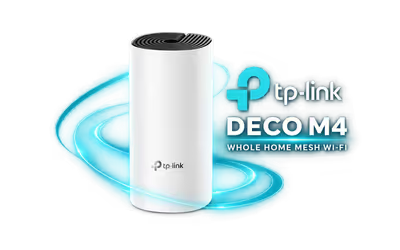
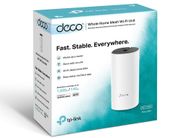
tp-link-deco-m4-ac1200-mesh-wifi-system-1-pack
TP-Link Deco M4 AC1200 Whole Home Mesh Wi-Fi System - 1 Pack / Dual-Band Wi-Fi 5 867Mbps + 300Mbps / 2x Gigabit WAN/LAN Ports / Router Or Access Point Mode / MU-MIMO And Beamforming / Deco App Setup / TL-DECO-M4-1PK
2 Years Local Warranty
Model No : TP-LINK TL-DECO-M4-1PK
Price Inc. Vat
R 929
Save R 170
ListR 1,099
929Change Quantity:
In Stock with Evetech
TP-Link Deco M4 AC1200 Mesh Wi-Fi System - 1 Pack
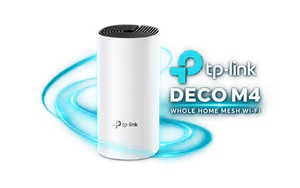
TP-Link Deco M4 AC1200 Mesh Wi-Fi Unit
The Deco M4 1 Pack is one AC1200 dual-band mesh unit. Use it on its own as a router or access point, or add it to an existing Deco network to reach a room the Wi-Fi misses. It has two Gigabit ports and is set up and managed in the Deco app on Android or iOS.
TP-Link Deco M4 AC1200 Mesh Wi-Fi Unit
The Deco M4 1 Pack is one AC1200 dual-band mesh unit. Use it on its own as a router or access point, or add it to an existing Deco network to reach a room the Wi-Fi misses. It has two Gigabit ports and is set up and managed in the Deco app on Android or iOS.
One Unit, Router Or Access Point
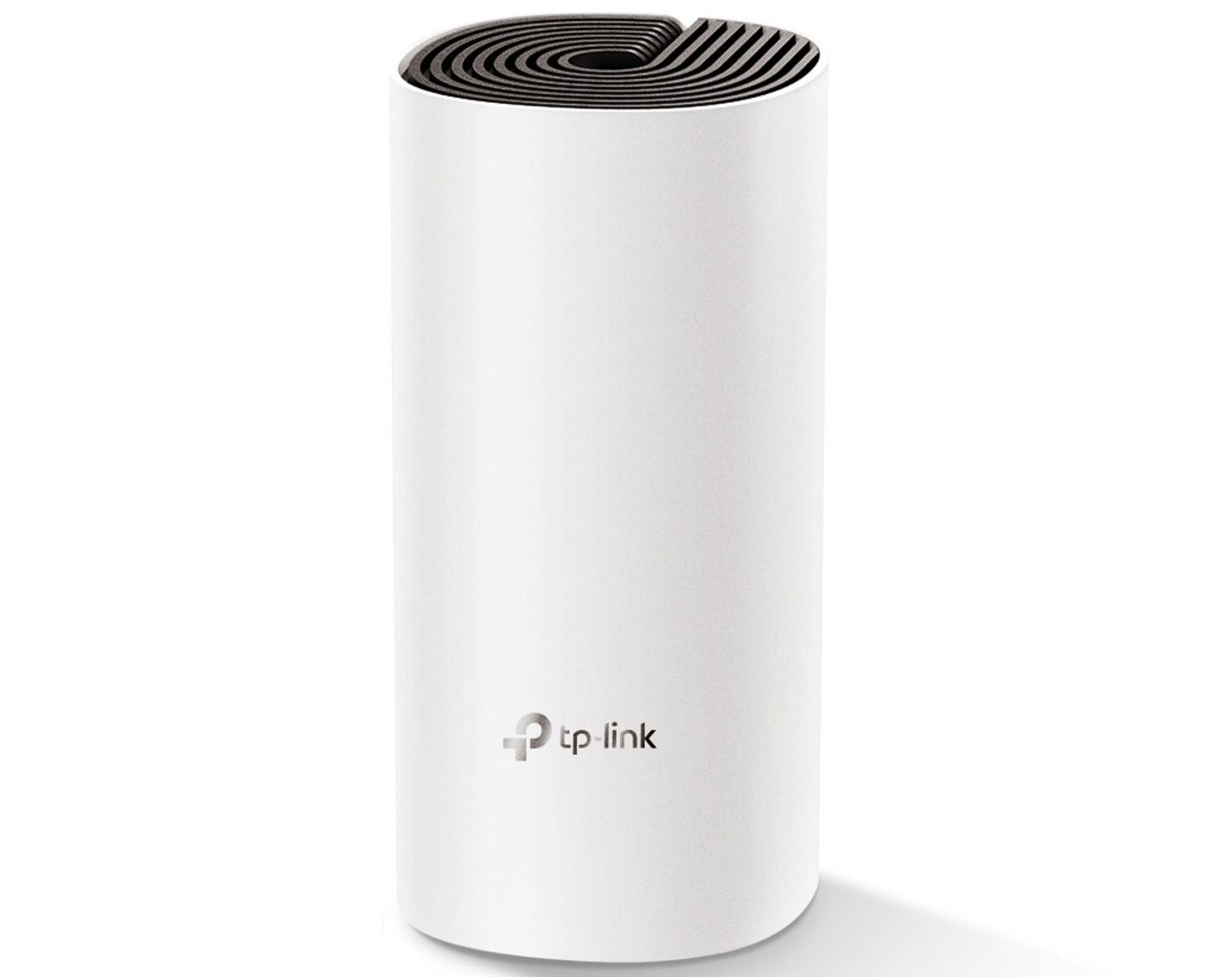
Out of the box the Deco M4 runs in router mode, connected to your fibre box or modem. Switch it to access point mode to add Wi-Fi to an existing wired network, or join it to other Deco units so they share one Wi-Fi name.
One Unit, Router Or Access Point
Out of the box the Deco M4 runs in router mode, connected to your fibre box or modem. Switch it to access point mode to add Wi-Fi to an existing wired network, or join it to other Deco units so they share one Wi-Fi name.
Two Gigabit Ports On Every Unit
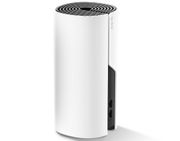
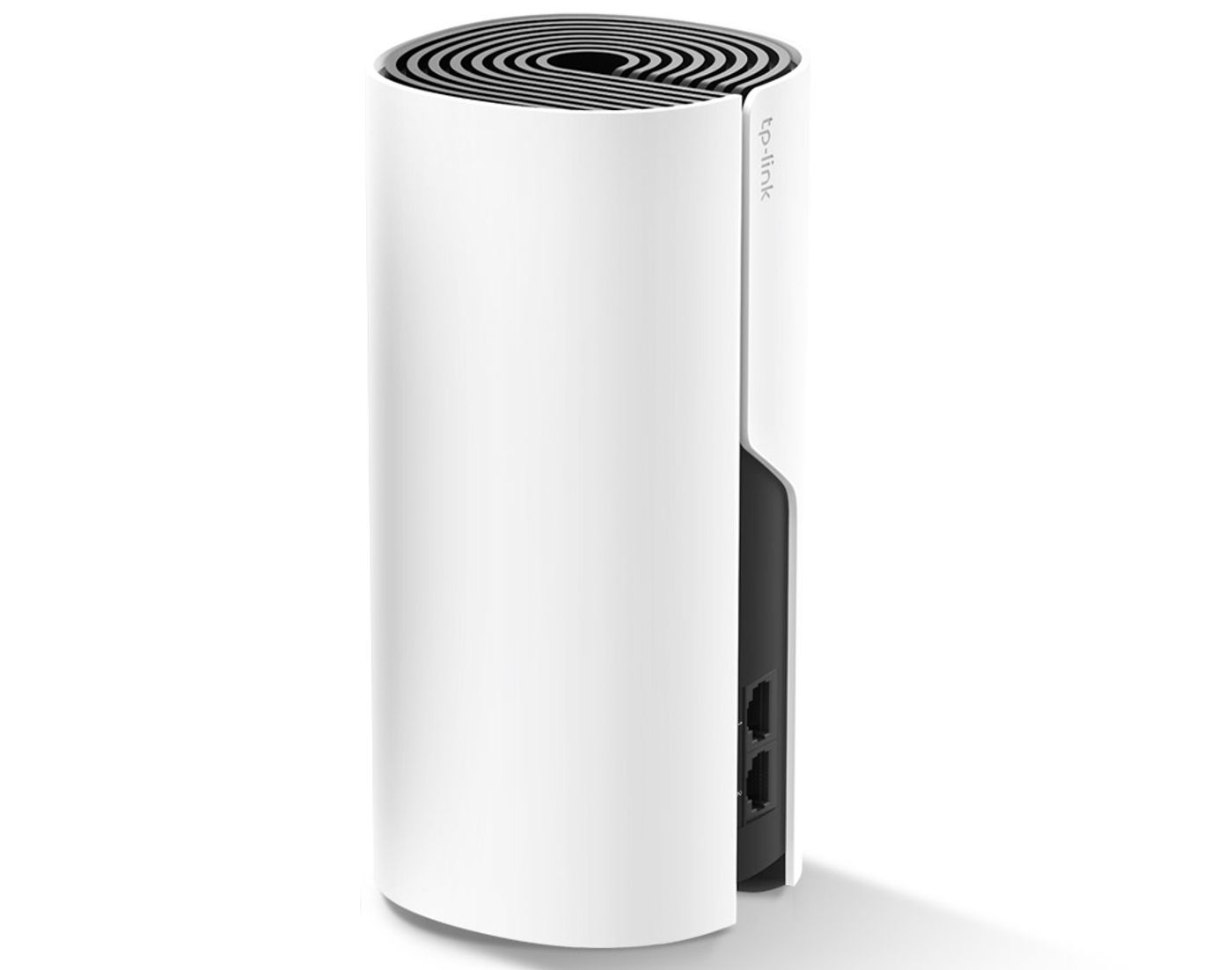
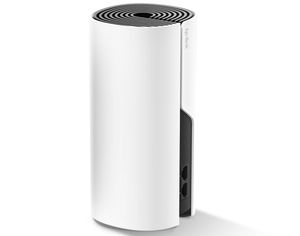
Each Deco M4 has two Gigabit Ethernet ports that sense WAN or LAN automatically, so either one connects to the modem. The spare port takes a PC, console or TV, and an optional Ethernet backhaul cable can link two Deco units.
Two Gigabit Ports On Every Unit
Each Deco M4 has two Gigabit Ethernet ports that sense WAN or LAN automatically, so either one connects to the modem. The spare port takes a PC, console or TV, and an optional Ethernet backhaul cable can link two Deco units.
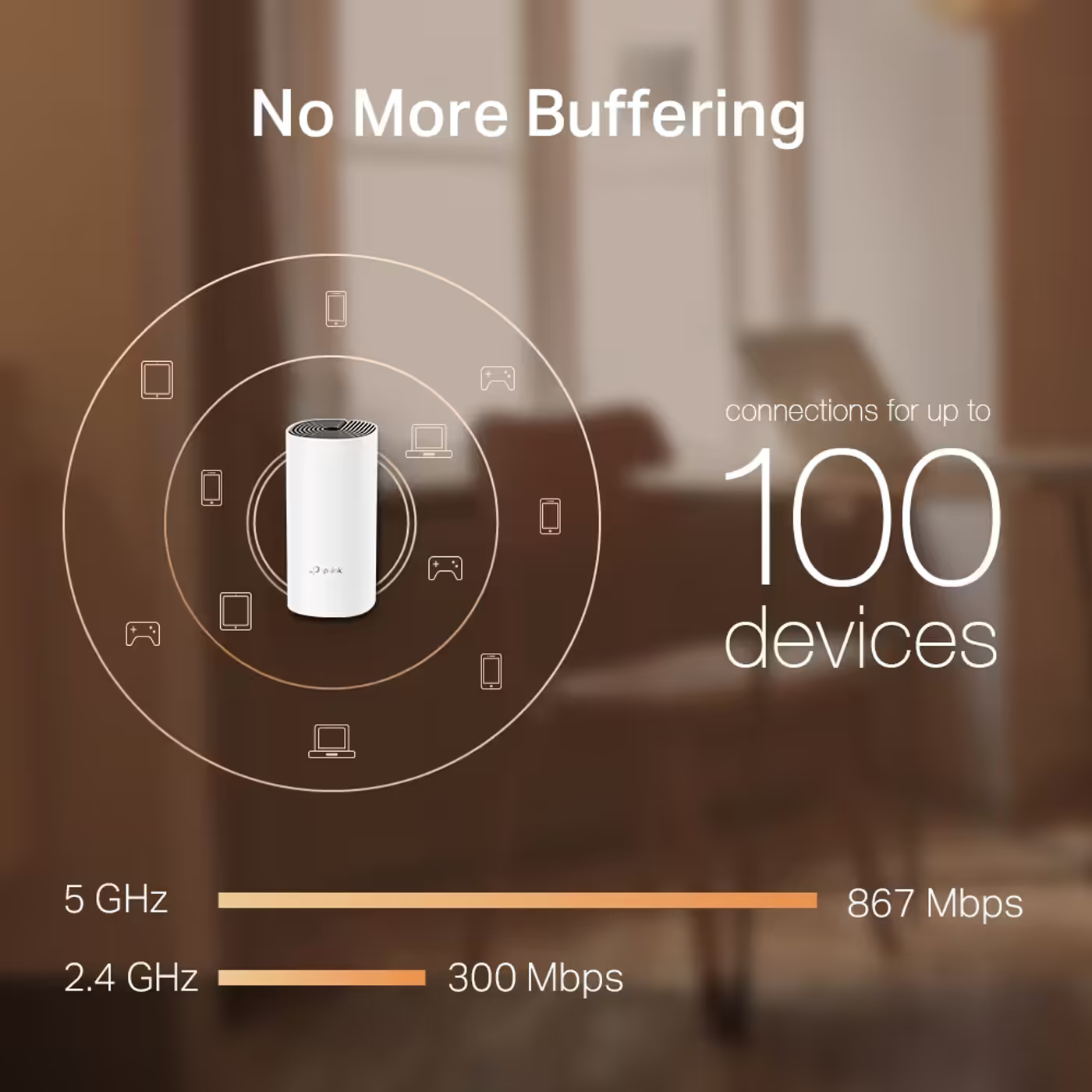
867Mbps On 5GHz, 300Mbps On 2.4GHz
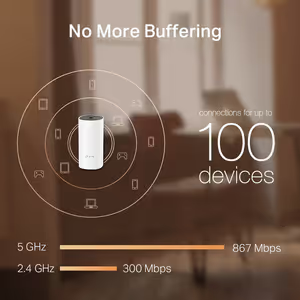
AC1200 dual-band Wi-Fi 5 gives up to 867Mbps on the 5GHz band and 300Mbps on the 2.4GHz band. TP-Link rates a Deco M4 network for up to 100 connected devices, with MU-MIMO and beamforming to share the bandwidth.
867Mbps On 5GHz, 300Mbps On 2.4GHz
AC1200 dual-band Wi-Fi 5 gives up to 867Mbps on the 5GHz band and 300Mbps on the 2.4GHz band. TP-Link rates a Deco M4 network for up to 100 connected devices, with MU-MIMO and beamforming to share the bandwidth.
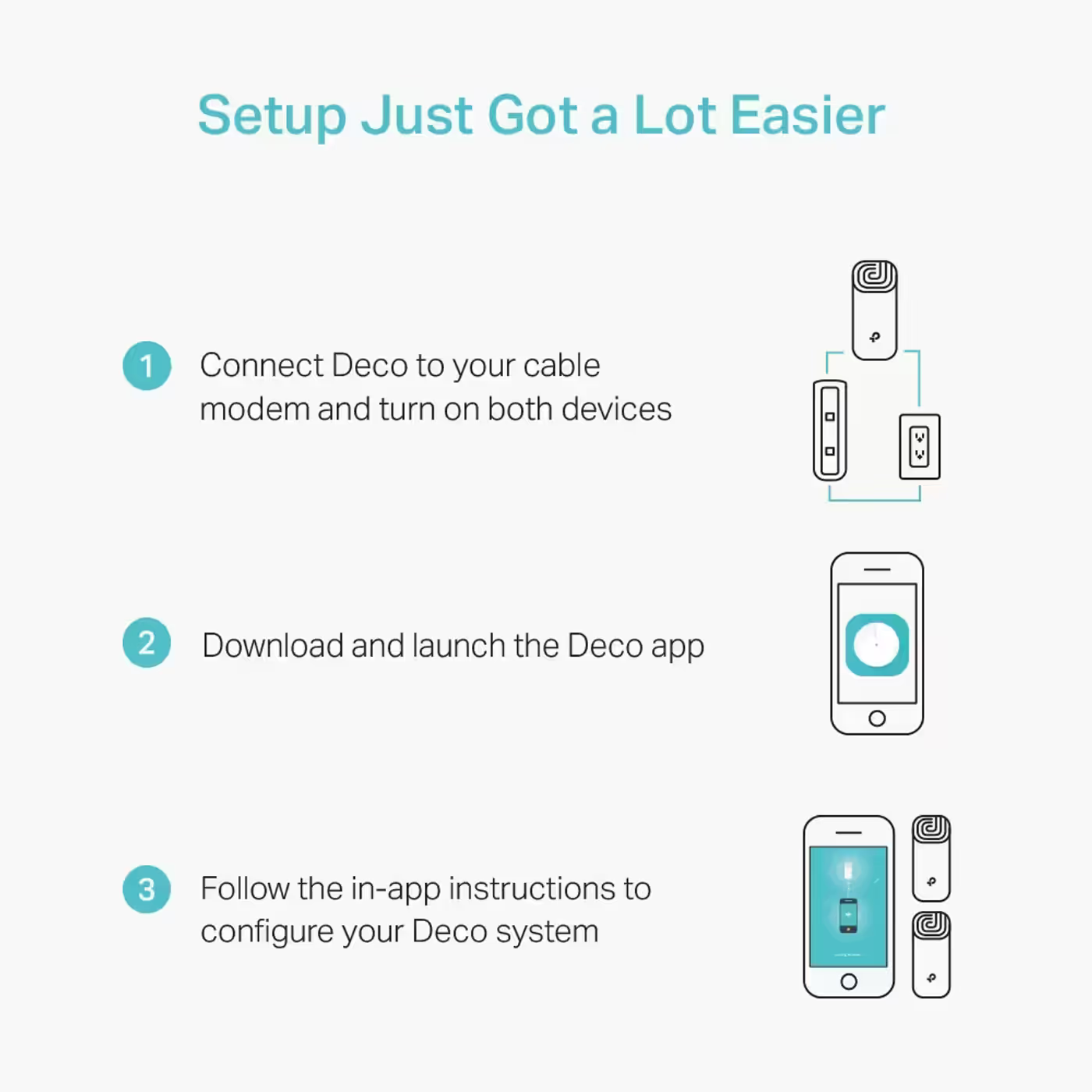
Set Up In Three Steps In The Deco App
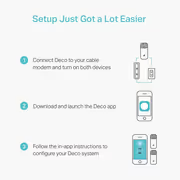
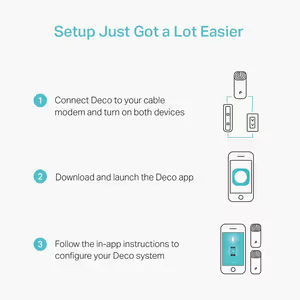
Connect the Deco to your modem and switch both on, open the Deco app, then follow the on-screen steps. The same app shows connected devices, sets device priority, runs a guest network and holds the parental controls.
Set Up In Three Steps In The Deco App
Connect the Deco to your modem and switch both on, open the Deco app, then follow the on-screen steps. The same app shows connected devices, sets device priority, runs a guest network and holds the parental controls.
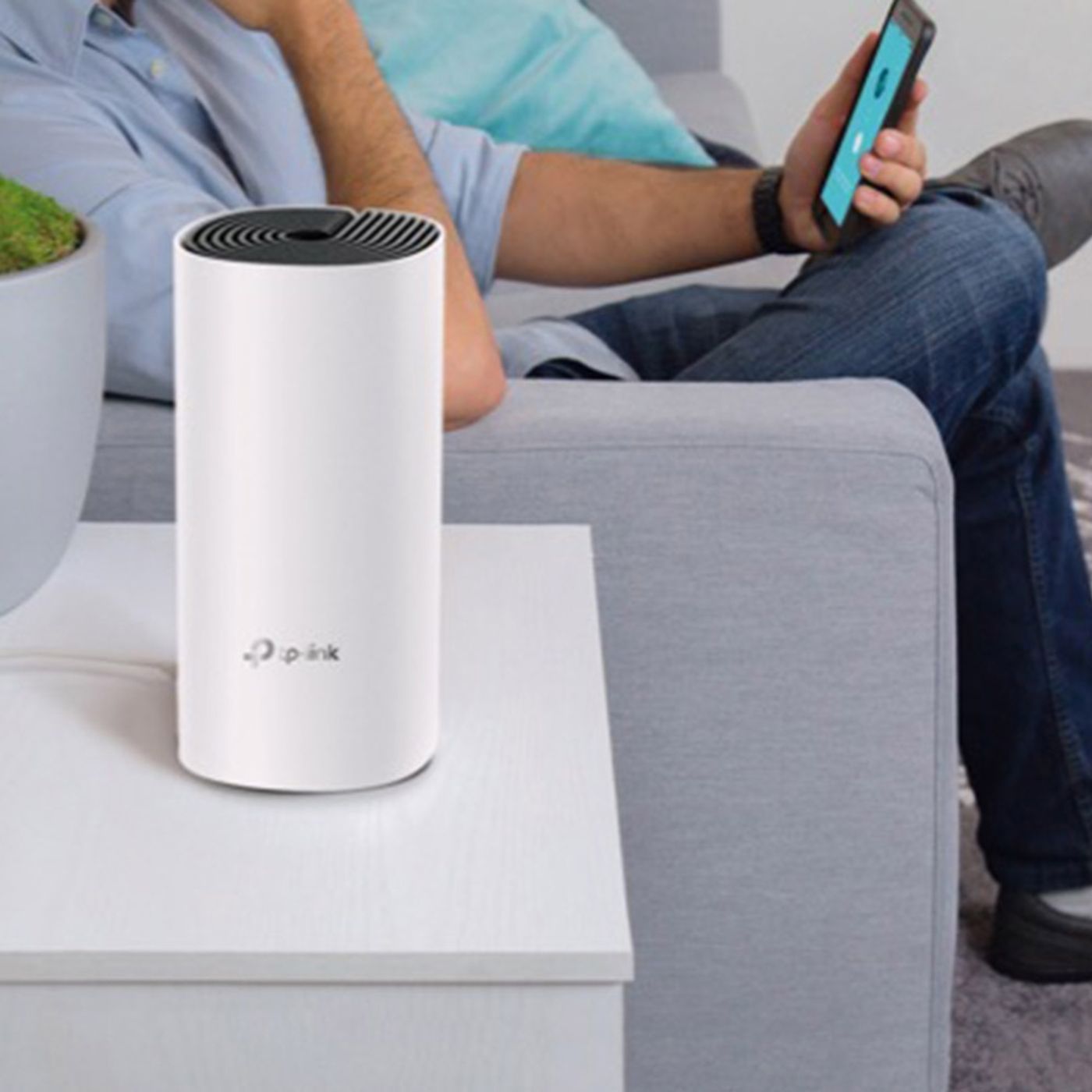
Small Enough For A Shelf
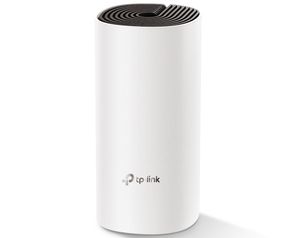
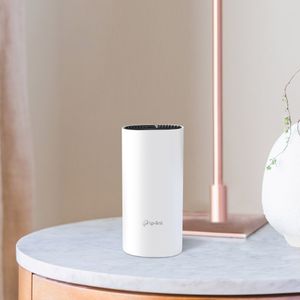
The unit measures 90.7 x 90.7 x 190mm, with internal antennas, so it stands on a shelf or side table without aerials sticking out.
Small Enough For A Shelf
The unit measures 90.7 x 90.7 x 190mm, with internal antennas, so it stands on a shelf or side table without aerials sticking out.
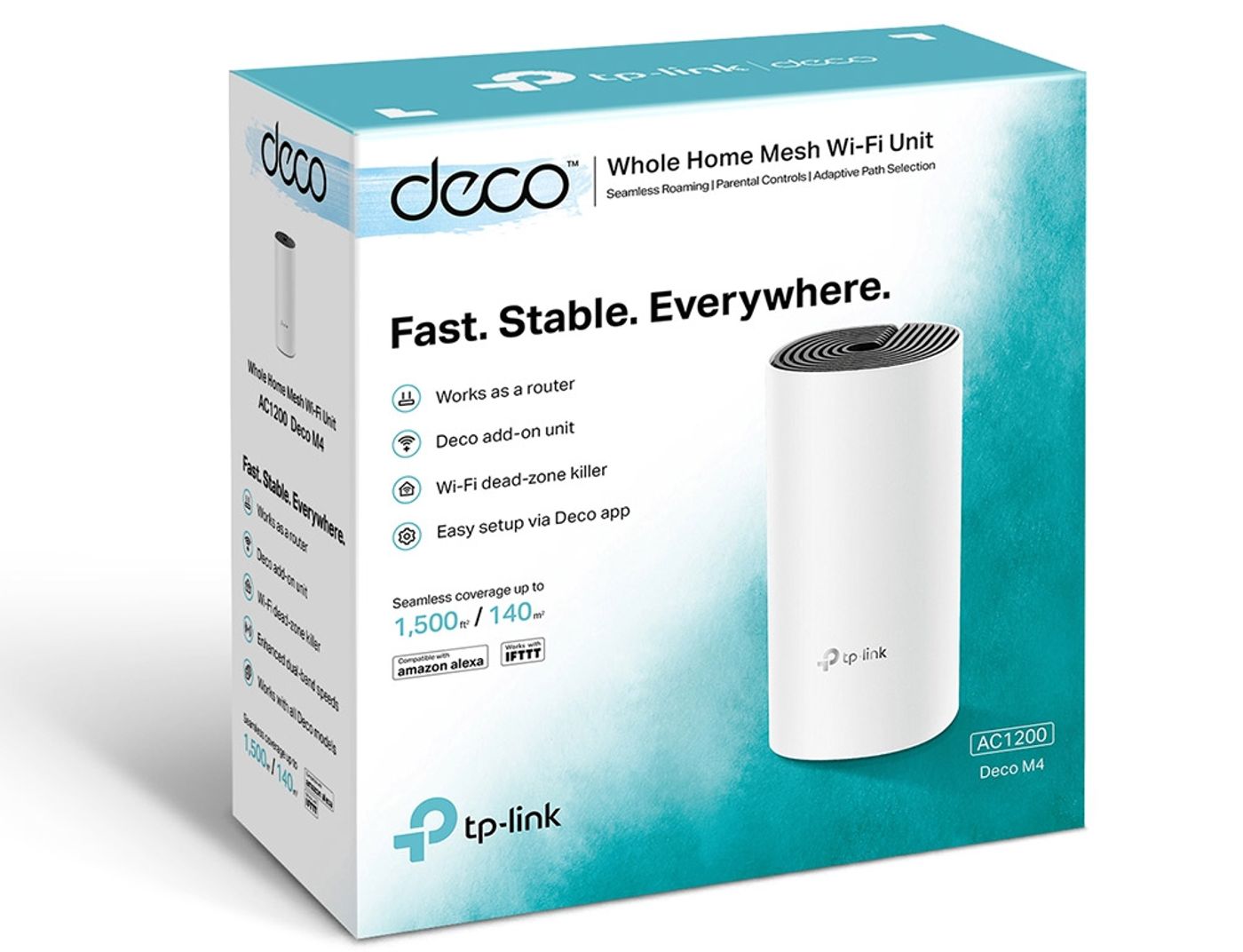
What Is In The Box
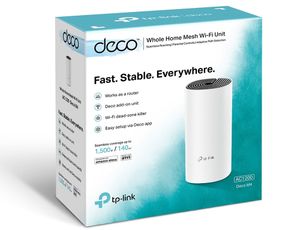
The 1 Pack holds one Deco M4R unit, one RJ45 Ethernet cable, one power adapter and a quick installation guide.
What Is In The Box
The 1 Pack holds one Deco M4R unit, one RJ45 Ethernet cable, one power adapter and a quick installation guide.
FAQ
Frequently Asked Questions
Everything you need to know about this product
One unit works as a normal AC1200 router or access point. TP-Link quotes up to 2,800 sq ft for a Deco M4 2-pack, so for a larger or multi-storey home you add more Deco units and they join one mesh network.
Yes. TP-Link says Deco M4 works with every other Deco model to form one mesh network, and you add it through the Deco app.
No. The Deco M4 is a router itself: connect it to your fibre box or modem. It can also run in access point mode behind a router you already have.
TP-Link lists Dynamic IP, Static IP, PPPoE, PPTP and L2TP, plus IPTV with VLAN tagging. Choose your ISP's connection type during setup in the Deco app.
It is AC1200 dual-band Wi-Fi 5: up to 867Mbps on 5GHz and 300Mbps on 2.4GHz. Both Ethernet ports are Gigabit.
Yes. Deco M4 supports optional Ethernet backhaul, so units can link over a cable where the wireless link between them is weak.
No. The Deco M4 is Wi-Fi 5 (802.11ac). It still joins a mesh network with other Deco models.
Anyone adding a unit to a dead zone on an existing Deco network, or a small home that needs one app-managed router with two Gigabit ports.


AI-Generated Content: These FAQs are generated by an automated AI system and may contain inaccuracies or omissions. Evetech makes no warranties, express or implied, regarding their completeness or reliability. For definitive information, please refer to the manufacturer's official specifications.

Please Note: Product images are for illustrative purposes only and may differ from the actual product.
Choose your
own PC
Hand-pick every part with live stock, compatibility, and instant pricing.
Try the new builderPrice Inc. Vat
R 929
Save R 170
ListR 1,099
929Change Quantity:
In Stock with Evetech
Choose your
own PC
Hand-pick every part with live stock, compatibility, and instant pricing.
Try the new builderTP-Link Deco M4 AC1200 Whole Home Mesh Wi-Fi System