Trusted Partners

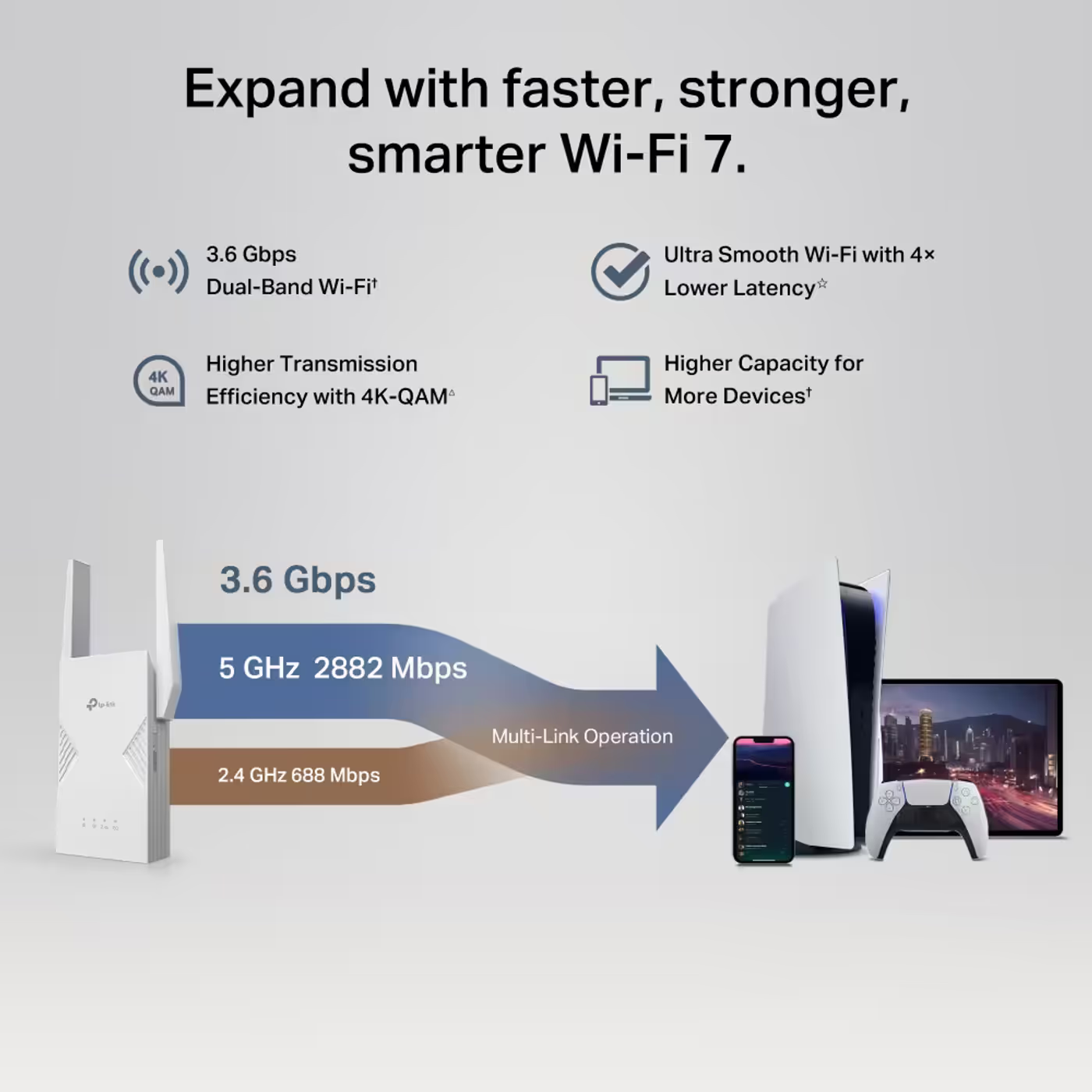
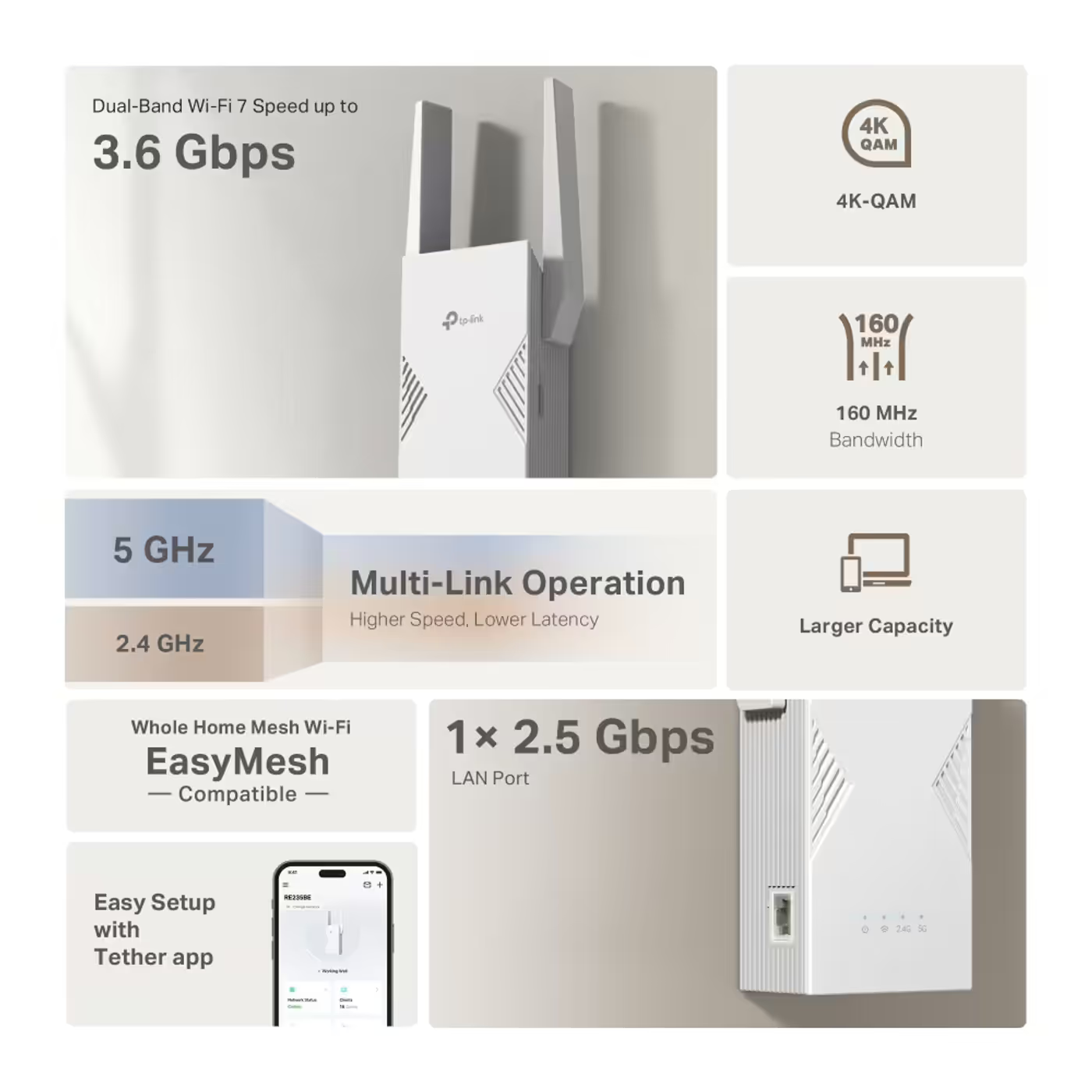
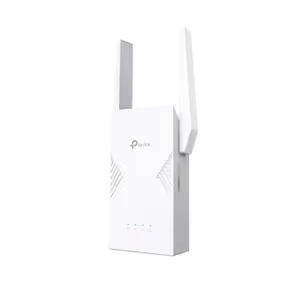
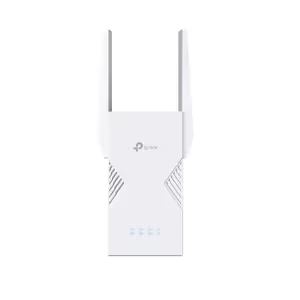
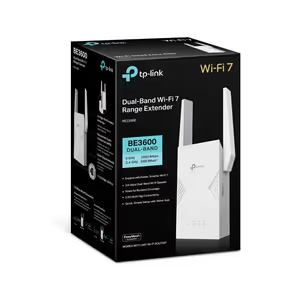
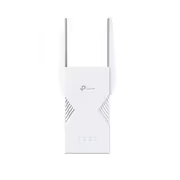
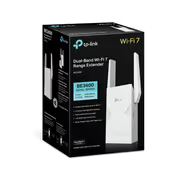
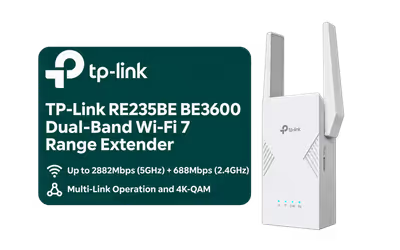
The TP-Link RE235BE is a BE3600 dual-band Wi-Fi 7 range extender that plugs into a wall socket and extends your existing Wi-Fi, at up to 2882Mbps on 5GHz and 688Mbps on 2.4GHz. It supports Multi-Link Operation, 4K-QAM and 160MHz channels, joins an EasyMesh-compatible router as one mesh network, and has a 2.5Gbps Ethernet port for a wired device or for access point mode.

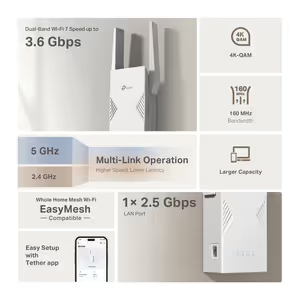
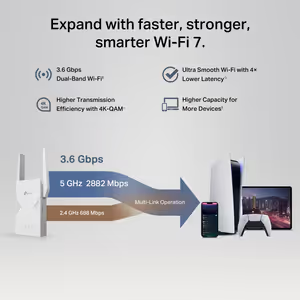
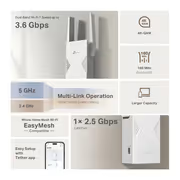
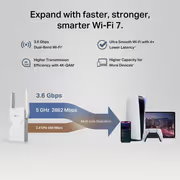
The RE235BE reaches up to 2882Mbps on 5GHz and 688Mbps on 2.4GHz, rated BE3600. With Multi-Link Operation, Wi-Fi 7 devices send data over both bands at the same time, for higher throughput, lower latency and a steadier link. Wi-Fi 6, Wi-Fi 5 and older devices connect as normal.

The RE235BE reaches up to 2882Mbps on 5GHz and 688Mbps on 2.4GHz, rated BE3600. With Multi-Link Operation, Wi-Fi 7 devices send data over both bands at the same time, for higher throughput, lower latency and a steadier link. Wi-Fi 6, Wi-Fi 5 and older devices connect as normal.

4K-QAM packs more data into each transmission, and 160MHz channels on 5GHz widen the link for Wi-Fi 7 devices. The RE235BE also supports Multi-RUs. 4K-QAM needs a Wi-Fi 7 device, and the extender is dual-band only, with no 6GHz band.


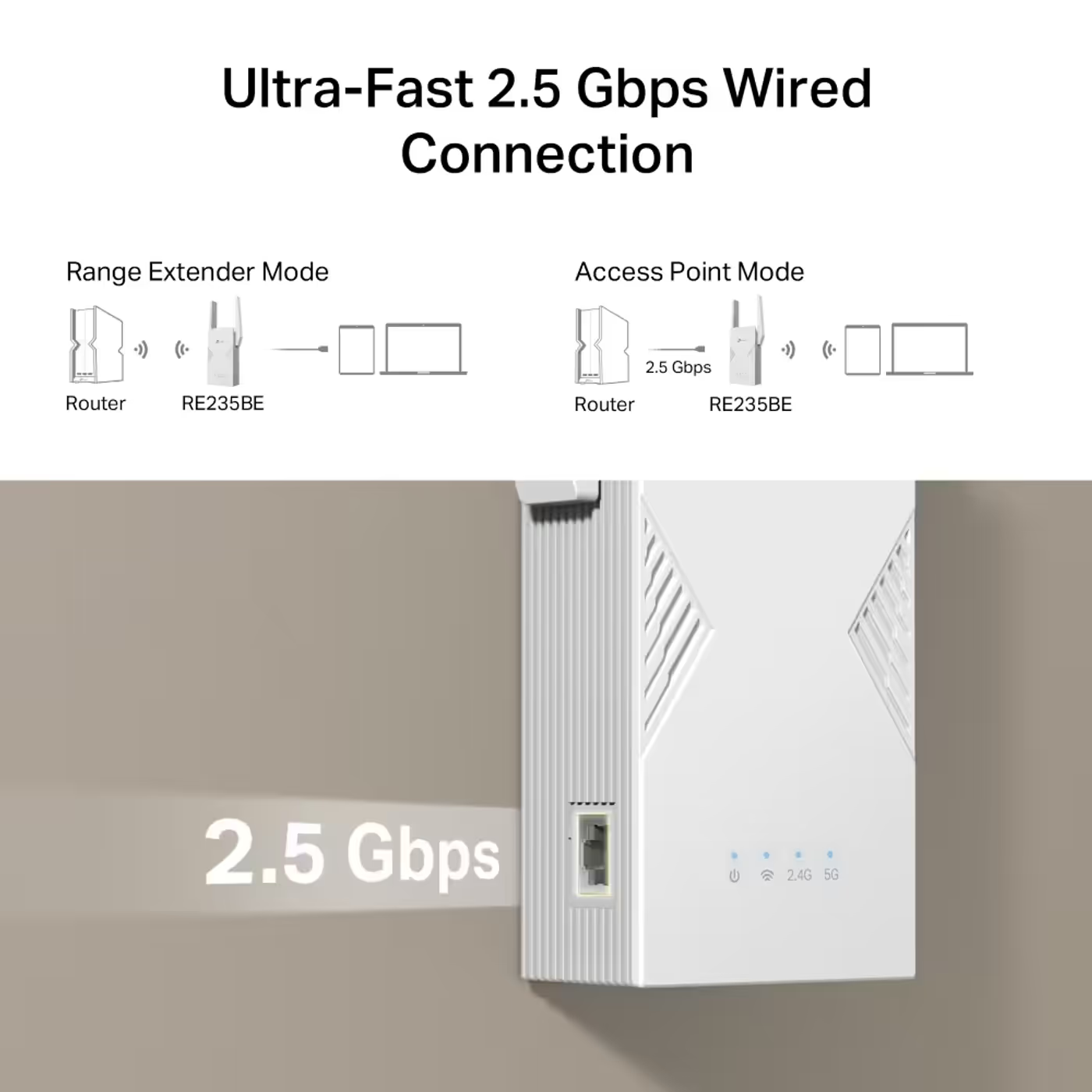
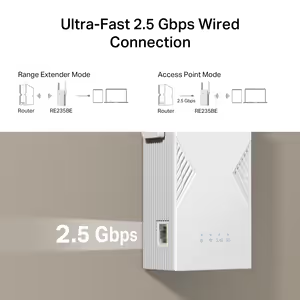
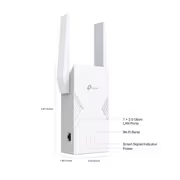
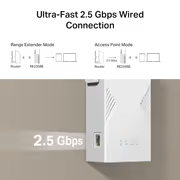
One 2.5Gbps Ethernet port connects a PC, console or NAS in range extender mode. In access point mode, run a cable from the router to the same port and the RE235BE turns that wired link into Wi-Fi 7.

One 2.5Gbps Ethernet port connects a PC, console or NAS in range extender mode. In access point mode, run a cable from the router to the same port and the RE235BE turns that wired link into Wi-Fi 7.

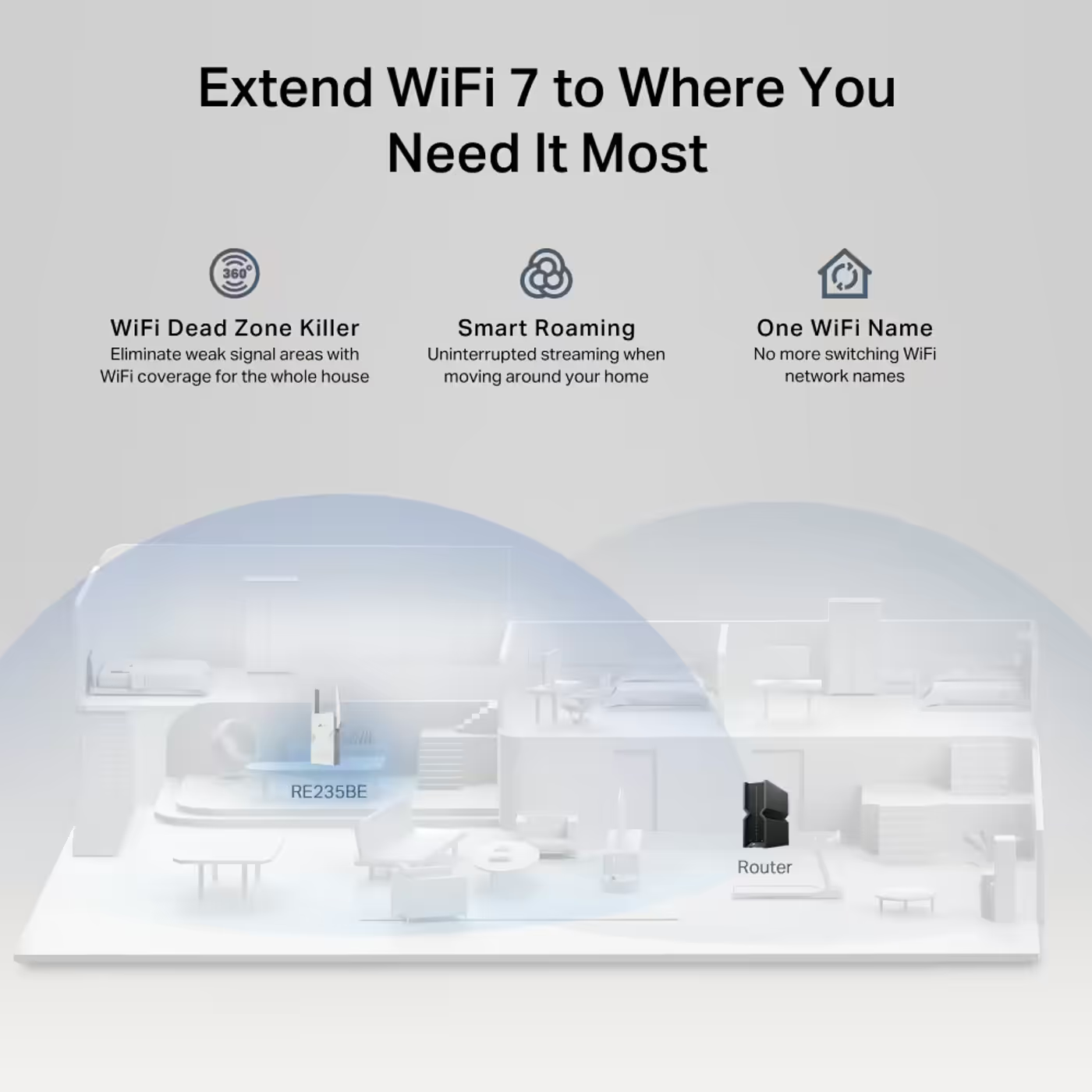
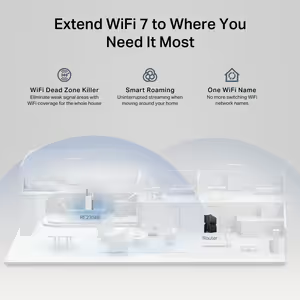
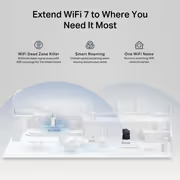
With an EasyMesh-compatible router, the RE235BE forms one mesh network with one Wi-Fi name, and Smart Roaming keeps devices on the fastest signal as you move around the home. TP-Link states it works with all Wi-Fi generations, Wi-Fi devices and Wi-Fi routers.


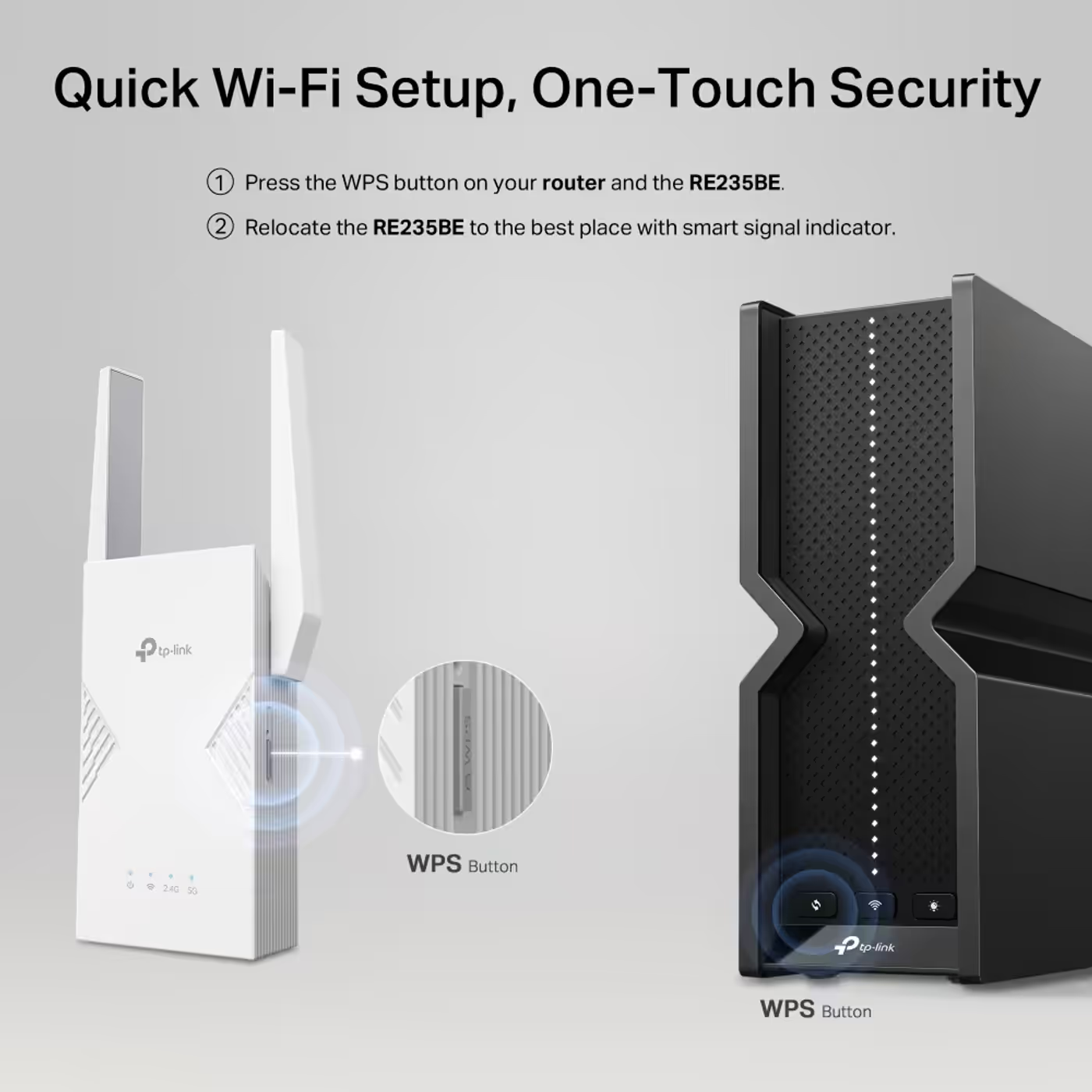
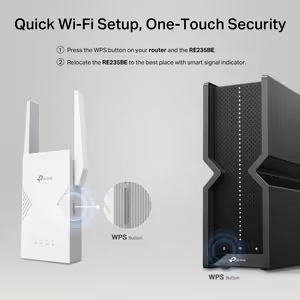
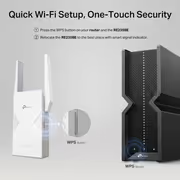
Press the WPS button on your router and then on the RE235BE to connect the two. Security covers WPA3 as well as WPA/WPA2-PSK, and the extender also has a reset button.

Press the WPS button on your router and then on the RE235BE to connect the two. Security covers WPA3 as well as WPA/WPA2-PSK, and the extender also has a reset button.

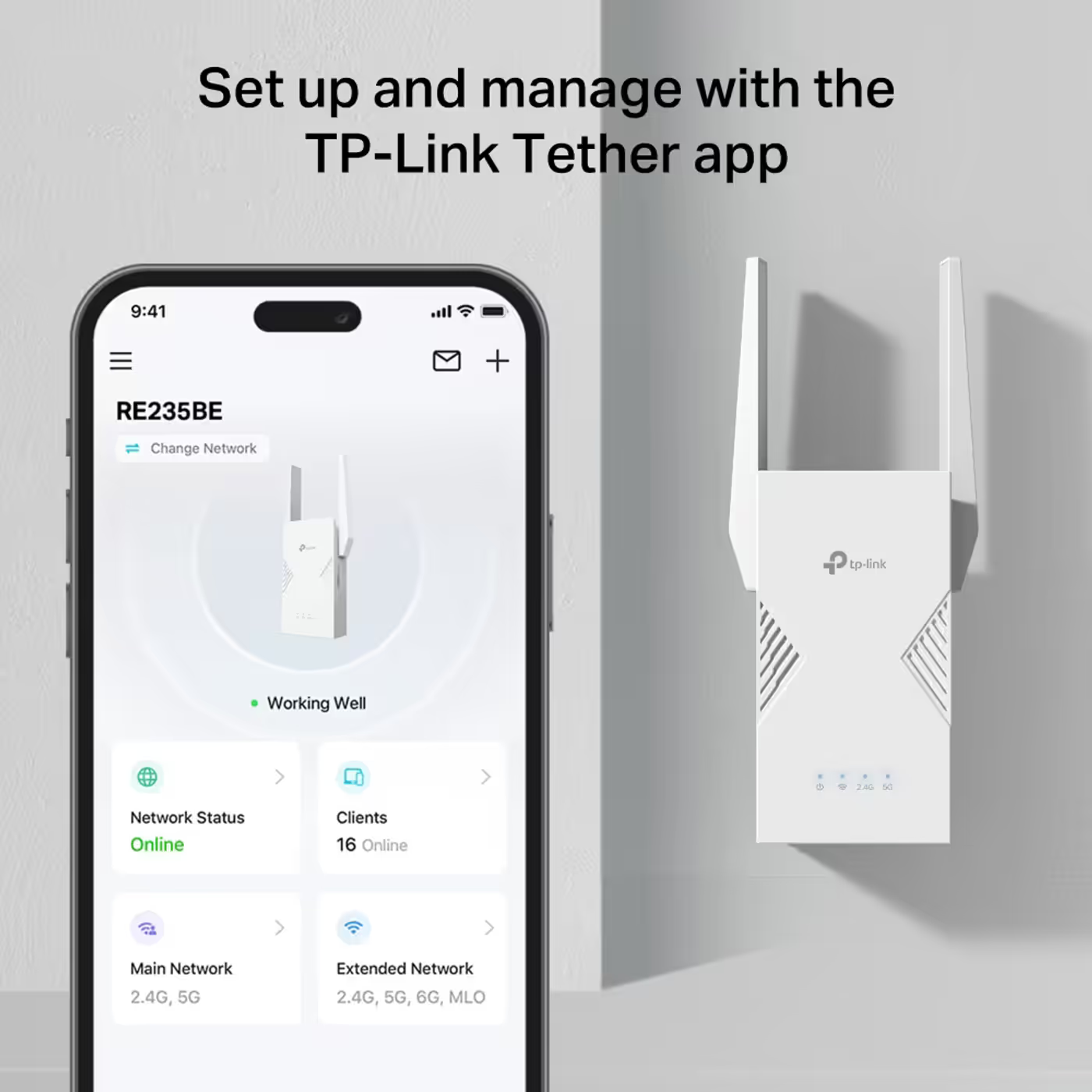
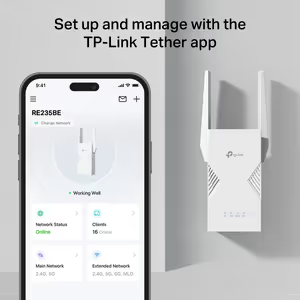
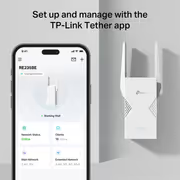
Besides the WPS button, the RE235BE can be set up with the TP-Link Tether app. Its settings include LED control, access control, a power schedule and the Wi-Fi coverage setting.


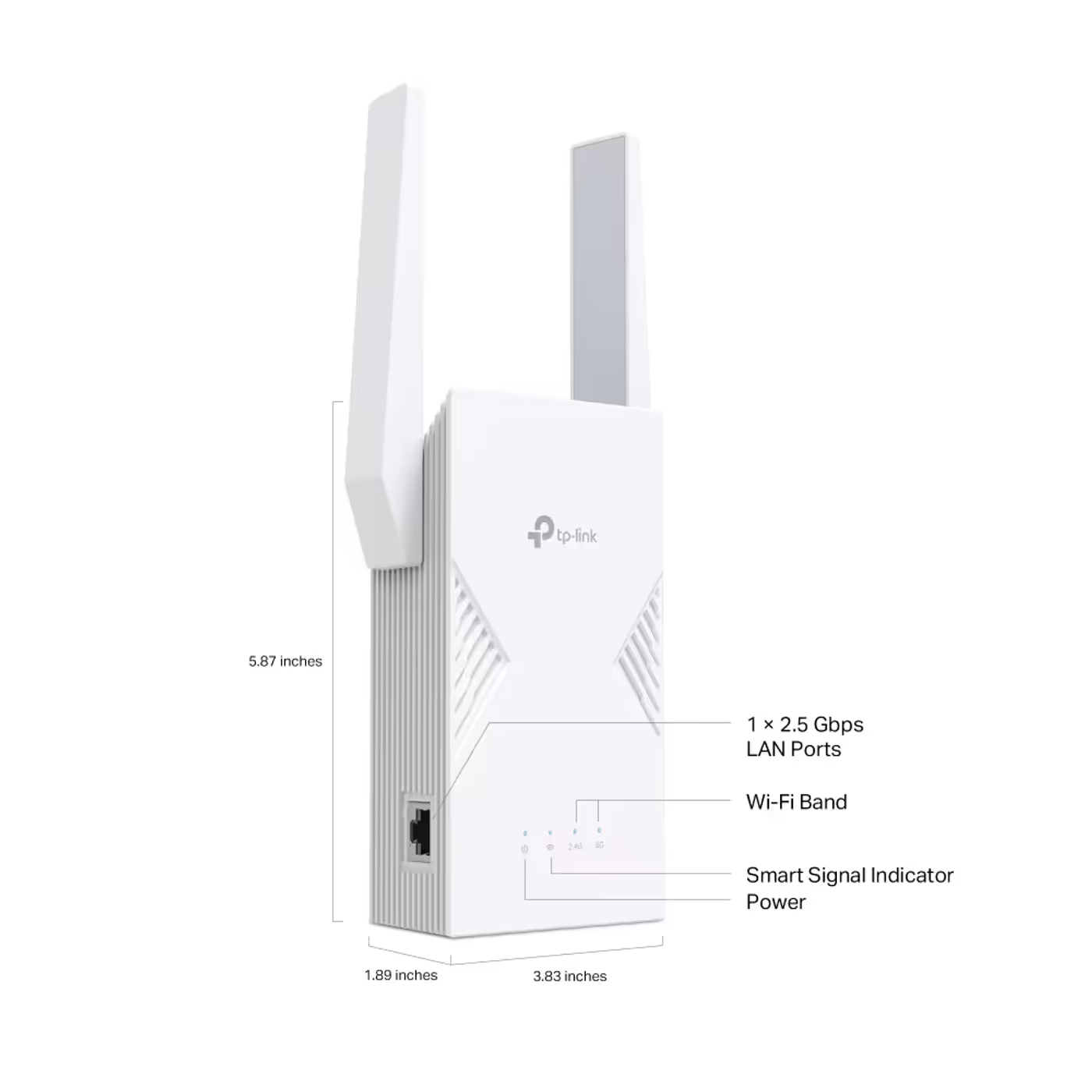
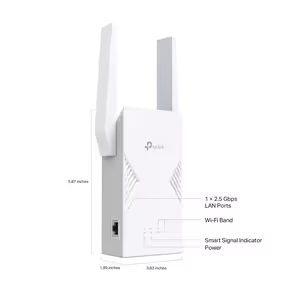
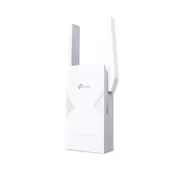
TP-Link lists the RE235BE at 97 x 46 x 158mm, with two external antennas and one 2.5Gbps port, and a maximum draw of 15W. Adaptive Path Selection picks the fastest connection path back to the router.

TP-Link lists the RE235BE at 97 x 46 x 158mm, with two external antennas and one 2.5Gbps port, and a maximum draw of 15W. Adaptive Path Selection picks the fastest connection path back to the router.
Everything you need to know about this product
Yes. TP-Link states it works with all Wi-Fi generations, Wi-Fi devices and Wi-Fi routers. The mesh features need an EasyMesh-compatible router.
Up to 2882Mbps on 5GHz and 688Mbps on 2.4GHz, sold as BE3600. These are maximum wireless rates; real speed also depends on your router, your internet line and the distance from the router.
No. Wi-Fi 6, Wi-Fi 5 and older devices connect as normal. Multi-Link Operation and 4K-QAM need a Wi-Fi 7 device.
A 2.5Gbps wired link. Plug in a PC, console or NAS, or run a cable from the router to use the RE235BE as a Wi-Fi 7 access point.
No. It is dual-band, 5GHz and 2.4GHz only.
Yes, with an EasyMesh-compatible router. Together they form one network with one Wi-Fi name, and Smart Roaming keeps devices on the fastest signal.
TP-Link lists it at 97 x 46 x 158mm, with two external antennas, a WPS button and a reset button. It draws up to 15W.
The RE235BE range extender and a quick installation guide.
AI-Generated Content: These FAQs are generated by an automated AI system and may contain inaccuracies or omissions. Evetech makes no warranties, express or implied, regarding their completeness or reliability. For definitive information, please refer to the manufacturer's official specifications.


Please Note: Product images are for illustrative purposes only and may differ from the actual product.
Hand-pick every part with live stock, compatibility, and instant pricing.
Try the new builderTP-Link RE235BE BE3600 Dual-Band Wi-Fi 7 Range Extender
Hand-pick every part with live stock, compatibility, and instant pricing.
Try the new builder