
Trusted Partners

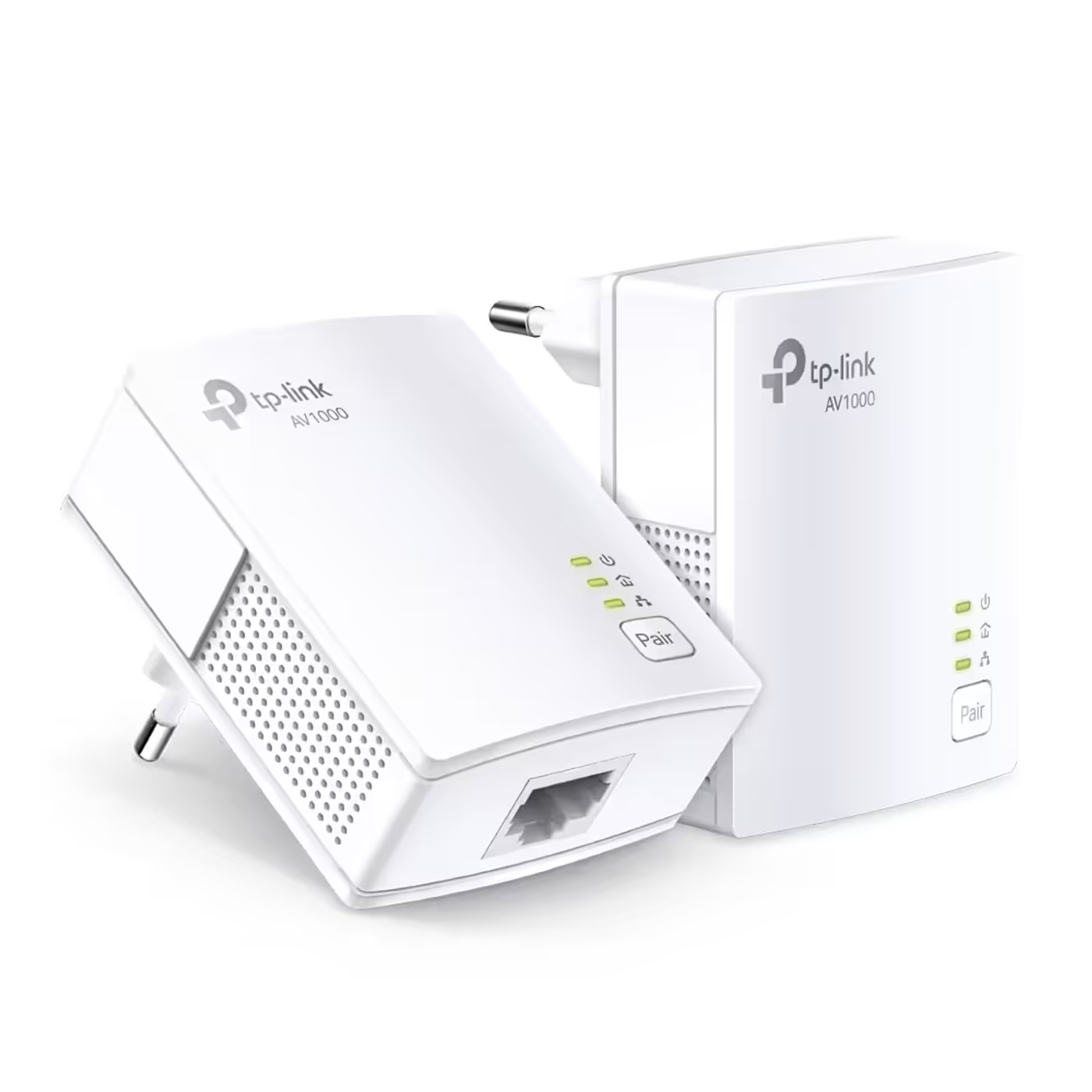
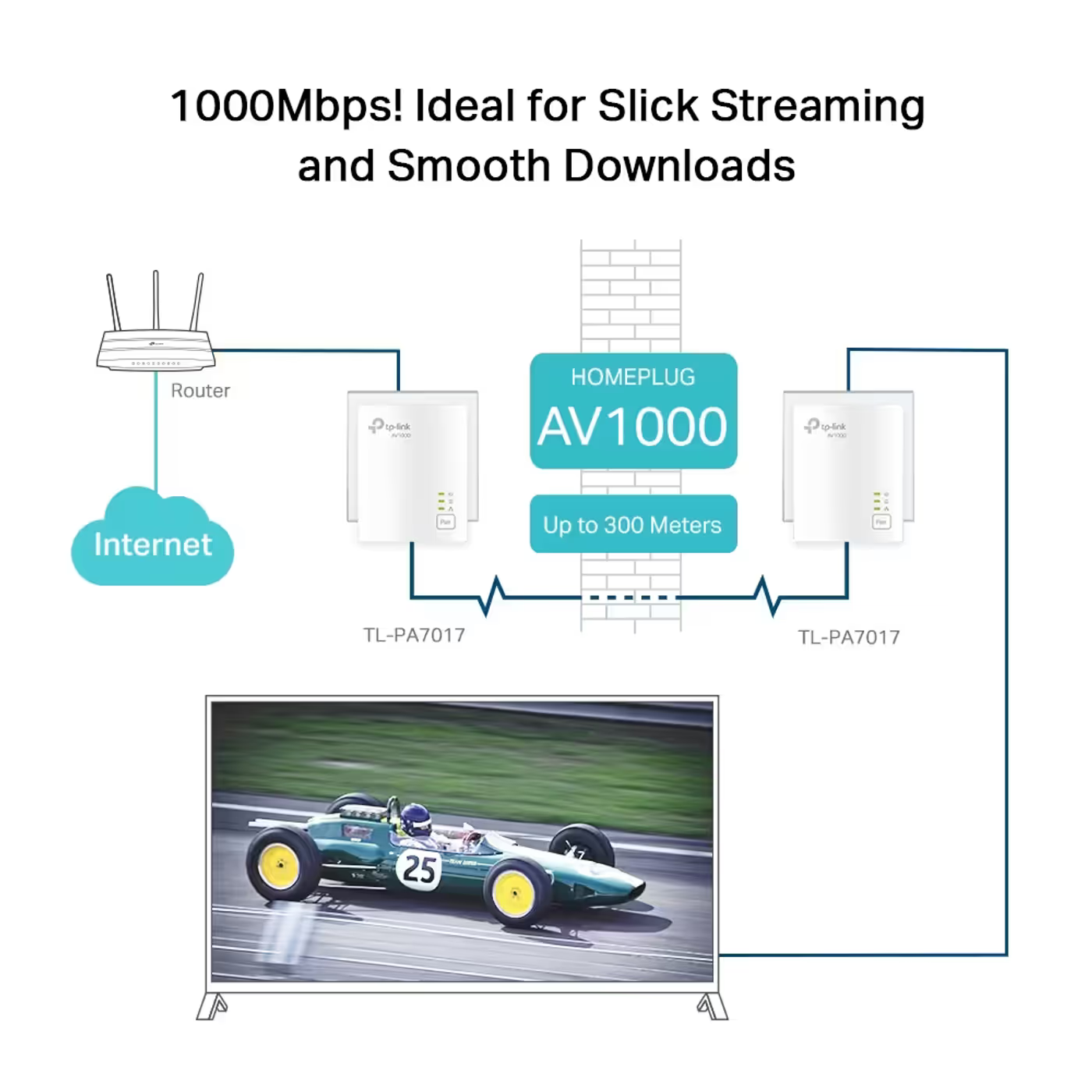
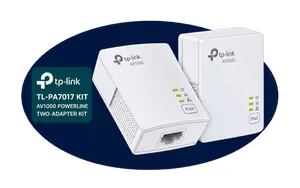
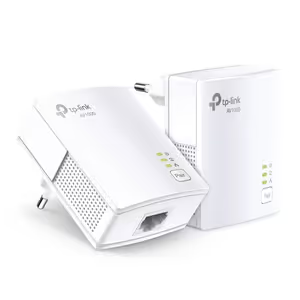
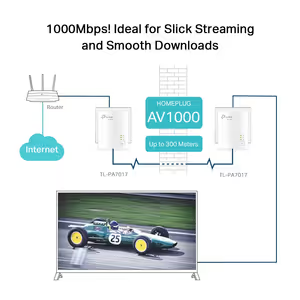
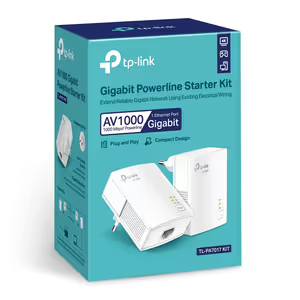
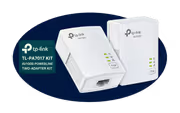
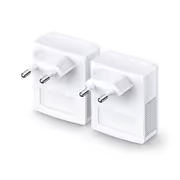
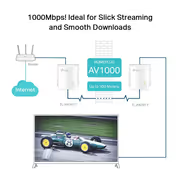
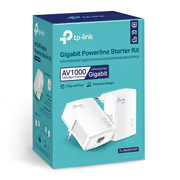
The TP-Link TL-PA7017 KIT is a pair of AV1000 powerline adapters that carry a wired Gigabit connection through your home's electrical wiring. One plugs in near the router and connects to a spare LAN port; the second goes into a wall socket in the room that needs a connection. It uses HomePlug AV2 at up to 1000Mbps over up to 300m of circuit, and has no Wi-Fi.

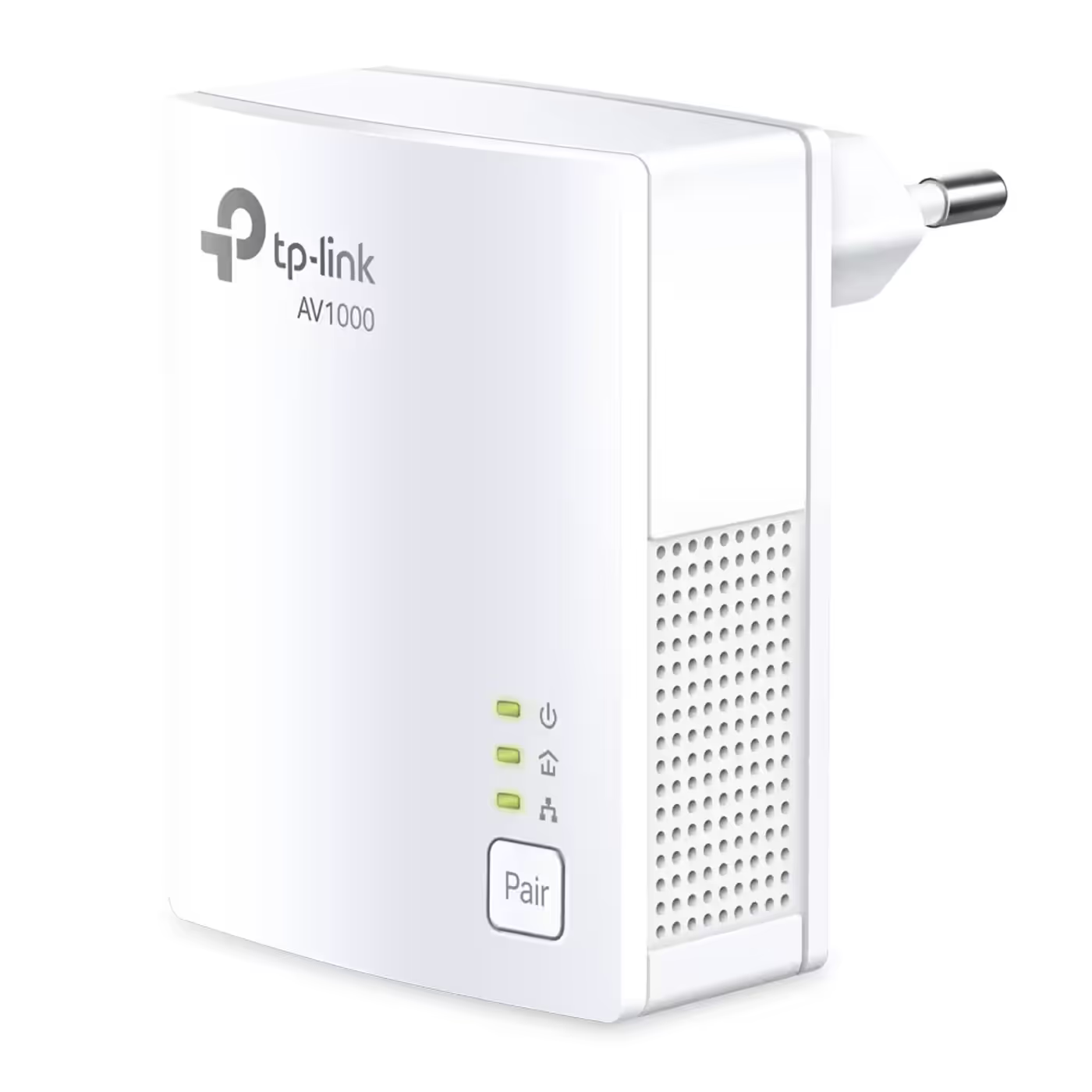
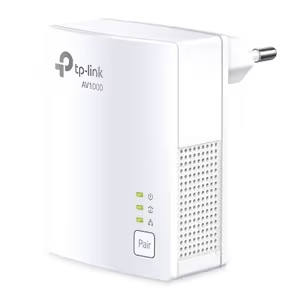
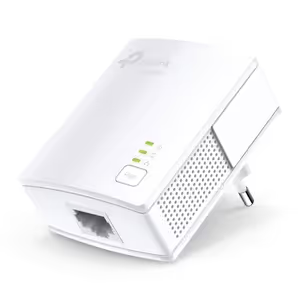
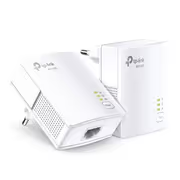
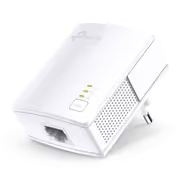
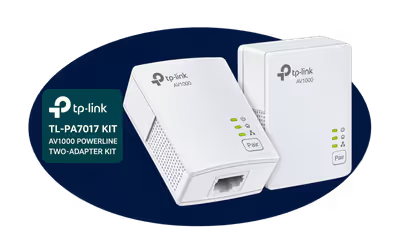
The kit holds two TL-PA7017 adapters, two 2m Ethernet cables and a quick installation guide, so it works out of the box. Each adapter measures 65 x 52 x 28.5mm and has one Gigabit Ethernet port, a Pair button and three status LEDs.

The kit holds two TL-PA7017 adapters, two 2m Ethernet cables and a quick installation guide, so it works out of the box. Each adapter measures 65 x 52 x 28.5mm and has one Gigabit Ethernet port, a Pair button and three status LEDs.

HomePlug AV2 (IEEE 1901) carries data through the electrical circuit at up to 1000Mbps, over up to 300m, with no new cables or drilling. 1000Mbps is the physical-layer maximum: TP-Link says real throughput varies with electrical interference, network traffic, the wiring and whether the adapters are on separate circuits.


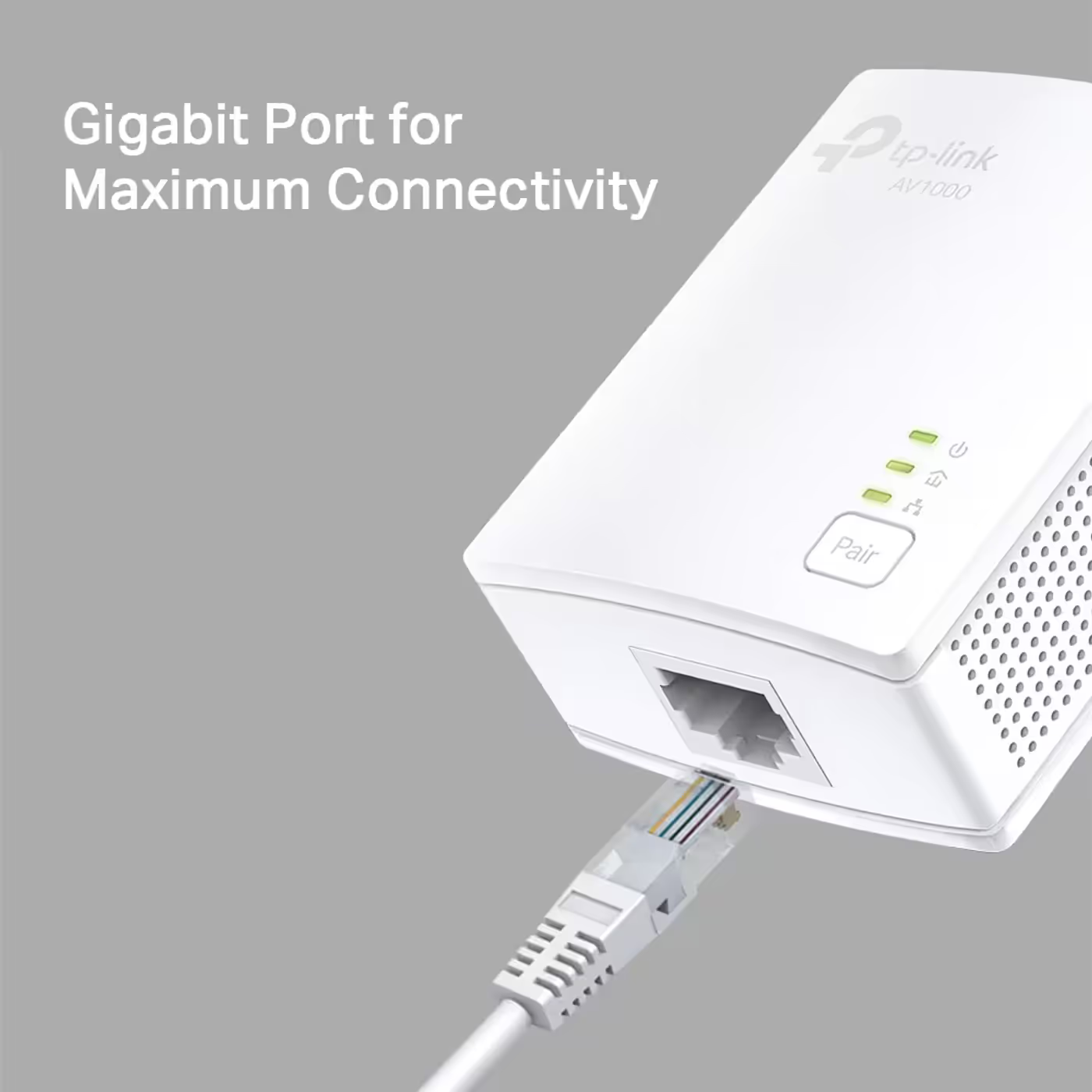
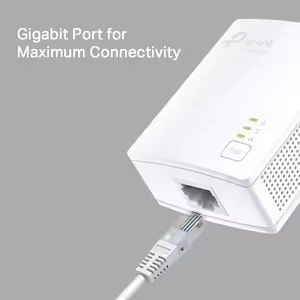
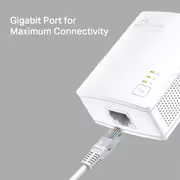
Each adapter has one Gigabit Ethernet port, so the link to a PC, smart TV or console is not capped at 100Mbps. Use the included cables to connect one adapter to a spare LAN port on your router or fibre box and the other to the device. TP-Link notes it may not work with routers running altered, open-source or non-standard firmware.

Each adapter has one Gigabit Ethernet port, so the link to a PC, smart TV or console is not capped at 100Mbps. Use the included cables to connect one adapter to a spare LAN port on your router or fibre box and the other to the device. TP-Link notes it may not work with routers running altered, open-source or non-standard firmware.

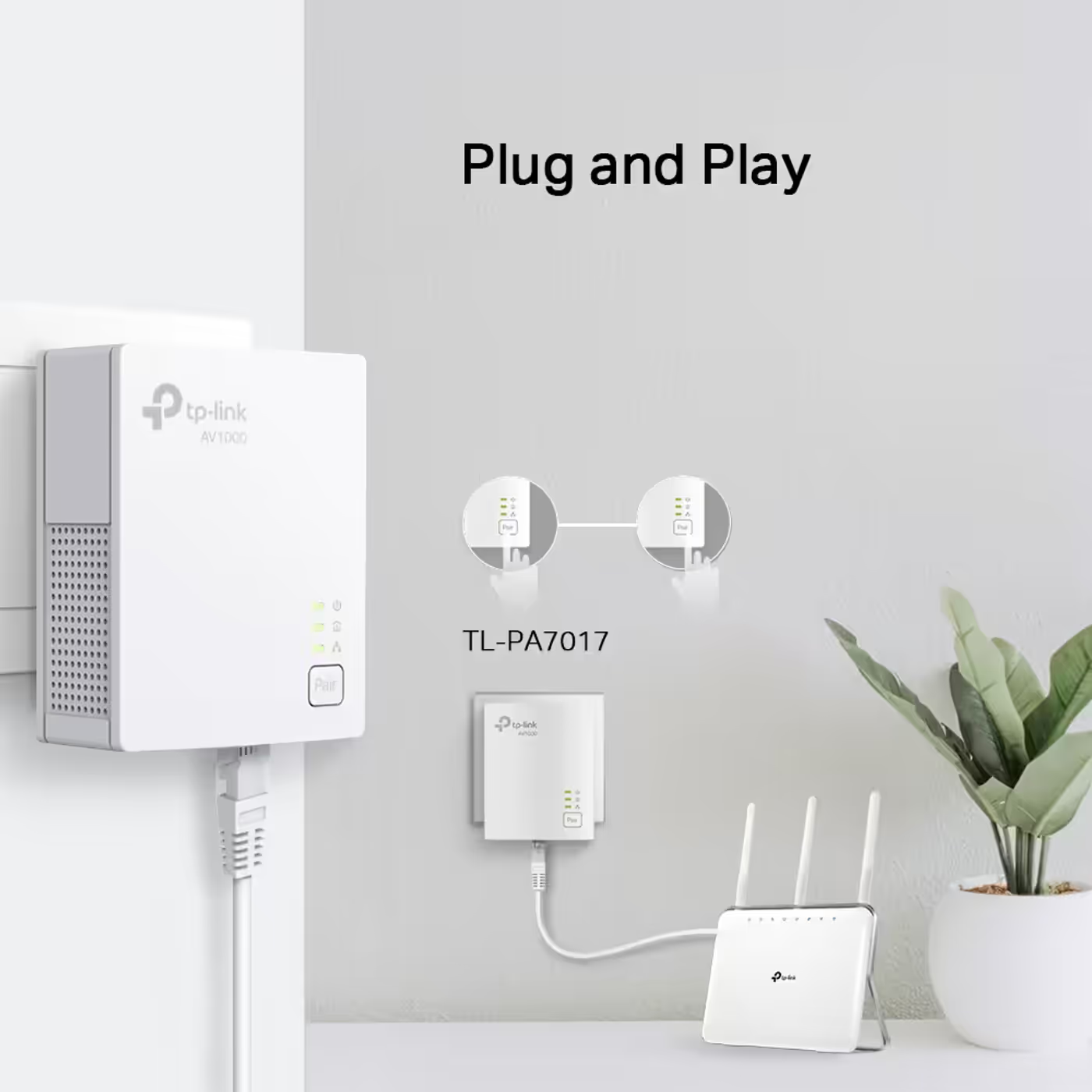
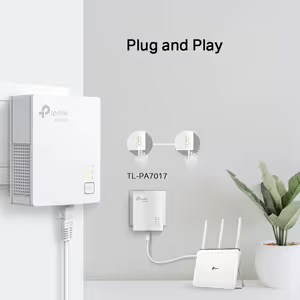
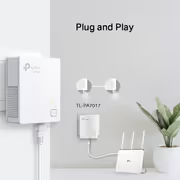
Cable one adapter to the router, plug the other into a wall socket in another room, and the link comes up with no configuration. TP-Link states the kit is compatible with all HomePlug AV and AV2 standard powerline adapters, so more adapters or powerline Wi-Fi extenders can join the same network later.


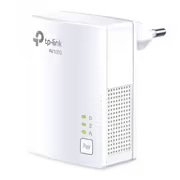
Press the Pair button on each adapter to encrypt the powerline link with 128-bit AES; the same button also handles a reset. Three LEDs on the front show power, powerline and Ethernet status.

Press the Pair button on each adapter to encrypt the powerline link with 128-bit AES; the same button also handles a reset. Three LEDs on the front show power, powerline and Ethernet status.

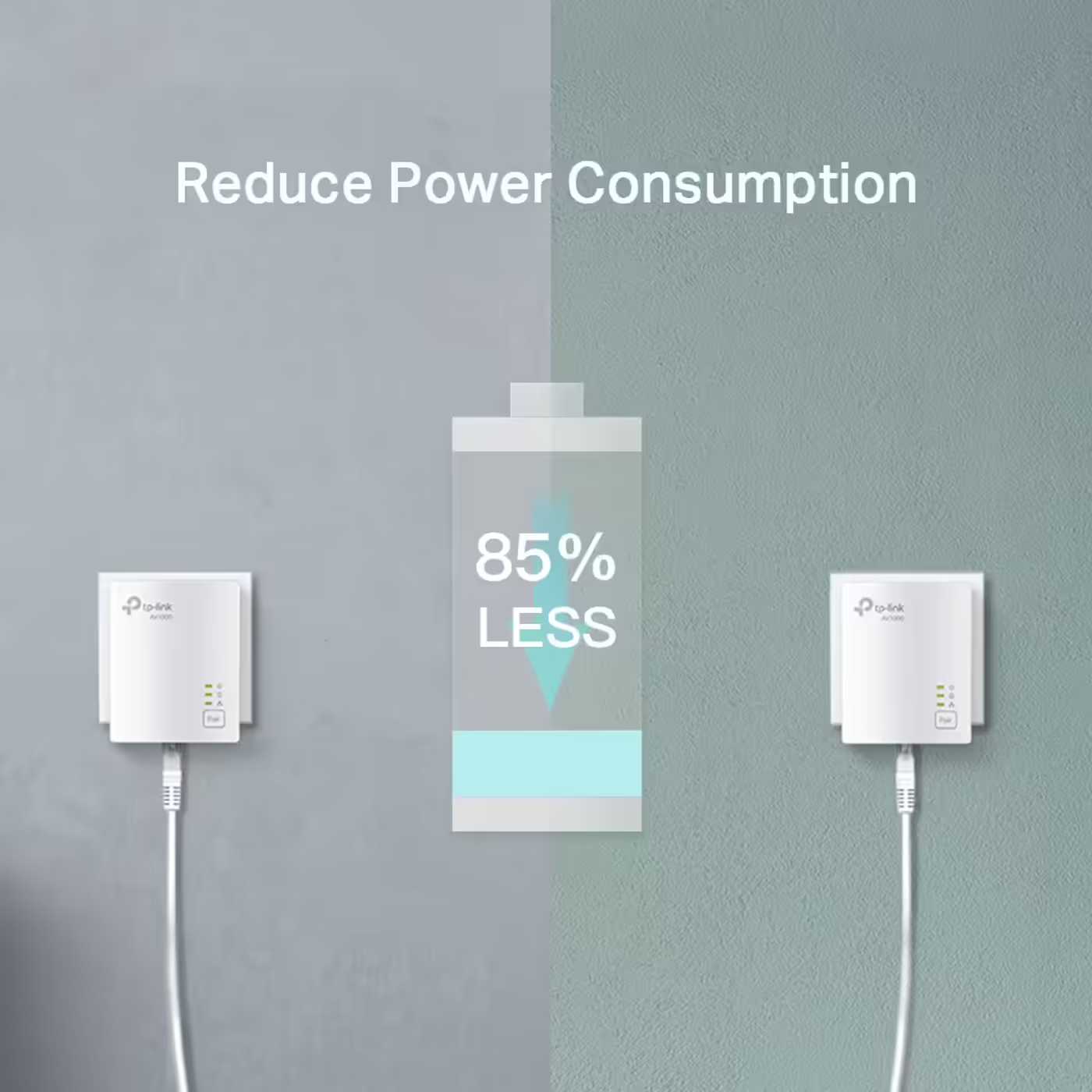
The adapters switch to power-saving mode when the connected devices are off or disconnected, which TP-Link rates at up to 85% less power. Each adapter draws 2.7W at most, 2.3W in typical use and 0.5W on standby.


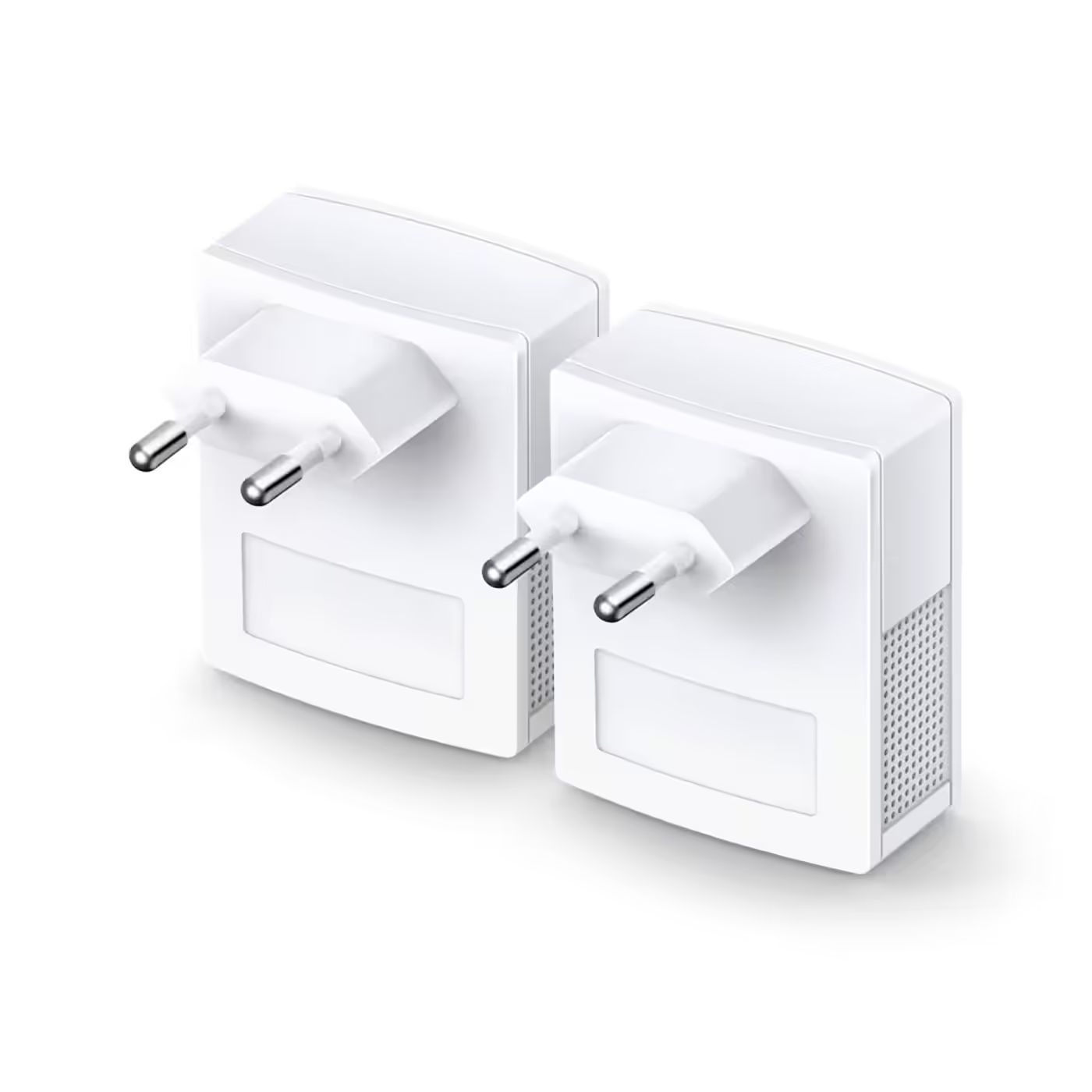
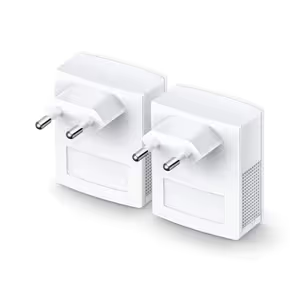
TP-Link advises plugging powerline adapters straight into a wall outlet, because a power strip or surge protector can filter or block the signal and cut the speed. These adapters have no pass-through socket, and both should ideally sit on the same electrical circuit.

TP-Link advises plugging powerline adapters straight into a wall outlet, because a power strip or surge protector can filter or block the signal and cut the speed. These adapters have no pass-through socket, and both should ideally sit on the same electrical circuit.
Everything you need to know about this product
Two. The box holds two TL-PA7017 powerline adapters, two Ethernet cables and a quick installation guide.
No. It is wired only: each adapter has one Gigabit Ethernet port. For Wi-Fi at the far end, add a powerline Wi-Fi extender such as the TL-WPA4220.
No. 1000Mbps is the HomePlug AV2 physical-layer maximum. TP-Link says real throughput varies with electrical interference, network traffic, the wiring and whether the adapters are on separate circuits.
Plug them straight into wall sockets. TP-Link says a power strip or surge protector can filter or block the powerline signal and cut the speed significantly, and these adapters have no pass-through socket.
Yes, if it has a spare Ethernet LAN port: one adapter connects to it with the included cable. TP-Link notes it may not work with routers running altered, open-source or non-standard firmware.
Yes. TP-Link states it is compatible with all HomePlug AV and AV2 standard powerline adapters, so more adapters or powerline Wi-Fi extenders can join the same network.
Yes, ideally. TP-Link lists adapters on separate circuits as one of the things that lower powerline speed and range.
Press the Pair button on each adapter. That encrypts the powerline link with 128-bit AES.
AI-Generated Content: These FAQs are generated by an automated AI system and may contain inaccuracies or omissions. Evetech makes no warranties, express or implied, regarding their completeness or reliability. For definitive information, please refer to the manufacturer's official specifications.


Please Note: Product images are for illustrative purposes only and may differ from the actual product.
Hand-pick every part with live stock, compatibility, and instant pricing.
Try the new builderTP-Link TL-PA7017 KIT AV1000 Gigabit Powerline Starter Kit
Hand-pick every part with live stock, compatibility, and instant pricing.
Try the new builder