Hardware Explainer · NPU
What is an NPU? — AI silicon, running quietly on 5 watts.
Every 2026 laptop chip now has one. Most users have never knowingly used it. Behind Windows Recall, Studio Effects and the live captions on your Teams call sits a small block of silicon called the Neural Processing Unit — and it's about to define the next generation of laptops.
- Copilot+ minimum
- 40 TOPS
- NPU power draw
- ~5W
- qualifying silicon
- 3 chips
What an NPU actually is
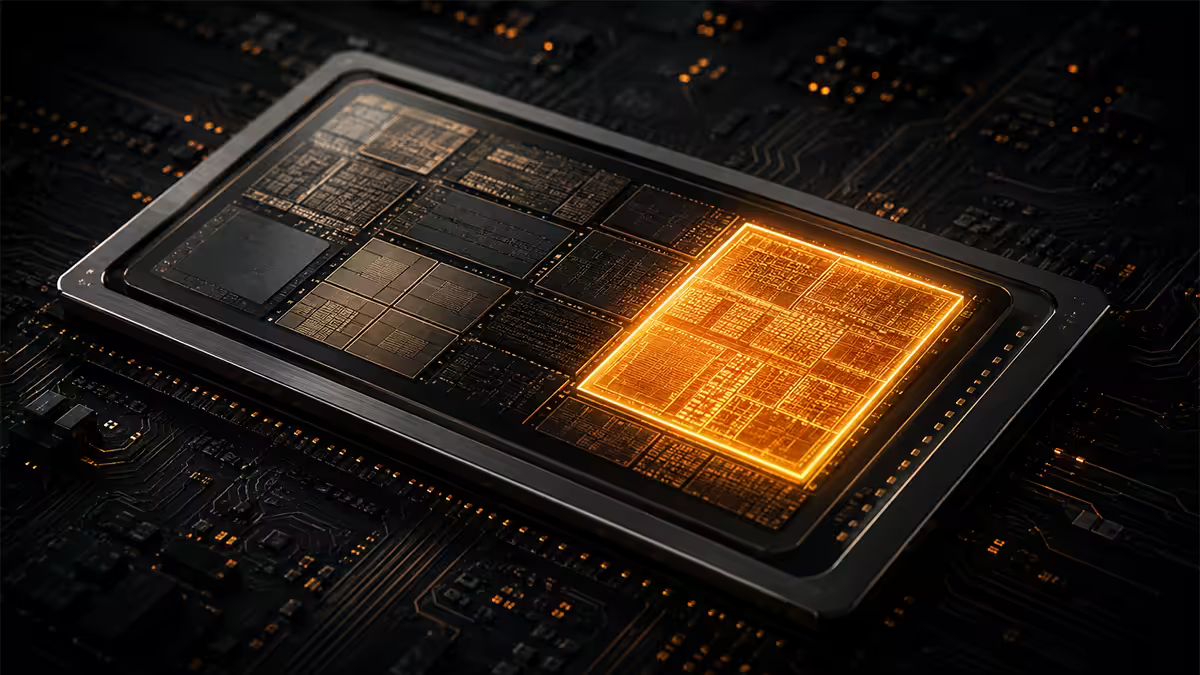
A Neural Processing Unit is a dedicated block of silicon inside modern processors purpose-built for one job: running AI inference workloads efficiently. It sits on the same die as your CPU cores and integrated GPU, sharing memory and the power budget, but it runs a completely different kind of maths.
Where a CPU is great at sequential logic — running one instruction after another very quickly — and a GPU is great at running thousands of identical operations in parallel for graphics, an NPU is optimised for the specific operation that matters in modern AI: matrix multiplication at low precision (typically INT8). That's the maths under every transformer, every diffusion model, every voice recognition pipeline.
The trick is power. A modern desktop GPU can do AI inference brilliantly — an RTX 4090 will eat through any AI task you throw at it. But the 4090 draws up to 450W. An NPU doing similar inference work draws around 1 to 5 watts. That's the difference between burning your laptop battery in 90 minutes versus running AI features continuously, all day, while you barely notice.
An NPU isn't faster than your GPU. It's just radically more efficient — and it leaves your GPU free for everything else.
Why Microsoft built Copilot+ around the NPU, not the GPU
TOPS — the number you'll see on every spec sheet
TOPS stands for Trillions of Operations Per Second. It's the single headline figure used to compare NPUs. A 40 TOPS NPU can perform 40 trillion low-precision (INT8) operations every second. A 50 TOPS NPU does 50 trillion. The bigger the number, the more AI throughput at the same power envelope.
The Copilot+ PC standard demands 40 TOPS minimum. That's not an arbitrary line — it's roughly the threshold below which Windows AI features (Recall, Cocreator, Live Captions with translation, Studio Effects) start feeling sluggish.
| Processor block | 2026 typical TOPS | Power draw |
|---|---|---|
| Old NPU (2023 Meteor Lake) | 10-11 TOPS | 2-3W |
| Modern NPU (Copilot+ class) | 40-50 TOPS | 1-5W |
| Integrated GPU (iGPU) | 20-30 TOPS | 15-30W |
| Mid-range discrete GPU (RTX 4060) | ~240 TOPS | 115W |
| High-end discrete GPU (RTX 4090) | ~1,300 TOPS | 450W |
Note the efficiency gap. A modern NPU delivers Copilot+ TOPS at roughly 10 TOPS per watt. The RTX 4090, despite delivering 30x more raw throughput, manages only around 3 TOPS per watt. For continuous background AI work where you can't be hammering a 450W card, the NPU wins by an order of magnitude.
Copilot+ PC — what the badge actually means
Copilot+ PC is Microsoft's certification programme launched in mid-2024. To wear the badge, a laptop must meet three hardware minimums: a 40+ TOPS NPU, 16GB+ RAM, and a 256GB+ SSD. That's it — there's no specific brand requirement, just the performance floor.
In return, the machine unlocks Windows AI features that don't run on non-Copilot+ hardware:
- Recall — local indexed memory of everything you've seen on screen, searchable in natural language. Runs entirely on-device.
- Cocreator — local image generation inside Paint, no cloud required.
- Live Captions with real-time translation — auto-translate any audio playing on your laptop into your chosen language, on-device.
- Studio Effects — background blur, eye contact correction, automatic framing during video calls, all via NPU.
- Windows Search semantic indexing — search by meaning instead of exact filename.
As of May 2026, the qualifying silicon is short — three families. Anything older, lower-spec, or running a different chip simply doesn't get the badge or the features, even if it's a perfectly capable machine for everything else.
NPU vs GPU vs CPU — when each one wins
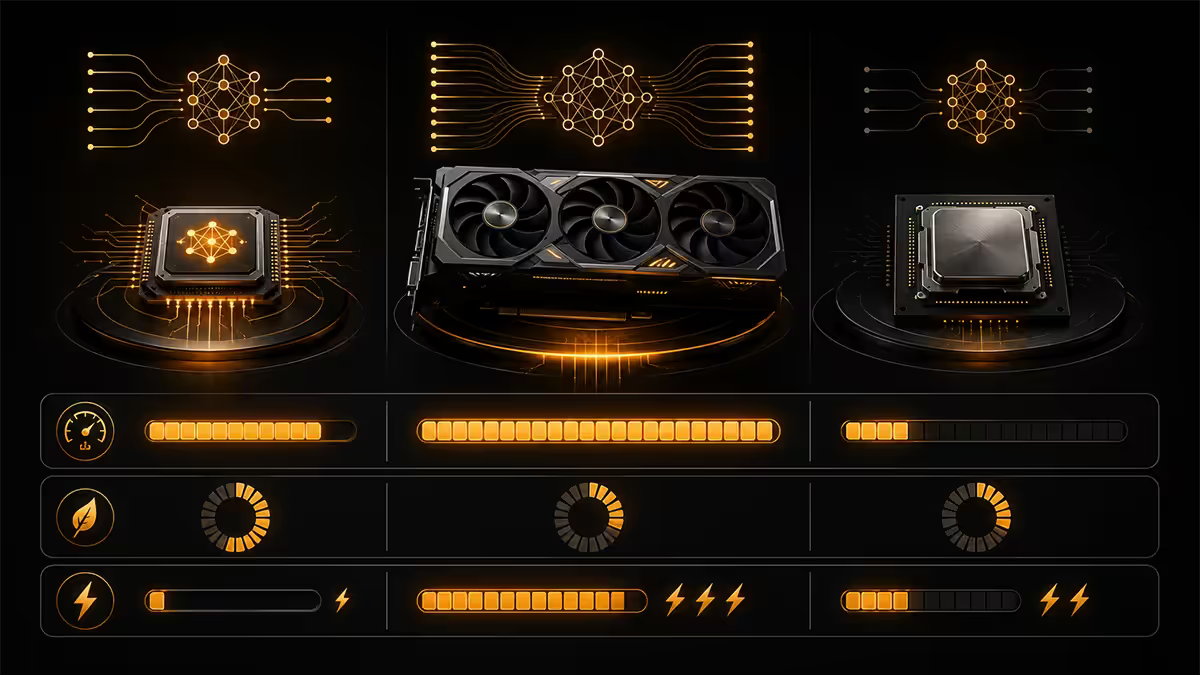
The three blocks of silicon coexist in modern laptops. Understanding when each one is the right tool for a given workload helps demystify why the NPU even exists.
CPU — the generalist
Your CPU is fast at sequential, branching, unpredictable work. Web browsing, running Excel, compiling code, opening files — all CPU. It can do AI too (and many small AI features still run on CPU), but it's not particularly efficient at the kind of dense matrix maths AI needs.
GPU — the heavyweight
Your GPU is built for thousands of parallel operations. For AI training (which is rare on consumer hardware) and for short, intense AI inference bursts (like a single image generation), the GPU is unbeatable. It's also what runs DLSS, FSR and frame generation in games. But it draws hundreds of watts under load.
NPU — the efficiency specialist
Your NPU is built for sustained, low-power AI inference — the kind of always-on work that would melt your battery if it ran on the GPU. Live transcription while you take notes, background noise suppression during a call, indexing screenshots for Recall — all NPU territory.
Real AI tasks the NPU actually runs
The marketing talks about AI as if it's one thing. In practice, "AI on your laptop" is a collection of small, specific features. Here's what the NPU is actually doing while you use Windows in 2026:
- Live captions — Windows generates real-time captions for any audio on your laptop. With a Copilot+ NPU, those captions can also be translated into 44 languages live. All on-device.
- Voice typing — open Windows voice typing (Win+H), speak; the NPU transcribes accurately without uploading audio to Microsoft.
- Studio Effects in calls — Teams, Zoom and Slack tap the NPU for background blur, automatic framing, eye-contact correction. Same effects that used to crater battery on a GPU now run for hours.
- Cocreator in Paint — type a prompt, get a generated image directly inside Paint. Runs locally on the NPU, no cloud round-trip.
- Recall — Windows periodically takes lightweight snapshots of your screen, runs them through a local vision model on the NPU to extract text and meaning, then indexes them locally so you can search "show me the spreadsheet I had open last Tuesday".
- Image cleanup in Photos — magic eraser, super-resolution upscaling, background blur — all moving from cloud-based to NPU-based.
- Auto SR (Auto Super Resolution) — ARM Copilot+ PCs upscale older games via the NPU, similar in spirit to DLSS but on integrated hardware.
Notice the pattern: most of these run continuously, quietly, in the background. None of them are tasks you'd want chewing through 80W of GPU draw. That's the case the NPU exists to make.
Snapdragon X vs Ryzen AI vs Intel Core Ultra
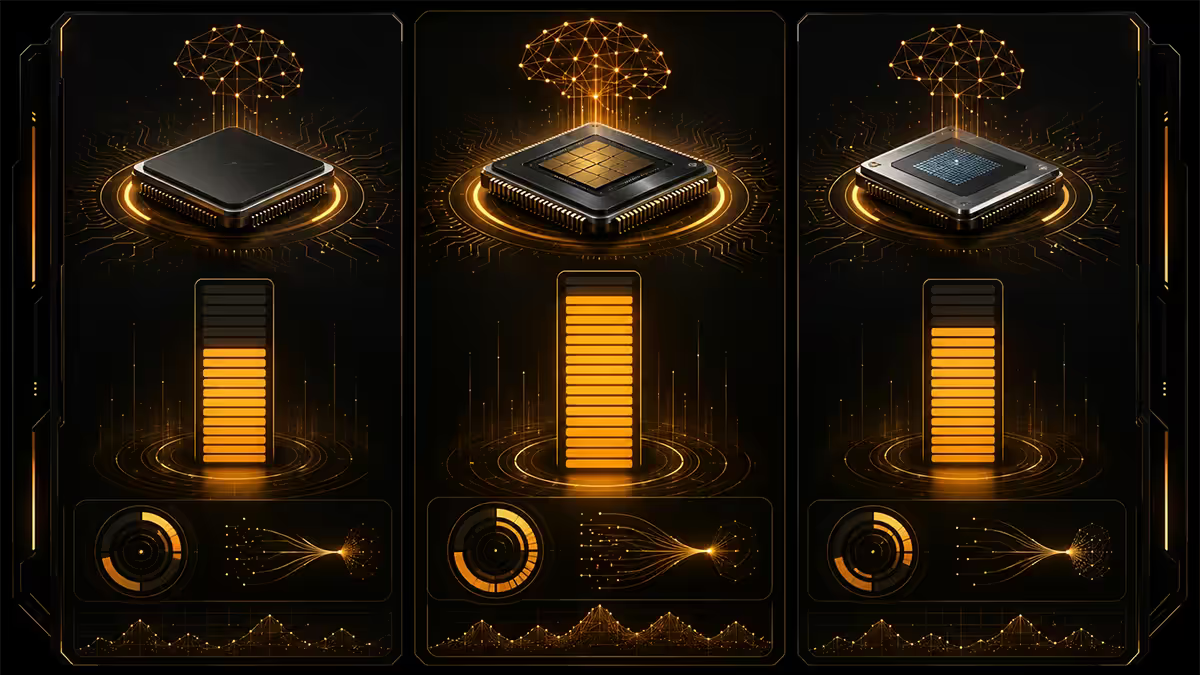
As of May 2026, three chip families qualify for Copilot+. They all clear 40 TOPS, but their strengths are different.
| Chip family | NPU TOPS | Strength |
|---|---|---|
| Qualcomm Snapdragon X Elite / X Plus | 45 TOPS (Hexagon) | Best battery life, ARM efficiency |
| Intel Core Ultra 200V (Lunar Lake) | 48 TOPS (NPU 4) | Best x86 app compatibility |
| AMD Ryzen AI 300 (Strix Point) | 50 TOPS (XDNA 2) | Strongest iGPU pairing |
| AMD Ryzen AI MAX (Strix Halo, desktop) | 50 TOPS (XDNA 2) | Workstation-class AI on desktop |
| Older Intel Core Ultra 100 (Meteor Lake) | 11 TOPS | Not Copilot+ certified |
| Older AMD Ryzen 7040 (Phoenix) | 10 TOPS | Not Copilot+ certified |
Snapdragon X Elite is the battery champion. ARM-native architecture means thin-and-light laptops running 18+ hours on a charge under real-world use. The catch: ARM Windows still runs some x86 apps through emulation, which is a problem for niche software (older Adobe plugins, some legacy enterprise apps, certain games).
Intel Core Ultra 200V (Lunar Lake) is the safe pick. Native x86, no compatibility quirks, very competitive battery life by Intel's standards, the strongest legacy app story. NPU 4 is genuinely good.
AMD Ryzen AI 300 wins on integrated GPU performance — the Radeon 890M iGPU embarrasses Intel's Arc iGPU and Qualcomm's Adreno in games. If you want a thin-and-light that can also handle light gaming and content work, Ryzen AI is the call.
When the NPU matters — and when it doesn't
NPU matters if you're buying...
- A new productivity laptop or ultrabook in 2026 (Windows AI features are now part of the OS, not a bonus).
- A business machine where you'll be on calls all day (Studio Effects, live captions, transcription).
- A laptop you want to keep relevant for 4-5 years — the AI feature pipeline is only growing.
- A Surface, MacBook competitor or Copilot+ certified device specifically.
NPU doesn't matter if you're buying...
- A desktop gaming PC. Your discrete GPU outperforms any current NPU by 5-25x and will run any AI feature that matters.
- A workstation where the GPU does all the heavy lifting (Stable Diffusion, video encoding, 3D render).
- A pre-owned laptop you're only keeping for 12 months — the missing AI features won't be your deciding factor.
The honest middle ground: if you're building a desktop in 2026, don't pay extra for an NPU — your discrete GPU is your AI engine. If you're buying a laptop in 2026, the 40 TOPS Copilot+ minimum is the new sensible floor.
Key takeaways
- An NPU is a dedicated, ultra-efficient AI inference block on your CPU die — 1-5W to do work that would cost a GPU 50-100W.
- 40 TOPS is the Copilot+ PC threshold. Anything below it is yesterday's silicon.
- Three families qualify in 2026 — Snapdragon X Elite (battery king), Intel Core Ultra 200V (x86 safe), AMD Ryzen AI 300 (best iGPU).
- For desktop gaming PCs, your discrete GPU is the AI engine — NPU is irrelevant.
- For laptops in 2026, an NPU-equipped Copilot+ chip is now the sensible default.
Frequently asked questions
What is an NPU in simple terms?
An NPU (Neural Processing Unit) is a dedicated chip block built specifically to run AI workloads efficiently — at 1-5W instead of the 50-450W a GPU would draw for the same work.What does TOPS mean for NPUs?
Trillions of Operations Per Second. It's the standard headline metric for NPUs. Copilot+ PCs require 40+ TOPS. For context: an RTX 4090 hits ~1,300 TOPS at 450W; an NPU does 40-50 TOPS at under 5W.Do I need an NPU?
If you're buying a new laptop in 2026, yes — Windows AI features (Recall, Studio Effects, live captions) need a Copilot+ class NPU. For desktop gaming PCs, no — your discrete GPU does that work.What is a Copilot+ PC?
Microsoft's certification for laptops with 40+ TOPS NPU, 16GB+ RAM, 256GB+ SSD. Unlocks features like Recall, Cocreator, real-time translation in live captions, and Studio Effects.NPU vs GPU vs CPU — what's the difference?
CPUs are generalists. GPUs are massively parallel and great at AI but power-hungry. NPUs are specialised, ultra-efficient AI inference engines for sustained background AI work.Snapdragon X vs Ryzen AI vs Intel Core Ultra — which NPU is best?
All three clear 40 TOPS. Snapdragon X = best battery, Core Ultra 200V = best x86 compatibility, Ryzen AI 300 = strongest iGPU. Raw TOPS leader is Ryzen AI 300 at 50 TOPS.Does my old laptop have an NPU?
Probably not a meaningful one. Pre-2024 laptops have no NPU. Intel Meteor Lake and AMD Phoenix have 10-16 TOPS NPUs — they work but don't meet Copilot+.Can I add an NPU to my desktop PC?
Not as a separate card. NPUs are integrated into the CPU die. For most desktop users this doesn't matter — your discrete GPU runs AI workloads much faster than any current NPU.
Get the Evetech app
Exclusive app-only prices, daily flash sales, and free delivery on orders over R4,000 — download the app and start saving.