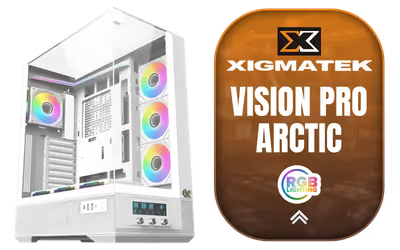
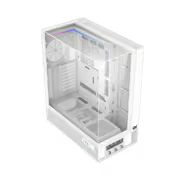
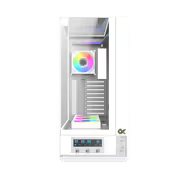
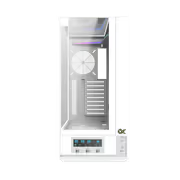
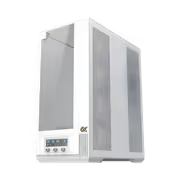
Xigmatek Vision Pro Arctic Mid Tower Gaming Case White Open Box
[OPEN BOX] Xigmatek Vision Pro Arctic Mid Tower Gaming Case - White / OB-EN45172 / OB-EN45172
1 Year Local Warranty
Model No : Xigmatek OB-EN45172
Price Inc. Vat
R 1,499
Save R 2,200
ListR 3,699
1499Limit 1 per customer
Out of Stock
Xigmatek Vision Pro Arctic Mid Tower Gaming Case - White
White Mid Tower Built Around Airflow
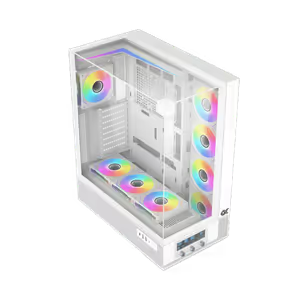
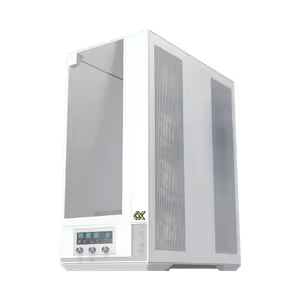
The Xigmatek Vision Pro Arctic is a white mid tower gaming case with a spacious interior that takes high-end components without a fight. It is laid out for airflow first, with room for numerous cooling fans and liquid cooling hardware, so a loaded build stays cool through demanding sessions. Cable management routing keeps the wiring behind the tray and out of the visible chamber.
White Mid Tower Built Around Airflow
The Xigmatek Vision Pro Arctic is a white mid tower gaming case with a spacious interior that takes high-end components without a fight. It is laid out for airflow first, with room for numerous cooling fans and liquid cooling hardware, so a loaded build stays cool through demanding sessions. Cable management routing keeps the wiring behind the tray and out of the visible chamber.
Three Tempered Glass Panels Around The Build
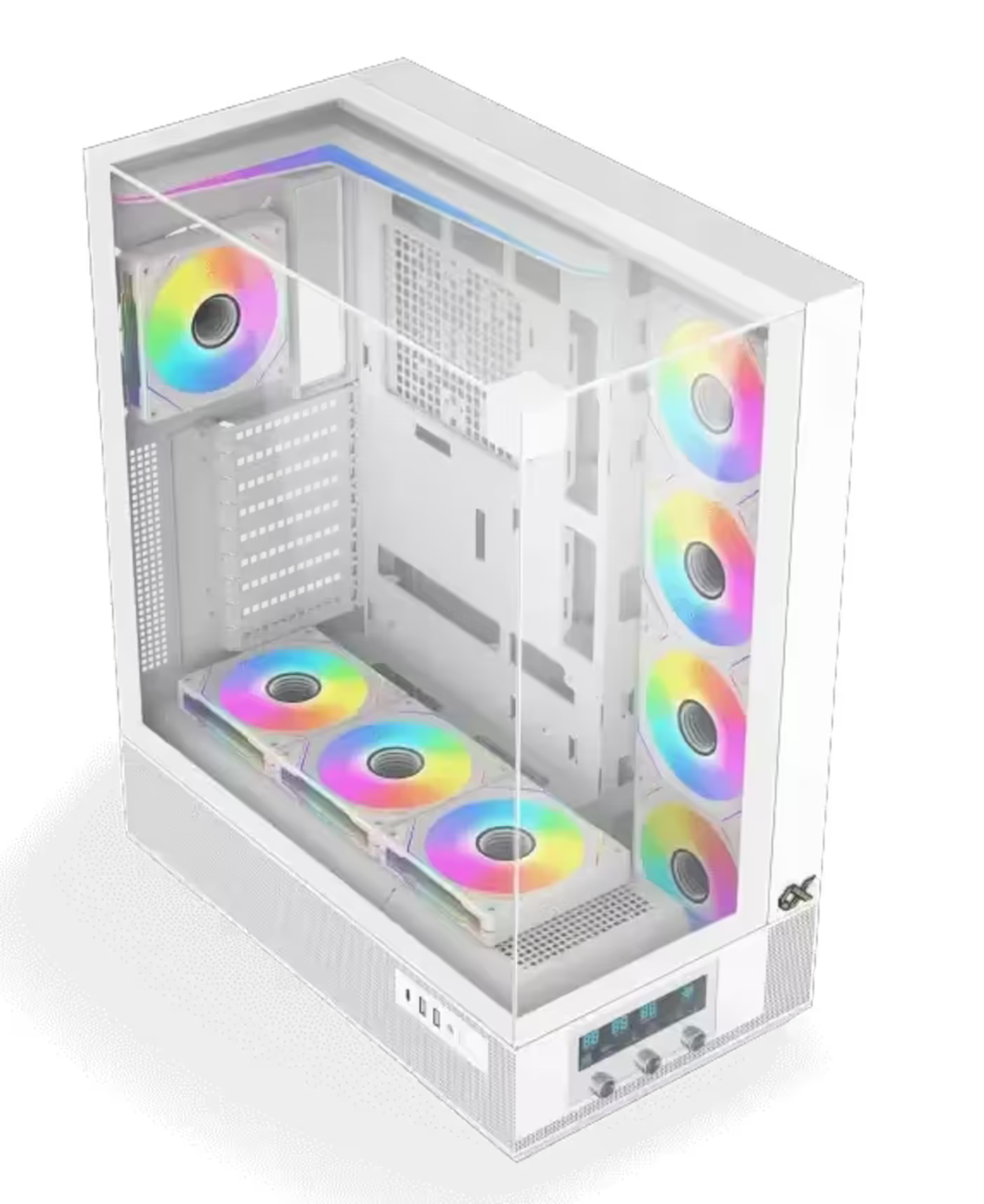
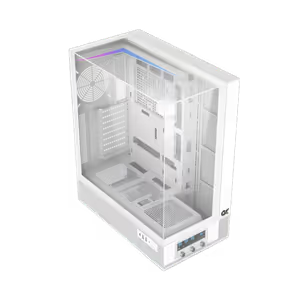
Three tempered glass panels wrap the Vision Pro Arctic, so the build is visible from more than one angle rather than only through a single side window. Against the white chassis, glass on multiple faces makes the interior the focal point, which pays off if you have spent on ARGB fans, a patterned cooler or a vertically mounted graphics card.
Three Tempered Glass Panels Around The Build
Three tempered glass panels wrap the Vision Pro Arctic, so the build is visible from more than one angle rather than only through a single side window. Against the white chassis, glass on multiple faces makes the interior the focal point, which pays off if you have spent on ARGB fans, a patterned cooler or a vertically mounted graphics card.
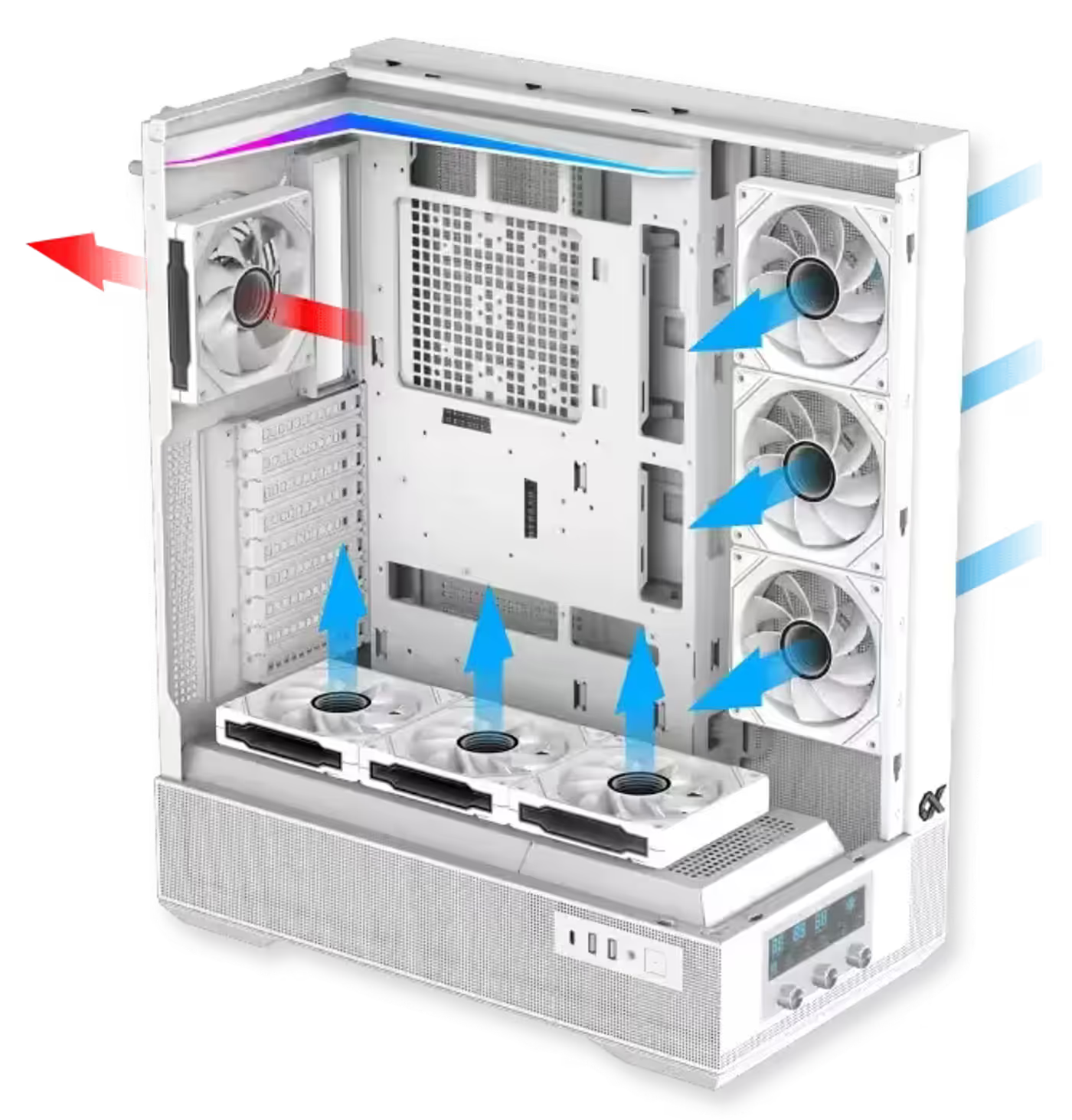
Advanced Airflow And Ventilation System
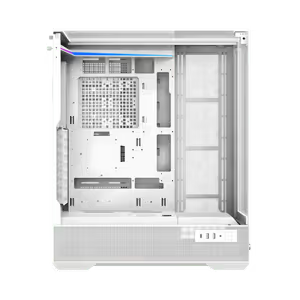
An advanced airflow and ventilation system moves air through the chassis instead of letting it pool around the graphics card and CPU cooler. Intake and exhaust paths are set out around the component layout, which is what keeps temperatures stable when every fan mount is populated and a radiator is in the loop as well.
Advanced Airflow And Ventilation System
An advanced airflow and ventilation system moves air through the chassis instead of letting it pool around the graphics card and CPU cooler. Intake and exhaust paths are set out around the component layout, which is what keeps temperatures stable when every fan mount is populated and a radiator is in the loop as well.
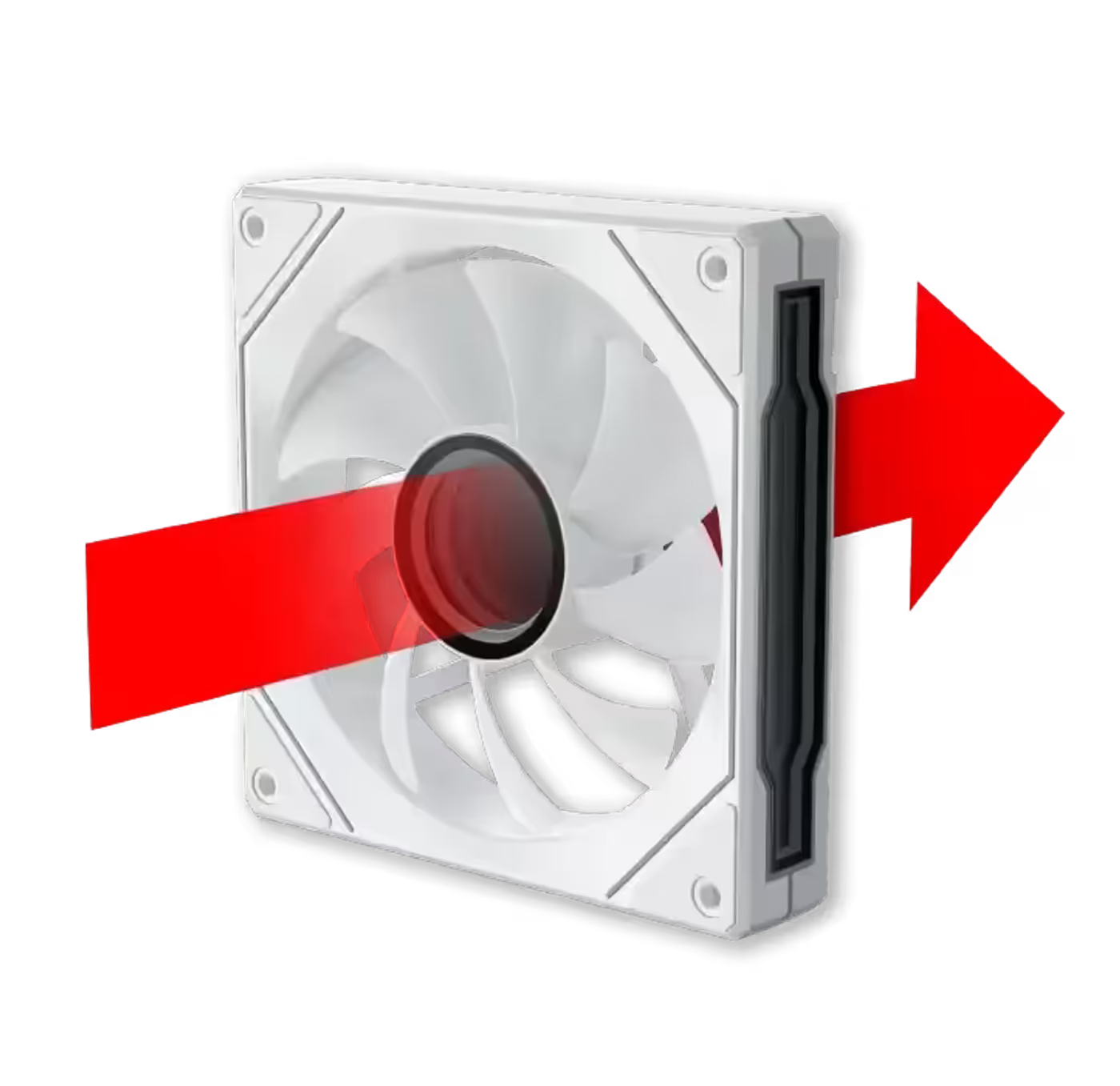
Rear Fan Runs 800-2200 RPM PWM
A traditional-blade fan comes pre-installed at the rear of the case and runs from 800 to 2200 RPM under PWM control. That range lets it idle quietly at desktop speeds and ramp to full output when a game loads, and because it is PWM rather than voltage controlled, the speed curve is set from the motherboard or the case controller.
Rear Fan Runs 800-2200 RPM PWM
A traditional-blade fan comes pre-installed at the rear of the case and runs from 800 to 2200 RPM under PWM control. That range lets it idle quietly at desktop speeds and ramp to full output when a game loads, and because it is PWM rather than voltage controlled, the speed curve is set from the motherboard or the case controller.
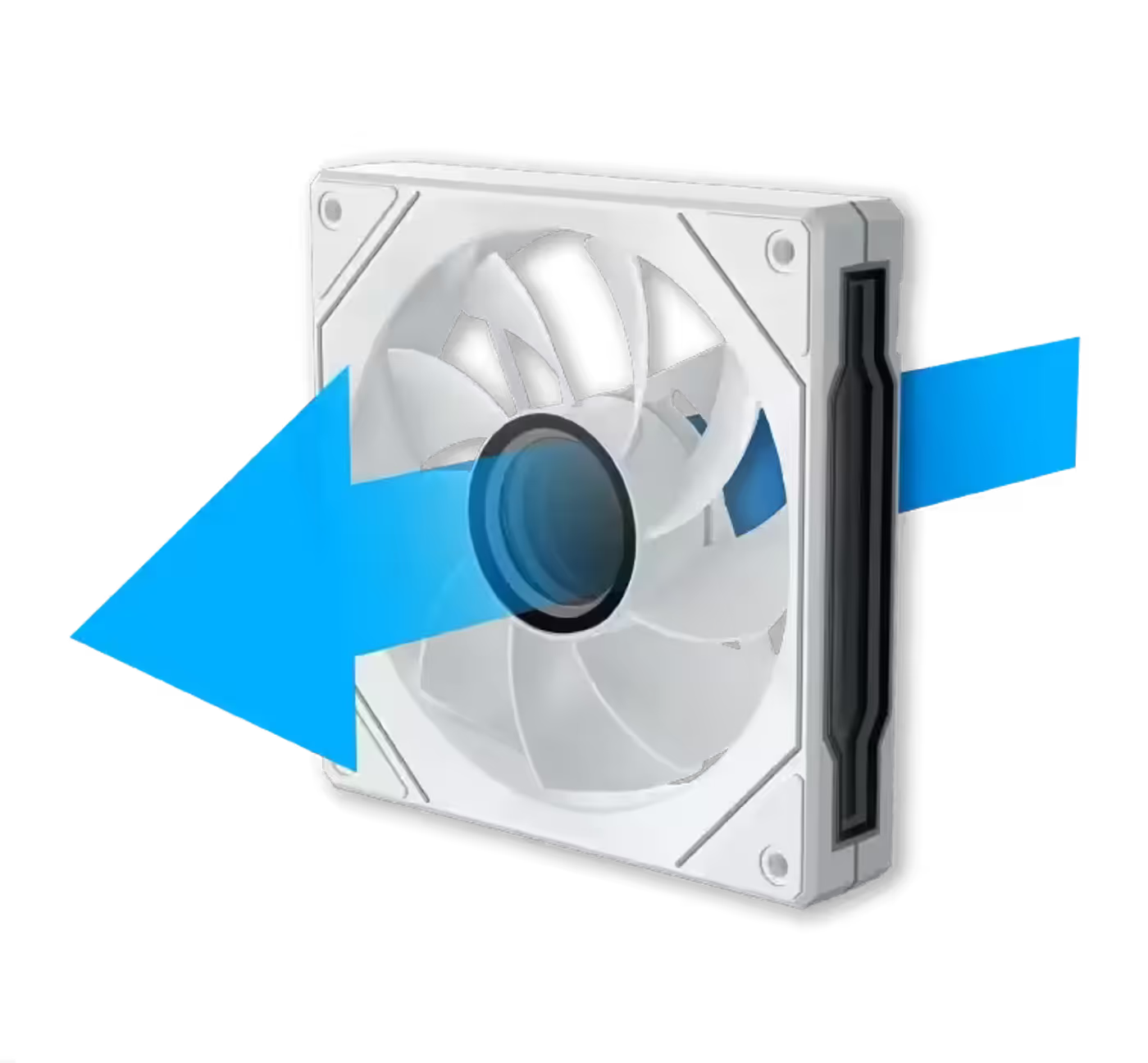
Reverse Blade Fans On The Shroud Side
Reverse fan blades are installed on the motherboard and PSU shroud panel side, also operating between 800 and 2200 RPM with PWM control. Reverse-blade fans are built to be viewed from behind, so air still moves in the correct direction while the finished face of the fan points into the chamber instead of away from the glass.
Reverse Blade Fans On The Shroud Side
Reverse fan blades are installed on the motherboard and PSU shroud panel side, also operating between 800 and 2200 RPM with PWM control. Reverse-blade fans are built to be viewed from behind, so air still moves in the correct direction while the finished face of the fan points into the chamber instead of away from the glass.
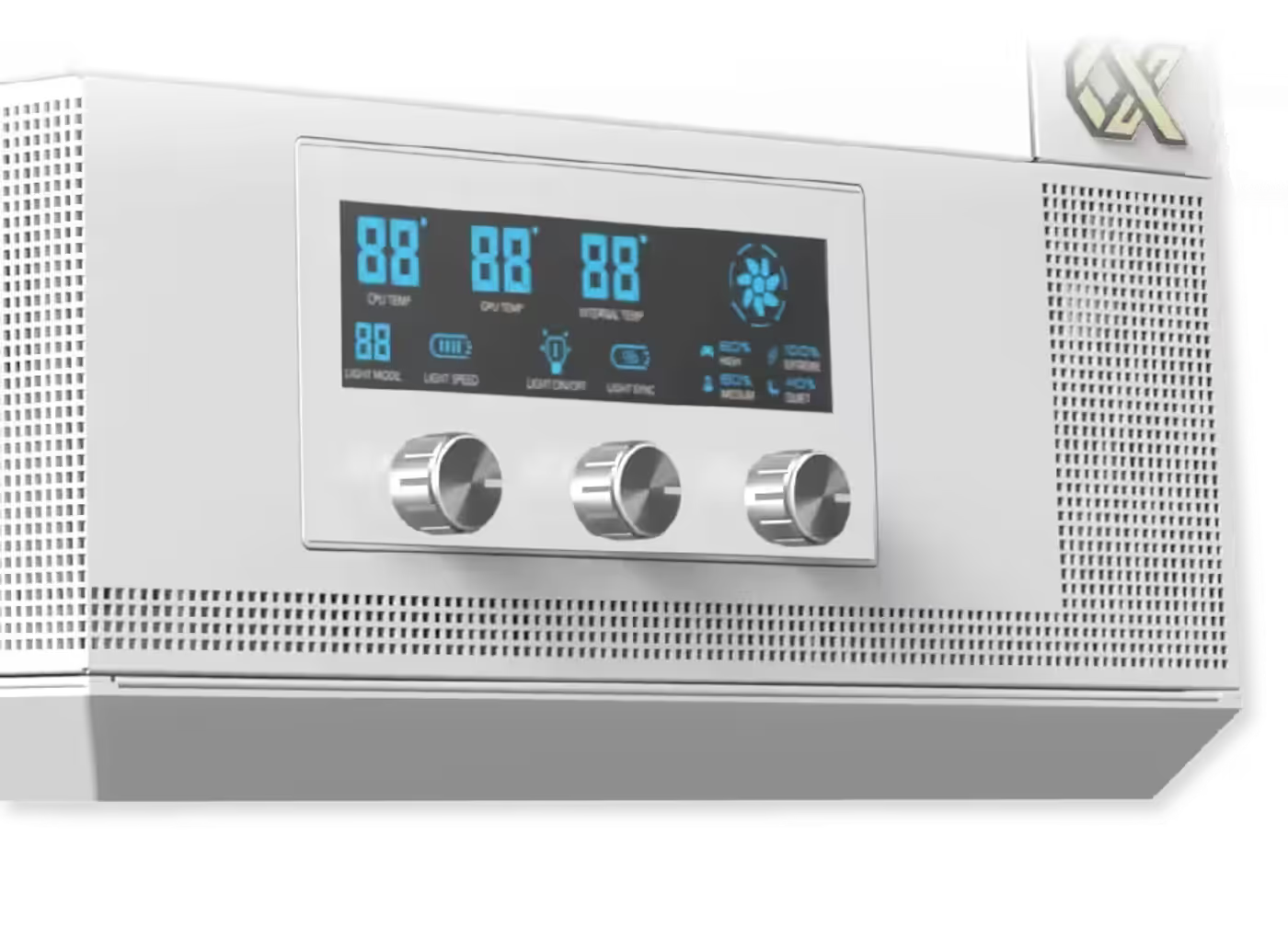
Smart Fan Control LCD Display Panel
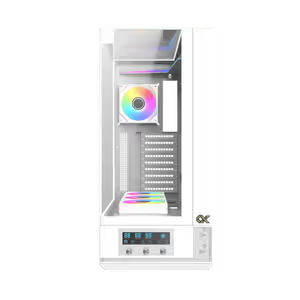
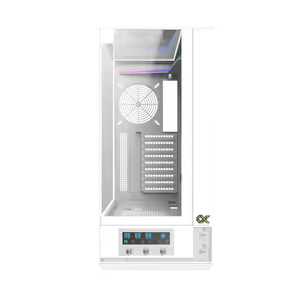
A Smart Fan Control LCD display is built into the case, putting fan speed and lighting control on the chassis itself rather than only in software. Because the controls sit on the case, RGB and fan settings can be changed without opening a utility, alt-tabbing out of a game or rebooting into motherboard firmware to adjust a curve.
Smart Fan Control LCD Display Panel
A Smart Fan Control LCD display is built into the case, putting fan speed and lighting control on the chassis itself rather than only in software. Because the controls sit on the case, RGB and fan settings can be changed without opening a utility, alt-tabbing out of a game or rebooting into motherboard firmware to adjust a curve.
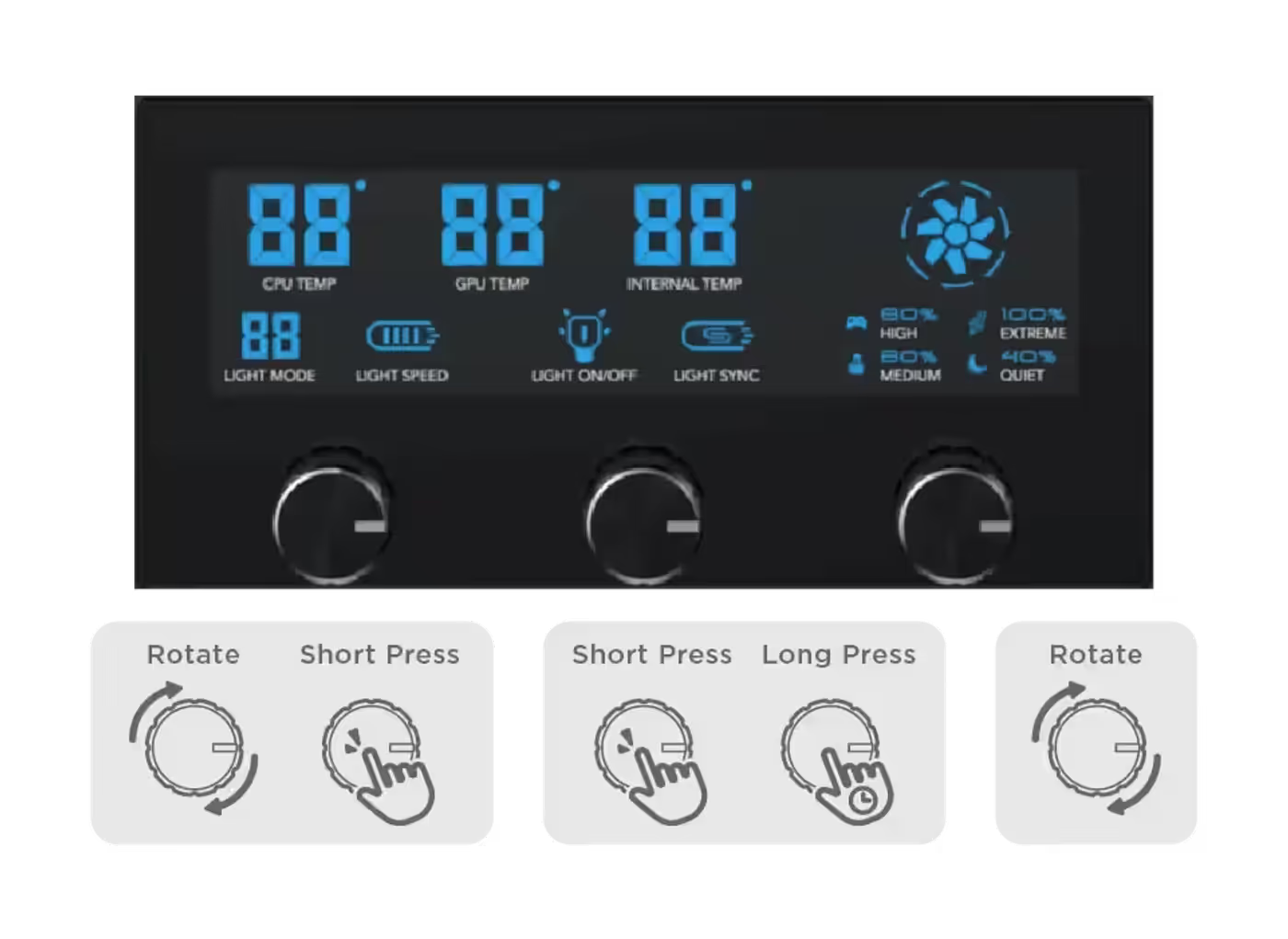
Three Knobs Control RGB And Fan Speed
The left knob rotates through RGB light display modes and short-presses to adjust RGB LED speed. The middle knob short-presses to toggle the RGB lighting on or off and long-presses to activate ARGB motherboard SYNC. The right knob rotates through four fan speed options at 800, 1200, 1700 and 2200 RPM, matching the range of the installed fans.
Three Knobs Control RGB And Fan Speed
The left knob rotates through RGB light display modes and short-presses to adjust RGB LED speed. The middle knob short-presses to toggle the RGB lighting on or off and long-presses to activate ARGB motherboard SYNC. The right knob rotates through four fan speed options at 800, 1200, 1700 and 2200 RPM, matching the range of the installed fans.
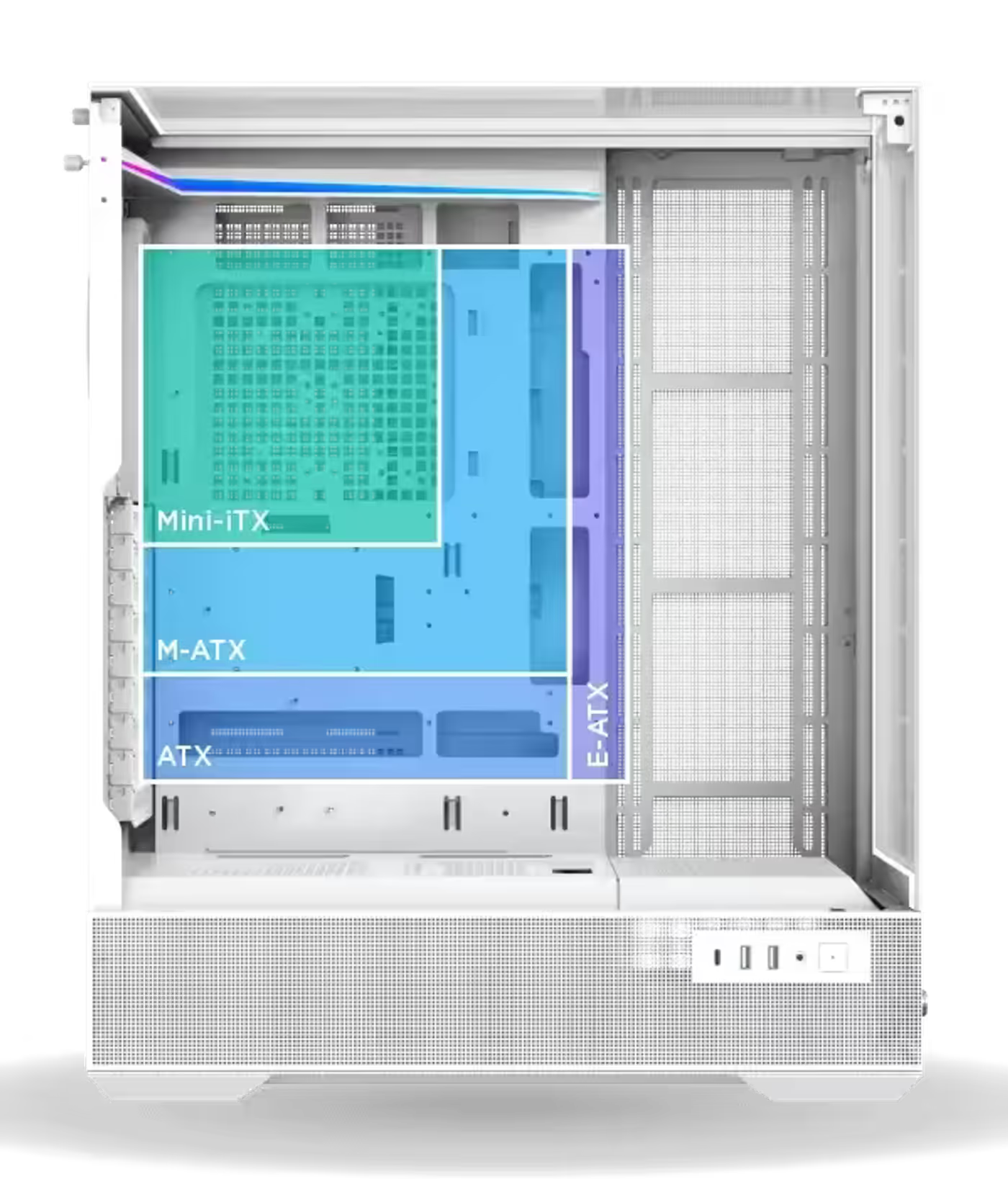
Supports E-ATX Motherboards In A Mid Tower
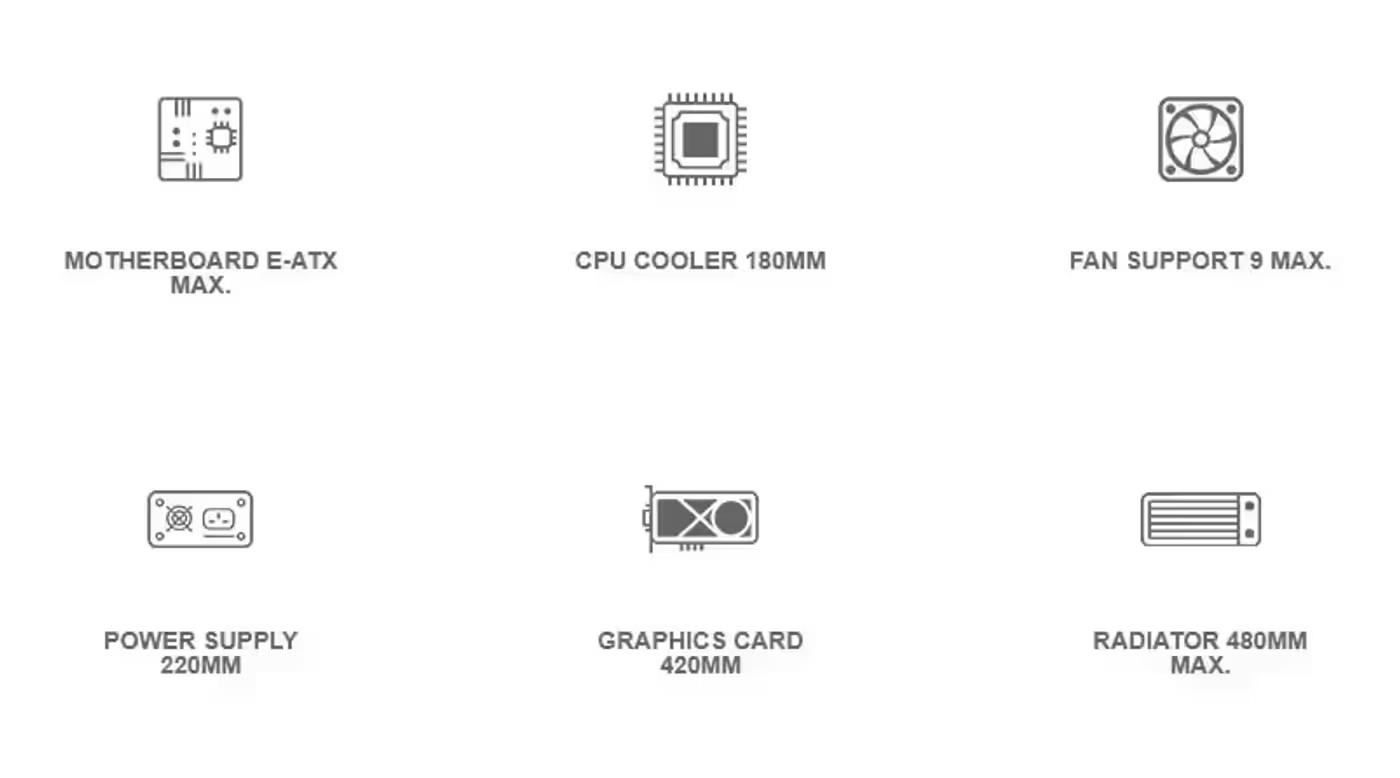
The Vision Pro Arctic accepts E-ATX motherboards, which is uncommon in a mid tower and opens up boards with wider VRM banks and more expansion slots. That means a high-end board fits without moving up to a full tower, provided its width stays inside the case's E-ATX allowance alongside whatever cooling you have mounted.
Supports E-ATX Motherboards In A Mid Tower
The Vision Pro Arctic accepts E-ATX motherboards, which is uncommon in a mid tower and opens up boards with wider VRM banks and more expansion slots. That means a high-end board fits without moving up to a full tower, provided its width stays inside the case's E-ATX allowance alongside whatever cooling you have mounted.
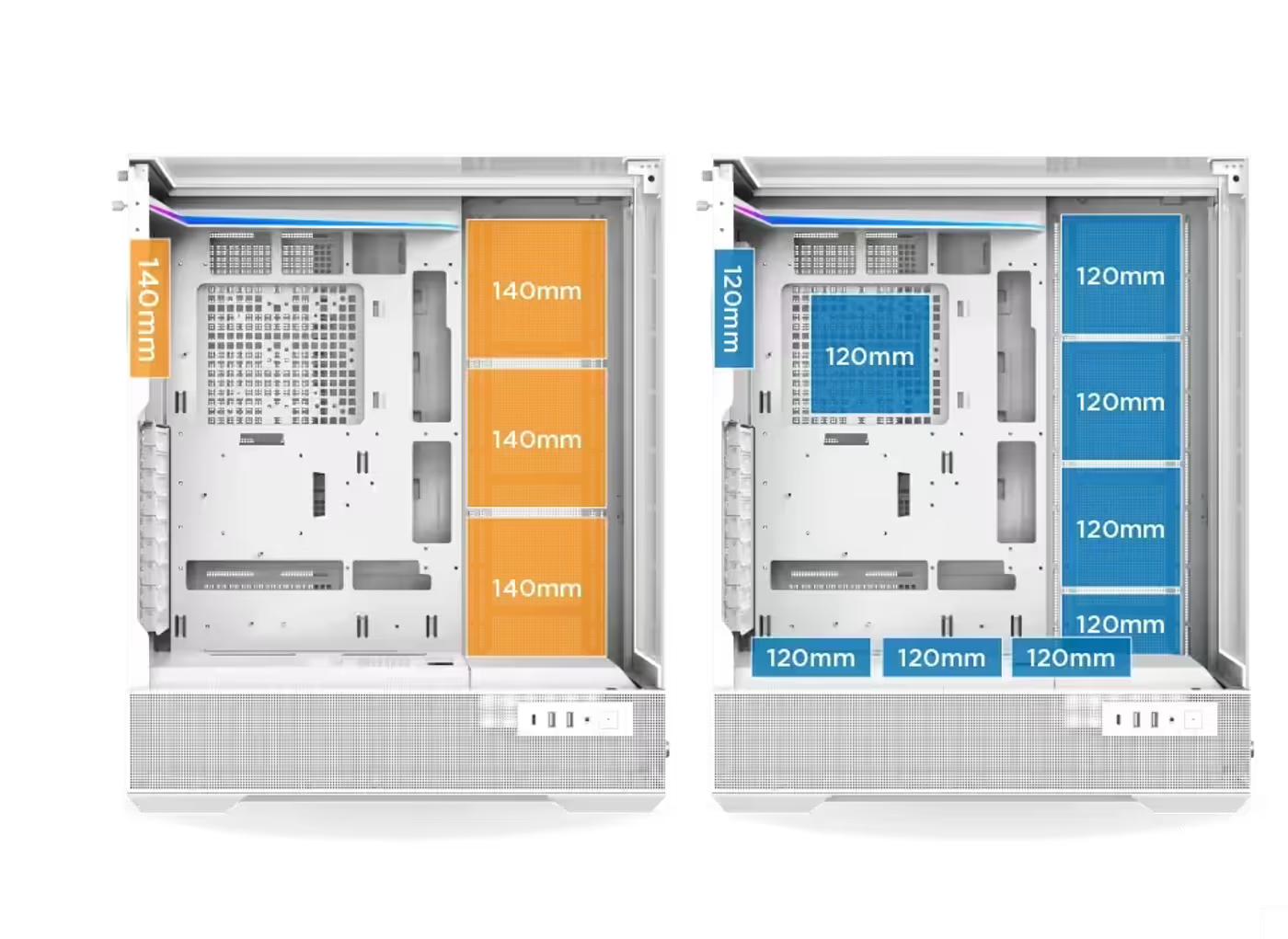
Fan Mounts Across Four Separate Positions
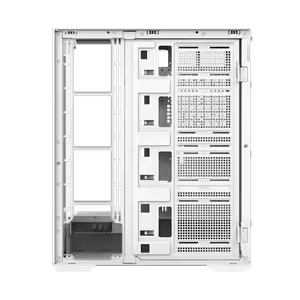
Fan support covers four positions: the motherboard side takes four 120mm fans or three 140mm, the PSU shroud takes three 120mm, the rear takes a single 120mm or 140mm, and the SSD/HDD mounting bracket takes one more 120mm. That spread lets you build a directional airflow path instead of clustering every fan on one face of the case.
Fan Mounts Across Four Separate Positions
Fan support covers four positions: the motherboard side takes four 120mm fans or three 140mm, the PSU shroud takes three 120mm, the rear takes a single 120mm or 140mm, and the SSD/HDD mounting bracket takes one more 120mm. That spread lets you build a directional airflow path instead of clustering every fan on one face of the case.
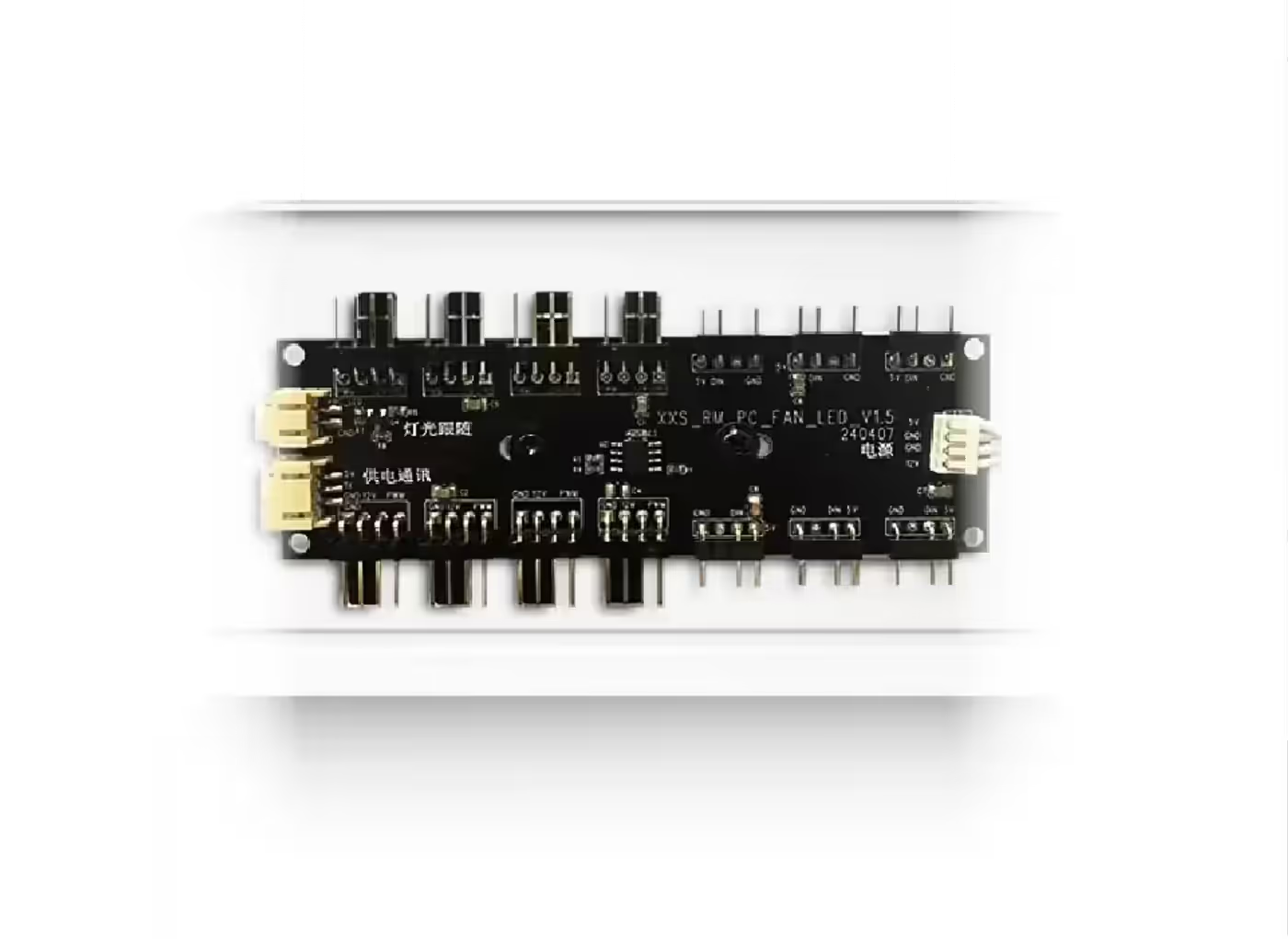
Built-In ARGB And PWM Hub
An ARGB and PWM hub is built into the case, so fans and lighting connect to one distribution point instead of competing for motherboard headers. With this many fan mounts available, header count is usually what limits a mid tower build, and the hub removes that ceiling while keeping lighting and fan speed control in sync.
Built-In ARGB And PWM Hub
An ARGB and PWM hub is built into the case, so fans and lighting connect to one distribution point instead of competing for motherboard headers. With this many fan mounts available, header count is usually what limits a mid tower build, and the hub removes that ceiling while keeping lighting and fan speed control in sync.
Radiators Up To 480mm On The Motherboard Side
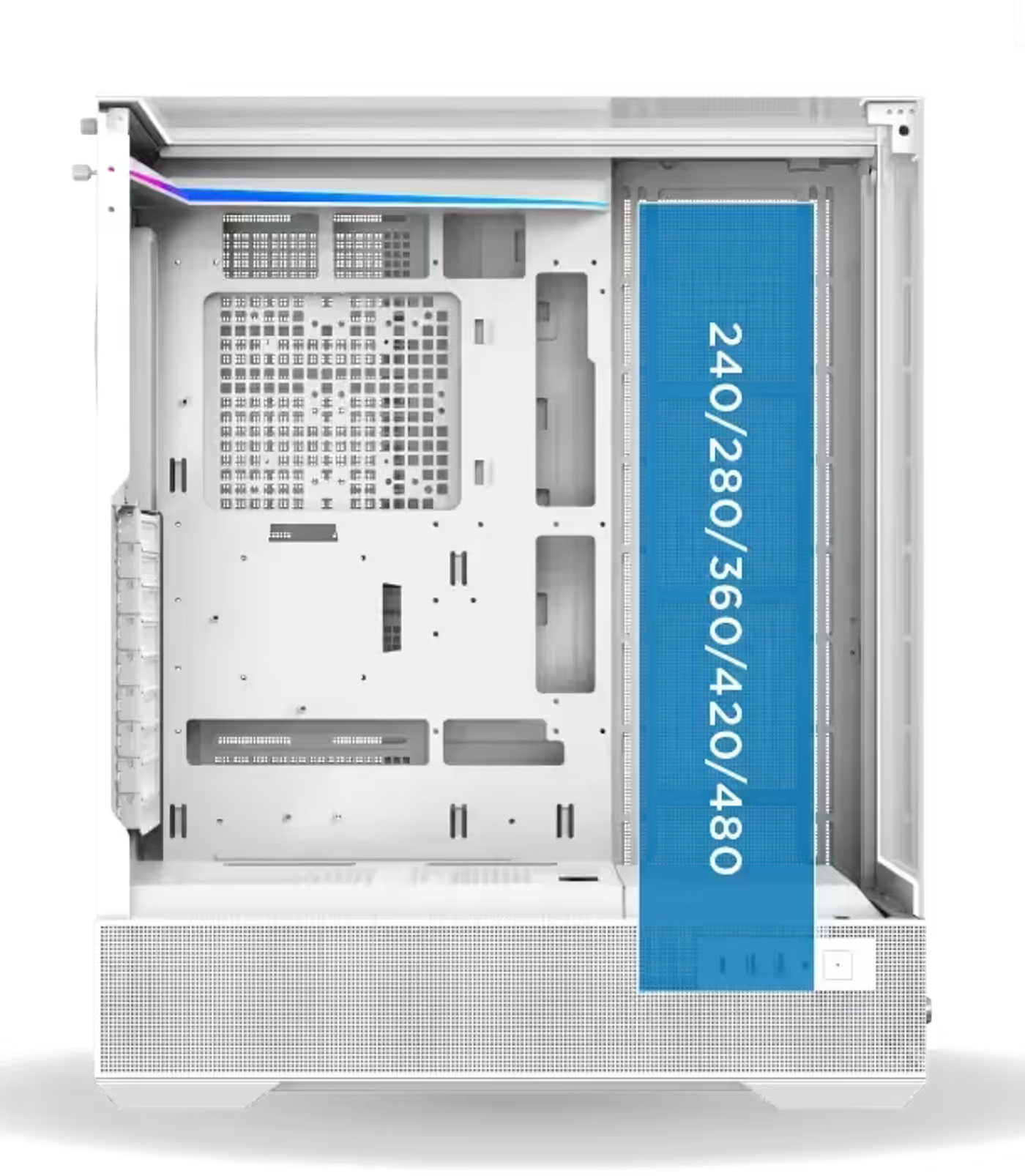
The motherboard side supports 240, 280, 360, 420 and 480mm radiators, covering everything from a compact all-in-one cooler to a large custom loop. E-ATX boards up to 290mm wide are accommodated alongside that radiator, so a full-size liquid cooling setup and a wide board can share the same chassis without one ruling out the other.
Radiators Up To 480mm On The Motherboard Side
The motherboard side supports 240, 280, 360, 420 and 480mm radiators, covering everything from a compact all-in-one cooler to a large custom loop. E-ATX boards up to 290mm wide are accommodated alongside that radiator, so a full-size liquid cooling setup and a wide board can share the same chassis without one ruling out the other.
Power Supply Bay Fits Units To 220mm
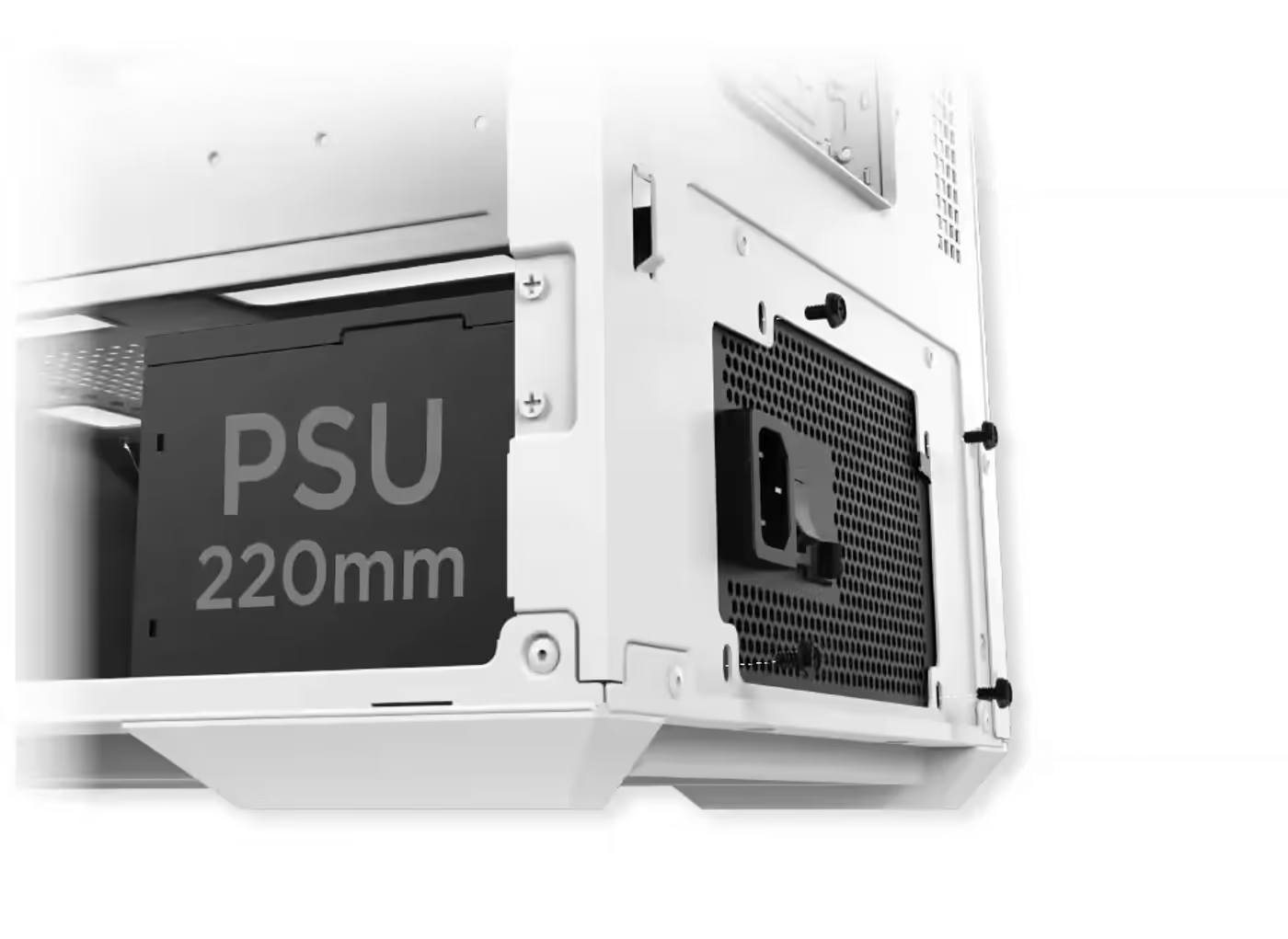
The power supply bay accommodates units up to 220mm in length. That figure is worth checking against your PSU before you build, because higher-wattage and fully modular units tend to run longer than compact models, and anything over the limit will crowd the cable routing behind the shroud rather than sitting cleanly in the bay.
Power Supply Bay Fits Units To 220mm
The power supply bay accommodates units up to 220mm in length. That figure is worth checking against your PSU before you build, because higher-wattage and fully modular units tend to run longer than compact models, and anything over the limit will crowd the cable routing behind the shroud rather than sitting cleanly in the bay.
Graphics Cards Up To 420mm Long
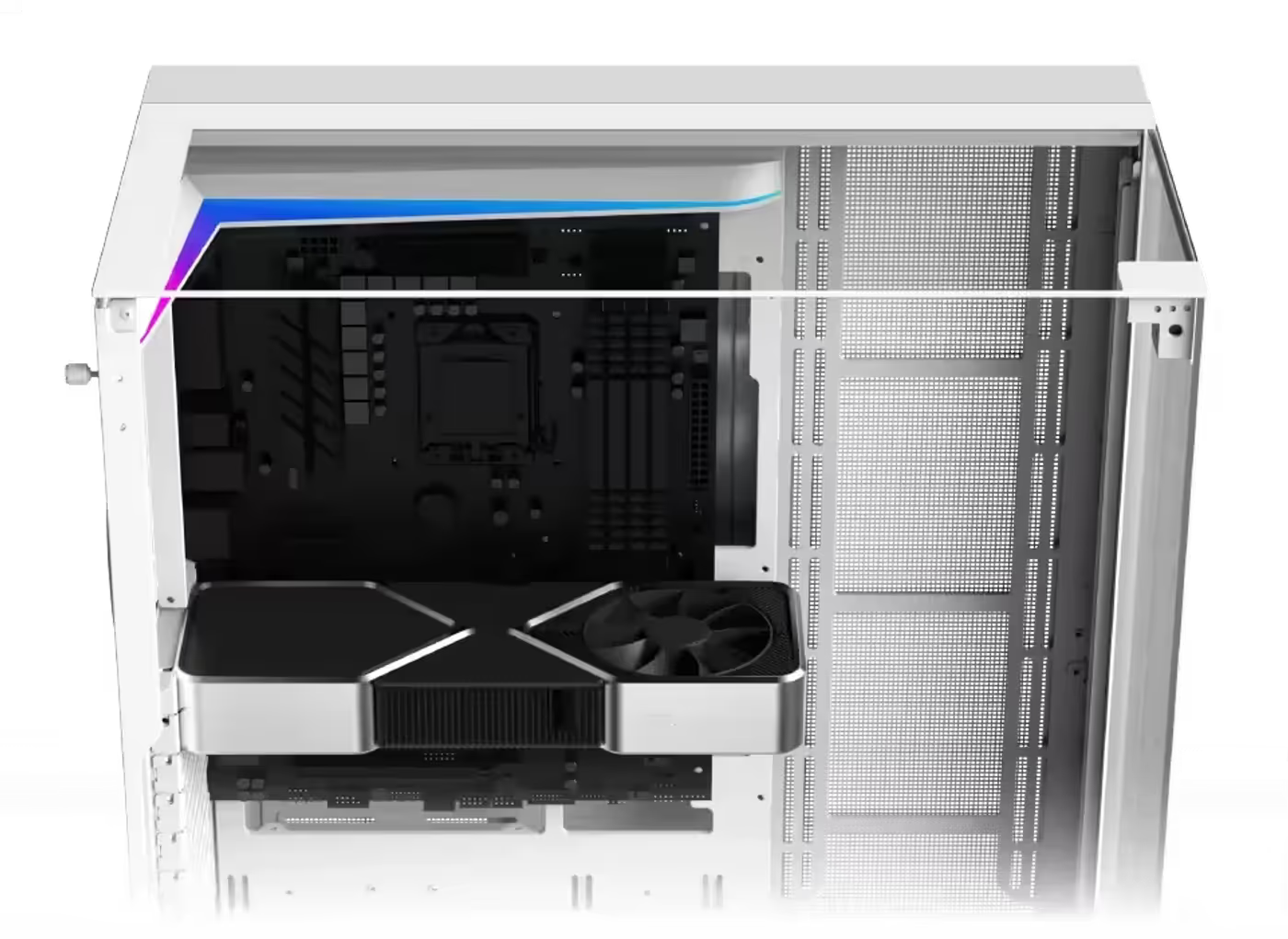
GPU clearance runs to 420mm, which accommodates the long triple-fan cards that current flagship graphics hardware ships as. Because the limit is generous, front-mounted fans and radiators can usually stay in place rather than being pulled out to make room, and the card sits clear of the drive bays and the cable routing area.
Graphics Cards Up To 420mm Long
GPU clearance runs to 420mm, which accommodates the long triple-fan cards that current flagship graphics hardware ships as. Because the limit is generous, front-mounted fans and radiators can usually stay in place rather than being pulled out to make room, and the card sits clear of the drive bays and the cable routing area.
Supports Vertical GPU Installation
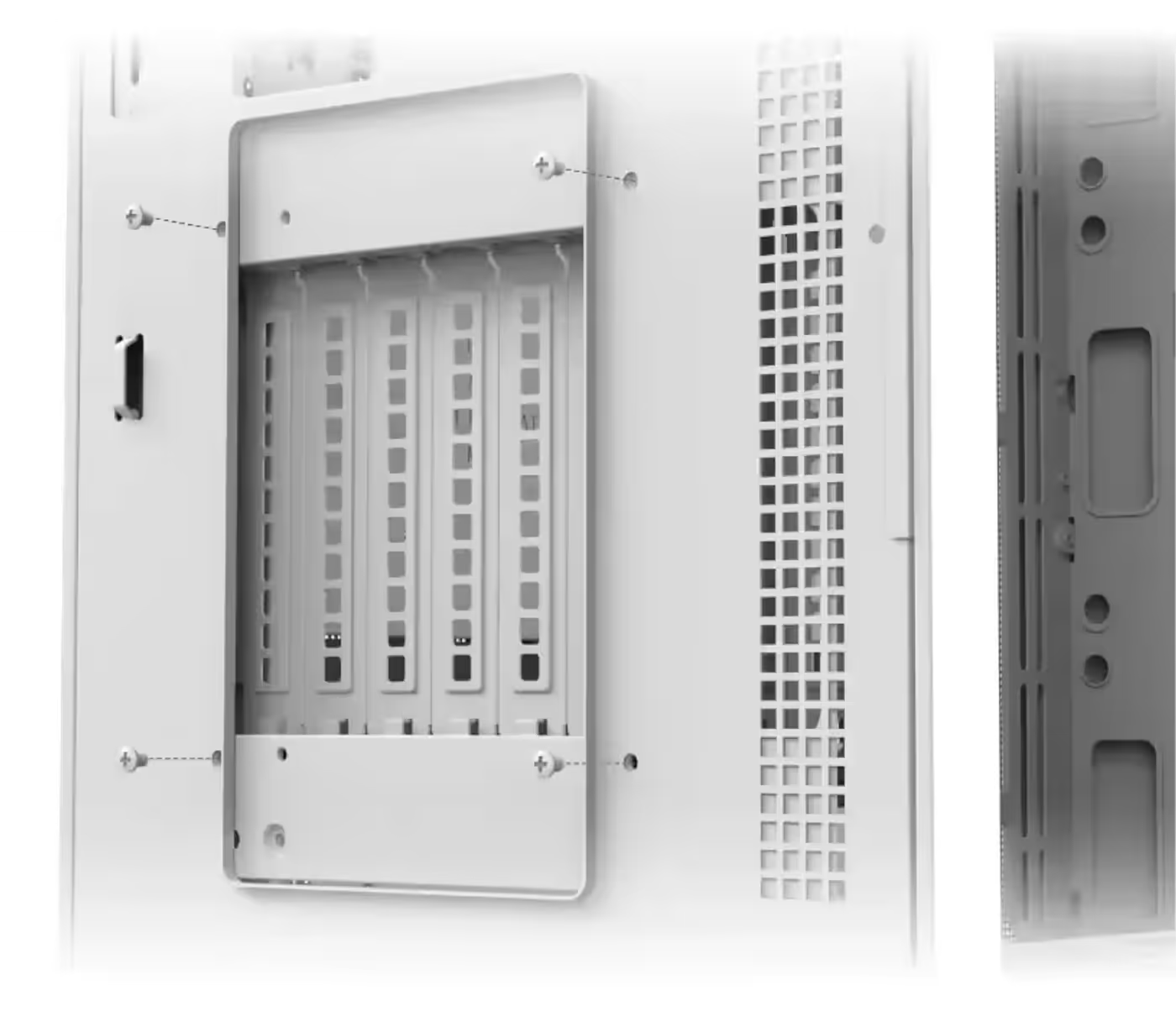
The case supports vertical GPU installation, mounting the graphics card face-on to the side panel rather than flat against the motherboard. That turns the shroud and any lighting on the card toward the viewer instead of pointing it down at the base of the chassis, and it clears the horizontal slot area for cable routing.
Supports Vertical GPU Installation
The case supports vertical GPU installation, mounting the graphics card face-on to the side panel rather than flat against the motherboard. That turns the shroud and any lighting on the card toward the viewer instead of pointing it down at the base of the chassis, and it clears the horizontal slot area for cable routing.
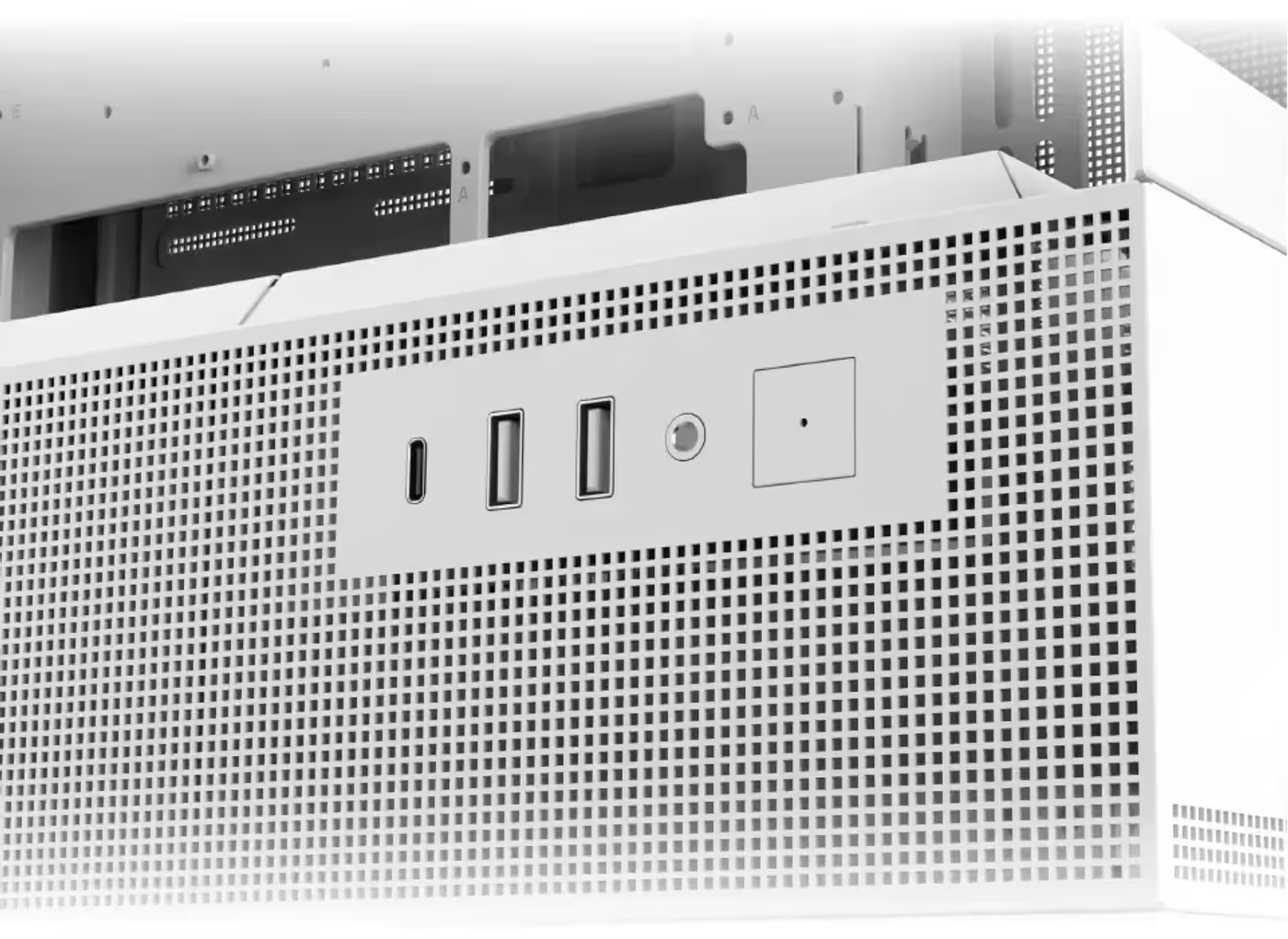
Side I/O With USB 3.0 And Type-C
The side I/O panel carries the power button, an HD audio jack, two USB 3.0 ports and a Type C port. Placing the cluster on the side rather than the top keeps the ports reachable when the case sits on a desk beside a monitor, and the Type C port covers current phones, drives and peripherals without an adapter.
Side I/O With USB 3.0 And Type-C
The side I/O panel carries the power button, an HD audio jack, two USB 3.0 ports and a Type C port. Placing the cluster on the side rather than the top keeps the ports reachable when the case sits on a desk beside a monitor, and the Type C port covers current phones, drives and peripherals without an adapter.
FAQ
Frequently Asked Questions
Everything you need to know about this product
It supports up to E-ATX motherboards, with board width accommodated up to 290mm alongside a radiator.
GPU length is supported up to 420mm.
Yes. The case supports vertical GPU installation facing the side panel.
The power supply limitation is up to 220mm in length.
Four 120mm or three 140mm on the motherboard side, three 120mm on the PSU shroud, one 120mm or 140mm at the rear and one 120mm on the SSD/HDD bracket.
The motherboard side supports 240, 280, 360, 420 and 480mm radiators.
A traditional-blade fan is pre-installed at the rear side, running 800 to 2200 RPM PWM.
The reverse-blade fans are installed on the motherboard and PSU shroud panel side and run 800 to 2200 RPM PWM.
The right control knob rotates through four fan speed options: 800, 1200, 1700 and 2200 RPM.
Yes. A long press on the middle control knob activates ARGB motherboard SYNC.
Yes. An ARGB and PWM hub is built in for connecting fans and lighting together.
The side I/O carries a power button, HD audio jack, two USB 3.0 ports and a Type C port.

AI-Generated Content:These FAQs are generated by an automated AI system and may contain inaccuracies or omissions. Evetech makes no warranties, express or implied, regarding their completeness or reliability. For definitive information, please refer to the manufacturer's official specifications.
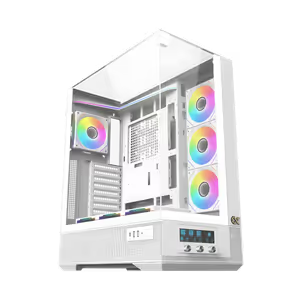
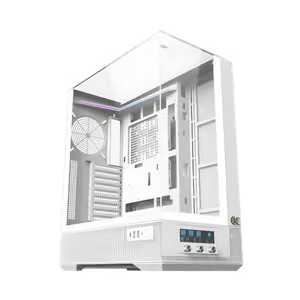
Please Note: Product images are for illustrative purposes only and may differ from the actual product.
Choose your
own PC
Hand-pick every part with live stock, compatibility, and instant pricing.
Try the new builderPrice Inc. Vat
R 1,499
Save R 2,200
ListR 3,699
1499Limit 1 per customer
Out of Stock
Choose your
own PC
Hand-pick every part with live stock, compatibility, and instant pricing.
Try the new builderXigmatek Vision Pro Arctic Mid Tower Gaming Case White Open