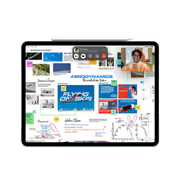
apple-pencil-pro-stylus-squeeze-hover-find-my
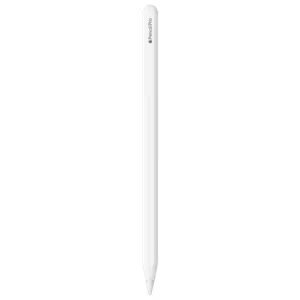
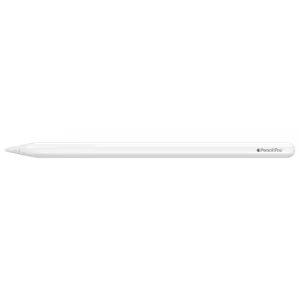
Apple Pencil Pro Stylus / Squeeze Gesture Quick Tool Palette / Barrel Roll Gyroscope Shaped Brushes / Haptic Feedback Precise Tactile Response / Hover Preview Shadow Precision / Double Tap Tool Switch Eraser / Find My Locate Lost Pencil / iPad Pro Air Mini Magnetic / MX2D3ZM/A
1 Year Local Warranty
Model No : Apple MX2D3ZM/A
Price Inc. Vat
R 2,799
Save R 400
ListR 3,199
2799Change Quantity:
In Stock with Evetech
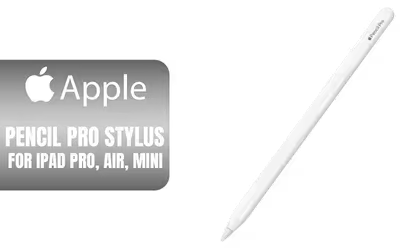
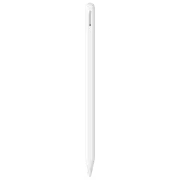
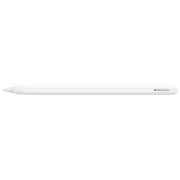
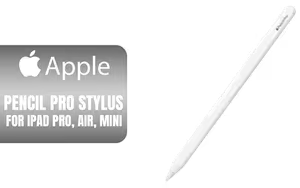
Apple Pencil Pro Stylus for iPad Pro, Air, mini
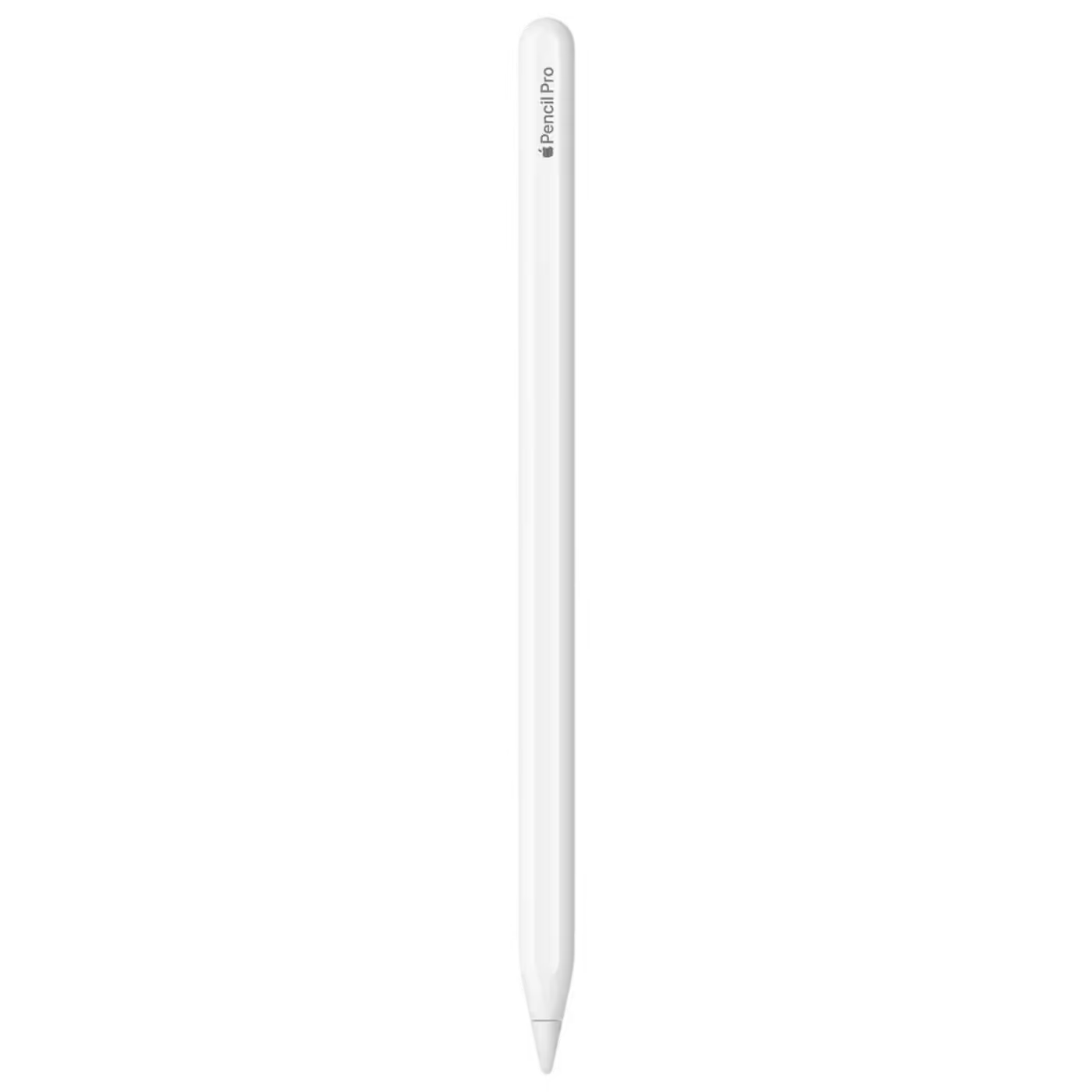
Pro-Level Precision for Drawing, Notes and Creative Work
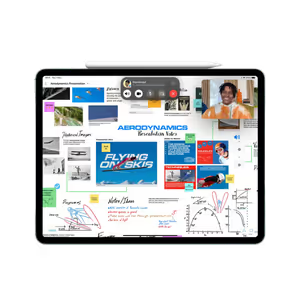
The Apple Pencil Pro is designed for artists, students, designers, and iPad power users who need natural, precise control. Features like hover preview, double tap tool switching, and advanced pressure-style responsiveness help make sketching, note-taking, marking up documents, and editing feel smooth, accurate, and intuitive on compatible iPad Pro, iPad Air, and iPad mini models.
Pro-Level Precision for Drawing, Notes and Creative Work
The Apple Pencil Pro is designed for artists, students, designers, and iPad power users who need natural, precise control. Features like hover preview, double tap tool switching, and advanced pressure-style responsiveness help make sketching, note-taking, marking up documents, and editing feel smooth, accurate, and intuitive on compatible iPad Pro, iPad Air, and iPad mini models.
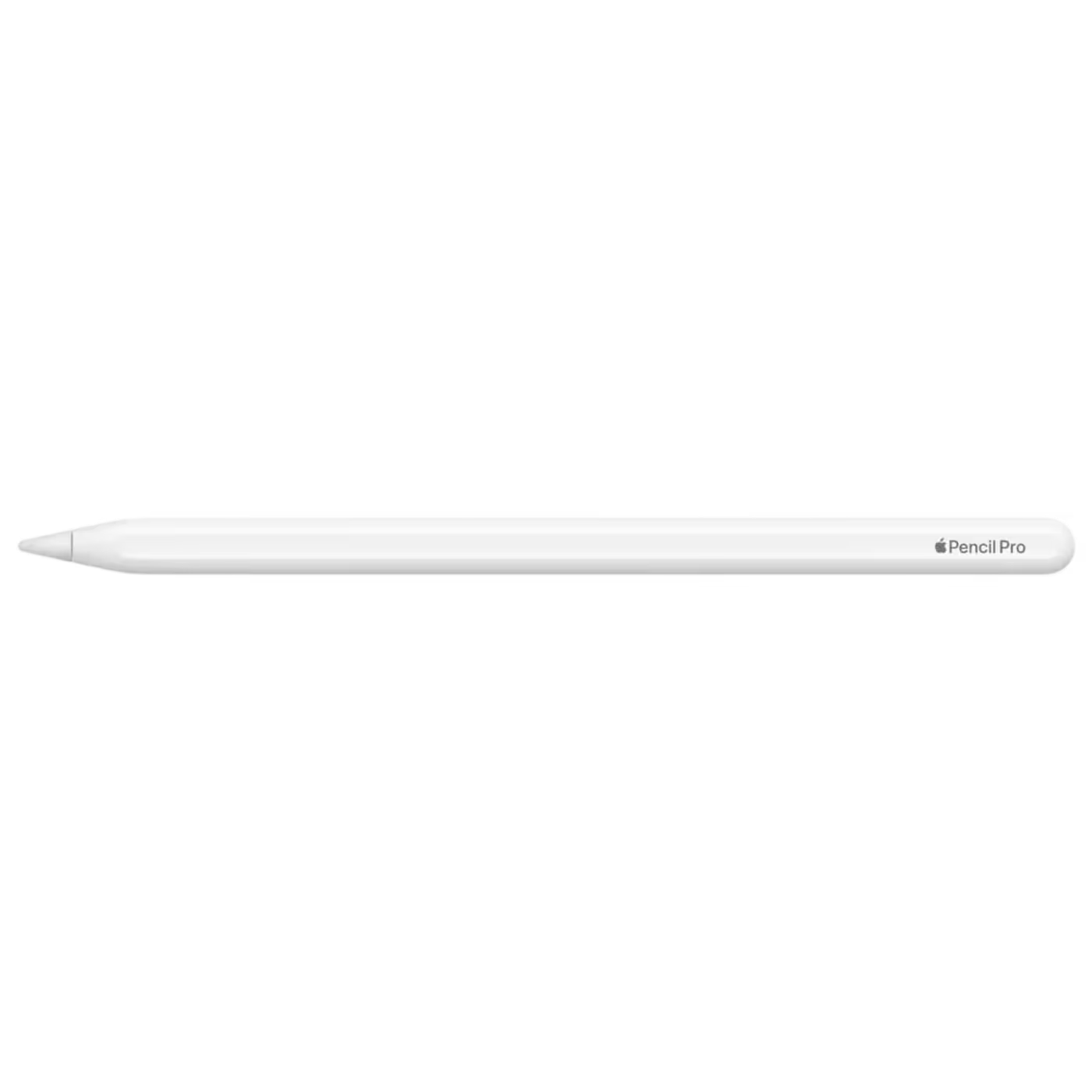
Smarter Creative Control With Squeeze, Barrel Roll and Haptics
Unlock faster workflows with the squeeze gesture for quick access to tools, shortcuts, and palettes, while the built-in gyroscope enables barrel roll control for shaped brushes and pen tools. Haptic feedback adds a precise tactile response, helping every interaction feel more connected and deliberate when switching tools, drawing, or refining details.
Smarter Creative Control With Squeeze, Barrel Roll and Haptics
Unlock faster workflows with the squeeze gesture for quick access to tools, shortcuts, and palettes, while the built-in gyroscope enables barrel roll control for shaped brushes and pen tools. Haptic feedback adds a precise tactile response, helping every interaction feel more connected and deliberate when switching tools, drawing, or refining details.
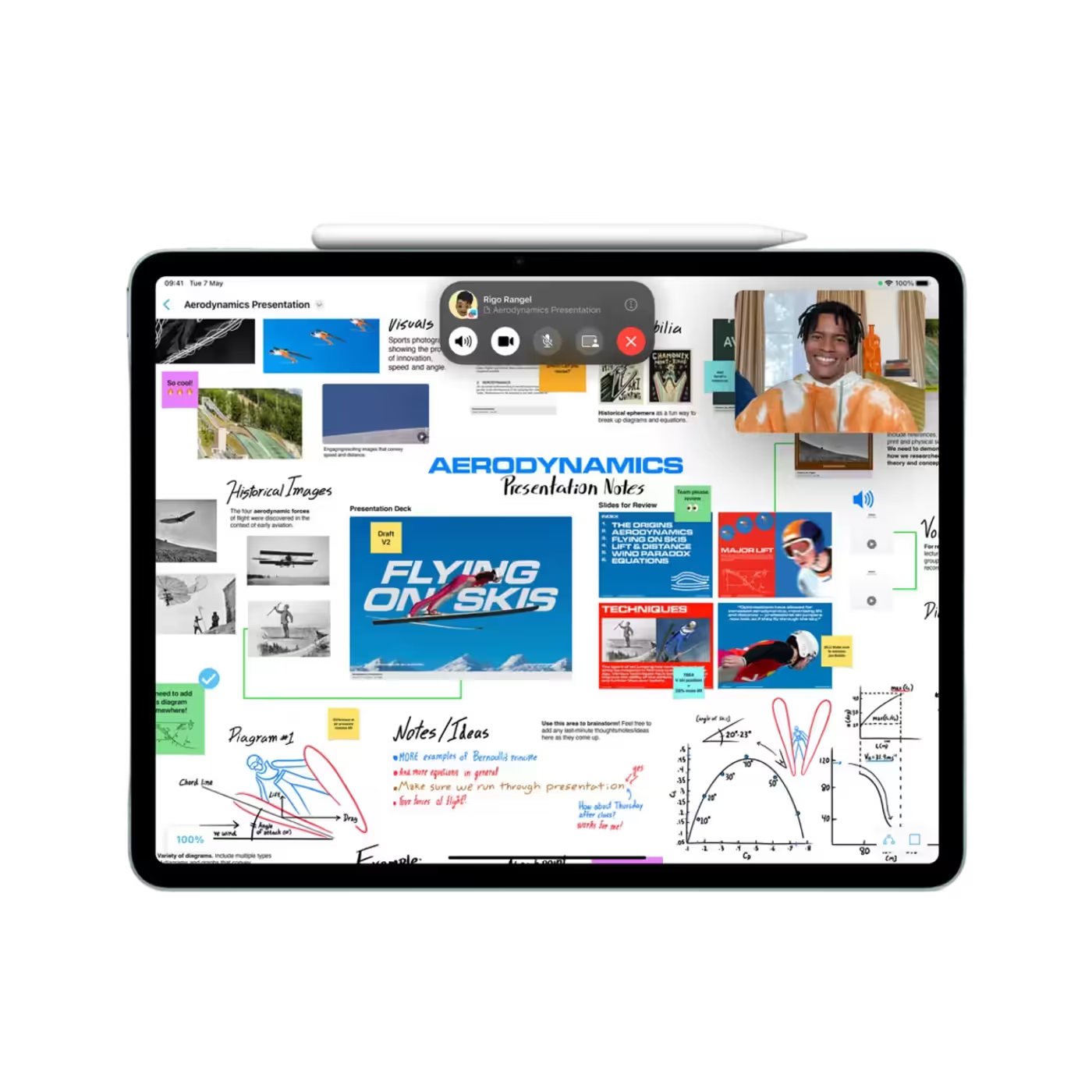
Magnetic Pairing, Find My Support and Lightweight Design
Apple Pencil Pro connects via Bluetooth and works with compatible iPads running iPadOS 17.5 or later. Its slim 19.15g design feels balanced in hand, while magnetic attachment support makes it easy to keep nearby. With Find My support, users can also locate a misplaced Apple Pencil Pro more easily, adding extra peace of mind for daily use.
Magnetic Pairing, Find My Support and Lightweight Design
Apple Pencil Pro connects via Bluetooth and works with compatible iPads running iPadOS 17.5 or later. Its slim 19.15g design feels balanced in hand, while magnetic attachment support makes it easy to keep nearby. With Find My support, users can also locate a misplaced Apple Pencil Pro more easily, adding extra peace of mind for daily use.
FAQ
Frequently Asked Questions
Everything you need to know about this product
Apple Pencil Pro works with compatible iPad Pro, iPad Air, and iPad mini models running iPadOS 17.5 or later.
It is designed for drawing, sketching, note-taking, document markup, and professional creative work on iPad.
Hover preview lets you see where the pencil will touch the screen before making contact, improving precision and control.
The squeeze gesture provides quick access to tools, shortcuts, and palettes for faster creative workflows.
Barrel roll uses a built-in gyroscope to adjust shaped brushes and pen tools for more advanced drawing control.
Yes, it includes haptic feedback that delivers a tactile response when switching tools or performing actions.
It connects via Bluetooth and pairs with compatible iPads running iPadOS 17.5 or later.
Yes, it supports magnetic attachment to compatible iPads for convenient storage.
Yes, it includes Find My support to help locate a misplaced Apple Pencil Pro.
Yes, its precision features, gesture controls, and responsive input make it suitable for professional creative workflows.

AI-Generated Content:These FAQs are generated by an automated AI system and may contain inaccuracies or omissions. Evetech makes no warranties, express or implied, regarding their completeness or reliability. For definitive information, please refer to the manufacturer's official specifications.
Please Note: Product images are for illustrative purposes only and may differ from the actual product.
Choose your
own PC
Hand-pick every part with live stock, compatibility, and instant pricing.
Try the new builderPrice Inc. Vat
R 2,799
Save R 400
ListR 3,199
2799Change Quantity:
In Stock with Evetech
Choose your
own PC
Hand-pick every part with live stock, compatibility, and instant pricing.
Try the new builderApple Pencil Pro Stylus