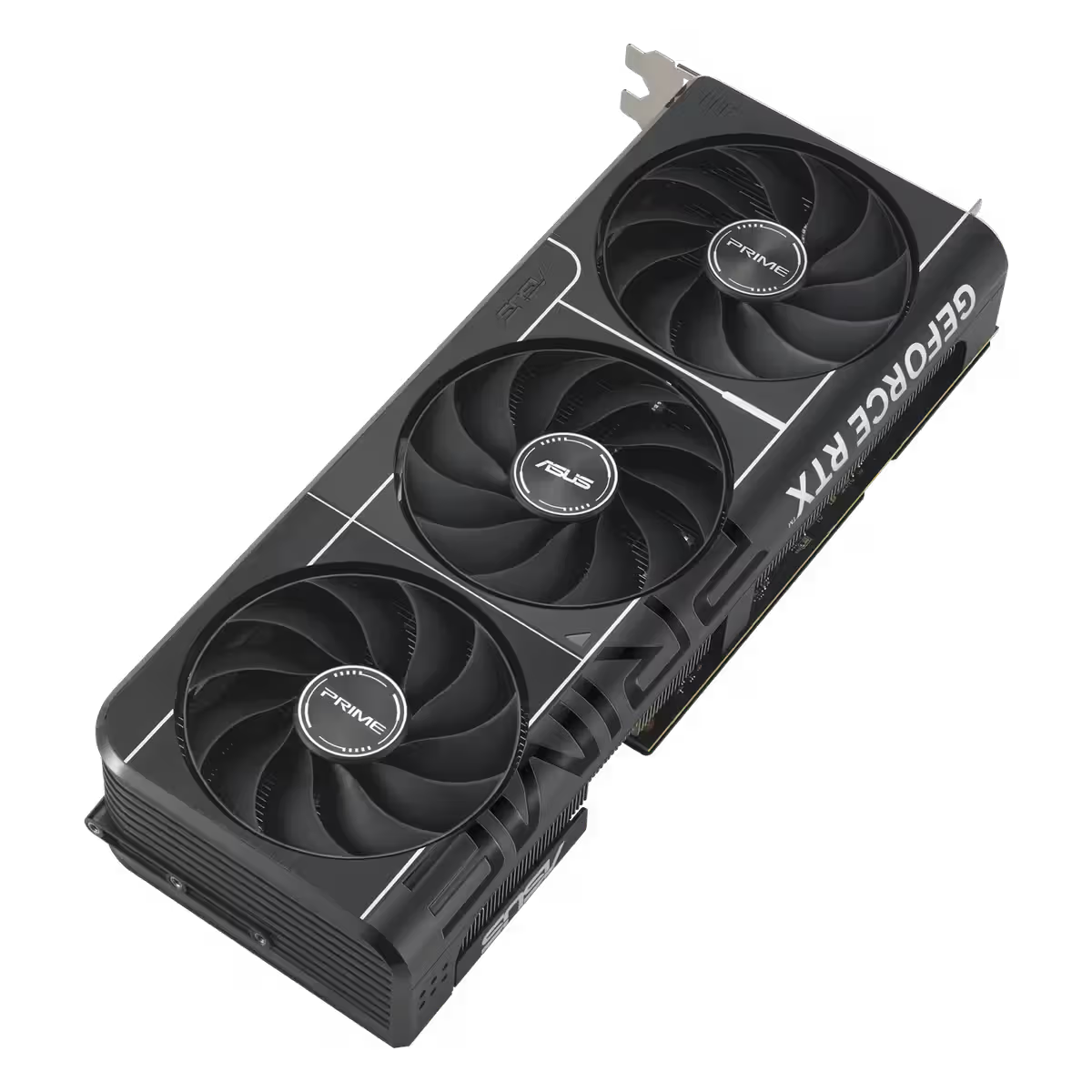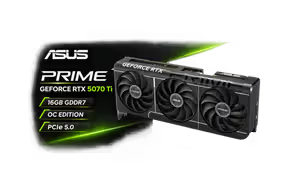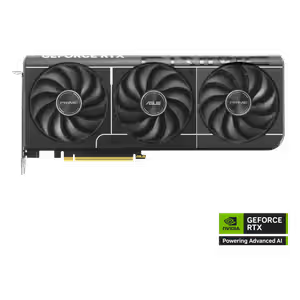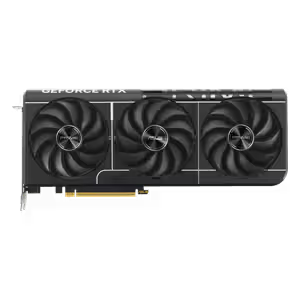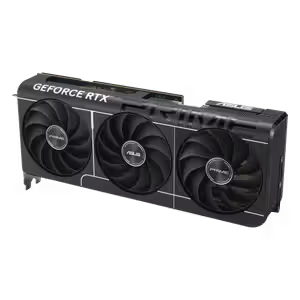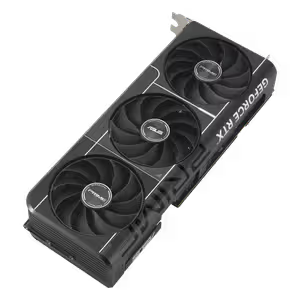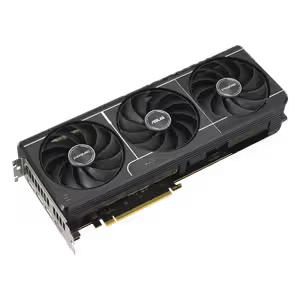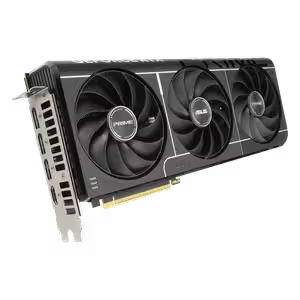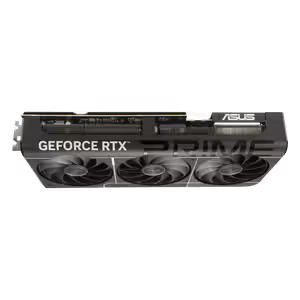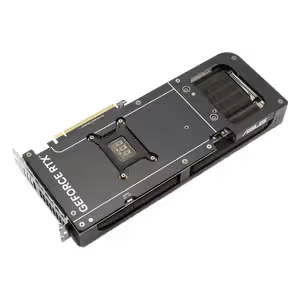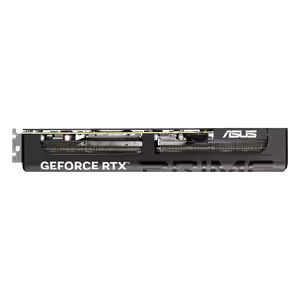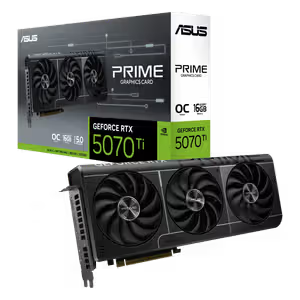







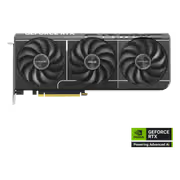
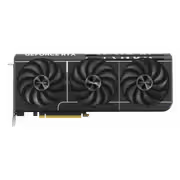
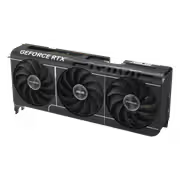
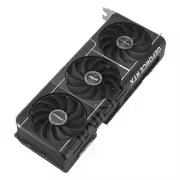
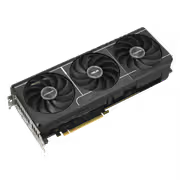
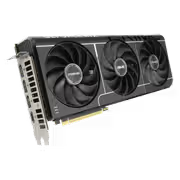
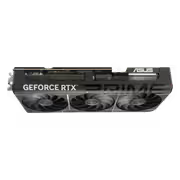
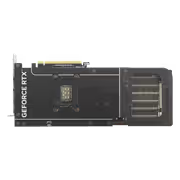
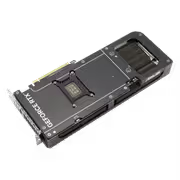
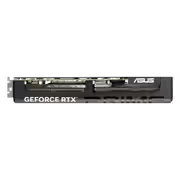
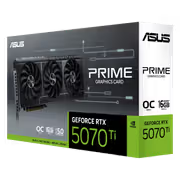
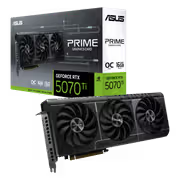
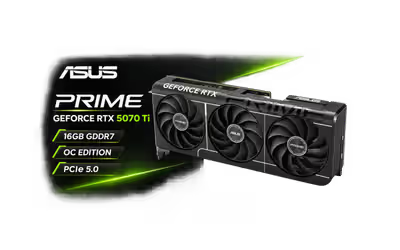


The ASUS Prime GeForce RTX 5070 Ti OC Edition has 16GB of GDDR7 on a 256-bit bus, 8960 CUDA cores and a 2527MHz boost clock in OC mode. It is an SFF-Ready Enthusiast GeForce card, 2.5 slots thick and 304mm long, with three Axial-tech fans and a Dual BIOS switch.

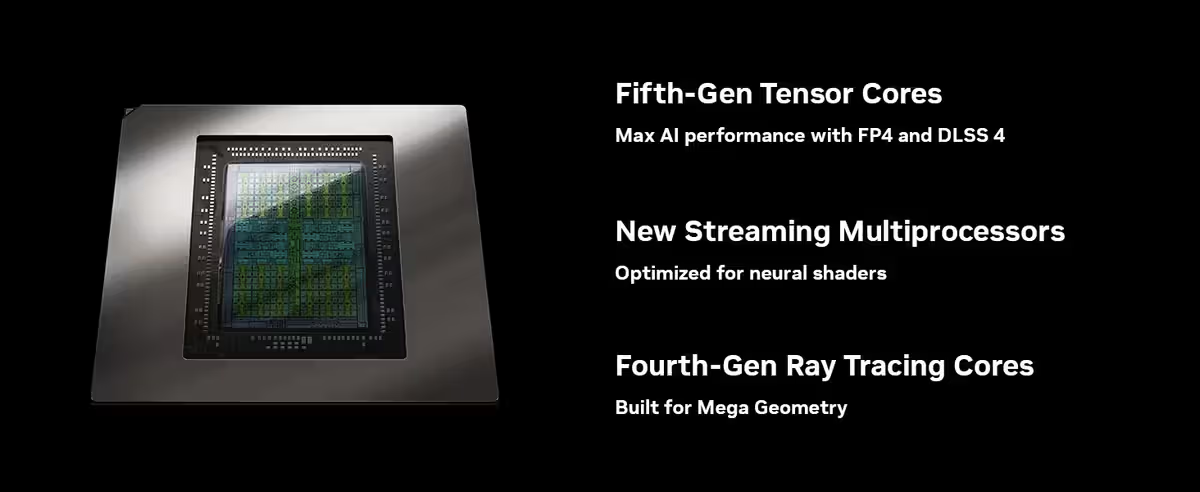
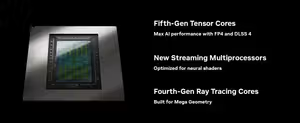
The RTX 5070 Ti GPU carries fifth-generation Tensor cores for FP4 AI work and DLSS 4, new streaming multiprocessors built for neural shaders, and fourth-generation ray tracing cores. ASUS rates the card at 1406 AI TOPS, with 16GB of GDDR7 running at 28 Gbps.

The RTX 5070 Ti GPU carries fifth-generation Tensor cores for FP4 AI work and DLSS 4, new streaming multiprocessors built for neural shaders, and fourth-generation ray tracing cores. ASUS rates the card at 1406 AI TOPS, with 16GB of GDDR7 running at 28 Gbps.

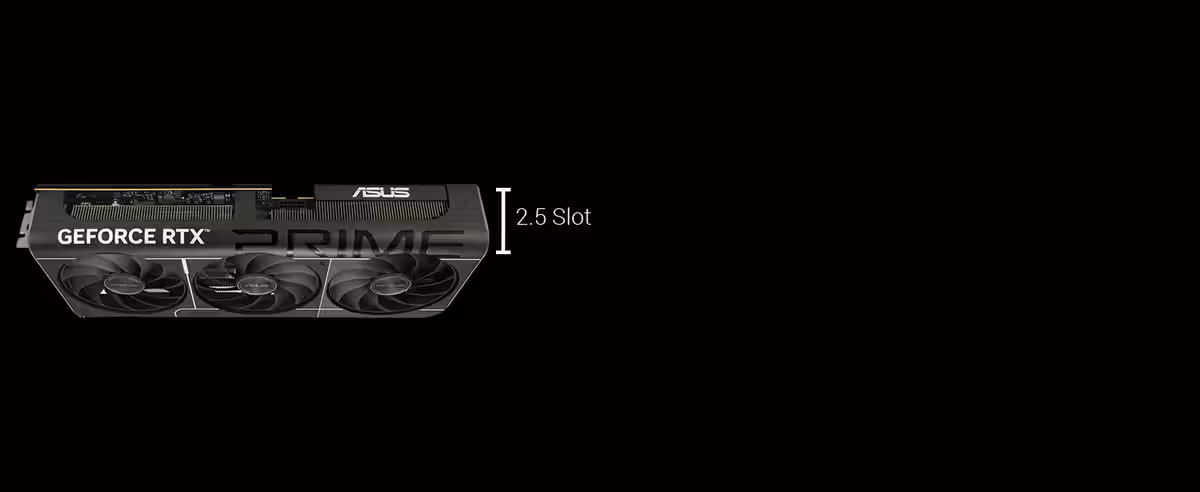
The card measures 304 x 126 x 50 mm and takes 2.5 slots. ASUS arranged the shroud, heatsink and heat pipes so the three fans can use side-panel ventilation, keeping the cooling in a thinner card. Check that your case takes a 304mm card before you buy.


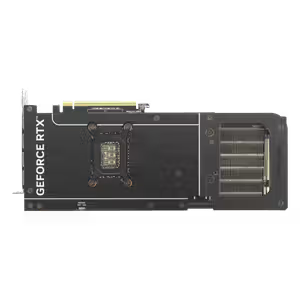
Each Axial-tech fan has a smaller hub, longer blades and a barrier ring that raises downward air pressure through the heatsink, for lower temperatures and less noise. A vented backplate lets more air pass through the card.

Each Axial-tech fan has a smaller hub, longer blades and a barrier ring that raises downward air pressure through the heatsink, for lower temperatures and less noise. A vented backplate lets more air pass through the card.

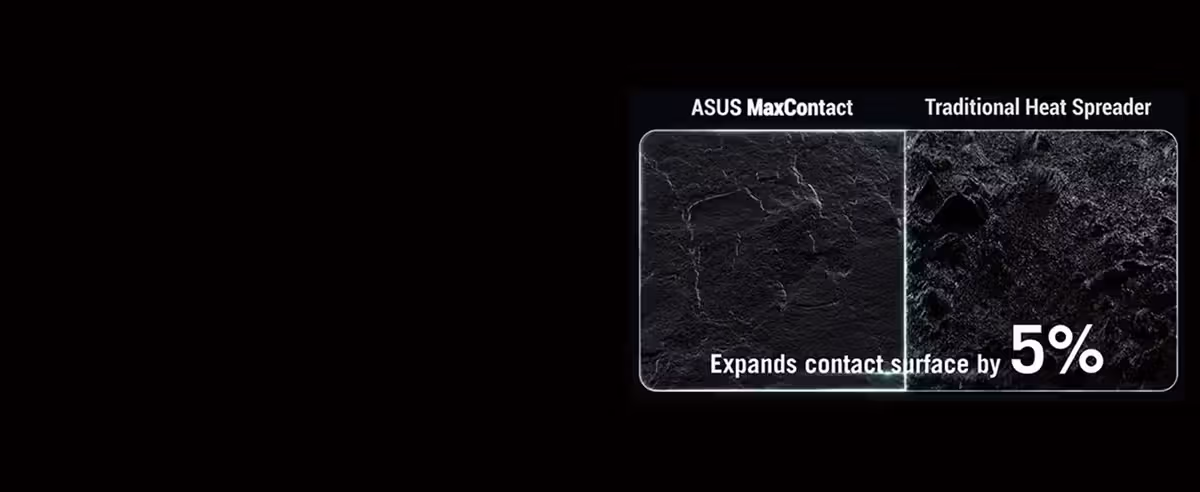
MaxContact is an ASUS manufacturing process that enlarges the contact surface of the heat spreader on the GPU by 5% compared with a traditional design. ASUS says this improves temperatures by up to 2C, working with the heatsink array and the fans.


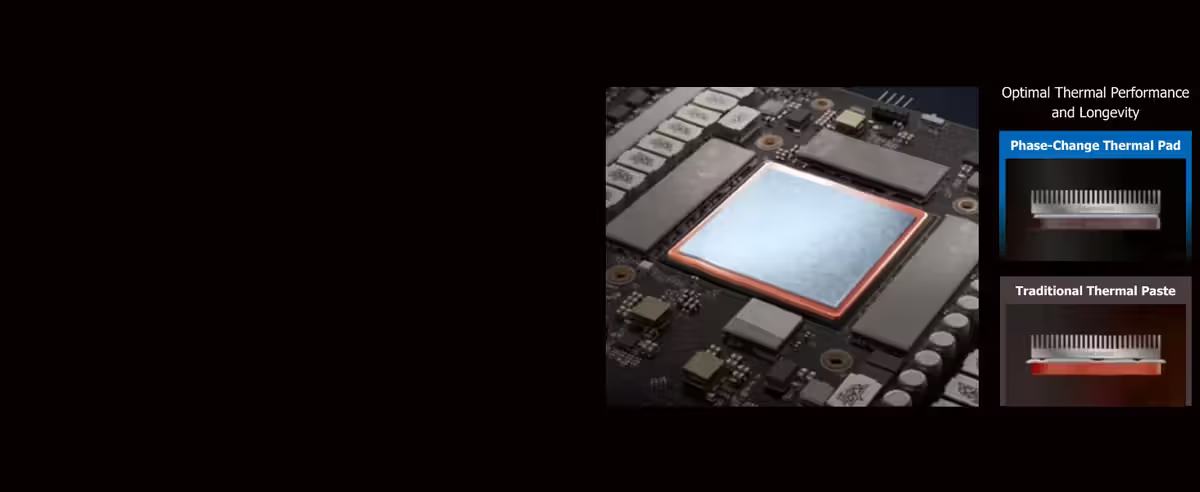
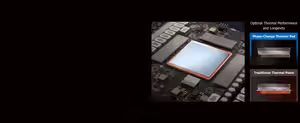
Instead of standard thermal paste, the GPU sits on a phase-change thermal pad that melts to fill the gaps between the chip and the cooler. ASUS uses it for better heat transfer under heavy loads and for longer card life.

Instead of standard thermal paste, the GPU sits on a phase-change thermal pad that melts to fill the gaps between the chip and the cooler. ASUS uses it for better heat transfer under heavy loads and for longer card life.

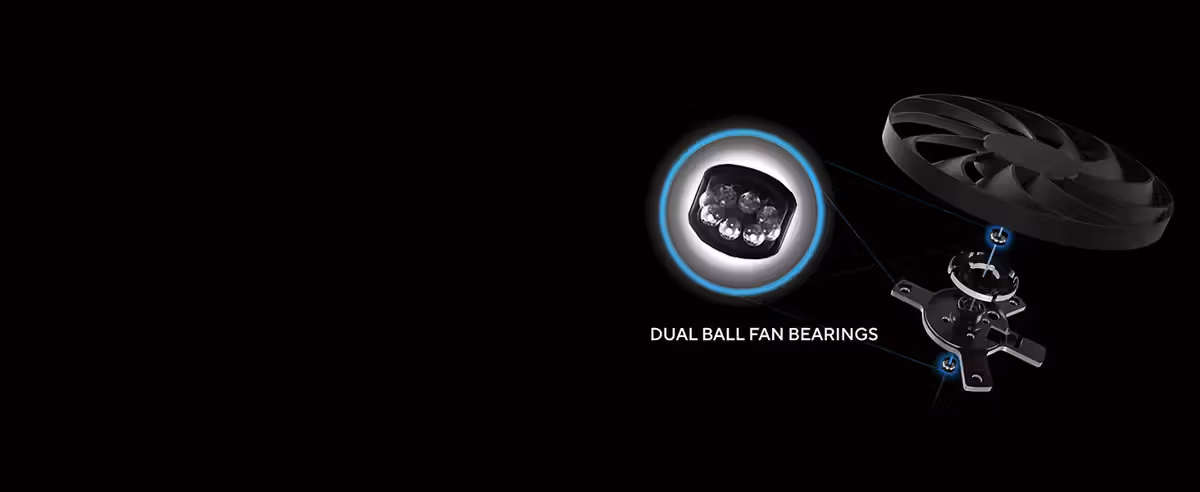
The fans run on dual-ball bearings, which ASUS rates to last up to twice as long as sleeve bearings. With 0dB technology all three fans stop when the GPU is below 50C and start again above 55C, so light games and desktop work run in relative silence.


A switch on the card picks one of two BIOS profiles. Performance mode spins the fans up to keep the card cool all the time, and Quiet mode keeps the same power target with a gentler fan curve. GPU Tweak III adds clock, voltage and fan control.

A switch on the card picks one of two BIOS profiles. Performance mode spins the fans up to keep the card cool all the time, and Quiet mode keeps the same power target with a gentler fan curve. GPU Tweak III adds clock, voltage and fan control.

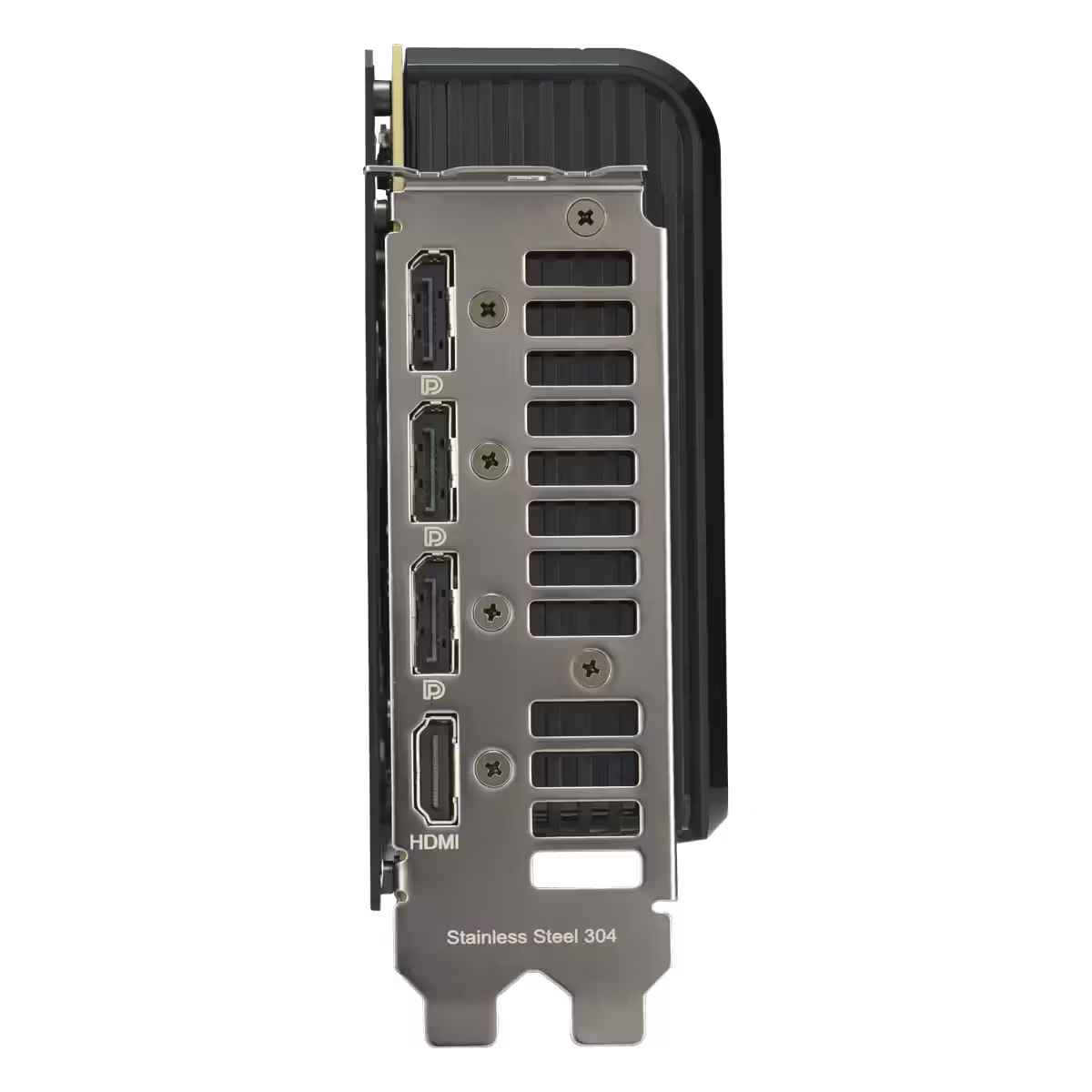
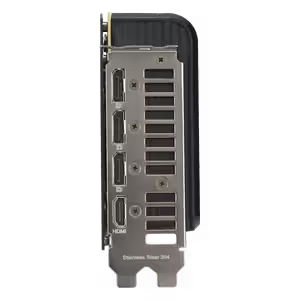
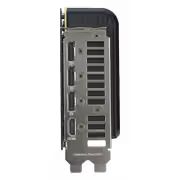
The bracket carries one HDMI 2.1b and three DisplayPort 2.1b outputs, for up to four monitors at once and a maximum resolution of 7680 x 4320. The mounting bracket is grade 304 stainless steel. The card needs one 16-pin power connector, and ASUS recommends a 750W power supply.


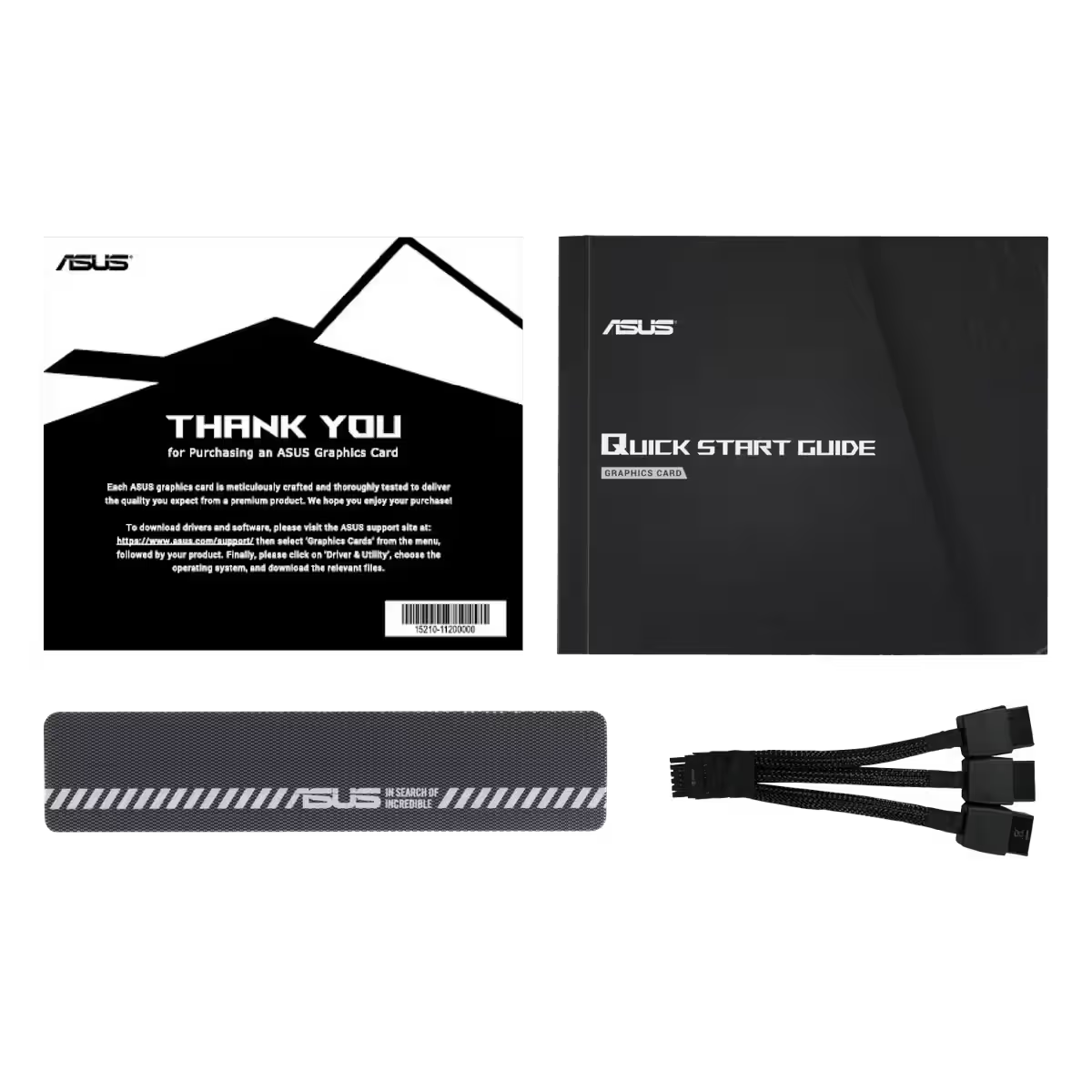
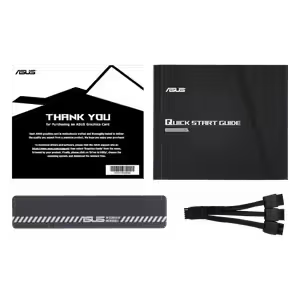
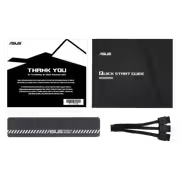
Next to the card, the box holds a Speedsetup manual, an ASUS velcro hook and loop strap for cable management, a thank-you card and a 1-to-3 power adapter cable for the 16-pin connector.

Next to the card, the box holds a Speedsetup manual, an ASUS velcro hook and loop strap for cable management, a thank-you card and a 1-to-3 power adapter cable for the 16-pin connector.
Everything you need to know about this product
It boosts to 2527MHz in OC mode and 2497MHz in default mode, with 8960 CUDA cores and 16GB of GDDR7 at 28 Gbps on a 256-bit bus. ASUS rates it at 1406 AI TOPS.
It is an SFF-Ready Enthusiast GeForce card: 304mm long, 126mm tall and 2.5 slots thick. Check that your case takes a 304mm card and has room for 2.5 slots.
ASUS recommends a 750W power supply. The card uses one 16-pin power connector, and a 1-to-3 adapter cable comes in the box.
It switches between Performance mode, where the fans spin up to keep temperatures low, and Quiet mode, which keeps the same power target but uses a gentler fan curve.
No. With 0dB technology all three fans stop when the GPU is below 50C and start again above 55C, so light games and desktop work run in relative silence.
Up to four at once, through one HDMI 2.1b and three DisplayPort 2.1b outputs, at up to 7680 x 4320.
Both have 16GB of GDDR7 on a 256-bit bus and the same 304mm 2.5-slot Prime cooler. The RTX 5080 has more CUDA cores (10752 against 8960) and faster memory (30 Gbps against 28 Gbps), and ASUS recommends 850W for it against 750W for the 5070 Ti.
The graphics card, a Speedsetup manual, an ASUS velcro hook and loop strap, a thank-you card and a 1-to-3 power adapter cable.
AI-Generated Content: These FAQs are generated by an automated AI system and may contain inaccuracies or omissions. Evetech makes no warranties, express or implied, regarding their completeness or reliability. For definitive information, please refer to the manufacturer's official specifications.
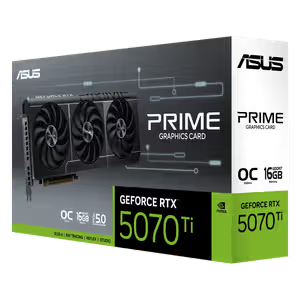


Please Note: Product images are for illustrative purposes only and may differ from the actual product.
Hand-pick every part with live stock, compatibility, and instant pricing.
Try the new builderASUS Prime GeForce RTX 5070 Ti OC Edition 16GB GDDR7 Graphic
Trusted Partners
Hand-pick every part with live stock, compatibility, and instant pricing.
Try the new builder