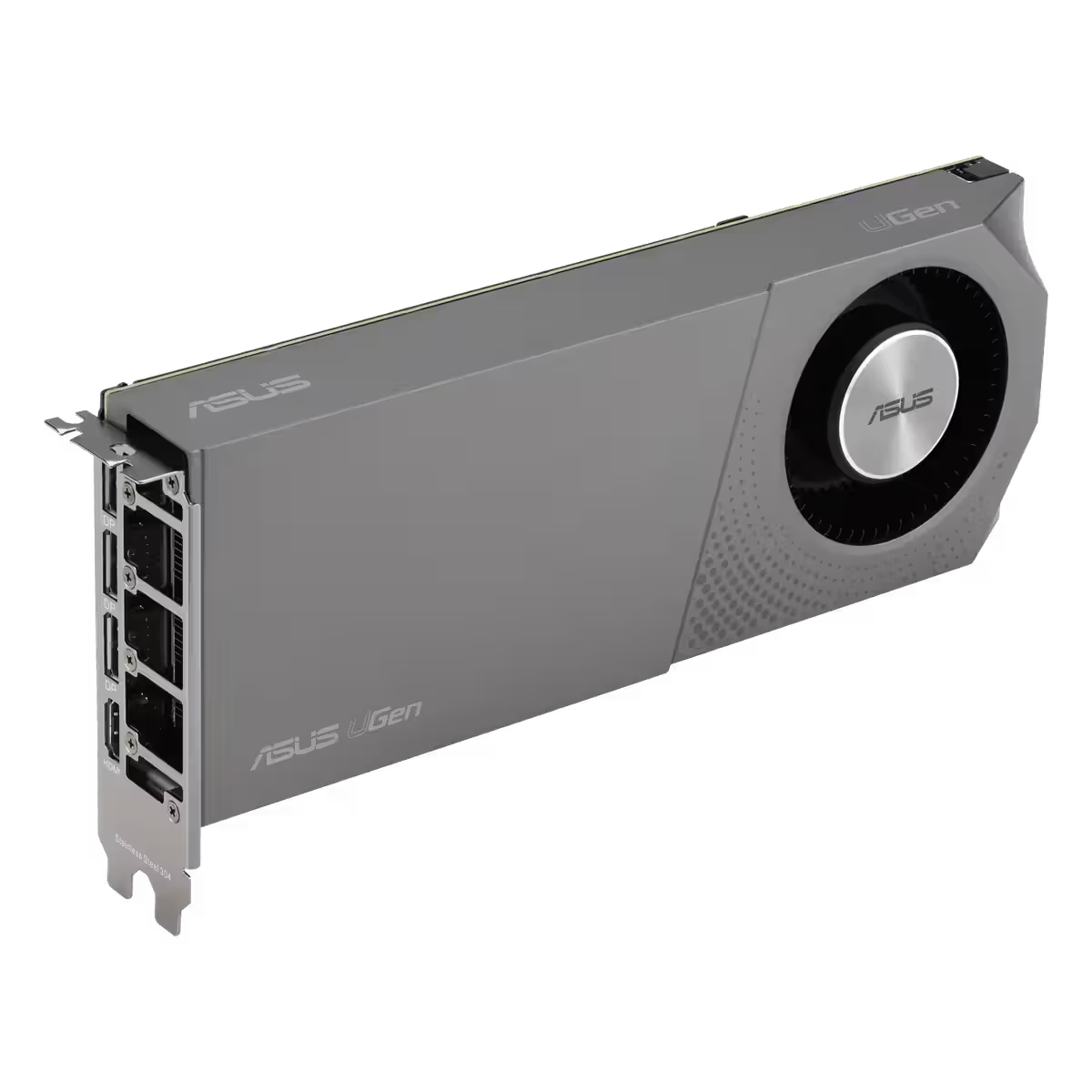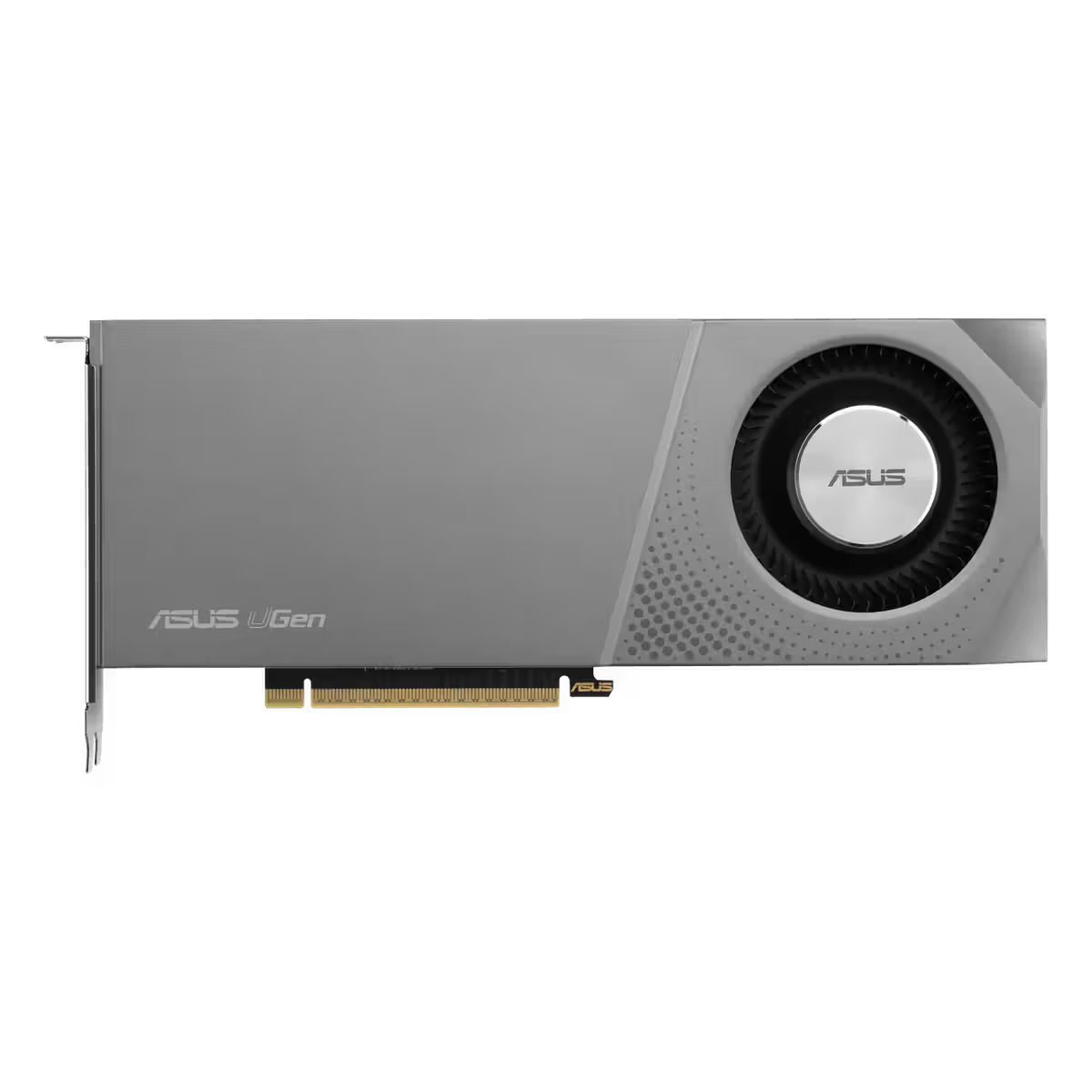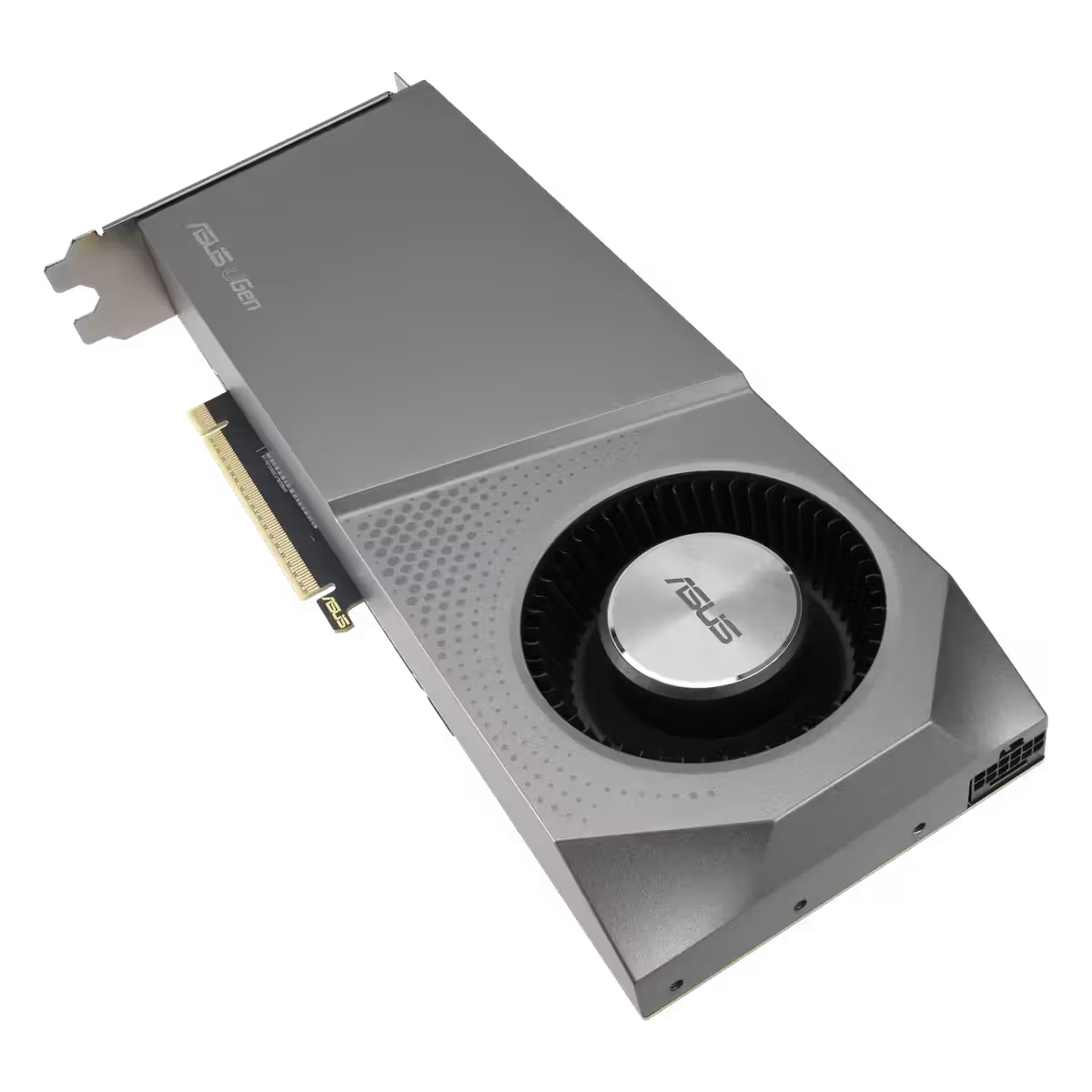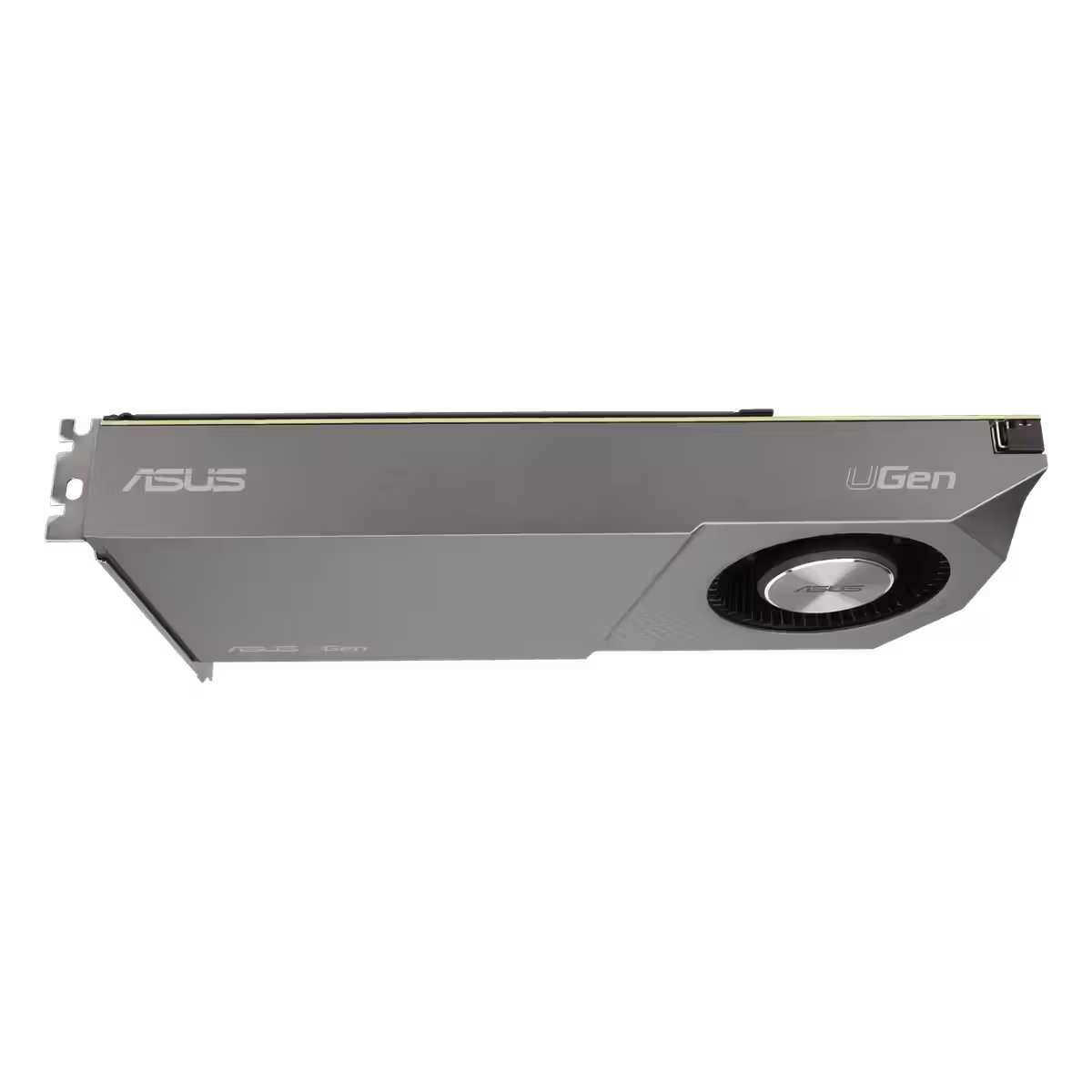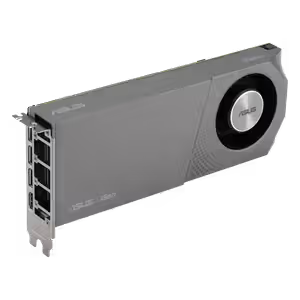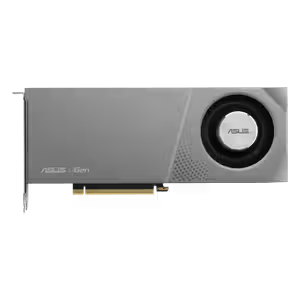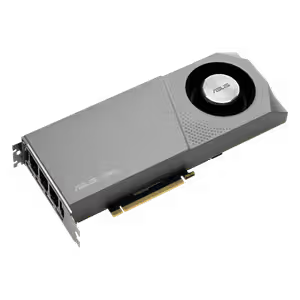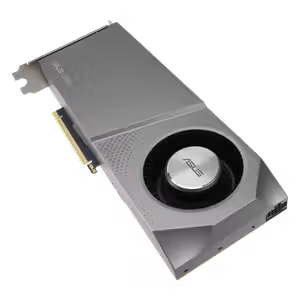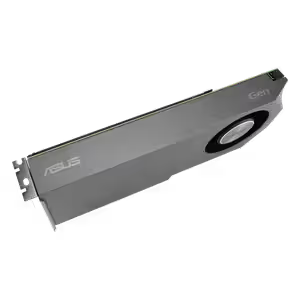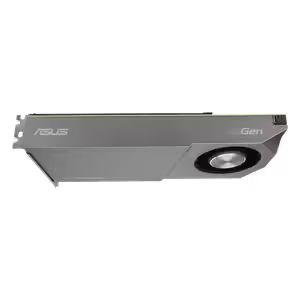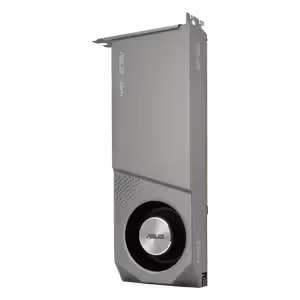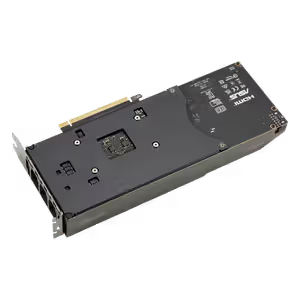
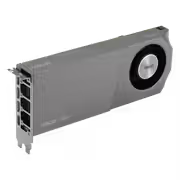
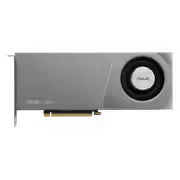
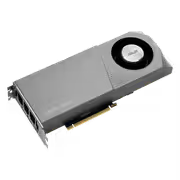
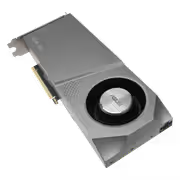
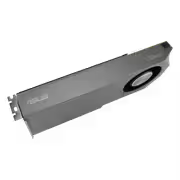
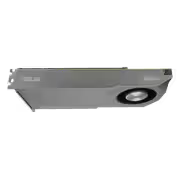
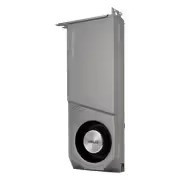
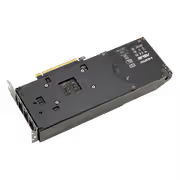
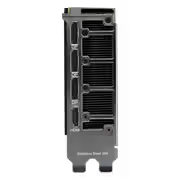
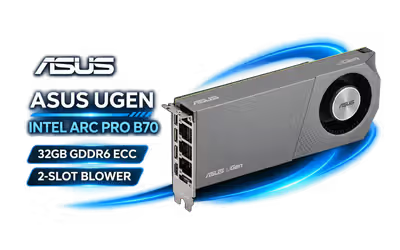


The ASUS UGen Intel Arc Pro B70 is built for running AI models locally. It has 32 Xe cores and 256 XMX AI engines on Intel's Xe2 architecture, 32GB of GDDR6 with ECC at 608 GB/s and a rating of 367 TOPS INT8, in a two-slot blower design that scales to four cards.

The Arc Pro B70 GPU runs up to 2800MHz with 32 Xe cores and 256 XMX engines built for AI inference. ASUS rates it at 367 TOPS INT8 and 22.94 TFLOPS FP32. Its 32GB of GDDR6 runs at 19 Gbps on a 256-bit bus, with ECC error correction for long-running work.

The Arc Pro B70 GPU runs up to 2800MHz with 32 Xe cores and 256 XMX engines built for AI inference. ASUS rates it at 367 TOPS INT8 and 22.94 TFLOPS FP32. Its 32GB of GDDR6 runs at 19 Gbps on a 256-bit bus, with ECC error correction for long-running work.

The slim two-slot form factor is laid out for multi-GPU density: a four-card system gives 128GB of VRAM. ASUS says one card runs most models under 27B parameters and two cards can run 80B-class models. Use a workstation board with four x16 slots spaced at least two slots apart.


Power comes through one 12V-2x6 connector placed at the far end of the card for cleaner cable routing. Each card draws 310W total board power, and ASUS recommends a 750W power supply for one card. A 1-to-2 adapter cable comes in the box.

Power comes through one 12V-2x6 connector placed at the far end of the card for cleaner cable routing. Each card draws 310W total board power, and ASUS recommends a 750W power supply for one card. A 1-to-2 adapter cable comes in the box.

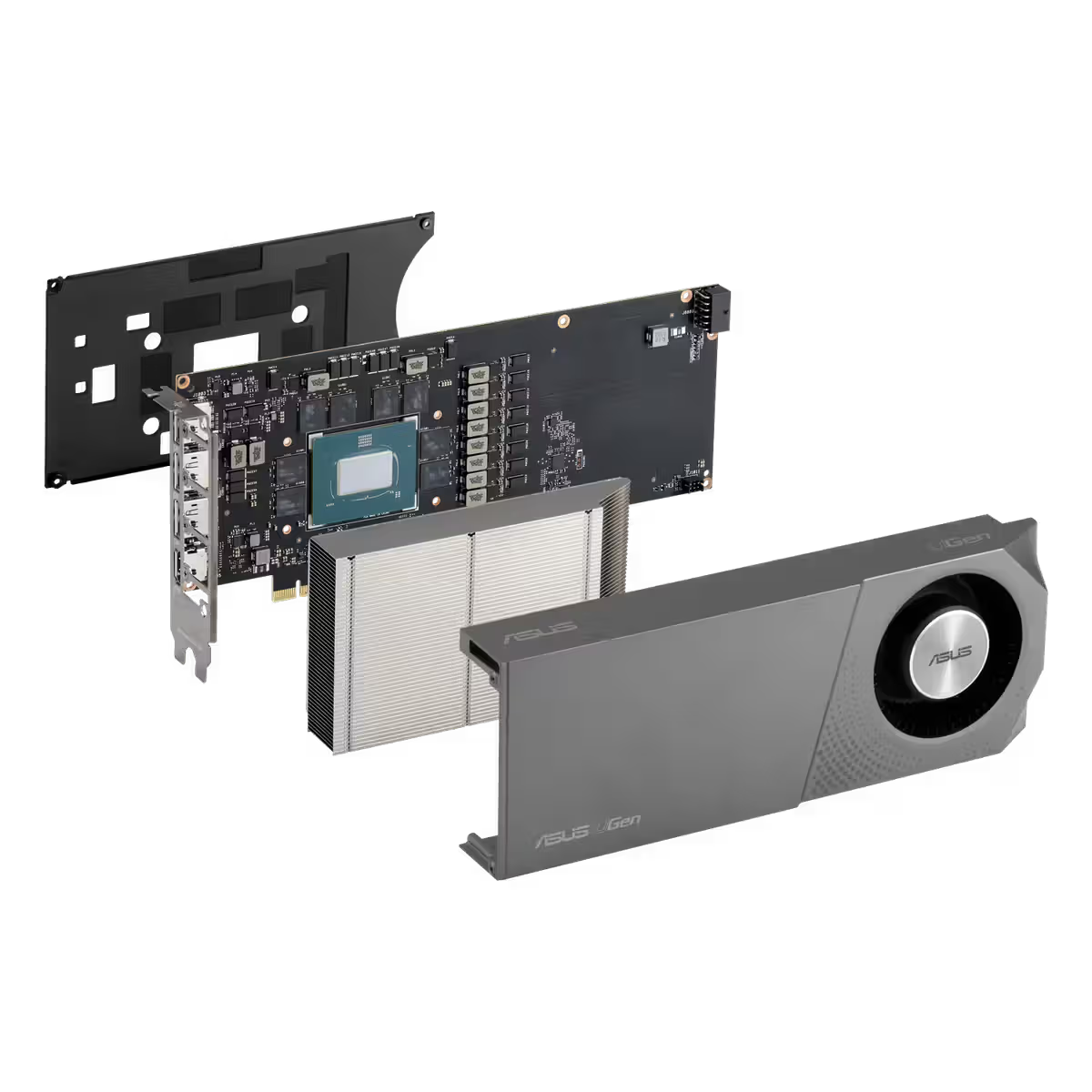
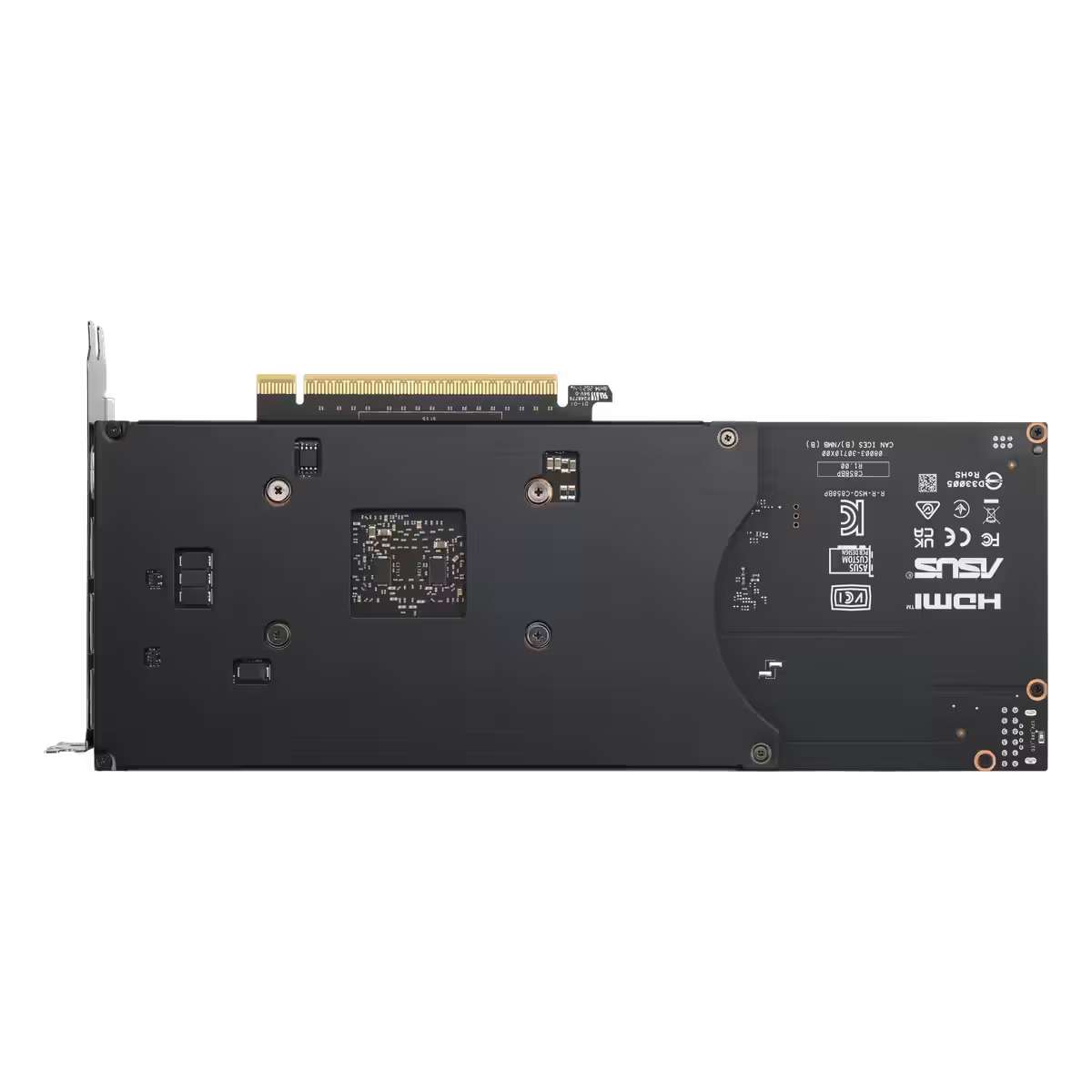
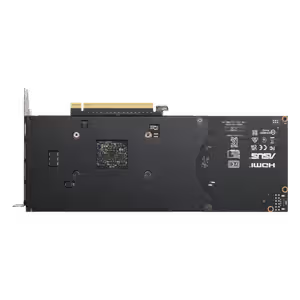
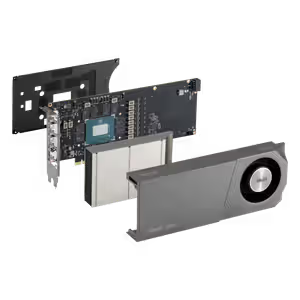
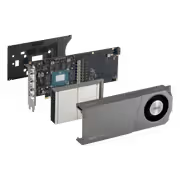
Dual-ball fan bearings are rated for up to twice the life of sleeve bearings, a phase-change thermal pad fills the gaps between GPU and cooler, and ASUS GPU Guard bonds the four corners of the GPU to protect it. The view shows how the shroud, heatsink, board and backplate fit together.


ASUS lists vLLM (XPU), llama.cpp with SYCL or Vulkan, Ollama, PyTorch, OpenVINO, oneAPI, SGLang and Vulkan support. The card supports Windows 11 and Linux, and OpenGL 4.6, OpenCL 3.0 and Vulkan 1.3.

ASUS lists vLLM (XPU), llama.cpp with SYCL or Vulkan, Ollama, PyTorch, OpenVINO, oneAPI, SGLang and Vulkan support. The card supports Windows 11 and Linux, and OpenGL 4.6, OpenCL 3.0 and Vulkan 1.3.

The card is full height and two slots thick, measuring 267 x 111 x 40 mm and weighing 1.1kg, on a PCIe 5.0 x16 slot. Check the length and the slot spacing in your case before building a multi-card system.


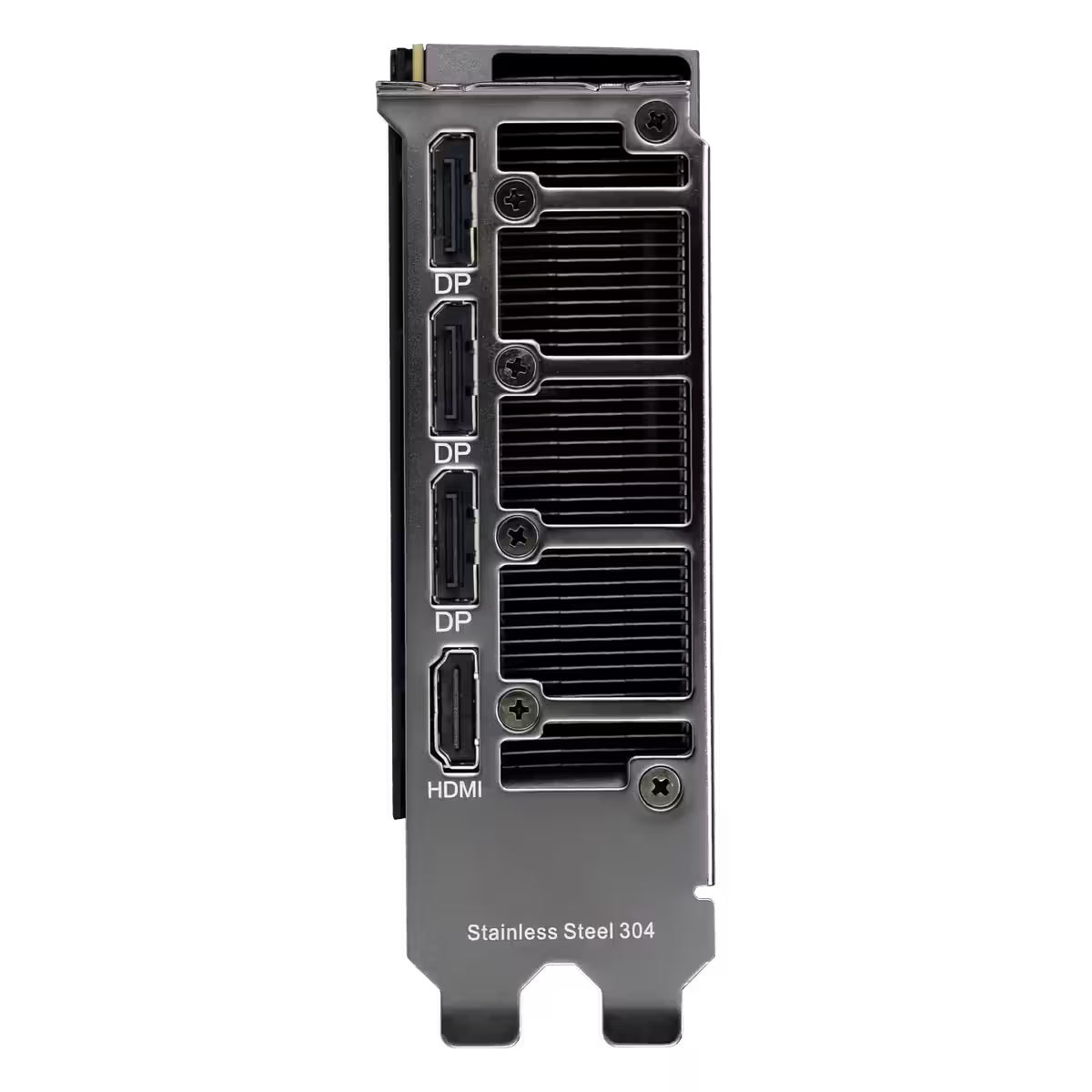
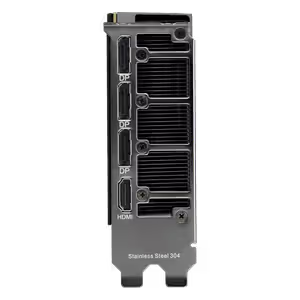
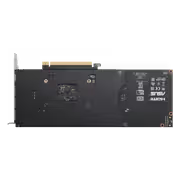
The bracket carries three DisplayPort 2.1 (UHBR13.5) outputs and one HDMI 2.1b, for up to four displays at up to 7680 x 4320 at 120Hz. The bracket is grade 304 stainless steel, which is harder and resists corrosion.

The bracket carries three DisplayPort 2.1 (UHBR13.5) outputs and one HDMI 2.1b, for up to four displays at up to 7680 x 4320 at 120Hz. The bracket is grade 304 stainless steel, which is harder and resists corrosion.
Everything you need to know about this product
It is built for running AI models locally. ASUS says one card with 32GB of VRAM runs most models under 27B parameters, and a two-card 64GB setup can run 80B-class models.
ASUS lists vLLM (XPU), llama.cpp with SYCL or Vulkan, Ollama, PyTorch, OpenVINO, oneAPI, SGLang and Vulkan. It supports Windows 11 and Linux.
Yes. It scales to a four-card system with 128GB of VRAM. ASUS suggests a workstation board with four x16 slots spaced at least two slots apart.
Yes. Its 32GB of GDDR6 runs with ECC (error correction) on a 256-bit bus at 608 GB/s.
Each card has a 310W total board power through one 12V-2x6 connector, and ASUS recommends a 750W power supply. A 1-to-2 adapter cable comes in the box. Multi-card builds need a bigger workstation supply.
It is a full-height, two-slot card of 267 x 111 x 40 mm and 1.1 kg, on a PCIe 5.0 x16 slot.
Standard Ollama has limited native Arc support. ASUS says the easiest path is llama.cpp with Vulkan, the fastest is llama.cpp with SYCL, and Ollama can also run through its oneAPI backend.
Up to four, through three DisplayPort 2.1 (UHBR13.5) outputs and one HDMI 2.1b, at up to 7680 x 4320 at 120Hz.
AI-Generated Content: These FAQs are generated by an automated AI system and may contain inaccuracies or omissions. Evetech makes no warranties, express or implied, regarding their completeness or reliability. For definitive information, please refer to the manufacturer's official specifications.


Please Note: Product images are for illustrative purposes only and may differ from the actual product.
Hand-pick every part with live stock, compatibility, and instant pricing.
Try the new builderASUS UGen Intel Arc Pro B70 32GB GDDR6 ECC Graphics Card
Trusted Partners
Hand-pick every part with live stock, compatibility, and instant pricing.
Try the new builder