PC Compatibility Check
Can my PC run this game? — Steam page first. Then the spec ladder.
Can You Run It is dead. UserBenchmark is unreliable. Modern game compatibility in 2026 comes down to instruction sets, VRAM honesty and whether DLSS or FSR can rescue you.
- spec ladder
- 3 tiers
- 1080p high floor
- 8GB VRAM
- CPU hard req
- AVX2
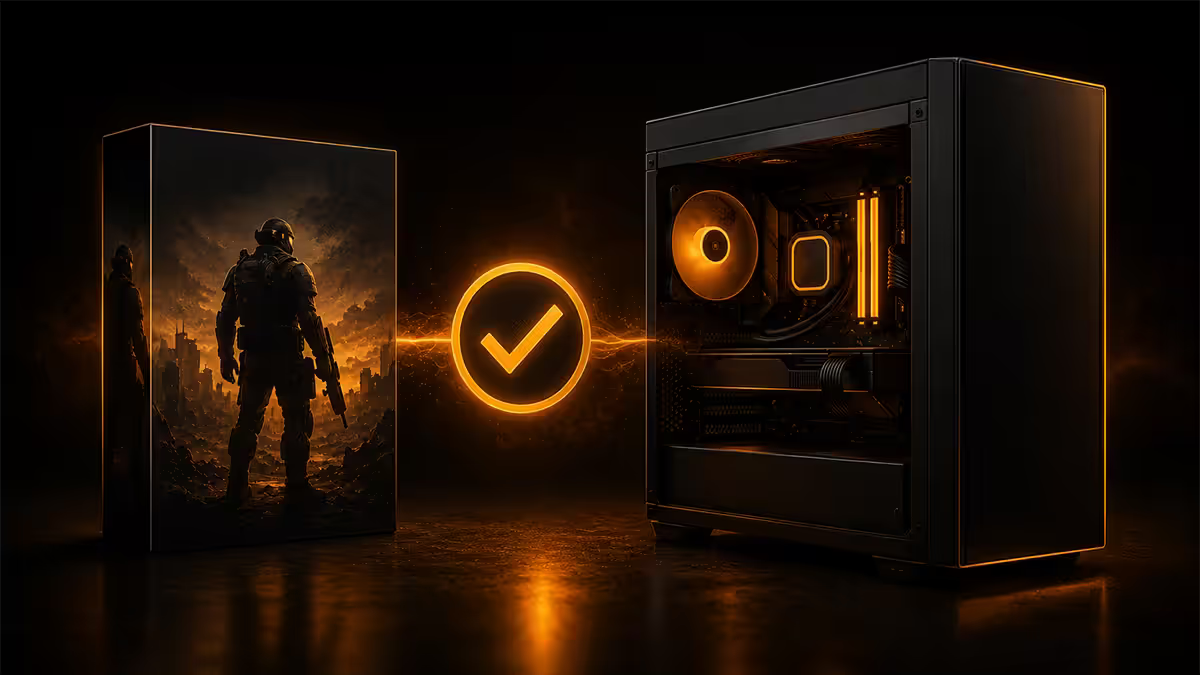
"Can You Run It" is mostly dead in 2026
System Requirements Lab's Can You Run It (CYRI) was the canonical "can my PC run this game" tool for over a decade. It scraped your hardware via a browser plugin, cross-referenced against a database of game requirements, and gave you a pass/fail per game.
In 2026 it's mostly defunct. Two reasons:
- The Java / ActiveX browser plugin it depended on hasn't been supported by Chrome, Edge, Firefox or Safari for years. The "Detection" workflow simply doesn't run anymore.
- Game requirements data on the CYRI database thins out dramatically after 2023 releases. Modern UE5 titles, Decima-engine games and live-service launches aren't reliably indexed.
The site still loads, and you can manually compare specs for older games — but for any 2024+ release, you need a current tool. The 2026 stack:
- Steam's own "Check System Requirements" button on every game's store page (when present).
- PCGameBenchmark.com — the modern CYRI replacement, indexes Steam + Epic + GOG + Xbox PC.
- Steam community discussions for the specific game — search "your-CPU your-GPU" and you'll find real users reporting frame rates.
How to read the Steam system requirements properly
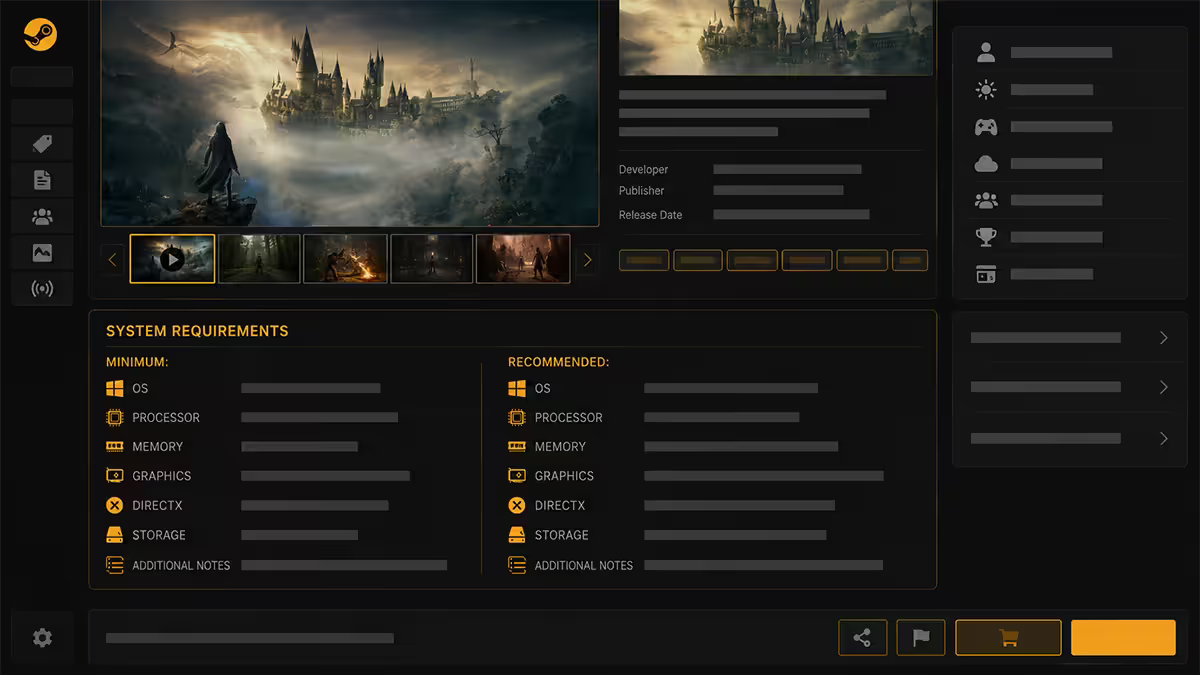
Every game's Steam store page has a System Requirements section listing minimum and recommended specs. Some now have a third "ultra/RT/4K" column. Here's what each line actually means:
| Spec line | What it means | The trap |
|---|---|---|
| OS | Win10 64-bit or Win11 | Some 2025+ games drop Win10 support entirely |
| Processor | CPU model or instruction floor | "or equivalent" varies wildly — verify AVX2 support |
| Memory | System RAM minimum | 16GB minimum in 2026; 8GB causes streaming stutter |
| Graphics | GPU model + VRAM | Stated VRAM is "will boot" not "plays smoothly" |
| DirectX | DX12 most modern games | Some require DX12 Ultimate (RT features) |
| Storage | Install size + free space | Many UE5 games hit 150-200GB after patches |
| Additional Notes | SSD required, ReBAR, etc. | SSD-required games will refuse to launch on HDD |
Read the small print. Modern games increasingly list "SSD required" — not as a recommendation but as a hard requirement. UE5 titles in particular require fast streaming to avoid texture pop-in.
Minimum vs recommended vs your target FPS
The trap with system requirements is that they map to specific targets developers don't always advertise:
| Tier | Target | Notes | Badge |
|---|---|---|---|
| Minimum | 720p · Low settings · 30 fps | The absolute floor — what the dev tested. Often unstable in real builds. | FLOOR |
| Recommended | 1080p · High settings · 60 fps | The marketing target. Usually achievable on launch hardware. | BASE |
| For 1440p | 1440p · High · 60 fps | Recommended GPU + 30% headroom. Often goes uncited. | +30% |
| For 4K | 4K · High · 60 fps | Recommended GPU + 80-100%. Often needs DLSS Performance. | +100% |
| RT Ultra | 1440p · RT max · 60 fps | Always needs DLSS/FSR. RTX 4080+ tier hardware. | RT TIER |
Rule of thumb: if you want comfortable 1440p 60fps on a 2026 AAA release, you need recommended specs plus 30% on GPU. For 4K 60fps, plan on roughly double the recommended GPU class.
Hard CPU requirements — the AVX2/SSE4.2 wall
Some requirements aren't negotiable. Modern game engines compile against CPU instruction sets — particularly SSE4.2 and AVX2. If your CPU doesn't support them, the game won't run, no matter how much RAM or VRAM you have.
Which CPUs support what:
- SSE4.2 — Intel Nehalem (2008+), AMD Bulldozer (2011+). Almost any CPU younger than ~14 years has it.
- AVX2 — Intel Haswell (2013+, 4th-gen Core), AMD Excavator / Zen (2017+). Required by an increasing number of 2024+ AAA games — UE5 titles especially.
- AVX-512 — required by a handful of niche simulators. AMD Zen 4 / Zen 5 supports it; some Intel chips have it disabled.
How to check: visit cpu-world.com or ark.intel.com (or amd.com for Ryzen), enter your CPU model, and check the "Instructions" section. If AVX2 isn't listed, modern UE5 games will crash on launch with errors like "Unhandled exception" or "EXCEPTION_ILLEGAL_INSTRUCTION".
VRAM — the honest minimum in 2026
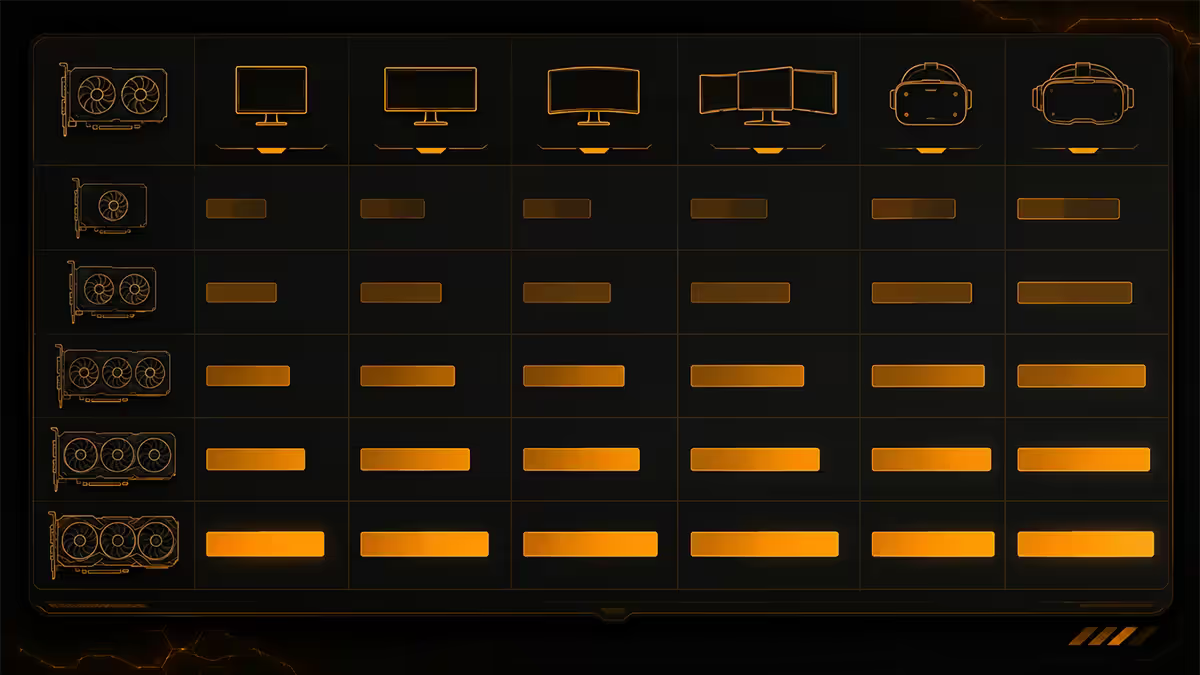
Stated minimum VRAM on a Steam page is "the game will boot". It's not "the game runs smoothly". The honest 2026 floors for new AAA releases:
| Target | Honest VRAM minimum | Stated VRAM (often) |
|---|---|---|
| 1080p Low | 6GB | 4GB |
| 1080p High | 8GB | 6GB |
| 1440p High | 12GB | 8GB |
| 1440p Ultra + RT | 16GB | 10GB |
| 4K High | 16GB | 12GB |
| 4K Ultra + RT | 20GB+ | 16GB |
What VRAM overflow looks like in practice: sudden 1-second stutters every 10-30 seconds, texture pop-in (low-res textures snapping to high-res mid-frame), and average frame rate fine but 1% lows brutal. Drop textures one notch and the stutter usually clears.
The cards under 8GB to be careful with in 2026:
- RTX 3050 / RTX 4060 (8GB — actually fine for 1080p high but tight)
- RTX 3050 6GB / RTX 2060 6GB / GTX 1660 (6GB — 1080p medium territory)
- RX 6500 XT 4GB / GTX 1650 4GB (4GB — esports titles only)
- Anything 2GB — legacy, won't run most modern games
DLSS, FSR and XeSS — your compatibility unlock
Here's the cheat code: DLSS, FSR and XeSS can drag a struggling GPU into playable territory. They render the game at a lower internal resolution and intelligently upscale.
| Tech | Vendor | Internal resolution scaling | Compatibility |
|---|---|---|---|
| DLSS Quality | Nvidia (RTX 20+) | 67% (1080p → 720p input) | ~30-40% perf gain |
| DLSS Balanced | Nvidia (RTX 20+) | 58% | ~50% perf gain |
| DLSS Performance | Nvidia (RTX 20+) | 50% | ~80% perf gain |
| FSR 3 / FSR 3.1 | AMD (open) — works on most GPUs | 50-67% with frame gen | ~40-100% |
| XeSS | Intel — works on most GPUs | 50-67% | ~30-60% |
| DLSS 4 Multi Frame Gen | Nvidia RTX 50-series only | varies | ~200-300% |
Practical translation: a card that runs a game at 38fps at 1440p native can hit 55-60fps with DLSS Quality, or 70fps+ with FSR Performance. That's the difference between "unplayable" and "great". Don't dismiss a game as unsupported until you've tried it with DLSS/FSR enabled.
The catch: not every game supports every upscaler. UE5 games typically support all three. Older 2022/2023 releases might only have DLSS 2 or FSR 2. Check the game's Steam page features list for "DLSS", "FSR", "XeSS" or "Supports upscaling".
Tools worth using (and tools to avoid)
Use these
- Steam System Requirements on the game's store page — first stop.
- PCGameBenchmark.com — replaces CYRI; up-to-date for current releases.
- TechPowerUp GPU Database (techpowerup.com/gpu-specs) — definitive GPU spec reference, real benchmark scores.
- Hardware Unboxed and Gamers Nexus YouTube — honest game-specific benchmark reviews.
- Steam community hub for the specific game — search forum for your hardware.
- 3DMark (Steam, free demo) — synthetic benchmark to grade your overall GPU class.
Avoid these
- UserBenchmark — the methodology is widely criticised; Reddit's /r/hardware and /r/buildapc explicitly ban it as a source.
- "Can You Run It" detection — the auto-detect feature is dead. Manual lookups work for older games only.
- "Free PC scanner" tools bundled with random websites — adware risk.
- YouTube "PC vs Console" comparison videos for newer games — often paid promotions with cherry-picked settings.
Recommended check-list & upgrade picks
| If your gap is... | Pick | SA price |
|---|---|---|
| CPU (no AVX2 / pre-2017) | Ryzen 5 5600 or Ryzen 5 7600 | R2,800-R5,200 |
| GPU for 1080p high (8GB) | RTX 4060 or RX 7600 | R5,800-R7,500 |
| GPU for 1440p high (12GB) | RTX 5070 or RX 7800 XT | R12,500-R16,000 |
| GPU for 4K (16GB+) | RTX 5080 or RX 9070 XT | R22,000-R32,000 |
| RAM upgrade (8 → 16/32GB) | Kingston Fury Beast or Corsair Vengeance DDR5 | R1,200-R2,800 |
| SSD required (slow HDD) | Crucial P3 Plus 1TB NVMe | R1,100-R1,500 |
| Pre-built upgrade (full rebuild) | Evetech custom configurator | From R12,000 |
Key takeaways
- Read the Steam store page first. Match CPU, GPU, RAM and VRAM line by line.
- "Can You Run It" auto-detect is dead. PCGameBenchmark.com replaces it.
- Minimum = 720p low 30fps. Recommended = 1080p high 60fps. Plan accordingly.
- AVX2 is the hard CPU wall — pre-2013 Intel / pre-2017 AMD won't launch modern UE5 games.
- VRAM honest floor: 8GB for 1080p high, 12GB for 1440p, 16GB+ for 4K or RT.
- DLSS, FSR and XeSS are real compatibility unlocks — try before you give up.
- Ignore UserBenchmark. Trust TechPowerUp, Hardware Unboxed and Gamers Nexus.
Frequently asked questions
How do I check if my PC can run a specific game?
Start with the official Steam (or Epic, GOG) store page system requirements. Cross-reference with PCGameBenchmark.com and Steam community discussions for your hardware. CYRI's auto-detection is deprecated.What happened to Can You Run It (CYRI)?
The browser plugin it relied on isn't supported anymore. Database thins out for post-2023 games. Use Steam's own requirements check or PCGameBenchmark.com instead.What's the difference between minimum and recommended specs?
Minimum = 720p low 30fps. Recommended = 1080p high 60fps. For 1440p add 30% GPU; for 4K add 80-100%; for RT ultra always use DLSS/FSR.What is SSE4.2 / AVX2 and why does it matter?
CPU instruction sets required by modern UE5 and other engines. Pre-Haswell Intel and pre-Ryzen AMD lack AVX2 — games will crash with "illegal instruction" errors on launch.How much VRAM do I really need for modern games in 2026?
Honest floors: 8GB for 1080p high, 12GB for 1440p high, 16GB+ for 4K or 1440p ultra with RT. Stated minimums on Steam mean "will boot" not "plays smoothly".Can DLSS or FSR make my PC run a game it shouldn't?
Yes — genuine compatibility unlocks. DLSS Quality alone is a 30-40% performance gain. FSR3 and XeSS work on most GPUs. Always try before giving up on a game.Why does UserBenchmark give misleading results?
Methodology has been widely criticised — Reddit's /r/hardware and /r/buildapc explicitly ban it as a source. Use TechPowerUp, Hardware Unboxed and Gamers Nexus instead.My PC meets minimum specs but the game still stutters — why?
Three causes: shader compilation (first launch only), VRAM overflow (drop textures), or background apps. Close Chrome, Discord overlay, antivirus real-time scan and retest.