logitech-mx-keys-mini-compact-backlit-keyboard
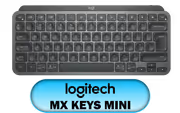
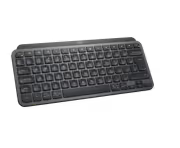
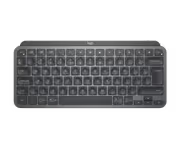
Logitech MX Keys Mini Minimalist Wireless Illuminated Keyboard, Compact, Bluetooth, Backlit, USB-C, Compatible with Apple macOS, iOS, Windows, Linux, Android, Metal Build - Graphite - 920-010498 / 920-010498
2 Years Local Warranty
Model No : Logitech 920-010498
Price Inc. Vat
R 2,249
Save R 350
ListR 2,599
2249Out of Stock
Logitech MX Keys Mini Wireless Backlit Keyboard - Compact, USB-C
Compact Bluetooth Keyboard For macOS, Windows, Linux, iOS And Android
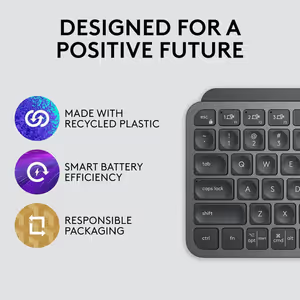
The Logitech MX Keys Mini is a compact wireless keyboard that connects over Bluetooth to Apple macOS, iOS, Windows, Linux and Android. Backlit keys keep the legends readable in dim lighting, and premium metal construction gives it both the look and the durability of a desk fixture. It recharges over USB-C, so a short top-up puts you straight back to work.
Compact Bluetooth Keyboard For macOS, Windows, Linux, iOS And Android
The Logitech MX Keys Mini is a compact wireless keyboard that connects over Bluetooth to Apple macOS, iOS, Windows, Linux and Android. Backlit keys keep the legends readable in dim lighting, and premium metal construction gives it both the look and the durability of a desk fixture. It recharges over USB-C, so a short top-up puts you straight back to work.
Built Small For Creators Who Work In Shortcuts
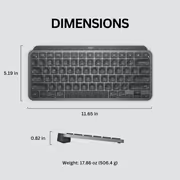
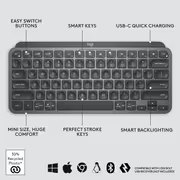
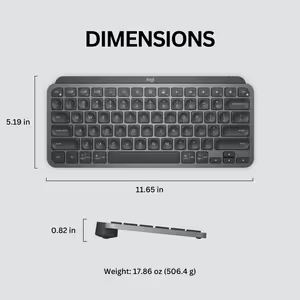
The MX Keys Mini is a compact keyboard crafted for creators. Its smaller dimensions and intelligent keys give designers, makers and anyone finishing work a full command set in a fraction of the desk space. The reduced footprint is what buys the room back, and the keys that remain are the ones creative work actually leans on all day.
Built Small For Creators Who Work In Shortcuts
The MX Keys Mini is a compact keyboard crafted for creators. Its smaller dimensions and intelligent keys give designers, makers and anyone finishing work a full command set in a fraction of the desk space. The reduced footprint is what buys the room back, and the keys that remain are the ones creative work actually leans on all day.
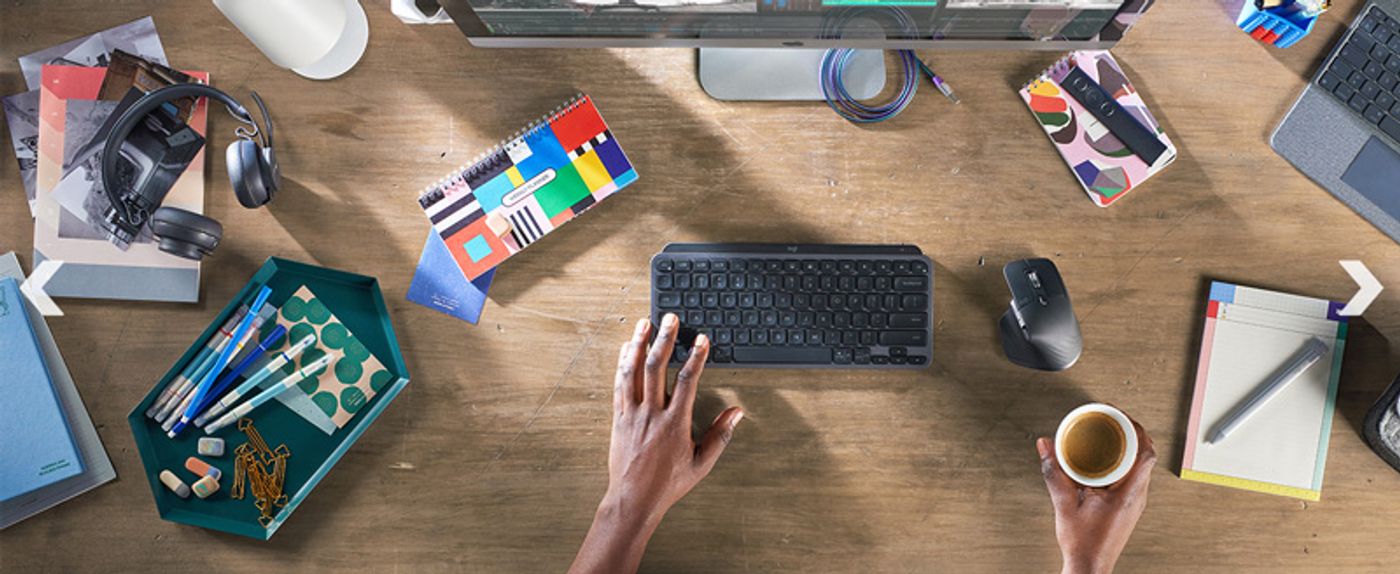
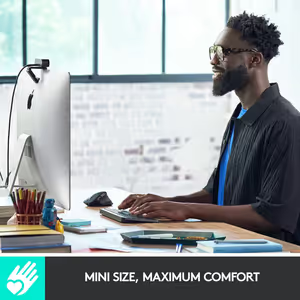
Minimalist Layout Keeps Every Key And Shortcut In Reach
A minimalist layout keeps every key, command and shortcut easily accessible without the width of a full-size board. The sleek design improves posture and ergonomics mainly because it lets you position your mouse closer to the keyboard instead of reaching sideways all day. Less lateral reach means less strain across the shoulder and forearm.
Minimalist Layout Keeps Every Key And Shortcut In Reach
A minimalist layout keeps every key, command and shortcut easily accessible without the width of a full-size board. The sleek design improves posture and ergonomics mainly because it lets you position your mouse closer to the keyboard instead of reaching sideways all day. Less lateral reach means less strain across the shoulder and forearm.
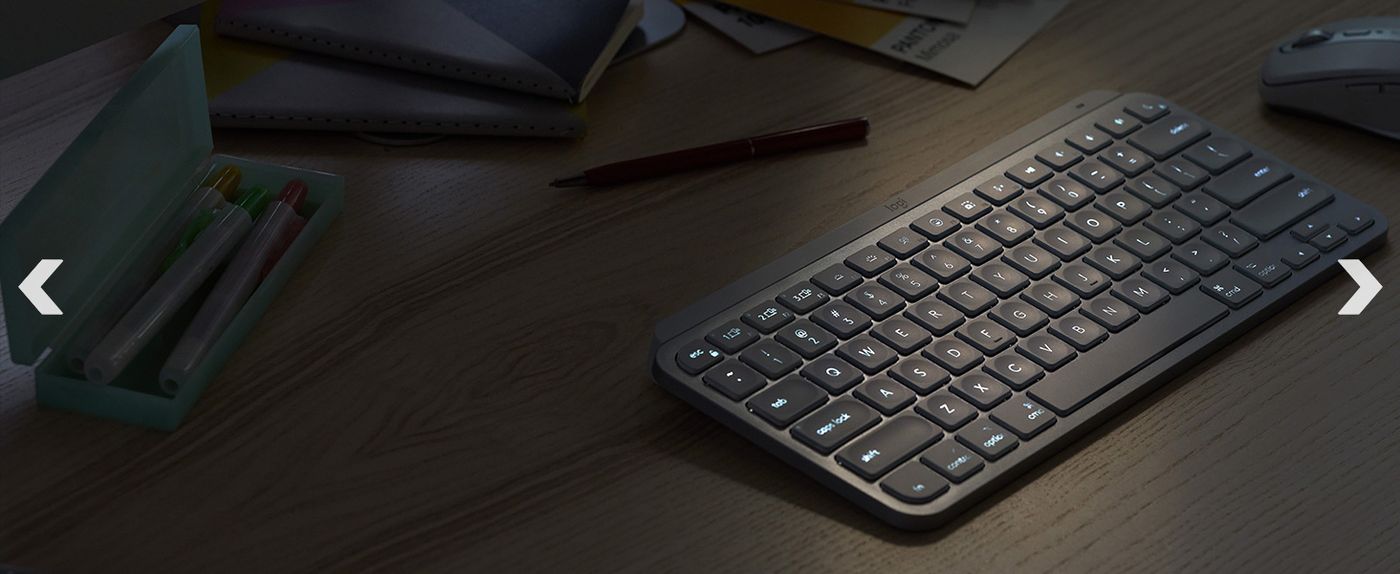
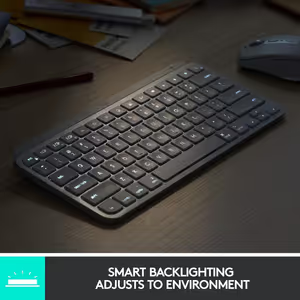
Backlighting Brightens As Your Hands Approach
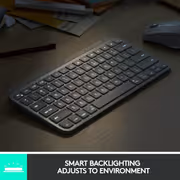
The backlit keys light up automatically as your hands draw near, adjusting brightness rather than sitting at one fixed level. That means the legends are already lit when you reach for a dark desk, and the illumination steps back when the room does not need it. Nothing has to be switched on before you start typing.
Backlighting Brightens As Your Hands Approach
The backlit keys light up automatically as your hands draw near, adjusting brightness rather than sitting at one fixed level. That means the legends are already lit when you reach for a dark desk, and the illumination steps back when the room does not need it. Nothing has to be switched on before you start typing.
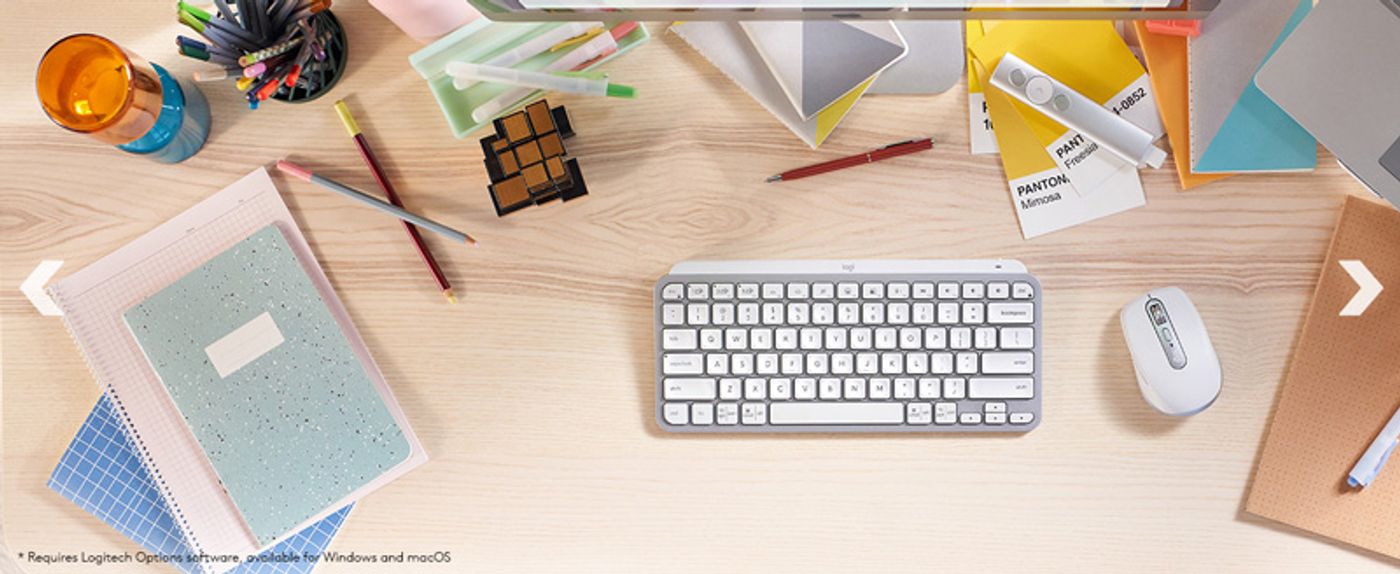
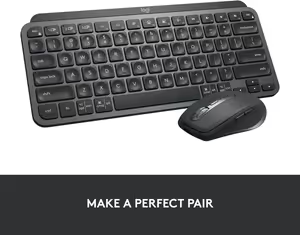
Pairs With The MX Anywhere 3 As A Matched Set
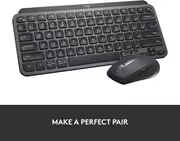
Logitech designs the MX Keys Mini to run alongside the MX Anywhere 3 mouse, matching it in function and design so a compact desk uses one coherent set. Putting a small mouse next to a small keyboard keeps the whole working area tight, which is the reason for choosing a mini layout in the first place.
Pairs With The MX Anywhere 3 As A Matched Set
Logitech designs the MX Keys Mini to run alongside the MX Anywhere 3 mouse, matching it in function and design so a compact desk uses one coherent set. Putting a small mouse next to a small keyboard keeps the whole working area tight, which is the reason for choosing a mini layout in the first place.

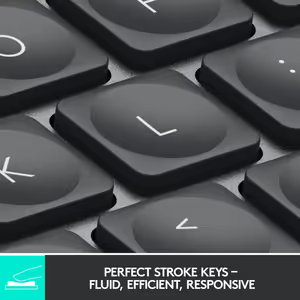
Keys Shaped To Match Your Fingertips
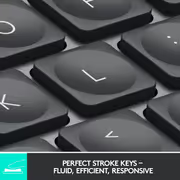
Each key is ergonomically shaped for a comfortable fit on your fingers, so a fingertip settles into the key rather than sliding across a flat slab. That shaping is what lets you type confidently at speed, because you can feel when a finger is centred and when it is drifting off target. Fewer mis-hits over a long document.
Keys Shaped To Match Your Fingertips
Each key is ergonomically shaped for a comfortable fit on your fingers, so a fingertip settles into the key rather than sliding across a flat slab. That shaping is what lets you type confidently at speed, because you can feel when a finger is centred and when it is drifting off target. Fewer mis-hits over a long document.
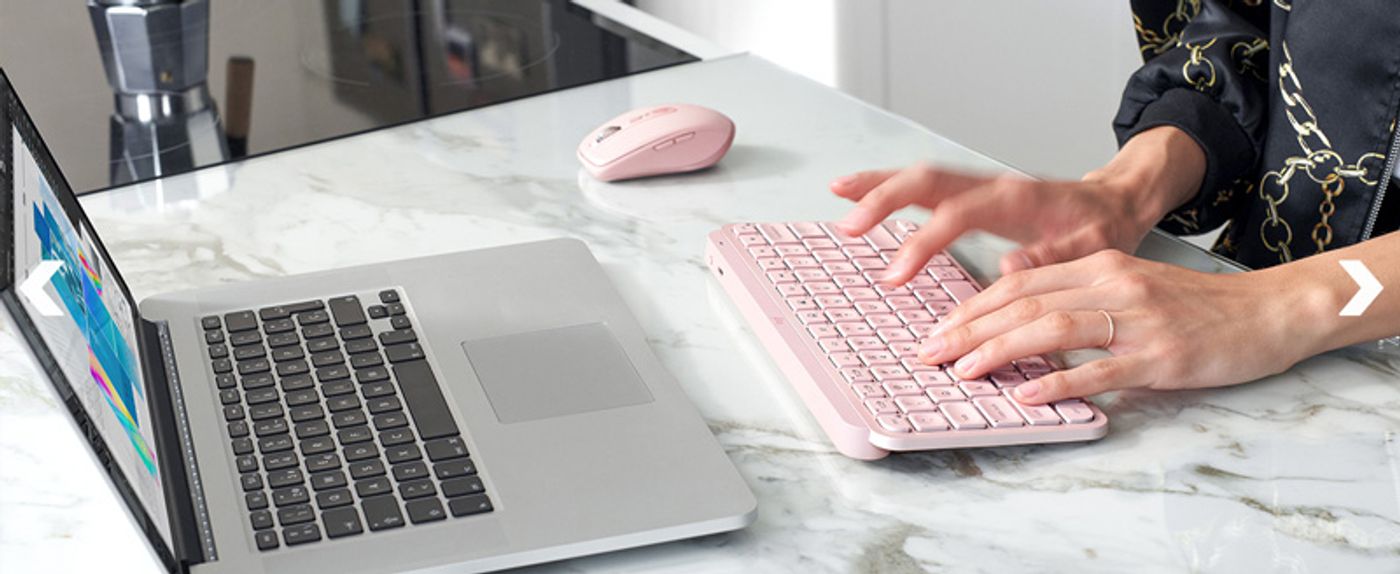
Engineered For Efficiency, Stability And Precision
The MX Keys Mini is engineered around efficiency, stability and precision, which is what Logitech targets with a keyboard built for superior productivity. In practice that means a typing surface that behaves the same on the last line as it did on the first, whether the work is a long document, a video timeline or a day inside an editor.
Engineered For Efficiency, Stability And Precision
The MX Keys Mini is engineered around efficiency, stability and precision, which is what Logitech targets with a keyboard built for superior productivity. In practice that means a typing surface that behaves the same on the last line as it did on the first, whether the work is a long document, a video timeline or a day inside an editor.
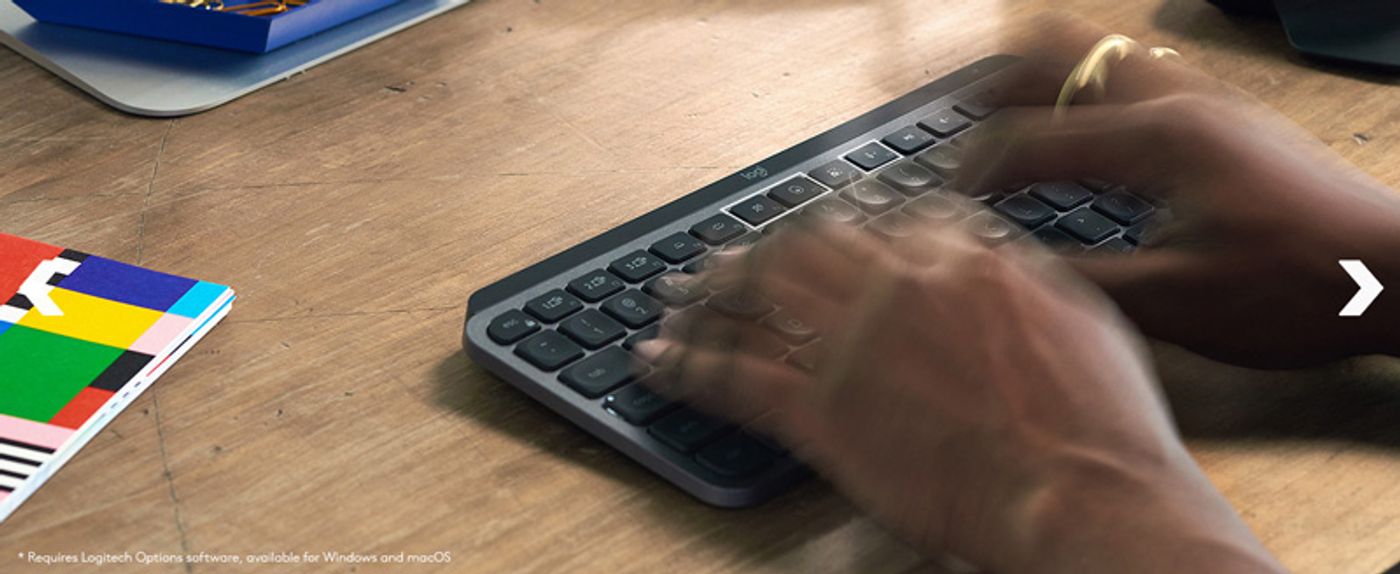
Dictation, Mic Mute And Emoji Keys Built In
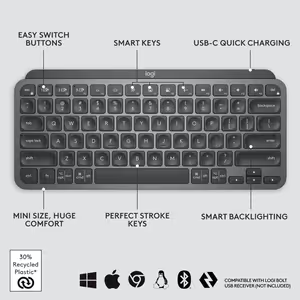
Dedicated keys handle Dictation, Mic Mute and Unmute, and Emoji straight from the keyboard. Muting a call becomes one press instead of a hunt through a meeting toolbar, and dictation starts without opening a menu first. These are the actions a working day repeats dozens of times, which is exactly why they get keys of their own.
Dictation, Mic Mute And Emoji Keys Built In
Dedicated keys handle Dictation, Mic Mute and Unmute, and Emoji straight from the keyboard. Muting a call becomes one press instead of a hunt through a meeting toolbar, and dictation starts without opening a menu first. These are the actions a working day repeats dozens of times, which is exactly why they get keys of their own.

Connects To Three Devices Over Bluetooth Low Energy
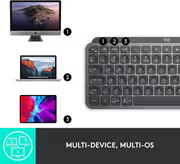
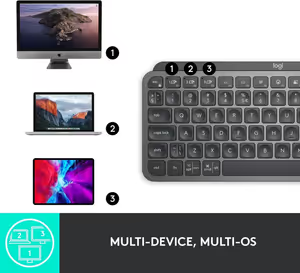
The MX Keys Mini pairs with up to three devices using Bluetooth Low Energy, so a laptop, tablet and phone can all answer to the same keyboard. There is no USB connection to make and no receiver to keep track of, which is what keeps the desk clutter-free. Switching target device does not mean re-pairing anything.
Connects To Three Devices Over Bluetooth Low Energy
The MX Keys Mini pairs with up to three devices using Bluetooth Low Energy, so a laptop, tablet and phone can all answer to the same keyboard. There is no USB connection to make and no receiver to keep track of, which is what keeps the desk clutter-free. Switching target device does not mean re-pairing anything.
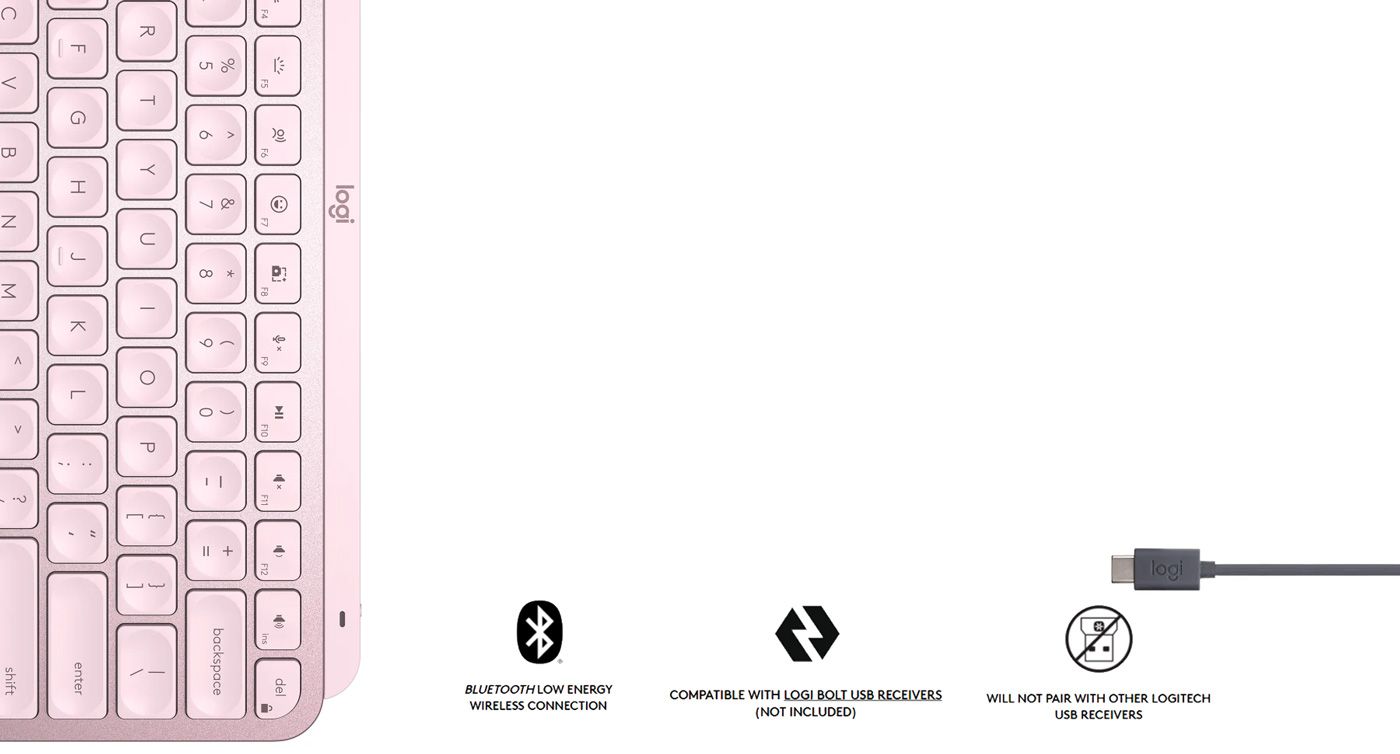
10 Days Per Charge, 5 Months With Backlighting Off
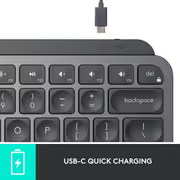
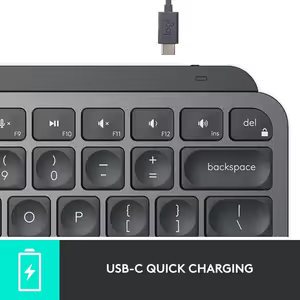
A full charge runs up to 10 days of use, or up to 5 months with the backlighting turned off. Recharging happens over the included USB-C cable, and it charges quickly enough that a short session at the desk is enough to keep going. In practical terms the keyboard is always ready when you sit down.
10 Days Per Charge, 5 Months With Backlighting Off
A full charge runs up to 10 days of use, or up to 5 months with the backlighting turned off. Recharging happens over the included USB-C cable, and it charges quickly enough that a short session at the desk is enough to keep going. In practical terms the keyboard is always ready when you sit down.
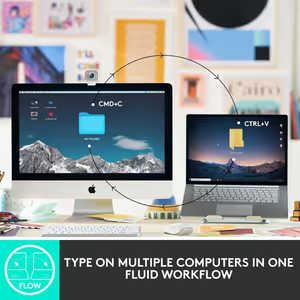
One Flow Across Multiple Computers
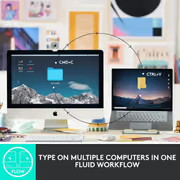
The MX Keys Mini switches between multiple computers and carries your work across with it, transferring text, images and files from one machine to the other. That turns two separate desktops into a single working surface, which matters most if you run a laptop beside a desktop and move between them constantly.
One Flow Across Multiple Computers
The MX Keys Mini switches between multiple computers and carries your work across with it, transferring text, images and files from one machine to the other. That turns two separate desktops into a single working surface, which matters most if you run a laptop beside a desktop and move between them constantly.
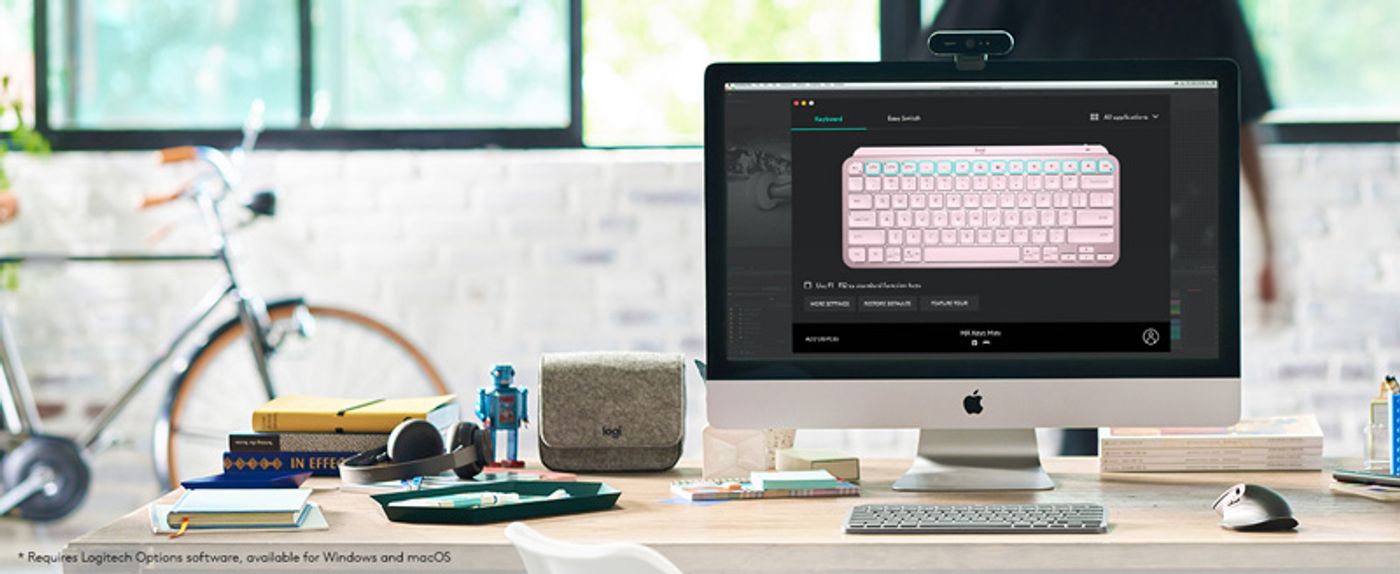
F-Keys Remap To The Functions You Actually Use
The F-keys are customisable, so each one can execute a specific function or activate a personalised shortcut instead of its default. Map the actions your software repeats most and a three-key combination collapses into a single press. It is the difference between using a keyboard as shipped and having one configured around your own work.
F-Keys Remap To The Functions You Actually Use
The F-keys are customisable, so each one can execute a specific function or activate a personalised shortcut instead of its default. Map the actions your software repeats most and a three-key combination collapses into a single press. It is the difference between using a keyboard as shipped and having one configured around your own work.
FAQ
Frequently Asked Questions
Everything you need to know about this product
It pairs with up to three devices at once using Bluetooth Low Energy.
A full charge gives up to 10 days of use, or up to 5 months with the backlighting turned off.
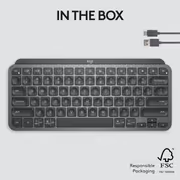
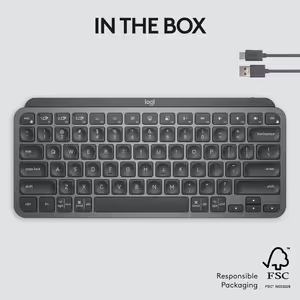
It recharges over USB-C using the cable included with the keyboard.
It connects over Bluetooth to Apple macOS, iOS, Windows, Linux and Android devices.
Yes. The backlit keys illuminate automatically and adjust brightness as your hands draw near.
It uses premium metal construction, which adds to both its appearance and its durability.
Yes. The F-keys can be tailored to run specific functions or personalised shortcuts.
Yes. It includes dedicated Dictation, Mic Mute and Unmute, and Emoji keys.
Yes. You can switch between computers and transfer text, images and files between them.
Logitech pairs it with the MX Anywhere 3 for a matched compact setup.
No. It uses Bluetooth Low Energy, so no USB connection is required.
Yes. The compact size saves desk space and lets you keep the mouse closer to the keyboard.


AI-Generated Content: These FAQs are generated by an automated AI system and may contain inaccuracies or omissions. Evetech makes no warranties, express or implied, regarding their completeness or reliability. For definitive information, please refer to the manufacturer's official specifications.
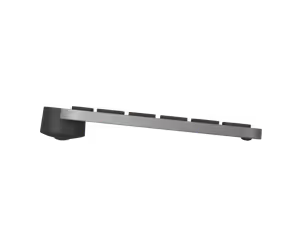
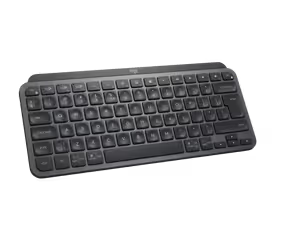
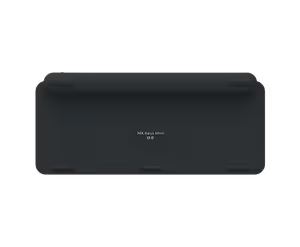
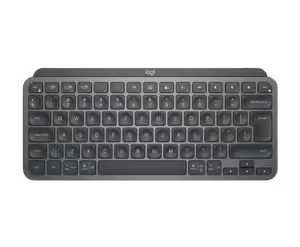

Please Note: Product images are for illustrative purposes only and may differ from the actual product.
Choose your
own PC
Hand-pick every part with live stock, compatibility, and instant pricing.
Try the new builderPrice Inc. Vat
R 2,249
Save R 350
ListR 2,599
2249Out of Stock
Choose your
own PC
Hand-pick every part with live stock, compatibility, and instant pricing.
Try the new builderLogitech MX Keys Mini Minimalist Wireless Illuminated Keyboa