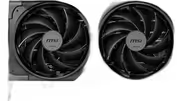
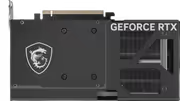
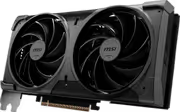
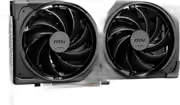
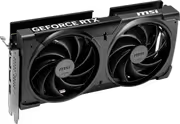
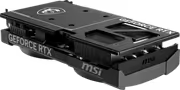
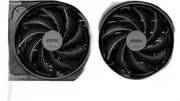
msi-geforce-rtx-5070-ventus-2x-12g-gddr7
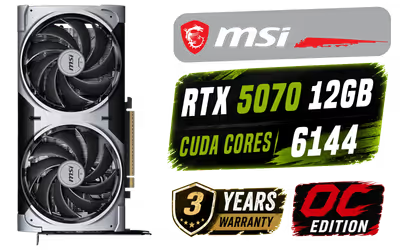
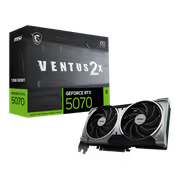
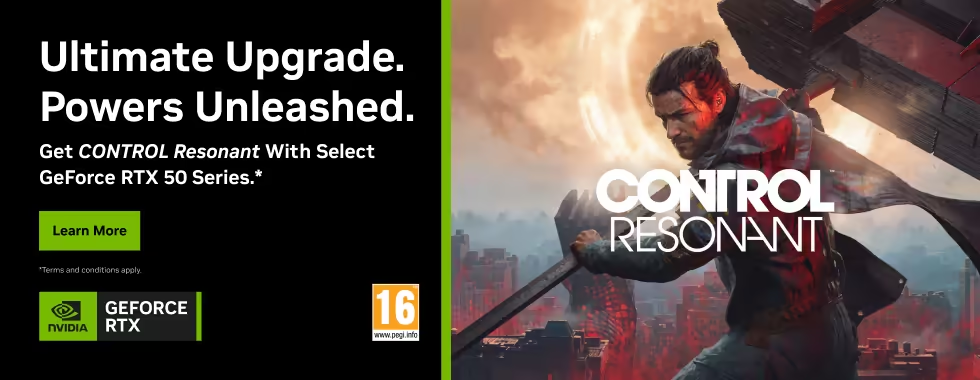
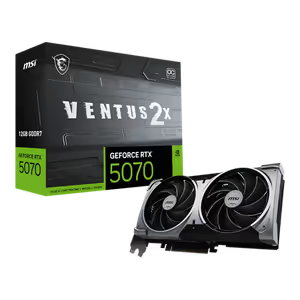
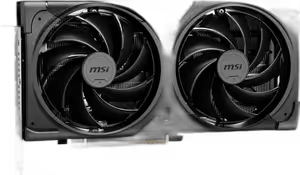
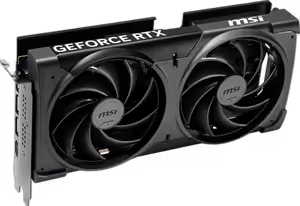
MSI Geforce RTX 5070 Ventus 2X 12G OC Graphics Card / 12GB GDDR7 / 6144 Cuda Cores / 192-bit Memory Interface / Boost Clock : 2542 MHz / NVIDIA Blackwell & DLSS 4 / 28Gbps Memory Speed / PCI Express Gen 5 / 912-V532-009 / 912-V532-009 / [+] Get CONTROL Resonant with select GeForce RTX 50 Series + FREE DELIVERY !
3 Years Local Warranty
Model No : MSI 912-V532-009
Price Inc. Vat
R 14,499
Save R 4,500
ListR 18,999
14499Free Delivery
Qty:
In Stock with Evetech
MSI Geforce RTX 5070 Ventus 2X 12G OC – 12GB GDDR7 GPU
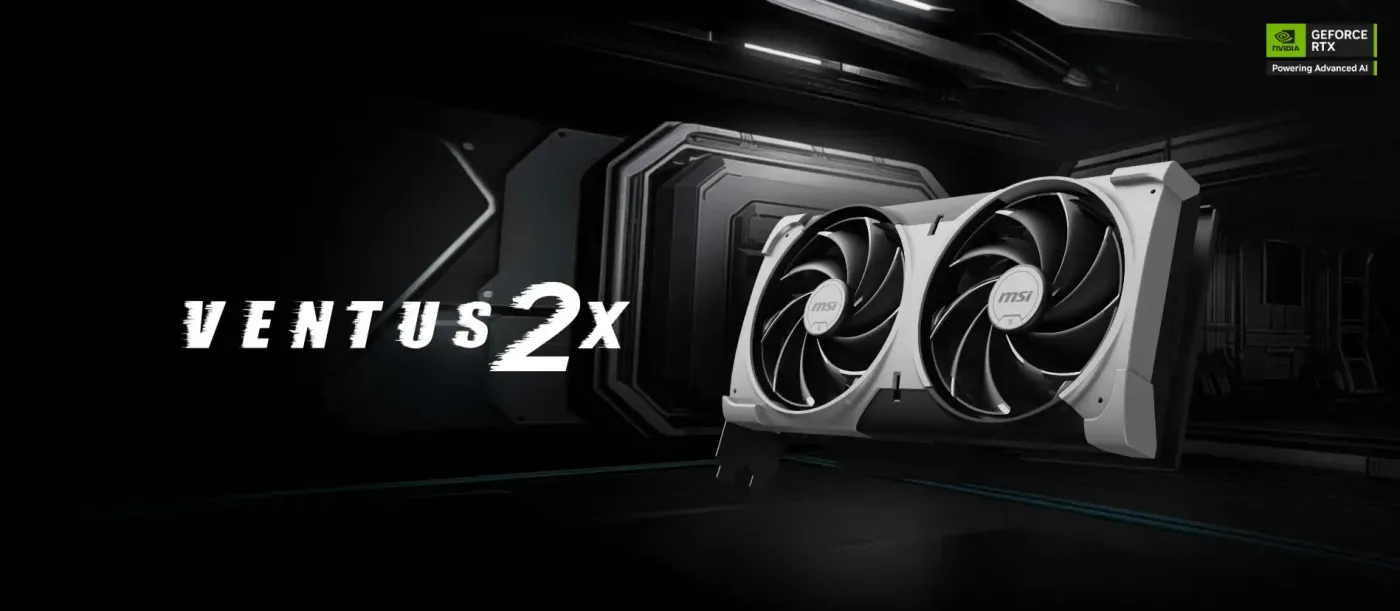
12GB GDDR7 With 6144 CUDA Cores
The MSI GeForce RTX 5070 Ventus 2X 12G OC pairs 12GB of GDDR7 memory with 6144 CUDA cores across a 192-bit memory interface, which is what keeps games sharp and smoothly rendered without lag. The wider interface moves data quickly between memory and the shader cores, and the 12GB frame buffer holds detailed textures for high-resolution displays.
12GB GDDR7 With 6144 CUDA Cores
The MSI GeForce RTX 5070 Ventus 2X 12G OC pairs 12GB of GDDR7 memory with 6144 CUDA cores across a 192-bit memory interface, which is what keeps games sharp and smoothly rendered without lag. The wider interface moves data quickly between memory and the shader cores, and the 12GB frame buffer holds detailed textures for high-resolution displays.
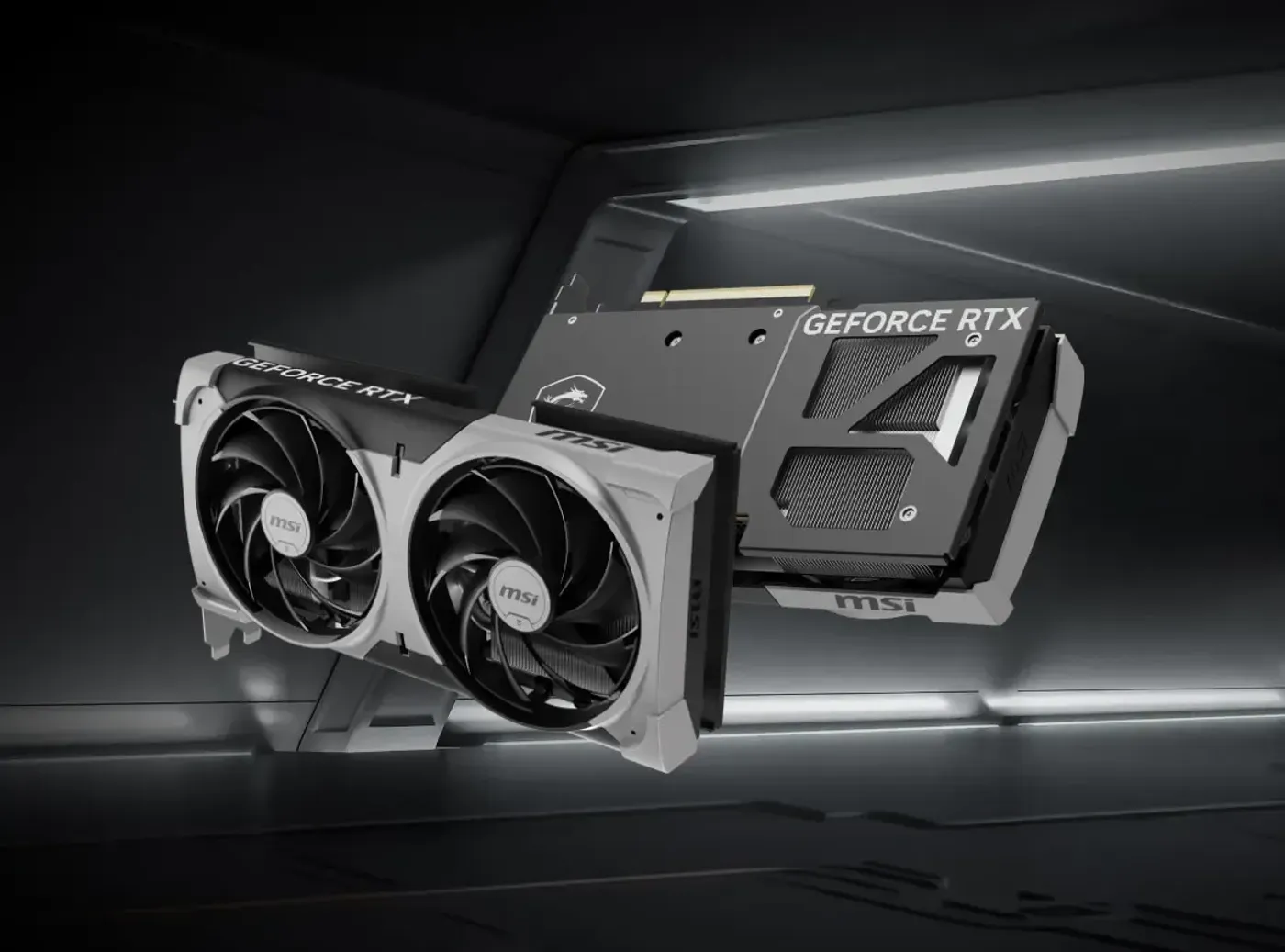
VENTUS Thermal Design Fits Varied Builds
The VENTUS line concentrates on the essentials needed to meet any gaming challenge: an efficient thermal solution housed in a robust casing with a restrained finish. That makes the RTX 5070 Ventus 2X straightforward to fit into varied builds, from a plain black chassis to a themed one, without the card dictating the look of the whole system.
VENTUS Thermal Design Fits Varied Builds
The VENTUS line concentrates on the essentials needed to meet any gaming challenge: an efficient thermal solution housed in a robust casing with a restrained finish. That makes the RTX 5070 Ventus 2X straightforward to fit into varied builds, from a plain black chassis to a themed one, without the card dictating the look of the whole system.

2557 MHz Boost Clock, 28Gbps Memory
MSI lists a boost clock of 2557 MHz in the card description alongside 28Gbps memory bandwidth, while the product title quotes 2542 MHz; the description figure is the one given in the detailed specification. Either way, that clock and bandwidth pairing is what lets the RTX 5070 manage the latest gaming titles at high settings.
2557 MHz Boost Clock, 28Gbps Memory
MSI lists a boost clock of 2557 MHz in the card description alongside 28Gbps memory bandwidth, while the product title quotes 2542 MHz; the description figure is the one given in the detailed specification. Either way, that clock and bandwidth pairing is what lets the RTX 5070 manage the latest gaming titles at high settings.

PCIe Gen 5 Connection To The Motherboard
The card uses PCIe Gen 5 technology to talk to the motherboard, which keeps the link between system memory and the GPU from becoming the limiting factor. That headroom counts most when a game streams assets continuously, since the interface is being used constantly rather than only when a level first loads into memory.
PCIe Gen 5 Connection To The Motherboard
The card uses PCIe Gen 5 technology to talk to the motherboard, which keeps the link between system memory and the GPU from becoming the limiting factor. That headroom counts most when a game streams assets continuously, since the interface is being used constantly rather than only when a level first loads into memory.

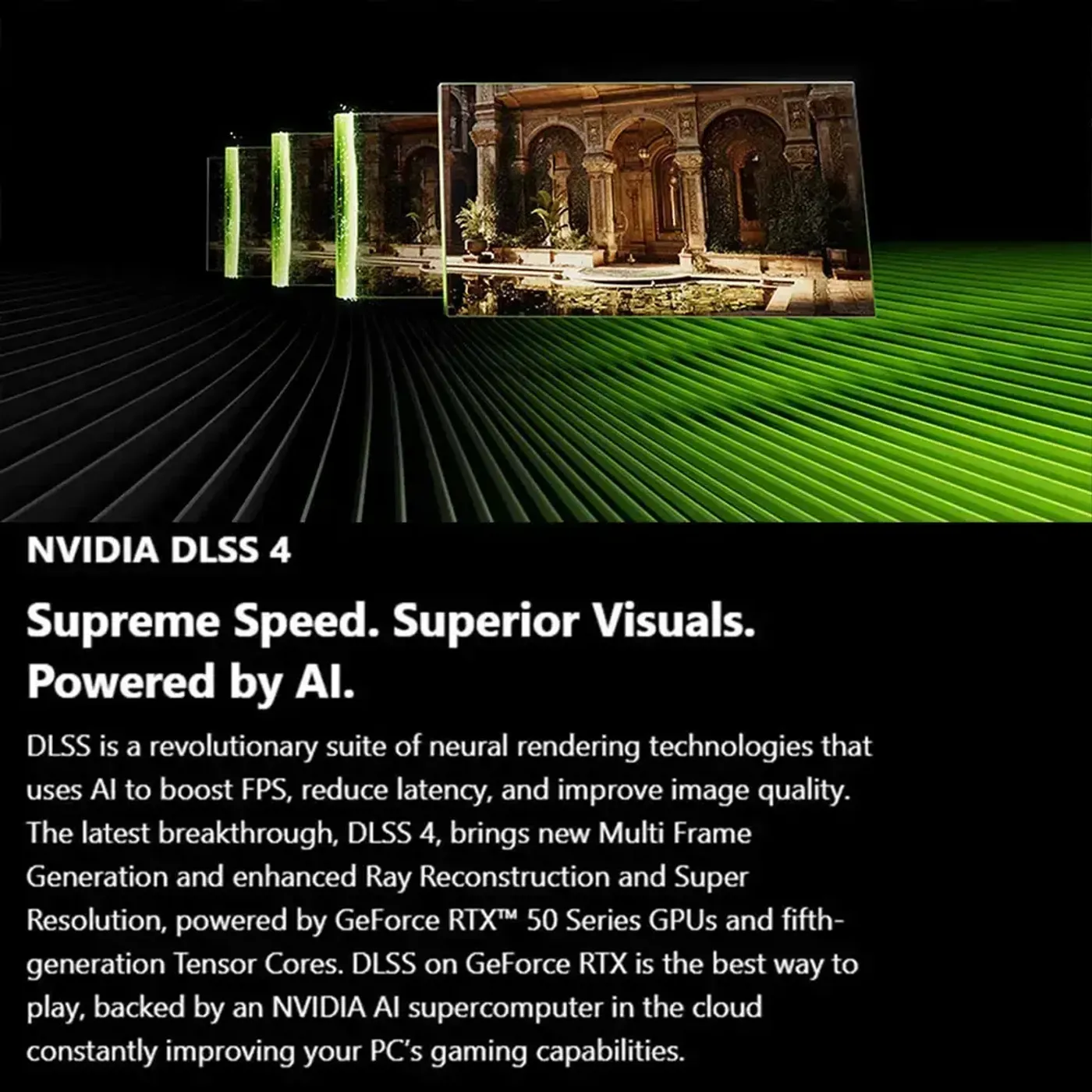
DLSS 4 Support On The RTX 5070
The Ventus 2X 12G OC supports DLSS 4, NVIDIA's AI upscaling and frame generation technology, which raises frame rates in titles that implement it rather than demanding more raw shader throughput. It is the feature that lets a card at this tier hold high settings at high resolution instead of forcing a compromise between the two.
DLSS 4 Support On The RTX 5070
The Ventus 2X 12G OC supports DLSS 4, NVIDIA's AI upscaling and frame generation technology, which raises frame rates in titles that implement it rather than demanding more raw shader throughput. It is the feature that lets a card at this tier hold high settings at high resolution instead of forcing a compromise between the two.
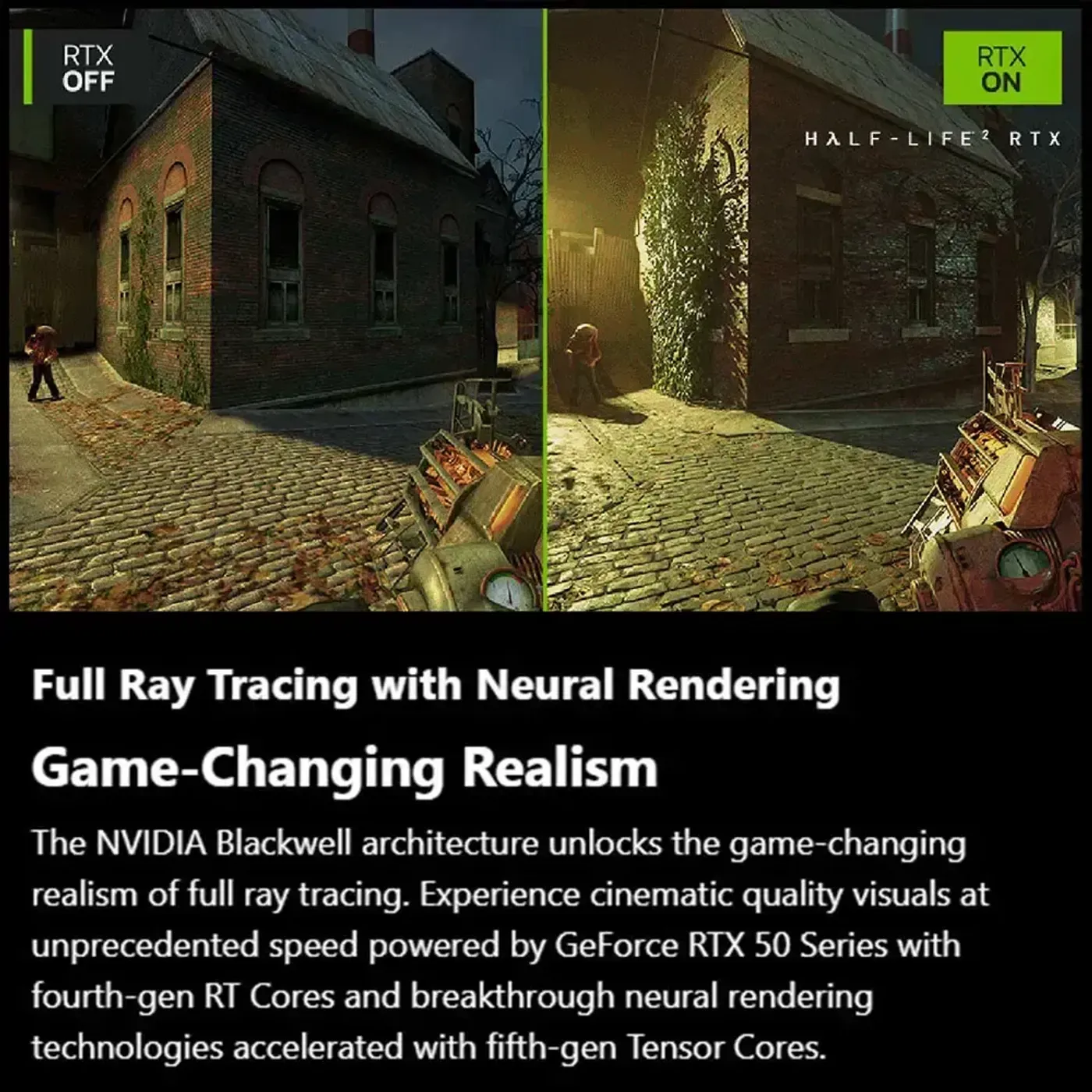
Ray Tracing For Superior Lighting And Shadows
Ray tracing support gives the RTX 5070 superior lighting, shadows and detailed graphics by tracing light through the scene rather than approximating it. The gain is most visible on reflective and translucent surfaces and in indirect light, which are the cases traditional rasterised lighting has always handled least convincingly in a complex environment.
Ray Tracing For Superior Lighting And Shadows
Ray tracing support gives the RTX 5070 superior lighting, shadows and detailed graphics by tracing light through the scene rather than approximating it. The gain is most visible on reflective and translucent surfaces and in indirect light, which are the cases traditional rasterised lighting has always handled least convincingly in a complex environment.
Future-Ready Features For Upcoming Titles
MSI positions the Ventus 2X 12G OC as a future-ready card rather than one sized precisely to today's games, which is the argument for the 12GB frame buffer and the Gen 5 interface together. Both are specifications you cannot add later, so buying headroom now is what keeps the card usable as engines grow more demanding.
Future-Ready Features For Upcoming Titles
MSI positions the Ventus 2X 12G OC as a future-ready card rather than one sized precisely to today's games, which is the argument for the 12GB frame buffer and the Gen 5 interface together. Both are specifications you cannot add later, so buying headroom now is what keeps the card usable as engines grow more demanding.
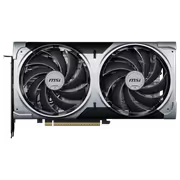
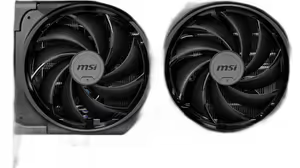
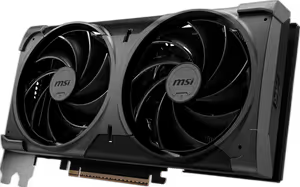
Dual Fans On An Extensive Heatsink
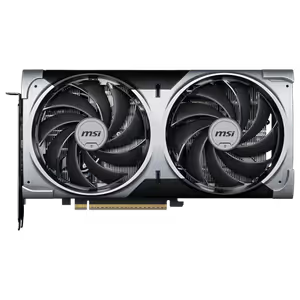
Two fans sit over an extensive heatsink, delivering strong cooling performance alongside quieter operation than a smaller thermal design manages under the same load. The larger fin stack gives the fans more surface to move air across, so they can hold temperatures at lower speeds rather than ramping up hard every time a game loads.
Dual Fans On An Extensive Heatsink
Two fans sit over an extensive heatsink, delivering strong cooling performance alongside quieter operation than a smaller thermal design manages under the same load. The larger fin stack gives the fans more surface to move air across, so they can hold temperatures at lower speeds rather than ramping up hard every time a game loads.
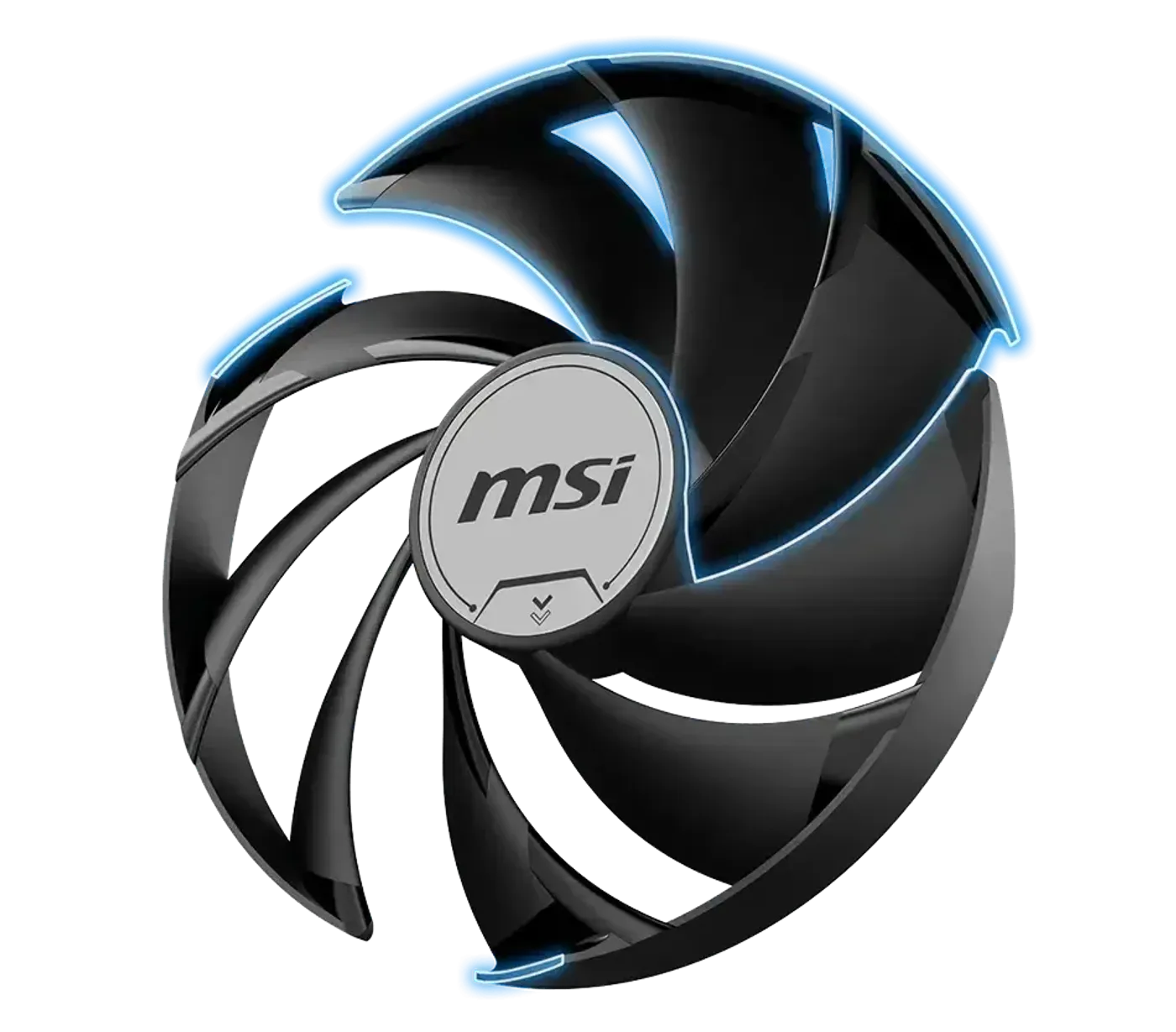
TORX FAN 5.0 Moves 23% More Air
TORX FAN 5.0 improves both airflow and static pressure using three sets of fan blades tilted at a 22-degree angle, which increases air movement by 23% compared with a standard axial fan. More pressure matters on a dense heatsink, because air has to be pushed through the fin stack rather than simply passed across the top of it.
TORX FAN 5.0 Moves 23% More Air
TORX FAN 5.0 improves both airflow and static pressure using three sets of fan blades tilted at a 22-degree angle, which increases air movement by 23% compared with a standard axial fan. More pressure matters on a dense heatsink, because air has to be pushed through the fin stack rather than simply passed across the top of it.
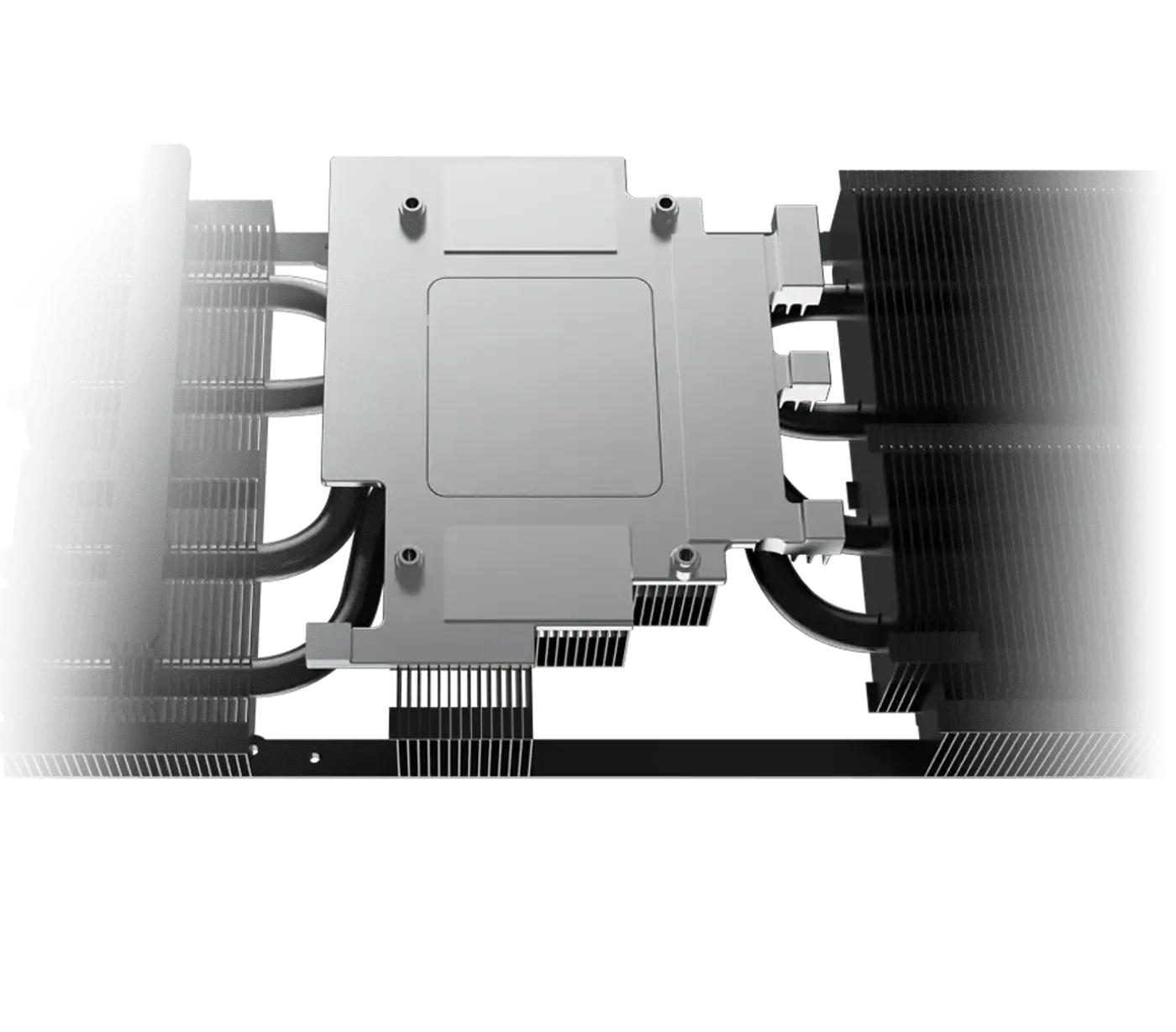
Nickel-Plated Copper Baseplate Captures Heat
A nickel-plated copper baseplate sits against the GPU and memory modules, capturing heat quickly and transferring it into the core pipes. Copper is used because it moves heat faster than aluminium, and the nickel plating protects the surface, so the contact patch keeps performing rather than degrading over years of thermal cycling.
Nickel-Plated Copper Baseplate Captures Heat
A nickel-plated copper baseplate sits against the GPU and memory modules, capturing heat quickly and transferring it into the core pipes. Copper is used because it moves heat faster than aluminium, and the nickel plating protects the surface, so the contact patch keeps performing rather than degrading over years of thermal cycling.
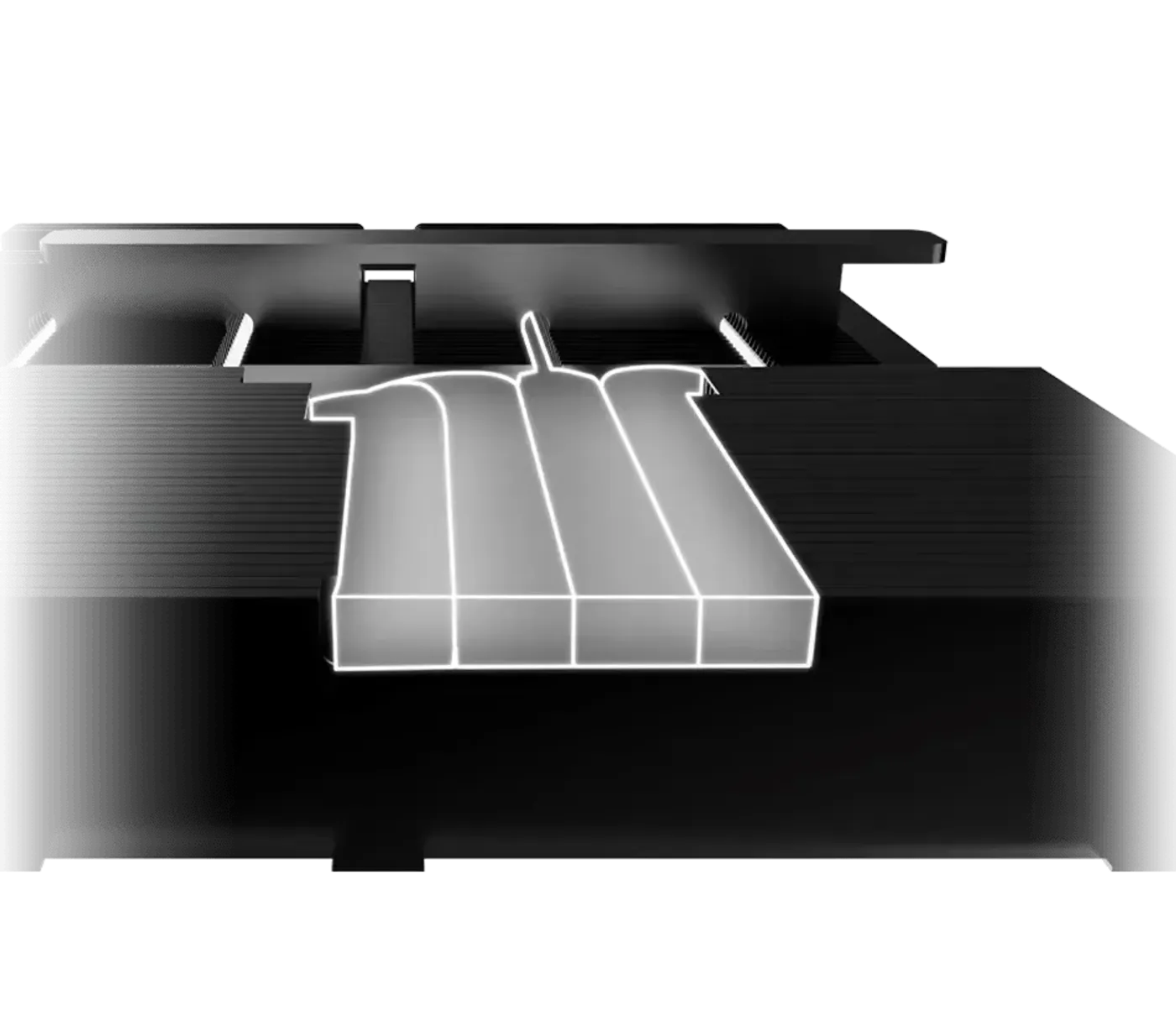
Core Pipes Spread Heat Across The Heatsink
The Core Pipes use a specially shaped contact area to maximise heat capture where they meet the GPU baseplate, then distribute that heat evenly across the heatsink. Even distribution is the point: a heatsink with one hot section and one cool section is only using part of its surface, which wastes the fin area it was given.
Core Pipes Spread Heat Across The Heatsink
The Core Pipes use a specially shaped contact area to maximise heat capture where they meet the GPU baseplate, then distribute that heat evenly across the heatsink. Even distribution is the point: a heatsink with one hot section and one cool section is only using part of its surface, which wastes the fin area it was given.
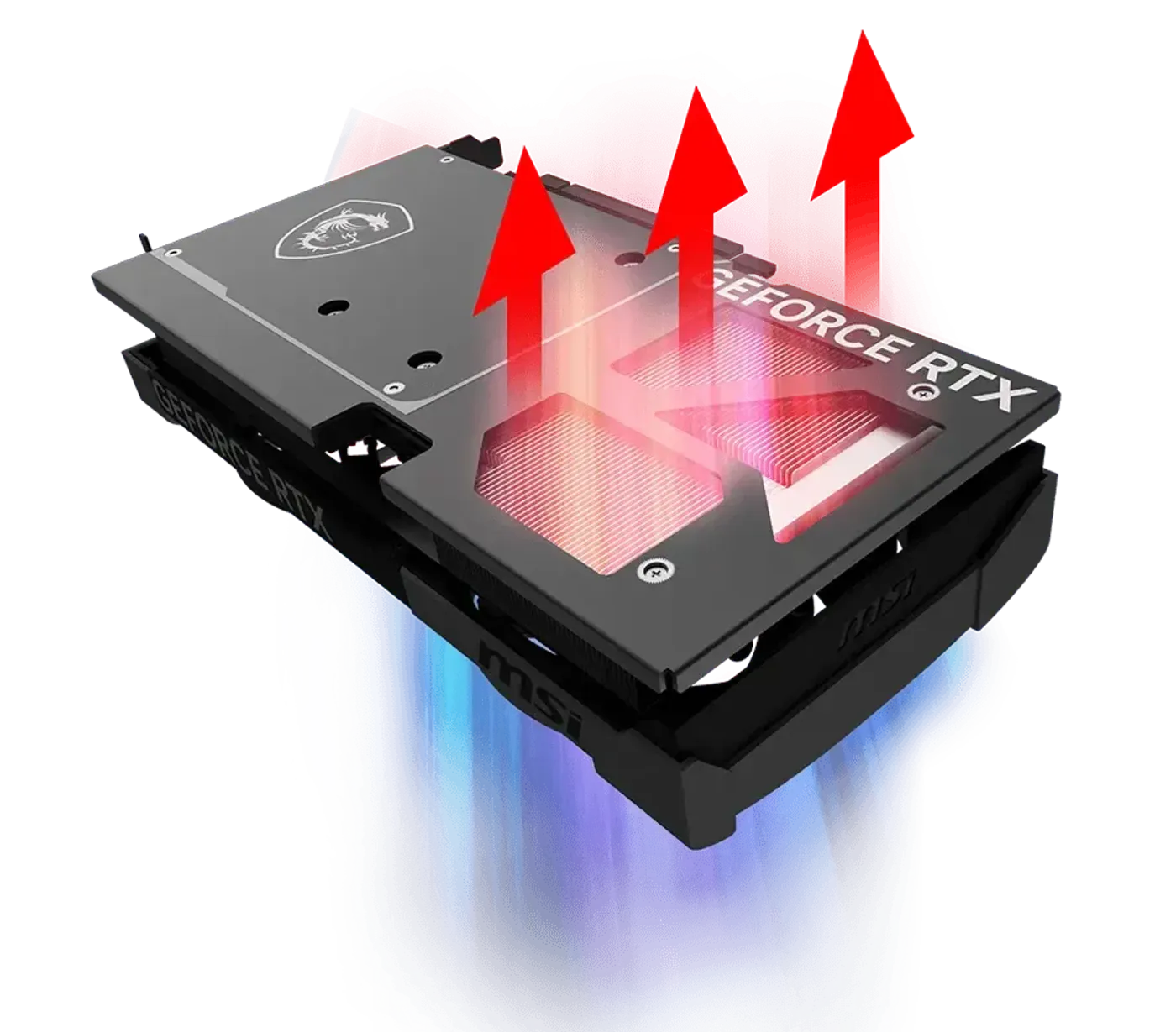
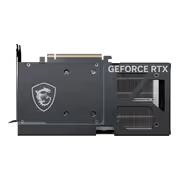
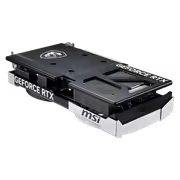
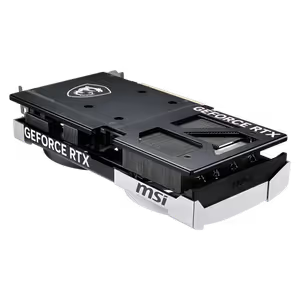
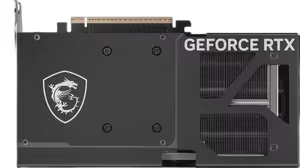
Metal Backplate Adds Strength And Vents
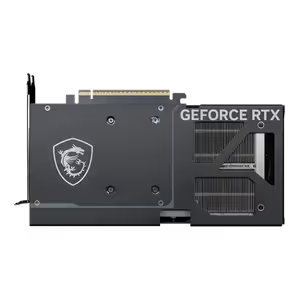
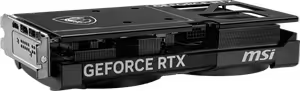
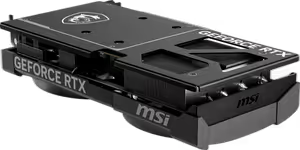
A sturdy metal backplate stiffens the graphics card against flex, and strategically placed airflow vents let exhaust air escape rather than building up behind the PCB. Both jobs matter on a long card: rigidity protects the board and the PCIe slot, while the vents stop the back of the card becoming a trapped pocket of hot air.
Metal Backplate Adds Strength And Vents
A sturdy metal backplate stiffens the graphics card against flex, and strategically placed airflow vents let exhaust air escape rather than building up behind the PCB. Both jobs matter on a long card: rigidity protects the board and the PCIe slot, while the vents stop the back of the card becoming a trapped pocket of hot air.
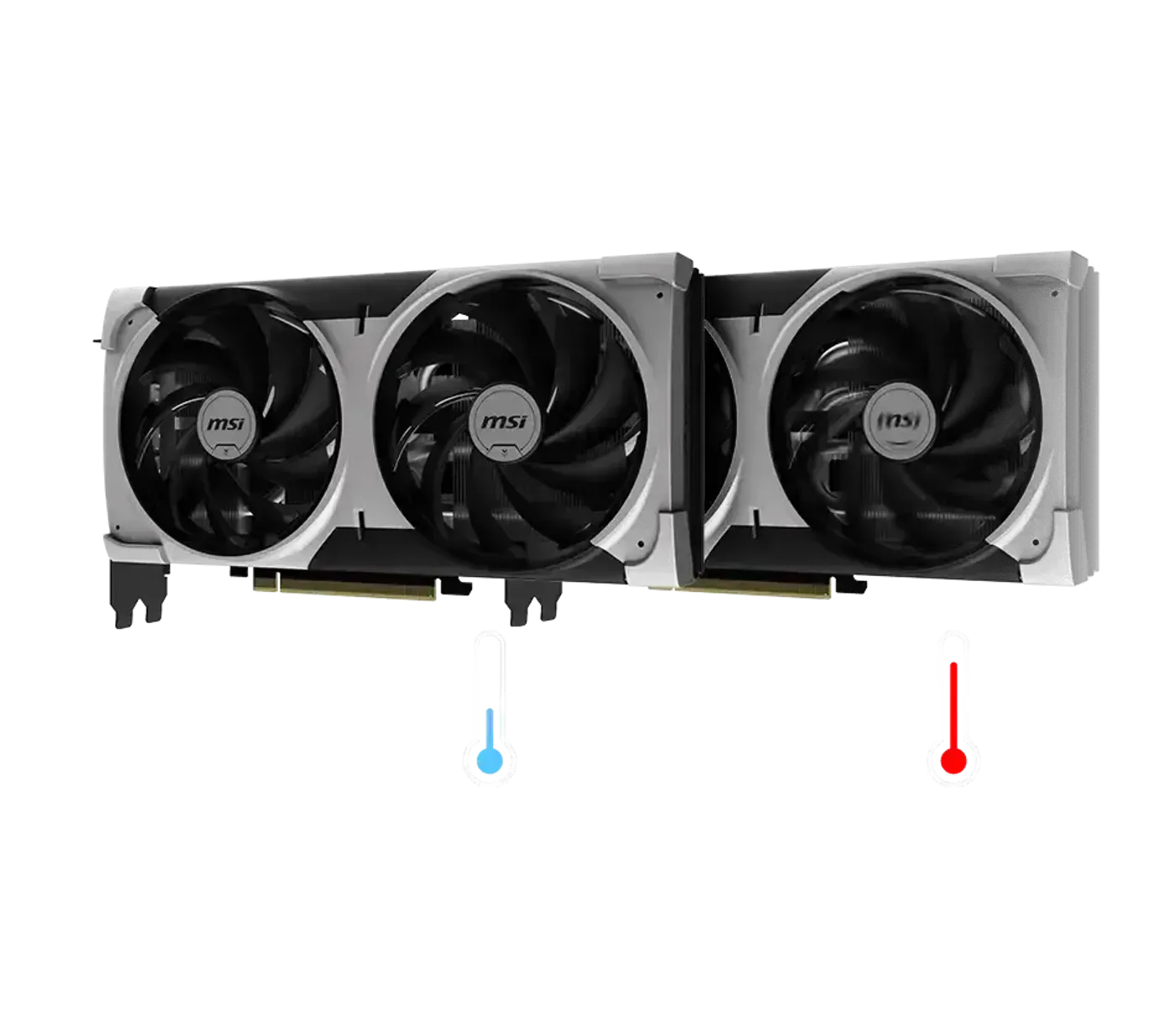
Zero Frozr Stops Fans At Low Temperatures
Zero Frozr keeps the fans completely still at lower temperatures, so the card makes no noise at all while you are browsing, working or watching video. They start spinning automatically as temperature rises during gaming, which means the acoustic penalty only applies when the GPU is actually being asked to do something demanding.
Zero Frozr Stops Fans At Low Temperatures
Zero Frozr keeps the fans completely still at lower temperatures, so the card makes no noise at all while you are browsing, working or watching video. They start spinning automatically as temperature rises during gaming, which means the acoustic penalty only applies when the GPU is actually being asked to do something demanding.
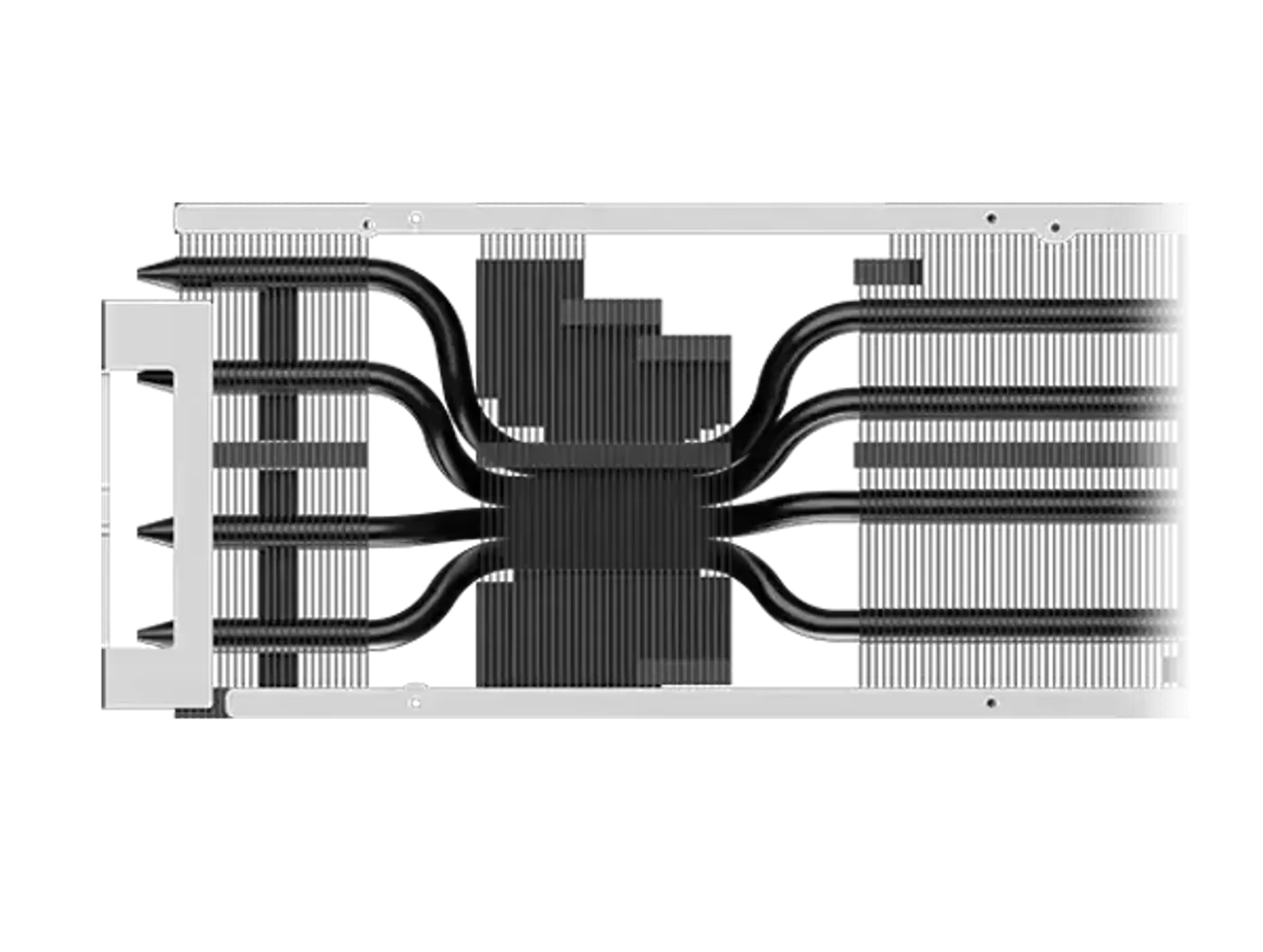
Reinforced Metal Structure Inside The Card
The interior of the graphics card is enhanced with additional metal structures that bolster stability and durability. On a long dual-fan card the PCB carries the weight of a full heatsink assembly, so internal reinforcement is what stops that mass slowly working against the board and the connector it is mounted into.
Reinforced Metal Structure Inside The Card
The interior of the graphics card is enhanced with additional metal structures that bolster stability and durability. On a long dual-fan card the PCB carries the weight of a full heatsink assembly, so internal reinforcement is what stops that mass slowly working against the board and the connector it is mounted into.
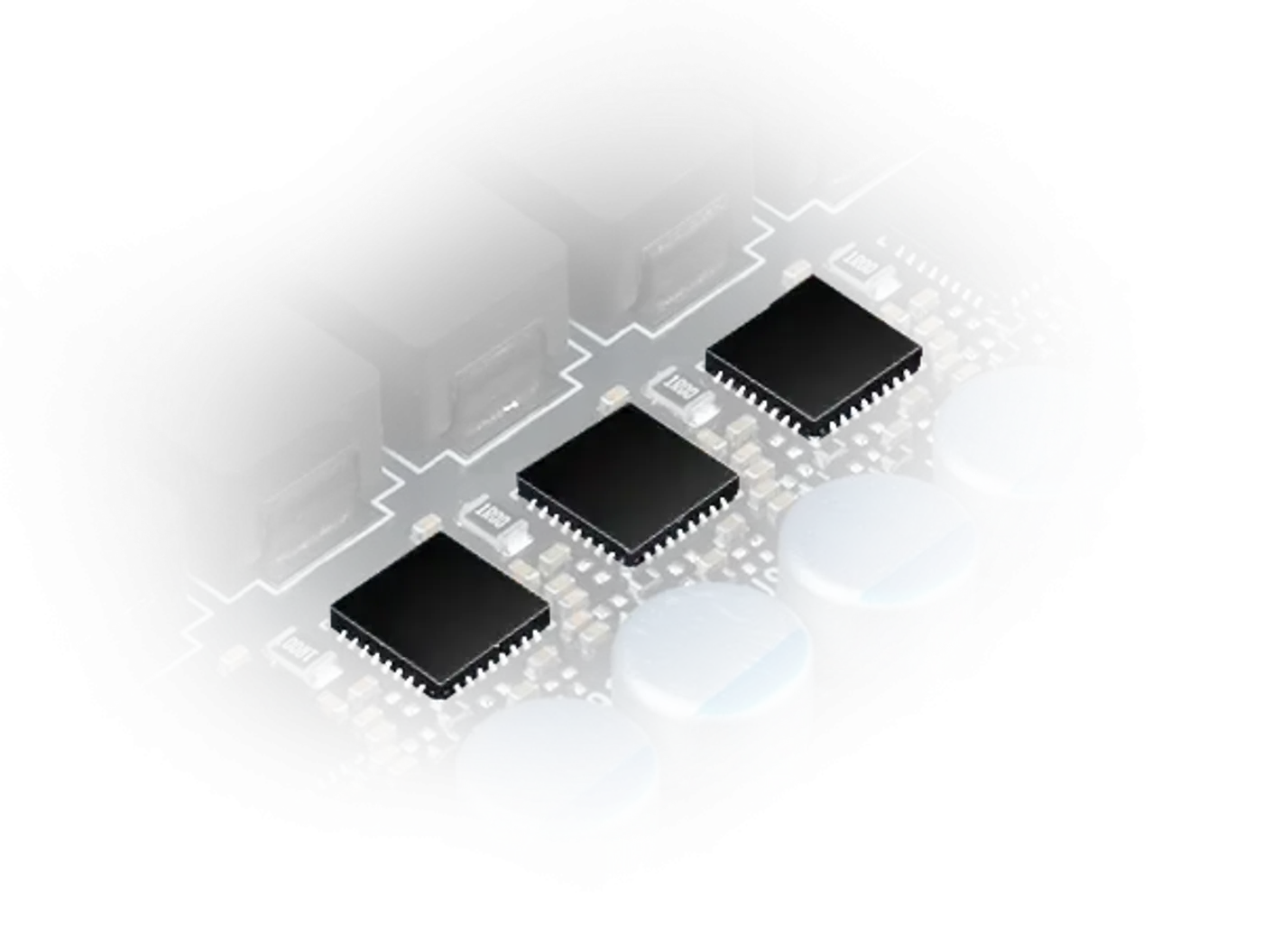
DRMOS Power Stages Improve Efficiency
DRMOS power solutions handle voltage conversion on the card, delivering excellent efficiency with reduced power consumption and enhanced voltage regulation. Tighter regulation keeps the supply steady as load swings between scenes, which is what allows a boost clock to hold rather than dipping every time the GPU is asked for a sudden burst.
DRMOS Power Stages Improve Efficiency
DRMOS power solutions handle voltage conversion on the card, delivering excellent efficiency with reduced power consumption and enhanced voltage regulation. Tighter regulation keeps the supply steady as load swings between scenes, which is what allows a boost clock to hold rather than dipping every time the GPU is asked for a sudden burst.
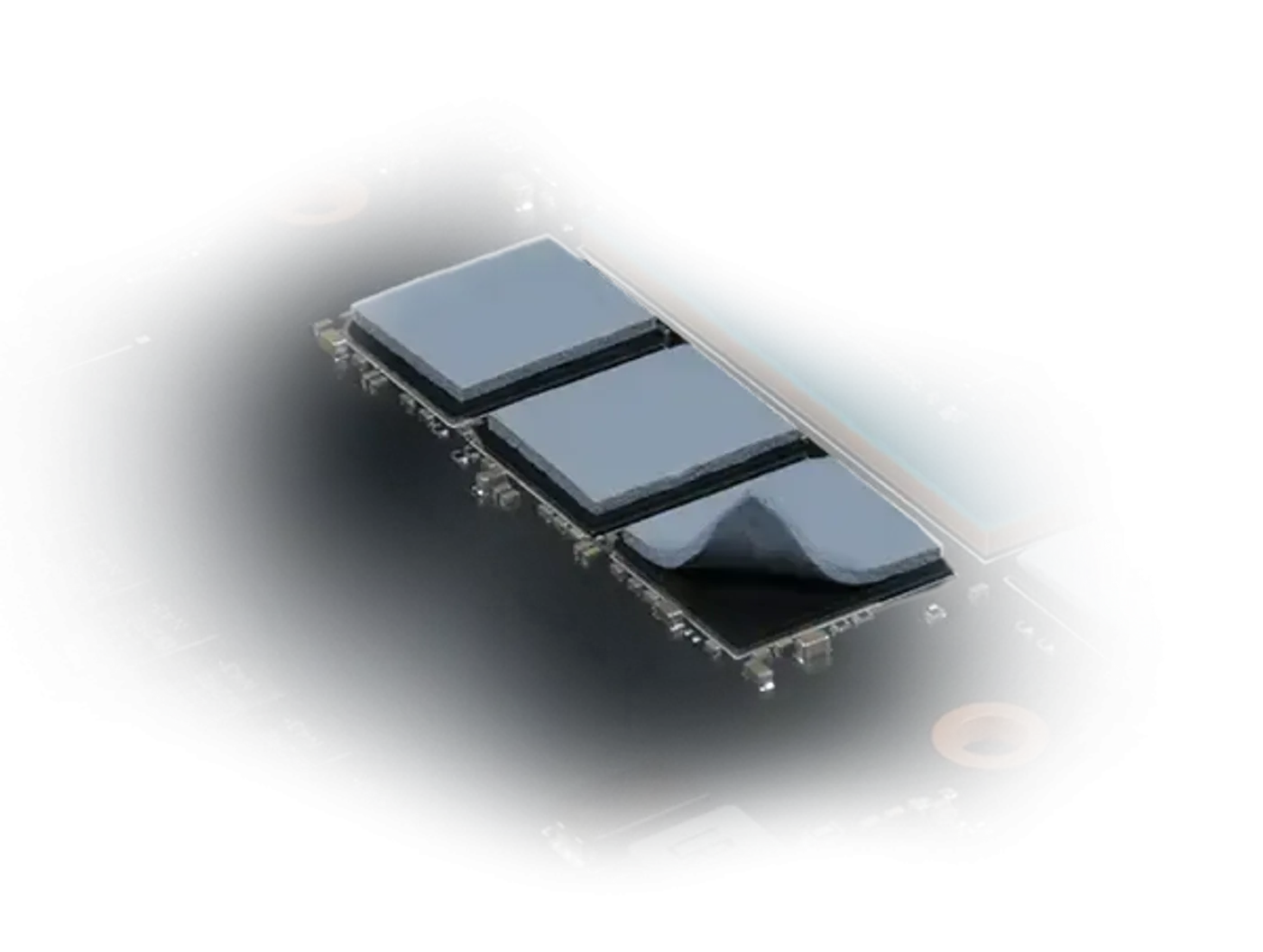
Thermal Pads Cool Vital Board Components
High-quality thermal pads improve heat dissipation for the vital components on the board, not just the GPU die itself. Memory modules and power stages run hot under sustained load, and getting their heat into the same heatsink is what keeps the whole card performing rather than leaving isolated hotspots to throttle it.
Thermal Pads Cool Vital Board Components
High-quality thermal pads improve heat dissipation for the vital components on the board, not just the GPU die itself. Memory modules and power stages run hot under sustained load, and getting their heat into the same heatsink is what keeps the whole card performing rather than leaving isolated hotspots to throttle it.
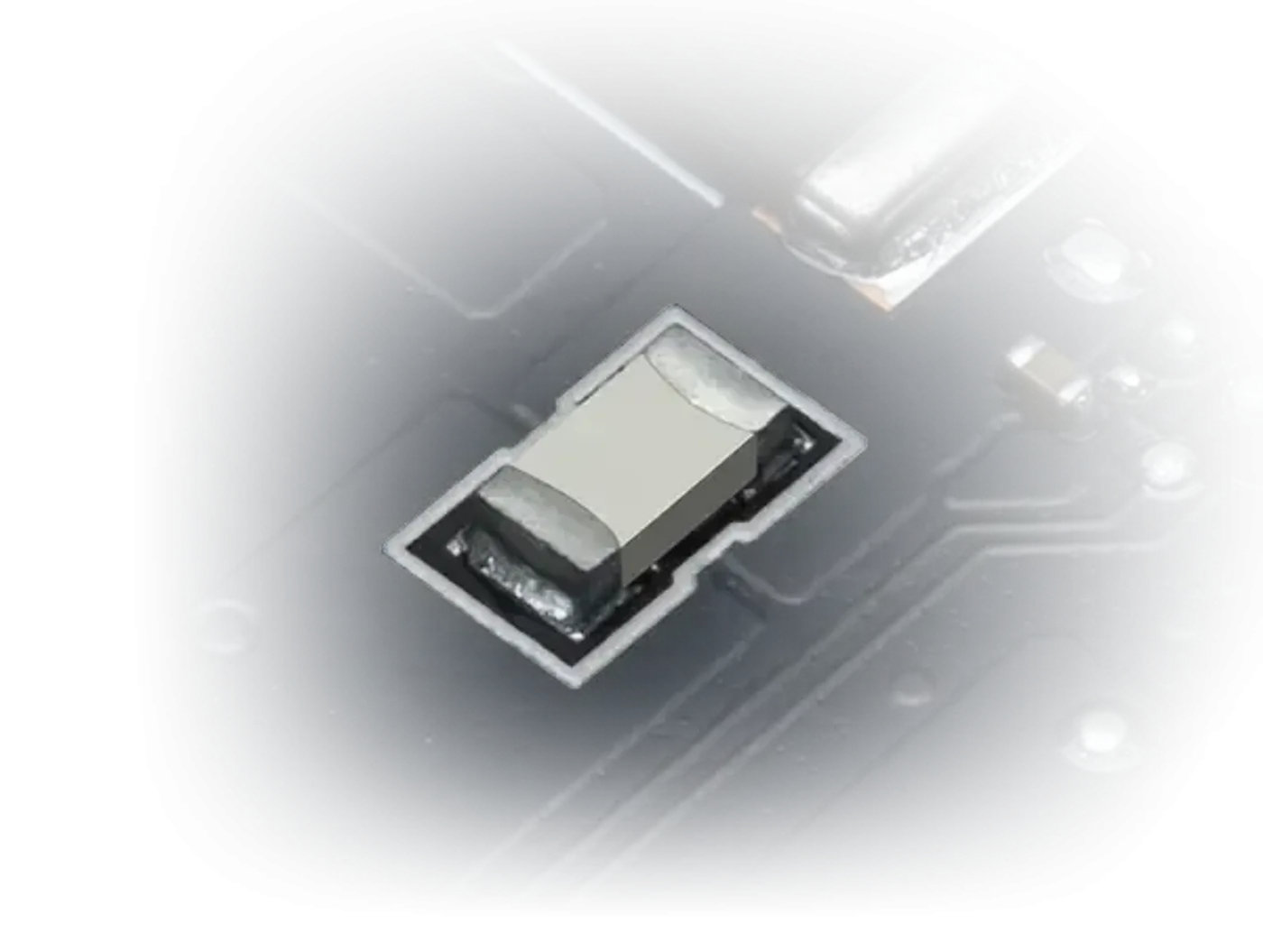
Additional Fuses Guard The Custom PCB
Additional fuses are integrated into the custom PCB, providing enhanced safeguards against electrical faults and damage. It is the kind of protection you never notice until something goes wrong upstream, at which point a fuse is the difference between an isolated fault and a graphics card that has taken damage it cannot recover from.
Additional Fuses Guard The Custom PCB
Additional fuses are integrated into the custom PCB, providing enhanced safeguards against electrical faults and damage. It is the kind of protection you never notice until something goes wrong upstream, at which point a fuse is the difference between an isolated fault and a graphics card that has taken damage it cannot recover from.
FAQ
Frequently Asked Questions
Everything you need to know about this product
It has 12GB of GDDR7 memory on a 192-bit memory interface.
The card carries 6144 CUDA cores.
The detailed description lists a boost clock of 2557 MHz, while the product title quotes 2542 MHz.
Memory bandwidth runs at 28Gbps across the 192-bit interface.
It uses PCIe Gen 5 for maximum data transfer to the motherboard.
Yes. The card supports both DLSS 4 and ray tracing for improved lighting, shadows and detail.
Two fans sit on an extensive heatsink for strong cooling and quieter operation.
It is MSI's fan design with three sets of blades tilted at 22 degrees, moving 23% more air than a standard axial fan.
Yes. Zero Frozr holds the fans still at low temperatures and spins them back up as temperature rises during gaming.
A nickel-plated copper baseplate captures heat from the GPU and memory modules and transfers it into the Core Pipes.
Yes. A sturdy metal backplate adds rigidity and includes airflow vents to exhaust hot air.
The MSI part number is 912-V532-009.

AI-Generated Content:These FAQs are generated by an automated AI system and may contain inaccuracies or omissions. Evetech makes no warranties, express or implied, regarding their completeness or reliability. For definitive information, please refer to the manufacturer's official specifications.
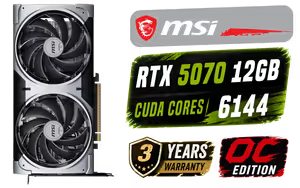
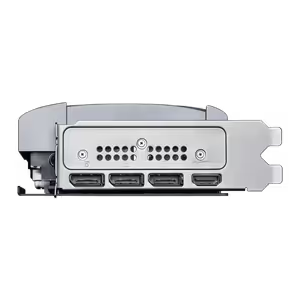
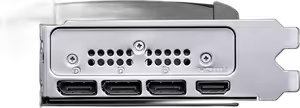
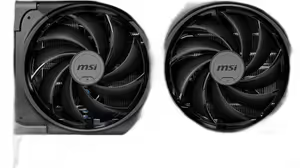
Please Note: Product images are for illustrative purposes only and may differ from the actual product.
Choose your
own PC
Hand-pick every part with live stock, compatibility, and instant pricing.
Try the new builderPrice Inc. Vat
R 14,499
Save R 4,500
ListR 18,999
14499Free Delivery
Qty:
In Stock with Evetech
Choose your
own PC
Hand-pick every part with live stock, compatibility, and instant pricing.
Try the new builderMSI Geforce RTX 5070 Ventus 2X 12G OC Graphics Card