



1 Year Local Warranty
Model No : Orico ORICO-9828RU3-EU-GY-BP
Price Inc. Vat
R 1,599
Save R 400.00
ListR 1,999
1599Change Quantity:
In Stock with Evetech
Price Inc. Vat
R 1,599
Save R 400.00
ListR 1,999
1599Change Quantity:
In Stock with Evetech
Trusted Partners
Please Note: Product images are for illustrative purposes only and may differ from the actual product.
Hand-pick every part with live stock, compatibility, and instant pricing.
Try the new builderHand-pick every part with live stock, compatibility, and instant pricing.
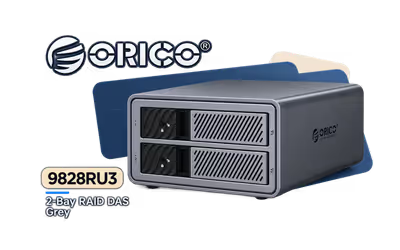
Try the new builderOrico 2 Bay RAID DAS Solution ProRAID Grey
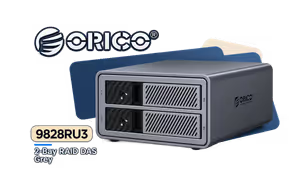
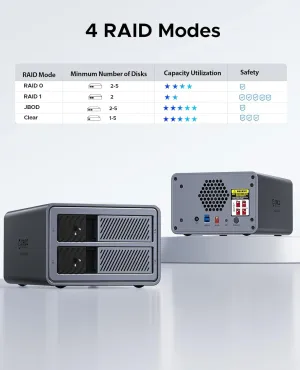
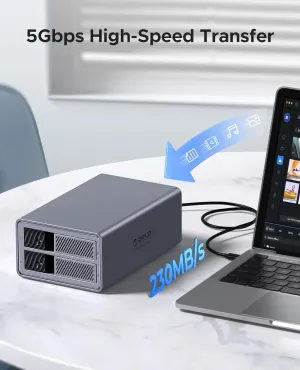
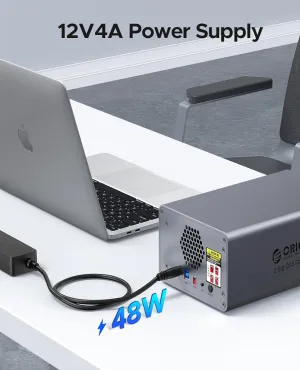
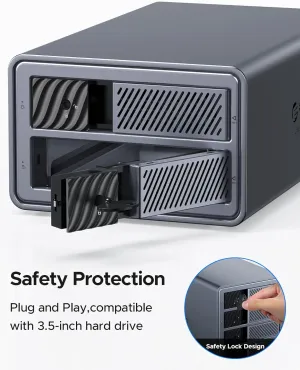
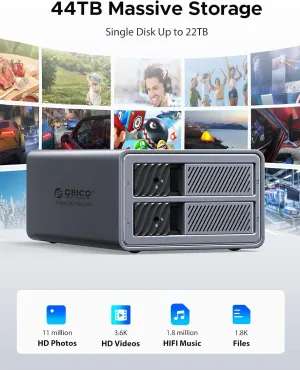
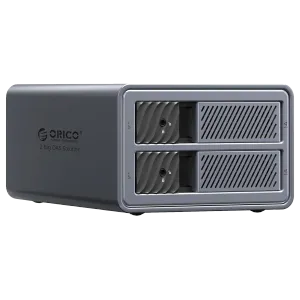
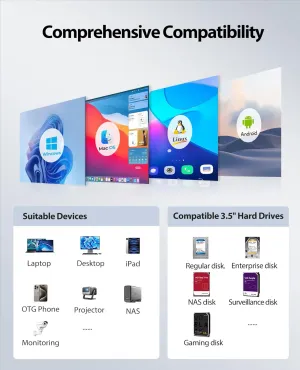
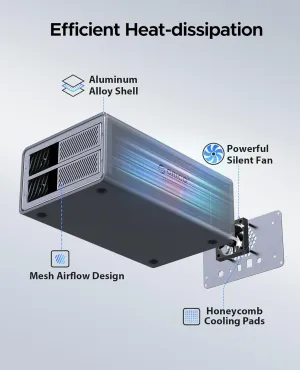
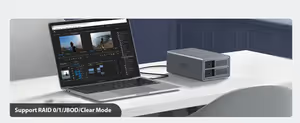
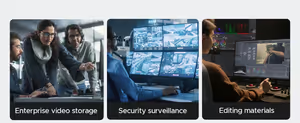
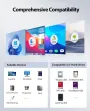
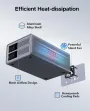
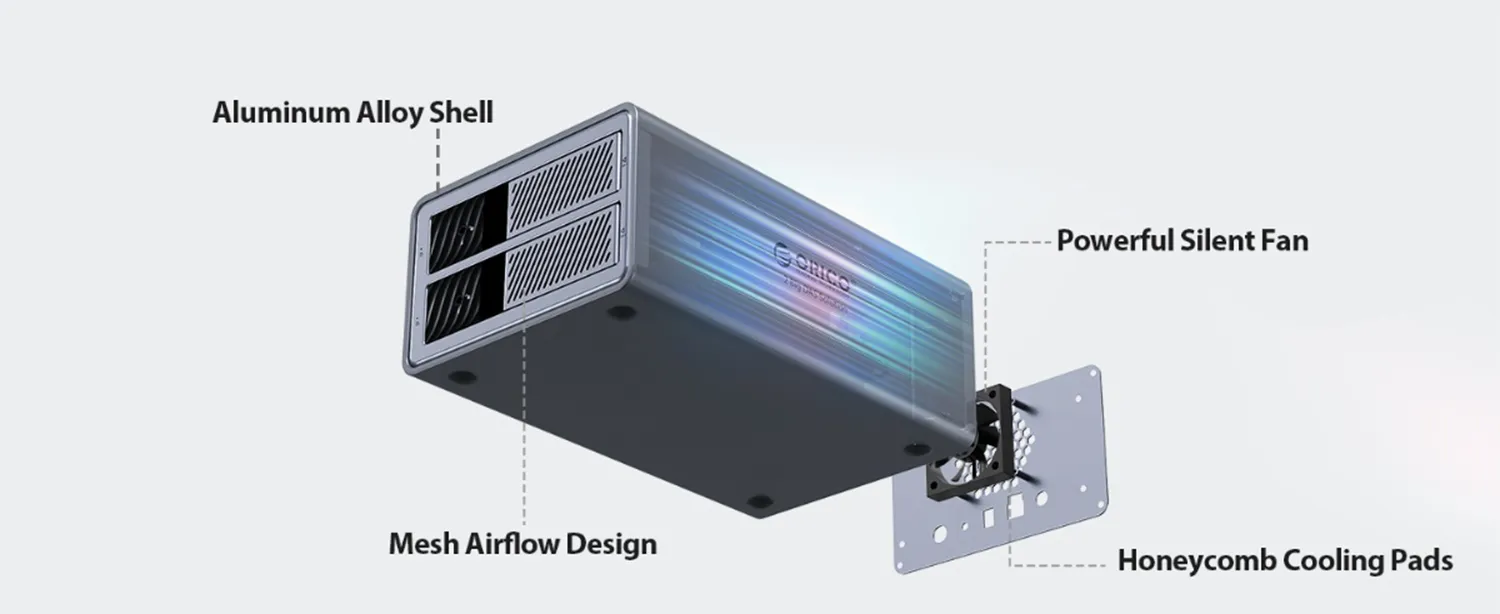
As a storage expert, I recommend the ORICO ProRAID 2-Bay RAID Direct Attached Storage in grey. Its aluminum alloy body is sturdy and helps move heat away from the drives. This desktop unit connects by USB, so it works with most modern computers.
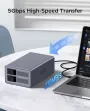
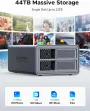
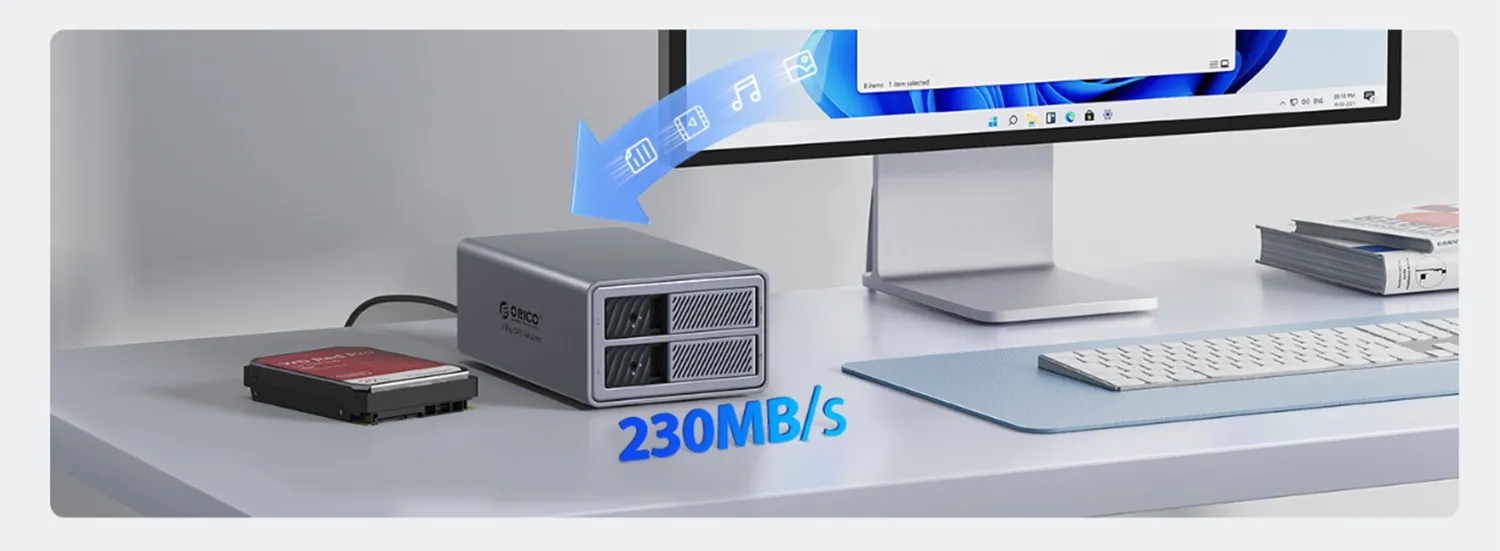
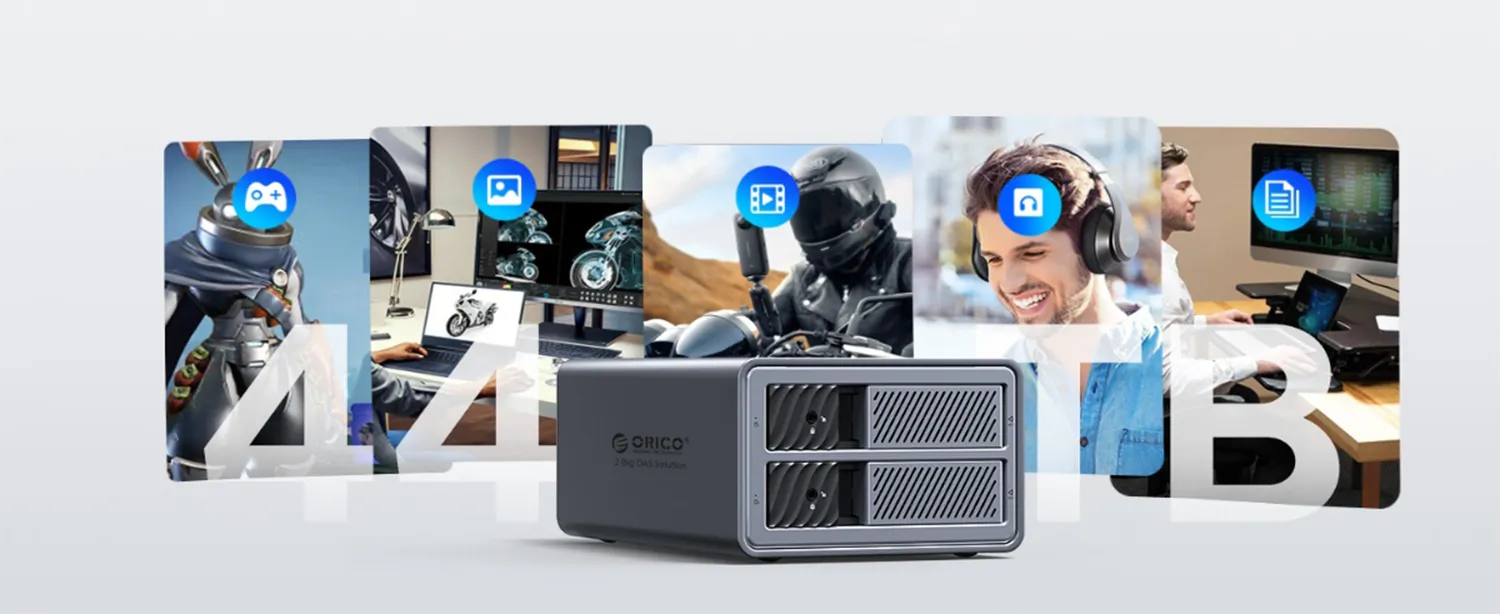
Speed matters when you copy big files. The 5Gbps transmission rate lets you move photos, videos, and backups quickly. With support for up to 44TB total (22TB per bay), you can keep huge libraries in one place and find them fast.
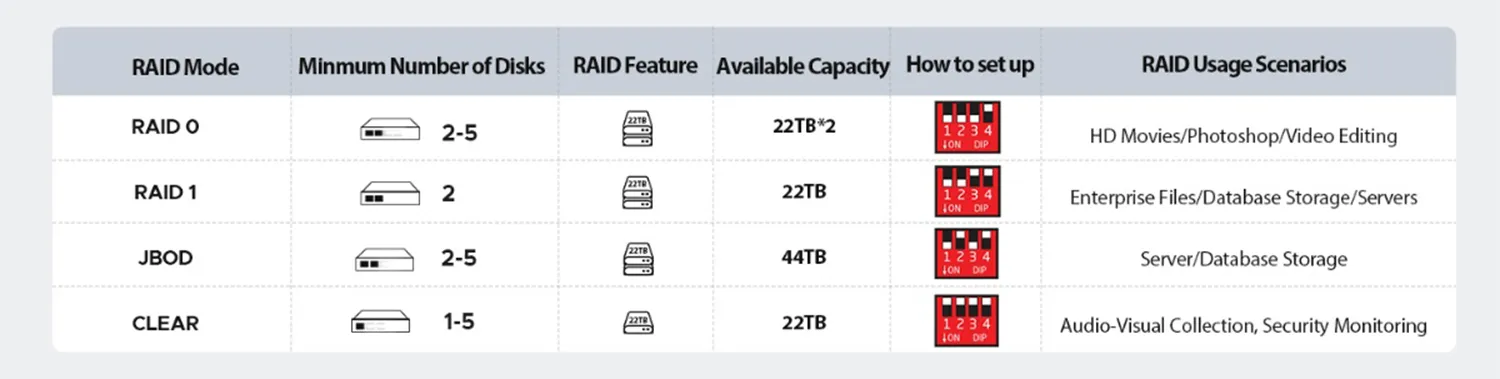
Setup is simple: insert your drives, plug in, and choose a RAID setup that fits your needs—more speed or extra protection. For anyone who wants clean, reliable storage, this compact box helps keep work and play files organized and ready to use.
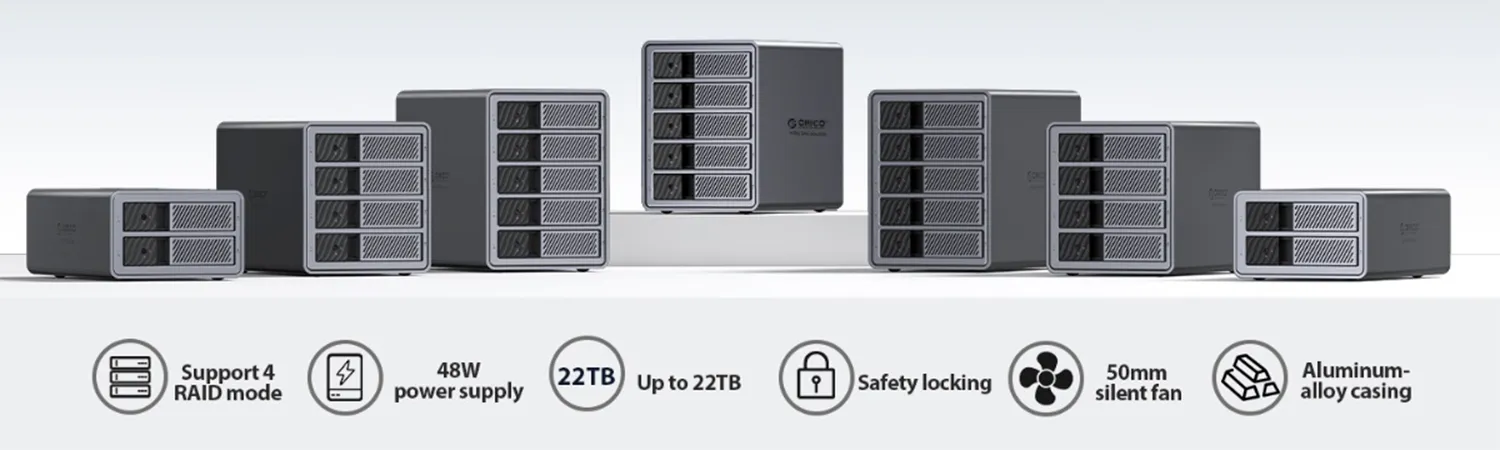
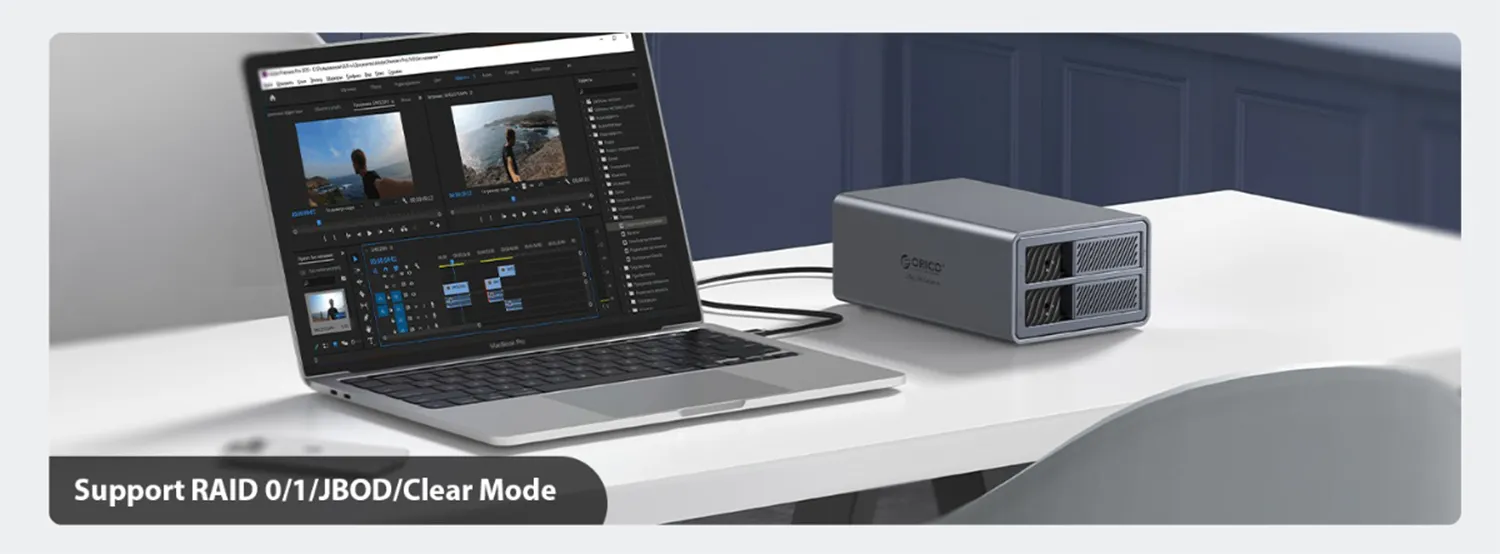
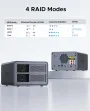
NOTE: RAID combinations are based on the minimum capacity of the hard drive; please try to use hard drives of the same capacity.
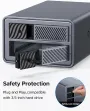
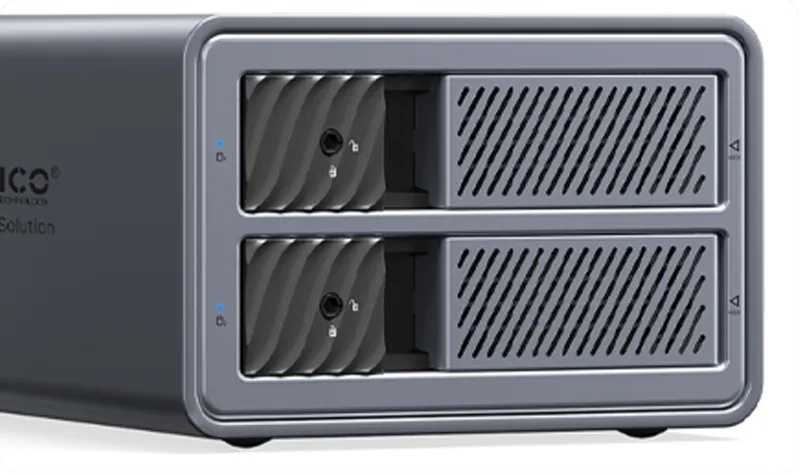
Prevent the hard drive from popping out and getting lost.
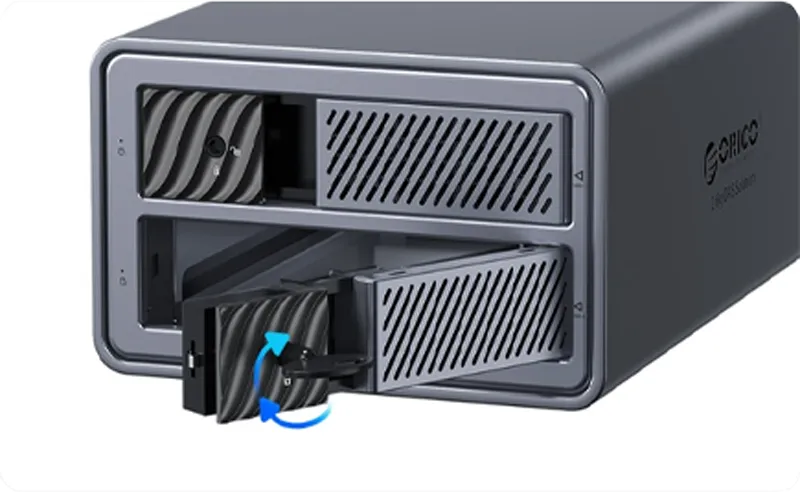
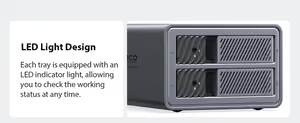
Each tray is equipped with an LED indicator light, allowing you to check the working status at any time.
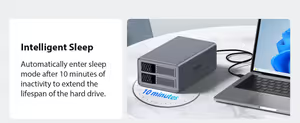
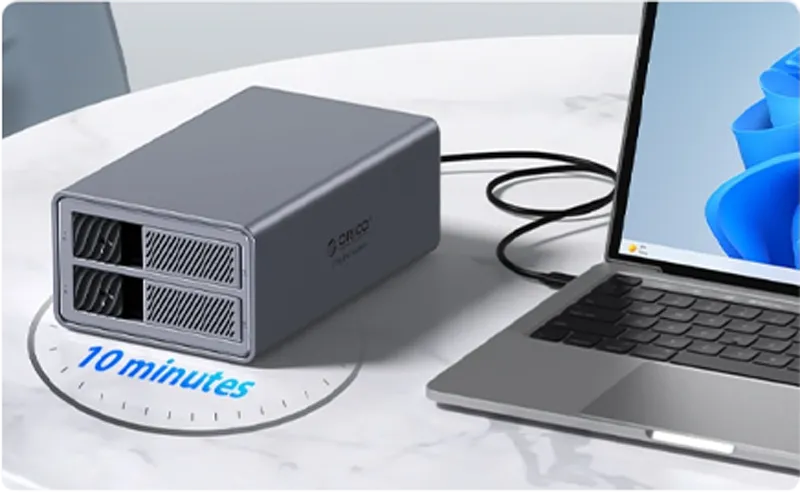
Automatically enter sleep mode after 10 minutes of inactivity to extend the lifespan of the hard drive.
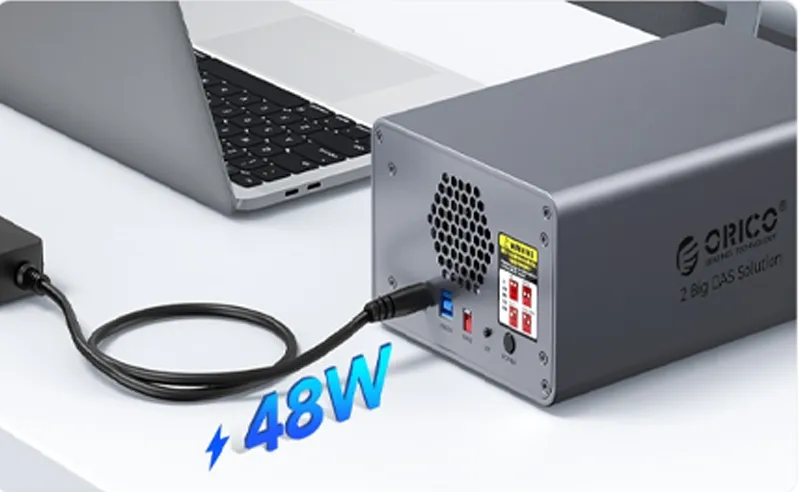
Ensure smooth data flow during multi-disk reading.
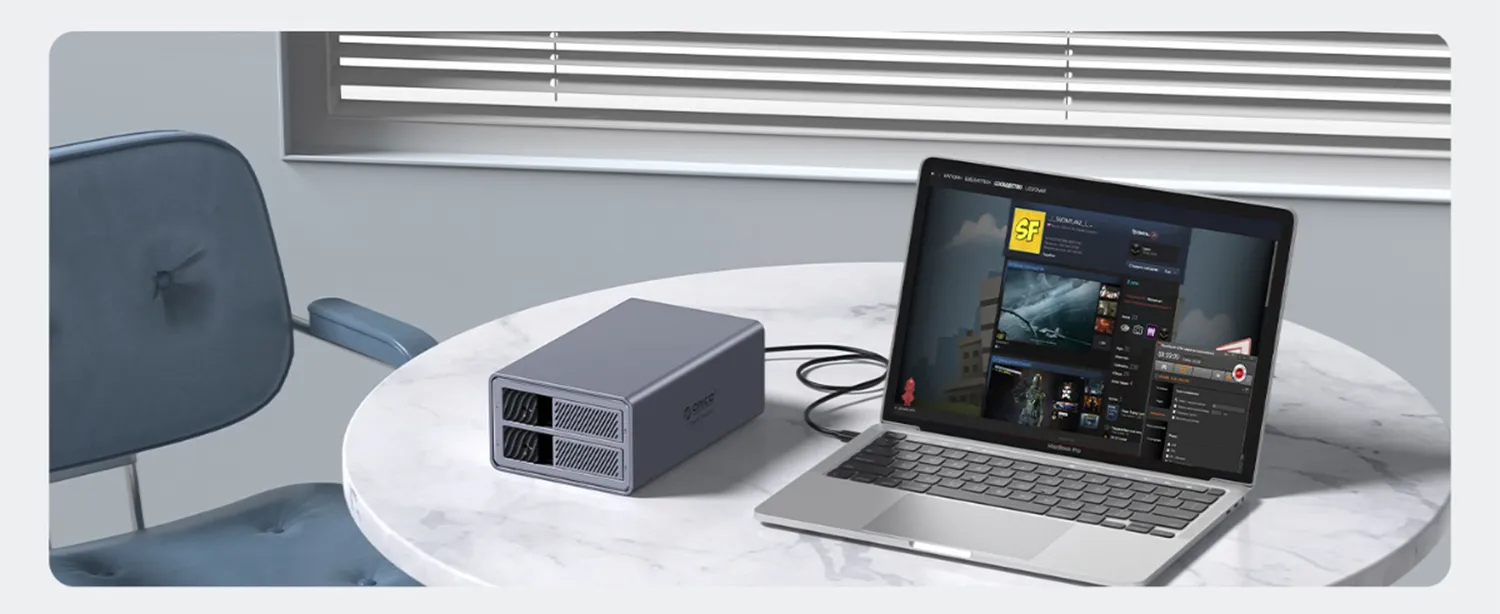
The hard disk used for the first time needs to be repartitioned (formatted). If it cannot be
recognized and data is
lost, please contact online customer service. If there is important data in your hard drive,
it is recommended to make a
backup in advance to prevent data loss.
1. Put the hard disk into the hard disk box and connect it to the
computer.
2. Format/Partition the hard disk: Right-click “My Computer” → Manage →
Disk Manager → select Disk 1 → Right-click →
Format/Partition.
The product itself is an accessory device and will not cause damage to the hard drive under normal use. If there is important data in your hard drive, it is recommended to back up in advance to prevent data loss. Our company will not be responsible for data loss.
The hard drive is a consumable item; its service life depends on working hours and environment. It is generally recommended to replace it after 3–5 years to prevent data loss and damage caused by an old hard drive.