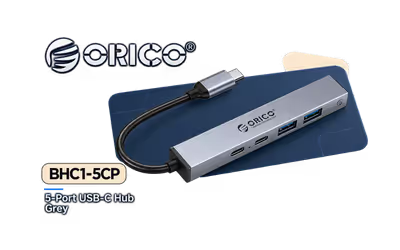
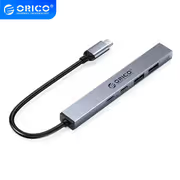
Orico 5 port USB C Hub
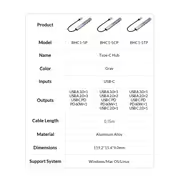
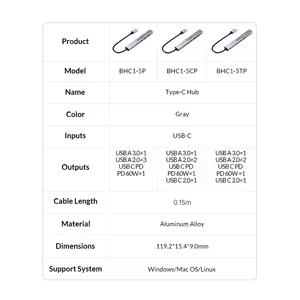
Orico 5-port USB-C Hub / Transmission Rate: USB A 3.0×1:5Gbps, USB A 2.0×2 480Mbps, USB C PD 2.0×1 20V 3A 60W MAX, USB C 2.0×1 480Mbps / USB A 3.0×1, USB A 2.0×2, USB C PD 60W power supply×1, USB C 2.0×1 / Wide Support for Various USB Devices / ORICO-BHC1-5CP-GY-BP
1 Year Local Warranty
Model No : Orico ORICO-BHC1-5CP-GY-BP
Price Inc. Vat
R 249
Save R 150
ListR 399
249Change Quantity:
In Stock with Evetech
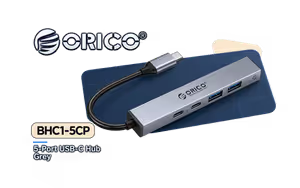
Orico ORICO-BHC1-5CP 5-Port USB-C Hub with 60W PD
Five-Port Type-C Hub With 60W Power Delivery
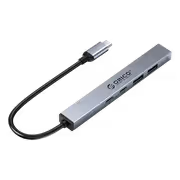
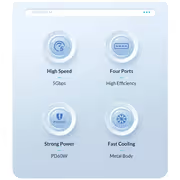
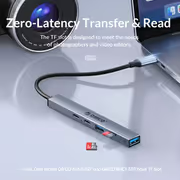
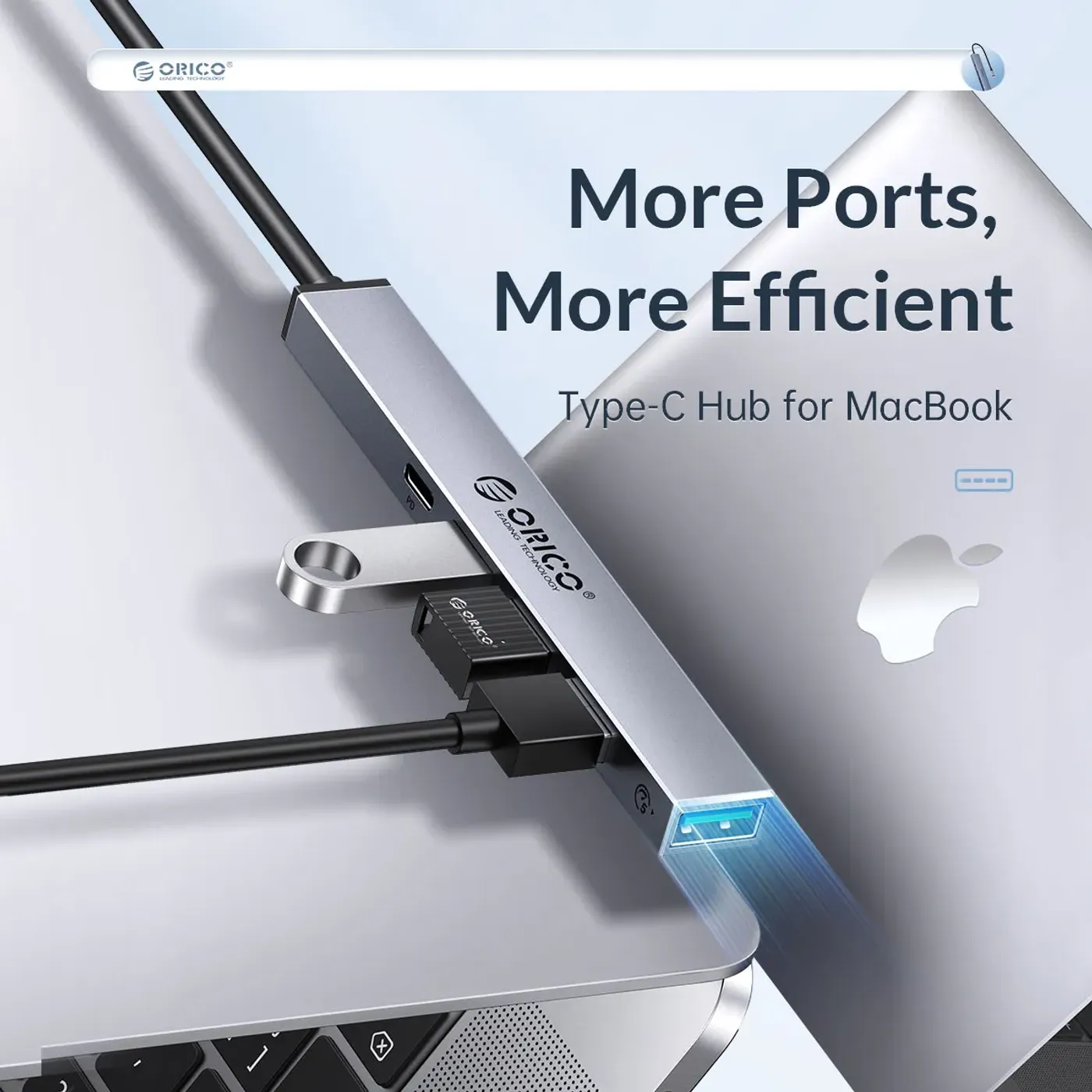
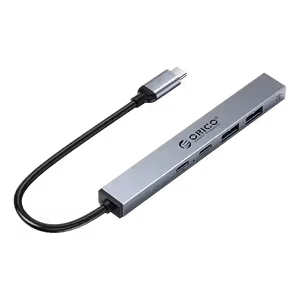
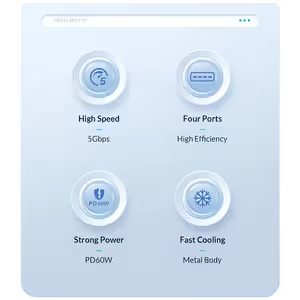
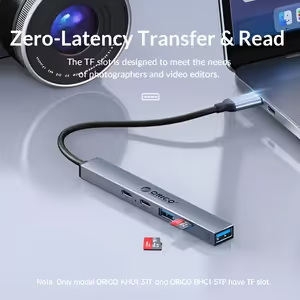
The Orico BHC1-5CP is a five-port USB-C hub carrying one USB-A 3.0 port at 5Gbps, two USB-A 2.0 ports at 480Mbps, one USB-C 2.0 data port and one USB-C Power Delivery port rated 20V 3A for 60W. It connects a mouse, keyboard, flash drive and a charging phone to a laptop or PC at the same time, in a compact body that is light enough to carry.
Five-Port Type-C Hub With 60W Power Delivery
The Orico BHC1-5CP is a five-port USB-C hub carrying one USB-A 3.0 port at 5Gbps, two USB-A 2.0 ports at 480Mbps, one USB-C 2.0 data port and one USB-C Power Delivery port rated 20V 3A for 60W. It connects a mouse, keyboard, flash drive and a charging phone to a laptop or PC at the same time, in a compact body that is light enough to carry.
USB-A 3.0 Port Handles 5Gbps Transfers
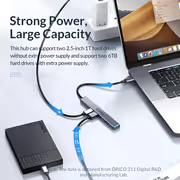
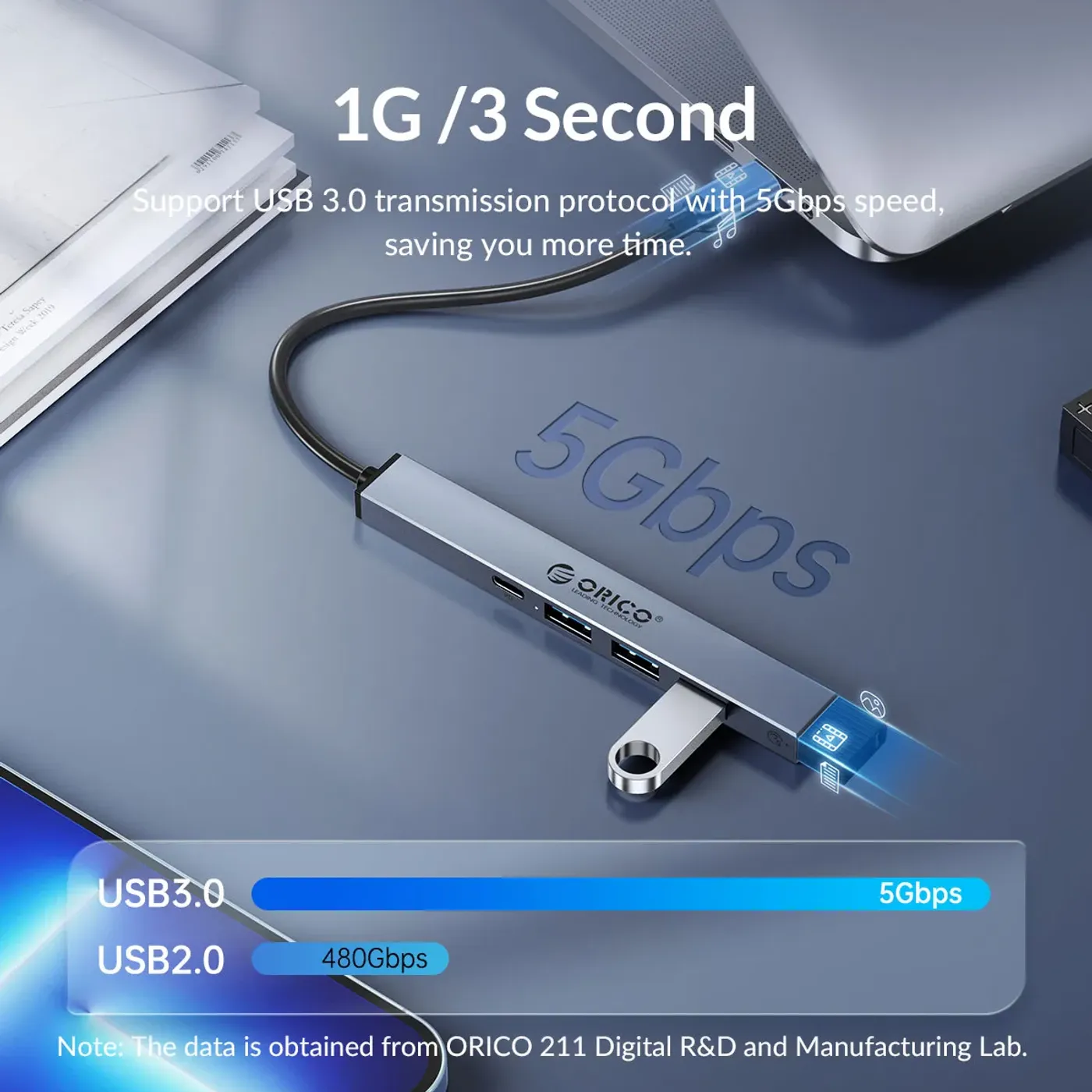
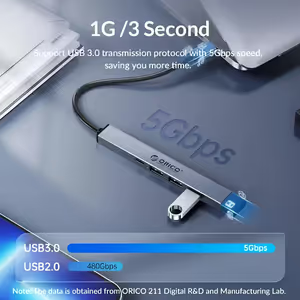
One USB-A 3.0 port runs at up to 5Gbps, which is the connector to reserve for anything that actually moves data. Flash drives and external storage belong here, because the difference between this port and the 2.0 ports on the same hub is roughly tenfold on a large file copy.
USB-A 3.0 Port Handles 5Gbps Transfers
One USB-A 3.0 port runs at up to 5Gbps, which is the connector to reserve for anything that actually moves data. Flash drives and external storage belong here, because the difference between this port and the 2.0 ports on the same hub is roughly tenfold on a large file copy.
Two USB-A 2.0 Ports At 480Mbps
Two USB-A 2.0 ports rated at 480Mbps handle the basic peripherals, which is exactly what a mouse, a keyboard or a wireless dongle needs. Splitting the hub this way is deliberate: those devices hold a port permanently but move almost no data, so they never compete with the 3.0 connector.
Two USB-A 2.0 Ports At 480Mbps
Two USB-A 2.0 ports rated at 480Mbps handle the basic peripherals, which is exactly what a mouse, a keyboard or a wireless dongle needs. Splitting the hub this way is deliberate: those devices hold a port permanently but move almost no data, so they never compete with the 3.0 connector.
USB-C PD Port Rated 20V 3A For 60W
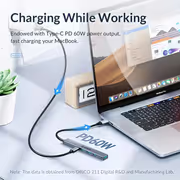
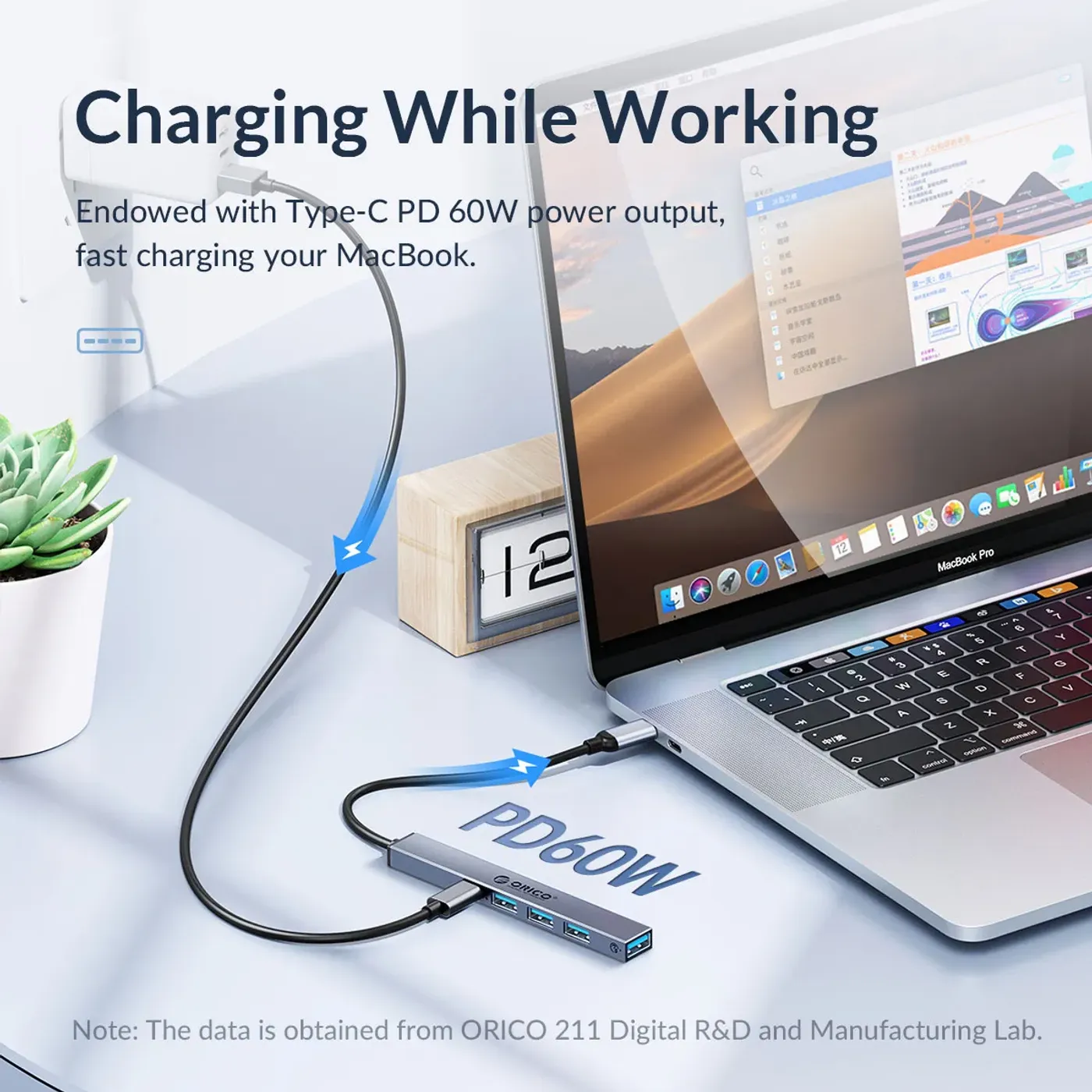
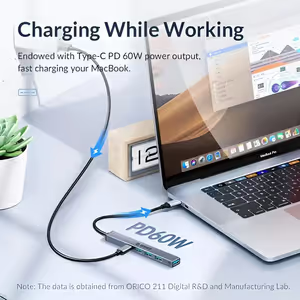
The USB-C Power Delivery port is rated at 20V and 3A for a 60W maximum, enough to keep a laptop or tablet powered while it is docked. Passing charge through the hub is what removes the usual trade-off on a machine with one Type-C port, where connecting peripherals normally means unplugging the charger.
USB-C PD Port Rated 20V 3A For 60W
The USB-C Power Delivery port is rated at 20V and 3A for a 60W maximum, enough to keep a laptop or tablet powered while it is docked. Passing charge through the hub is what removes the usual trade-off on a machine with one Type-C port, where connecting peripherals normally means unplugging the charger.
Second USB-C Port Carries Data At 480Mbps
Alongside the Power Delivery connector, a USB-C 2.0 port carries data at 480Mbps. Having a second Type-C connector matters as accessories move to that standard, because it means a Type-C flash drive or cable does not need an adapter just to reach one of the hub's USB-A sockets.
Second USB-C Port Carries Data At 480Mbps
Alongside the Power Delivery connector, a USB-C 2.0 port carries data at 480Mbps. Having a second Type-C connector matters as accessories move to that standard, because it means a Type-C flash drive or cable does not need an adapter just to reach one of the hub's USB-A sockets.
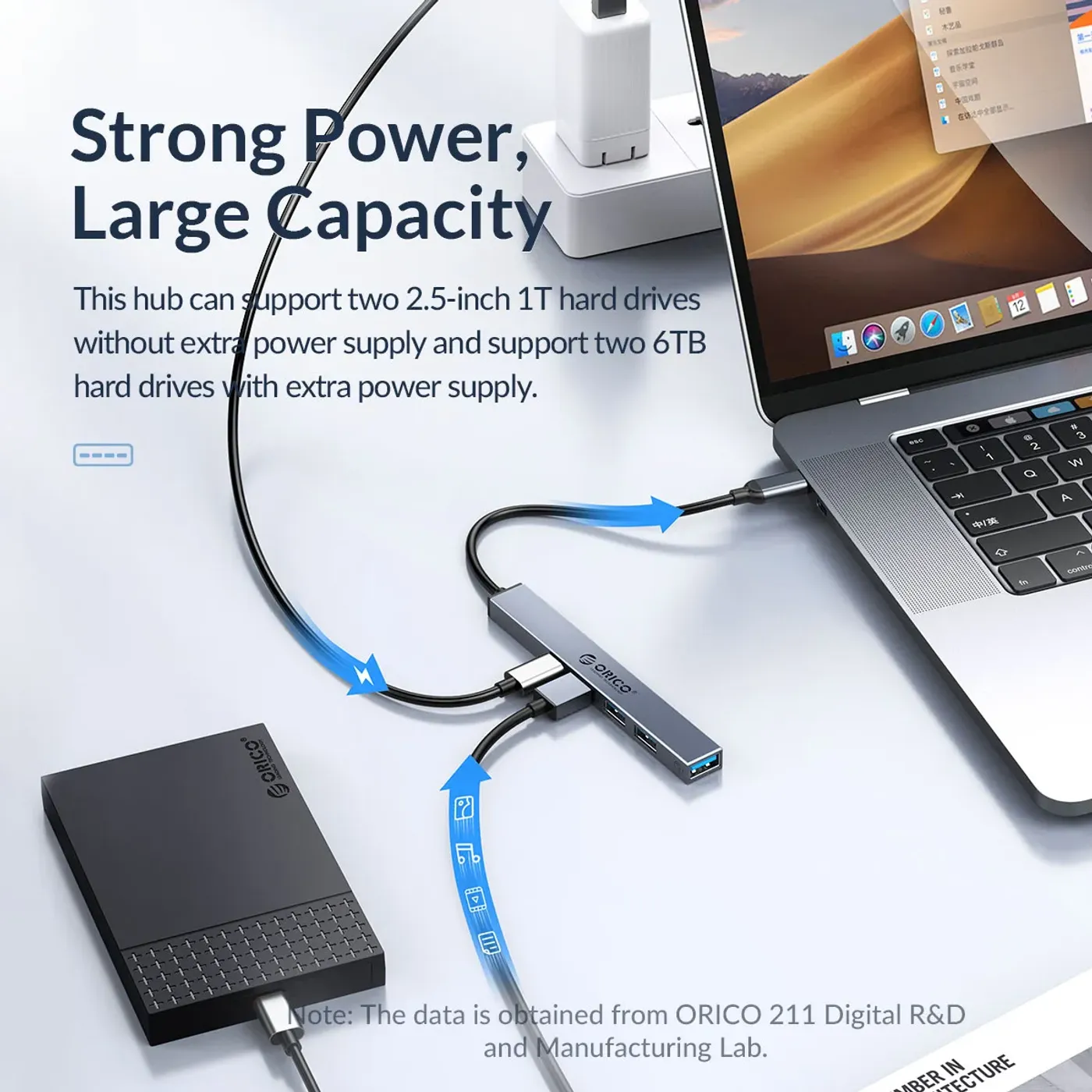
Stay Powered While Everything Stays Connected
Power Delivery charging up to 60W lets a laptop or tablet run from mains power through the hub, so the machine is charging and connected at the same time. On a long working day that turns the hub into the single cable you attach at the desk rather than a device you swap in and out with the charger.
Stay Powered While Everything Stays Connected
Power Delivery charging up to 60W lets a laptop or tablet run from mains power through the hub, so the machine is charging and connected at the same time. On a long working day that turns the hub into the single cable you attach at the desk rather than a device you swap in and out with the charger.
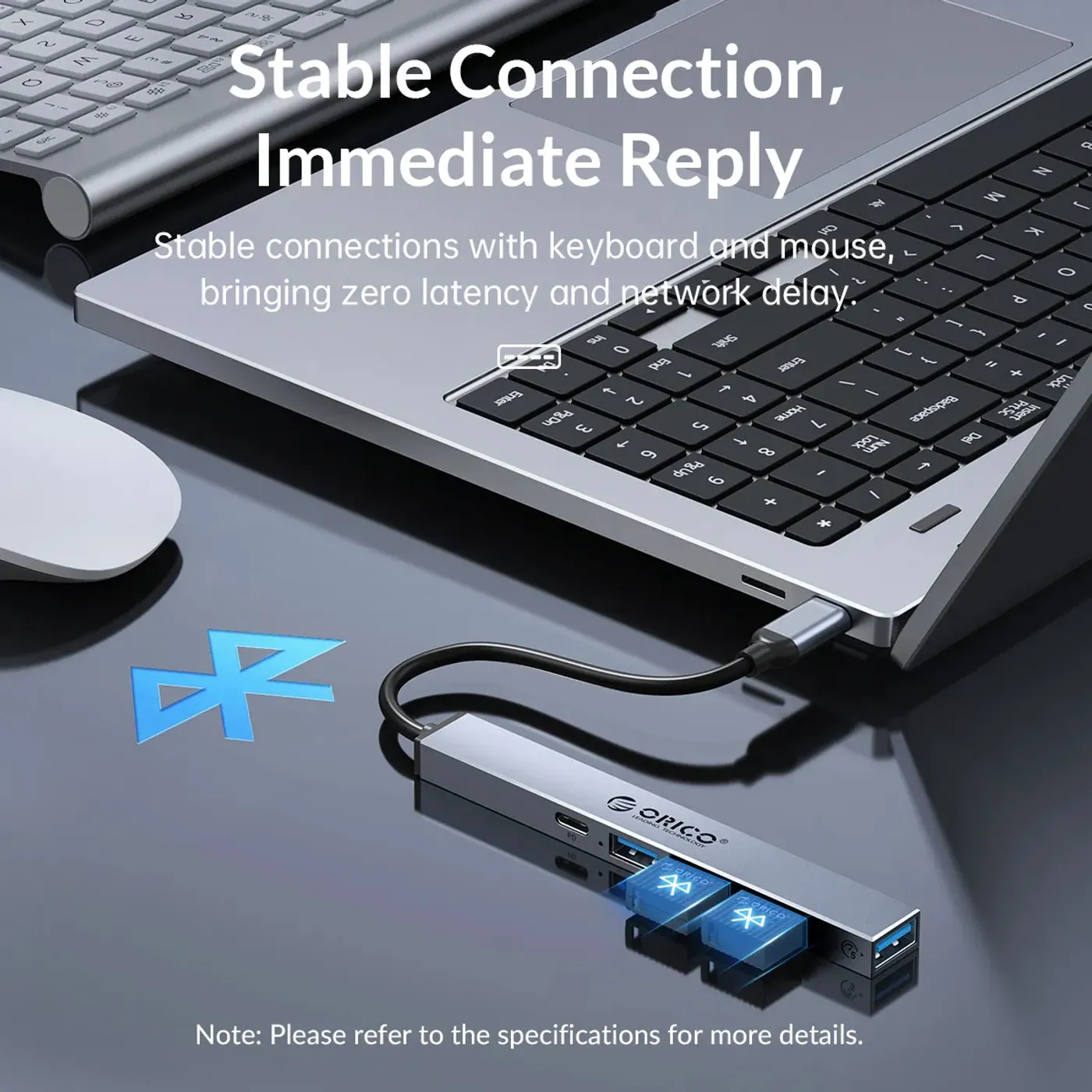
Runs Peripherals And Charging Simultaneously
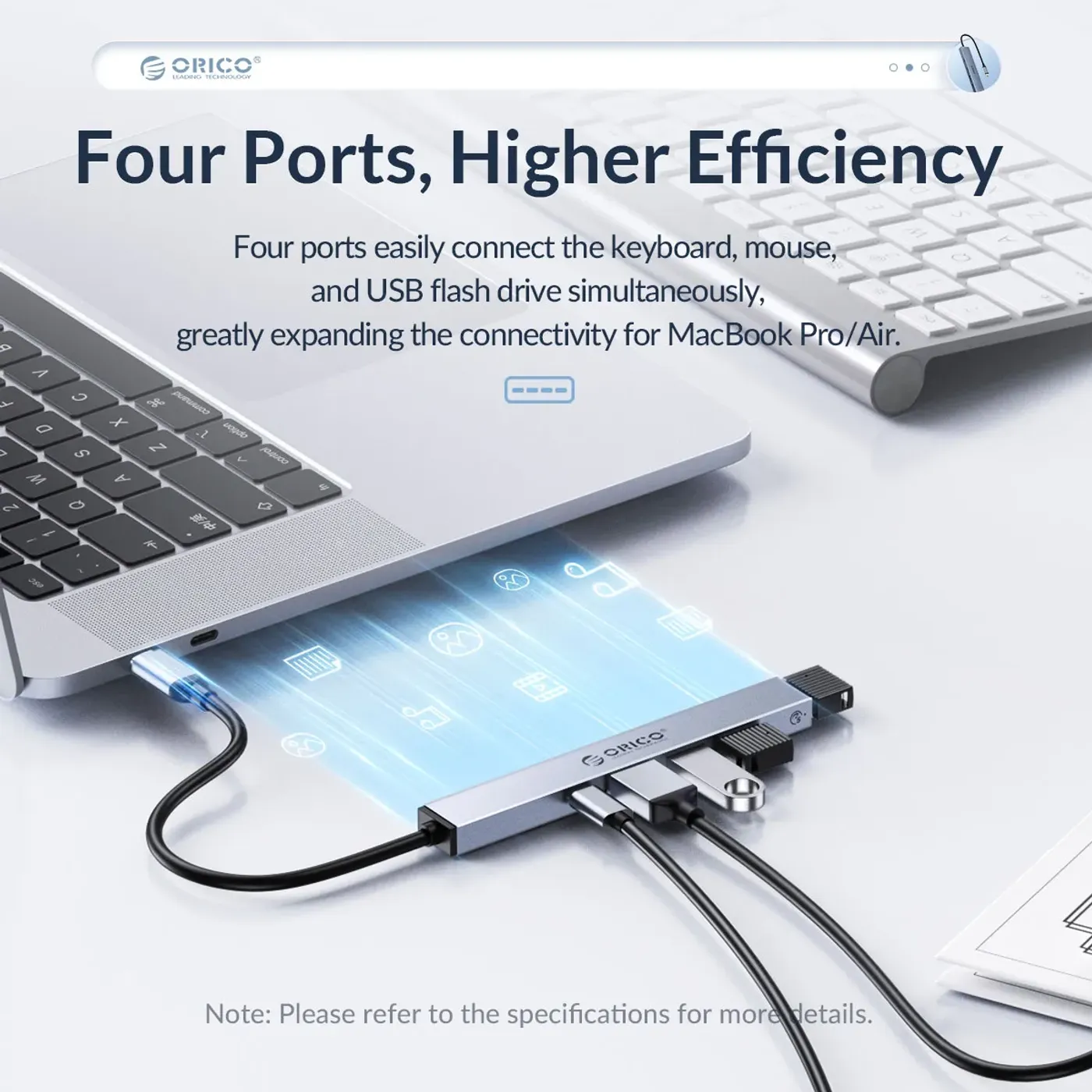
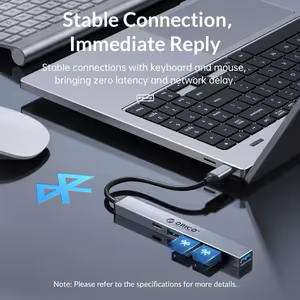
A mouse, keyboard and flash drive can be connected while a smartphone charges, without sacrificing speed or performance on any of them. That is the practical test of a hub, since a design that shares bandwidth badly shows up as a laggy mouse the moment a file transfer starts on another port.
Runs Peripherals And Charging Simultaneously
A mouse, keyboard and flash drive can be connected while a smartphone charges, without sacrificing speed or performance on any of them. That is the practical test of a hub, since a design that shares bandwidth badly shows up as a laggy mouse the moment a file transfer starts on another port.
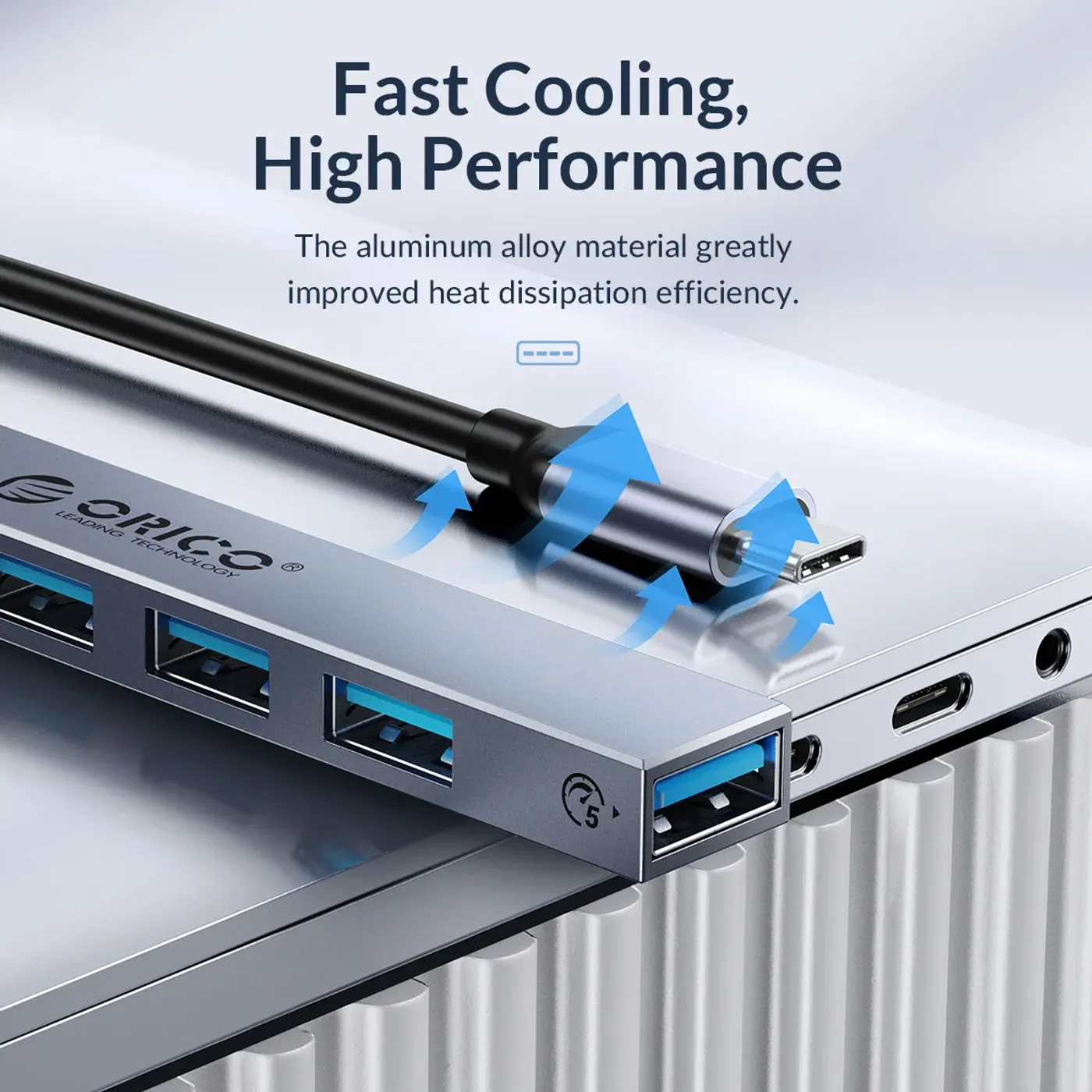
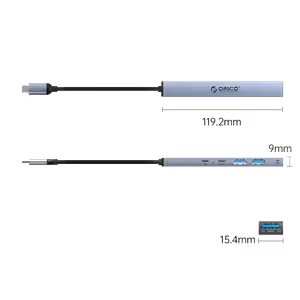
Lightweight Body That Travels In A Bag
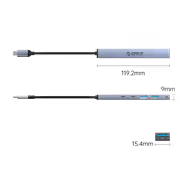
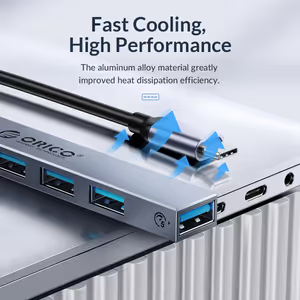
The hub is lightweight and easy to carry, which is what separates a portable dock from a desk fixture. Because it draws what it needs through the Type-C connection rather than a separate mains adapter, the whole setup is the hub plus one cable, and that is what makes it realistic to move between locations daily.
Lightweight Body That Travels In A Bag
The hub is lightweight and easy to carry, which is what separates a portable dock from a desk fixture. Because it draws what it needs through the Type-C connection rather than a separate mains adapter, the whole setup is the hub plus one cable, and that is what makes it realistic to move between locations daily.
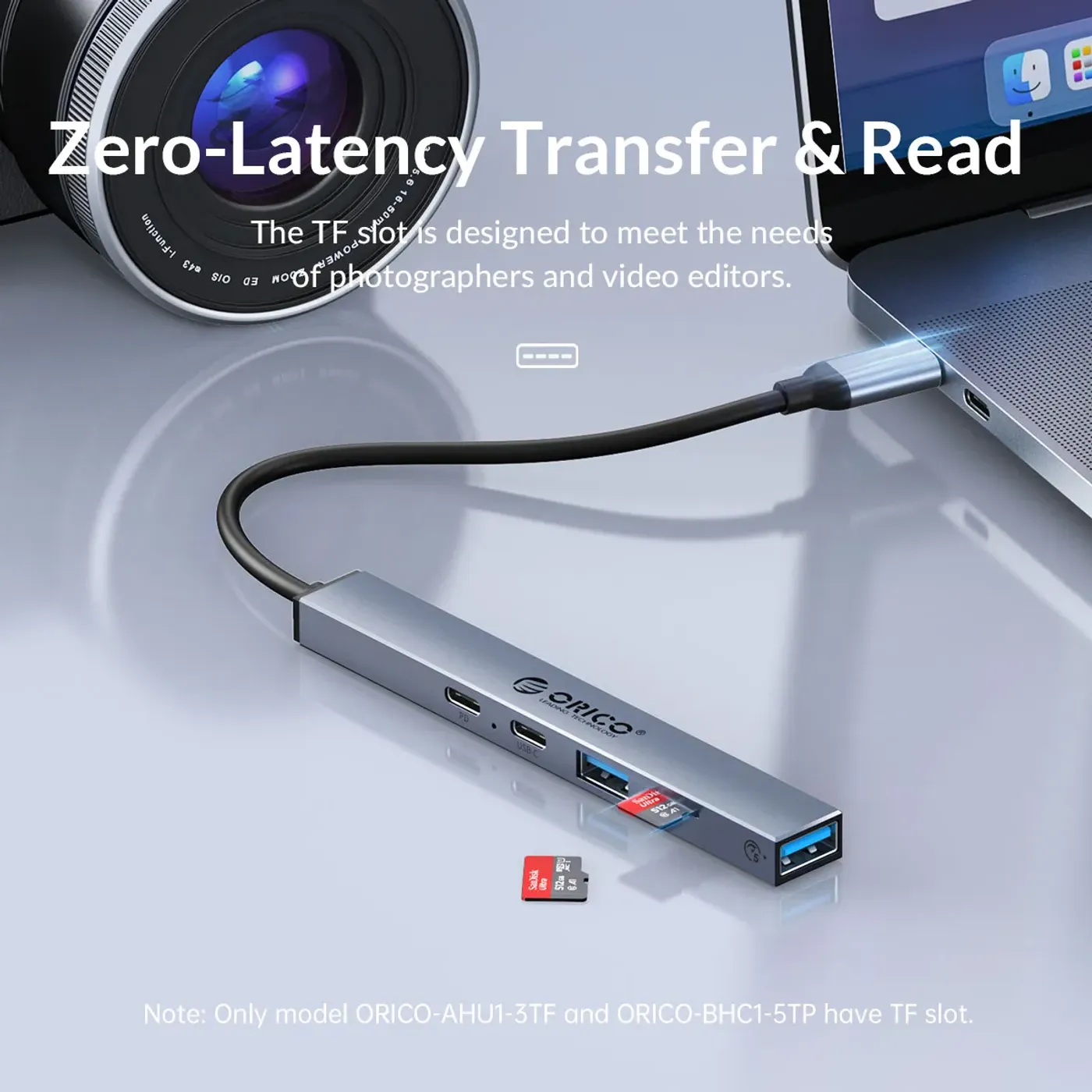
Suits Workstations, School Setups And Gaming
The hub is aimed at workstations, school setups and gaming rigs, three environments with the same underlying problem of too few ports on modern machines. In each case the fix is the same: leave the peripherals permanently attached to the hub and connect one Type-C cable to whichever machine is in use.
Suits Workstations, School Setups And Gaming
The hub is aimed at workstations, school setups and gaming rigs, three environments with the same underlying problem of too few ports on modern machines. In each case the fix is the same: leave the peripherals permanently attached to the hub and connect one Type-C cable to whichever machine is in use.
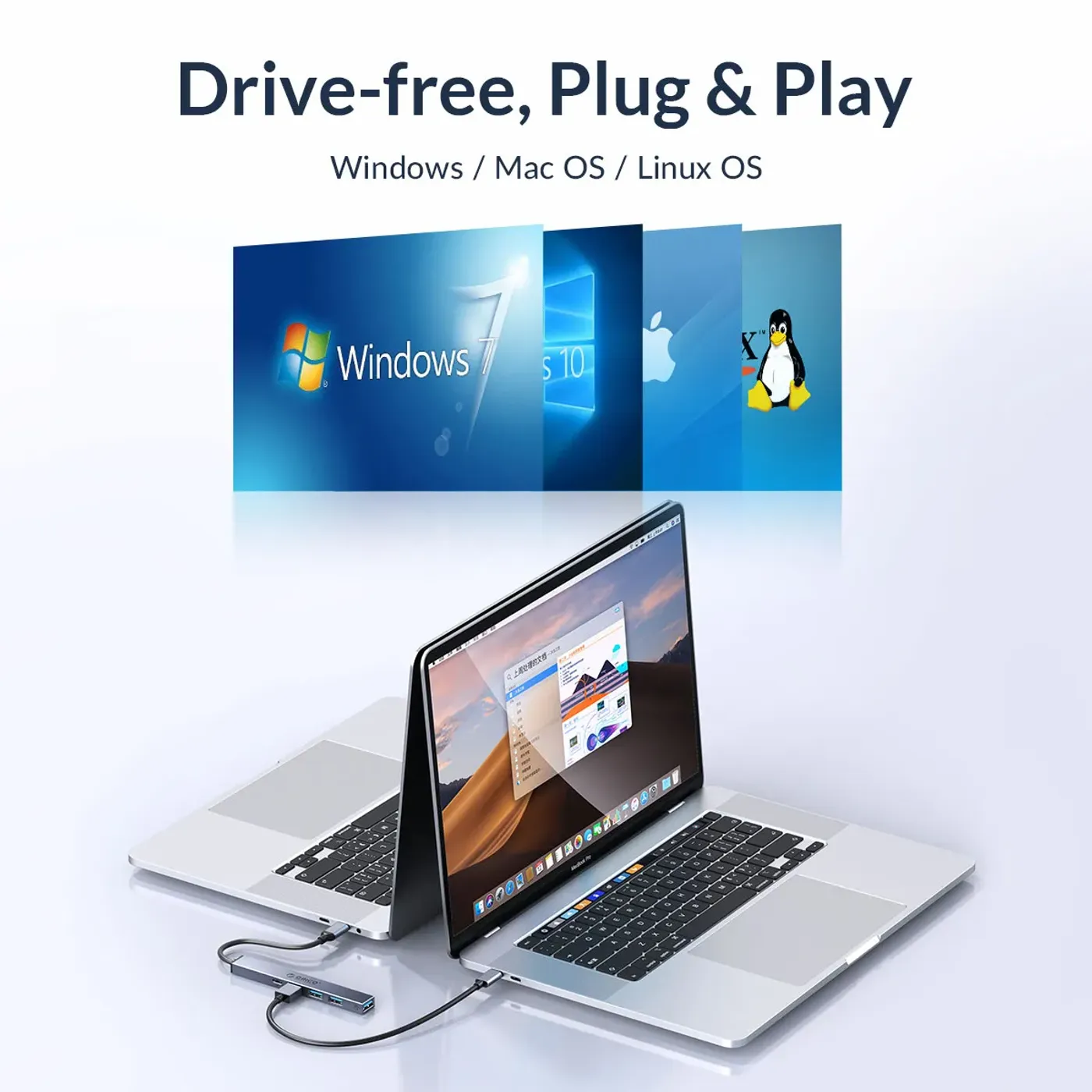
One Type-C Connection Into A Laptop Or PC
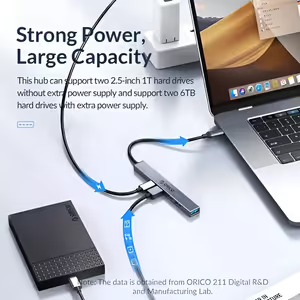
Everything runs through a single Type-C connection to a laptop or PC, which is what makes this a multi-functional docking station rather than a plain splitter. The compact design keeps five ports within reach without a mains brick, a hub casing the size of a book, or a second cable running across the desk.
One Type-C Connection Into A Laptop Or PC
Everything runs through a single Type-C connection to a laptop or PC, which is what makes this a multi-functional docking station rather than a plain splitter. The compact design keeps five ports within reach without a mains brick, a hub casing the size of a book, or a second cable running across the desk.
FAQ
Frequently Asked Questions
Everything you need to know about this product
One USB-A 3.0 port, two USB-A 2.0 ports, one USB-C 2.0 port and one USB-C PD charging port.
It supports ultra-fast data transfers of up to 5Gbps.
The two USB-A 2.0 ports are rated at 480Mbps, which suits basic peripherals.
The USB-C PD port is rated 20V 3A for a maximum of 60W.
Yes, Power Delivery charging up to 60W keeps a laptop or tablet powered while connected.
It connects to a laptop or PC through a single USB Type-C connection.
Yes, a mouse, keyboard and flash drive can run while a smartphone charges.
The USB-C 2.0 data port is rated at 480Mbps.
Yes, it is a lightweight, compact dock designed to be portable.
It is aimed at workstations, school setups and gaming environments.

AI-Generated Content:These FAQs are generated by an automated AI system and may contain inaccuracies or omissions. Evetech makes no warranties, express or implied, regarding their completeness or reliability. For definitive information, please refer to the manufacturer's official specifications.



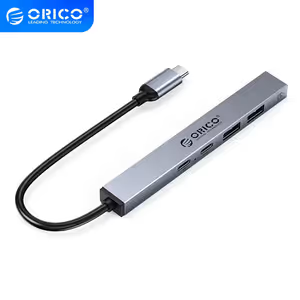

Please Note: Product images are for illustrative purposes only and may differ from the actual product.
Choose your
own PC
Hand-pick every part with live stock, compatibility, and instant pricing.
Try the new builderPrice Inc. Vat
R 249
Save R 150
ListR 399
249Change Quantity:
In Stock with Evetech
Choose your
own PC
Hand-pick every part with live stock, compatibility, and instant pricing.
Try the new builderOrico 5 port USB C Hub