


1 Year Local Warranty
Model No : UGREEN CM478-15495
Price Inc. Vat
R 279
Save R 120
ListR 399
279Change Quantity:
In Stock with Evetech
Price Inc. Vat
R 279
Save R 120
ListR 399
279Change Quantity:
In Stock with Evetech
Trusted Partners
Please Note: Product images are for illustrative purposes only and may differ from the actual product.
Hand-pick every part with live stock, compatibility, and instant pricing.
Try the new builderHand-pick every part with live stock, compatibility, and instant pricing.
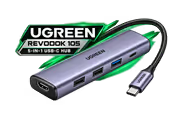
Try the new builderUGREEN Revodok 105 5-in-1 USB-C Hub
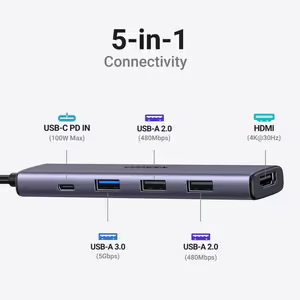
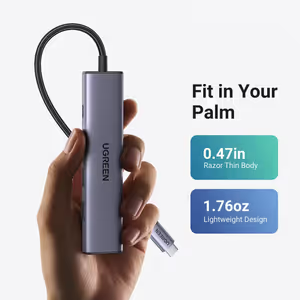
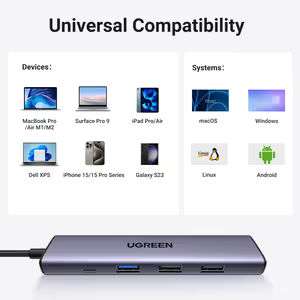
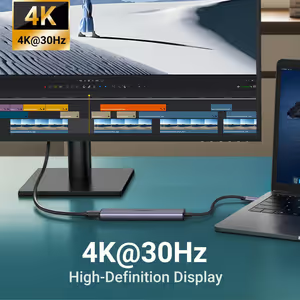
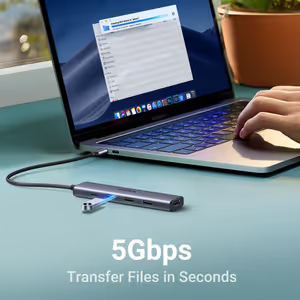
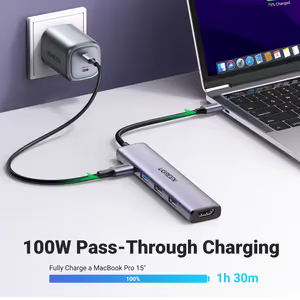
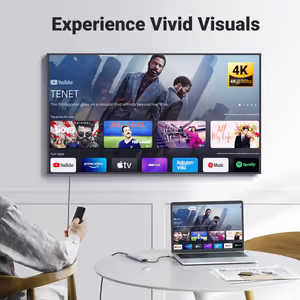
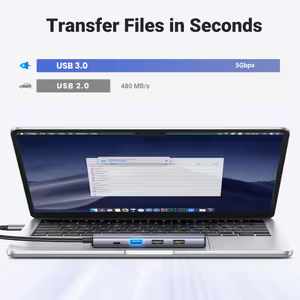
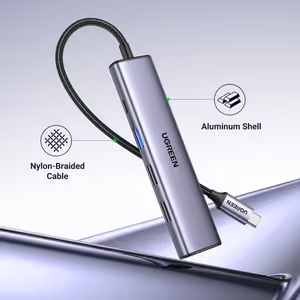
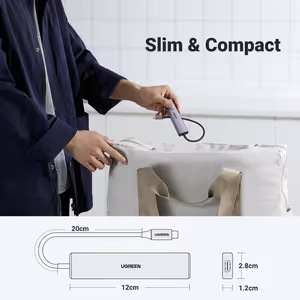
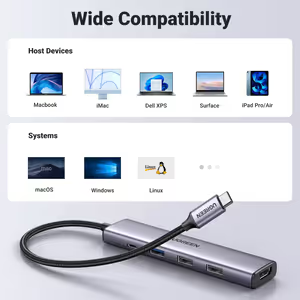
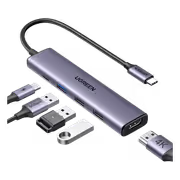
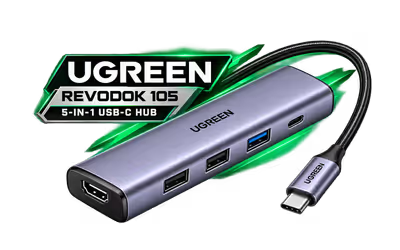
The UGREEN Revodok 105 is a slim 5-in-1 USB-C hub for everyday laptop use. It adds a 4K@30Hz HDMI port, a 100W PD charging port, one 5Gbps USB-A 3.0 port and two USB-A 2.0 ports, on a 20cm nylon-braided cable.
The UGREEN Revodok 105 is a slim 5-in-1 USB-C hub for everyday laptop use. It adds a 4K@30Hz HDMI port, a 100W PD charging port, one 5Gbps USB-A 3.0 port and two USB-A 2.0 ports, on a 20cm nylon-braided cable.
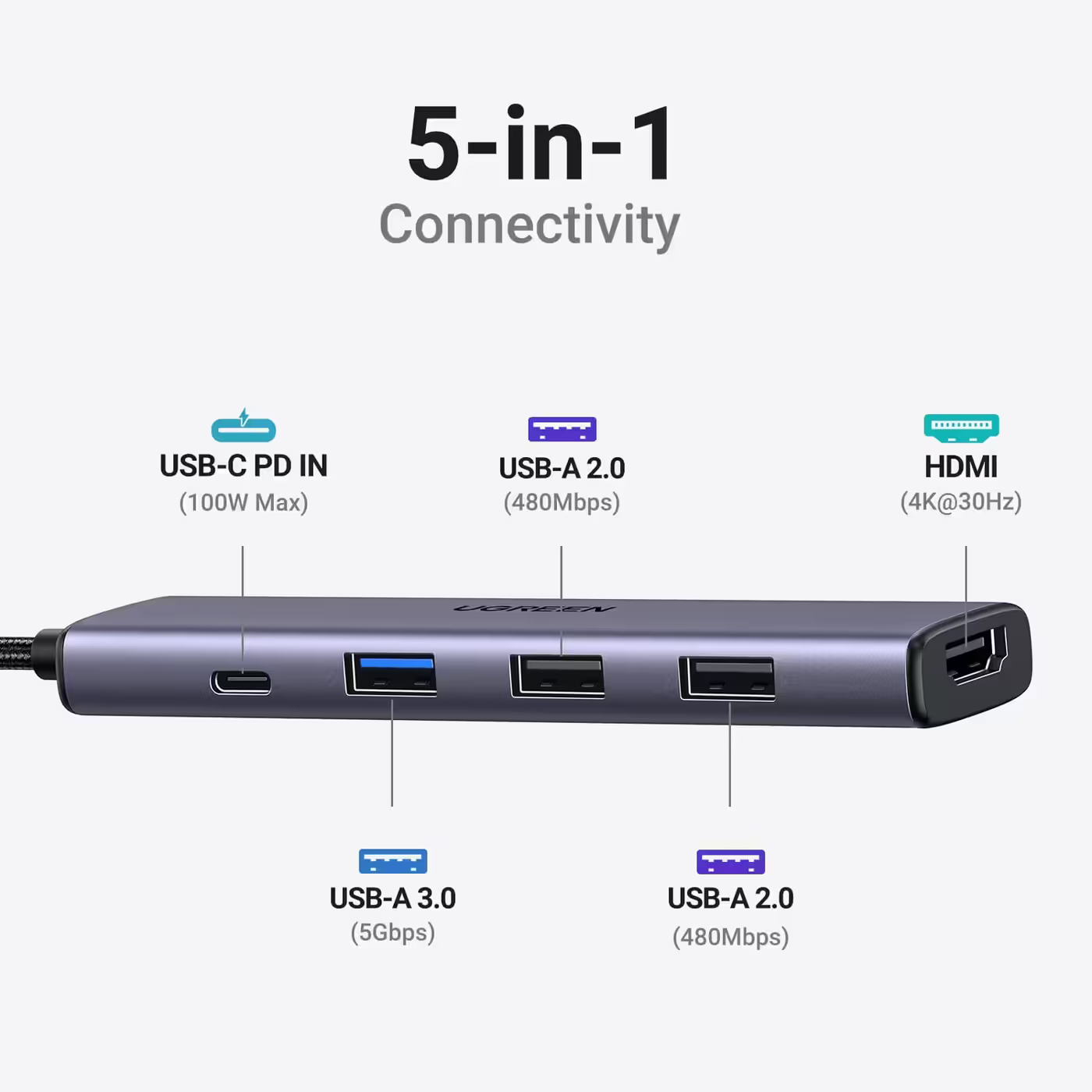
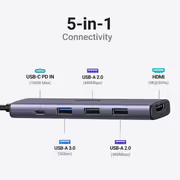
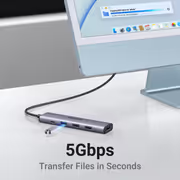
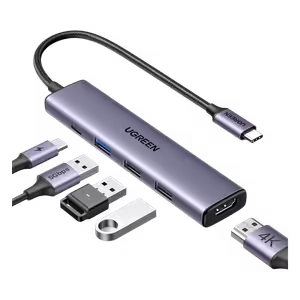
UGREEN's port map shows the layout: USB-C PD in at up to 100W, one blue USB-A 3.0 port at 5Gbps, two USB-A 2.0 ports at 480Mbps and an HDMI port at 4K@30Hz.
UGREEN's port map shows the layout: USB-C PD in at up to 100W, one blue USB-A 3.0 port at 5Gbps, two USB-A 2.0 ports at 480Mbps and an HDMI port at 4K@30Hz.
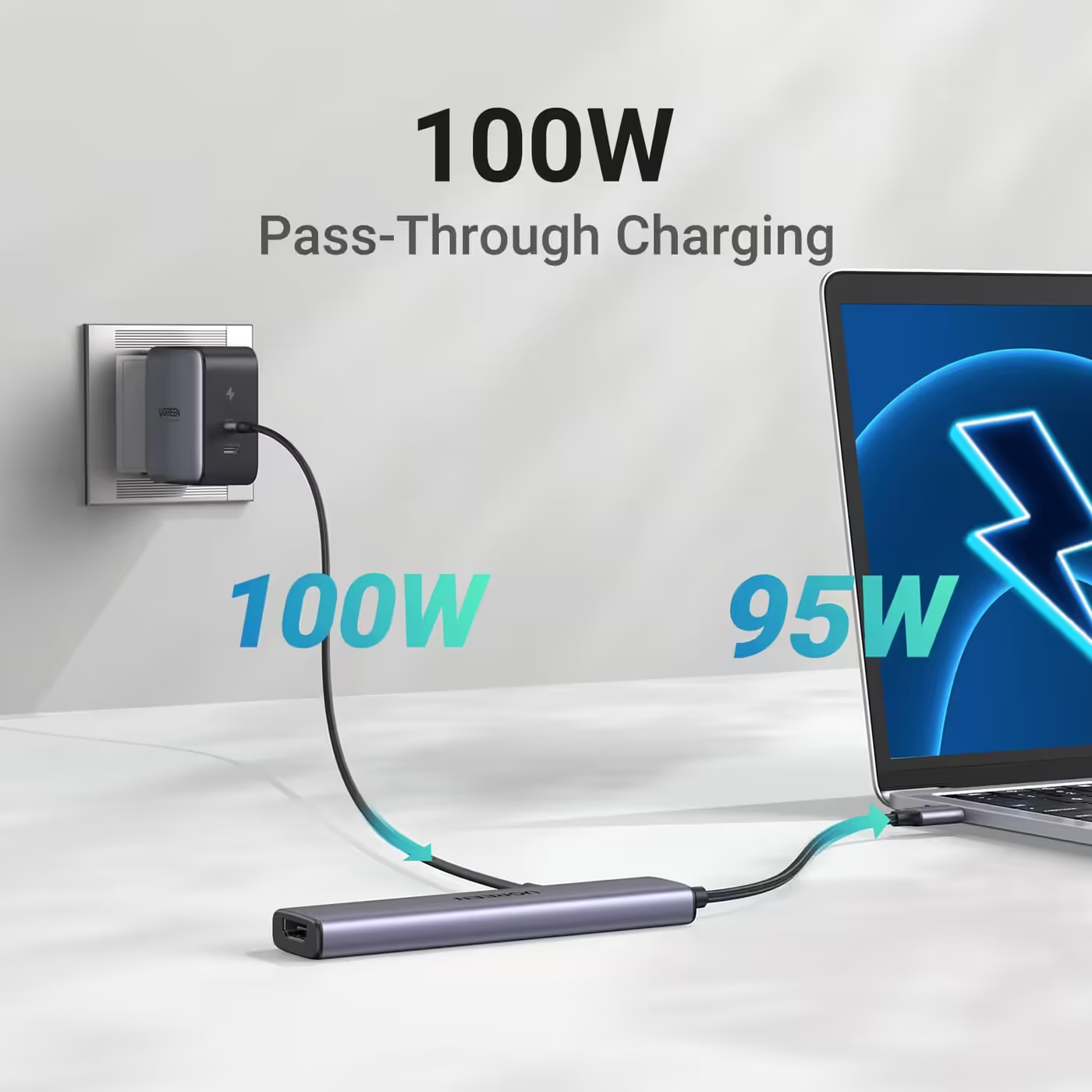
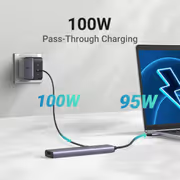
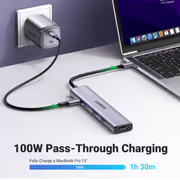
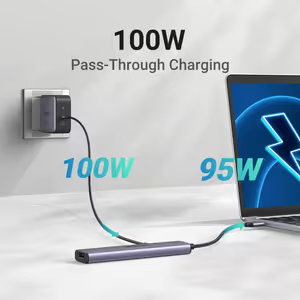
Connect the laptop charger to the hub's USB-C PD port and up to 95W passes through to the laptop, while 5W runs the hub's own ports. The laptop keeps charging while a screen and USB devices are connected.
Connect the laptop charger to the hub's USB-C PD port and up to 95W passes through to the laptop, while 5W runs the hub's own ports. The laptop keeps charging while a screen and USB devices are connected.
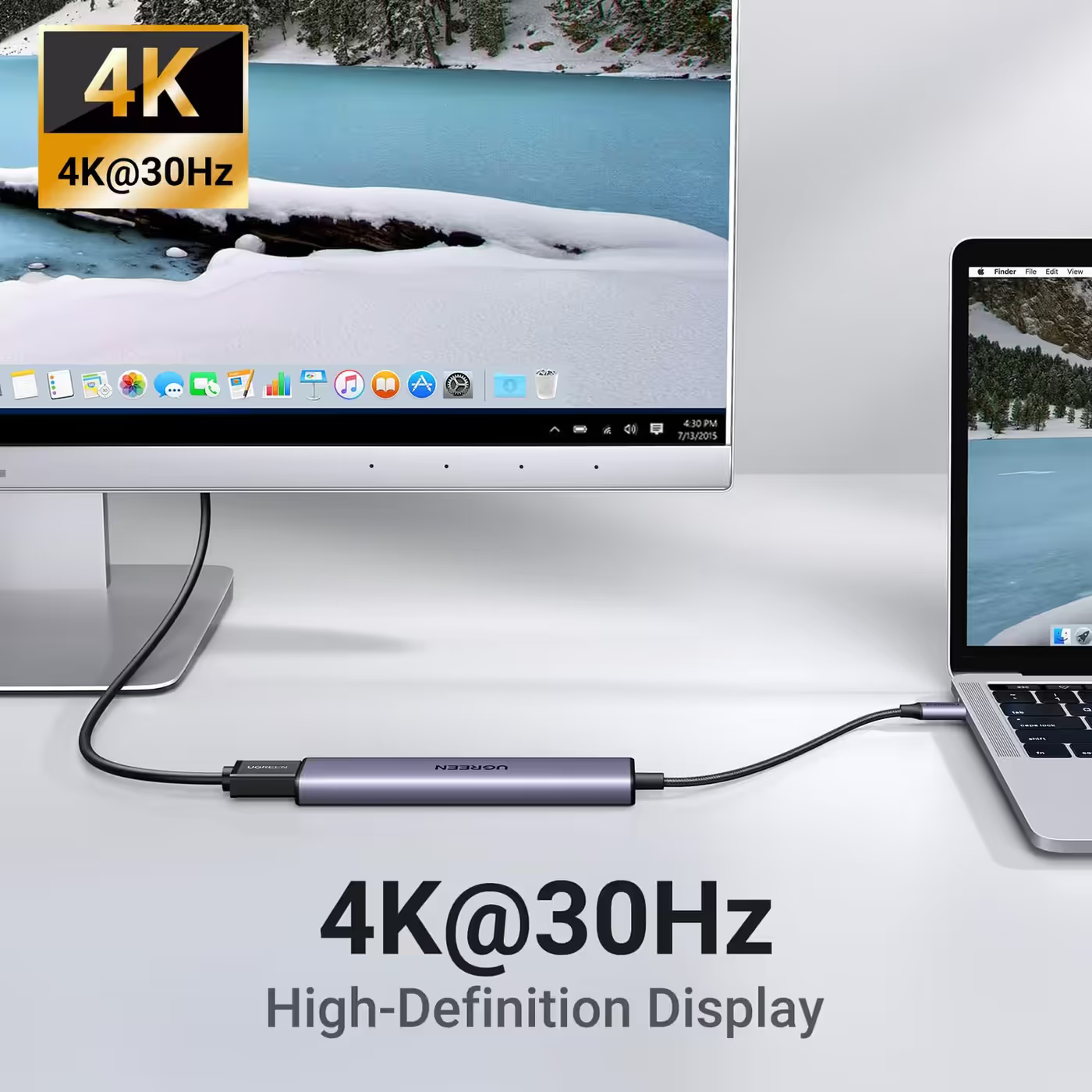
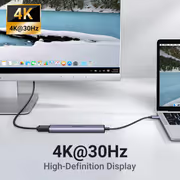
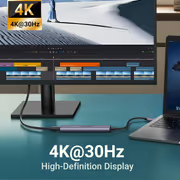
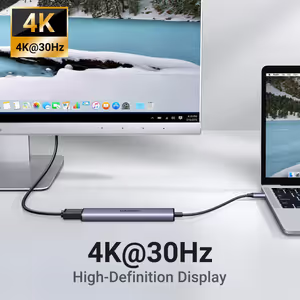
The HDMI 1.4 port sends up to 4K@30Hz to one monitor, TV or projector. The laptop's USB-C port must support video output for the screen to work.
The HDMI 1.4 port sends up to 4K@30Hz to one monitor, TV or projector. The laptop's USB-C port must support video output for the screen to work.
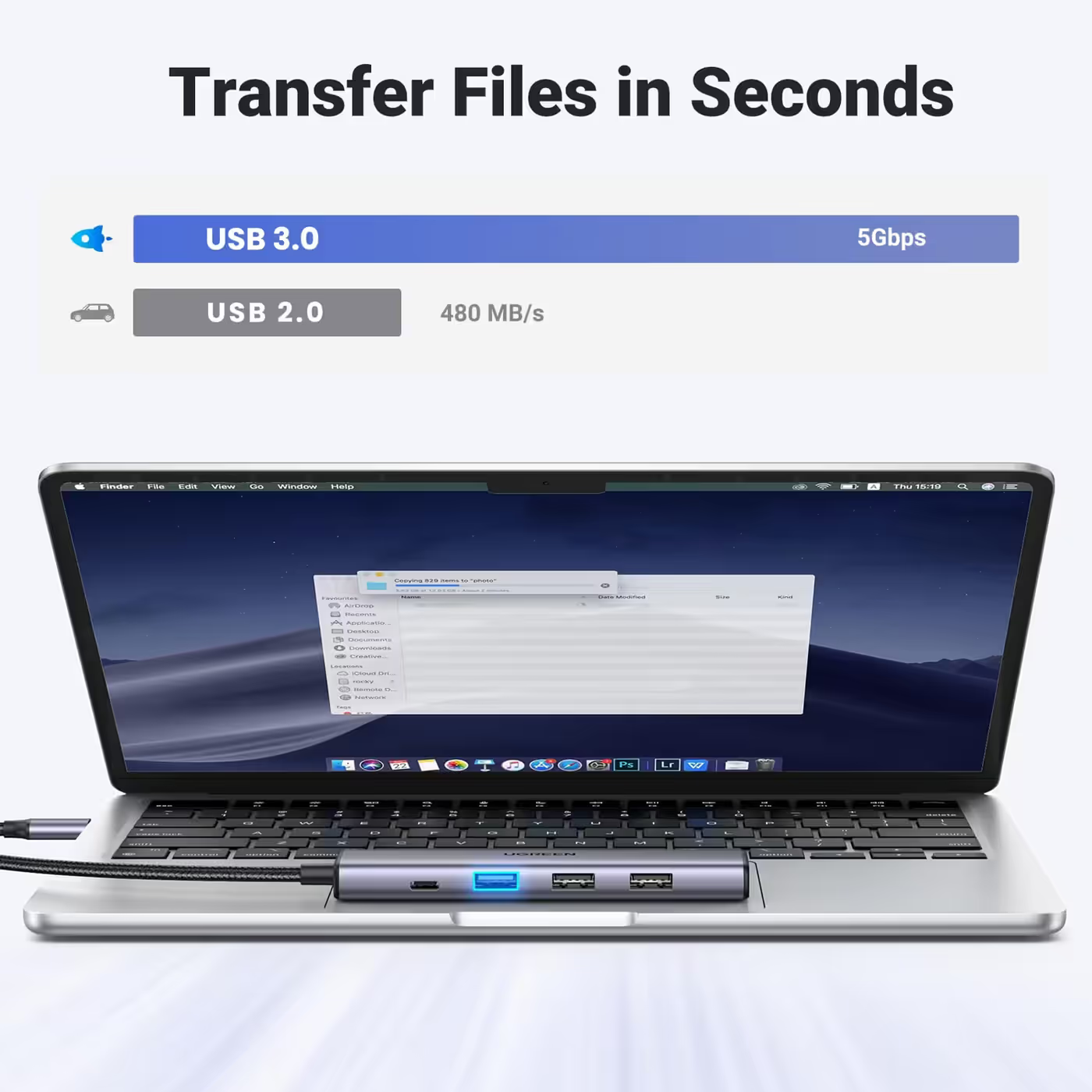
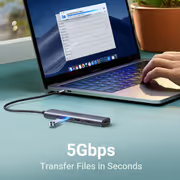
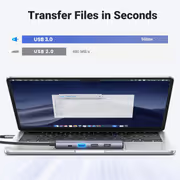
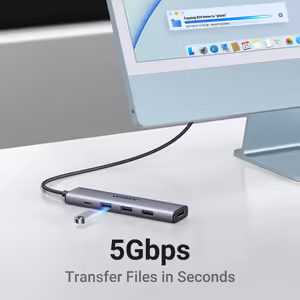
Use the 5Gbps USB-A 3.0 port for a drive or flash drive, and the two 480Mbps USB-A 2.0 ports for a keyboard, mouse or wireless receiver.
Use the 5Gbps USB-A 3.0 port for a drive or flash drive, and the two 480Mbps USB-A 2.0 ports for a keyboard, mouse or wireless receiver.
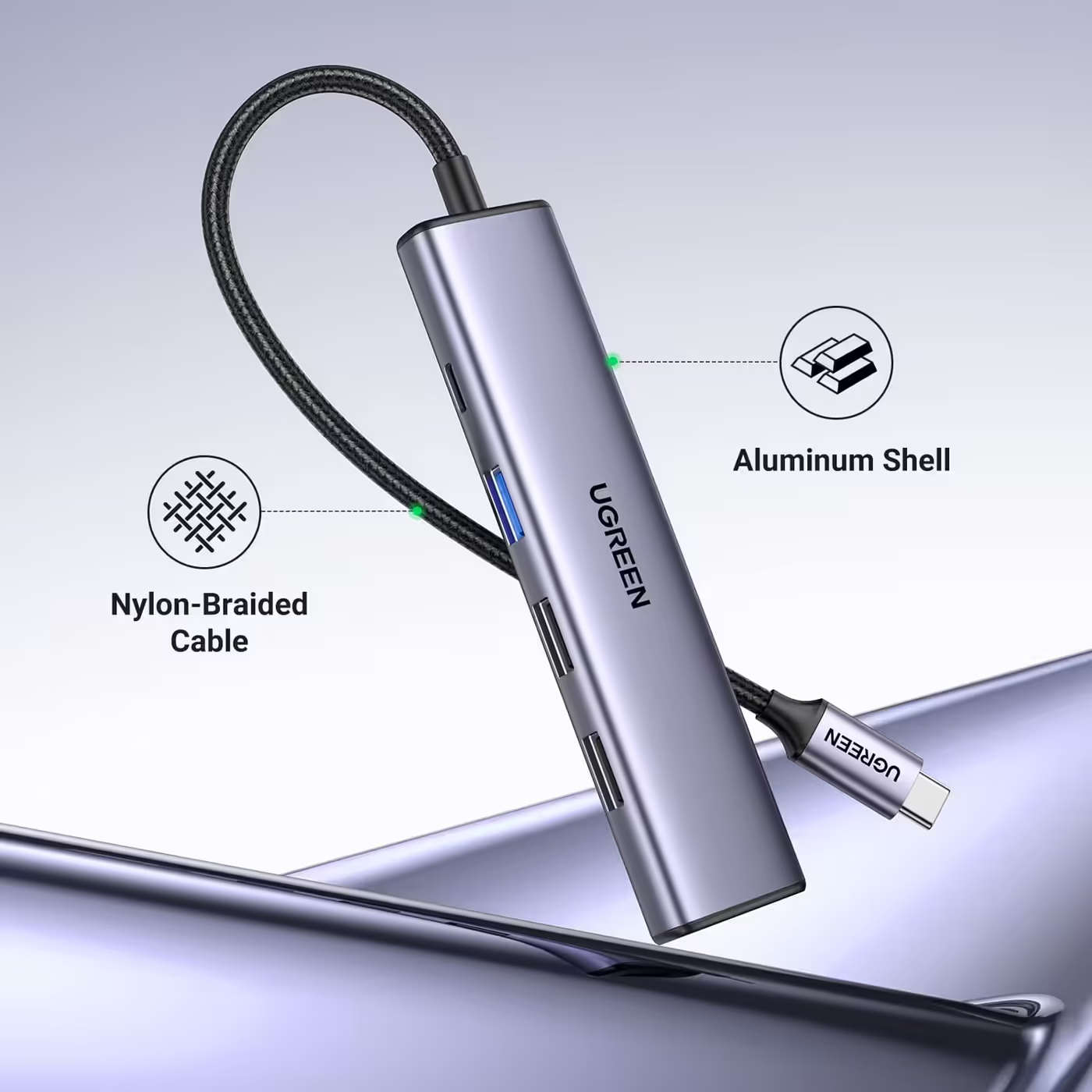
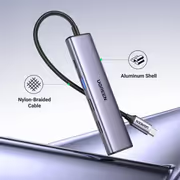
UGREEN's close-up shows the CNC-machined aluminium shell and the nylon-braided cable. The built-in cable is 20cm long, so the hub sits flat beside the laptop.
UGREEN's close-up shows the CNC-machined aluminium shell and the nylon-braided cable. The built-in cable is 20cm long, so the hub sits flat beside the laptop.
Everything you need to know about this product
Up to 4K@30Hz on one external screen, through an HDMI 1.4 port.
The USB-C PD port takes up to 100W and passes up to 95W to the laptop; the hub keeps 5W for itself.
Use the USB-A 3.0 port, which runs at up to 5Gbps. The two USB-A 2.0 ports run at 480Mbps and suit a keyboard, mouse or wireless receiver.
The built-in USB-C cable is 20cm long and nylon-braided.
No. For wired Ethernet, look at the UGREEN Revodok 107 7-in-1 hub instead.
The Revodok 105 has one USB-A 3.0 port and two USB-A 2.0 ports. UGREEN's 15596 5-in-1 hub has three USB-A 3.0 ports. Both have 4K@30Hz HDMI and 100W PD.
Yes. The laptop's USB-C port must support video output (DisplayPort Alt Mode). A USB-C port that only charges or moves data will not drive the HDMI screen.
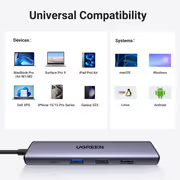
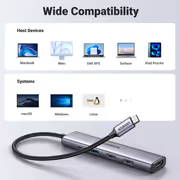
No. It is plug and play on Windows, macOS and Linux.

AI-Generated Content: These FAQs are generated by an automated AI system and may contain inaccuracies or omissions. Evetech makes no warranties, express or implied, regarding their completeness or reliability. For definitive information, please refer to the manufacturer's official specifications.