

Trusted Partners
Please Note: Product images are for illustrative purposes only and may differ from the actual product.
Hand-pick every part with live stock, compatibility, and instant pricing.
Try the new builderHand-pick every part with live stock, compatibility, and instant pricing.
Try the new builderRazer Tartarus V2 Pro Analog Optical Gaming Keypad


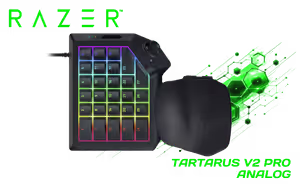
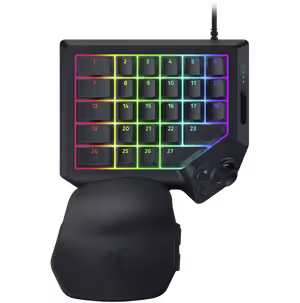
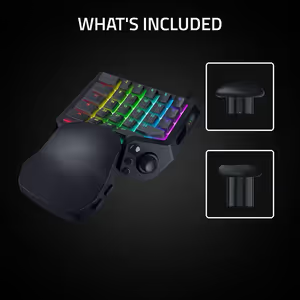
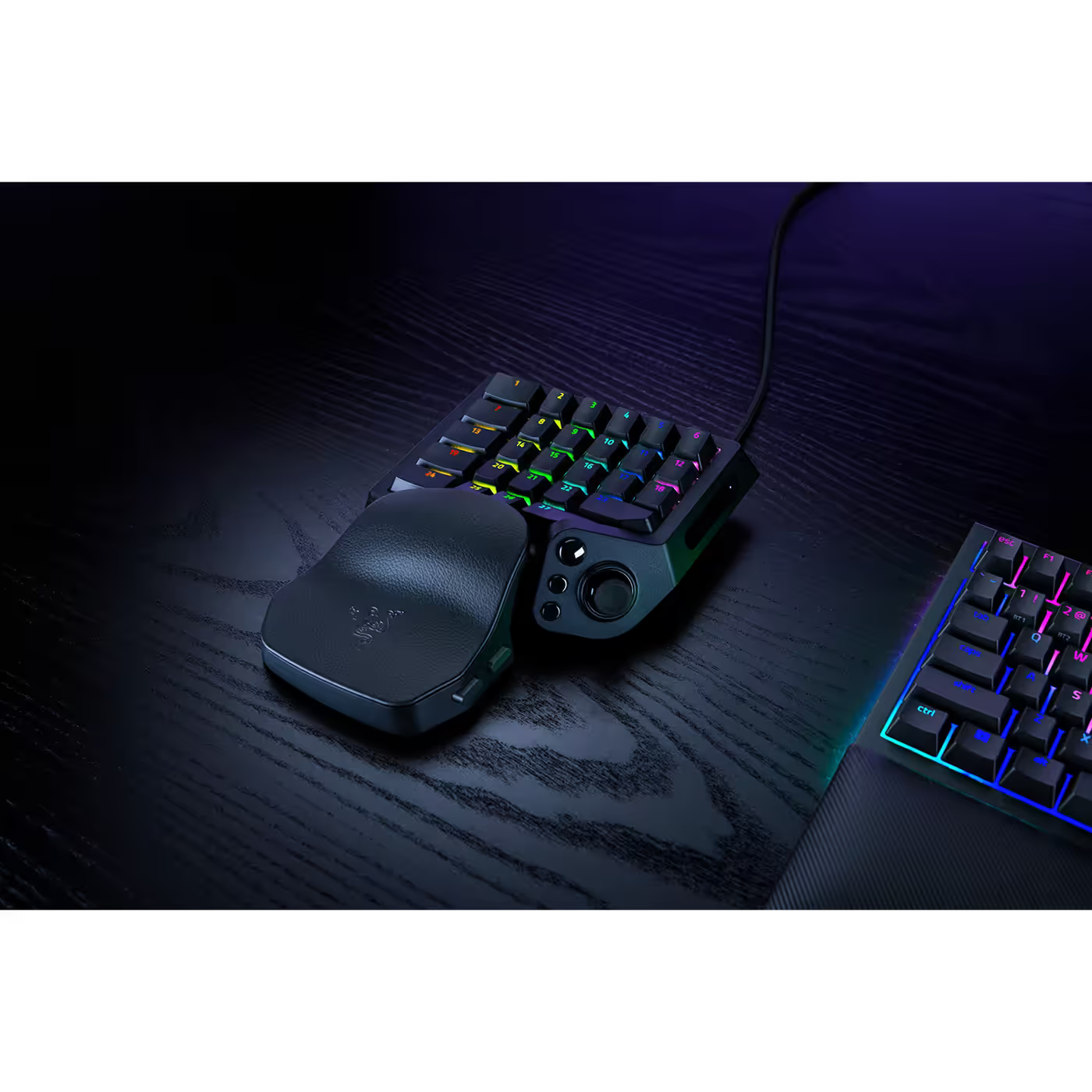
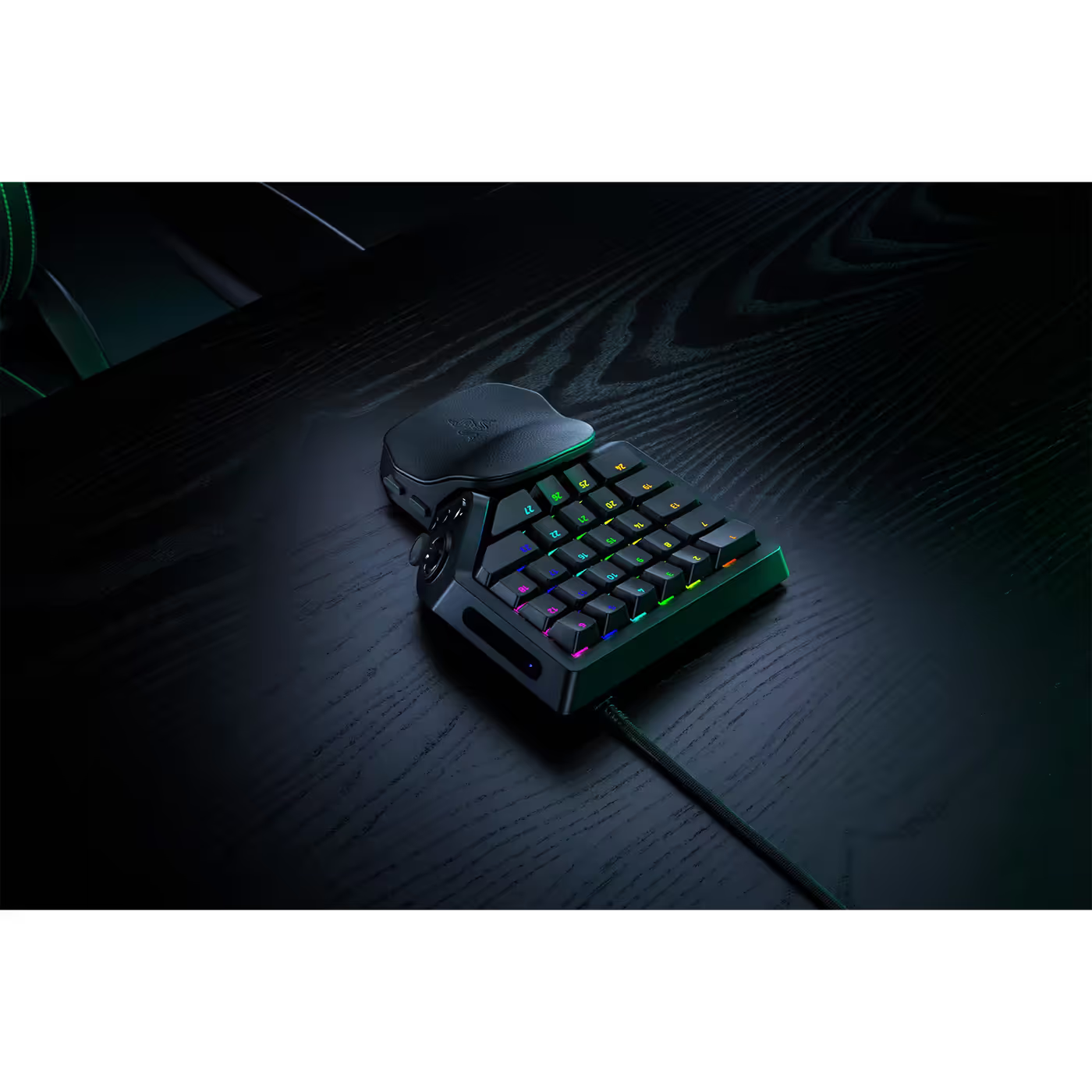
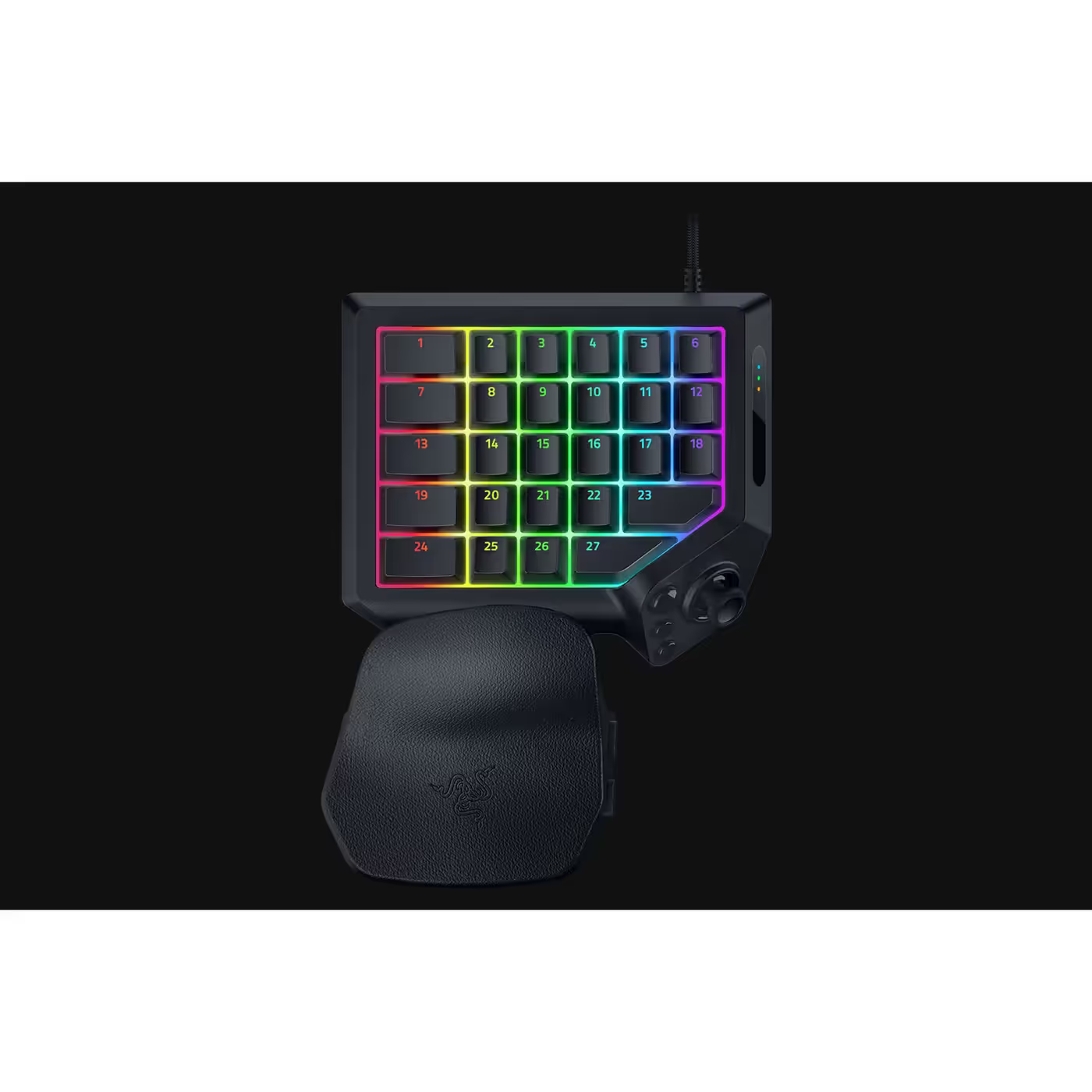
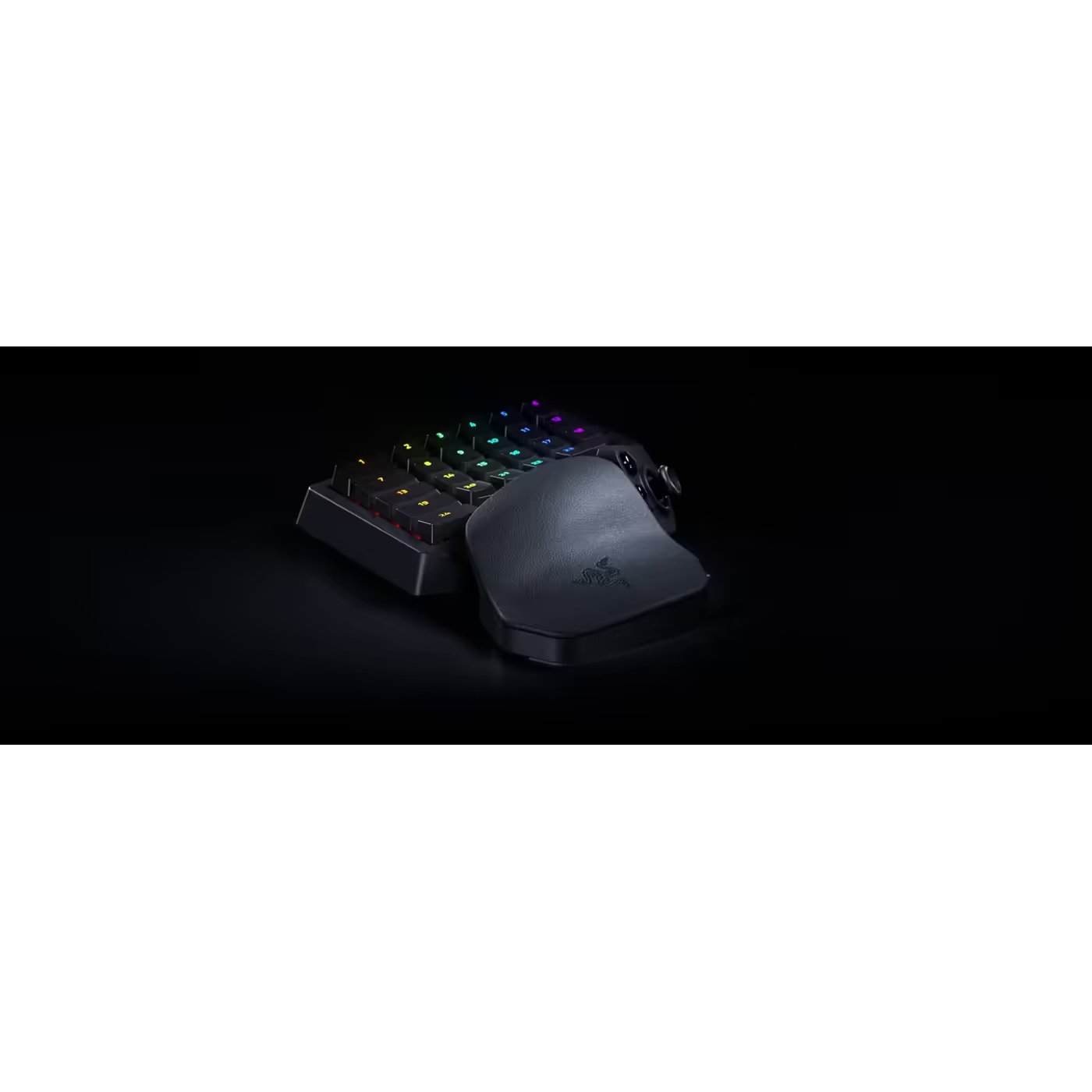
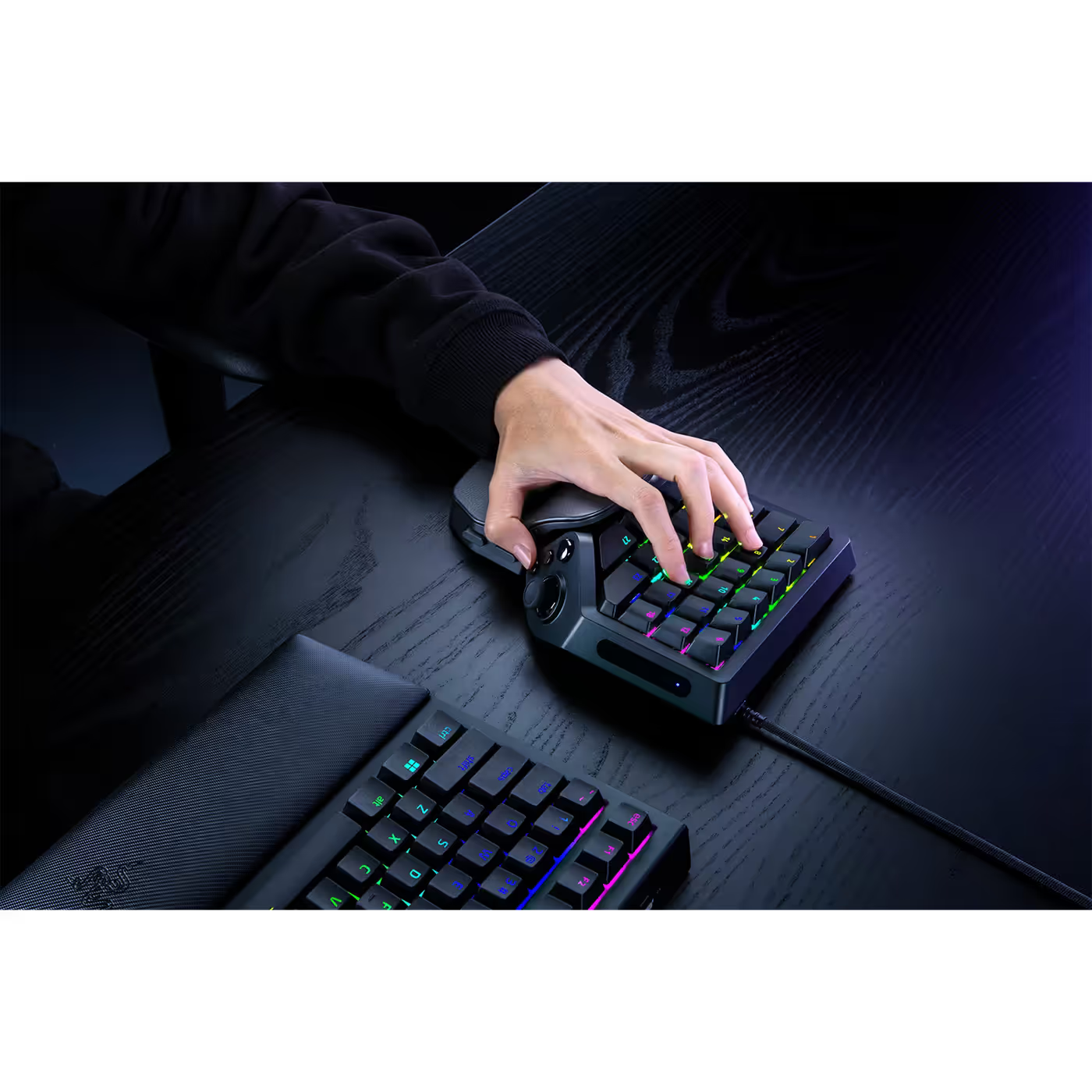
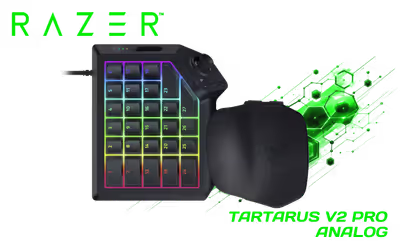
The Razer Tartarus V2 Pro is Razer's most advanced analog optical gaming keypad. It puts 31 programmable controls, a full-sized TMR thumbstick and a fully adjustable wrist rest under one hand, with Razer Analog Optical Switches Gen-2, Rapid Trigger and up to 8000Hz polling for MMOs, FPS and more.

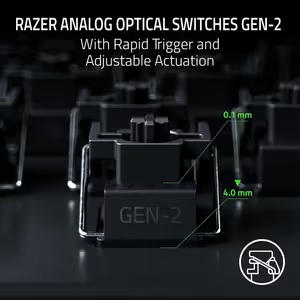
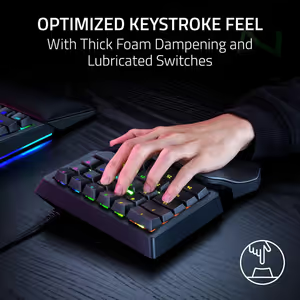
The keys use Razer's flagship Analog Optical Switches Gen-2. Because each switch can tell how far a key is pressed, you choose where it actuates, anywhere from 0.1mm to 4.0mm. Every switch is individually lubricated, seated in a dense foam layer and rated for 100 million keystrokes.

The keys use Razer's flagship Analog Optical Switches Gen-2. Because each switch can tell how far a key is pressed, you choose where it actuates, anywhere from 0.1mm to 4.0mm. Every switch is individually lubricated, seated in a dense foam layer and rated for 100 million keystrokes.

With Rapid Trigger Mode on, a key resets the moment it starts travelling back up, from as little as 0.1mm, so repeated taps come faster than on a standard keypad. Out of the box the keys actuate at 2.0mm with a light 40g force, and you can tune them in Razer Synapse.


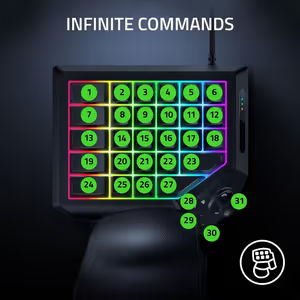
Assign shortcuts, macros and keybinds to 31 fully programmable controls, so your most-used commands never sit out of reach. Hold the Razer Hypershift button and the keys switch to a second set of commands, giving you even more room for an entire ability bar.

Assign shortcuts, macros and keybinds to 31 fully programmable controls, so your most-used commands never sit out of reach. Hold the Razer Hypershift button and the keys switch to a second set of commands, giving you even more room for an entire ability bar.

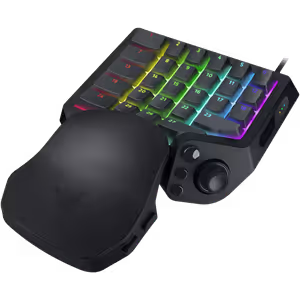
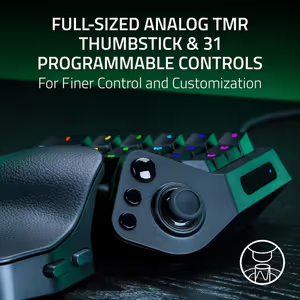
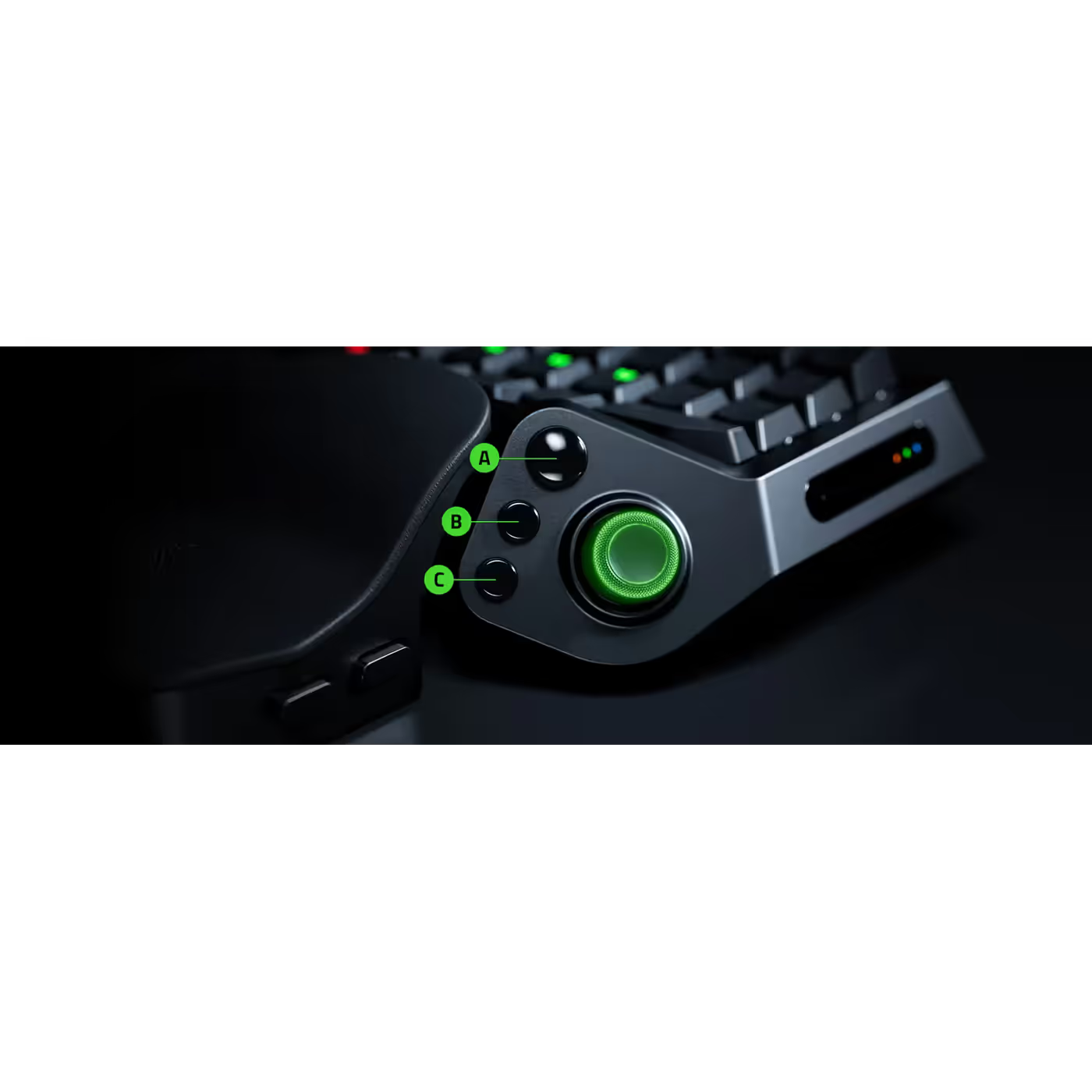
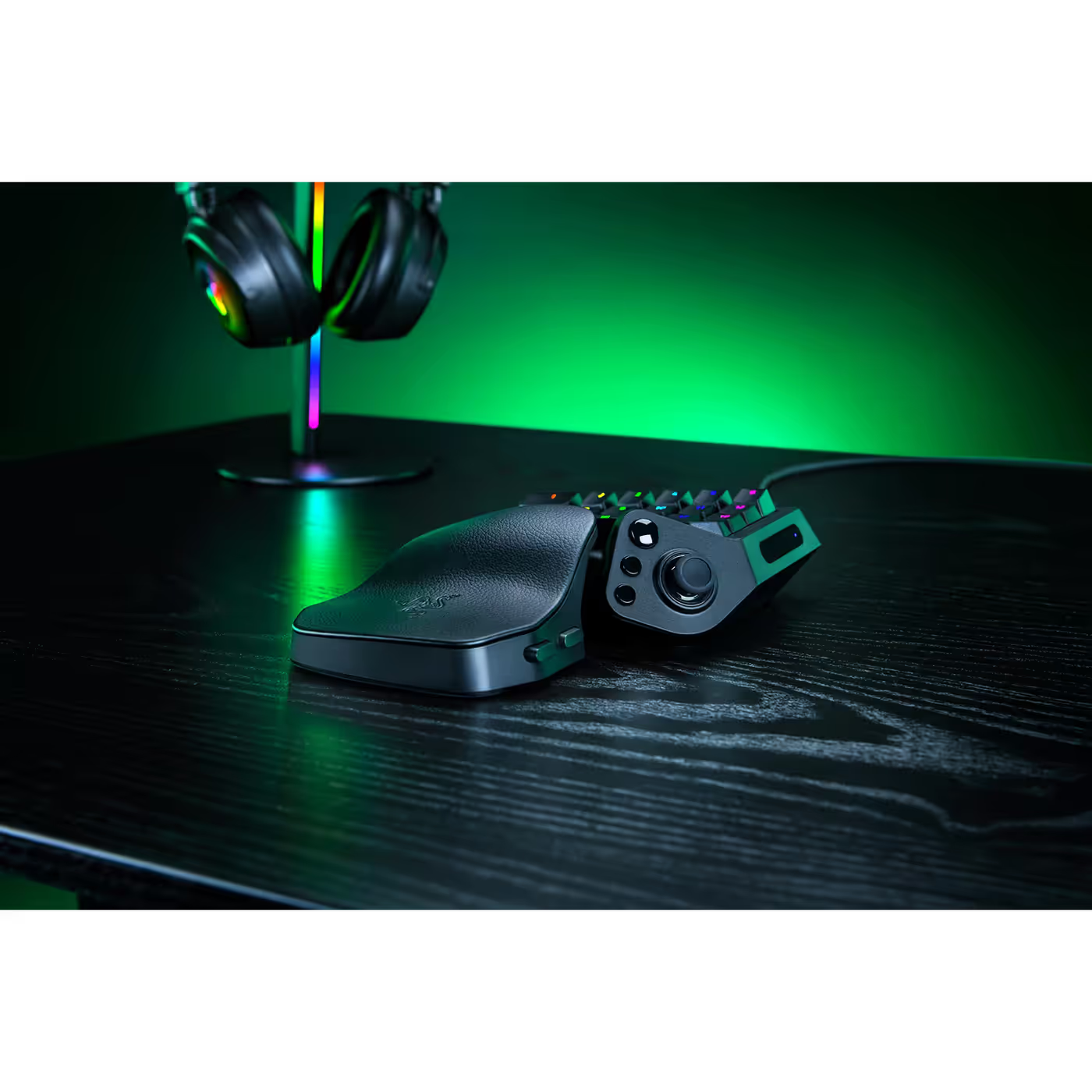
An anti-drift TMR thumbstick taken from Razer's controllers lets you move smoothly, work radial menus and make precise analog inputs. Next to it sit three dedicated buttons: the Razer Hypershift button, a Keymap Cycle button and a Profile Cycle button.


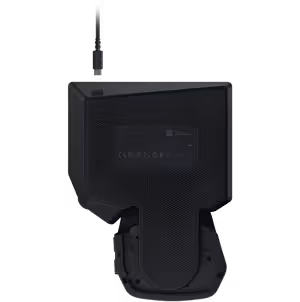
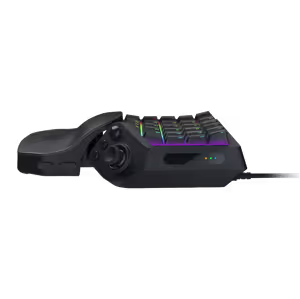
The wrist rest moves to fit your hand. Press the top button to slide it forward or back for length, and the bottom button to tilt it from side to side, with a 15 to 20 degree tilt range to keep your wrist aligned through long sessions.

The wrist rest moves to fit your hand. Press the top button to slide it forward or back for length, and the bottom button to tilt it from side to side, with a 15 to 20 degree tilt range to keep your wrist aligned through long sessions.

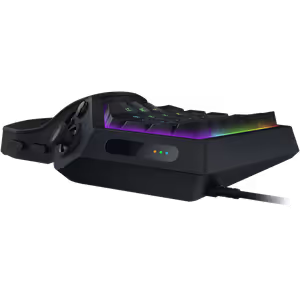
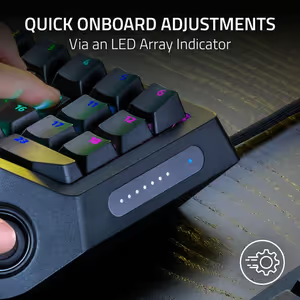
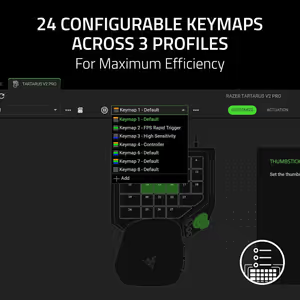
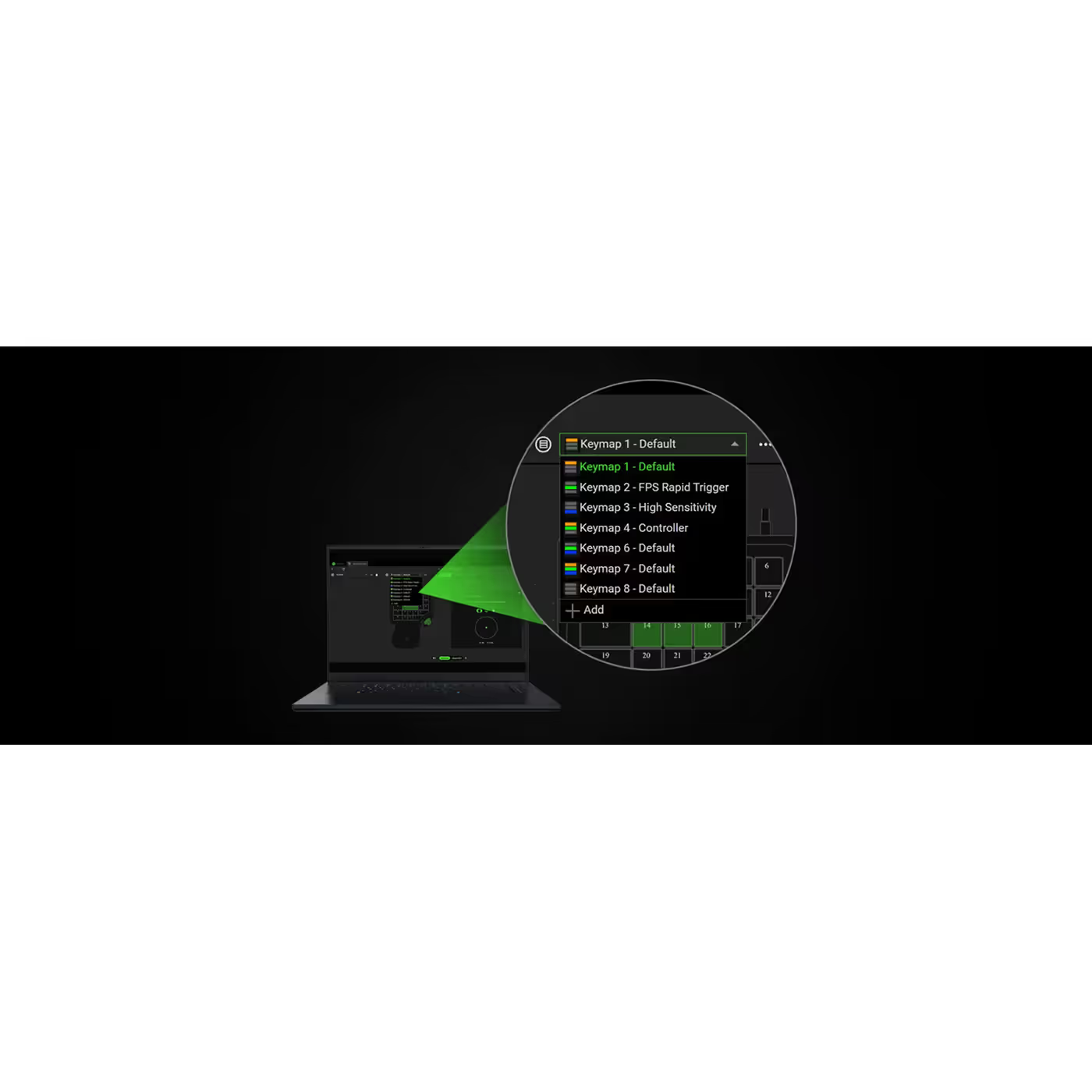
Set up to 8 keymaps per profile in Razer Synapse, for 24 keymaps across 3 onboard profiles, and switch between them instantly. Razer also lets you change actuation or Rapid Trigger on the keypad itself through an onboard LED array, with no software needed.


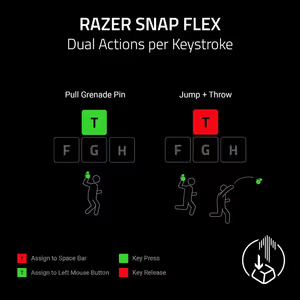
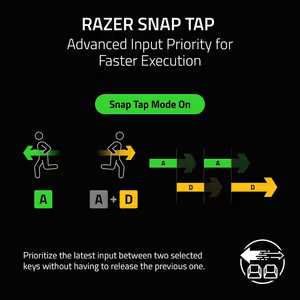
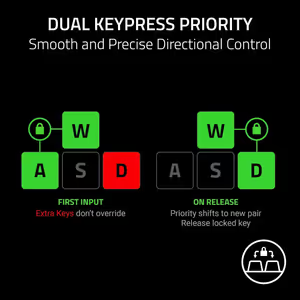
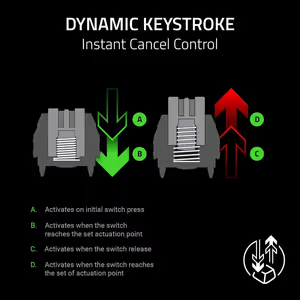
Razer Snap Tap gives priority to the latest of two paired keys for near-instant direction changes. Snap Flex assigns one action to the key press and another to the release, Dynamic Keystroke triggers up to four commands from one key, and Dual-Keypress Priority keeps movement steady.

Razer Snap Tap gives priority to the latest of two paired keys for near-instant direction changes. Snap Flex assigns one action to the key press and another to the release, Dynamic Keystroke triggers up to four commands from one key, and Dual-Keypress Priority keeps movement steady.

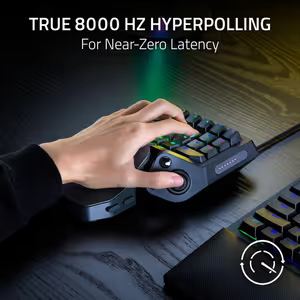
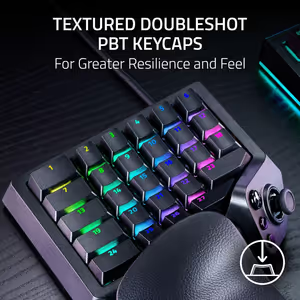
Set the polling rate up to 8000Hz in Razer Synapse for fast, consistent reporting to your PC. Textured Doubleshot PBT keycaps resist shine and keep their legends, finished with Razer Chroma RGB lighting.

Everything you need to know about this product
It uses Razer Analog Optical Switches Gen-2, which are linear. Because the switch can detect how far a key is pressed, you can set the actuation point anywhere from 0.1mm to 4.0mm, turn on Rapid Trigger, and even send analog inputs like a thumbstick. Razer rates each switch for 100 million keystrokes.
Yes. With Rapid Trigger Mode on, a key resets the moment it starts to travel back up, as little as 0.1mm, instead of waiting for a fixed reset point. You switch it on in Razer Synapse under the Actuation tab. It also works together with Razer Snap Tap for faster direction changes.
Up to 8000Hz. You choose the polling rate in Razer Synapse, so set it to 8000Hz if you want the fastest reporting to your PC.
It is a full-sized analog thumbstick taken from Razer's controllers, built to resist stick drift. It sits beside three dedicated buttons: the Razer Hypershift button, a Keymap Cycle button and a Profile Cycle button. The older Tartarus V2 used an 8-way directional thumbpad instead.
31 fully programmable controls, plus 3 dedicated buttons and the TMR thumbstick. Hold the Hypershift button and the keys switch to a second set of commands, so you can fit even more keybinds under one hand.
The wrist rest has two buttons on its side. Press the top button to change the length, then slide it forward or back. Press the bottom button to change the side angle and tilt it left or right. Razer gives the tilt range as 15 to 20 degrees.
It has hybrid onboard storage for up to 3 profiles, and each profile can hold up to 8 keymaps, so 24 keymaps in total. You set them up in Razer Synapse. Razer says you can also change actuation or Rapid Trigger on the keypad itself through an onboard LED array, with no software needed.
It is a big step up if you want speed and fine control. The Tartarus V2 uses Mecha-Membrane switches, an 8-way thumbpad and a wrist rest with two positions. The V2 Pro moves to analog optical switches with adjustable actuation and Rapid Trigger, up to 8000Hz polling, an anti-drift TMR thumbstick and a fully adjustable wrist rest. For casual macro use the V2 still does the job for less.
AI-Generated Content:These FAQs are generated by an automated AI system and may contain inaccuracies or omissions. Evetech makes no warranties, express or implied, regarding their completeness or reliability. For definitive information, please refer to the manufacturer's official specifications.