Trusted Partners

Please Note: Product images are for illustrative purposes only and may differ from the actual product.
Hand-pick every part with live stock, compatibility, and instant pricing.
Try the new builderHand-pick every part with live stock, compatibility, and instant pricing.
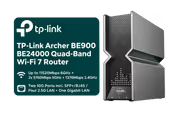
Try the new builderTP-Link Archer BE900 BE24000 Quad-Band Wi-Fi 7 Router


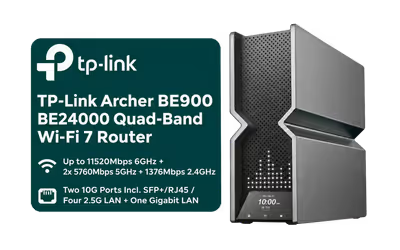
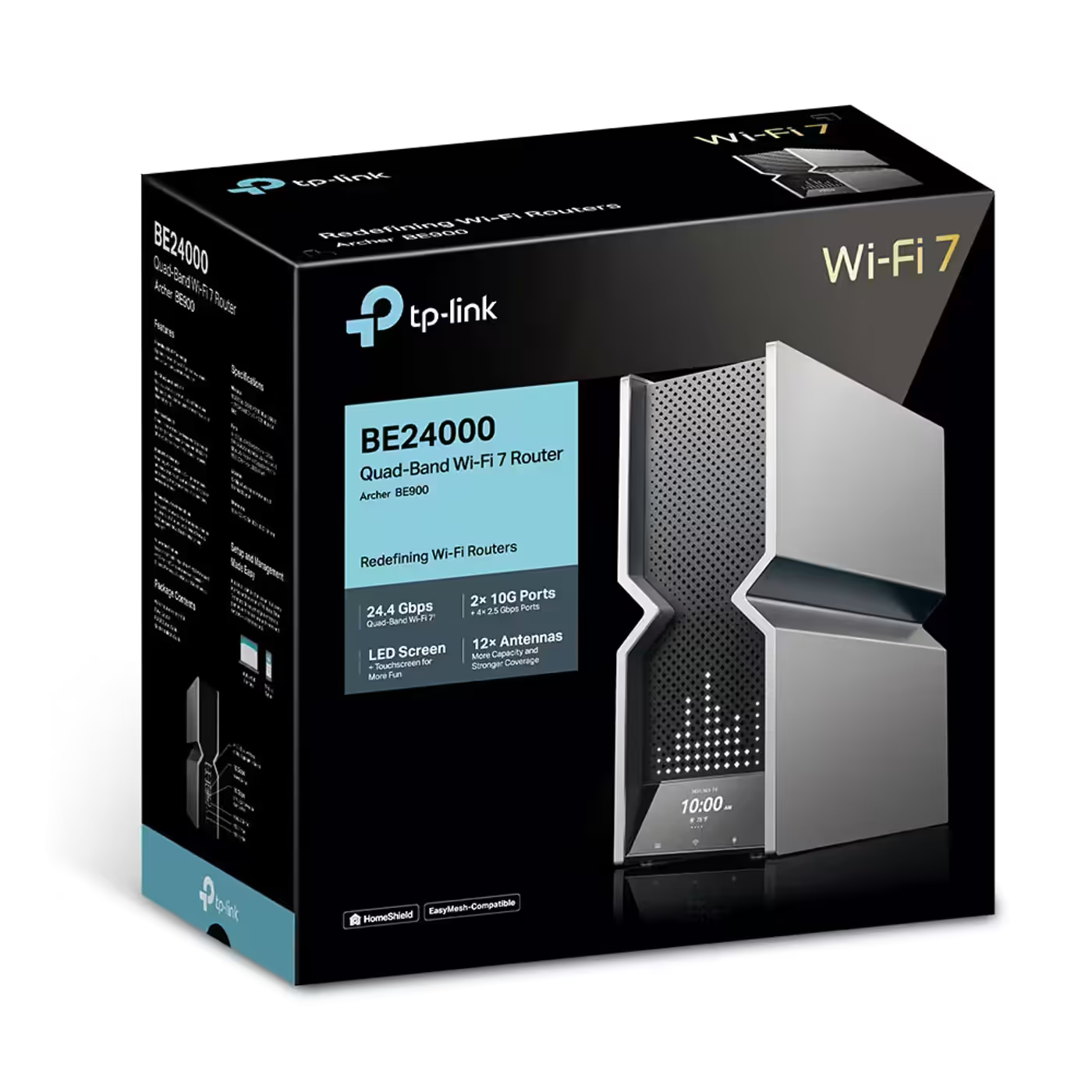
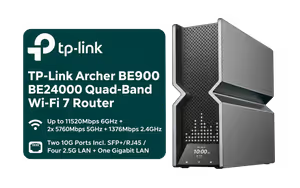
The TP-Link Archer BE900 is a BE24000 quad-band Wi-Fi 7 router with a 6GHz band at up to 11520Mbps, two 5GHz bands at up to 5760Mbps each and a 2.4GHz band at up to 1376Mbps, with 320MHz channels and 4K-QAM. It has two 10Gbps WAN/LAN ports, one of them SFP+/RJ45, four 2.5Gbps LAN ports, a Gigabit LAN port, two USB ports and a touchscreen.
Wi-Fi 5 and Wi-Fi 6 devices cannot use the 6GHz band, so a second 5GHz band gives them more room. The 6GHz band supports 320MHz-wide channels, and 4K-QAM packs more data into each transmission; both need a Wi-Fi 7 device that supports them. The router runs 16 streams with 4x4 MU-MIMO.

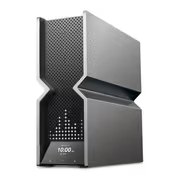
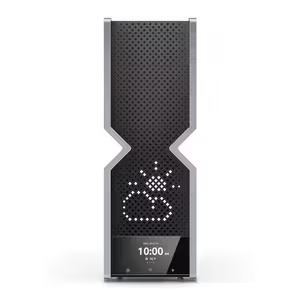
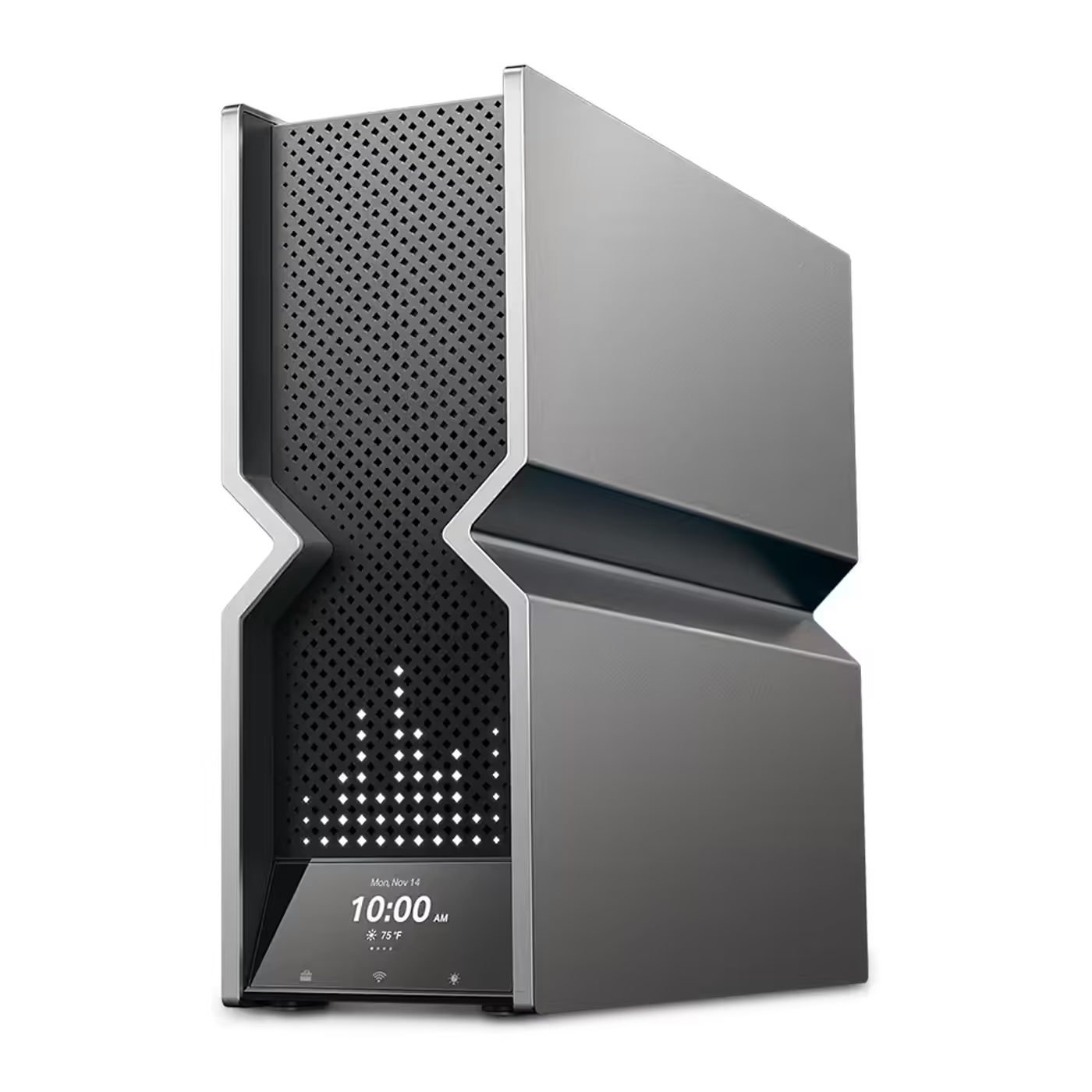
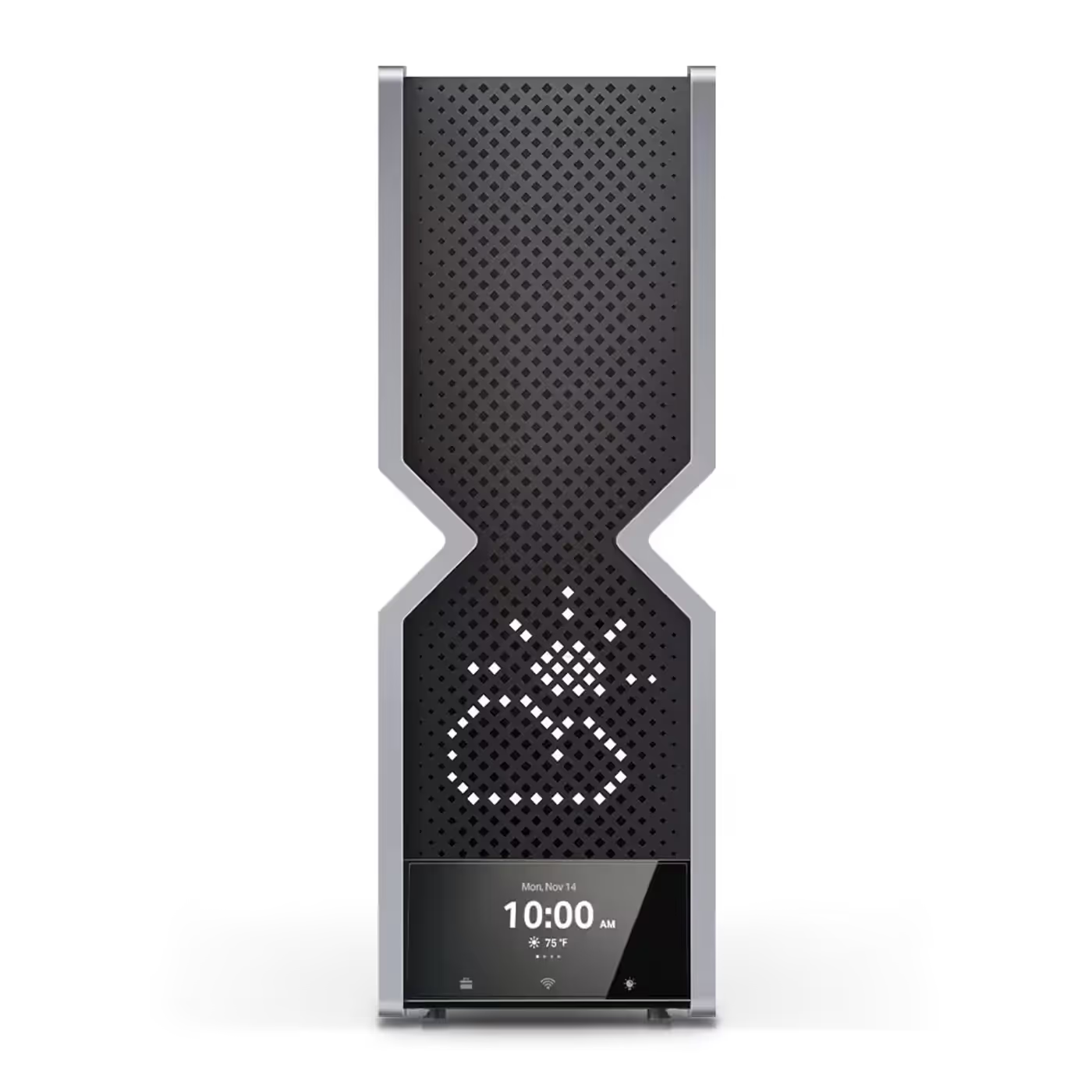
The Wi-Fi on/off, LED and WPS controls sit on a touchscreen on the front of the router, below the LED screen. Power on/off and reset are physical buttons. Setup and management also run through the Tether app and the web interface.

The Wi-Fi on/off, LED and WPS controls sit on a touchscreen on the front of the router, below the LED screen. Power on/off and reset are physical buttons. Setup and management also run through the Tether app and the web interface.

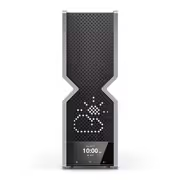
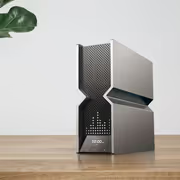
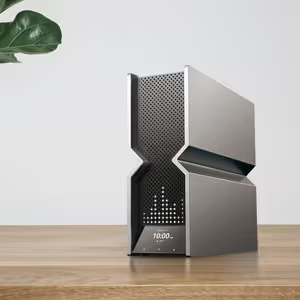
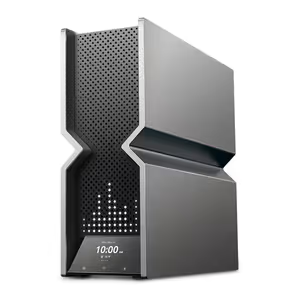
The LED screen shows the time, the weather, text and emojis, and TP-Link lists more than 3000 custom graphics for it. It sits above the touchscreen on the black and silver upright body.


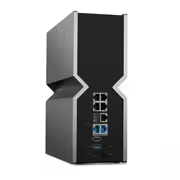
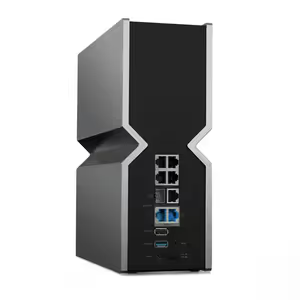
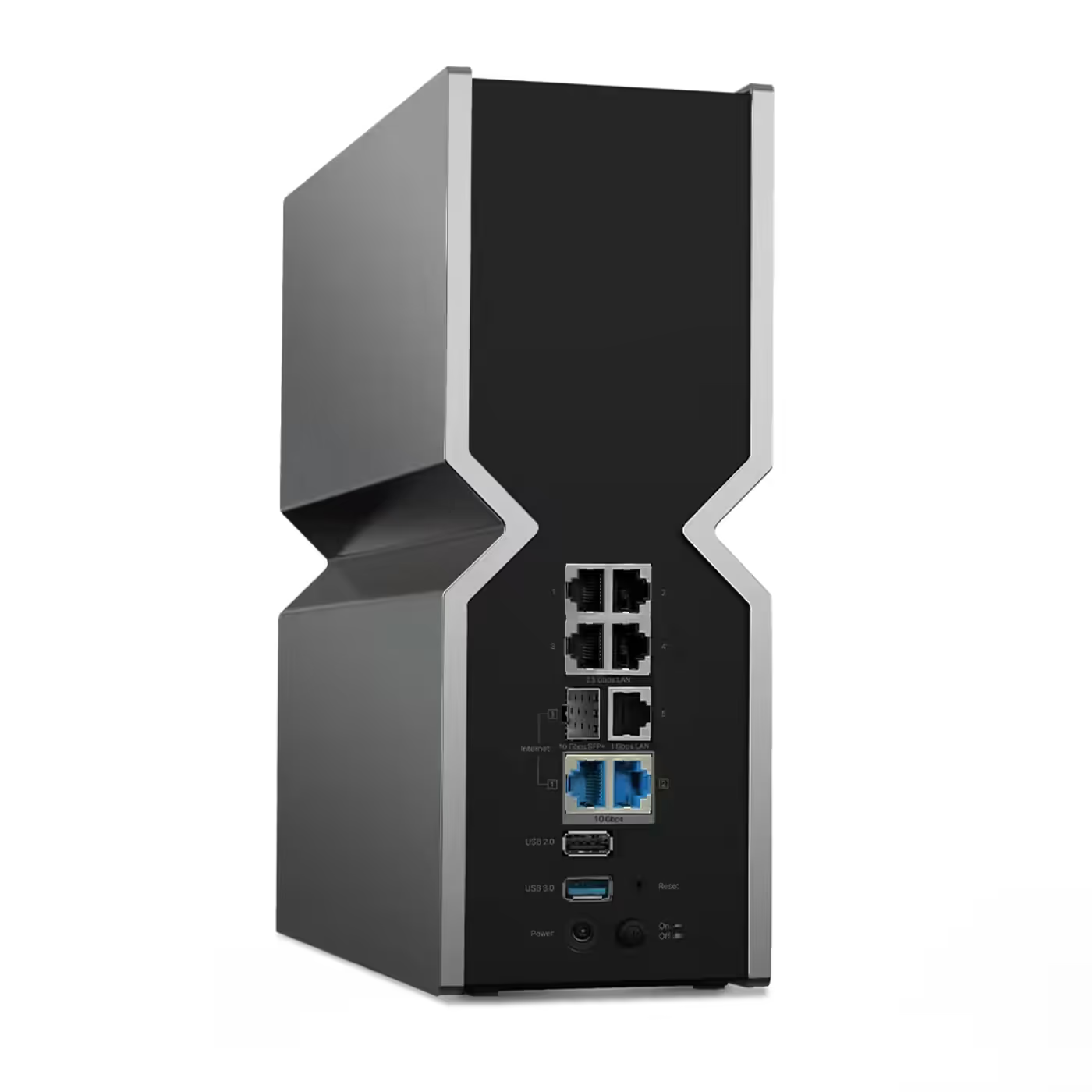
The back carries one 10Gbps RJ45 WAN/LAN port and one 10Gbps SFP+/RJ45 WAN/LAN internet port, so the line can come in on fibre or copper, plus four 2.5Gbps LAN ports quoted at up to 5Gbps aggregation, one Gigabit LAN port, a USB 3.0 port and a USB 2.0 port. No SFP+ module is listed in the box.

The back carries one 10Gbps RJ45 WAN/LAN port and one 10Gbps SFP+/RJ45 WAN/LAN internet port, so the line can come in on fibre or copper, plus four 2.5Gbps LAN ports quoted at up to 5Gbps aggregation, one Gigabit LAN port, a USB 3.0 port and a USB 2.0 port. No SFP+ module is listed in the box.

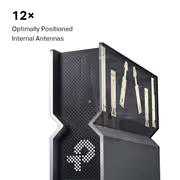
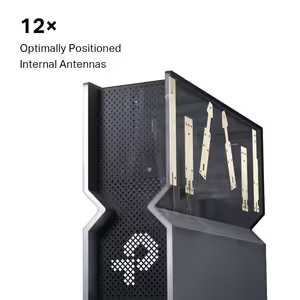
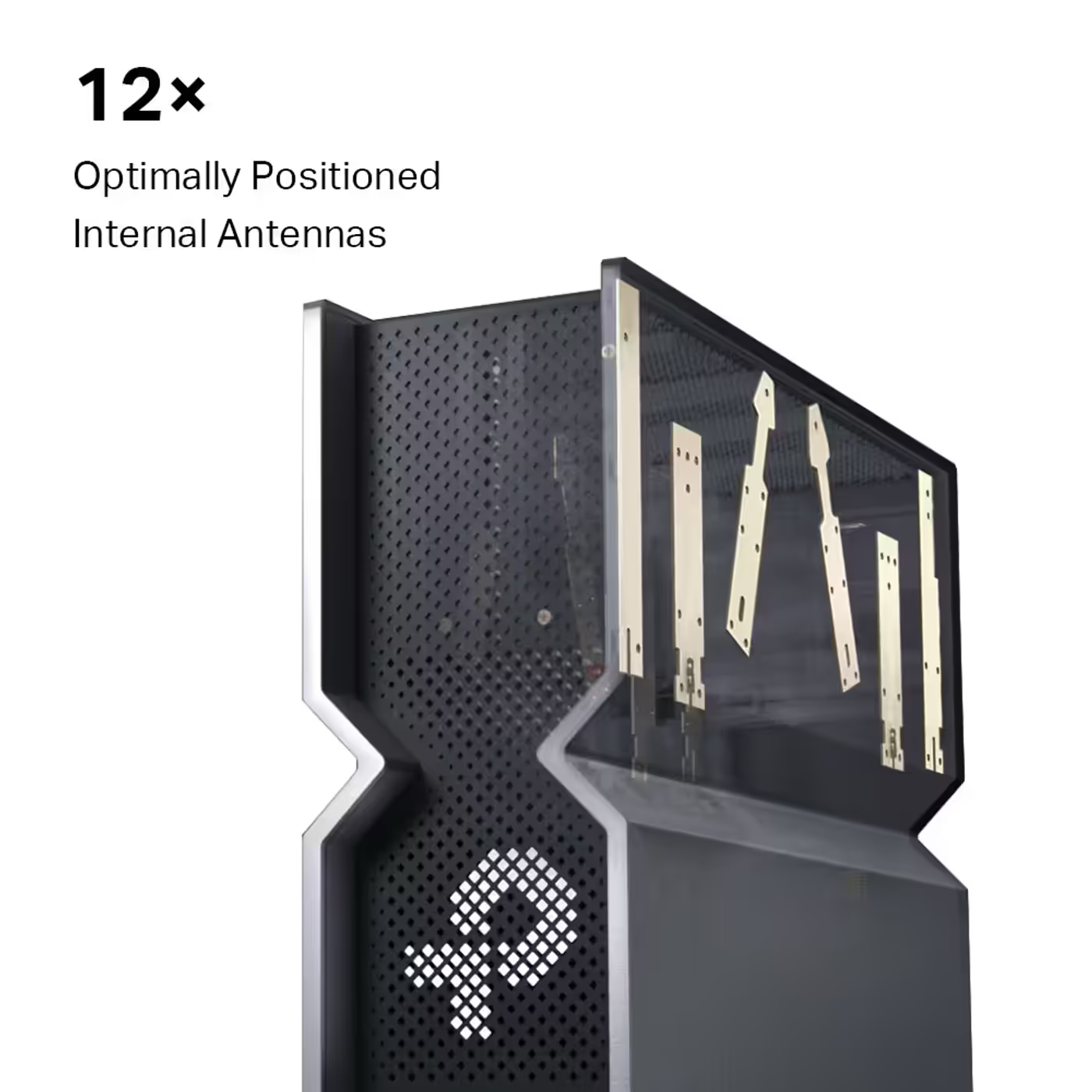
Twelve optimally positioned internal antennas with beamforming and high-power FEMs carry the four bands. TP-Link rates the coverage for a four-bedroom house. A guest network runs on each band, plus a separate IoT network.

HomeShield adds IoT protection, intrusion prevention and parental controls; advanced features need a paid subscription. The router runs OpenVPN, PPTP, L2TP and WireGuard as a VPN server and client, and EasyMesh routers, range extenders and TP-Link OneMesh devices can join it to build a mesh network.

HomeShield adds IoT protection, intrusion prevention and parental controls; advanced features need a paid subscription. The router runs OpenVPN, PPTP, L2TP and WireGuard as a VPN server and client, and EasyMesh routers, range extenders and TP-Link OneMesh devices can join it to build a mesh network.

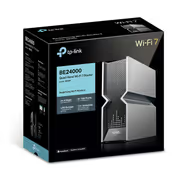
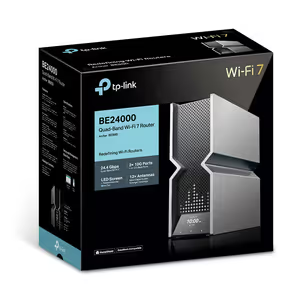
The box holds the Archer BE900 router, a power adapter, an RJ45 Ethernet cable and a quick installation guide. TP-Link lists it at 96 x 302 x 262.5 mm (W x D x H), powered by a 15V DC 5A supply.

Everything you need to know about this product
Up to 11520Mbps on 6GHz, 5760Mbps on each of its two 5GHz bands and 1376Mbps on 2.4GHz, sold as BE24000. Those are maximum wireless signal rates; real speeds depend on your devices, your line and your home.
To spread more devices across 5GHz. Wi-Fi 5 and Wi-Fi 6 devices cannot use the 6GHz band, so a second 5GHz band gives them more room.
One 10Gbps WAN/LAN port, one 10Gbps SFP+/RJ45 WAN/LAN internet port, four 2.5Gbps LAN ports, one Gigabit LAN port, one USB 3.0 port and one USB 2.0 port.
It is a 10Gbps WAN/LAN port that takes either an SFP+ fibre module or an RJ45 cable, so a fibre line can connect by SFP+ or by copper. TP-Link does not list an SFP+ module in the box.
It holds the Wi-Fi on/off, LED and WPS controls. A separate LED screen shows the time, weather, text and emojis.
No. Older Wi-Fi devices connect as normal on 5GHz and 2.4GHz. The 6GHz band needs a Wi-Fi 6E or Wi-Fi 7 device, and 320MHz channels and 4K-QAM need a Wi-Fi 7 device that supports them.
Yes. It is EasyMesh-compatible, and TP-Link says EasyMesh routers, range extenders and TP-Link OneMesh devices can join it to build a mesh network.
TP-Link lists it at 96 x 302 x 262.5 mm (W x D x H). The box holds the router, a power adapter, an RJ45 Ethernet cable and a quick installation guide.
AI-Generated Content: These FAQs are generated by an automated AI system and may contain inaccuracies or omissions. Evetech makes no warranties, express or implied, regarding their completeness or reliability. For definitive information, please refer to the manufacturer's official specifications.