
2 Years Local Warranty
Model No : TP-LINK TL-RE220
Price Inc. Vat
R 499
Save R 100
ListR 599
499Change Quantity:
In Stock with Evetech
Price Inc. Vat
R 499
Save R 100
ListR 599
499Change Quantity:
In Stock with Evetech
Trusted Partners
Please Note: Product images are for illustrative purposes only and may differ from the actual product.
Hand-pick every part with live stock, compatibility, and instant pricing.
Try the new builderHand-pick every part with live stock, compatibility, and instant pricing.
Try the new builderTP-Link RE220 AC750 Dual-Band Wi-Fi Range Extender
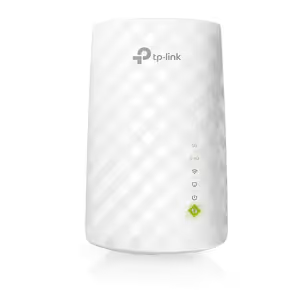
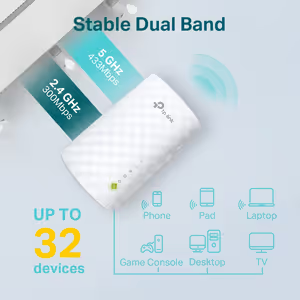
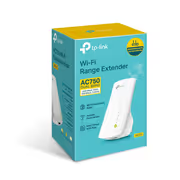
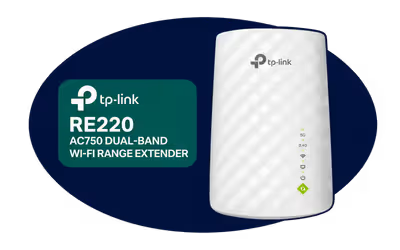
The TP-Link RE220 is an AC750 dual-band Wi-Fi range extender that plugs into a wall socket between your router and the rooms with a weak signal. It repeats your Wi-Fi at up to 433Mbps on 5GHz and 300Mbps on 2.4GHz, works with any Wi-Fi router or access point, and has a 10/100 Ethernet port for a wired device or for access point mode.
The TP-Link RE220 is an AC750 dual-band Wi-Fi range extender that plugs into a wall socket between your router and the rooms with a weak signal. It repeats your Wi-Fi at up to 433Mbps on 5GHz and 300Mbps on 2.4GHz, works with any Wi-Fi router or access point, and has a 10/100 Ethernet port for a wired device or for access point mode.
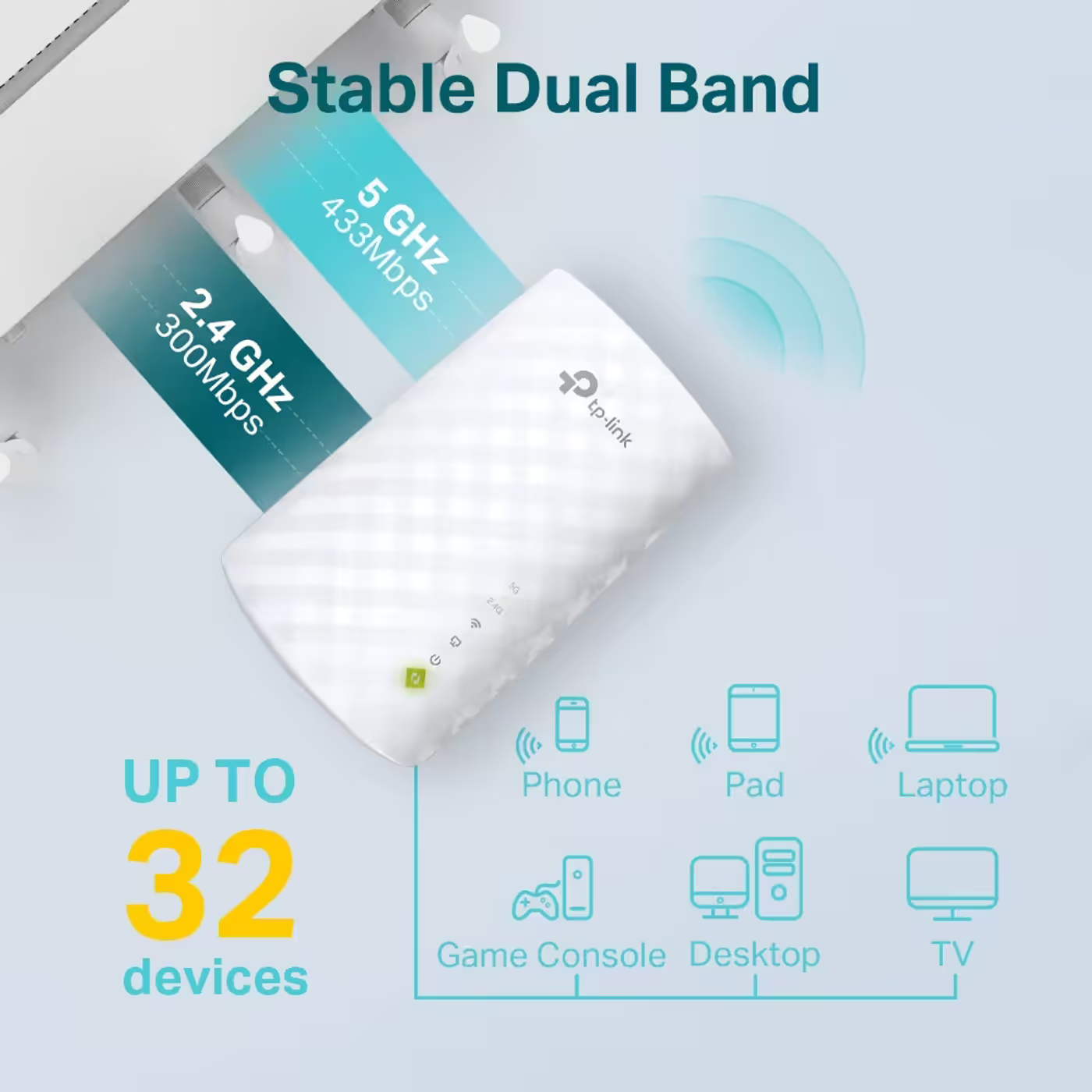
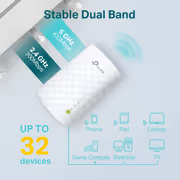
The 5GHz band runs 802.11ac at up to 433Mbps and the 2.4GHz band runs 802.11b/g/n at up to 300Mbps. TP-Link rates the two bands for Wi-Fi connections to up to 32 devices, such as phones, tablets, laptops, consoles, desktops and TVs. These are maximum wireless rates; real speed depends on your router, your internet line and the distance from the router.
The 5GHz band runs 802.11ac at up to 433Mbps and the 2.4GHz band runs 802.11b/g/n at up to 300Mbps. TP-Link rates the two bands for Wi-Fi connections to up to 32 devices, such as phones, tablets, laptops, consoles, desktops and TVs. These are maximum wireless rates; real speed depends on your router, your internet line and the distance from the router.
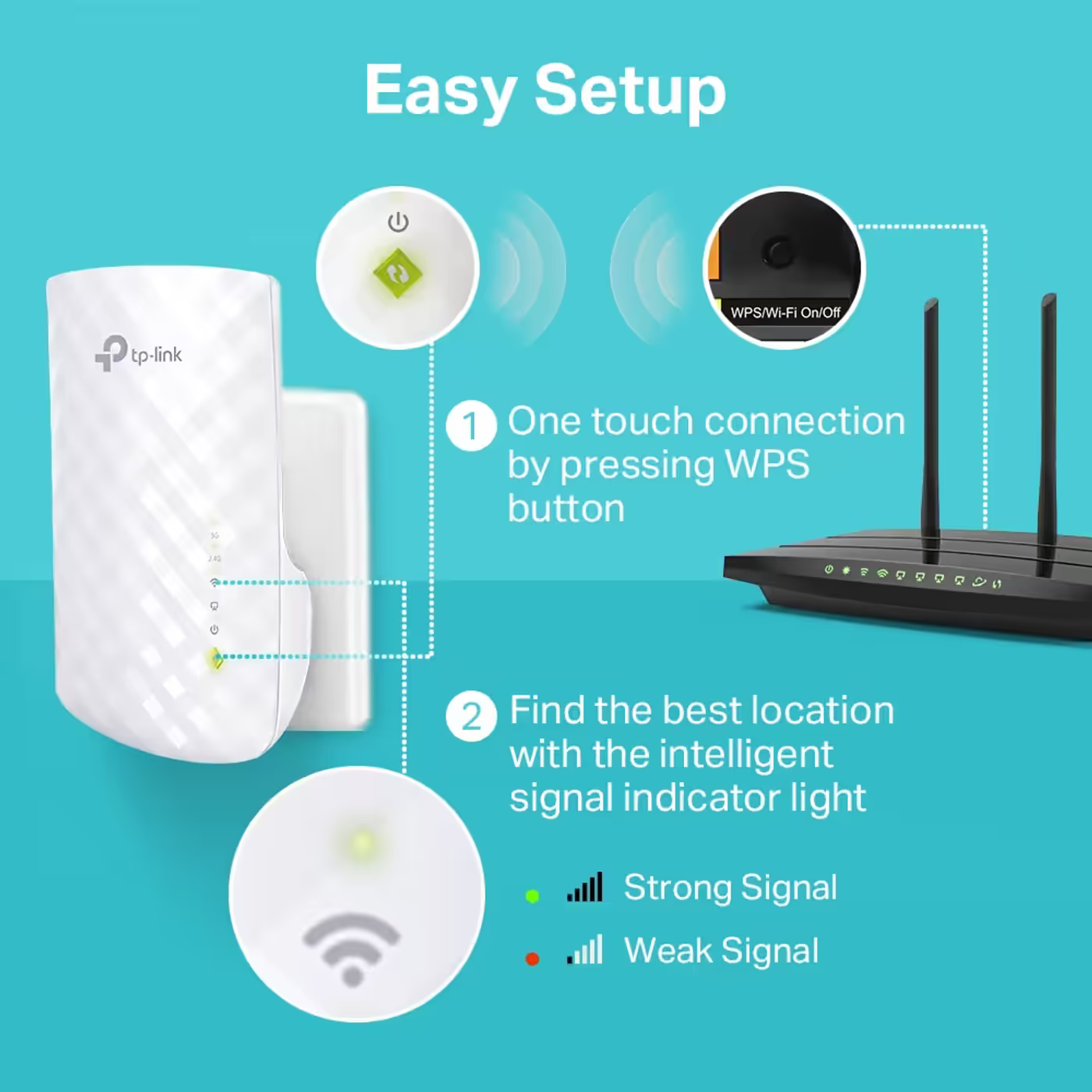
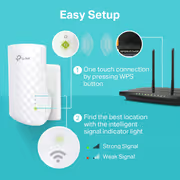
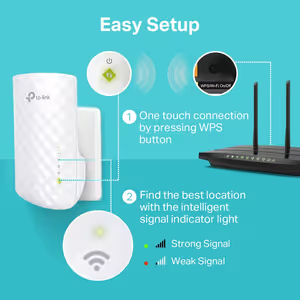
Press WPS on the router and then the extender's button to connect them. If the router has no WPS, use the TP-Link Tether app or the web interface. The smart signal light then shows whether the socket gets a strong or weak signal from the router, so you can move the extender to a better spot.
Press WPS on the router and then the extender's button to connect them. If the router has no WPS, use the TP-Link Tether app or the web interface. The smart signal light then shows whether the socket gets a strong or weak signal from the router, so you can move the extender to a better spot.
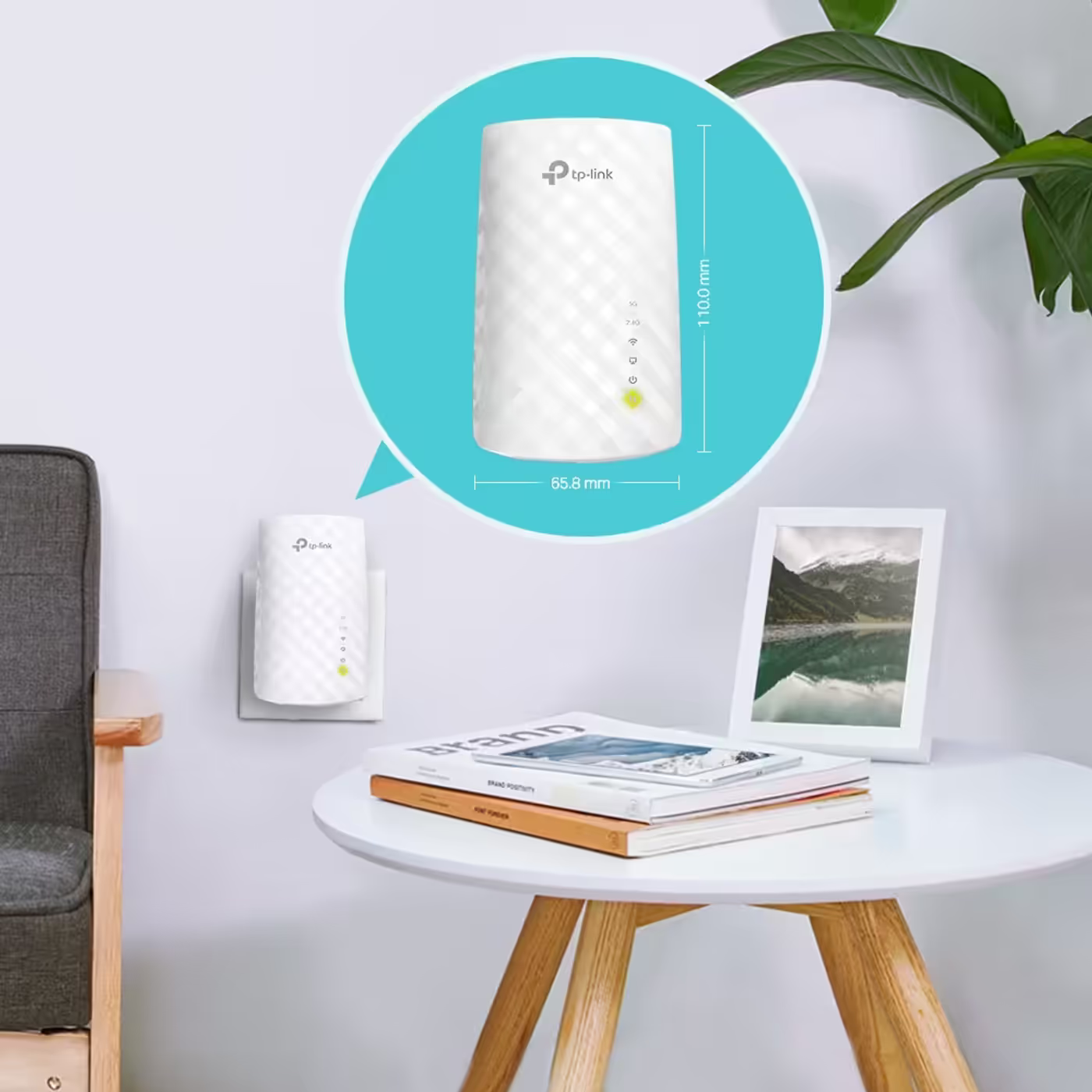
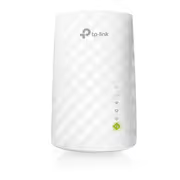
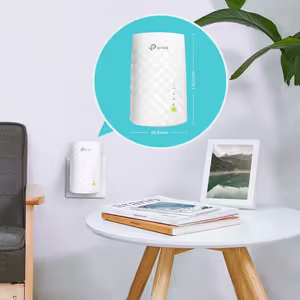
The RE220 measures 110 x 65.8 x 75.2mm and plugs straight into a wall socket, with three internal antennas and nothing to angle or adjust. It draws about 6.5W and has an RE button and a reset button.
The RE220 measures 110 x 65.8 x 75.2mm and plugs straight into a wall socket, with three internal antennas and nothing to angle or adjust. It draws about 6.5W and has an RE button and a reset button.
Besides range extender mode, the 10/100 Ethernet port connects a wired device such as a TV or console to your Wi-Fi, or turns a wired connection from the router into a Wi-Fi access point. Set it up and manage it from the TP-Link Tether app on Android or iOS.
Besides range extender mode, the 10/100 Ethernet port connects a wired device such as a TV or console to your Wi-Fi, or turns a wired connection from the router into a Wi-Fi access point. Set it up and manage it from the TP-Link Tether app on Android or iOS.
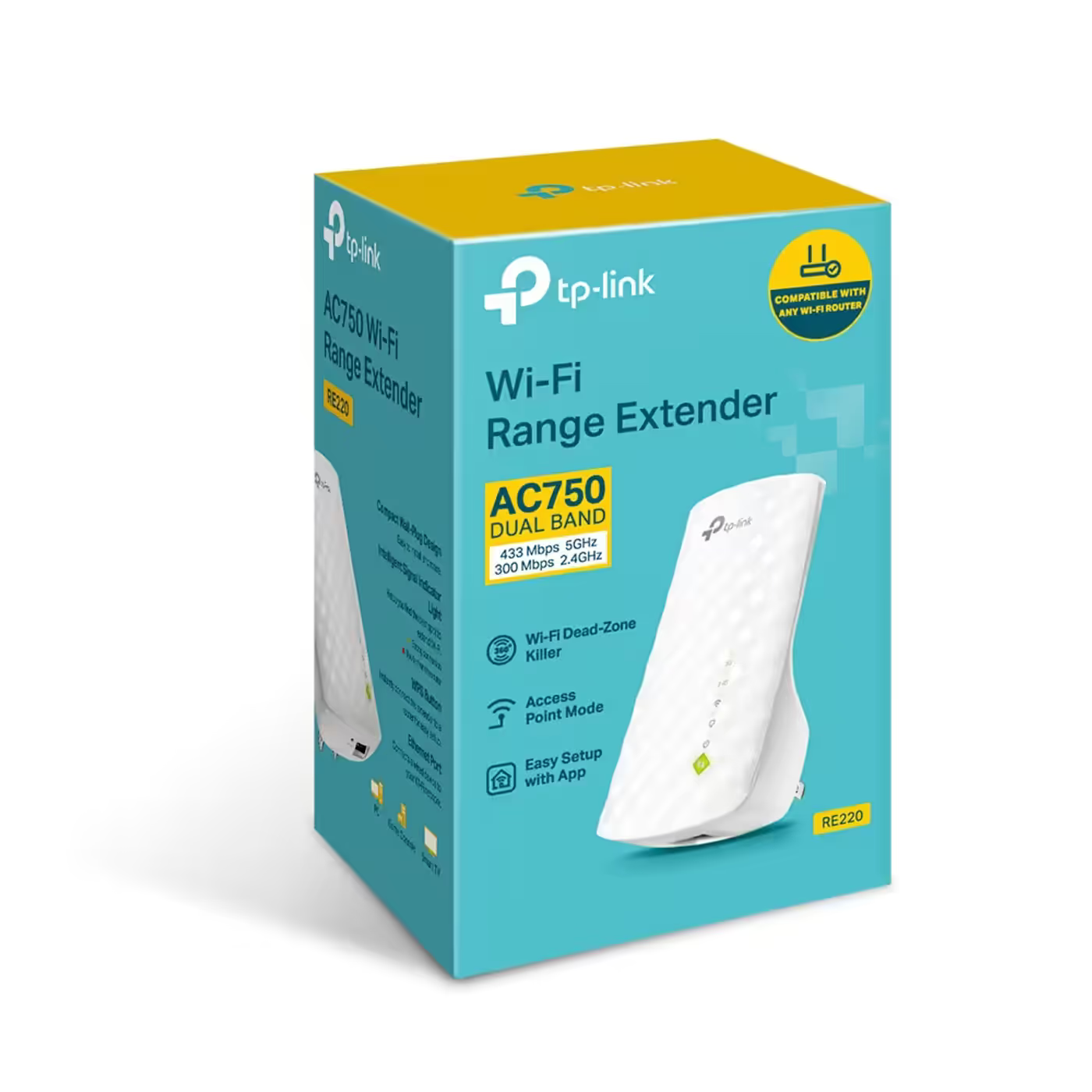
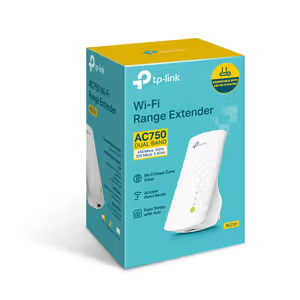
The box holds the RE220 range extender and a quick installation guide. It is Wi-Fi 5 (802.11ac) on 5GHz and Wi-Fi 4 (802.11n) on 2.4GHz, and Wi-Fi 6 phones and laptops still connect to it.
The box holds the RE220 range extender and a quick installation guide. It is Wi-Fi 5 (802.11ac) on 5GHz and Wi-Fi 4 (802.11n) on 2.4GHz, and Wi-Fi 6 phones and laptops still connect to it.
Everything you need to know about this product
Yes. TP-Link states it is compatible with any Wi-Fi router or access point, so it does not need a TP-Link router.
Up to 433Mbps on 5GHz and 300Mbps on 2.4GHz, sold as AC750. These are maximum wireless rates; real speed depends on your router, your internet line and how far the extender sits from the router.
Yes, one 10/100Mbps port. It can connect a wired device such as a smart TV or console to your Wi-Fi, or turn a wired connection into a Wi-Fi access point.
Press the WPS button on your router and then the button on the extender. If your router has no WPS, use the TP-Link Tether app or the web interface.
Between your router and the area with weak Wi-Fi, in a socket where the smart signal light still shows a strong signal from the router.
No. It is Wi-Fi 5 (802.11ac) on 5GHz and Wi-Fi 4 (802.11n) on 2.4GHz. Wi-Fi 6 phones and laptops still connect to it.
Up to 32 devices across the two bands, according to TP-Link.
The RE220 range extender and a quick installation guide.


AI-Generated Content: These FAQs are generated by an automated AI system and may contain inaccuracies or omissions. Evetech makes no warranties, express or implied, regarding their completeness or reliability. For definitive information, please refer to the manufacturer's official specifications.