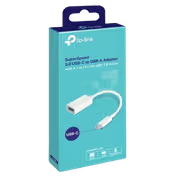
tp-link-uc400-usb-c-to-usb-a-3-0-otg-adapter-white
TP-Link UC400 SuperSpeed USB-C to USB-A Adapter - White / USB 3.0 Up To 5000Mbps / USB-C Connector To USB-A Port / OTG Support For Phones And Tablets / Windows, macOS, Chrome OS, Linux And Android 6.0 / TL-UC400
2 Years Local Warranty
Model No : TP-LINK TL-UC400
Price Inc. Vat
R 139
Save R 60
ListR 199
139Change Quantity:
In Stock with Evetech
TP-Link UC400 USB-C to USB-A 3.0 OTG Adapter
A USB-A Port For USB-C Devices
The TP-Link UC400 adds a USB 3.0 Type-A port to a device that has USB-C. Its USB-C connector plugs into a laptop, tablet or phone, and a USB drive, card reader or other USB-A device plugs into its port at USB 3.0 speeds of up to 5000Mbps. It needs no software or setup.
A USB-A Port For USB-C Devices
The TP-Link UC400 adds a USB 3.0 Type-A port to a device that has USB-C. Its USB-C connector plugs into a laptop, tablet or phone, and a USB drive, card reader or other USB-A device plugs into its port at USB 3.0 speeds of up to 5000Mbps. It needs no software or setup.
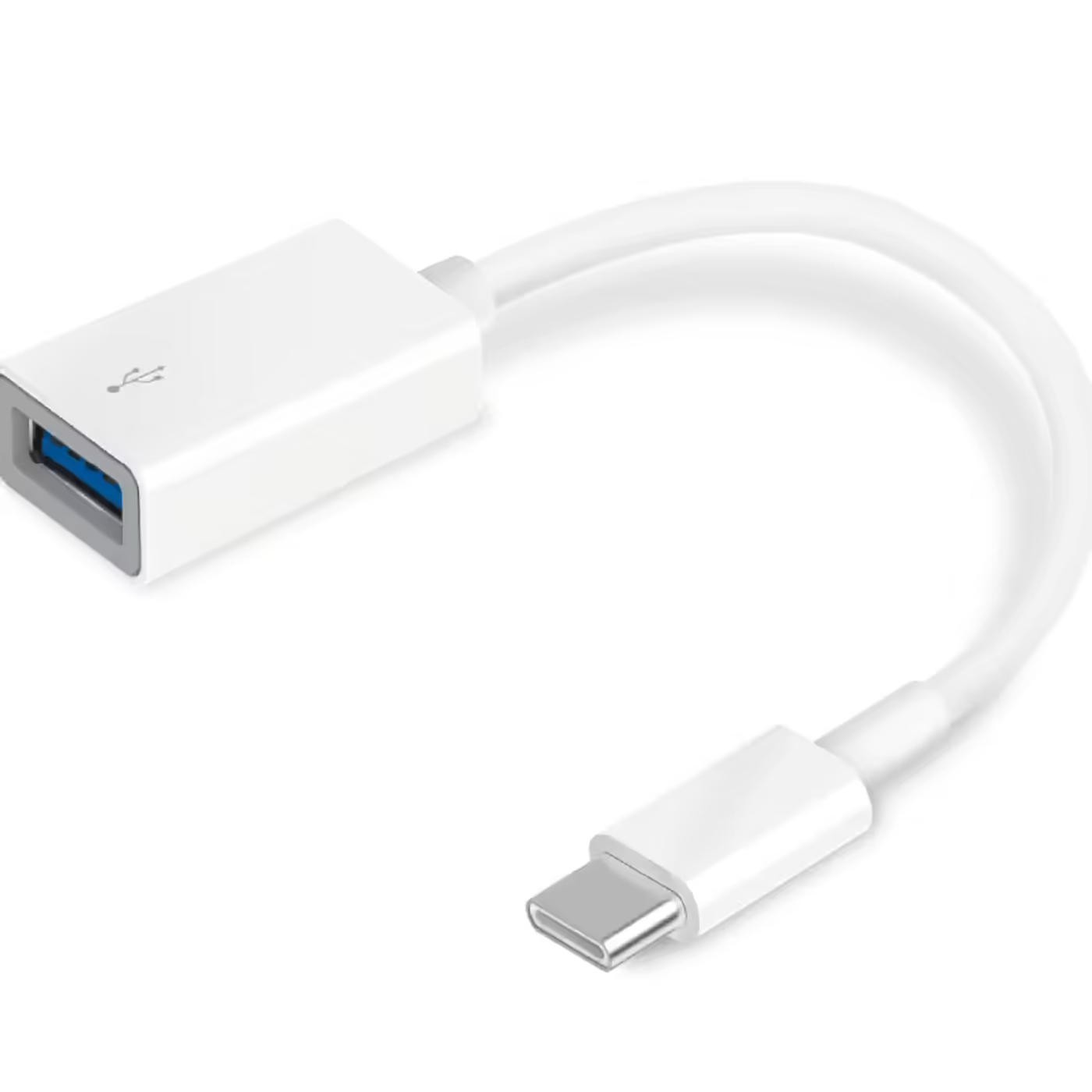
USB-C Connector To USB-A Port
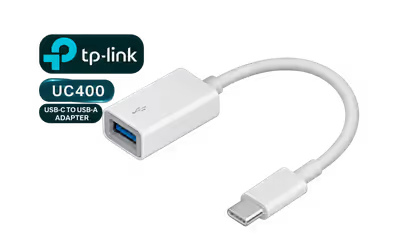
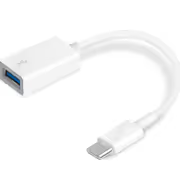
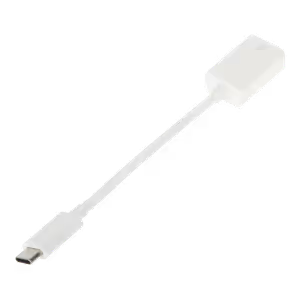
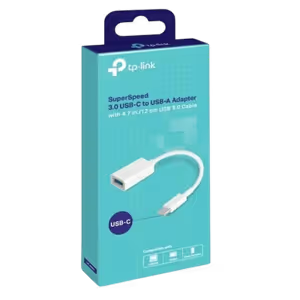
A USB 3.0 Type-C connector sits on one end and a USB 3.0 Type-A port on the other, joined by a short cable, as TP-Link's photos show. TP-Link does not publish the cable length. The box holds the adapter itself.
USB-C Connector To USB-A Port
A USB 3.0 Type-C connector sits on one end and a USB 3.0 Type-A port on the other, joined by a short cable, as TP-Link's photos show. TP-Link does not publish the cable length. The box holds the adapter itself.
USB 3.0 Speed Up To 5000Mbps
With USB 3.0 devices the UC400 runs at up to 5000Mbps. A USB 2.0 device runs at USB 2.0 speed, which TP-Link shows as 480Mbps, and the exact rate depends on the host and the connected device.
USB 3.0 Speed Up To 5000Mbps
With USB 3.0 devices the UC400 runs at up to 5000Mbps. A USB 2.0 device runs at USB 2.0 speed, which TP-Link shows as 480Mbps, and the exact rate depends on the host and the connected device.
OTG For Phones, Tablets And Card Readers
The UC400 works with USB drives and other devices that support USB On-The-Go, for example moving photos from a card reader to a tablet or phone with a USB-C port. TP-Link names this type of converter for using its UA430 USB-A card reader with USB-C devices, and lists Windows, macOS, Chrome OS, Linux and Android 6.0.
OTG For Phones, Tablets And Card Readers
The UC400 works with USB drives and other devices that support USB On-The-Go, for example moving photos from a card reader to a tablet or phone with a USB-C port. TP-Link names this type of converter for using its UA430 USB-A card reader with USB-C devices, and lists Windows, macOS, Chrome OS, Linux and Android 6.0.
FAQ
Frequently Asked Questions
Everything you need to know about this product
It adds a USB 3.0 Type-A port to a device with USB-C. The USB-C connector plugs into your laptop, tablet or phone, and a USB-A device such as a USB drive or card reader plugs into the adapter.
Up to 5000Mbps with USB 3.0 devices. A USB 2.0 device runs at USB 2.0 speed, which TP-Link shows as 480Mbps, and the exact rate depends on the host and the device.
Yes, with phones and tablets that support USB On-The-Go (OTG). Android 6.0 is on TP-Link's compatibility list.
TP-Link lists Windows, macOS, Chrome OS, Linux and Android 6.0.
Yes. TP-Link gives moving images from a card reader to a USB-C tablet or phone as an example, and it names this type of converter for using its UA430 USB-A card reader with USB-C devices.
No. TP-Link lists it as plug and play: plug it into the USB-C port and connect your USB-A device.
It has a short cable between the USB-C connector and the USB-A port, as TP-Link's photos show. TP-Link does not publish the cable length.
The SuperSpeed 3.0 USB-C to USB-A adapter.


AI-Generated Content: These FAQs are generated by an automated AI system and may contain inaccuracies or omissions. Evetech makes no warranties, express or implied, regarding their completeness or reliability. For definitive information, please refer to the manufacturer's official specifications.
Please Note: Product images are for illustrative purposes only and may differ from the actual product.
Choose your
own PC
Hand-pick every part with live stock, compatibility, and instant pricing.
Try the new builderPrice Inc. Vat
R 139
Save R 60
ListR 199
139Change Quantity:
In Stock with Evetech
Choose your
own PC
Hand-pick every part with live stock, compatibility, and instant pricing.
Try the new builderTP-Link UC400 SuperSpeed USB-C to USB-A Adapter