xigmatek-blast-arctic-rgb-e-atx-mid-tower-case
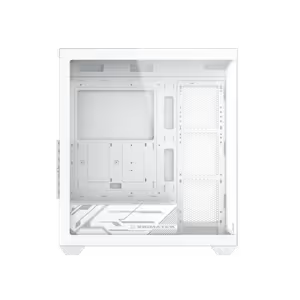
Xigmatek Blast Arctic RGB E-ATX Mid Tower Gaming Case - White / 3 x Pre Installed RGB Fans, 1 x Pre Installed ARGB Fan / EN46360 / EN46360 + FREE DELIVERY !
1 Year Local Warranty
Model No : Xigmatek EN46360
Price Inc. Vat
R 1,399
Save R 200.00
ListR 1,599
1399Free Delivery
Qty:
In Stock with Evetech
Xigmatek Blast Arctic RGB E-ATX Mid Tower Case EN46360
White E-ATX Mid Tower With Four Fans Fitted
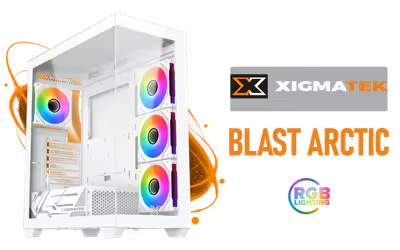
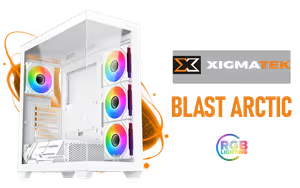
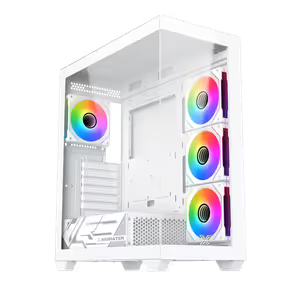
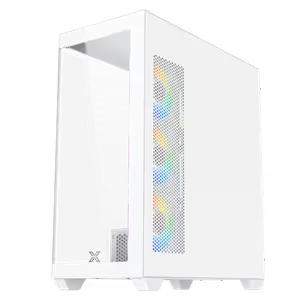
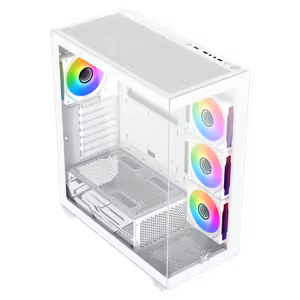
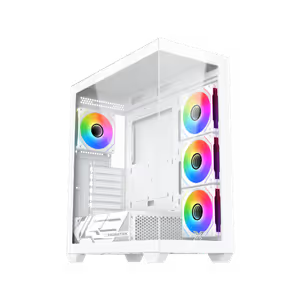
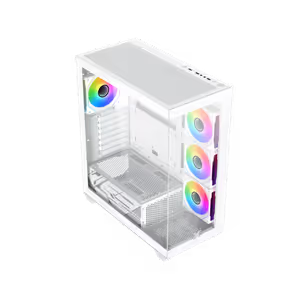
The Xigmatek Blast Arctic is a white E-ATX mid tower gaming case that arrives with three pre-installed RGB fans and one ARGB fan already moving air through the chassis. Keeping component temperatures down protects both performance and component life, and the case is roomy enough for large graphics cards and full cooling systems while keeping a clean white finish.
White E-ATX Mid Tower With Four Fans Fitted
The Xigmatek Blast Arctic is a white E-ATX mid tower gaming case that arrives with three pre-installed RGB fans and one ARGB fan already moving air through the chassis. Keeping component temperatures down protects both performance and component life, and the case is roomy enough for large graphics cards and full cooling systems while keeping a clean white finish.
Takes Both ATX And E-ATX Motherboards
The Blast Arctic supports E-ATX and ATX motherboards, so a standard gaming board and a wider high-end platform both fit the same chassis. That headroom matters if you plan to move from a mainstream board to a larger one later without changing the case around it.
Takes Both ATX And E-ATX Motherboards
The Blast Arctic supports E-ATX and ATX motherboards, so a standard gaming board and a wider high-end platform both fit the same chassis. That headroom matters if you plan to move from a mainstream board to a larger one later without changing the case around it.
165mm Of CPU Cooler Clearance
CPU cooler clearance is 165mm, which covers the majority of tower air coolers sold for mainstream and high-end desktop processors. Knowing the figure up front saves the common mistake of buying a cooler that stops the side panel from closing.
165mm Of CPU Cooler Clearance
CPU cooler clearance is 165mm, which covers the majority of tower air coolers sold for mainstream and high-end desktop processors. Knowing the figure up front saves the common mistake of buying a cooler that stops the side panel from closing.

Fan Support For Up To Ten Fans
The chassis supports up to ten fans across its mounting positions, four of which are already fitted. Ten positions gives room to build a deliberate airflow path with dedicated intake and exhaust rather than relying on whatever the case shipped with.
Fan Support For Up To Ten Fans
The chassis supports up to ten fans across its mounting positions, four of which are already fitted. Ten positions gives room to build a deliberate airflow path with dedicated intake and exhaust rather than relying on whatever the case shipped with.

Power Supply Clearance Of 200mm
Power supply clearance is 200mm, enough length for the larger high-wattage ATX units rather than only short compact models. High-draw graphics cards usually pair with longer power supplies, so the extra bay length keeps that combination viable.
Power Supply Clearance Of 200mm
Power supply clearance is 200mm, enough length for the larger high-wattage ATX units rather than only short compact models. High-draw graphics cards usually pair with longer power supplies, so the extra bay length keeps that combination viable.

Graphics Cards Up To 410mm Long
Graphics card length support reaches 410mm when no fan is fitted on the motherboard panel. That clears current triple-fan flagship cards with room to spare, so the card goes in without removing hardware to make space for it.
Graphics Cards Up To 410mm Long
Graphics card length support reaches 410mm when no fan is fitted on the motherboard panel. That clears current triple-fan flagship cards with room to spare, so the card goes in without removing hardware to make space for it.
Radiator Support Up To 360mm
Maximum radiator support is 360mm, the size used by the larger all-in-one liquid coolers. A case that only takes 240mm forces a smaller cooler on a hot processor, so the full 360mm allowance is what keeps high-wattage CPUs an option here.
Radiator Support Up To 360mm
Maximum radiator support is 360mm, the size used by the larger all-in-one liquid coolers. A case that only takes 240mm forces a smaller cooler on a hot processor, so the full 360mm allowance is what keeps high-wattage CPUs an option here.
Premium Chassis With Dual Tempered Glass
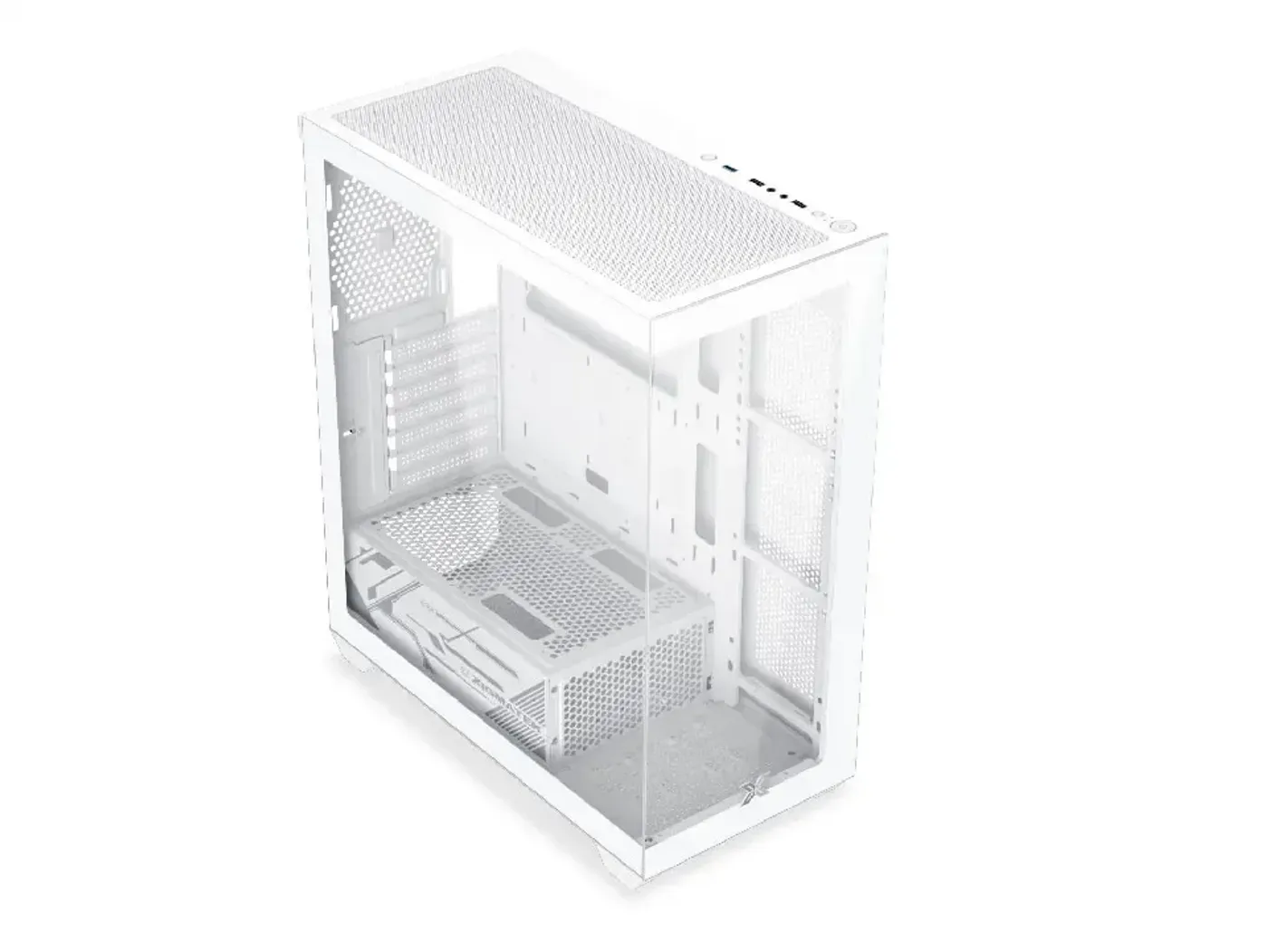
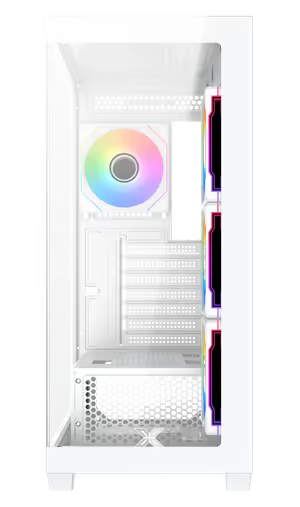
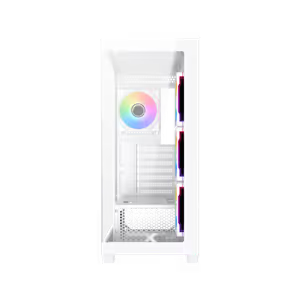
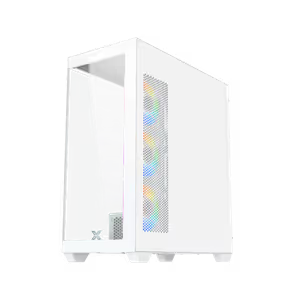
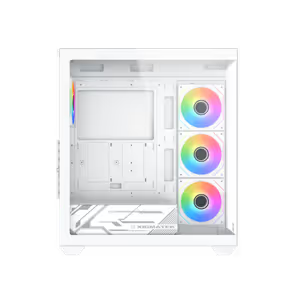
The Blast Arctic uses a premium chassis with dual tempered glass panels, showing the build from two sides instead of one. Against the white finish the glass makes the RGB and ARGB fans the visible centre of the machine rather than a detail hidden behind steel.
Premium Chassis With Dual Tempered Glass
The Blast Arctic uses a premium chassis with dual tempered glass panels, showing the build from two sides instead of one. Against the white finish the glass makes the RGB and ARGB fans the visible centre of the machine rather than a detail hidden behind steel.
Panels Install And Remove Without Tools
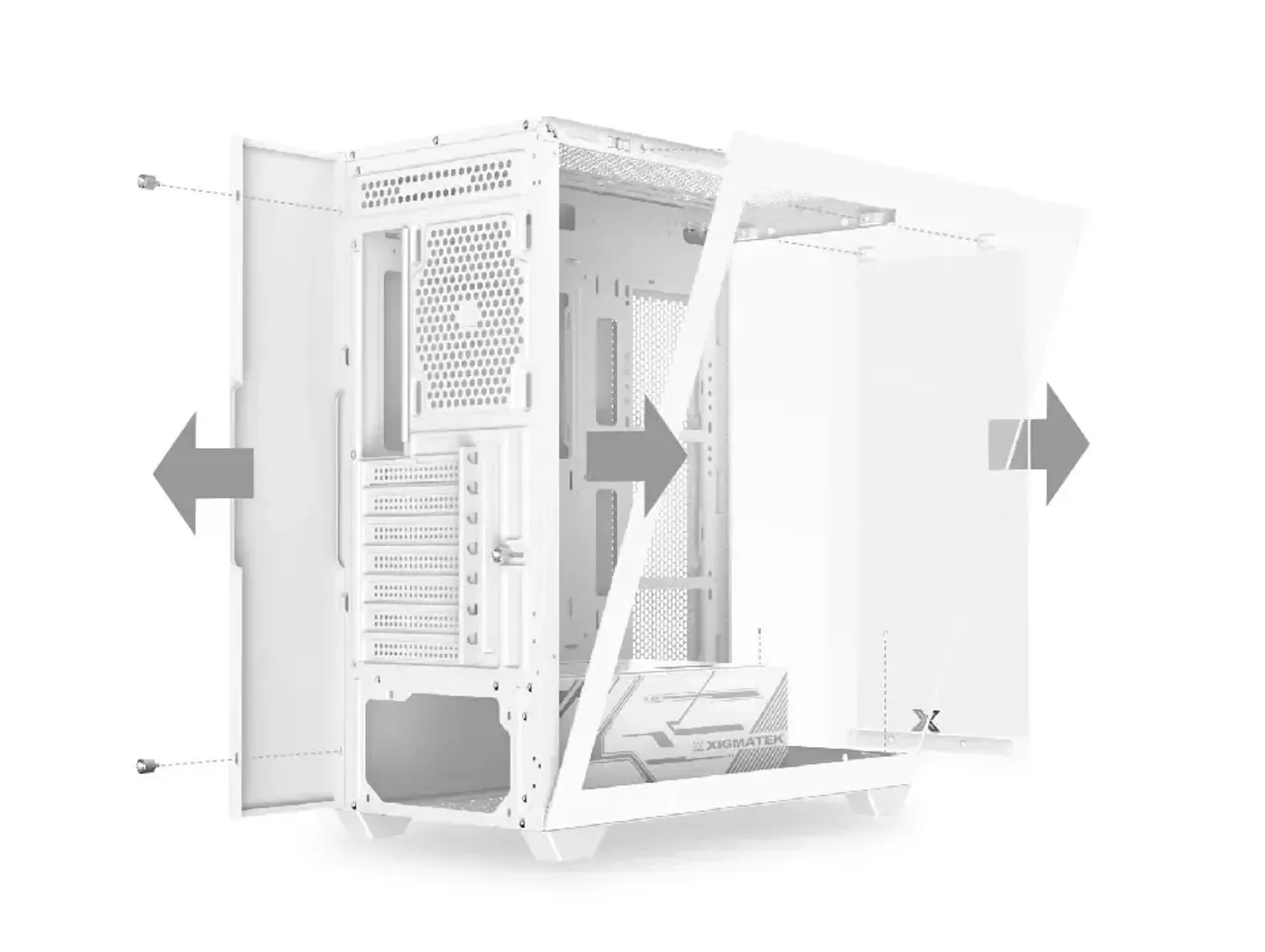
Panels install and come off without tools, so getting into the case for a cable change or a fan swap does not start with finding a screwdriver. Tool-free panels also mean fewer thumbscrews to lose during a build, which is where most rattles and missing hardware come from.
Panels Install And Remove Without Tools
Panels install and come off without tools, so getting into the case for a cable change or a fan swap does not start with finding a screwdriver. Tool-free panels also mean fewer thumbscrews to lose during a build, which is where most rattles and missing hardware come from.
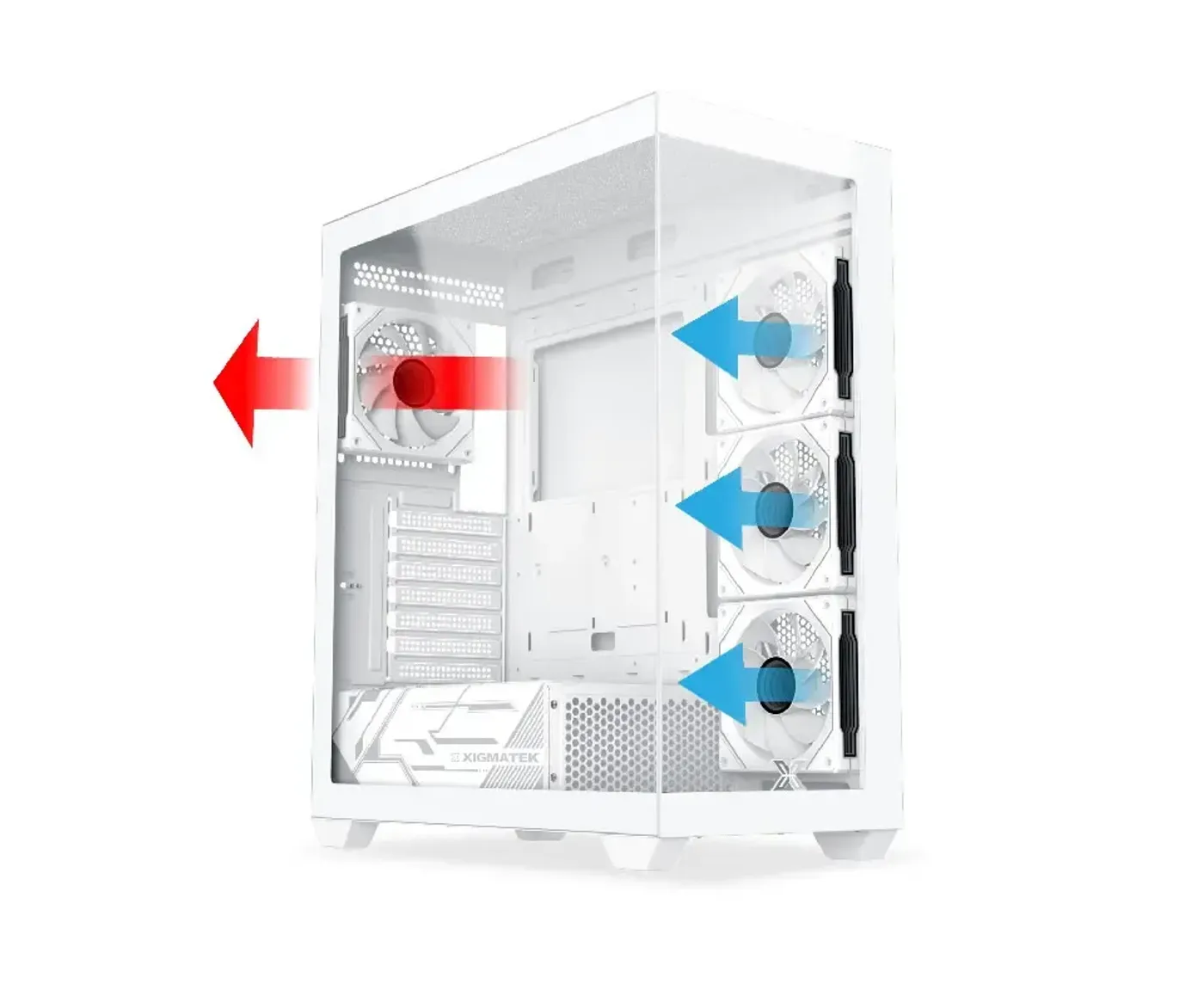
Optimised Airflow With Four Fans Working Together
Airflow through the Blast Arctic is optimised for efficient cooling, with three RGB fans and one ARGB fan pre-installed to move air well inside the chassis. Getting air across the components rather than around them is what keeps parts from running too hot, which the source ties directly to better performance and longer component life.
Optimised Airflow With Four Fans Working Together
Airflow through the Blast Arctic is optimised for efficient cooling, with three RGB fans and one ARGB fan pre-installed to move air well inside the chassis. Getting air across the components rather than around them is what keeps parts from running too hot, which the source ties directly to better performance and longer component life.
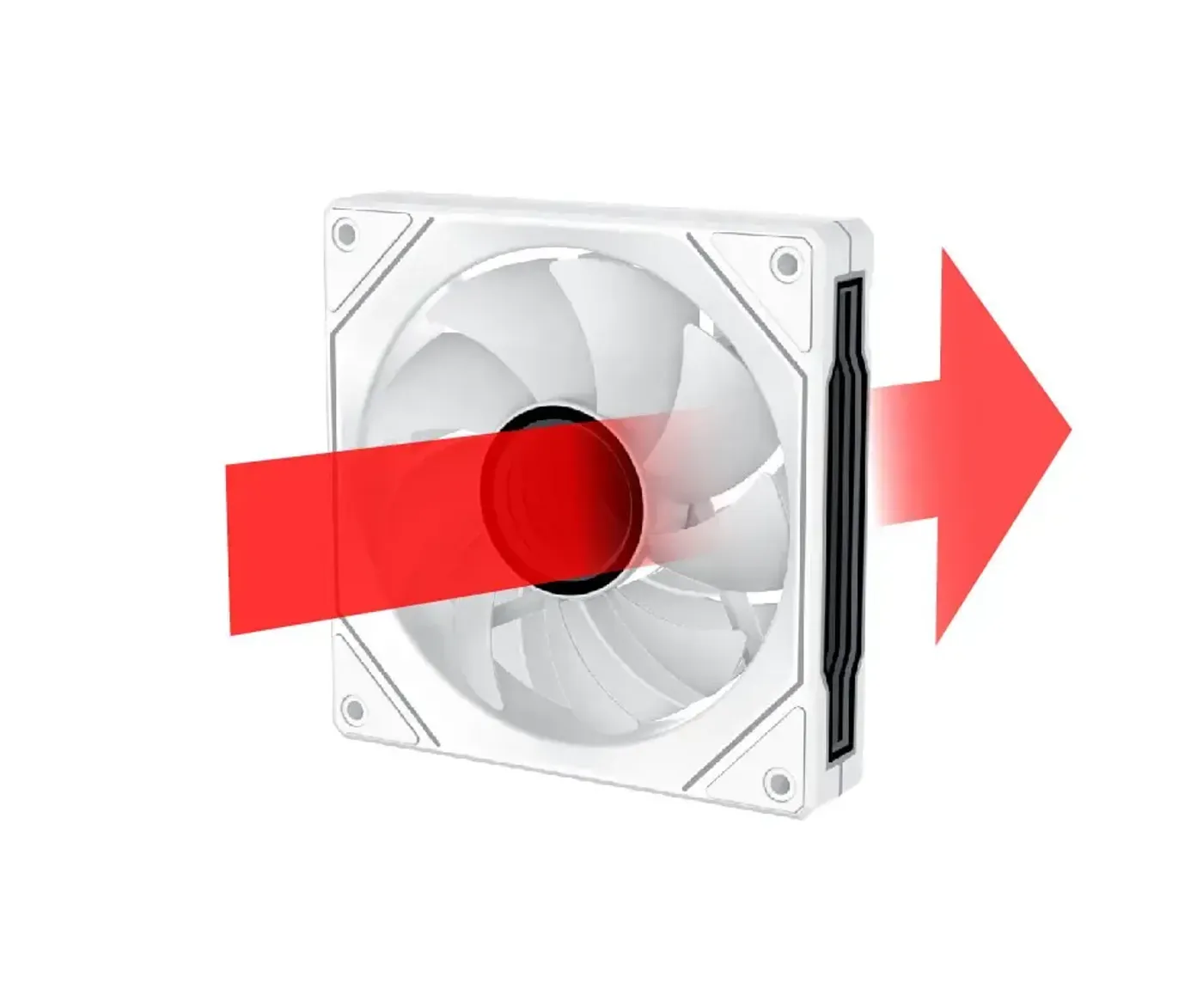
Traditional Blade Fan Pre-Installed At The Rear
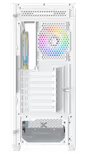
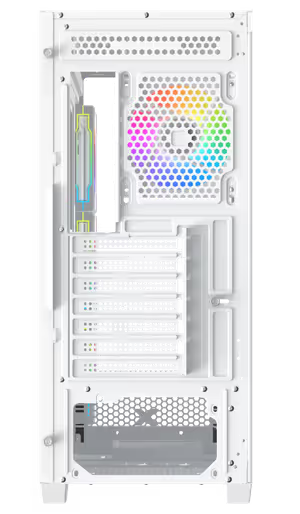
A fan with a traditional blade design comes pre-installed on the rear panel. Traditional blades suit the rear position because that fan works as the exhaust, pulling warm air away from the CPU area and pushing it straight out of the back of the case.
Traditional Blade Fan Pre-Installed At The Rear
A fan with a traditional blade design comes pre-installed on the rear panel. Traditional blades suit the rear position because that fan works as the exhaust, pulling warm air away from the CPU area and pushing it straight out of the back of the case.
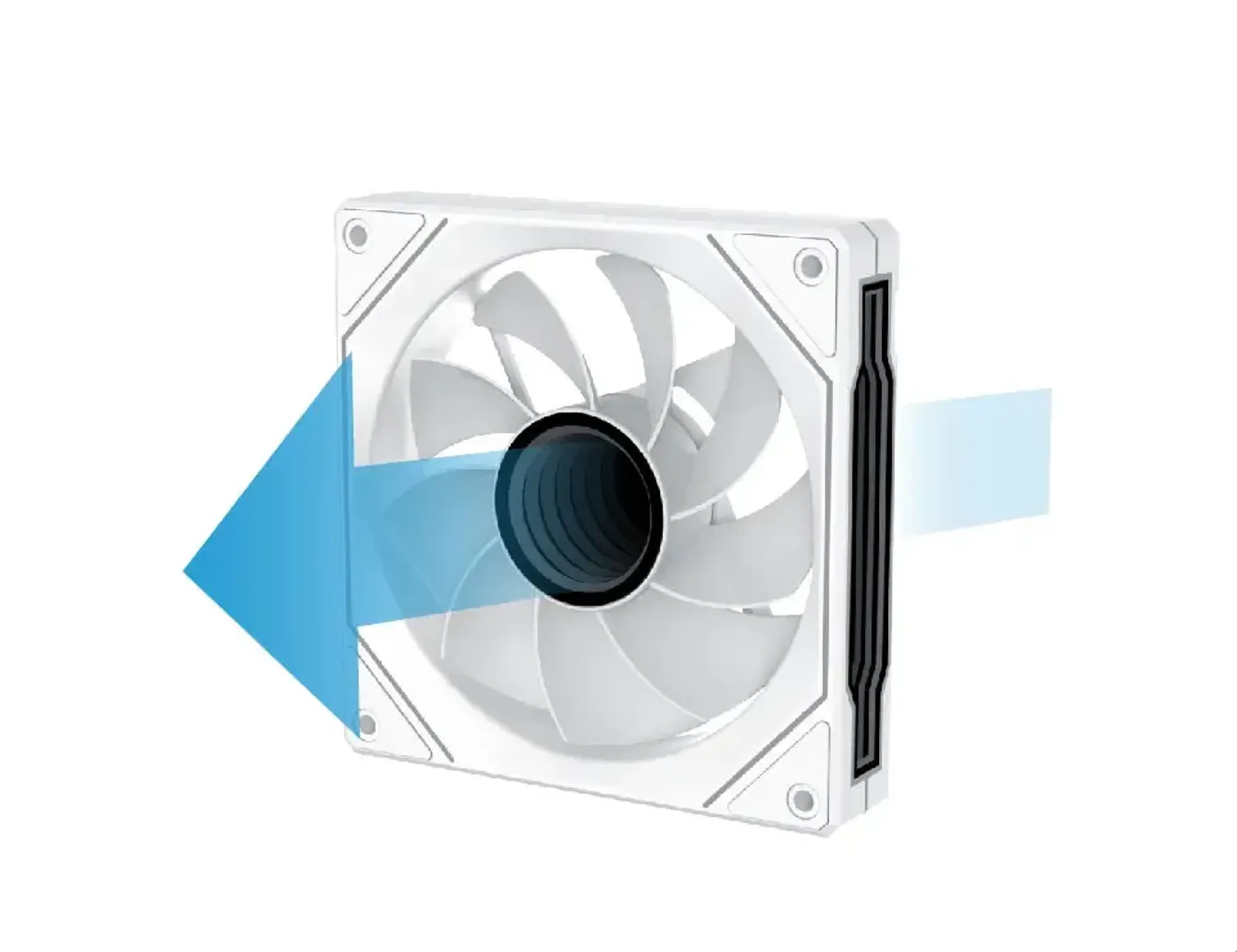
Reverse Blade Fans Pre-Installed On The Motherboard Panel
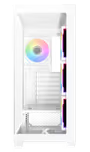
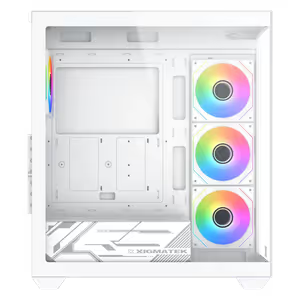
Reverse blade fans are pre-installed on the motherboard panel side of the case. Reverse blades face their finished side outward, so fans mounted where you look straight at them through the glass present the clean face rather than the motor hub and wiring side.
Reverse Blade Fans Pre-Installed On The Motherboard Panel
Reverse blade fans are pre-installed on the motherboard panel side of the case. Reverse blades face their finished side outward, so fans mounted where you look straight at them through the glass present the clean face rather than the motor hub and wiring side.
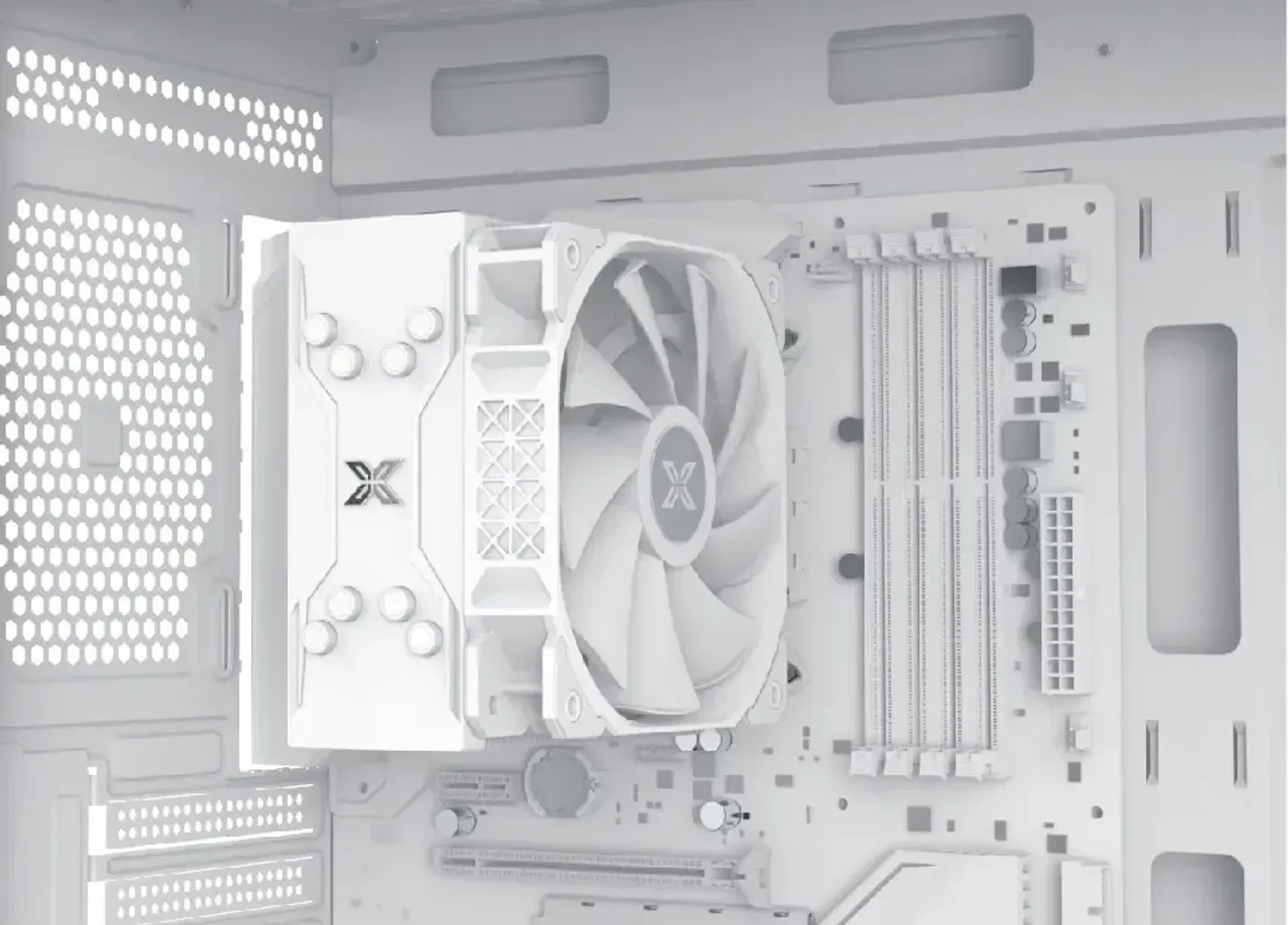
Top Panel Takes Three 120mm Or Two 140mm Fans
The top panel accepts either three 120mm fans or two 140mm fans. Two 140mm fans move a similar volume of air at lower speed than three 120mm units, so the choice is really between maximum airflow and a quieter machine at the same temperature.
Top Panel Takes Three 120mm Or Two 140mm Fans
The top panel accepts either three 120mm fans or two 140mm fans. Two 140mm fans move a similar volume of air at lower speed than three 120mm units, so the choice is really between maximum airflow and a quieter machine at the same temperature.
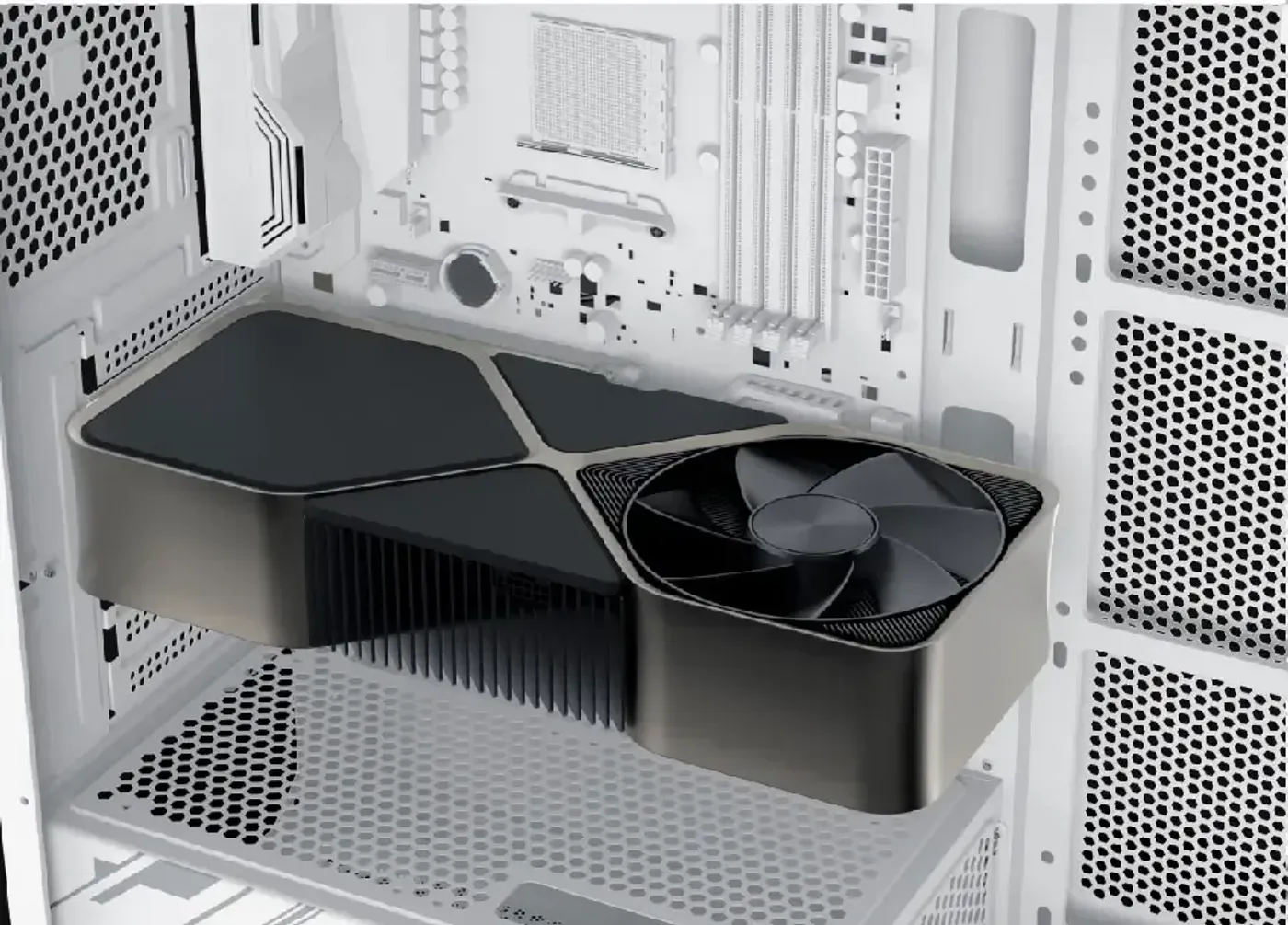
285mm Card Limit With A Motherboard-Panel Fan
Fitting a fan on the motherboard panel drops graphics card support from 410mm to 285mm. It is worth deciding early which of the two you want, because a long flagship card and side-panel fans are competing for exactly the same volume inside the chassis.
285mm Card Limit With A Motherboard-Panel Fan
Fitting a fan on the motherboard panel drops graphics card support from 410mm to 285mm. It is worth deciding early which of the two you want, because a long flagship card and side-panel fans are competing for exactly the same volume inside the chassis.
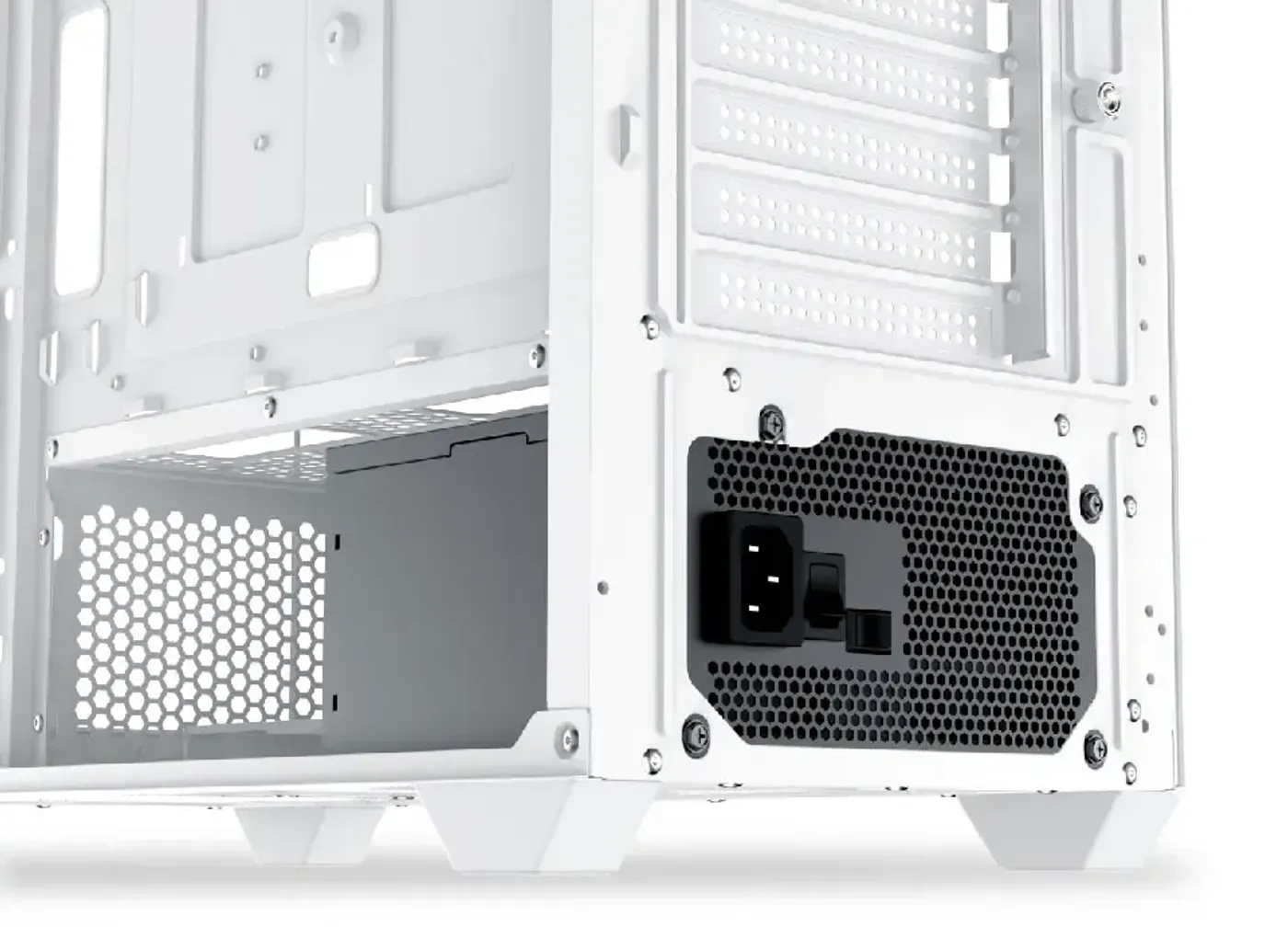
PSU Shroud Mounts Two More 120mm Fans
Two 120mm fan positions sit on the PSU shroud, below the graphics card. Air pushed up from the shroud reaches the underside of a large card, which is normally the deadest air in a tower and the reason a hot card stays hot.
PSU Shroud Mounts Two More 120mm Fans
Two 120mm fan positions sit on the PSU shroud, below the graphics card. Air pushed up from the shroud reaches the underside of a large card, which is normally the deadest air in a tower and the reason a hot card stays hot.
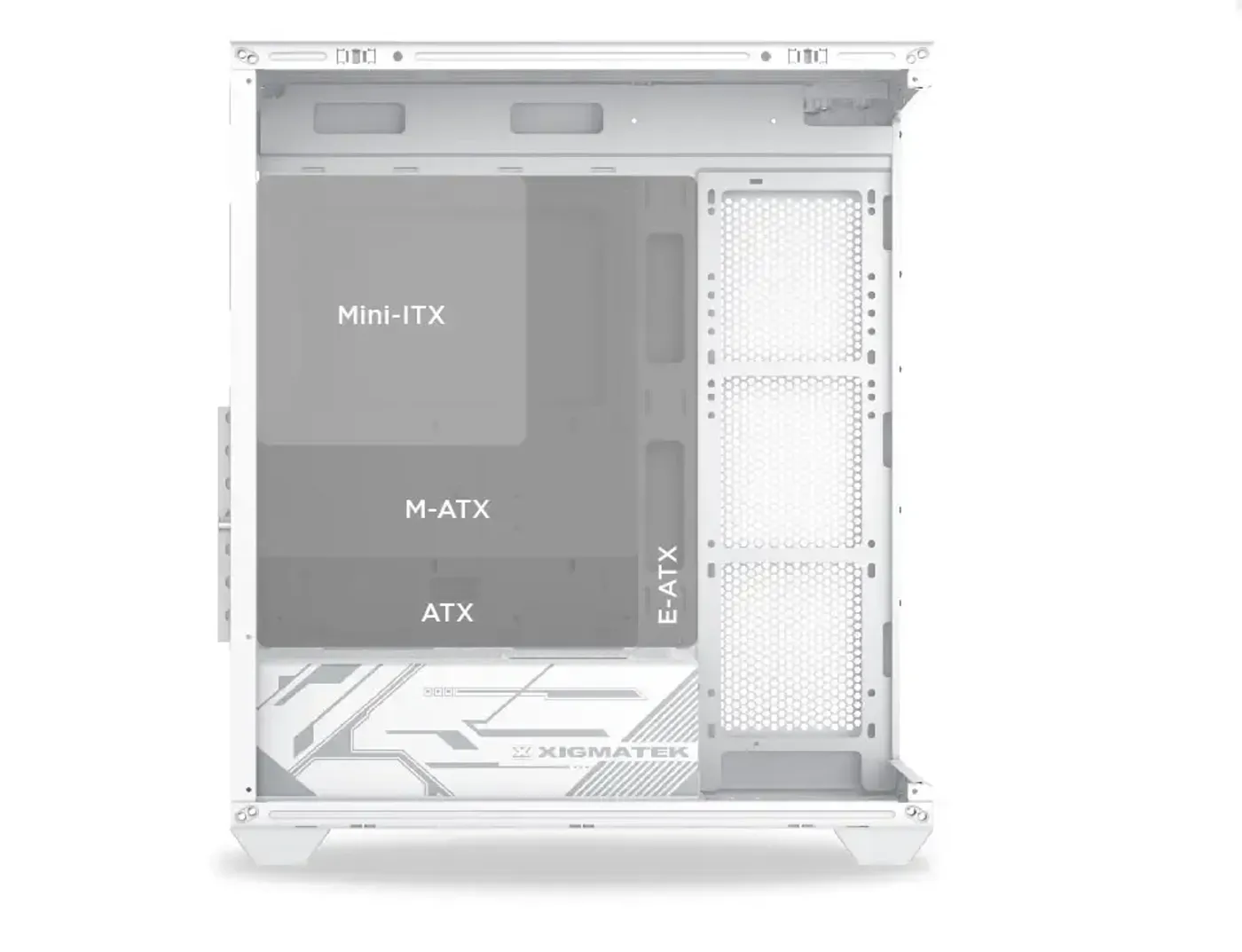
Motherboard-Tray Cooling Needs Boards Under 28.5cm Wide
Fans and a radiator can mount on the motherboard tray provided the E-ATX board is no wider than 28.5cm. Wider E-ATX boards still fit the case, they simply cover the tray mounting area, so the width figure is the one to check before planning side-panel cooling.
Motherboard-Tray Cooling Needs Boards Under 28.5cm Wide
Fans and a radiator can mount on the motherboard tray provided the E-ATX board is no wider than 28.5cm. Wider E-ATX boards still fit the case, they simply cover the tray mounting area, so the width figure is the one to check before planning side-panel cooling.
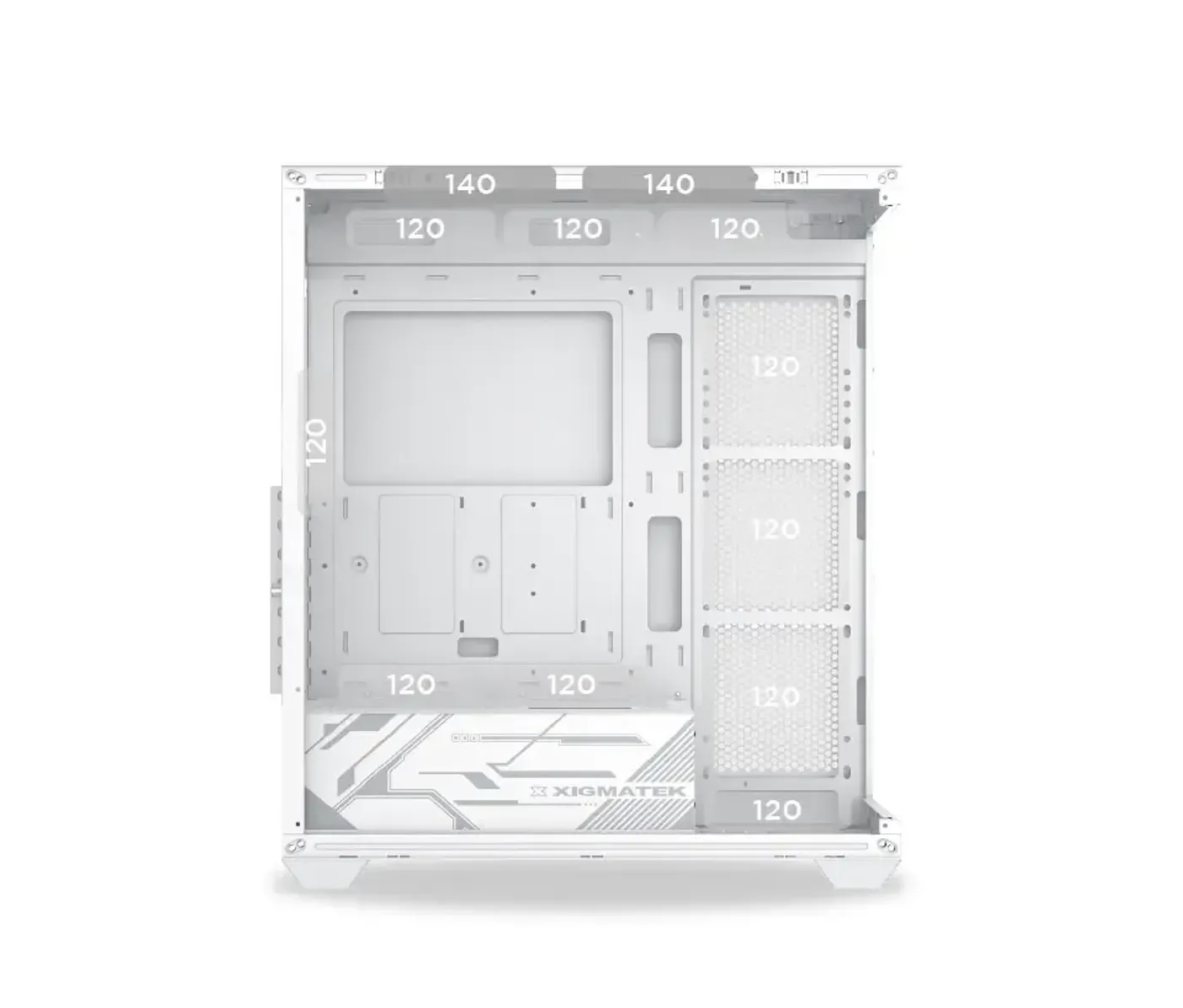
Motherboard Tray, Bottom And Rear Fan Mounts
Beyond the top panel, the case mounts three 120mm fans on the motherboard tray, one 120mm fan at the bottom when no SSD or HDD is installed there, and one 120mm fan at the rear. The bottom position is the one to note, since it trades directly against bottom-mounted storage.
Motherboard Tray, Bottom And Rear Fan Mounts
Beyond the top panel, the case mounts three 120mm fans on the motherboard tray, one 120mm fan at the bottom when no SSD or HDD is installed there, and one 120mm fan at the rear. The bottom position is the one to note, since it trades directly against bottom-mounted storage.
Radiators Mount Top, On The Tray Or At The Rear
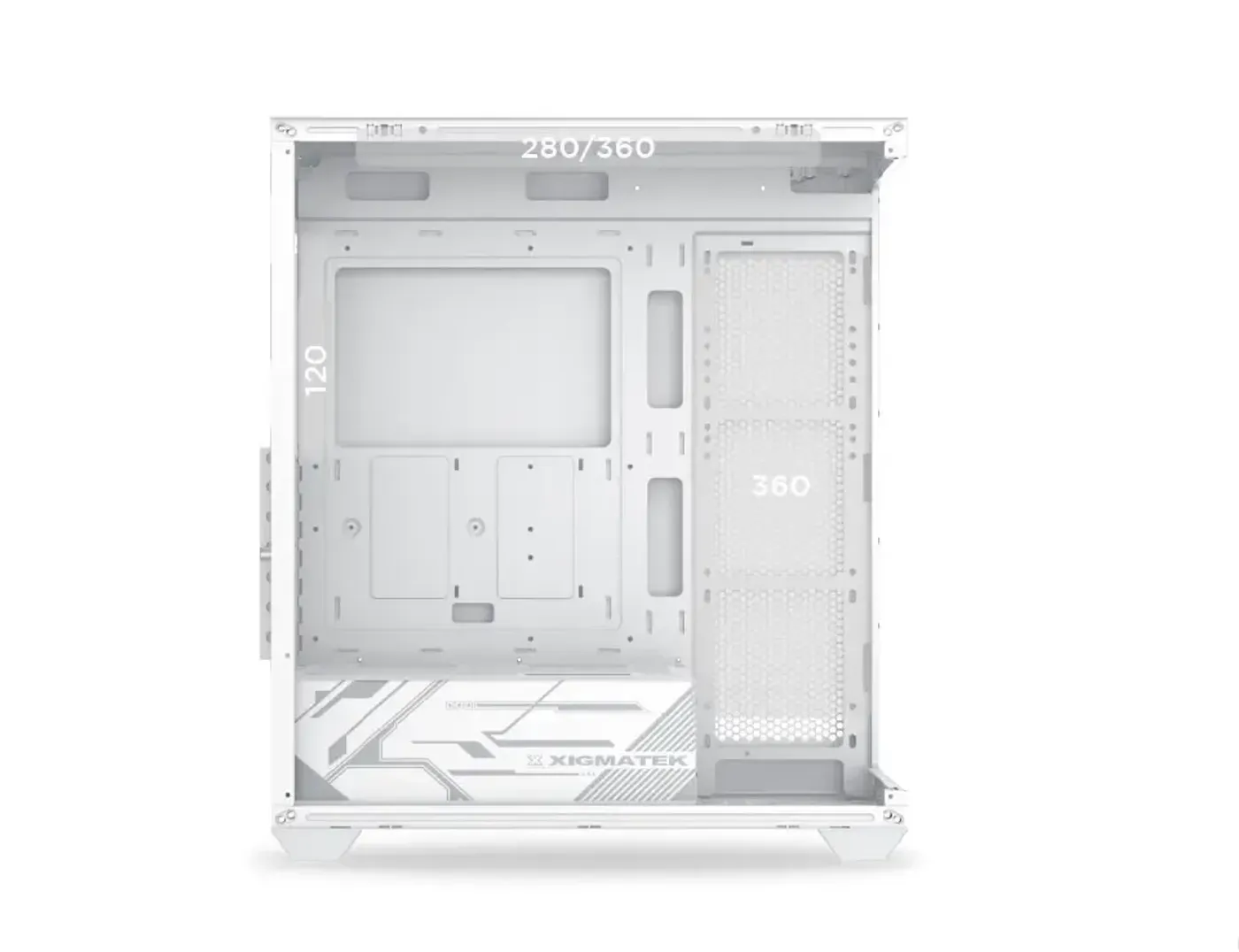
Liquid cooling has three homes in the Blast Arctic: a 280mm or 360mm radiator on the top panel, a 360mm radiator on the motherboard tray with an E-ATX board up to 28.5cm wide, and a 120mm radiator slot at the rear. Two large radiator positions make a dual-loop or CPU-plus-GPU cooling setup practical in a mid tower.
Radiators Mount Top, On The Tray Or At The Rear
Liquid cooling has three homes in the Blast Arctic: a 280mm or 360mm radiator on the top panel, a 360mm radiator on the motherboard tray with an E-ATX board up to 28.5cm wide, and a 120mm radiator slot at the rear. Two large radiator positions make a dual-loop or CPU-plus-GPU cooling setup practical in a mid tower.
Two-Bay Drive Cage For A 3.5-Inch And A 2.5-Inch Drive
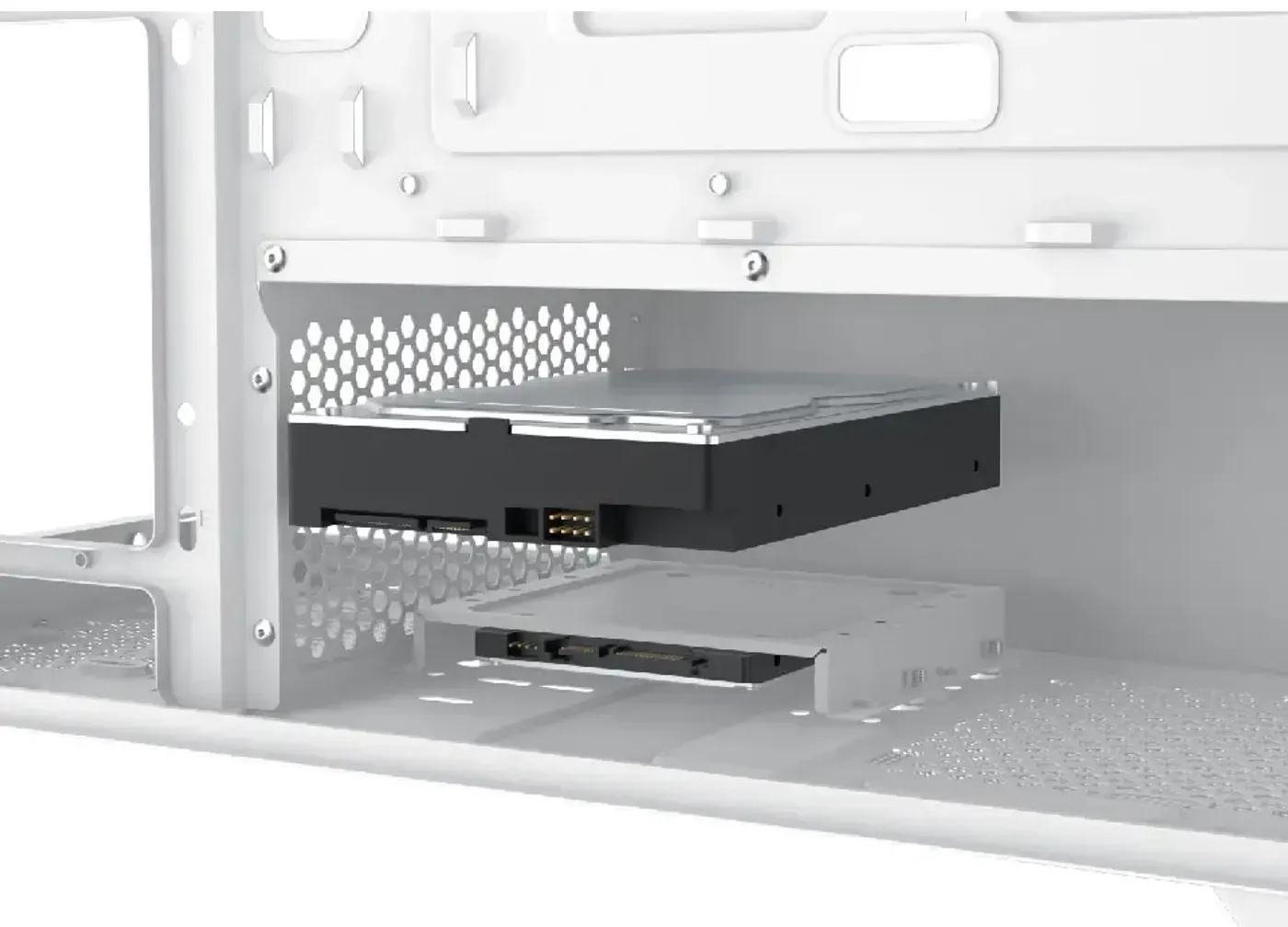
The storage cage splits into two bays: the upper bay takes one 3.5-inch hard drive and the lower bay takes one 2.5-inch SSD. Separating the formats means a bulk mechanical drive and a SATA SSD can both be fitted without one blocking the other.
Two-Bay Drive Cage For A 3.5-Inch And A 2.5-Inch Drive
The storage cage splits into two bays: the upper bay takes one 3.5-inch hard drive and the lower bay takes one 2.5-inch SSD. Separating the formats means a bulk mechanical drive and a SATA SSD can both be fitted without one blocking the other.
Bottom Combo Mount Fits 2.5-Inch Or 3.5-Inch Drives
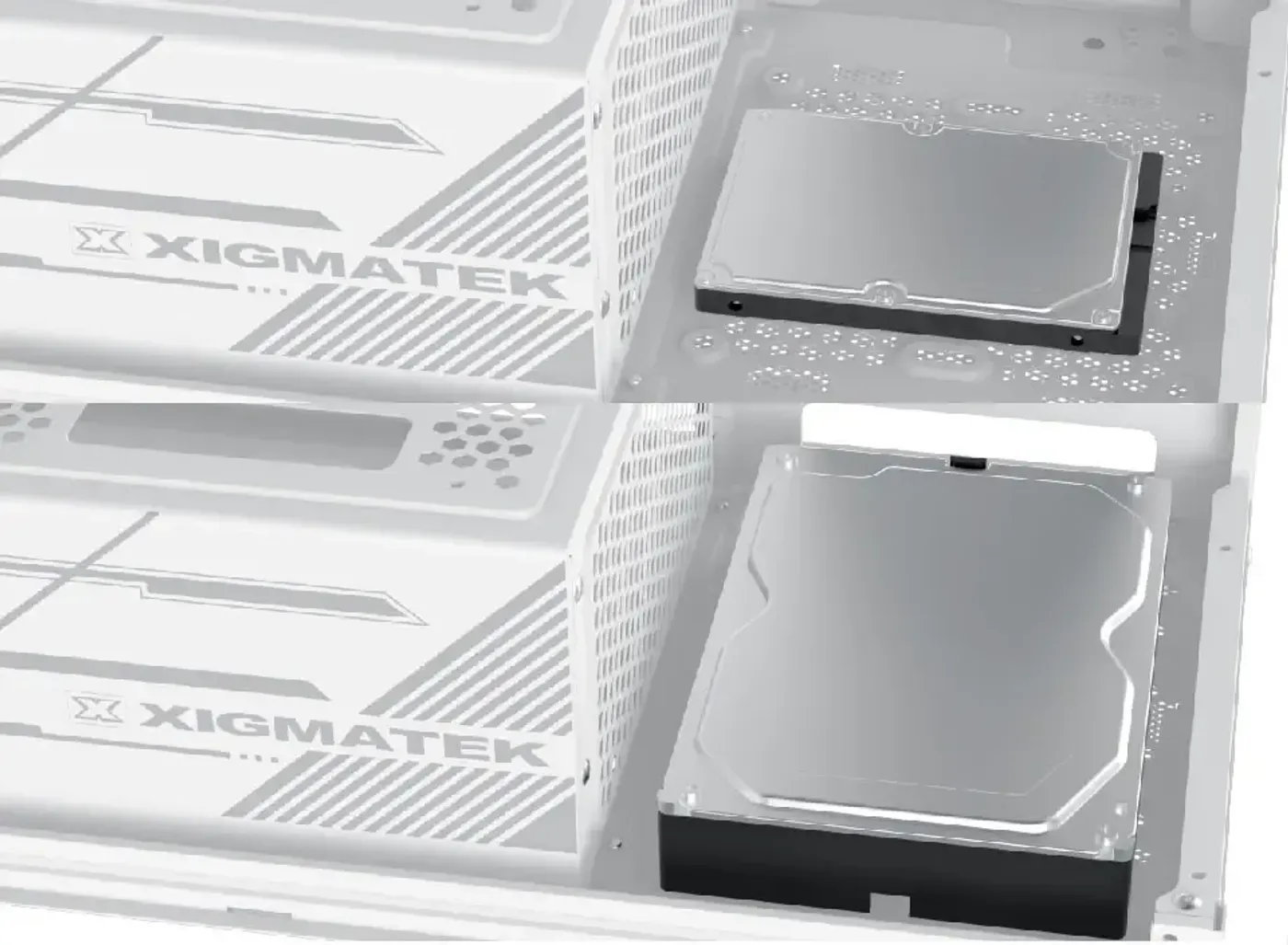
A dual-format bottom drive bay adds one more combo mount that takes either a 2.5-inch or a 3.5-inch drive. Using it means giving up the bottom 120mm fan position, so the decision comes down to whether the build needs another drive or more intake.
Bottom Combo Mount Fits 2.5-Inch Or 3.5-Inch Drives
A dual-format bottom drive bay adds one more combo mount that takes either a 2.5-inch or a 3.5-inch drive. Using it means giving up the bottom 120mm fan position, so the decision comes down to whether the build needs another drive or more intake.
Top I/O Adds USB 3.0 And RGB Switch
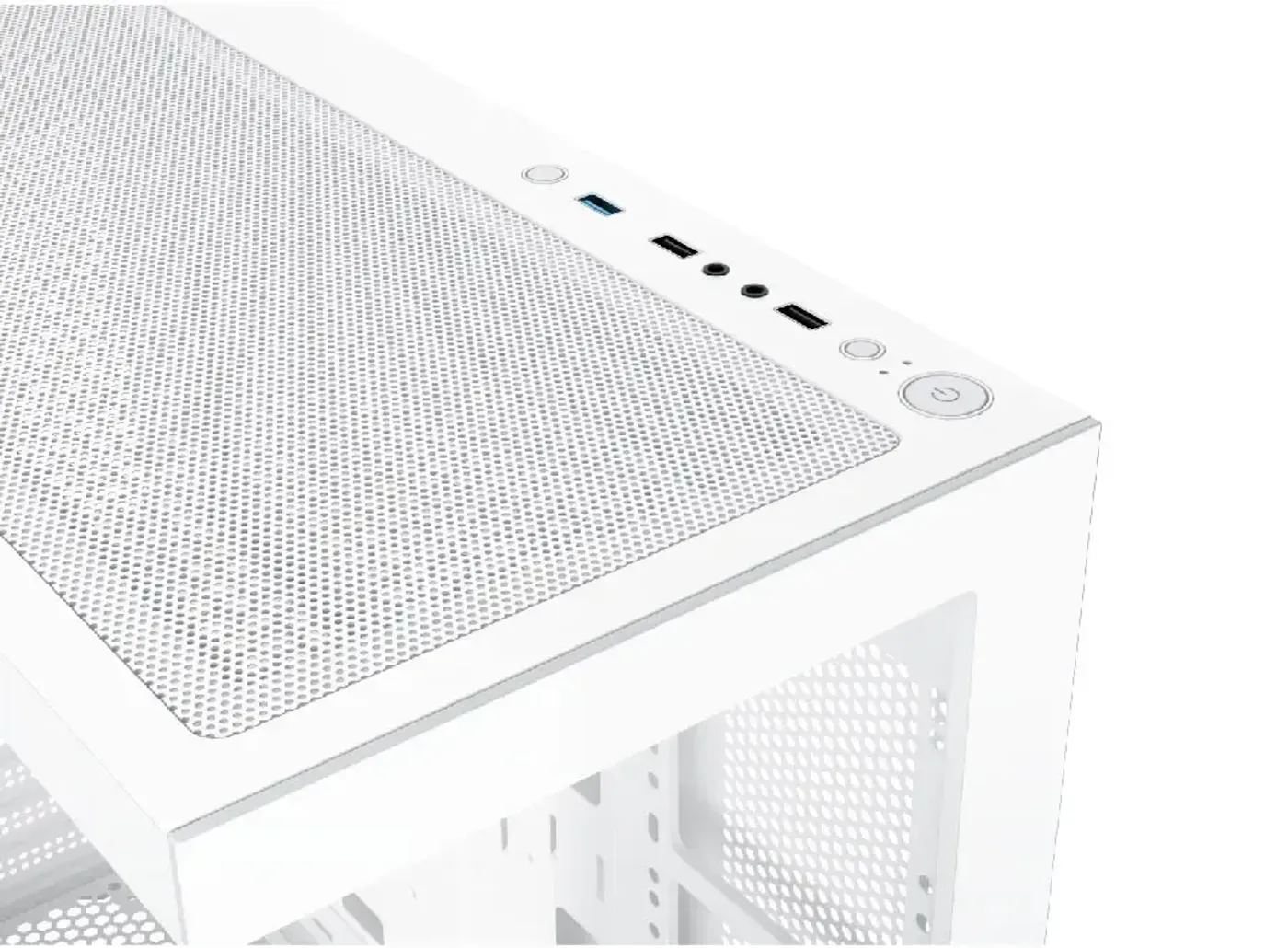
The top I/O panel carries a power button, a reset button, two USB 2.0 ports, one USB 3.0 port, an HD audio output jack and an RGB LED switch. Putting the RGB switch on the panel lets you change the lighting without opening software, which is useful when the machine is doing something else.
Top I/O Adds USB 3.0 And RGB Switch
The top I/O panel carries a power button, a reset button, two USB 2.0 ports, one USB 3.0 port, an HD audio output jack and an RGB LED switch. Putting the RGB switch on the panel lets you change the lighting without opening software, which is useful when the machine is doing something else.
FAQ
Frequently Asked Questions
Everything you need to know about this product
Four: three RGB fans and one ARGB fan, with support for up to ten fans in total.
It supports both ATX and E-ATX motherboards, though motherboard-tray cooling needs an E-ATX board no wider than 28.5cm.
Up to 410mm with no fan on the motherboard panel, or up to 285mm once a motherboard-panel fan is installed.
CPU cooler clearance is 165mm, which covers most tower air coolers.
A 280mm or 360mm radiator on the top panel, a 360mm radiator on the motherboard tray, and a 120mm radiator slot at the rear.
Power supply clearance is 200mm, which accommodates larger high-wattage ATX units.
Three 120mm or two 140mm on the top panel, three 120mm on the motherboard tray, two 120mm on the PSU shroud, one 120mm at the bottom and one 120mm at the rear.
The cage takes one 3.5-inch hard drive in the upper bay and one 2.5-inch SSD in the lower bay, plus a bottom combo mount for one more 2.5-inch or 3.5-inch drive.
A power button, a reset button, two USB 2.0 ports, one USB 3.0 port, an HD audio output jack and an RGB LED switch.
Yes, it is a premium chassis with dual tempered glass panels.
No, the Blast Arctic uses tool-free panel installation.
No, the bottom 120mm fan position is available only when no SSD or HDD is installed there.

AI-Generated Content:These FAQs are generated by an automated AI system and may contain inaccuracies or omissions. Evetech makes no warranties, express or implied, regarding their completeness or reliability. For definitive information, please refer to the manufacturer's official specifications.
Please Note: Product images are for illustrative purposes only and may differ from the actual product.
Choose your
own PC
Hand-pick every part with live stock, compatibility, and instant pricing.
Try the new builderPrice Inc. Vat
R 1,399
Save R 200.00
ListR 1,599
1399Free Delivery
Qty:
In Stock with Evetech
Choose your
own PC
Hand-pick every part with live stock, compatibility, and instant pricing.
Try the new builderXigmatek Blast Arctic RGB E-ATX Mid Tower Gaming Case