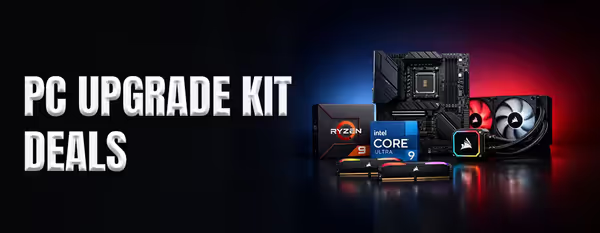
PC Upgrade Bundles — CPU, Motherboard & RAM
PC Upgrade Bundles — CPU + Motherboard + RAM (58)


How to Choose an Upgrade Bundle
The right bundle matches your platform, your GPU and your workload. Use the guide below to choose.
A bundle combines a CPU, a compatible motherboard and (often) matched DDR5 RAM, tested together. It removes the compatibility guesswork and usually costs less than buying the parts separately.
Choose AMD (socket AM5) for a long upgrade path and gaming-focused X3D options, or Intel (LGA 1851) for strong all-round and productivity performance. Both use DDR5 on current bundles.
Pair the CPU tier to your graphics card so neither bottlenecks the other. At 1440p and 4K a mid-range bundle is plenty; high-refresh 1080p benefits from a faster CPU.
Higher-tier CPUs may need a better cooler than the stock unit, and a big upgrade can mean checking your PSU has the wattage and connectors. Confirm both so the bundle drops in cleanly.
Swapping a CPU and motherboard usually means a fresh Windows install or reactivation for best stability. Back up your data first; your storage drives carry over.