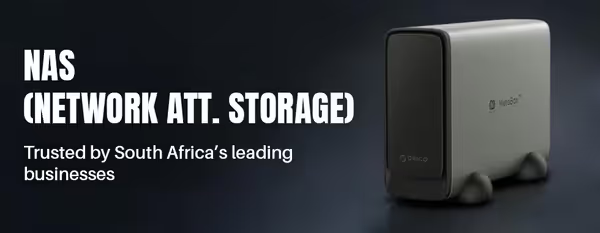
NAS — Network Attached Storage
NAS — Network Attached Storage (10)


How to Choose a NAS
The right NAS matches your storage needs, your users and your workloads. Use the guide below to choose.
A 2-bay NAS covers home backups, media and basic redundancy; 4-bay and larger units give more capacity and RAID options for business. Plan for growth — you'll fill it faster than you expect.
Home users want simple backups, media streaming and photo storage; businesses need multi-user access, virtualisation and snapshots. Match the NAS class and software features to the job.
A NAS runs 24/7, so use NAS-rated hard drives built for continuous operation and vibration in multi-bay enclosures. Desktop drives can work short-term but aren't designed for always-on use.
More RAM and a stronger CPU help with multiple users, virtual machines and apps; an NVMe SSD cache speeds up demanding workloads like databases. Match these to how hard the NAS will work.
Look for built-in backup, snapshots and secure encrypted remote access. Pair an always-on NAS with a UPS so a power outage doesn't risk data or hardware during writes.