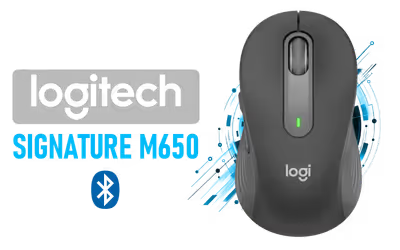
Logitech Signature M650 Wireless Mouse Graphite
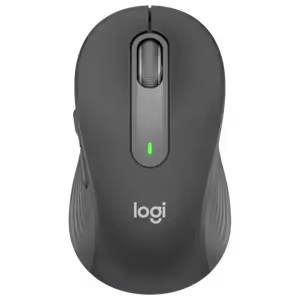
Logitech Signature M650 Wireless Mouse - For Small to Medium Sized Hands, 2-Year Battery, Silent Clicks, Customizable Side Buttons, Bluetooth, for PC/Mac/Multi-Device/Chromebook - Graphite / 910-006253
2 Years Local Warranty
Model No : Logitech 910-006253
Price Inc. Vat
R 499
Save R 200.00
ListR 699
499Change Quantity:
In Stock with Evetech
Logitech Signature M650 Wireless Mouse — Silent, 2-Year Battery
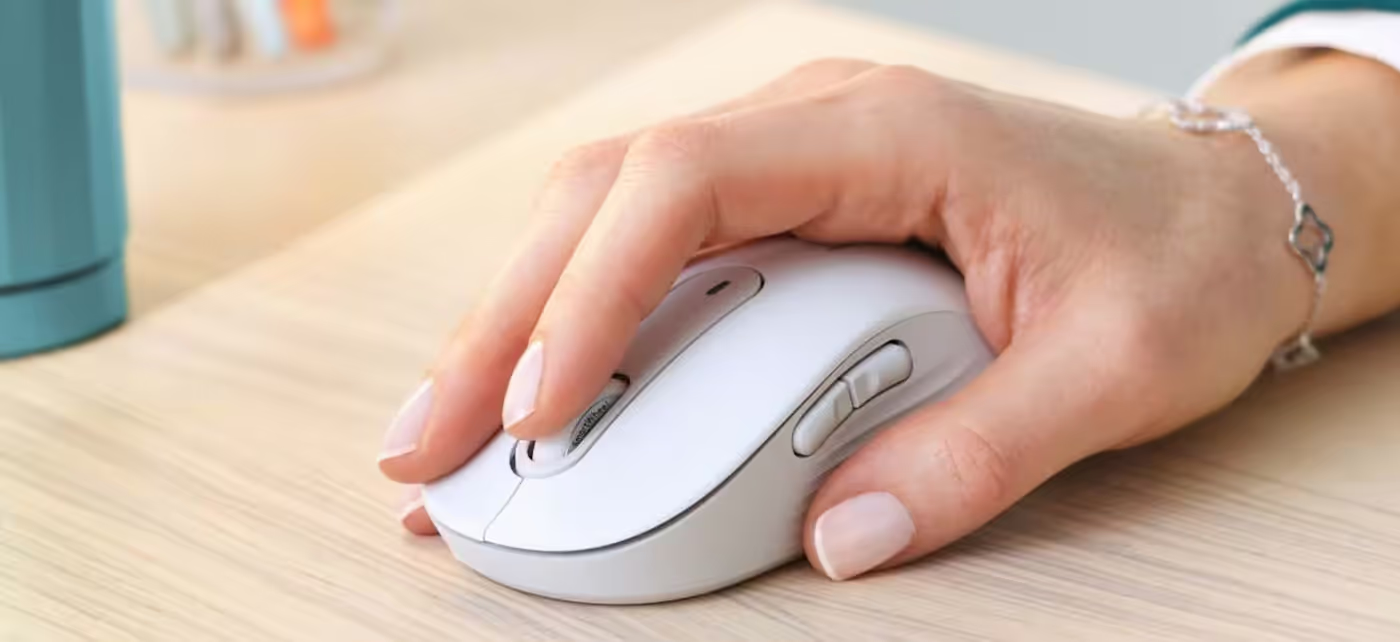
SmartWheel Scrolling Control
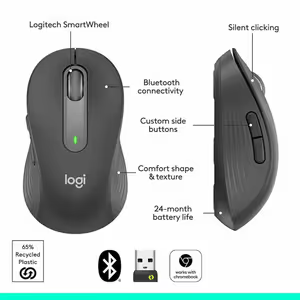
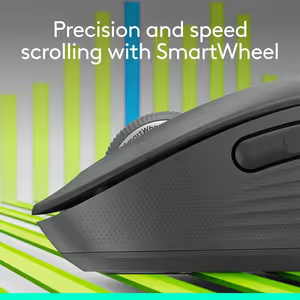
Logitech SmartWheel adapts to the way you scroll. Use precise, line-by-line movement for detailed work, then flick your finger to switch automatically into rapid scrolling for getting through long pages quickly.
SmartWheel Scrolling Control
Logitech SmartWheel adapts to the way you scroll. Use precise, line-by-line movement for detailed work, then flick your finger to switch automatically into rapid scrolling for getting through long pages quickly.
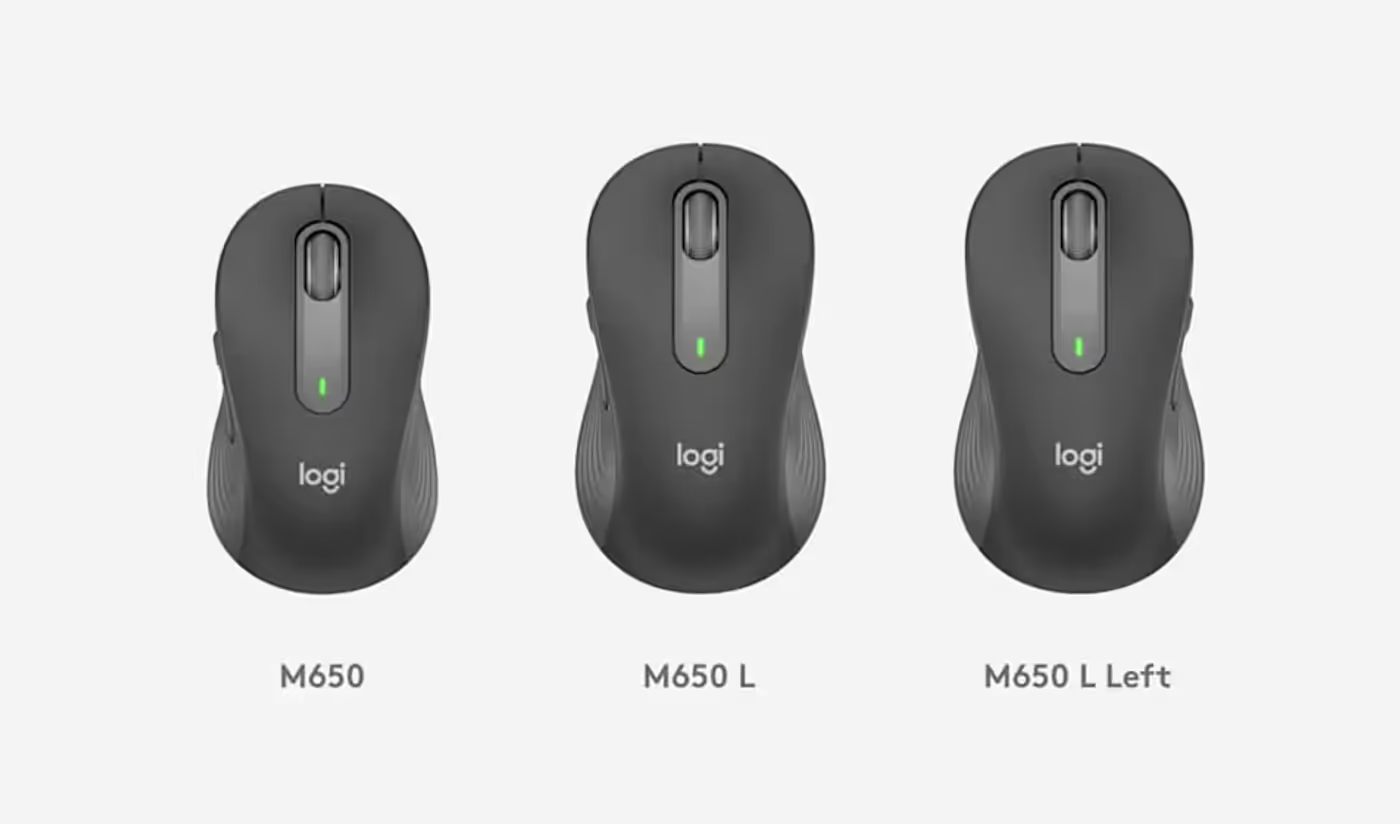
A Hand-Fitting Mouse Design
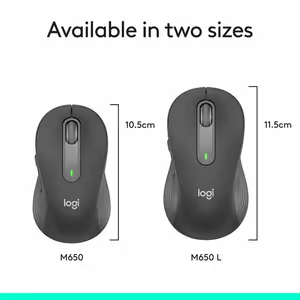
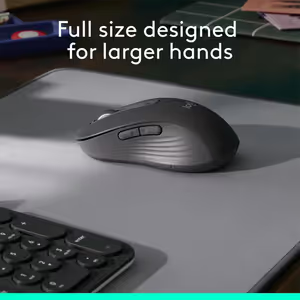
Select the Signature M650 version that matches your hand and usage needs. The M650 is recommended for small-to-medium hands, the M650 L for large-sized hands, and the M650 L Left for left-handed users. A sizing guide is available if you are unsure which mouse to choose.
A Hand-Fitting Mouse Design
Select the Signature M650 version that matches your hand and usage needs. The M650 is recommended for small-to-medium hands, the M650 L for large-sized hands, and the M650 L Left for left-handed users. A sizing guide is available if you are unsure which mouse to choose.

Enhanced Comfort for Daily Work
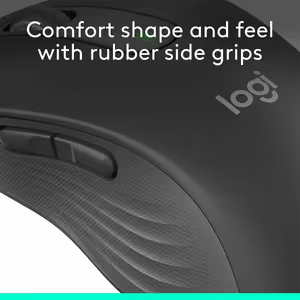
The Signature M650 is shaped with a contoured design, a soft thumb area, and rubber side grips. These details help keep your hand comfortably supported and securely positioned while you concentrate on your tasks.
Enhanced Comfort for Daily Work
The Signature M650 is shaped with a contoured design, a soft thumb area, and rubber side grips. These details help keep your hand comfortably supported and securely positioned while you concentrate on your tasks.
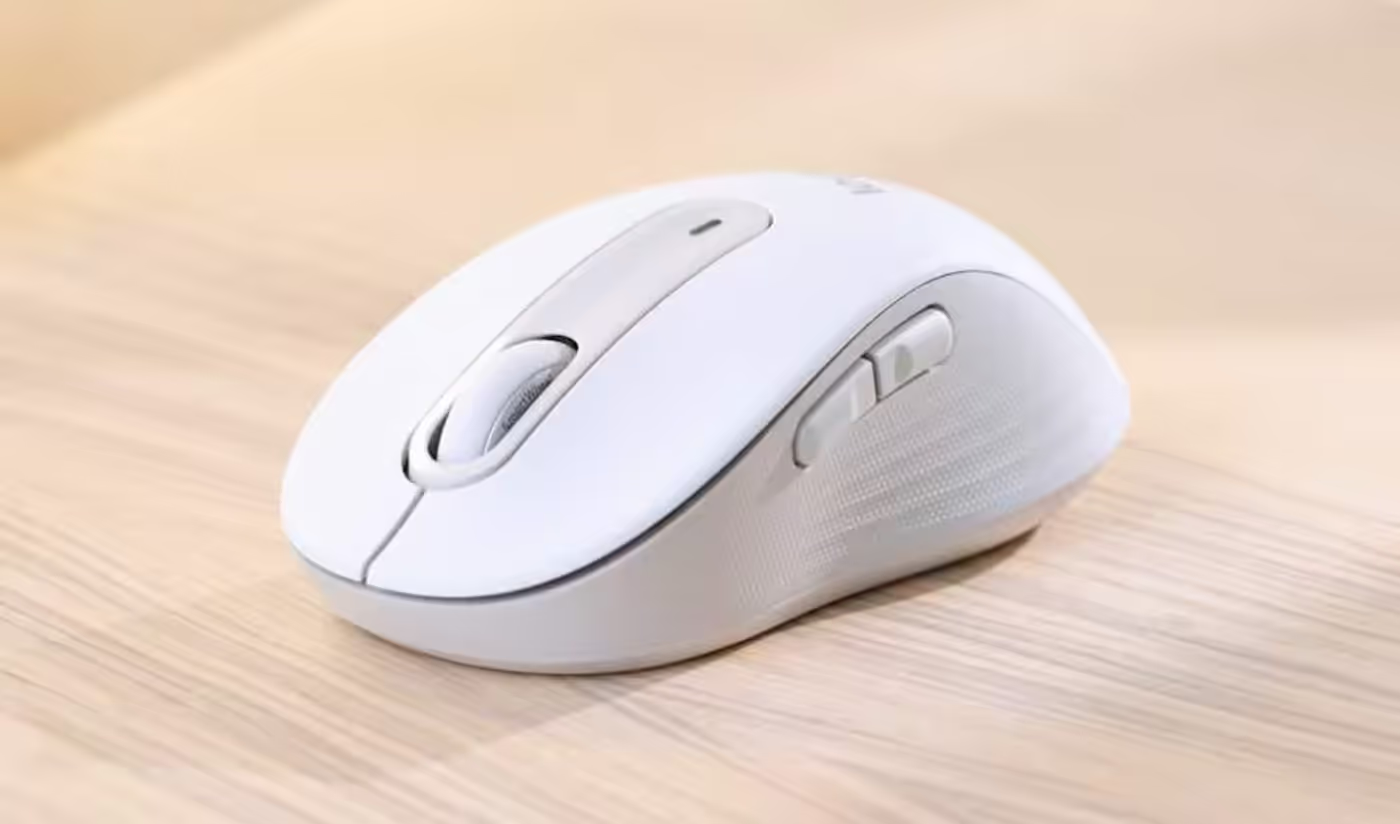
Smarter Scrolling, Better Fit
The Signature M650 combines smarter scrolling with a fit-focused design.
Smarter Scrolling, Better Fit
The Signature M650 combines smarter scrolling with a fit-focused design.
Flexible Wireless Connectivity
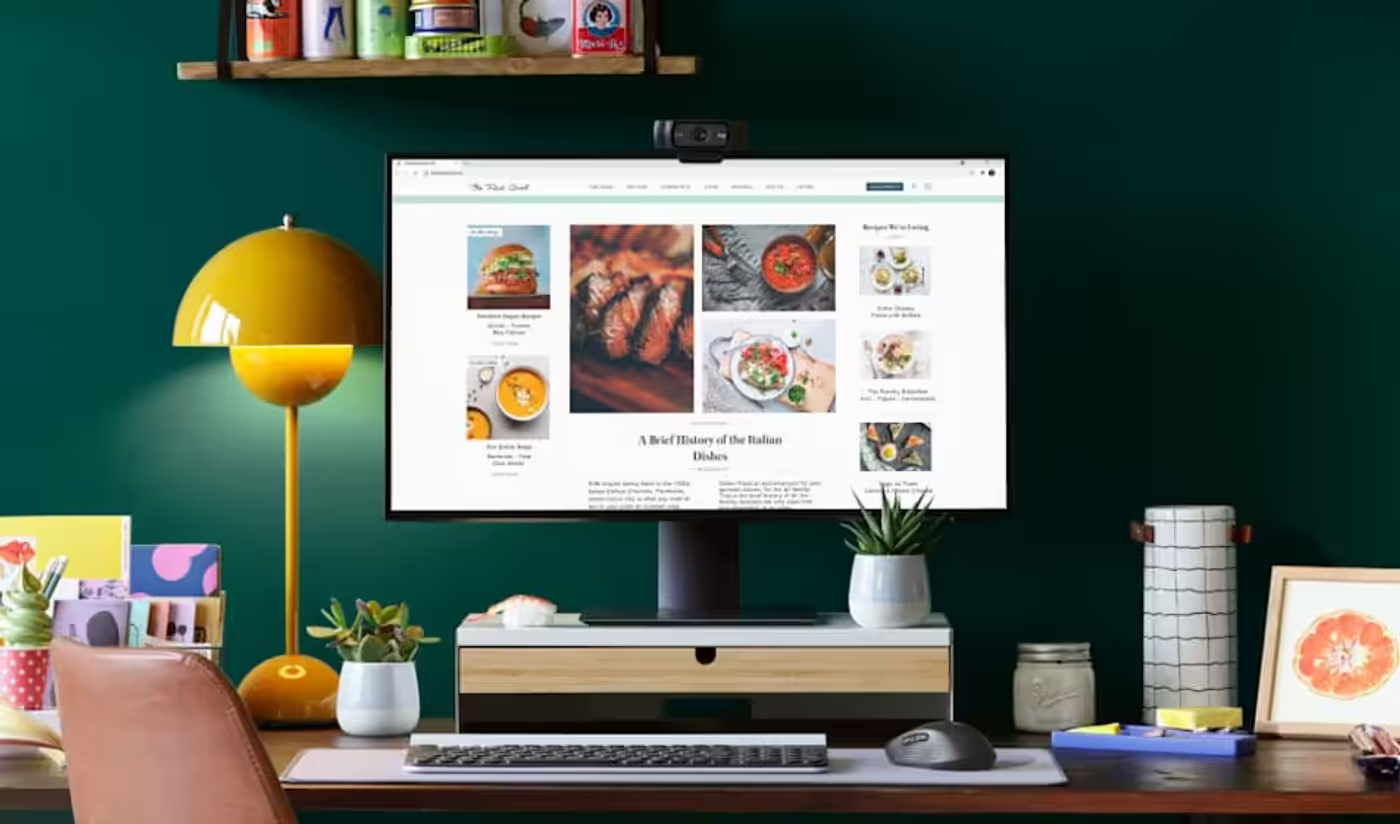
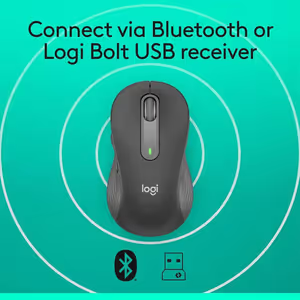
Connect the Signature M650 quickly through Bluetooth Low Energy or a Logi Bolt USB receiver. It provides a reliable wireless connection from up to 10 meters and works across Windows, macOS, Linux®, iPadOS, and Android™. The mouse is also Works With Chromebook™ Certified.
Flexible Wireless Connectivity
Connect the Signature M650 quickly through Bluetooth Low Energy or a Logi Bolt USB receiver. It provides a reliable wireless connection from up to 10 meters and works across Windows, macOS, Linux®, iPadOS, and Android™. The mouse is also Works With Chromebook™ Certified.
FAQ
Frequently Asked Questions
Everything you need to know about this product
Logitech SmartWheel supports precise line-by-line scrolling for detailed work and rapid scrolling for moving through lengthy pages. A flick of your finger automatically switches between modes.
The M650 is recommended for small-to-medium hands, while the M650 L is recommended for large-sized hands. The M650 L Left is intended for left-handed users.
Yes. Logitech provides a sizing guide for users who are unsure which Signature M650 version is right for them.
The mouse has a contoured shape, a soft thumb area, and rubber side grips that help keep your hand snug and in place.
The Signature M650 connects through Bluetooth Low Energy or a Logi Bolt USB receiver.
The Signature M650 provides a strong, reliable wireless connection from up to 10 meters.
The Signature M650 works with Windows, macOS, Linux®, iPadOS, and Android™.
Yes. The Signature M650 is Works With Chromebook™ Certified.
The M650 L Left is recommended for left-handed users.
It is designed to make scrolling more adaptable while supporting hand comfort through its contoured shape, soft thumb area, and rubber side grips.

AI-Generated Content:These FAQs are generated by an automated AI system and may contain inaccuracies or omissions. Evetech makes no warranties, express or implied, regarding their completeness or reliability. For definitive information, please refer to the manufacturer's official specifications.
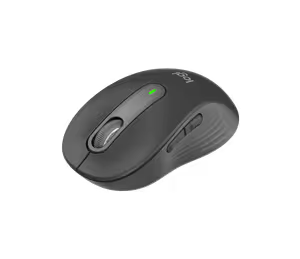
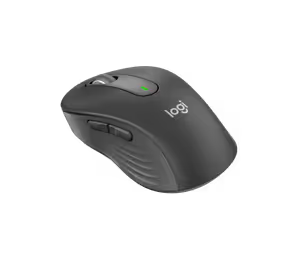
Please Note: Product images are for illustrative purposes only and may differ from the actual product.
Choose your
own PC
Hand-pick every part with live stock, compatibility, and instant pricing.
Try the new builderPrice Inc. Vat
R 499
Save R 200.00
ListR 699
499Change Quantity:
In Stock with Evetech
Choose your
own PC
Hand-pick every part with live stock, compatibility, and instant pricing.
Try the new builderLogitech Signature M650 Wireless Mouse Graphite