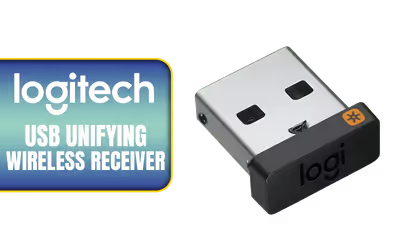
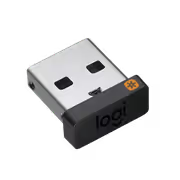
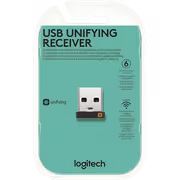
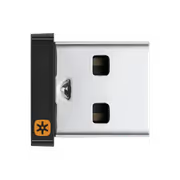
Logitech USB Unifying Receiver
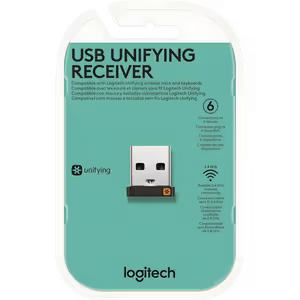
Logitech USB Unifying Receiver / 2.4GHZ Wireless Technology/ Connect up to 10 meters away / Connect up to 6 compatible keyboards and mice / 910-005931
1 Year Local Warranty
Model No : Logitech 910-005931
Price Inc. Vat
R 239
Save R 160
ListR 399
239Out of Stock
Logitech Unifying Receiver 910-005931 — 2.4GHz USB
One USB Receiver For Up To Six Logitech Devices
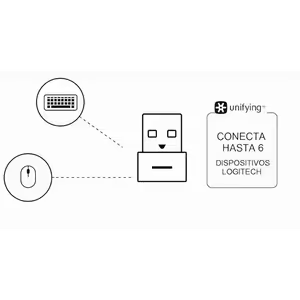
The Logitech Wireless USB Unifying Receiver connects up to six compatible Logitech keyboards and mice through a single USB port, using reliable 2.4GHz wireless technology that works from up to 10 metres away. Its compact design keeps the desktop tidy and the port count low, which is what makes it worth having in a work or gaming setup running several wireless peripherals.
One USB Receiver For Up To Six Logitech Devices
The Logitech Wireless USB Unifying Receiver connects up to six compatible Logitech keyboards and mice through a single USB port, using reliable 2.4GHz wireless technology that works from up to 10 metres away. Its compact design keeps the desktop tidy and the port count low, which is what makes it worth having in a work or gaming setup running several wireless peripherals.
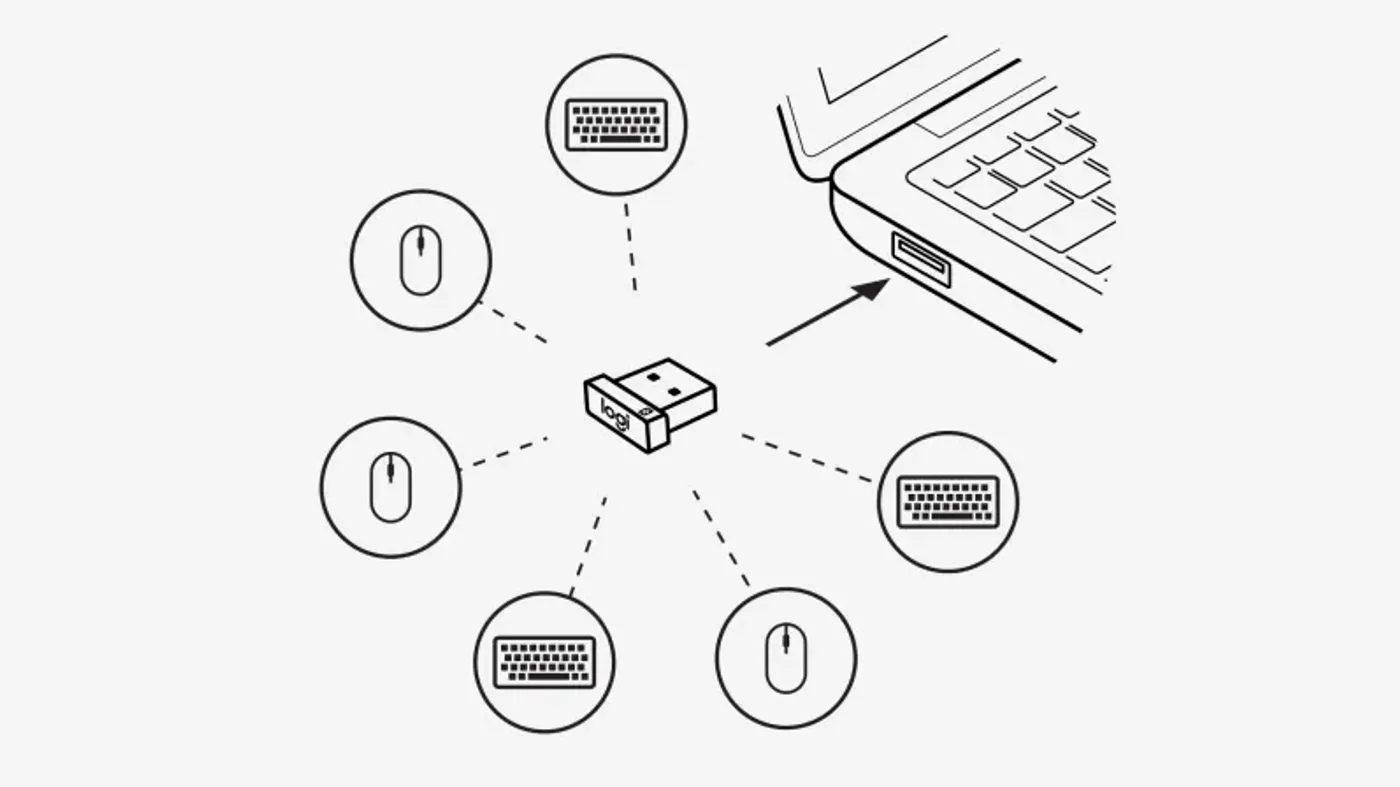
Pair Six Mice Or Keyboards To One Receiver
Up to six Logitech Unifying wireless devices, mice or keyboards, connect to a single compact Unifying USB receiver. The Logi Options+ App then personalises those devices individually, so button assignments and behaviour can be set per peripheral for improved productivity rather than accepted as they arrive out of the box.
Pair Six Mice Or Keyboards To One Receiver
Up to six Logitech Unifying wireless devices, mice or keyboards, connect to a single compact Unifying USB receiver. The Logi Options+ App then personalises those devices individually, so button assignments and behaviour can be set per peripheral for improved productivity rather than accepted as they arrive out of the box.
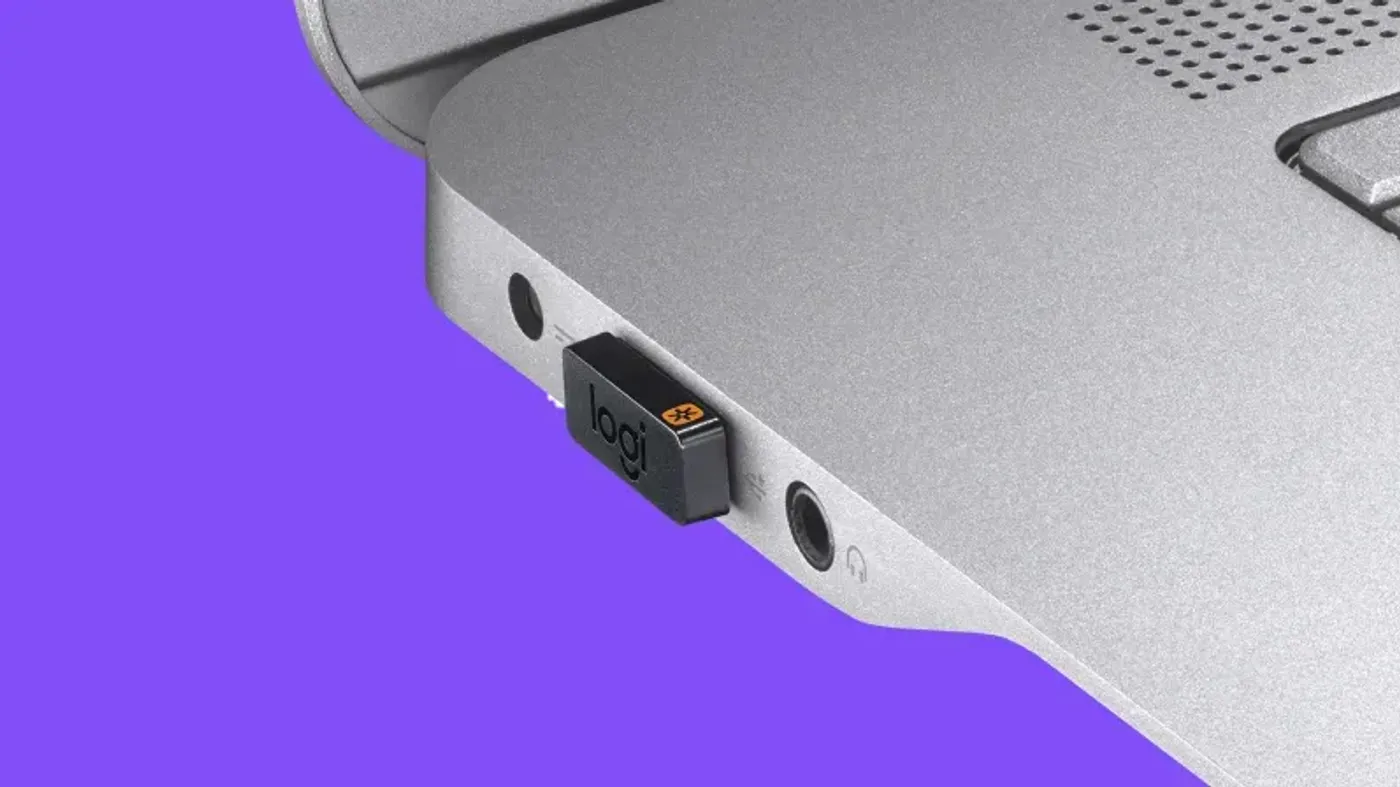
Small Enough To Leave In A Laptop Port
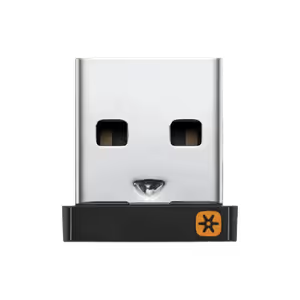
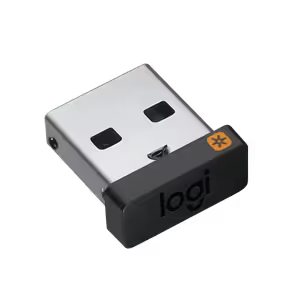
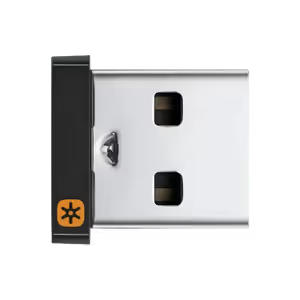
This is Logitech's smallest Unifying receiver, made compact enough that you can leave it plugged into a laptop and forget about it. There is no unplugging it before the machine goes into a bag, which also removes the most common way a receiver this size gets lost in the first place.
Small Enough To Leave In A Laptop Port
This is Logitech's smallest Unifying receiver, made compact enough that you can leave it plugged into a laptop and forget about it. There is no unplugging it before the machine goes into a bag, which also removes the most common way a receiver this size gets lost in the first place.
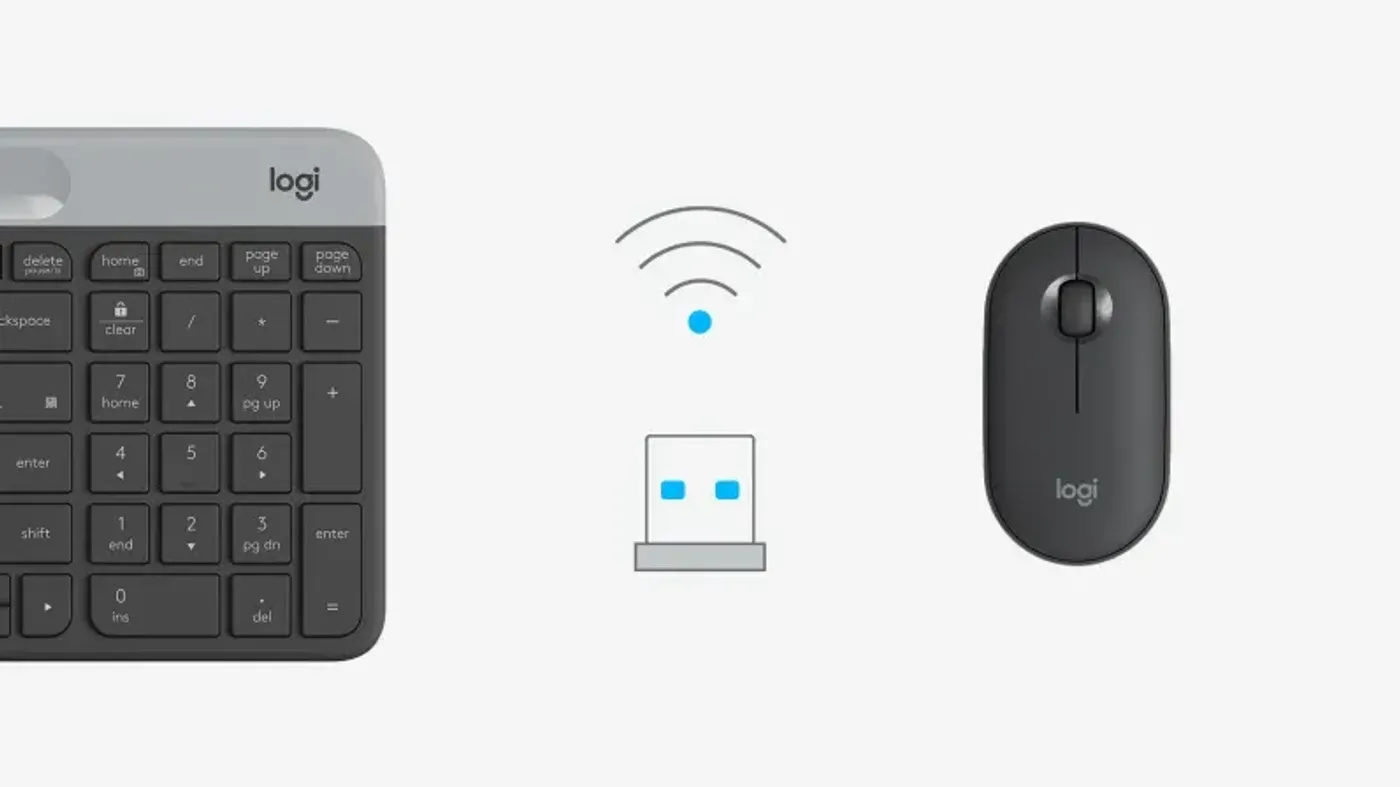
A Direct Replacement For A Lost Receiver
This stand-alone USB Unifying receiver serves as a replacement for any lost unit, working with all Logitech-compatible Unifying peripherals. Check the device for the Unifying logo before pairing, since that logo is what identifies a keyboard or mouse as part of the Unifying family rather than another Logitech wireless line.
A Direct Replacement For A Lost Receiver
This stand-alone USB Unifying receiver serves as a replacement for any lost unit, working with all Logitech-compatible Unifying peripherals. Check the device for the Unifying logo before pairing, since that logo is what identifies a keyboard or mouse as part of the Unifying family rather than another Logitech wireless line.
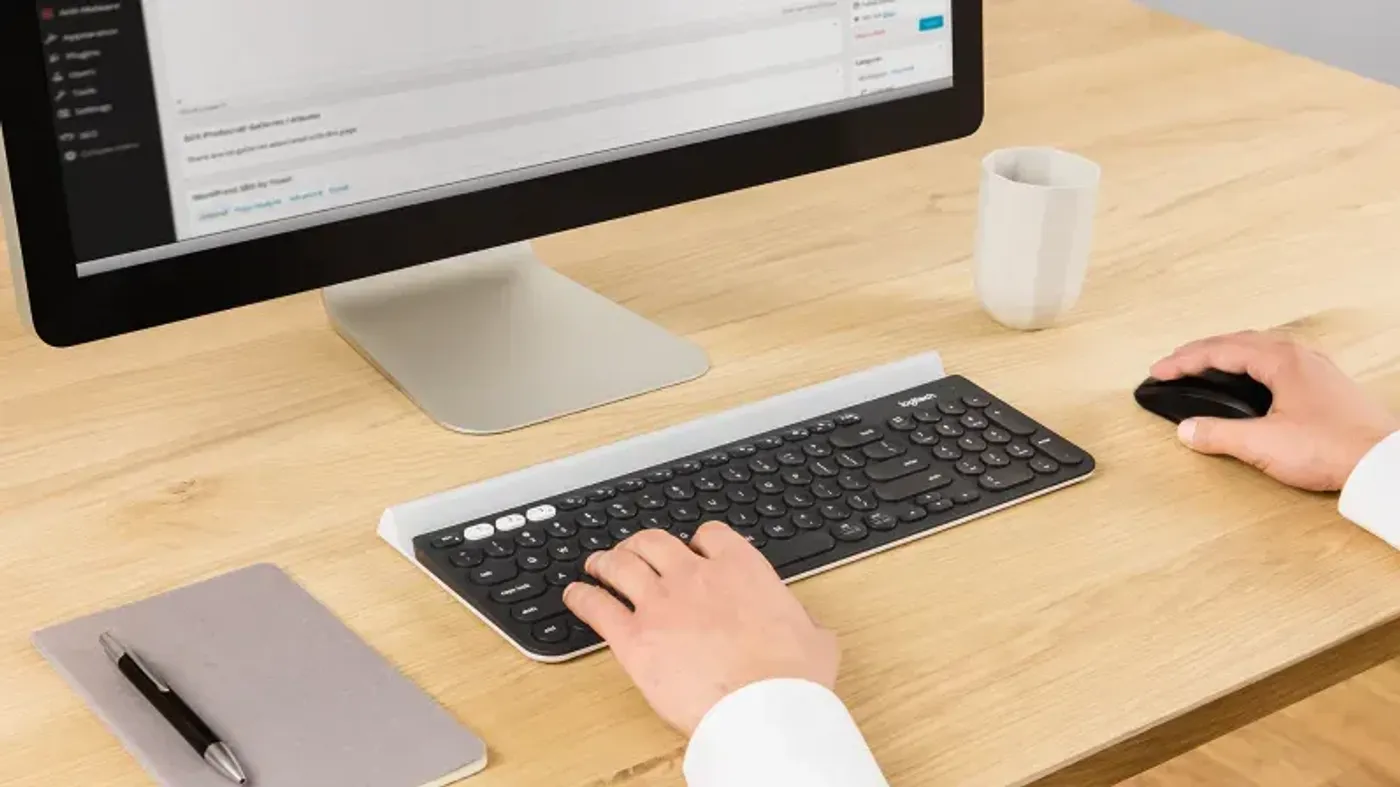
Add A Second Computer To A Dual Connectivity Device
A spare Unifying receiver connects a dual connectivity mouse or keyboard to a second computer, letting you switch from one machine to the other with the push of a button. It also works with Flow-enabled mice for uninterrupted multi-computer use through Logi Options+, available for Windows and macOS at logi.com/optionsplus.
Add A Second Computer To A Dual Connectivity Device
A spare Unifying receiver connects a dual connectivity mouse or keyboard to a second computer, letting you switch from one machine to the other with the push of a button. It also works with Flow-enabled mice for uninterrupted multi-computer use through Logi Options+, available for Windows and macOS at logi.com/optionsplus.
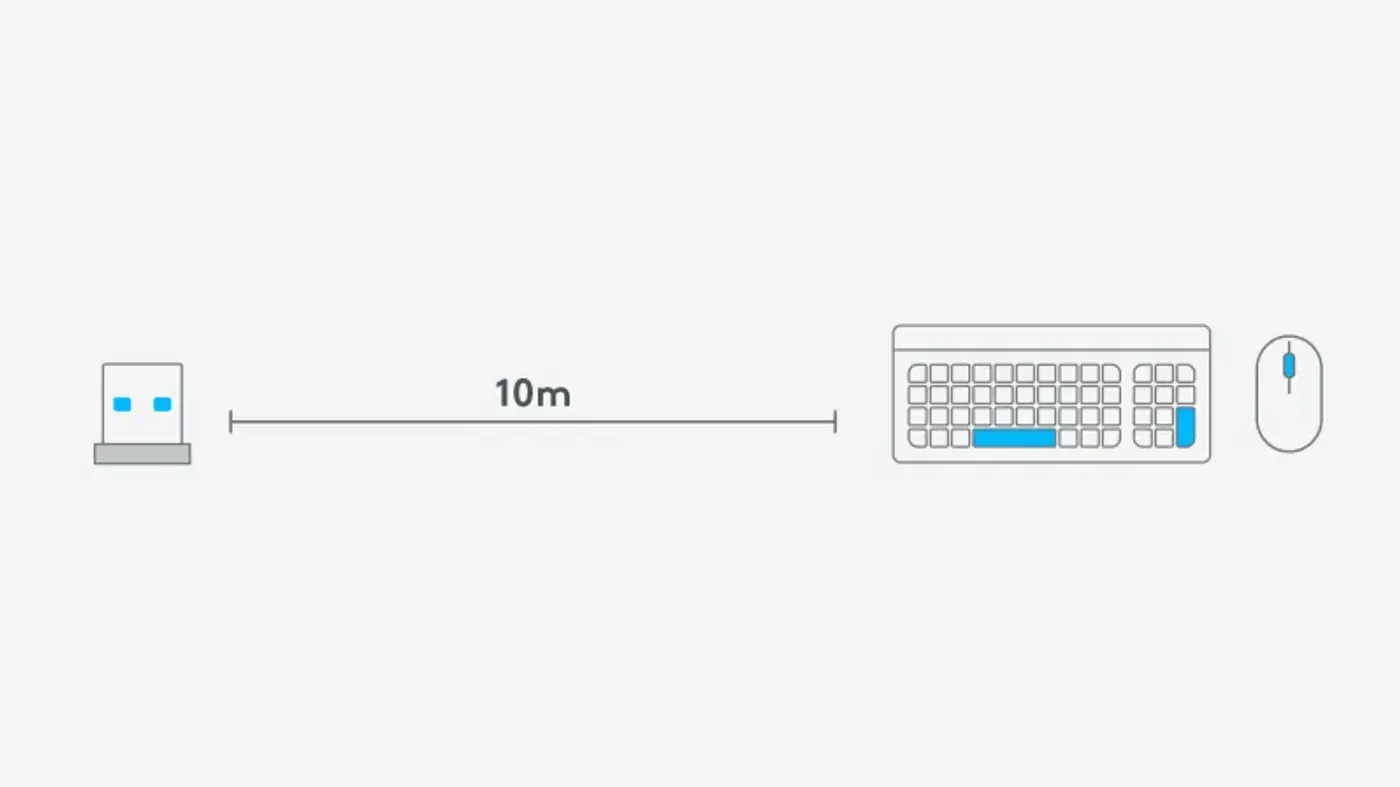
2.4 GHz Wireless At Up To 10 Metres
Logitech's advanced 2.4 GHz wireless technology holds a robust and reliable connection from up to 10 metres away, with minimal delays or dropouts. That range covers working from a couch or driving a presentation from across the room, not just the arm's length at which most wireless peripherals actually sit.
2.4 GHz Wireless At Up To 10 Metres
Logitech's advanced 2.4 GHz wireless technology holds a robust and reliable connection from up to 10 metres away, with minimal delays or dropouts. That range covers working from a couch or driving a presentation from across the room, not just the arm's length at which most wireless peripherals actually sit.
FAQ
Frequently Asked Questions
Everything you need to know about this product
It supports up to six compatible Logitech Unifying mice or keyboards.
It connects from up to 10 meters away using 2.4GHz wireless technology.
Yes. This stand-alone USB receiver replaces any lost Unifying unit.
Look for the Unifying logo on the device; the receiver works with all Unifying peripherals.
Yes. It is Logitech's smallest Unifying receiver and is designed to stay plugged in.
The Logi Options+ App personalises your Unifying devices for improved productivity.
Yes. A spare receiver connects a dual connectivity mouse or keyboard to a second computer.
Yes. It is compatible with Flow-enabled mice for uninterrupted multi-computer use.
Logi Options+ is available for Windows and macOS at logi.com/optionsplus.
Yes. It connects multiple keyboards and mice through a single USB port.


AI-Generated Content: These FAQs are generated by an automated AI system and may contain inaccuracies or omissions. Evetech makes no warranties, express or implied, regarding their completeness or reliability. For definitive information, please refer to the manufacturer's official specifications.
Please Note: Product images are for illustrative purposes only and may differ from the actual product.
Choose your
own PC
Hand-pick every part with live stock, compatibility, and instant pricing.
Try the new builderPrice Inc. Vat
R 239
Save R 160
ListR 399
239Out of Stock
Choose your
own PC
Hand-pick every part with live stock, compatibility, and instant pricing.
Try the new builderLogitech USB Unifying Receiver