dell-pro-55-plus-4k-uhd-ips-monitor-hdr10-eye-comfort
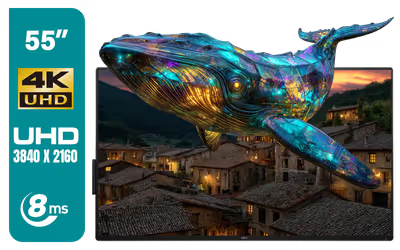
Dell Pro 55 Plus 4K UHD IPS Monitor / 4K UHD (3840 x 2160) IPS Resolution / IPS Panel with 8ms Response Time / HDR10 Support / TÜV Eye Comfort Certification / Anti-Glare Display / Ultra-Thin Bezels / Low Blue Light & Flicker-Free Technology / P5525QC
3 Years Local Warranty
Model No : Dell P5525QC
Price Inc. Vat
R 22,499
Save R 2,800
ListR 25,299
22499Change Quantity:
In Stock with Evetech
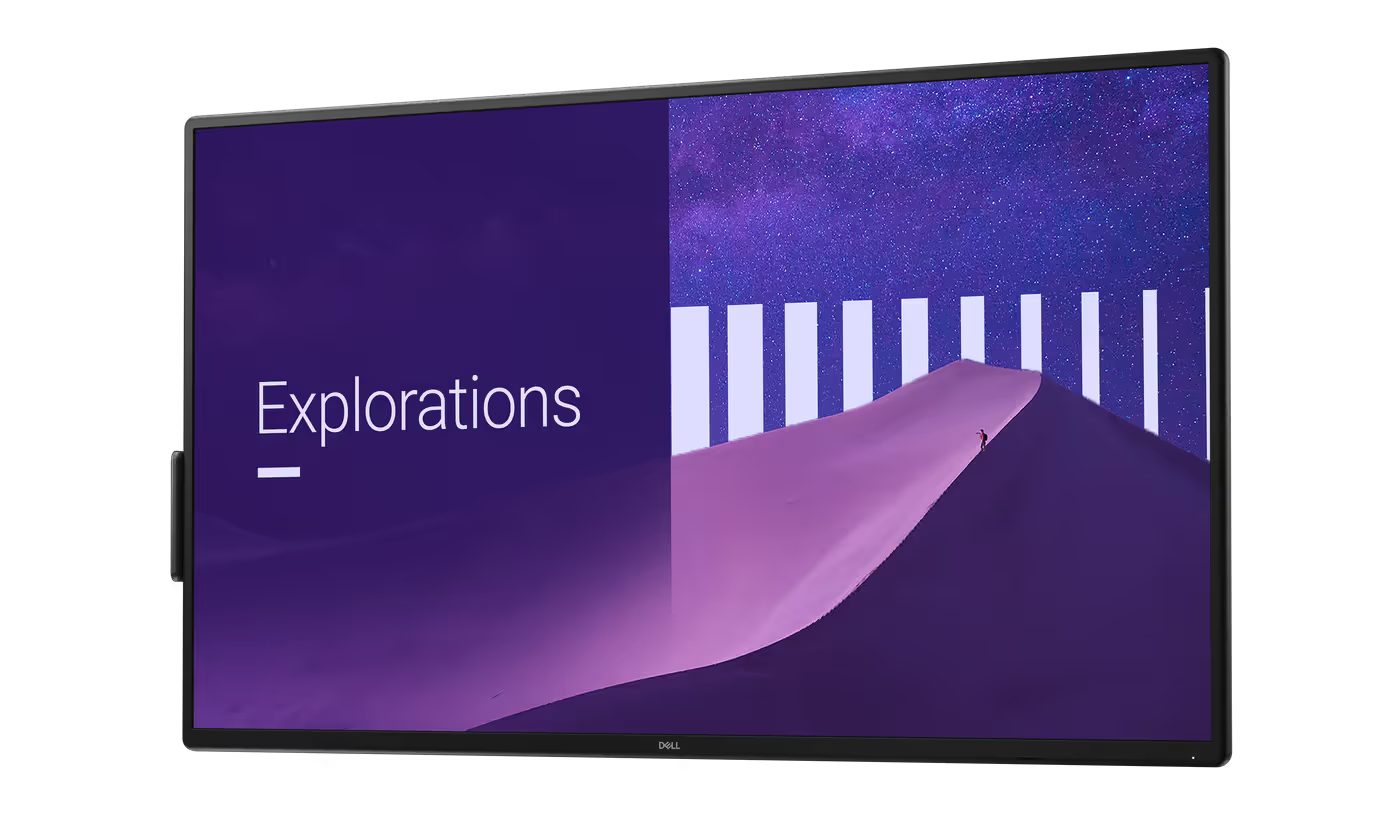
Dell Pro 55 Plus 4K UHD IPS Monitor | HDR10, Eye Comfort
Dell Pro 55 Plus 4K Monitor - P5525QC Overview
The Dell Pro 55 Plus 4K Monitor is designed to facilitate seamless collaboration and enhanced productivity in professional environments.
Dell Pro 55 Plus 4K Monitor - P5525QC Overview
The Dell Pro 55 Plus 4K Monitor is designed to facilitate seamless collaboration and enhanced productivity in professional environments.
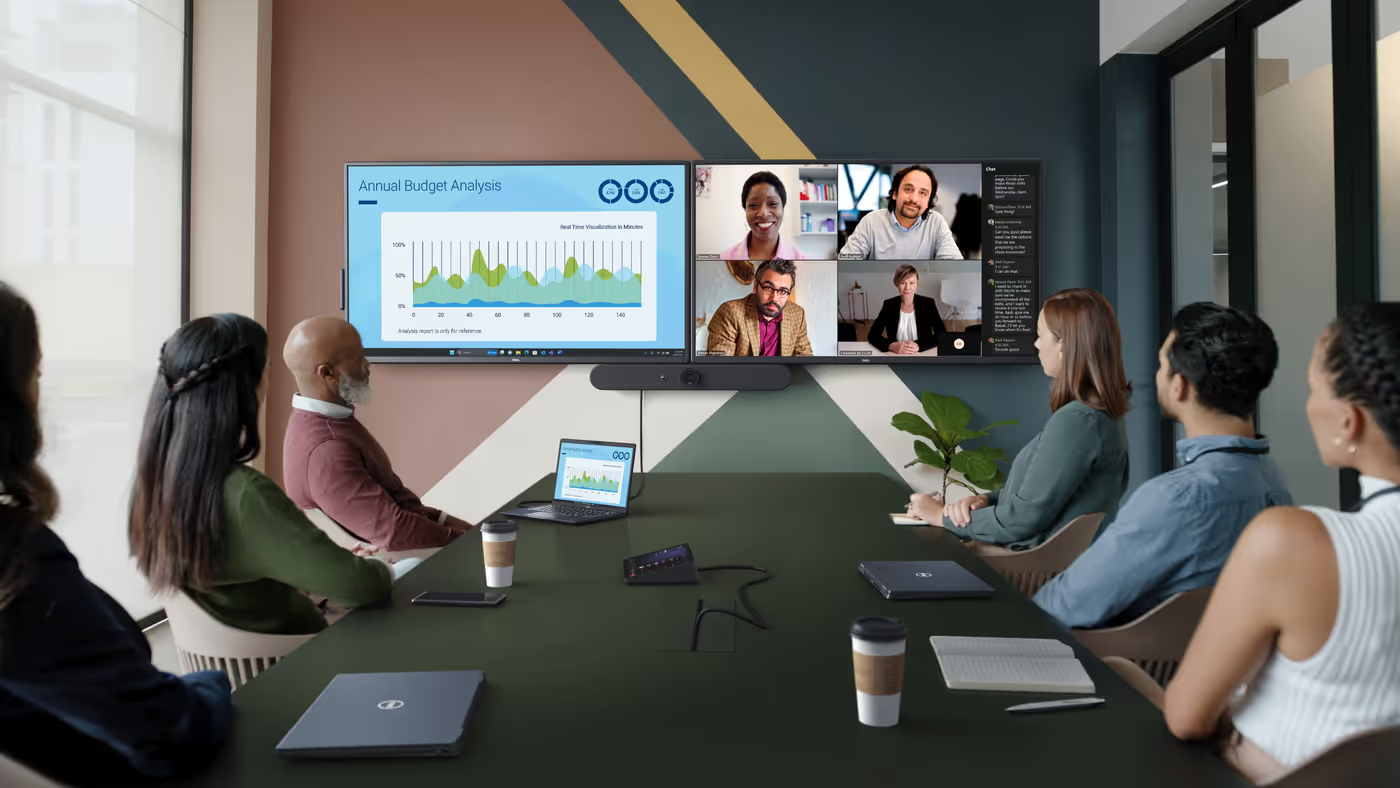
Advanced USB-C Productivity & Connectivity
Streamline your workspace with USB-C connectivity that delivers up to 90W power to keep your laptop charged during meetings and presentations. Expand your productivity by daisy-chaining dual 4K monitors for a larger viewing area and seamless multitasking. With a comprehensive range of ports, including HDMI and DisplayPort inputs, this monitor transforms your setup into a powerful, all-in-one connectivity hub.
Advanced USB-C Productivity & Connectivity
Streamline your workspace with USB-C connectivity that delivers up to 90W power to keep your laptop charged during meetings and presentations. Expand your productivity by daisy-chaining dual 4K monitors for a larger viewing area and seamless multitasking. With a comprehensive range of ports, including HDMI and DisplayPort inputs, this monitor transforms your setup into a powerful, all-in-one connectivity hub.
4K Collaboration Display with Smart Management
Optimize meeting spaces with seamless remote management using Crestron Connected and XiO Cloud integration, allowing IT teams to control and monitor displays across the network. Deliver impactful presentations on a large 55-inch 4K IPS screen with consistent color accuracy and wide viewing angles for every participant. Enhance user experience with ComfortView Plus to reduce blue light exposure and built-in dual 10W speakers that provide clear audio without the need for external devices.
4K Collaboration Display with Smart Management
Optimize meeting spaces with seamless remote management using Crestron Connected and XiO Cloud integration, allowing IT teams to control and monitor displays across the network. Deliver impactful presentations on a large 55-inch 4K IPS screen with consistent color accuracy and wide viewing angles for every participant. Enhance user experience with ComfortView Plus to reduce blue light exposure and built-in dual 10W speakers that provide clear audio without the need for external devices.
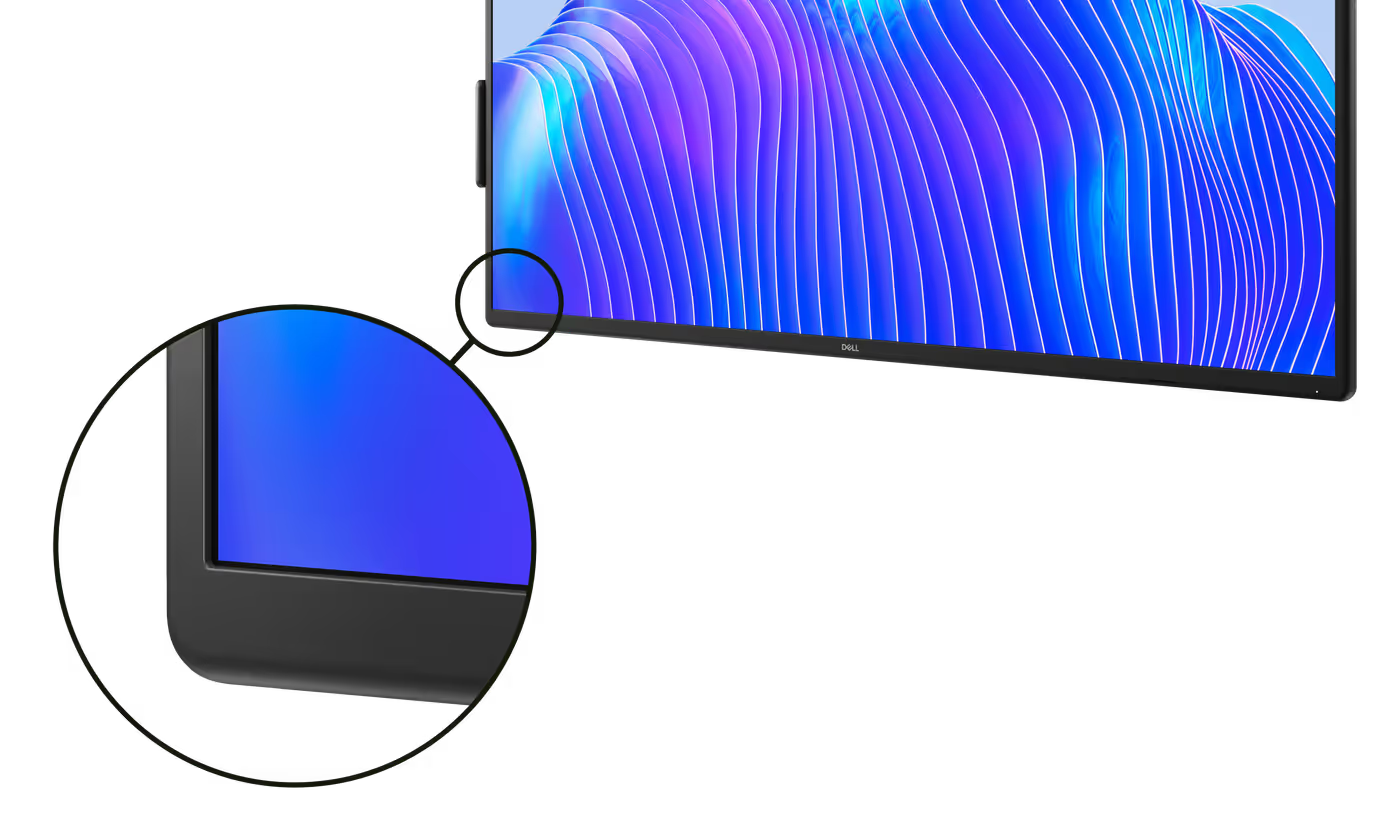
Modern Aesthetic for Meeting Spaces
The curved-edge bezel adds a sophisticated, contemporary flair to your conference room setup.
Modern Aesthetic for Meeting Spaces
The curved-edge bezel adds a sophisticated, contemporary flair to your conference room setup.
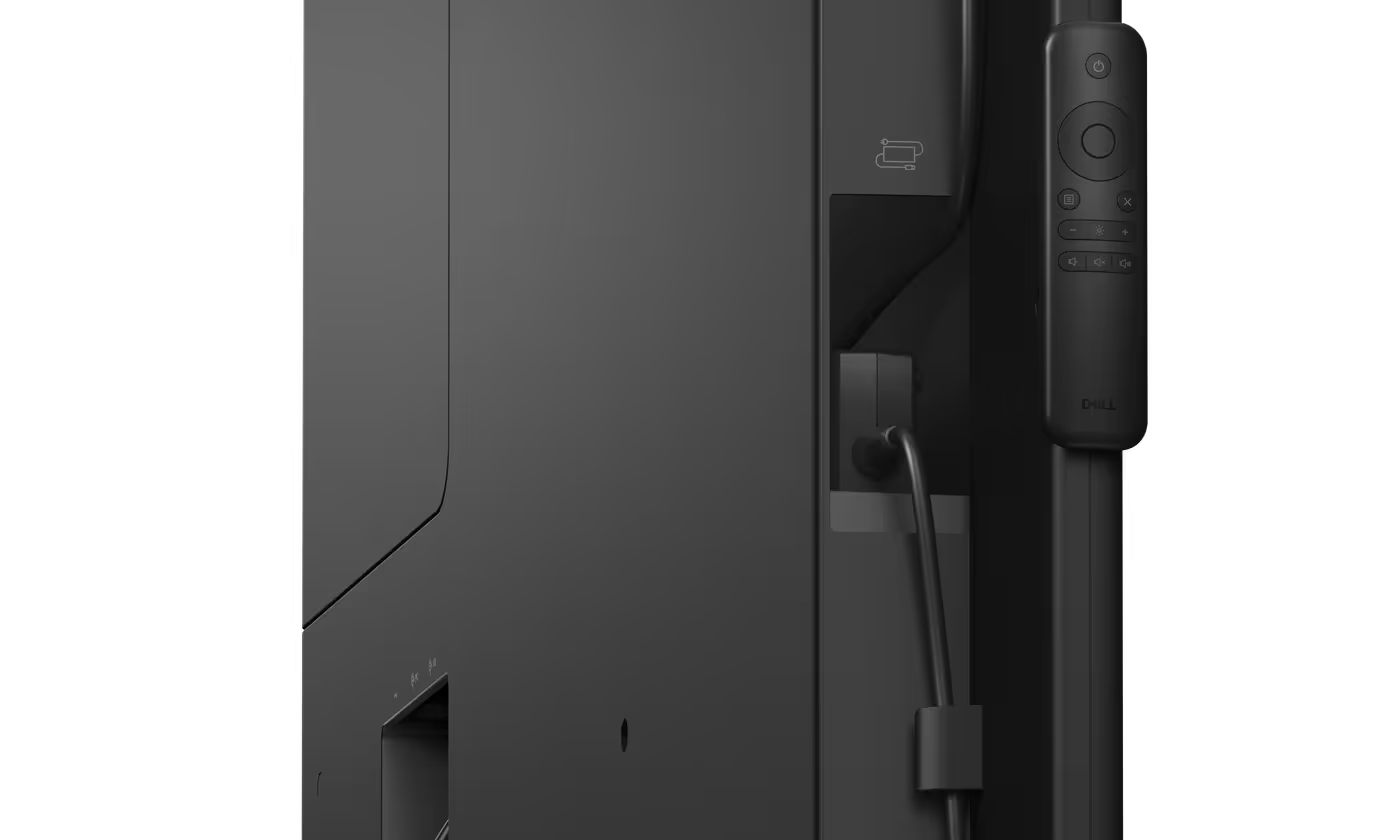
Streamlined Video Conferencing Setup
Operate your video conferencing peripherals using integrated power pass-through and keep your power adapter organized in the dedicated, secure storage slot.
Streamlined Video Conferencing Setup
Operate your video conferencing peripherals using integrated power pass-through and keep your power adapter organized in the dedicated, secure storage slot.
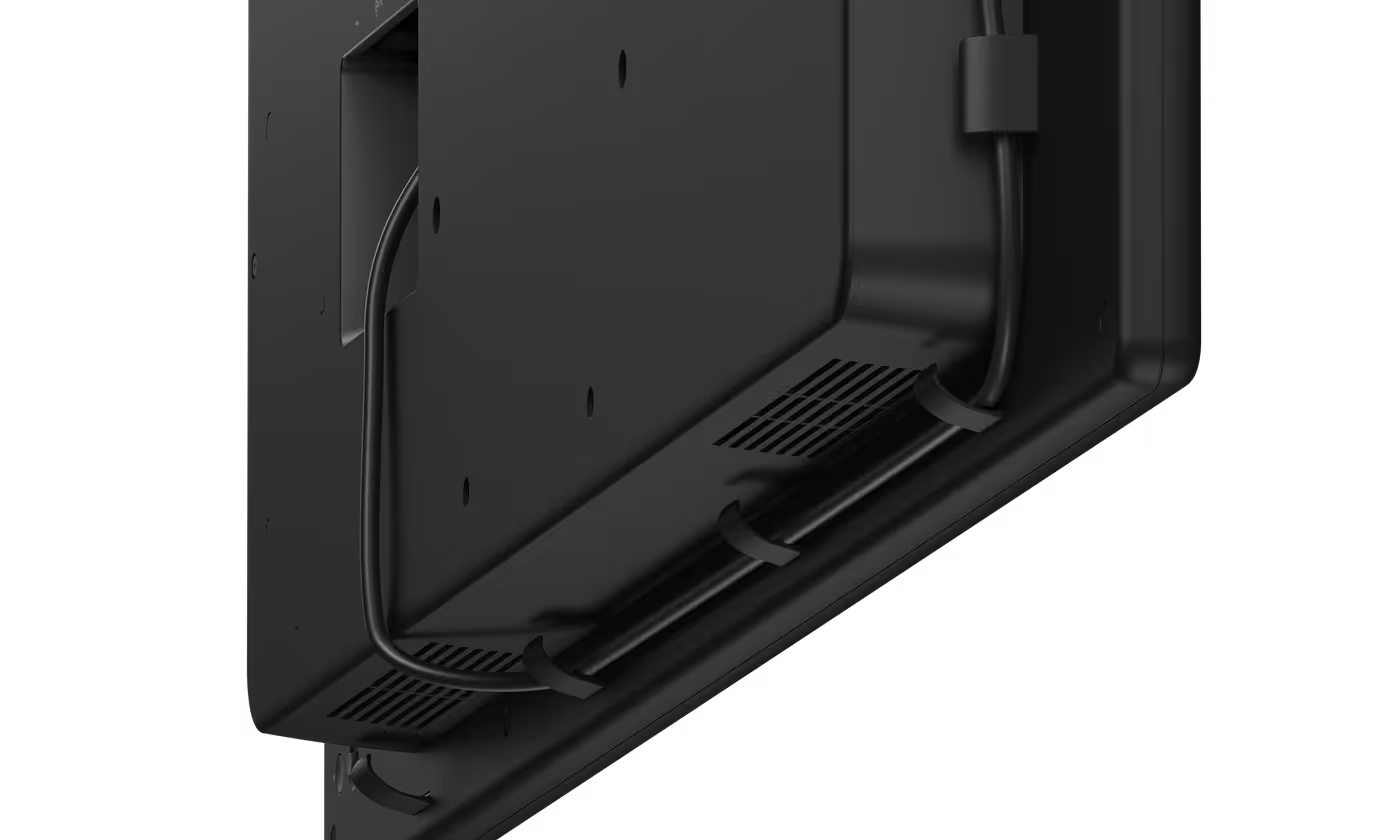
Clean and Organized Cable Management
Utilize built-in cable clips to maintain a tidy, professional meeting environment free from tangled cords.
Clean and Organized Cable Management
Utilize built-in cable clips to maintain a tidy, professional meeting environment free from tangled cords.
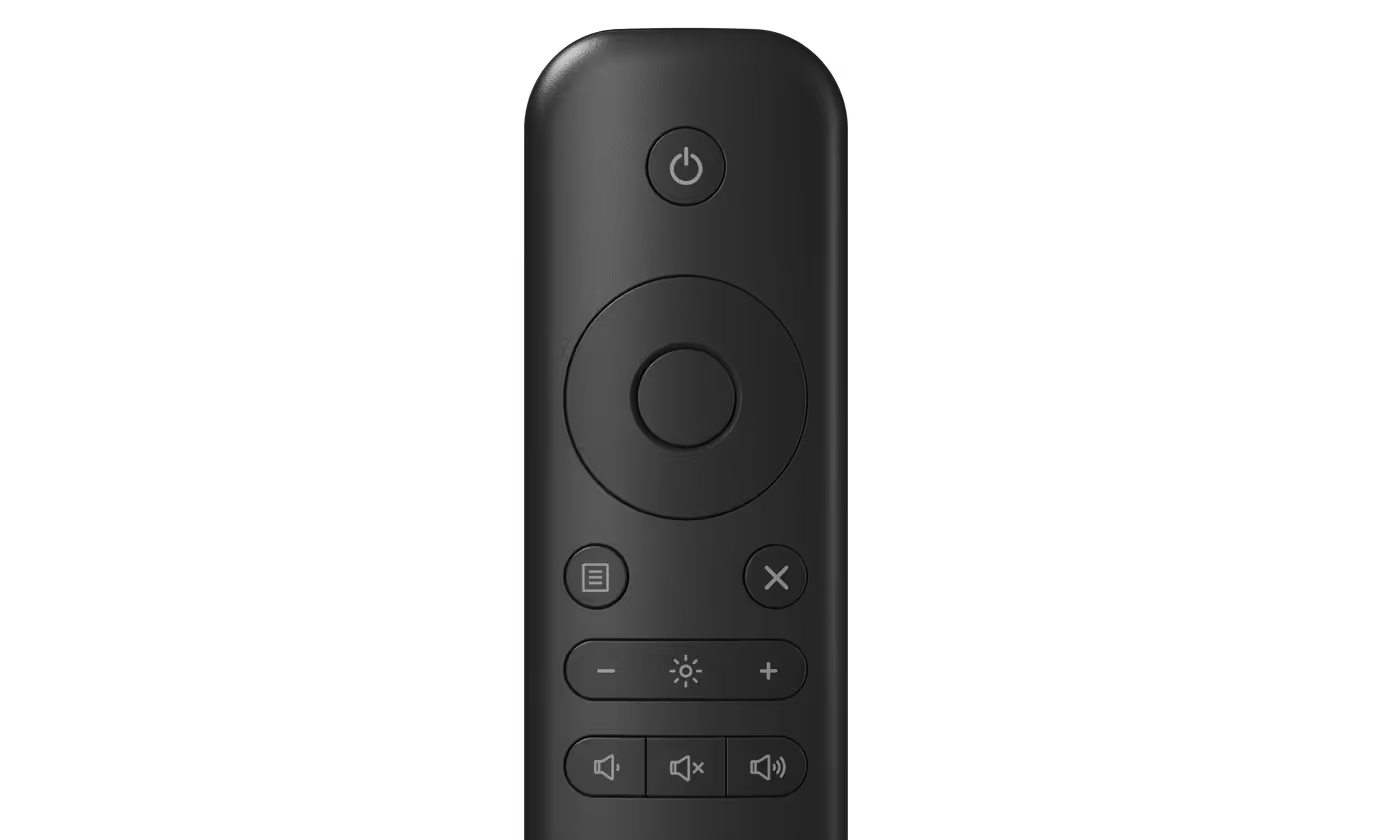
Convenient Remote Control Access
The redesigned remote features a magnetic attachment, allowing you to secure it to either side of the monitor for quick access.
Convenient Remote Control Access
The redesigned remote features a magnetic attachment, allowing you to secure it to either side of the monitor for quick access.
Seamless OptiPlex Micro Integration
The monitor features an intuitive in/out sliding mechanism, allowing for the direct integration of a Dell Pro micro PC. This lockable, powered compartment keeps the unit secure while neatly protecting and managing all associated cabling for a clutter-free meeting area. IT departments can easily manage updates and scale the system as business requirements evolve.
Seamless OptiPlex Micro Integration
The monitor features an intuitive in/out sliding mechanism, allowing for the direct integration of a Dell Pro micro PC. This lockable, powered compartment keeps the unit secure while neatly protecting and managing all associated cabling for a clutter-free meeting area. IT departments can easily manage updates and scale the system as business requirements evolve.
Advanced Productivity and Customization Features
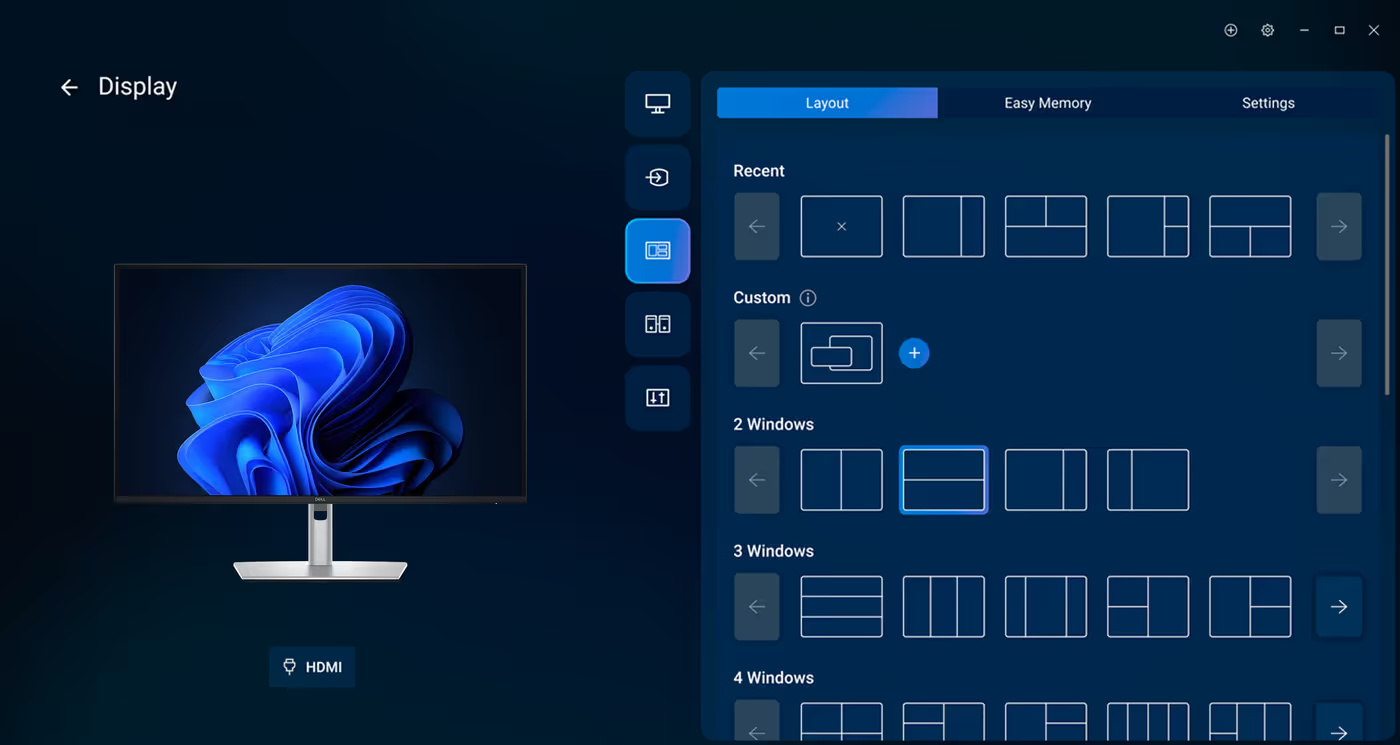
Maximize your output with Easy Arrange, which tiles applications using preset partitions or custom layouts for up to five windows. You can also utilize Easy Arrange Memory to save and recall app profiles manually or on a set schedule. Additionally, the software allows you to automate brightness and contrast settings to ensure comfortable viewing conditions throughout the day or night.
Advanced Productivity and Customization Features
Maximize your output with Easy Arrange, which tiles applications using preset partitions or custom layouts for up to five windows. You can also utilize Easy Arrange Memory to save and recall app profiles manually or on a set schedule. Additionally, the software allows you to automate brightness and contrast settings to ensure comfortable viewing conditions throughout the day or night.
Efficient IT and Peripheral Management
Boost operational efficiency by using the Dell Device Management Console to oversee your fleet of peripherals from one cloud-based location. This platform simplifies management at scale and offers expanded Command Line Interface capabilities for more granular control over your Dell devices.
Efficient IT and Peripheral Management
Boost operational efficiency by using the Dell Device Management Console to oversee your fleet of peripherals from one cloud-based location. This platform simplifies management at scale and offers expanded Command Line Interface capabilities for more granular control over your Dell devices.
Connectivity and Port Specifications
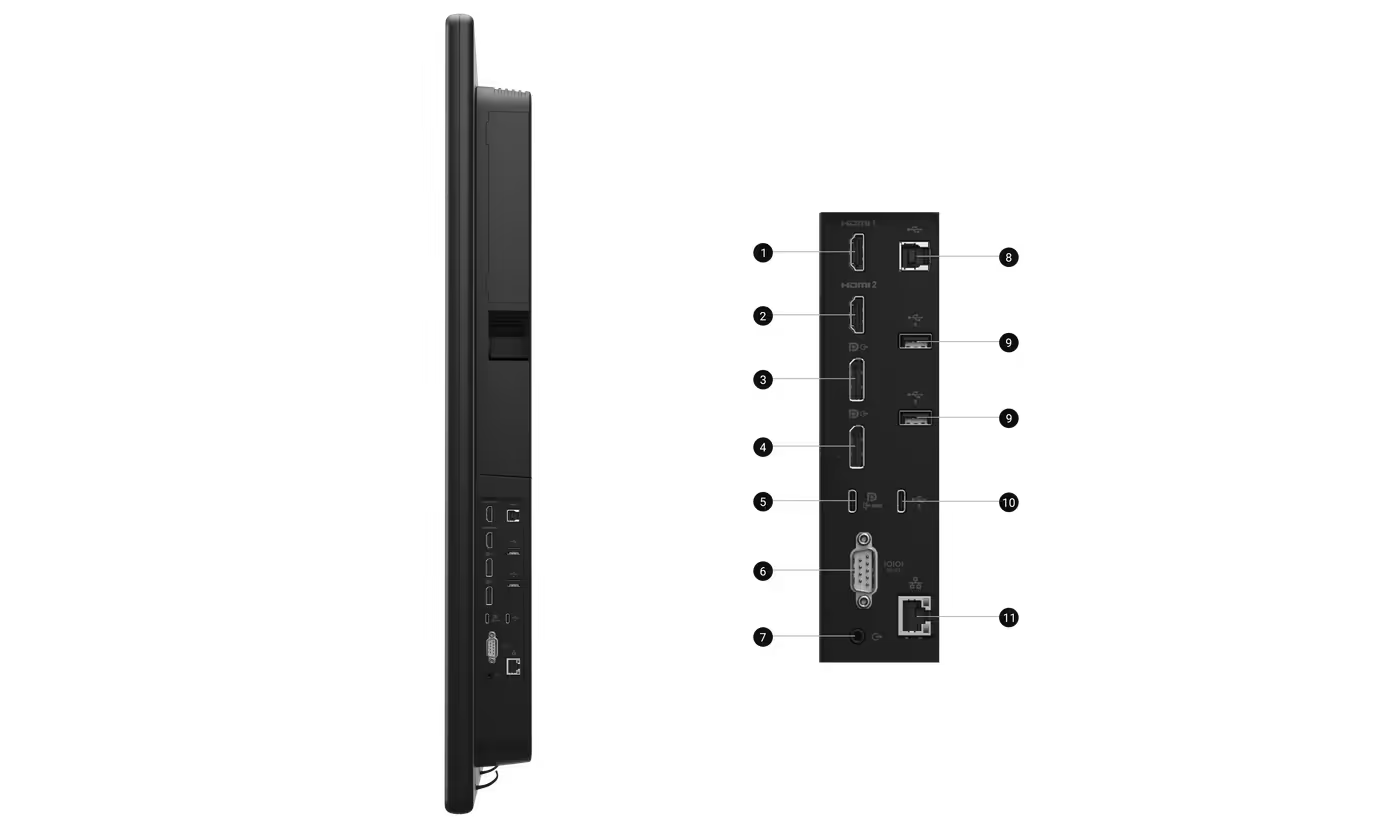
1. Side view connectivity includes 2. HDMI 1 and 3. HDMI 2, along with 4. DisplayPort (in) and 5. DisplayPort (out) for flexible multi-monitor setups. Stay powered and connected with 6. USB 3.2 Gen1 Type-C upstream (DP 1.4, up to 90W PD), plus 7. RS232 and 8. Audio line-out. Expand connectivity using 9. USB Type-B upstream, 10. USB Type-A downstream (2), and 11. USB Type-C downstream (up to 15W PD), while 12. RJ45 enables remote management. Included cables: 13. Power cable, 14. Dell Pro micro power cable, 15. USB A-to-B (1.8m), 16. DisplayPort (3m), 17. USB-C (1.8m), and 18. HDMI (3m).
Connectivity and Port Specifications
1. Side view connectivity includes 2. HDMI 1 and 3. HDMI 2, along with 4. DisplayPort (in) and 5. DisplayPort (out) for flexible multi-monitor setups. Stay powered and connected with 6. USB 3.2 Gen1 Type-C upstream (DP 1.4, up to 90W PD), plus 7. RS232 and 8. Audio line-out. Expand connectivity using 9. USB Type-B upstream, 10. USB Type-A downstream (2), and 11. USB Type-C downstream (up to 15W PD), while 12. RJ45 enables remote management. Included cables: 13. Power cable, 14. Dell Pro micro power cable, 15. USB A-to-B (1.8m), 16. DisplayPort (3m), 17. USB-C (1.8m), and 18. HDMI (3m).
FAQ
Frequently Asked Questions
Everything you need to know about this product
Yes, the monitor's USB-C connection delivers up to 90W power delivery, allowing you to keep your laptop charged during meetings and presentations without needing a separate power adapter.
The monitor features a 55-inch 4K IPS screen that delivers consistent color accuracy and wide viewing angles, making it ideal for professional presentations and collaborative work environments.
Yes, you can daisy-chain dual 4K monitors using the DisplayPort connections for a larger viewing area and seamless multitasking across multiple displays.
Yes, the monitor includes dual 10W speakers that provide clear audio without requiring external audio devices, making it suitable for video conferencing and presentations.
The monitor features ComfortView Plus technology to reduce blue light exposure and includes automated brightness and contrast adjustments to ensure comfortable viewing conditions throughout the day.
Yes, the monitor has an intuitive in/out sliding mechanism with a lockable, powered compartment that allows direct integration of a Dell OptiPlex Micro PC while managing cables and keeping the setup secure.
The monitor offers HDMI (2 ports), DisplayPort (in and out), USB 3.2 Gen1 Type-C with 90W power delivery, USB Type-A downstream ports, USB Type-B upstream, RS232, audio line-out, and RJ45 for remote management.
The monitor includes built-in cable clips for cable management and features a dedicated, secure storage slot for power adapter organization, creating a tidy and professional meeting environment.
Yes, the monitor integrates with Crestron Connected and XiO Cloud, allowing IT teams to control and monitor displays across the network, and includes the Dell Device Management Console for cloud-based fleet management.
Yes, the Easy Arrange feature allows you to tile applications using preset partitions or custom layouts for up to five windows, and you can save and recall app profiles manually or on a set schedule.
The monitor comes with a power cable, Dell Pro micro power cable, USB A-to-B cable (1.8m), DisplayPort cable (3m), USB-C cable (1.8m), and HDMI cable (3m).
The redesigned remote features a magnetic attachment that allows you to secure it to either side of the monitor for quick and convenient access.

AI-Generated Content: These FAQs are generated by an automated AI system and may contain inaccuracies or omissions. Evetech makes no warranties, express or implied, regarding their completeness or reliability. For definitive information, please refer to the manufacturer's official specifications.


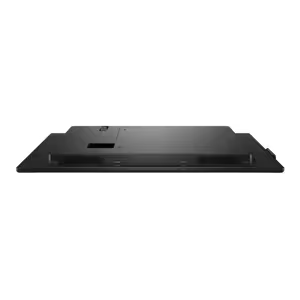
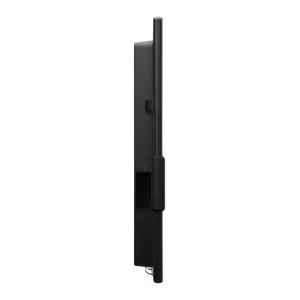
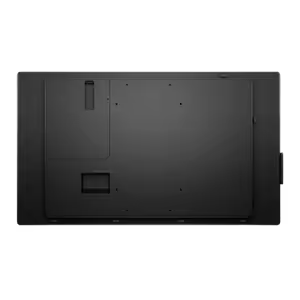
Please Note: Product images are for illustrative purposes only and may differ from the actual product.
Choose your
own PC
Hand-pick every part with live stock, compatibility, and instant pricing.
Try the new builderPrice Inc. Vat
R 22,499
Save R 2,800
ListR 25,299
22499Change Quantity:
In Stock with Evetech
Choose your
own PC
Hand-pick every part with live stock, compatibility, and instant pricing.
Try the new builderDell Pro 55 Plus 4K UHD IPS Monitor