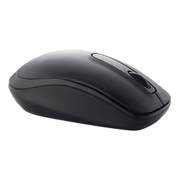
dell-wm118-wireless-mouse-black
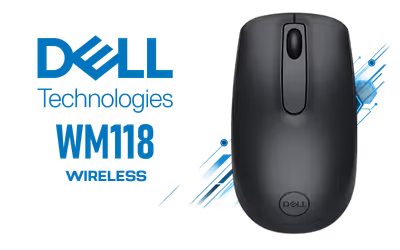
Dell WM118 Wireless Mouse - Black / 2.4GHz Nano USB Receiver / 1000 DPI Optical Sensor / 3 Buttons / Up to 1.5 Years on One AA Battery / 10m Range / 570-BBMJ
3 Years Local Warranty
Model No : Dell 570-BBMJ
Price Inc. Vat
R 229
Save R 70
ListR 299
229Change Quantity:
In Stock with Evetech
Dell WM118 Wireless Mouse - Black
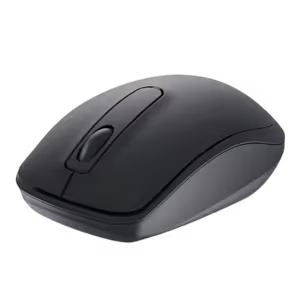
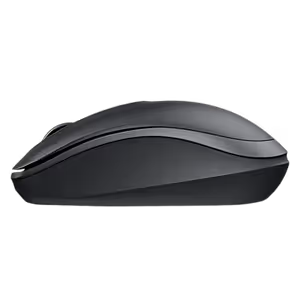
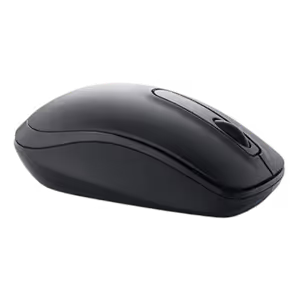
Dell WM118 Wireless Mouse In Black
The Dell WM118 is a compact wireless mouse for everyday office work. It connects over 2.4GHz through a nano USB-A receiver, tracks with a 1000 DPI optical sensor and runs on one AA battery, which comes in the box.
Dell WM118 Wireless Mouse In Black
The Dell WM118 is a compact wireless mouse for everyday office work. It connects over 2.4GHz through a nano USB-A receiver, tracks with a 1000 DPI optical sensor and runs on one AA battery, which comes in the box.
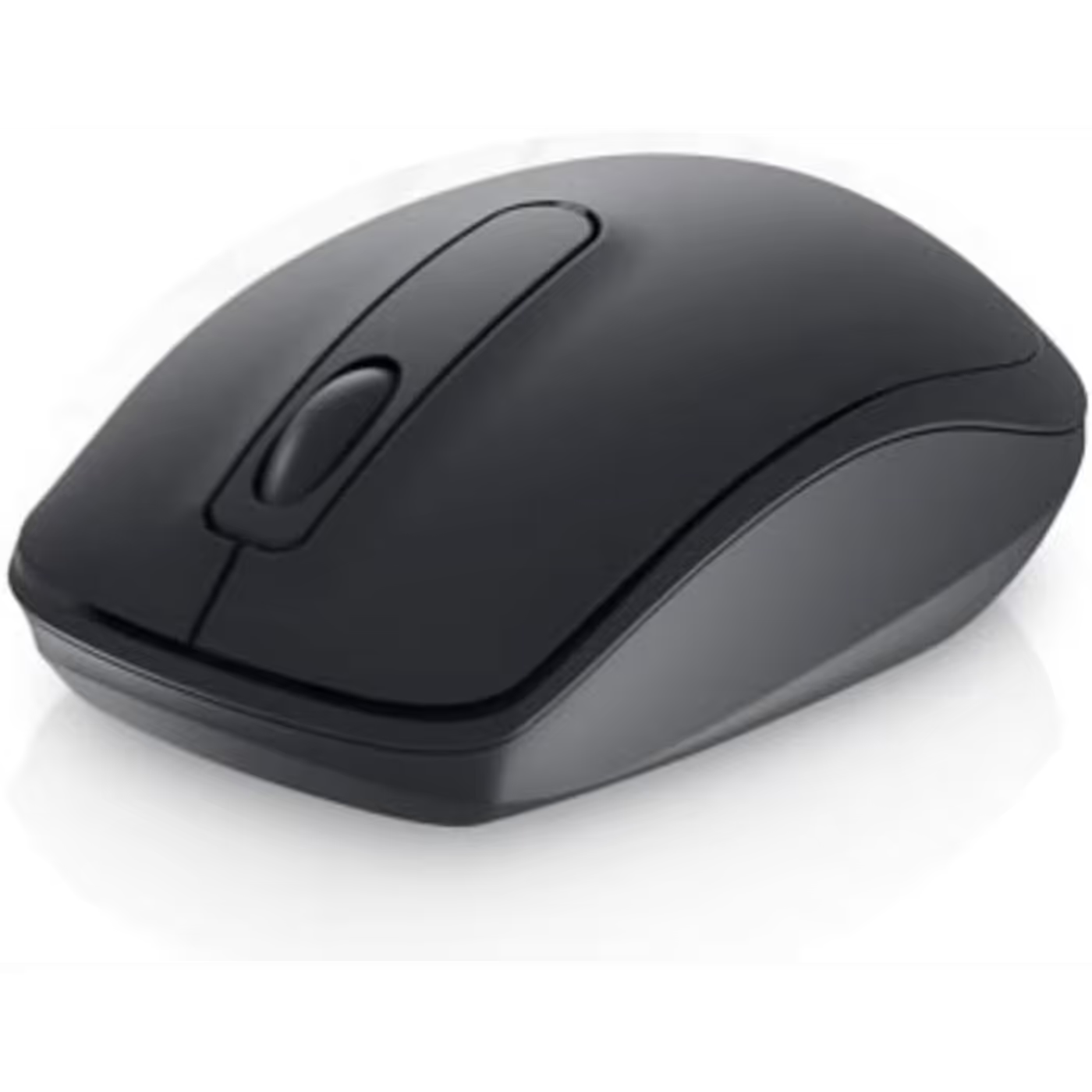
Three Buttons And A Clickable Scroll Wheel
Left and right buttons sit either side of a scroll wheel that also clicks. The body measures 105 x 58.3 x 38.9 mm and weighs 58g without the battery, small enough to carry with a laptop.
Three Buttons And A Clickable Scroll Wheel
Left and right buttons sit either side of a scroll wheel that also clicks. The body measures 105 x 58.3 x 38.9 mm and weighs 58g without the battery, small enough to carry with a laptop.
Plug In The Receiver And Start Working
The nano USB Type-A receiver plugs into the computer and the mouse works straight away, with no software to install. It works up to 10 metres from the receiver. The WM118 has no Bluetooth, and a laptop with only USB-C ports needs a USB-C to USB-A adapter, sold separately.
Plug In The Receiver And Start Working
The nano USB Type-A receiver plugs into the computer and the mouse works straight away, with no software to install. It works up to 10 metres from the receiver. The WM118 has no Bluetooth, and a laptop with only USB-C ports needs a USB-C to USB-A adapter, sold separately.
Up To 1.5 Years On One AA Battery
Dell rates the WM118 at up to 1.5 years on a single AA battery. An automatic power-save mode kicks in when the mouse sits idle, a switch underneath turns it off, and an amber LED blinks when the battery runs low.
Up To 1.5 Years On One AA Battery
Dell rates the WM118 at up to 1.5 years on a single AA battery. An automatic power-save mode kicks in when the mouse sits idle, a switch underneath turns it off, and an amber LED blinks when the battery runs low.
Works With Windows, Mac, ChromeOS And More
Dell's user guide lists Windows 10 and 11, macOS 11 or later, Linux, Ubuntu, ChromeOS, iPadOS 14 or later and Android 9.0 or later. In the box are the mouse, the USB receiver, one AA battery and documentation.
Works With Windows, Mac, ChromeOS And More
Dell's user guide lists Windows 10 and 11, macOS 11 or later, Linux, Ubuntu, ChromeOS, iPadOS 14 or later and Android 9.0 or later. In the box are the mouse, the USB receiver, one AA battery and documentation.
FAQ
Frequently Asked Questions
Everything you need to know about this product
Over 2.4GHz wireless through a nano USB Type-A receiver that comes with the mouse. It is plug and play, with no software needed. It does not have Bluetooth.
One AA battery, included in the box. Dell rates the battery life at up to 1.5 years, and an amber LED blinks when the battery runs low.
It uses an optical sensor at 1000 DPI, suited to office and everyday desktop work.
Yes. Dell's 2026 user guide lists Windows 10 and 11, macOS 11 or later, Linux, Ubuntu, ChromeOS, iPadOS 14 or later and Android 9.0 or later.
The receiver is USB Type-A, so a laptop with only USB-C ports needs a USB-C to USB-A adapter, sold separately.
Dell lists an operating distance of up to 10 metres from the receiver.
105 x 58.3 x 38.9 mm and 58g without the battery, with three buttons: left, right and a clickable scroll wheel.
The mouse, the USB receiver, one AA battery and documentation.


AI-Generated Content: These FAQs are generated by an automated AI system and may contain inaccuracies or omissions. Evetech makes no warranties, express or implied, regarding their completeness or reliability. For definitive information, please refer to the manufacturer's official specifications.
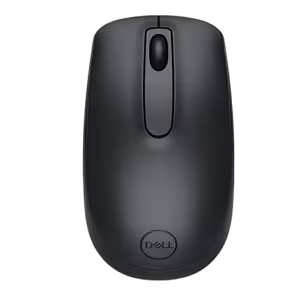
Please Note: Product images are for illustrative purposes only and may differ from the actual product.
Choose your
own PC
Hand-pick every part with live stock, compatibility, and instant pricing.
Try the new builderPrice Inc. Vat
R 229
Save R 70
ListR 299
229Change Quantity:
In Stock with Evetech
Choose your
own PC
Hand-pick every part with live stock, compatibility, and instant pricing.
Try the new builderDell WM118 Wireless Mouse