

1 Year Local Warranty
Model No : GAMDIAS ATLAS-M1
Price Inc. Vat
R 1,699
Save R 300
ListR 1,999
1699Change Quantity:
In Stock with Evetech
Price Inc. Vat
R 1,699
Save R 300
ListR 1,999
1699Change Quantity:
In Stock with Evetech
Trusted Partners
Please Note: Product images are for illustrative purposes only and may differ from the actual product.
Hand-pick every part with live stock, compatibility, and instant pricing.
Try the new builderHand-pick every part with live stock, compatibility, and instant pricing.
Try the new builderGamdias Atlas M1 Gaming Case Black
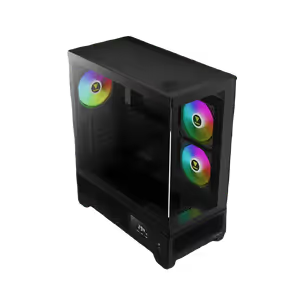
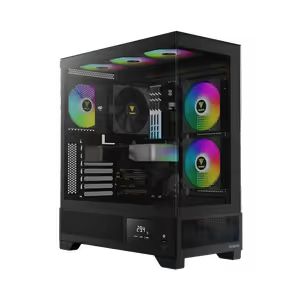
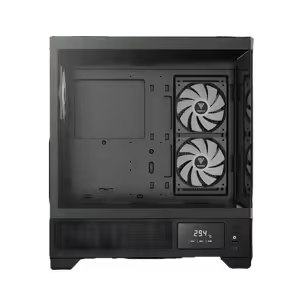
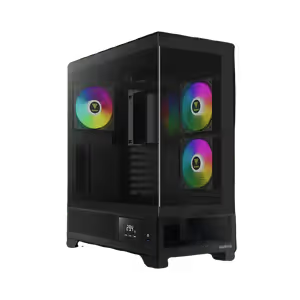
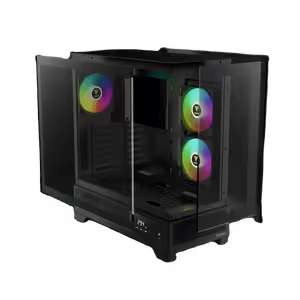
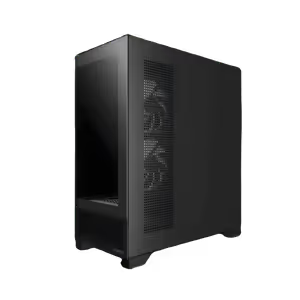
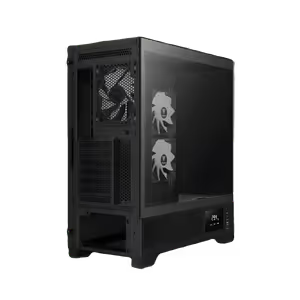
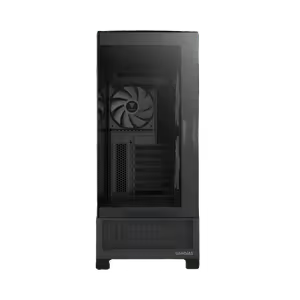
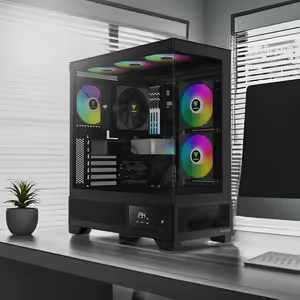
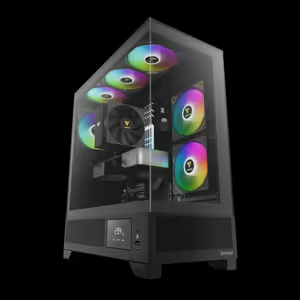
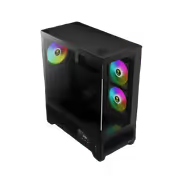
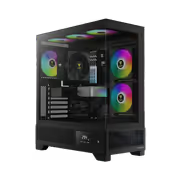
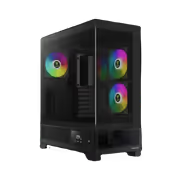
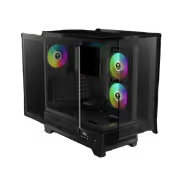
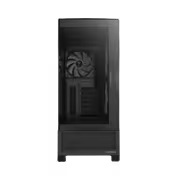
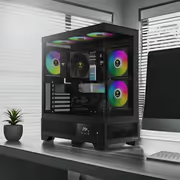
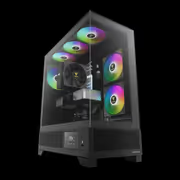
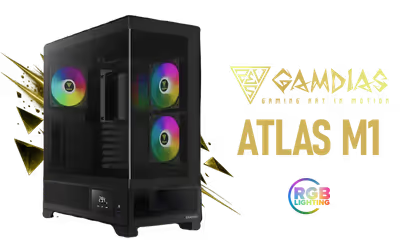
The Gamdias Atlas M1 Black Tempered Glass Gaming Case shows the build through tempered glass panels while keeping airflow open for cooler running. Three integrated 120mm ARGB fans handle air circulation and carry customisable lighting, so the interior is lit and cooled from the outset. A magnetic dust filter keeps dust from settling on components, which is what keeps a system working properly over years rather than months.
The Gamdias Atlas M1 Black Tempered Glass Gaming Case shows the build through tempered glass panels while keeping airflow open for cooler running. Three integrated 120mm ARGB fans handle air circulation and carry customisable lighting, so the interior is lit and cooled from the outset. A magnetic dust filter keeps dust from settling on components, which is what keeps a system working properly over years rather than months.
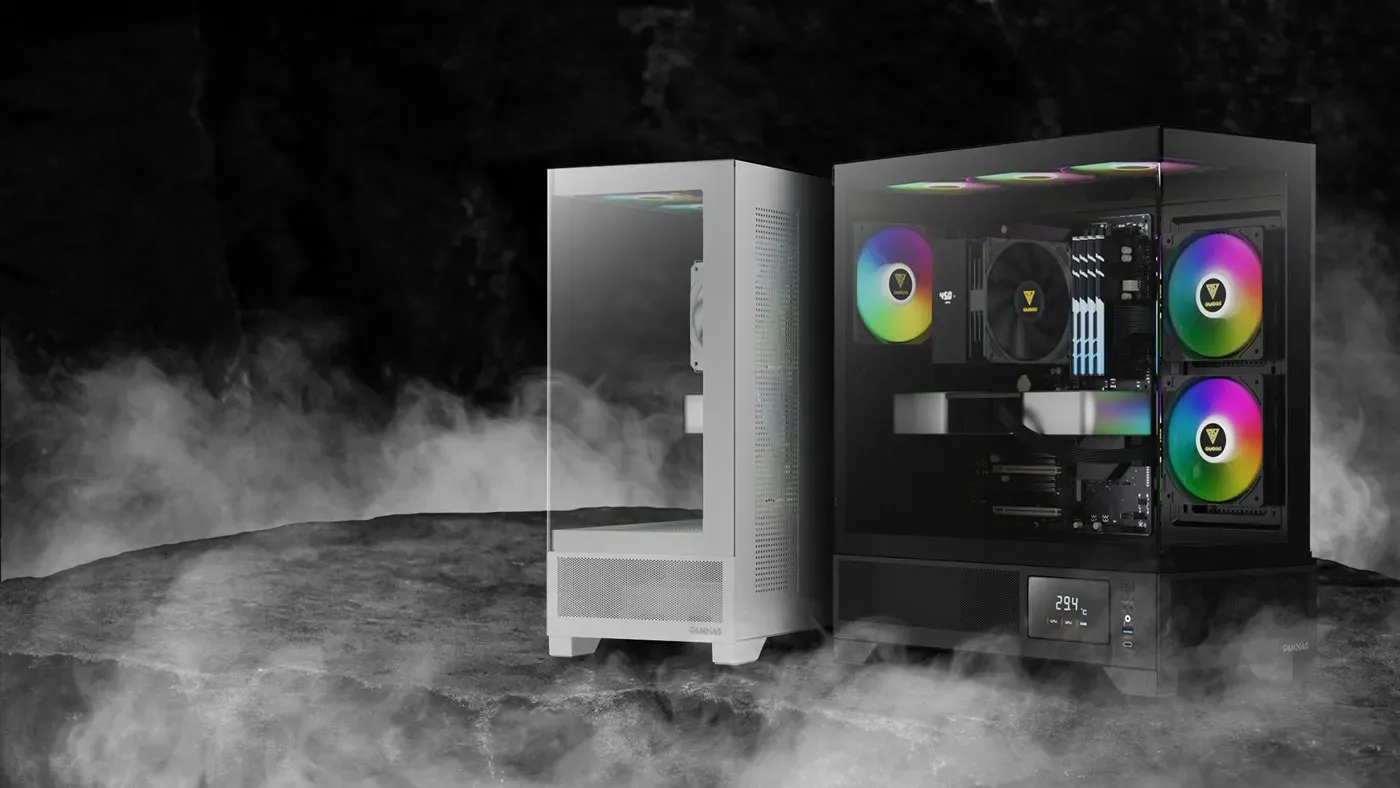
The ATLAS M1 Series comes in both black and white variants, so it matches either direction a build is themed. Strategically placed perforated air vents and three built-in ARGB PWM fans handle the airflow, while a customisable display reports real-time system metrics on the case itself. Seamless tempered glass panels carry the view without a frame cutting across it.
The ATLAS M1 Series comes in both black and white variants, so it matches either direction a build is themed. Strategically placed perforated air vents and three built-in ARGB PWM fans handle the airflow, while a customisable display reports real-time system metrics on the case itself. Seamless tempered glass panels carry the view without a frame cutting across it.
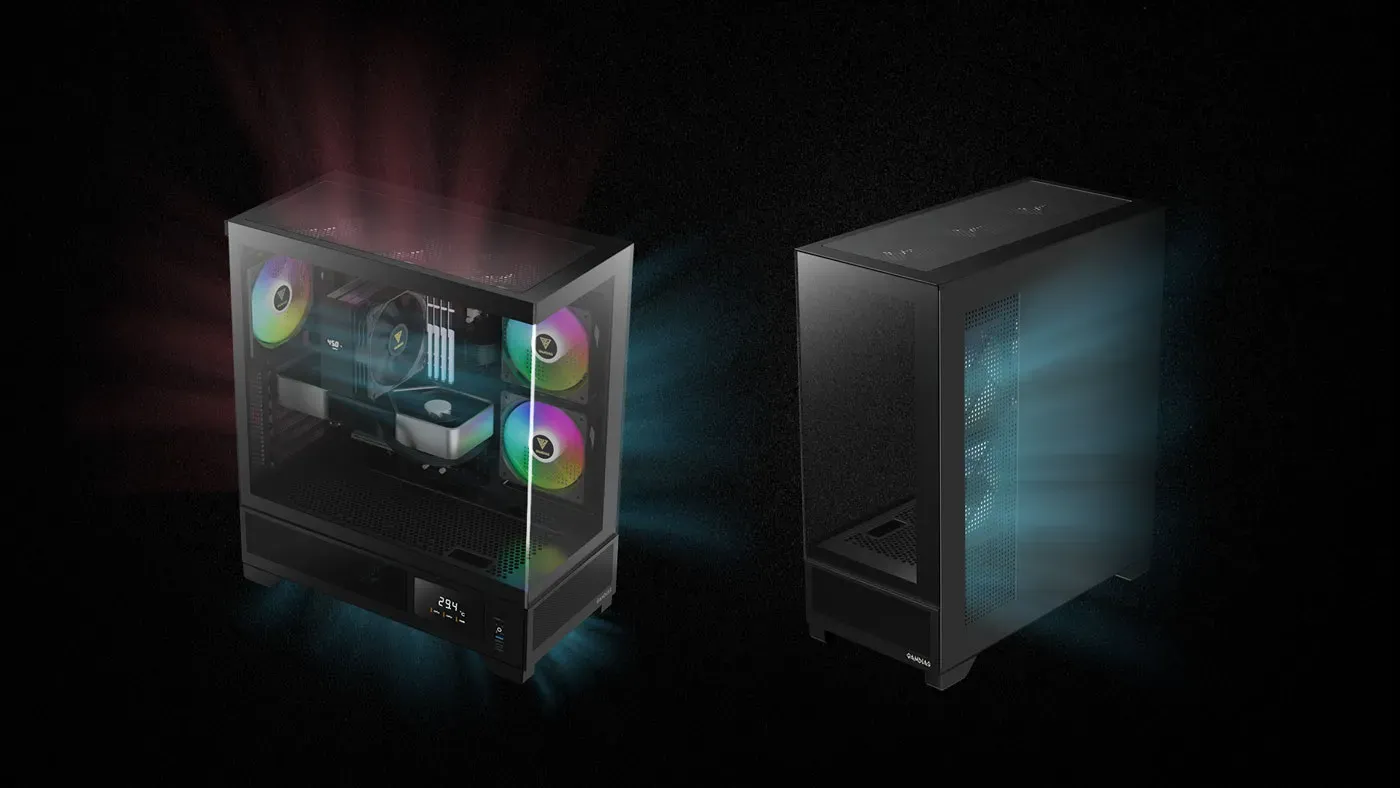
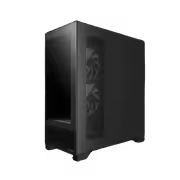
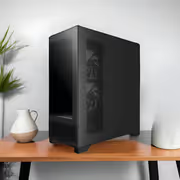
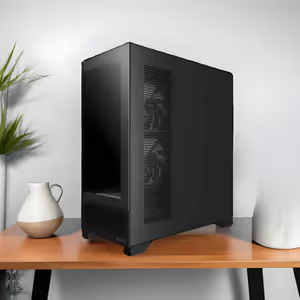
The ATLAS M1 places extensive perforated air vents on the side panel, the PSU chamber and the back exhaust rather than concentrating intake in one face. Spreading the openings across three surfaces sets up a superior airflow pattern through the chassis, so hot air has a defined route out instead of pooling around the graphics card. That is where the cooling performance comes from.
The ATLAS M1 places extensive perforated air vents on the side panel, the PSU chamber and the back exhaust rather than concentrating intake in one face. Spreading the openings across three surfaces sets up a superior airflow pattern through the chassis, so hot air has a defined route out instead of pooling around the graphics card. That is where the cooling performance comes from.
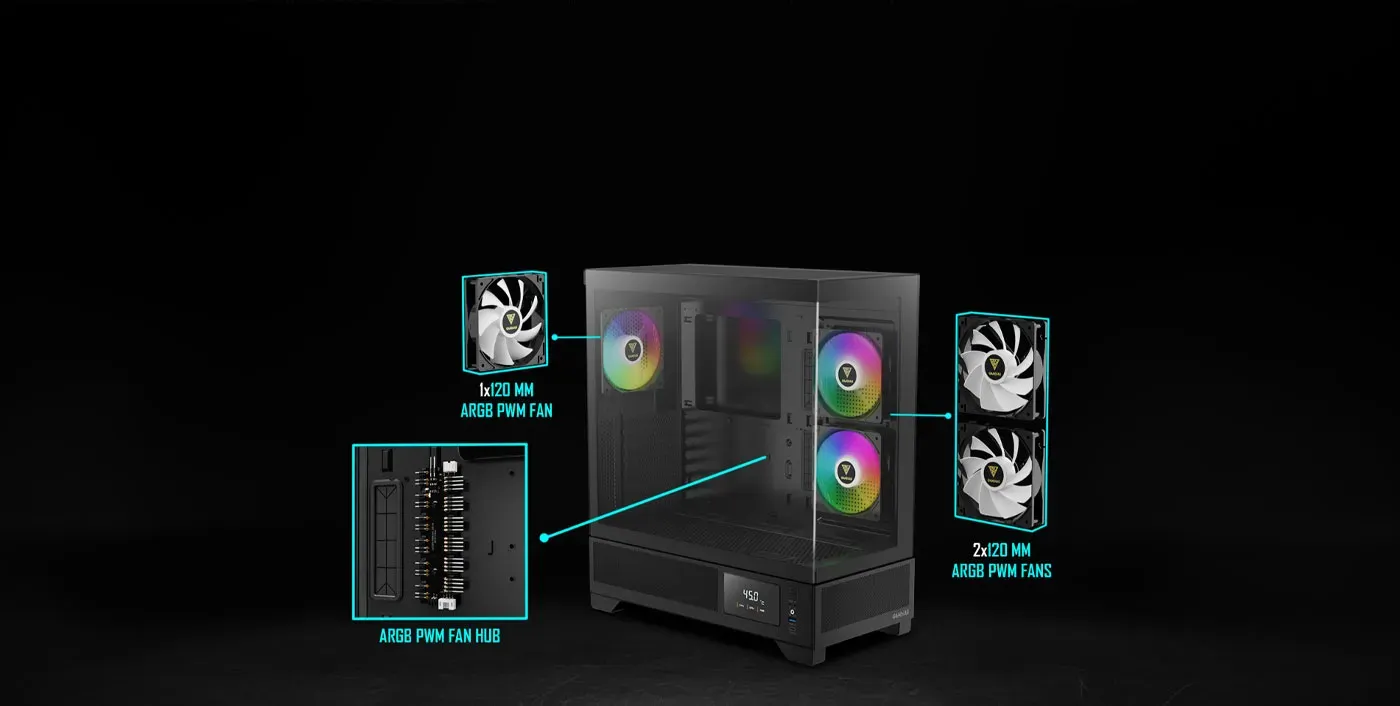
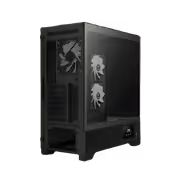
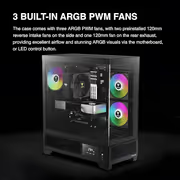
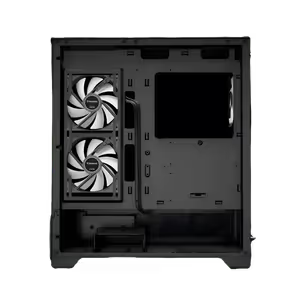
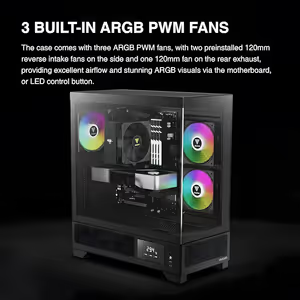
Three ARGB PWM fans are included: two pre-installed 120mm reverse intake fans on the side and one 120mm fan at the rear exhaust. Reverse blades are used on the side pair so the visible face of the fan is the attractive one when viewed through the glass. Lighting runs through motherboard control or the case LED control, whichever suits your setup.
Three ARGB PWM fans are included: two pre-installed 120mm reverse intake fans on the side and one 120mm fan at the rear exhaust. Reverse blades are used on the side pair so the visible face of the fan is the attractive one when viewed through the glass. Lighting runs through motherboard control or the case LED control, whichever suits your setup.
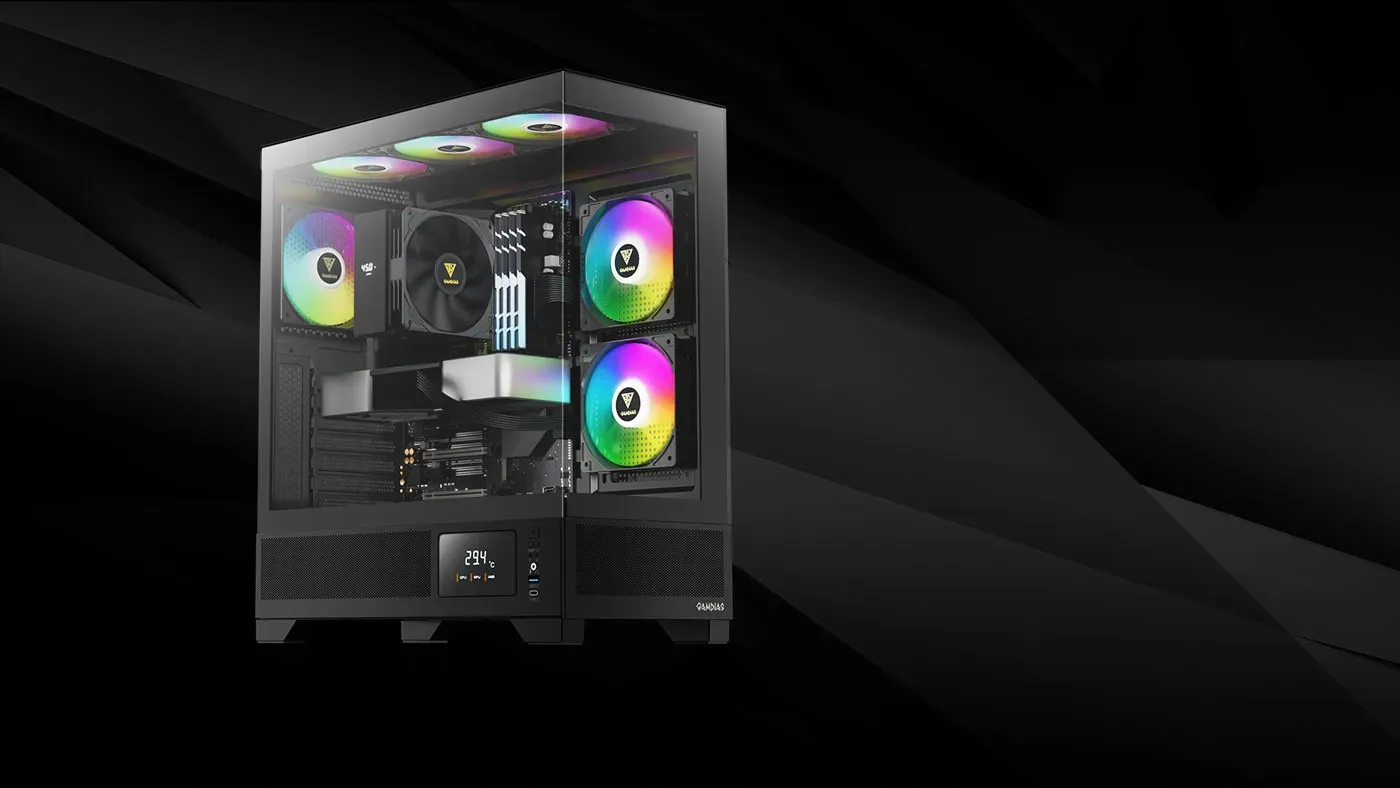
The seamless glass panels use a clasp mechanism, so the glass comes off without a hassle when you want to reach inside. That turns the Atlas M1 into a practical case for modding rather than one that punishes you for opening it. Visibility of every component stays uninterrupted while the panels are on, which is the point of a seamless design.
The seamless glass panels use a clasp mechanism, so the glass comes off without a hassle when you want to reach inside. That turns the Atlas M1 into a practical case for modding rather than one that punishes you for opening it. Visibility of every component stays uninterrupted while the panels are on, which is the point of a seamless design.
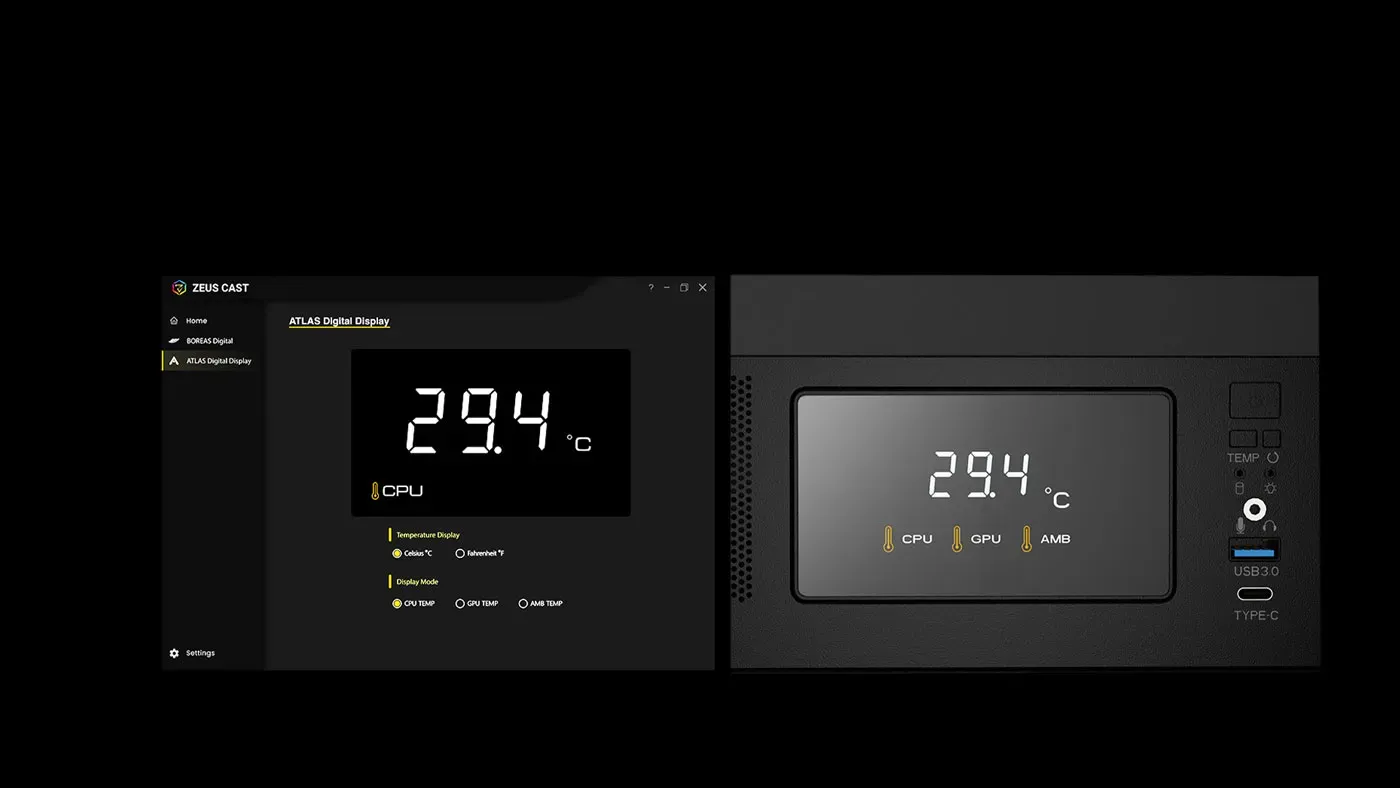
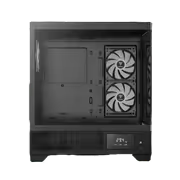
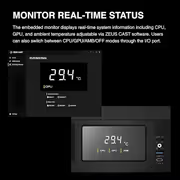
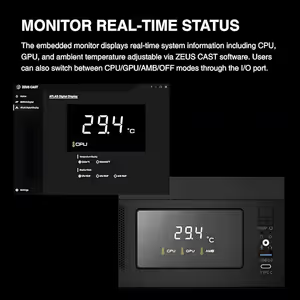
A built-in monitor displays real-time system metrics on the case, covering CPU, GPU and ambient temperature. Settings are adjusted through ZEUS CAST software, and the display cycles between CPU, GPU, Ambient and Off modes using a switch on the I/O port. Reading temperatures off the chassis means not having to alt-tab out of a game to check whether something is running hot.
A built-in monitor displays real-time system metrics on the case, covering CPU, GPU and ambient temperature. Settings are adjusted through ZEUS CAST software, and the display cycles between CPU, GPU, Ambient and Off modes using a switch on the I/O port. Reading temperatures off the chassis means not having to alt-tab out of a game to check whether something is running hot.
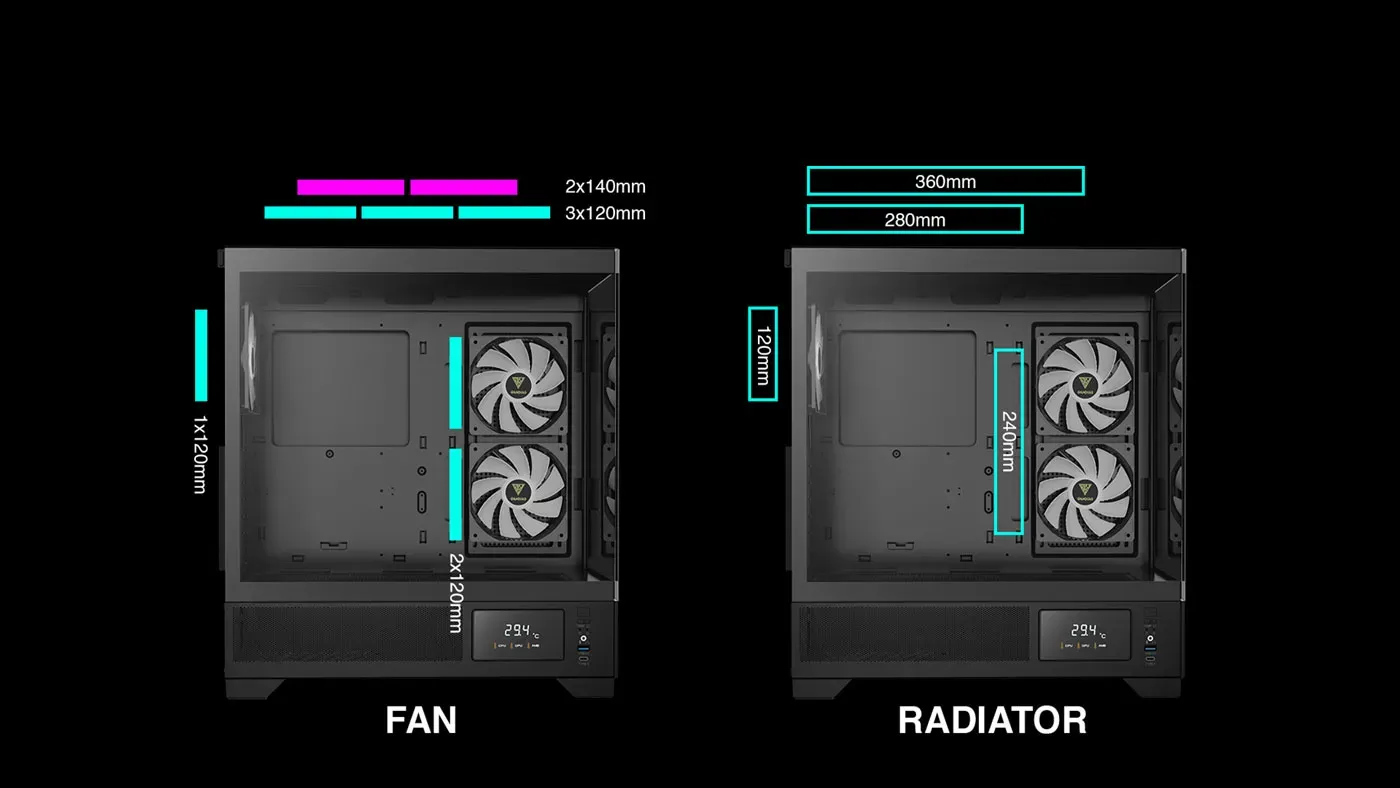
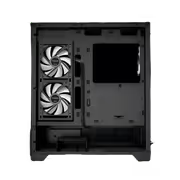
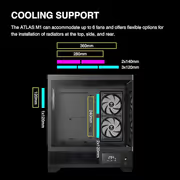
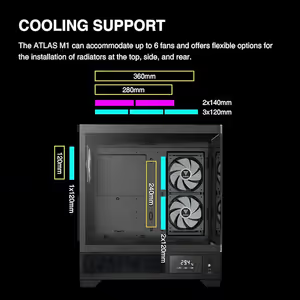
The ATLAS M1 accommodates up to six fans in total, and radiators can be installed at the top, the side and the rear of the chassis. Three separate radiator locations is unusual at this size and gives real flexibility about where a liquid cooler goes. It also means the stock fan layout can be expanded gradually rather than replaced all at once.
The ATLAS M1 accommodates up to six fans in total, and radiators can be installed at the top, the side and the rear of the chassis. Three separate radiator locations is unusual at this size and gives real flexibility about where a liquid cooler goes. It also means the stock fan layout can be expanded gradually rather than replaced all at once.
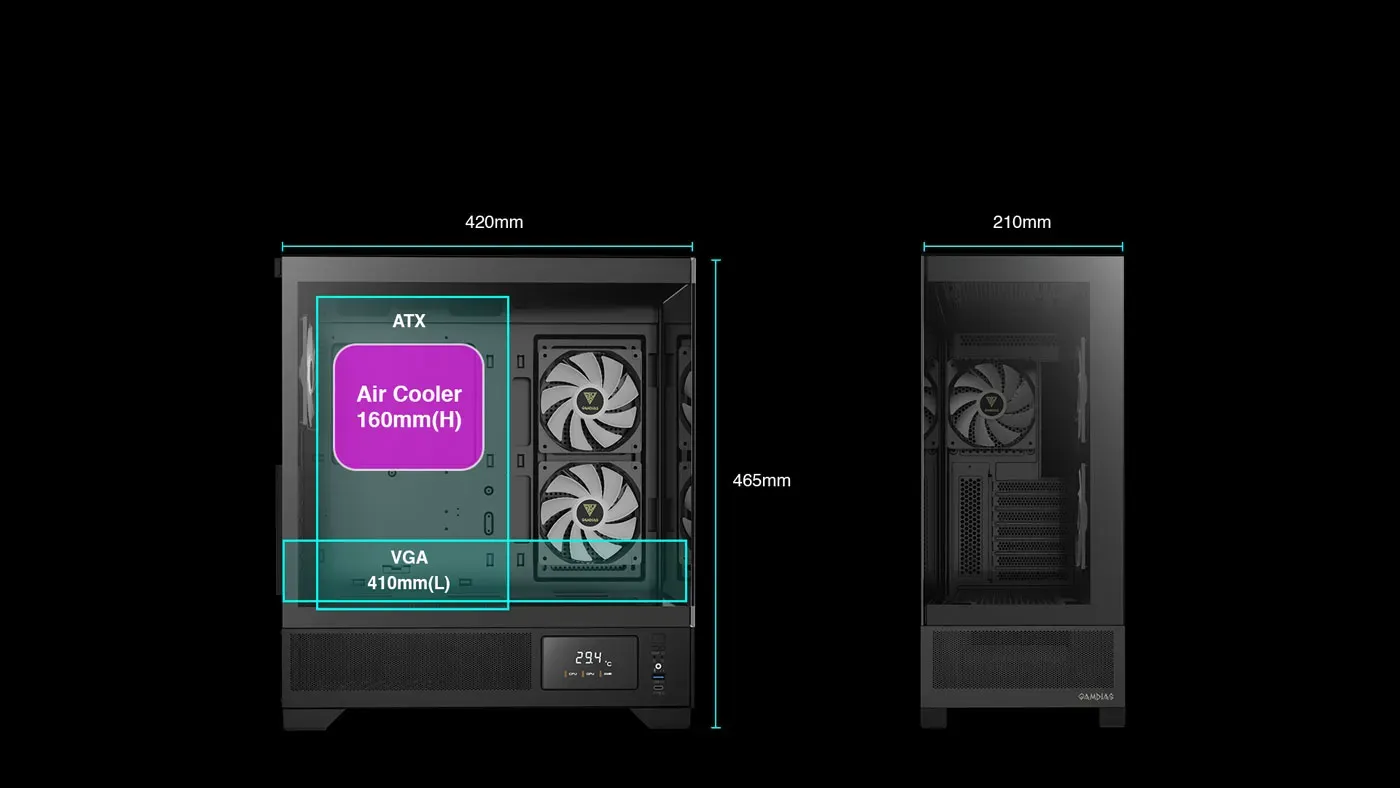
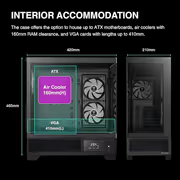
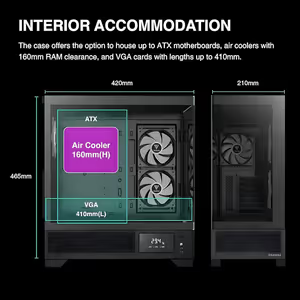
The Atlas M1 supports motherboards up to ATX and takes graphics cards up to 410mm in length, which covers the long triple-fan cards without a shroud modification. Air coolers are accommodated with up to 160mm RAM clearance, so tall memory and a large tower cooler can share the socket area. Those three figures decide whether an existing set of parts transfers straight in.
The Atlas M1 supports motherboards up to ATX and takes graphics cards up to 410mm in length, which covers the long triple-fan cards without a shroud modification. Air coolers are accommodated with up to 160mm RAM clearance, so tall memory and a large tower cooler can share the socket area. Those three figures decide whether an existing set of parts transfers straight in.
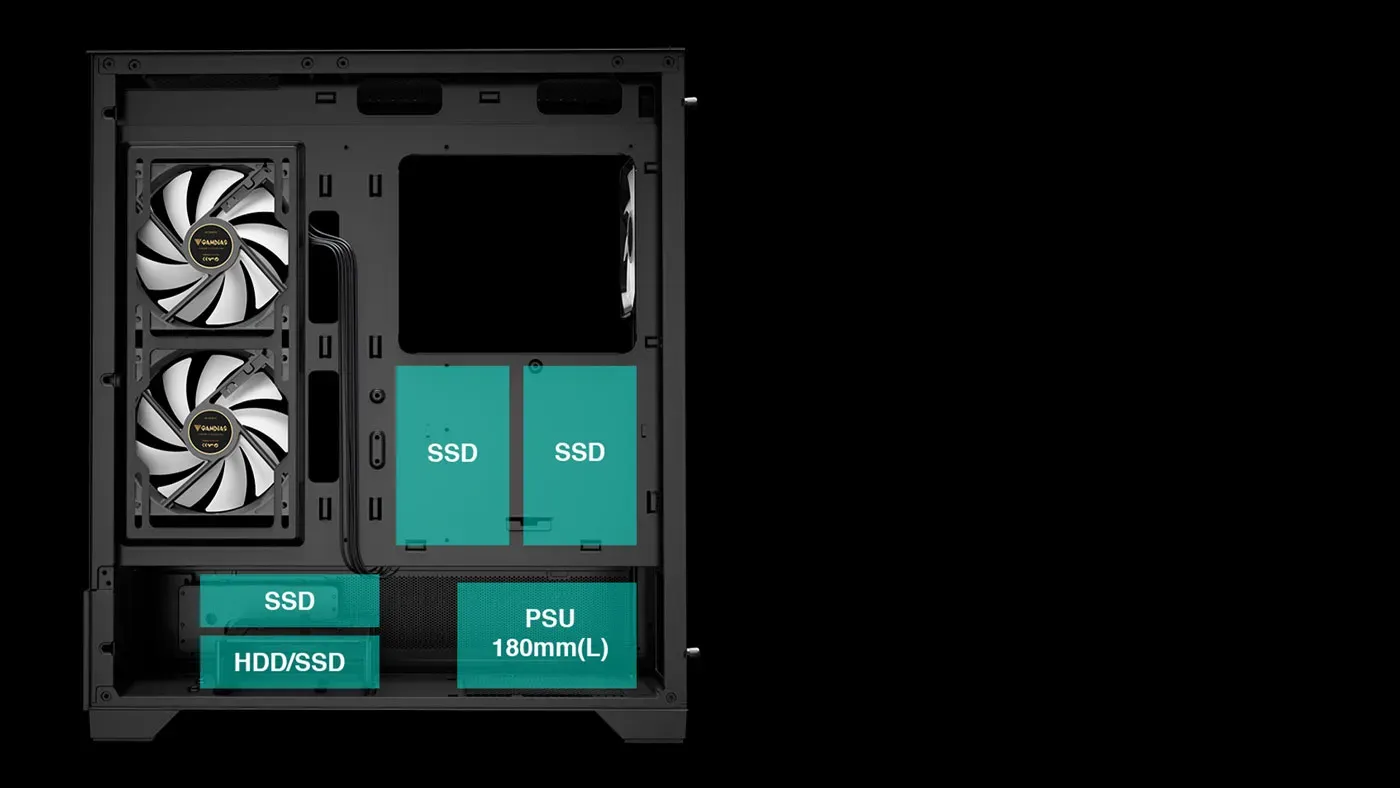
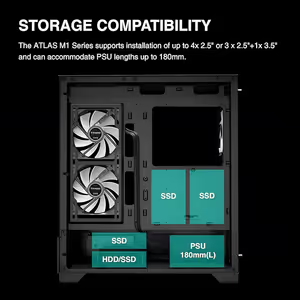
Storage runs to four 2.5-inch drives, or three 2.5-inch drives plus one 3.5-inch drive when you need a large mechanical disk in the mix. Power supplies up to 180mm long are accommodated, which covers most higher-wattage modular units. Checking PSU length against that figure is worth doing before ordering a large supply for this chassis.
Storage runs to four 2.5-inch drives, or three 2.5-inch drives plus one 3.5-inch drive when you need a large mechanical disk in the mix. Power supplies up to 180mm long are accommodated, which covers most higher-wattage modular units. Checking PSU length against that figure is worth doing before ordering a large supply for this chassis.
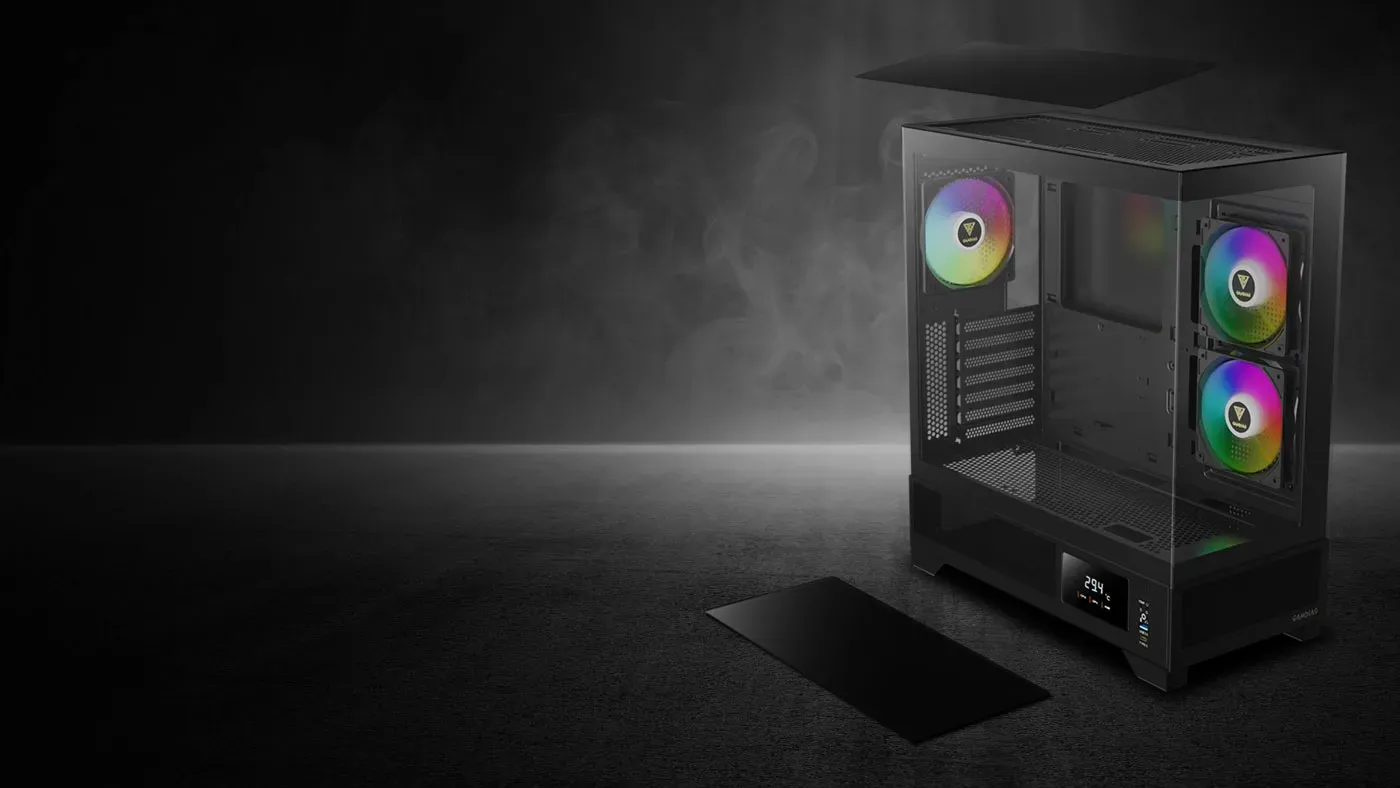
Dust filters are fitted at both the top and the bottom of the Atlas M1, guarding the two openings that pull the most debris into a tower. They block dust ingress while keeping ventilation consistent, so filtering does not come at the cost of airflow. Regular cleaning of those two filters is the single cheapest thing you can do for long-term thermal performance.
Dust filters are fitted at both the top and the bottom of the Atlas M1, guarding the two openings that pull the most debris into a tower. They block dust ingress while keeping ventilation consistent, so filtering does not come at the cost of airflow. Regular cleaning of those two filters is the single cheapest thing you can do for long-term thermal performance.
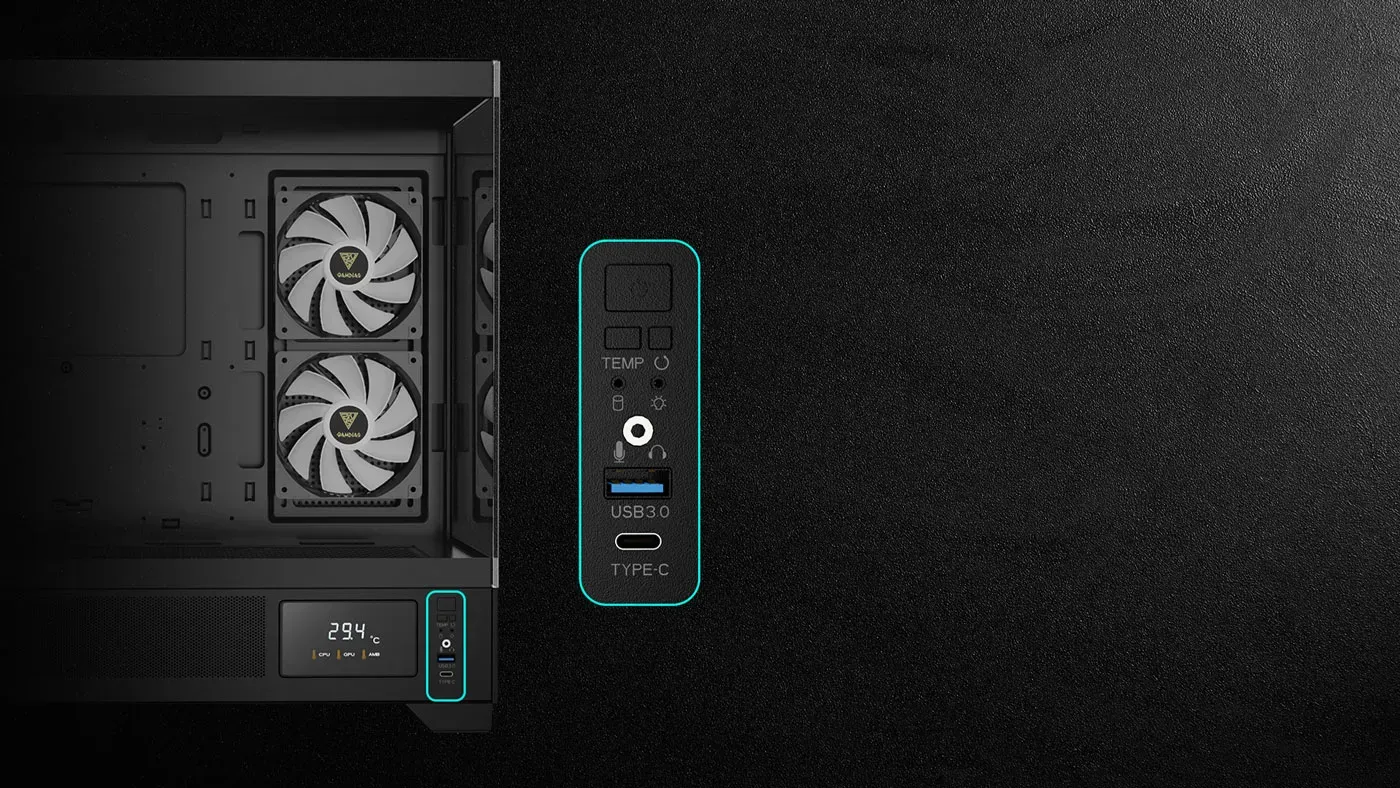
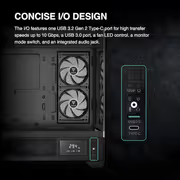
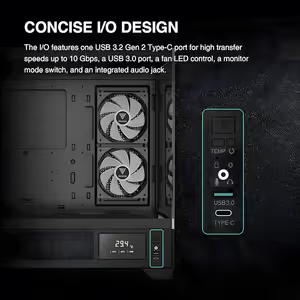
The I/O panel carries a USB 3.2 Gen 2 Type-C port rated for transfer speeds up to 10 Gbps, alongside a USB 3.0 port and an audio jack. Fan LED controls and the monitor mode switch sit on the same panel, so lighting and the temperature display are changed without opening software. Everything you adjust regularly is on one surface.
The I/O panel carries a USB 3.2 Gen 2 Type-C port rated for transfer speeds up to 10 Gbps, alongside a USB 3.0 port and an audio jack. Fan LED controls and the monitor mode switch sit on the same panel, so lighting and the temperature display are changed without opening software. Everything you adjust regularly is on one surface.
Everything you need to know about this product
Three ARGB PWM fans are included: two 120mm reverse intake fans on the side and one 120mm rear exhaust fan.
The case accommodates up to six fans, with radiator options at the top, side and rear.
The Atlas M1 allows for graphics cards up to 410mm in length.
It supports motherboards up to ATX size.
It accommodates air coolers with up to 160mm RAM clearance.
Up to four 2.5-inch drives, or three 2.5-inch drives plus one 3.5-inch drive.
The chassis accommodates PSU lengths of up to 180mm.
It shows real-time CPU, GPU and ambient temperature, and toggles between CPU, GPU, Ambient and Off modes.
The monitor is adjusted through ZEUS CAST software, with a mode switch on the I/O port.
A USB 3.2 Gen 2 Type-C port rated up to 10 Gbps, a USB 3.0 port, fan LED controls, a monitor mode switch and an audio jack.
Dust filters are fitted at the top and bottom of the case to block dust while maintaining ventilation.
Yes. The ATLAS M1 Series is offered in both black and white variants.

AI-Generated Content: These FAQs are generated by an automated AI system and may contain inaccuracies or omissions. Evetech makes no warranties, express or implied, regarding their completeness or reliability. For definitive information, please refer to the manufacturer's official specifications.