msi-pro-mp275-e2-120hz-office-monitor-black
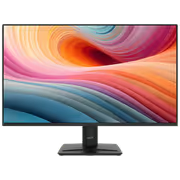
MSI PRO MP275 E2 27-inch IPS 1920 x 1080 (FHD) Gaming Office Monitor, 120Hz, Free-Synch, HDMI, DisplayPort, VGA Port, VESA Mountable, Tilt, Speaker, 4-Side Slim Bezel 1ms, Black / 9S6-3PD3CM-029
3 Years Local Warranty
Model No : MSI 9S6-3PD3CM-029
Price Inc. Vat
R 2,299
Save R 1,700
ListR 3,999
2299Change Quantity:
In Stock with Evetech
MSI PRO MP275 E2 27" FHD 120Hz IPS Monitor
27-Inch Full HD IPS Panel Running At 120Hz
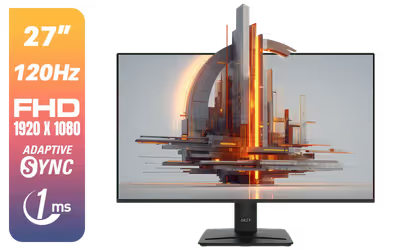
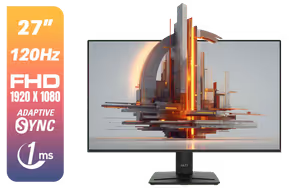
The MSI PRO MP275 E2 is a 27-inch office monitor built around a 1920 x 1080 Full HD IPS panel with a 120Hz refresh rate and a 1ms MPRT response time. The IPS panel holds colour accuracy across wide viewing angles, and the 120Hz refresh keeps scrolling, window dragging and motion clean whether the screen is running spreadsheets or a casual game.
27-Inch Full HD IPS Panel Running At 120Hz
The MSI PRO MP275 E2 is a 27-inch office monitor built around a 1920 x 1080 Full HD IPS panel with a 120Hz refresh rate and a 1ms MPRT response time. The IPS panel holds colour accuracy across wide viewing angles, and the 120Hz refresh keeps scrolling, window dragging and motion clean whether the screen is running spreadsheets or a casual game.
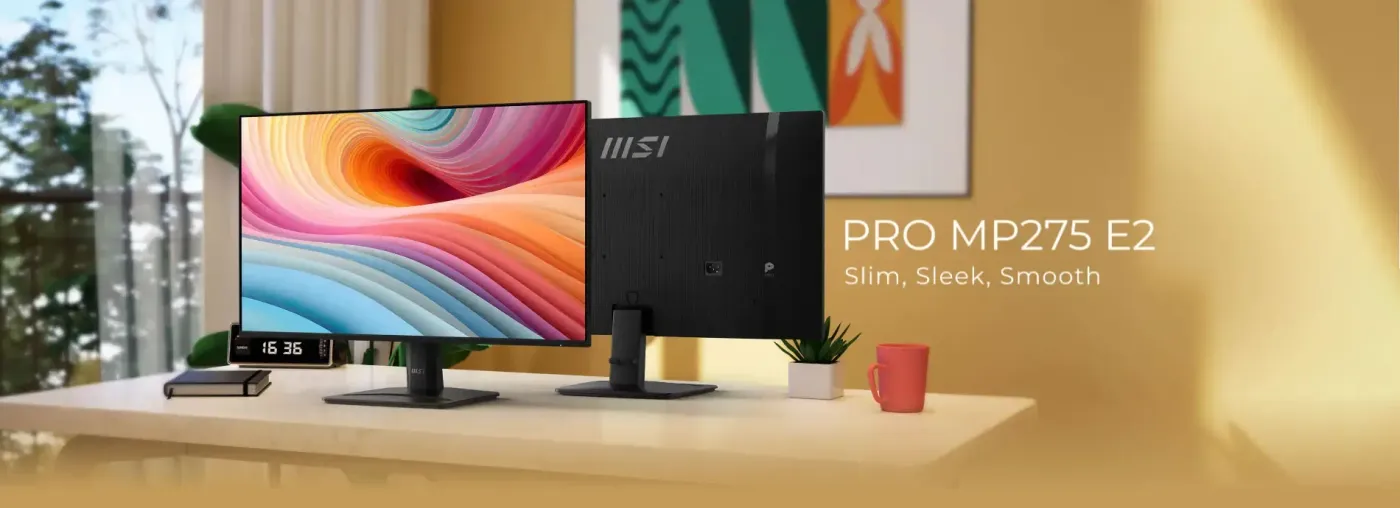
HDMI, DisplayPort And VGA With FreeSync Support
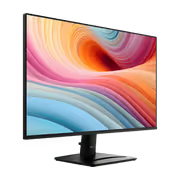
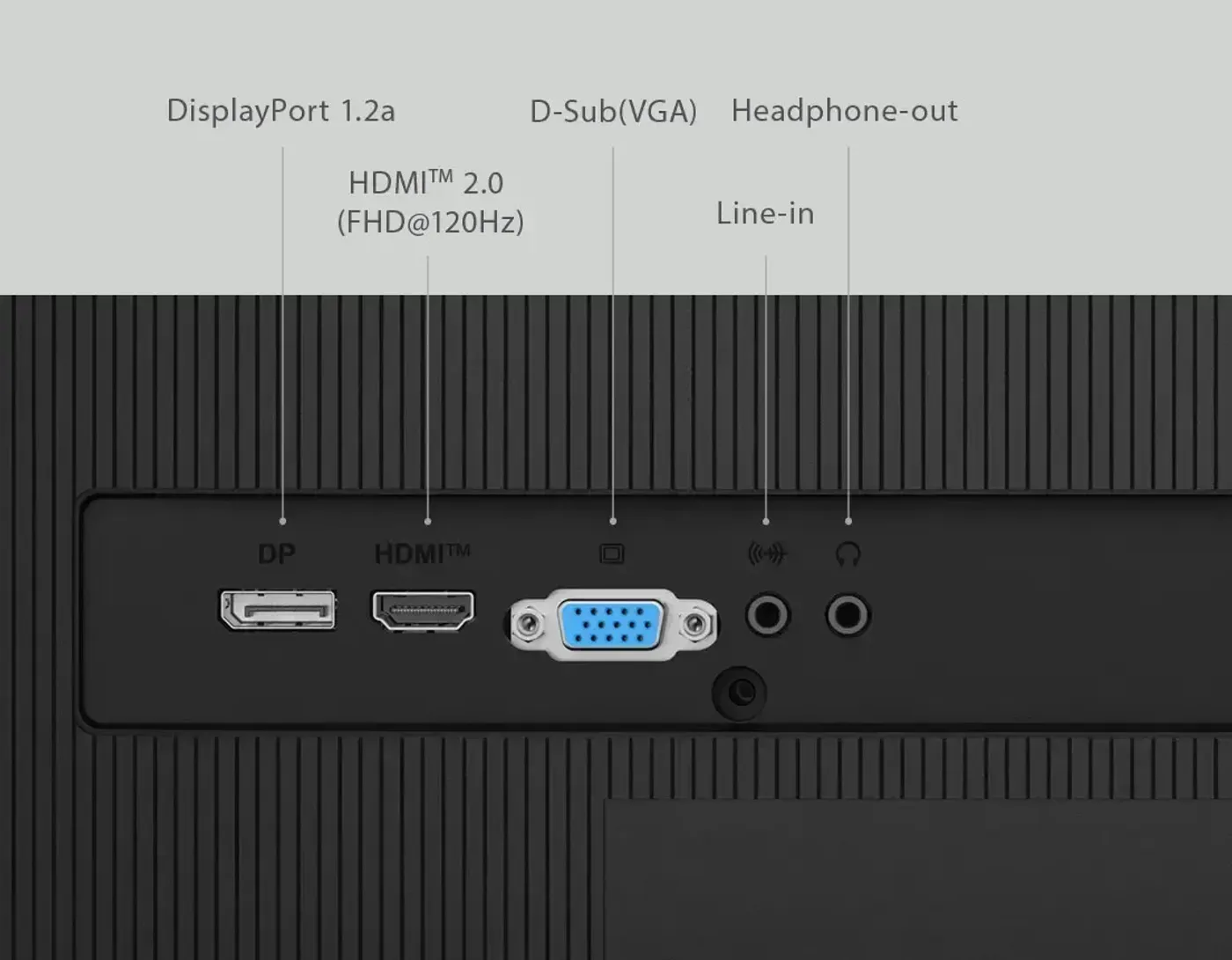
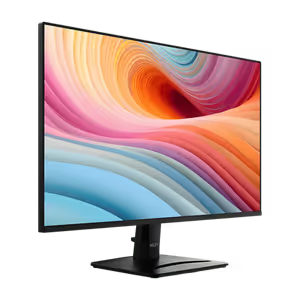
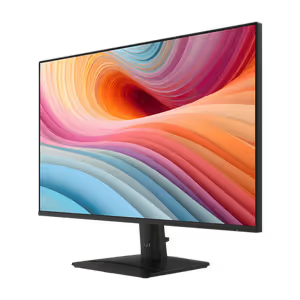
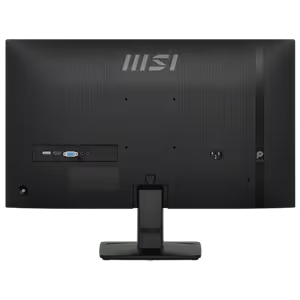
Three inputs are fitted to the MSI PRO MP275 E2: HDMI, DisplayPort and VGA, so both current and older machines connect without an adapter. FreeSync matches the panel to the graphics card and removes screen tearing during motion. The four-side slim bezel frees up viewing area, built-in speakers cover video calls and multimedia, and the VESA-mountable black chassis tilts to a comfortable angle.
HDMI, DisplayPort And VGA With FreeSync Support
Three inputs are fitted to the MSI PRO MP275 E2: HDMI, DisplayPort and VGA, so both current and older machines connect without an adapter. FreeSync matches the panel to the graphics card and removes screen tearing during motion. The four-side slim bezel frees up viewing area, built-in speakers cover video calls and multimedia, and the VESA-mountable black chassis tilts to a comfortable angle.
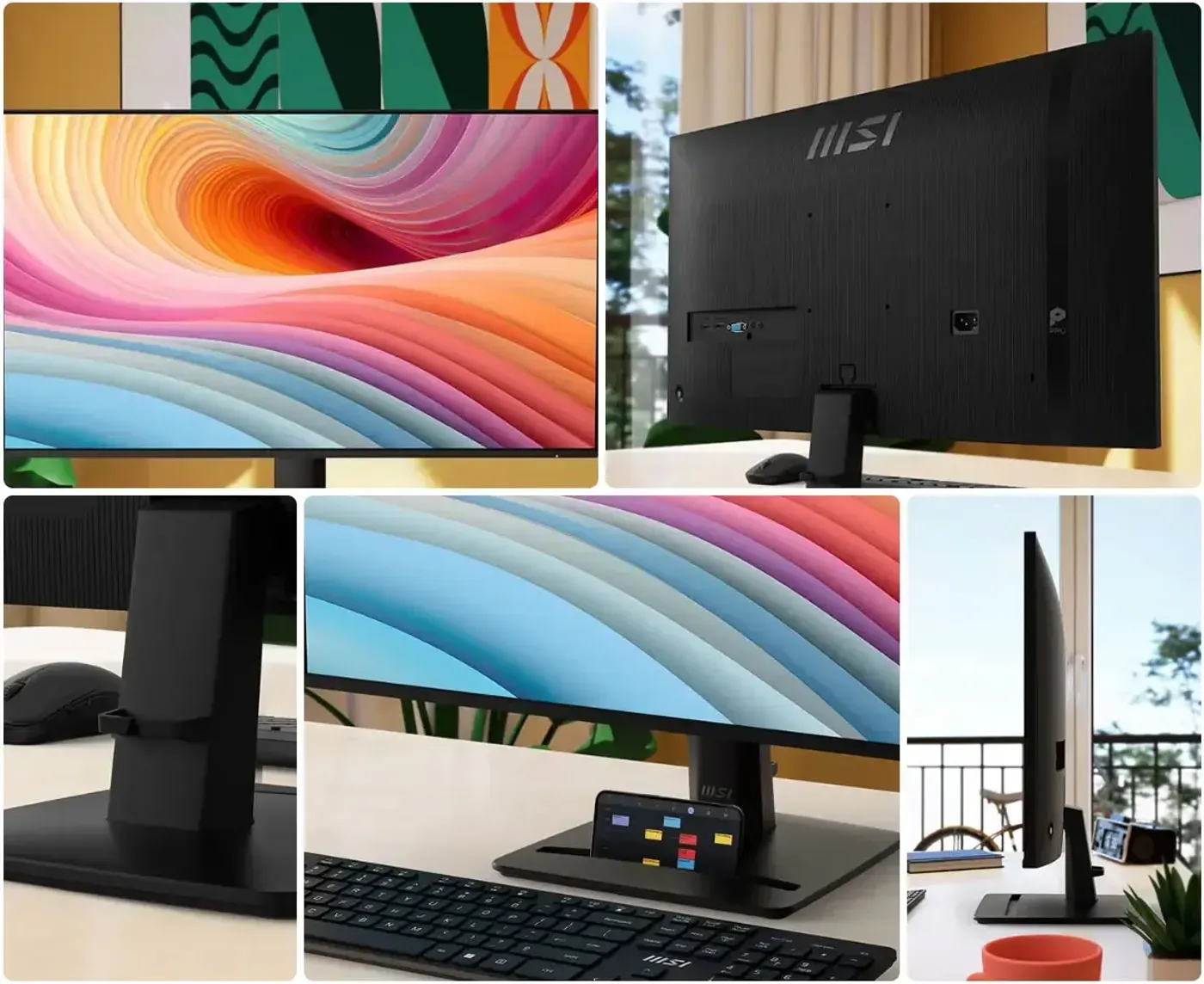
Refined Engravings Across The Rear Cover
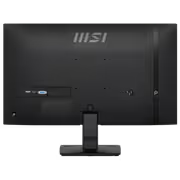
The back cover of the PRO MP275 E2 carries refined engravings, a design drawn from a younger generation's preference for simplicity and efficiency. The detailing is understated rather than decorative, so the black chassis still reads as office equipment while adding a finished look on desks where the rear of the monitor faces into the room rather than a wall.
Refined Engravings Across The Rear Cover
The back cover of the PRO MP275 E2 carries refined engravings, a design drawn from a younger generation's preference for simplicity and efficiency. The detailing is understated rather than decorative, so the black chassis still reads as office equipment while adding a finished look on desks where the rear of the monitor faces into the room rather than a wall.
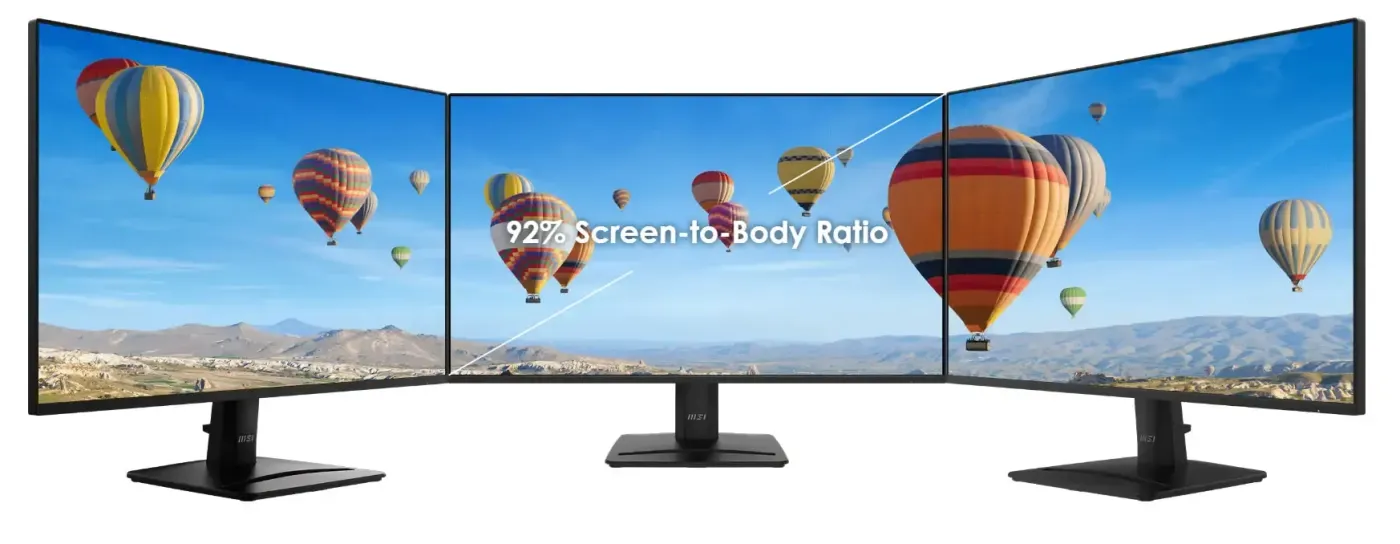
PerfectEdge Four-Side Slim Bezel For Multi-Monitor Desks
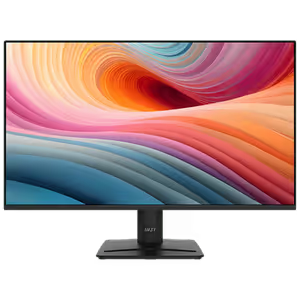
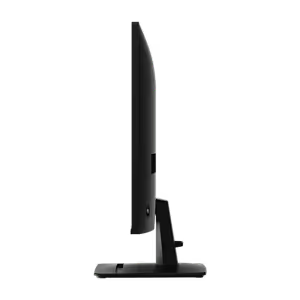
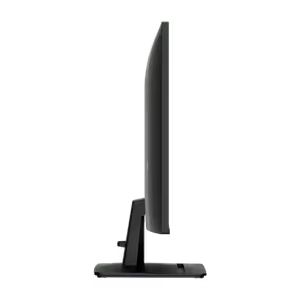
PerfectEdge trims the frame on all four sides, so more of the 27-inch panel is usable screen and less of it is border. Set two or three of these monitors side by side and the images line up with only a thin break between them, which suits multi-monitor work. Fewer visible edges also means fewer distractions during long sessions.
PerfectEdge Four-Side Slim Bezel For Multi-Monitor Desks
PerfectEdge trims the frame on all four sides, so more of the 27-inch panel is usable screen and less of it is border. Set two or three of these monitors side by side and the images line up with only a thin break between them, which suits multi-monitor work. Fewer visible edges also means fewer distractions during long sessions.
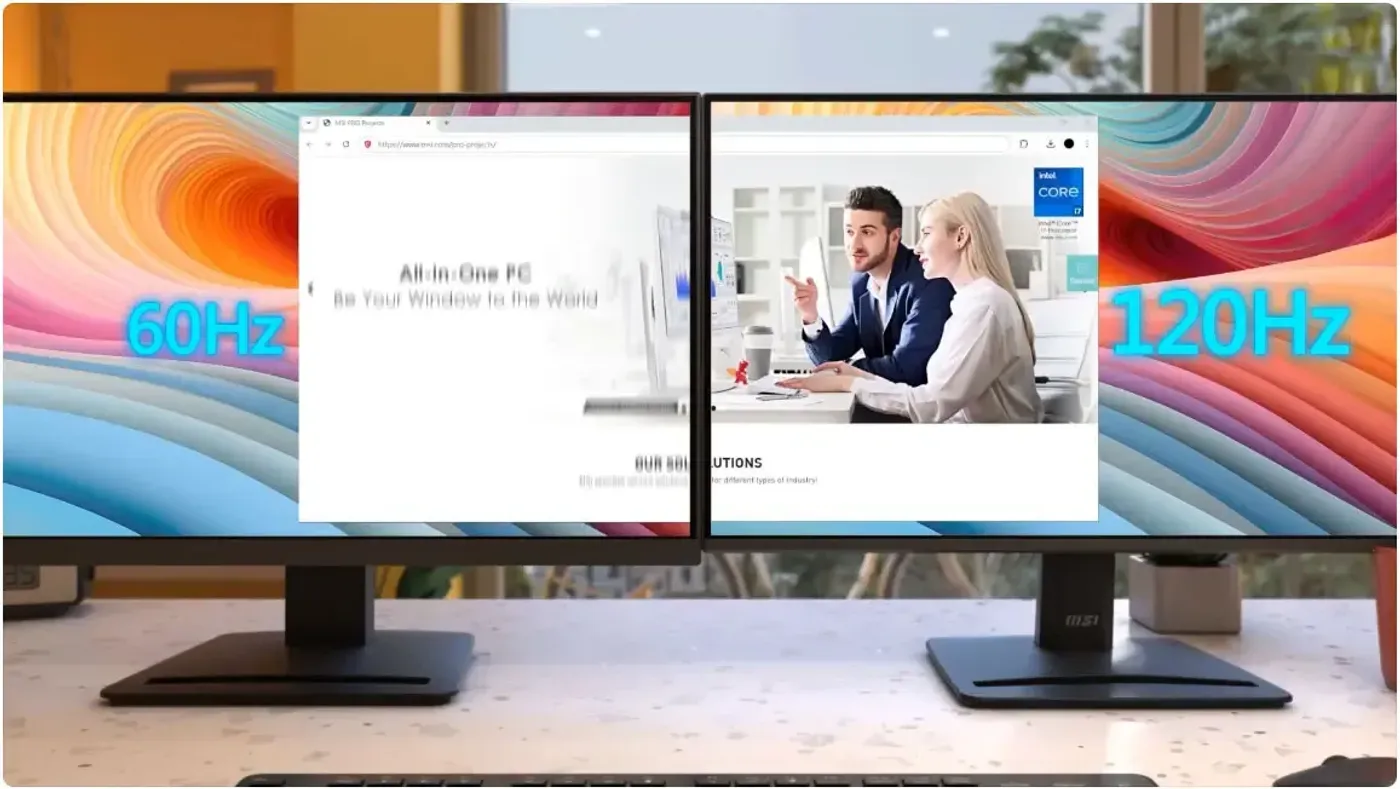
120Hz Refresh Rate Reduces Motion Blur
The 120Hz refresh rate draws twice as many frames per second as a standard 60Hz office panel, which cuts motion blur and sharpens response in games. For desk work it shows up as smoother scrolling and cleaner window transitions over a full day. MSI also positions it for AIGC work, where AI-driven image and text generation benefits from the faster panel.
120Hz Refresh Rate Reduces Motion Blur
The 120Hz refresh rate draws twice as many frames per second as a standard 60Hz office panel, which cuts motion blur and sharpens response in games. For desk work it shows up as smoother scrolling and cleaner window transitions over a full day. MSI also positions it for AIGC work, where AI-driven image and text generation benefits from the faster panel.
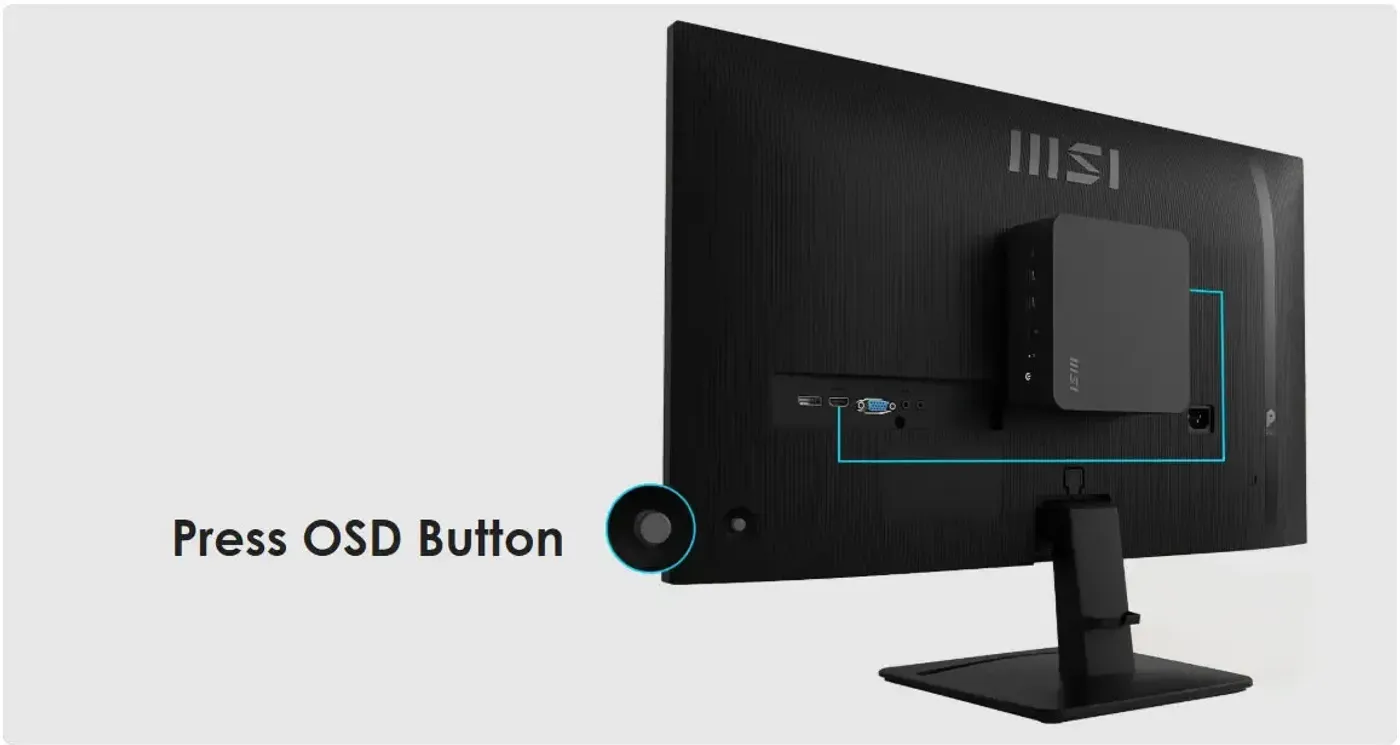
VESA Mount And MSI Power Link With HDMI CEC
The standard VESA mount pattern lets an MSI Cubi Series mini-PC sit on the back of the monitor or go on a wall, which clears the desk of a separate tower. MSI Power Link uses HDMI CEC so the mini-PC powers on from the monitor's own button, removing one step from every start-up and keeping cabling behind the panel.
VESA Mount And MSI Power Link With HDMI CEC
The standard VESA mount pattern lets an MSI Cubi Series mini-PC sit on the back of the monitor or go on a wall, which clears the desk of a separate tower. MSI Power Link uses HDMI CEC so the mini-PC powers on from the monitor's own button, removing one step from every start-up and keeping cabling behind the panel.

Accessory Slot Holds Cables And Adapters
An accessory slot is built into the monitor for small peripherals, so cables, adapters and other desk essentials have a fixed home instead of collecting in a drawer. Keeping those items on the monitor rather than the desktop leaves the working surface clear and makes the things you reach for most easy to find.
Accessory Slot Holds Cables And Adapters
An accessory slot is built into the monitor for small peripherals, so cables, adapters and other desk essentials have a fixed home instead of collecting in a drawer. Keeping those items on the monitor rather than the desktop leaves the working surface clear and makes the things you reach for most easy to find.
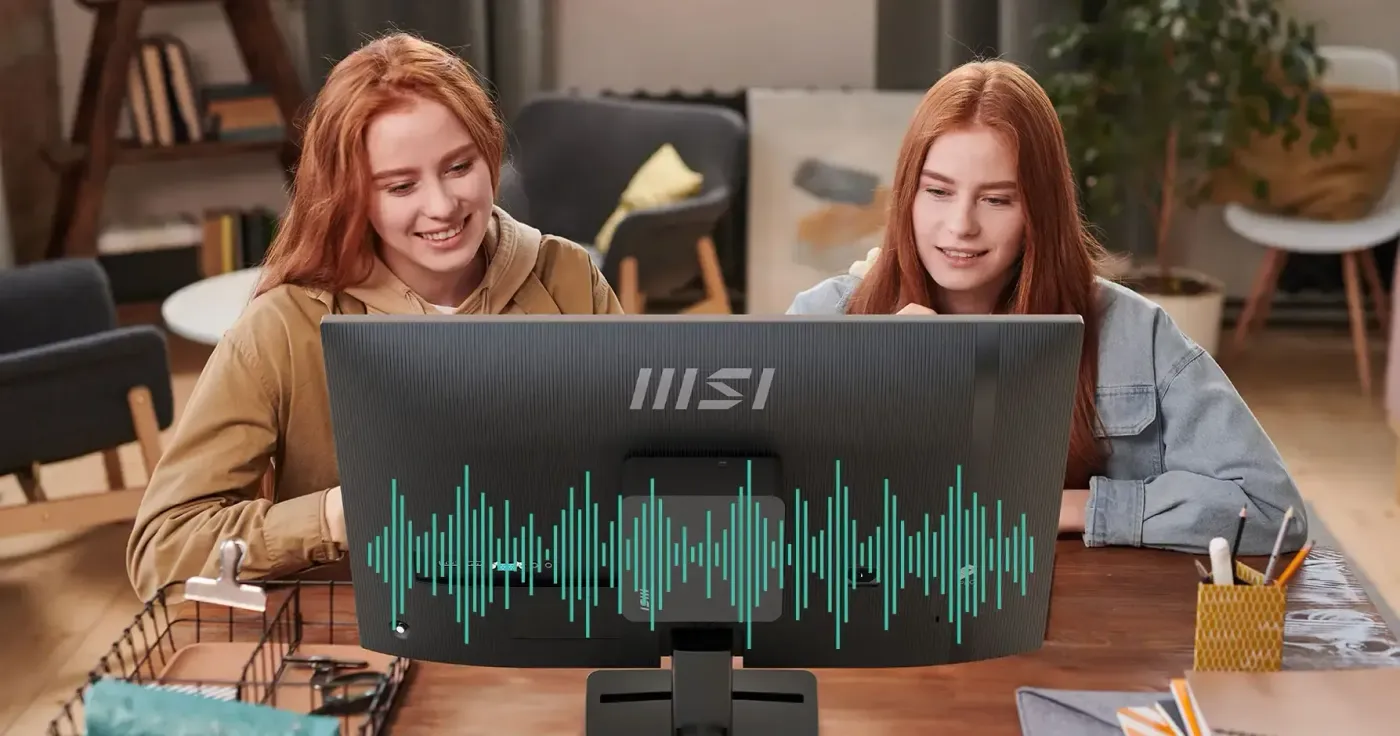
Built-In Speakers Handle Calls And Media
Speakers are built into the PRO MP275 E2, so video calls, meetings and everyday multimedia play through the monitor with no external set on the desk. Audio arrives over the same HDMI or DisplayPort cable carrying the picture, which means one less powered device to plug in and one less pair of cables running across the workspace.
Built-In Speakers Handle Calls And Media
Speakers are built into the PRO MP275 E2, so video calls, meetings and everyday multimedia play through the monitor with no external set on the desk. Audio arrives over the same HDMI or DisplayPort cable carrying the picture, which means one less powered device to plug in and one less pair of cables running across the workspace.
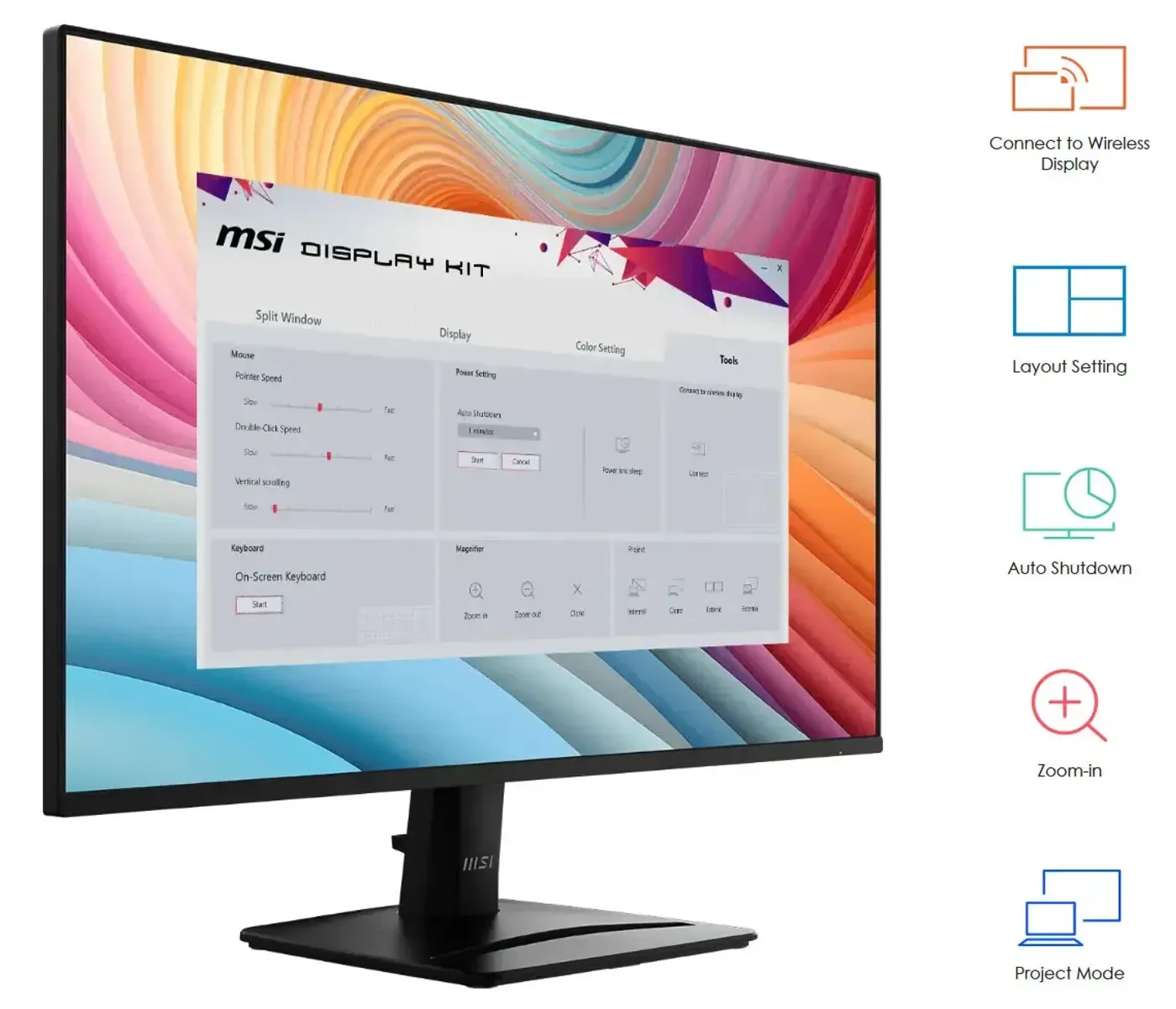
MSI Display Kit App Controls Colour Modes
Display Kit is MSI's own software for the monitor, giving you display and colour-mode control from the desktop instead of stepping through on-screen buttons. Switching between a reading-friendly setup and a richer colour mode takes a click, which matters when the same 27-inch panel covers documents during the day and video or games afterwards.
MSI Display Kit App Controls Colour Modes
Display Kit is MSI's own software for the monitor, giving you display and colour-mode control from the desktop instead of stepping through on-screen buttons. Switching between a reading-friendly setup and a richer colour mode takes a click, which matters when the same 27-inch panel covers documents during the day and video or games afterwards.

Power Saving Design For Everyday Desk Use
MSI builds the PRO MP275 E2 as a power saving product, part of the company's push toward sustainable development and a lower-impact product line. For a monitor that stays switched on through a full working day, and often across several desks in the same office, the reduced draw adds up over the life of the fleet.
Power Saving Design For Everyday Desk Use
MSI builds the PRO MP275 E2 as a power saving product, part of the company's push toward sustainable development and a lower-impact product line. For a monitor that stays switched on through a full working day, and often across several desks in the same office, the reduced draw adds up over the life of the fleet.
PRO MP275 E2 Panel Specifications In Full
The panel measures 27 inches, uses IPS technology and runs a 16:9 aspect ratio at 1920 x 1080 Full HD resolution. Refresh rate is 120Hz and response time is rated at 1ms MPRT. Those figures place it between a standard 60Hz office screen and a dedicated high-refresh gaming display, which is what makes it workable for both roles.
PRO MP275 E2 Panel Specifications In Full
The panel measures 27 inches, uses IPS technology and runs a 16:9 aspect ratio at 1920 x 1080 Full HD resolution. Refresh rate is 120Hz and response time is rated at 1ms MPRT. Those figures place it between a standard 60Hz office screen and a dedicated high-refresh gaming display, which is what makes it workable for both roles.
FAQ
Frequently Asked Questions
Everything you need to know about this product
It uses a 27-inch IPS panel at 1920 x 1080 Full HD resolution with a 16:9 aspect ratio.
The panel runs at 120Hz with a response time rated at 1ms MPRT.
It provides HDMI, DisplayPort and VGA inputs, so both current and older systems can connect.
Yes, it supports FreeSync, which reduces screen tearing by matching the panel to the graphics card output.
Yes, built-in speakers are fitted for video calls and multimedia without adding a separate speaker set.
Yes, it uses a standard VESA mount design so it can be fixed to a wall or an arm.
MSI Power Link uses HDMI CEC so an attached mini-PC powers on from the monitor's own button.
The monitor offers adjustable tilt so you can set a comfortable viewing angle at the desk.
PerfectEdge is the four-side slim bezel that maximises screen space and keeps multi-monitor setups tidy.
The accessory slot stores small peripherals such as cables and adapters to keep the workspace clear.
Display Kit is MSI's exclusive software for adjusting display settings and colour modes from the desktop.
Yes, the 120Hz refresh rate and FreeSync support make it capable for casual gaming alongside daily office tasks.

AI-Generated Content: These FAQs are generated by an automated AI system and may contain inaccuracies or omissions. Evetech makes no warranties, express or implied, regarding their completeness or reliability. For definitive information, please refer to the manufacturer's official specifications.
Please Note: Product images are for illustrative purposes only and may differ from the actual product.
Choose your
own PC
Hand-pick every part with live stock, compatibility, and instant pricing.
Try the new builderPrice Inc. Vat
R 2,299
Save R 1,700
ListR 3,999
2299Change Quantity:
In Stock with Evetech
Choose your
own PC
Hand-pick every part with live stock, compatibility, and instant pricing.
Try the new builderMSI PRO MP275 E2 27-inch IPS 1920 x 1080 (FHD) Gaming Office