
2 Years Local Warranty
Model No : Razer RZ03-02360100-R3M1
Price Inc. Vat
R 3,199
Save R 400
ListR 3,599
3199Change Quantity:
In Stock with Evetech
Price Inc. Vat
R 3,199
Save R 400
ListR 3,599
3199Change Quantity:
In Stock with Evetech
Trusted Partners
Please Note: Product images are for illustrative purposes only and may differ from the actual product.
Hand-pick every part with live stock, compatibility, and instant pricing.
Try the new builderHand-pick every part with live stock, compatibility, and instant pricing.
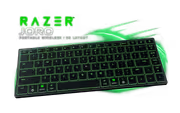
Try the new builderRazer Joro Portable Wireless Gaming Keyboard
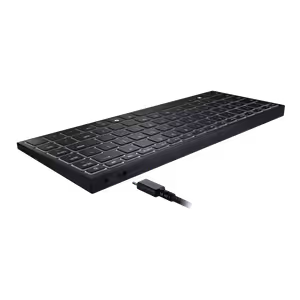
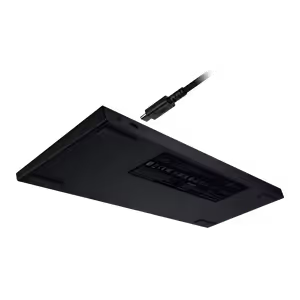
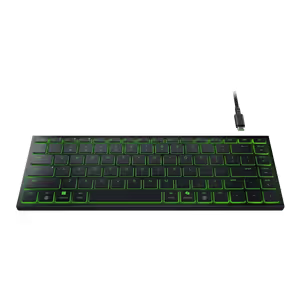
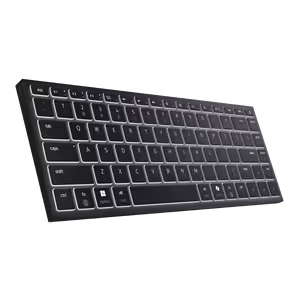
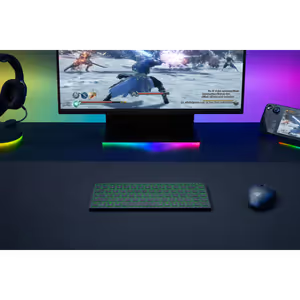
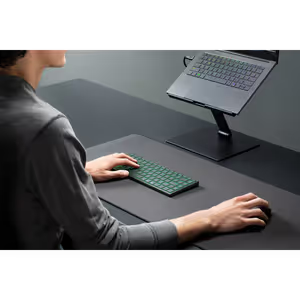
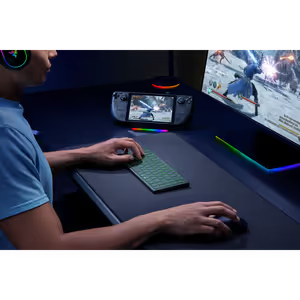
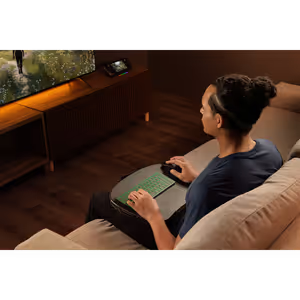
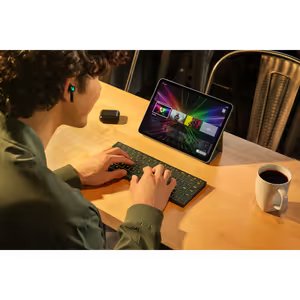
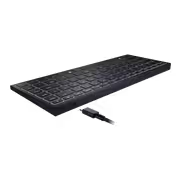
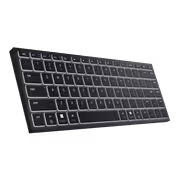
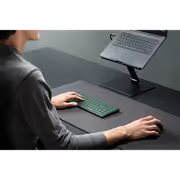
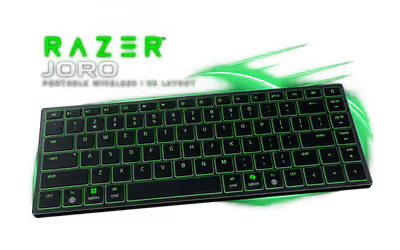
The Razer Joro is a portable 75% wireless gaming keyboard, 16.5 mm thin and about 374 g, with a full function row and full-sized arrow keys. It uses ultra low-profile switches, pairs with up to three devices over Bluetooth 5.0 and also works wired over USB Type-C. This is the US layout.
The Razer Joro is a portable 75% wireless gaming keyboard, 16.5 mm thin and about 374 g, with a full function row and full-sized arrow keys. It uses ultra low-profile switches, pairs with up to three devices over Bluetooth 5.0 and also works wired over USB Type-C. This is the US layout.
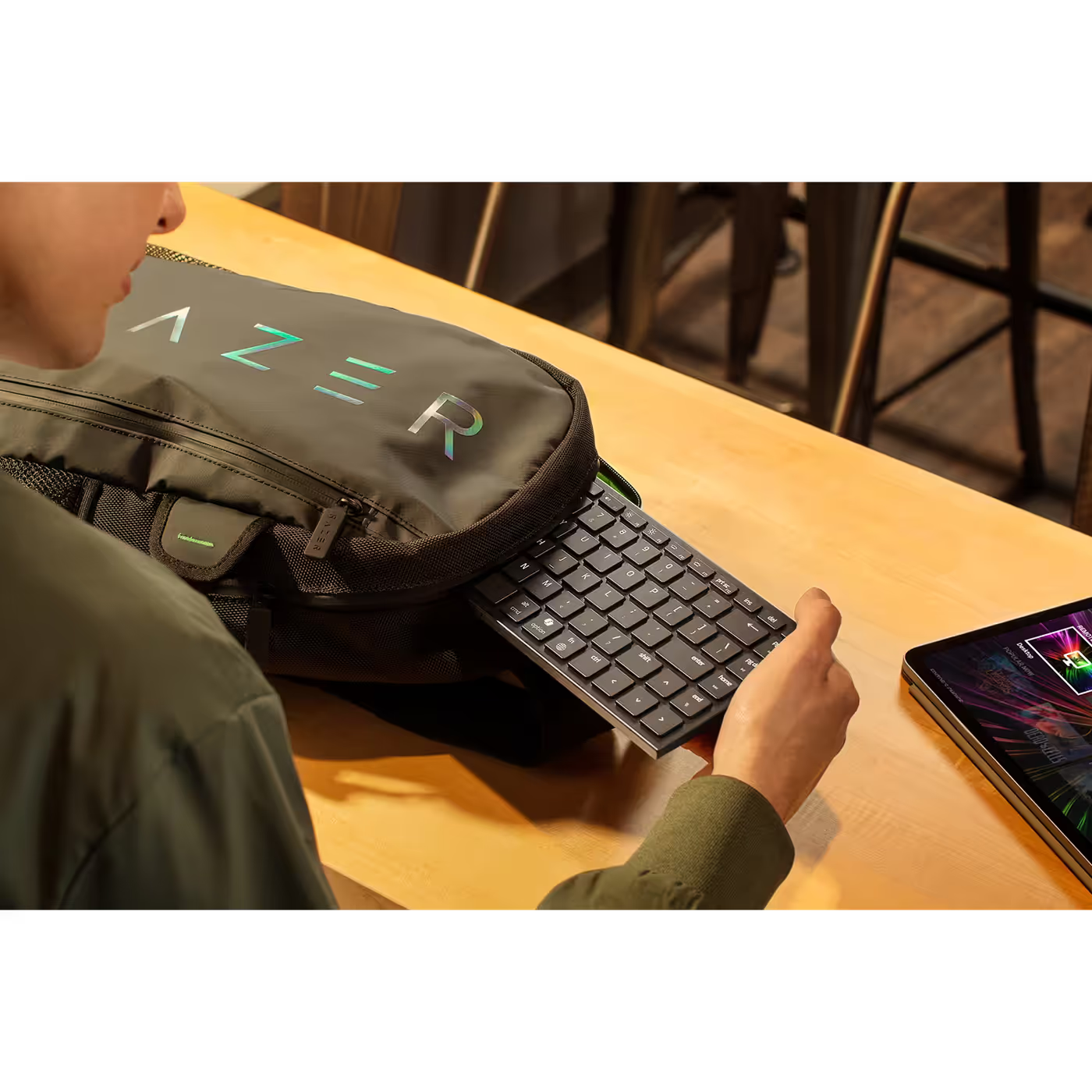
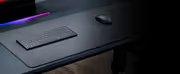
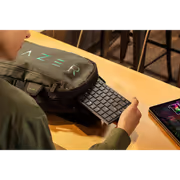
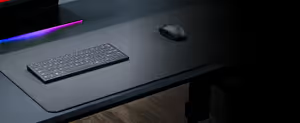
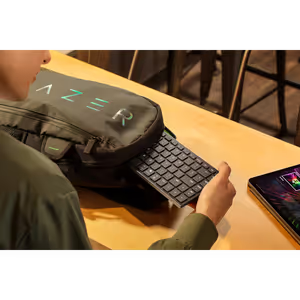
At 298 mm x 112 mm and 16.5 mm thin, the Joro slips into a backpack next to a laptop or tablet. The 5052 aluminium alloy top plate resists bending and flexing while it travels.
At 298 mm x 112 mm and 16.5 mm thin, the Joro slips into a backpack next to a laptop or tablet. The 5052 aluminium alloy top plate resists bending and flexing while it travels.
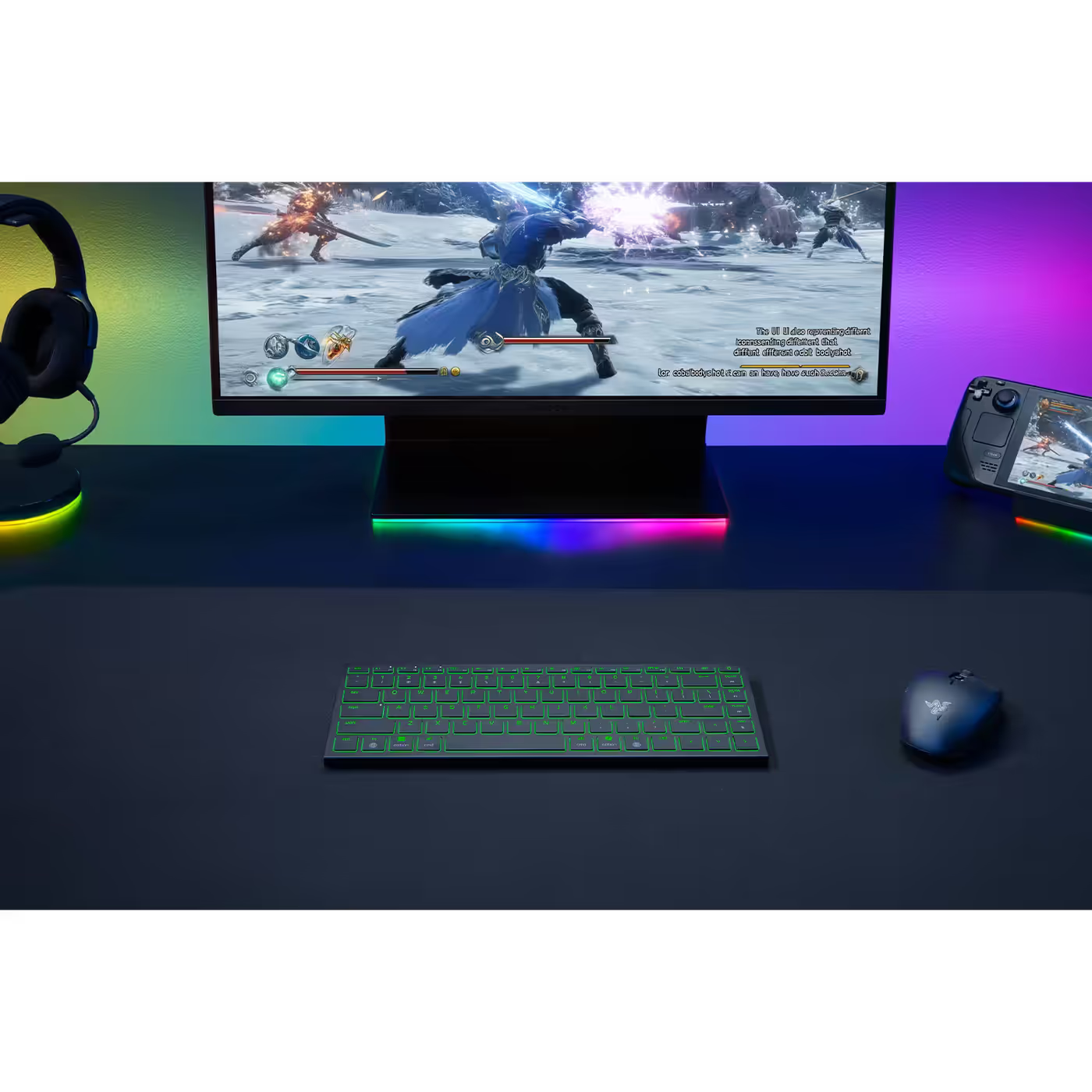
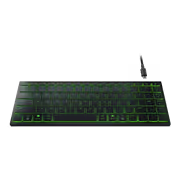
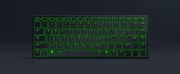
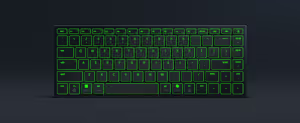
The compact 75% layout keeps a full function row and full-sized arrow keys, lit by single-zone Razer Chroma RGB. Secondary media keys cover media, volume and brightness, and Windows devices get a Copilot key.
The compact 75% layout keeps a full function row and full-sized arrow keys, lit by single-zone Razer Chroma RGB. Secondary media keys cover media, volume and brightness, and Windows devices get a Copilot key.
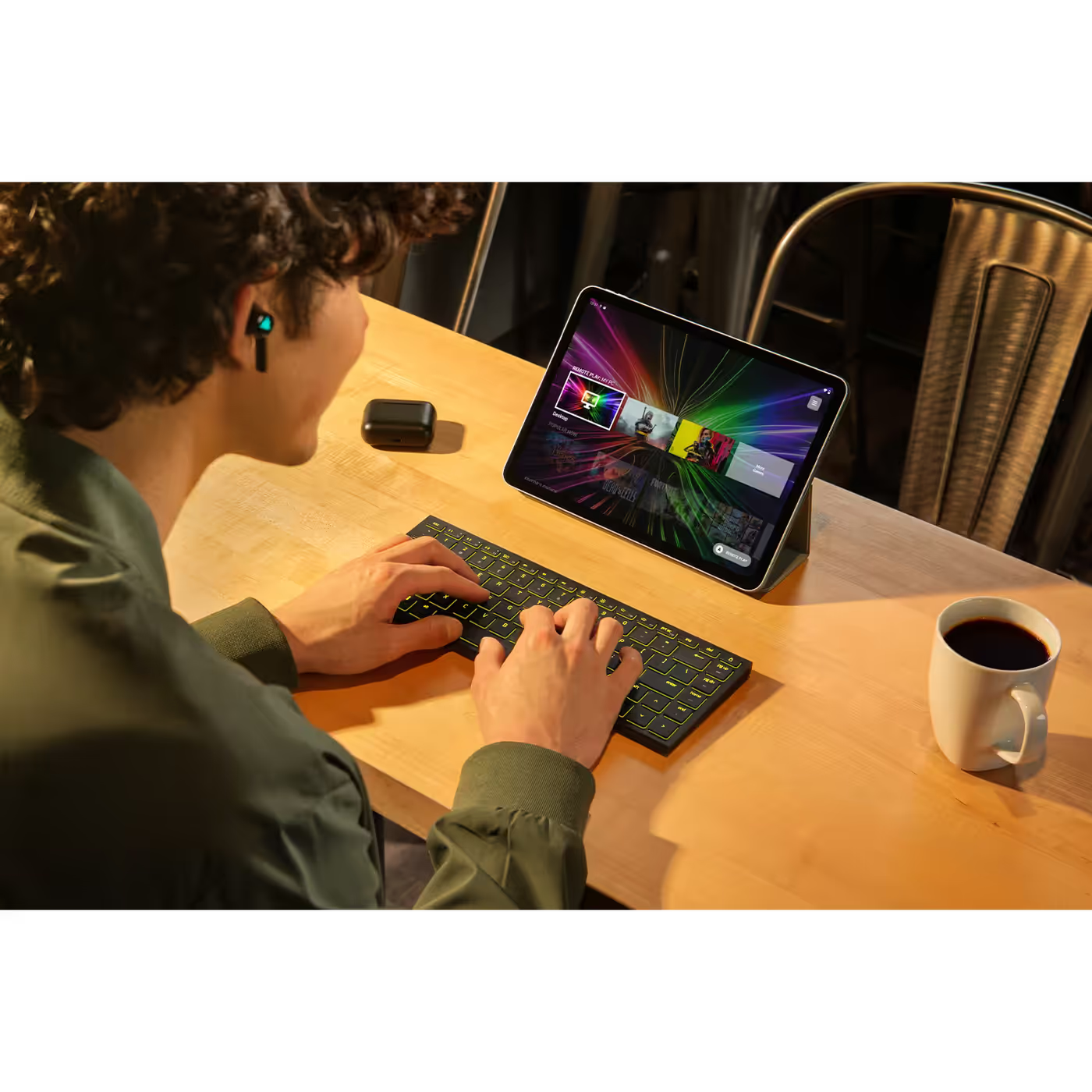
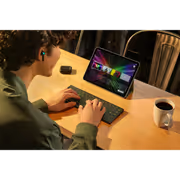
Bluetooth 5.0 pairs the Joro with up to three devices. Hold F1, F2 or F3 to pair, then tap the same key to switch. Razer lists Windows, Mac and iPad support, and Fn + Tab toggles the Windows and Mac bottom-row keys.
Bluetooth 5.0 pairs the Joro with up to three devices. Hold F1, F2 or F3 to pair, then tap the same key to switch. Razer lists Windows, Mac and iPad support, and Fn + Tab toggles the Windows and Mac bottom-row keys.
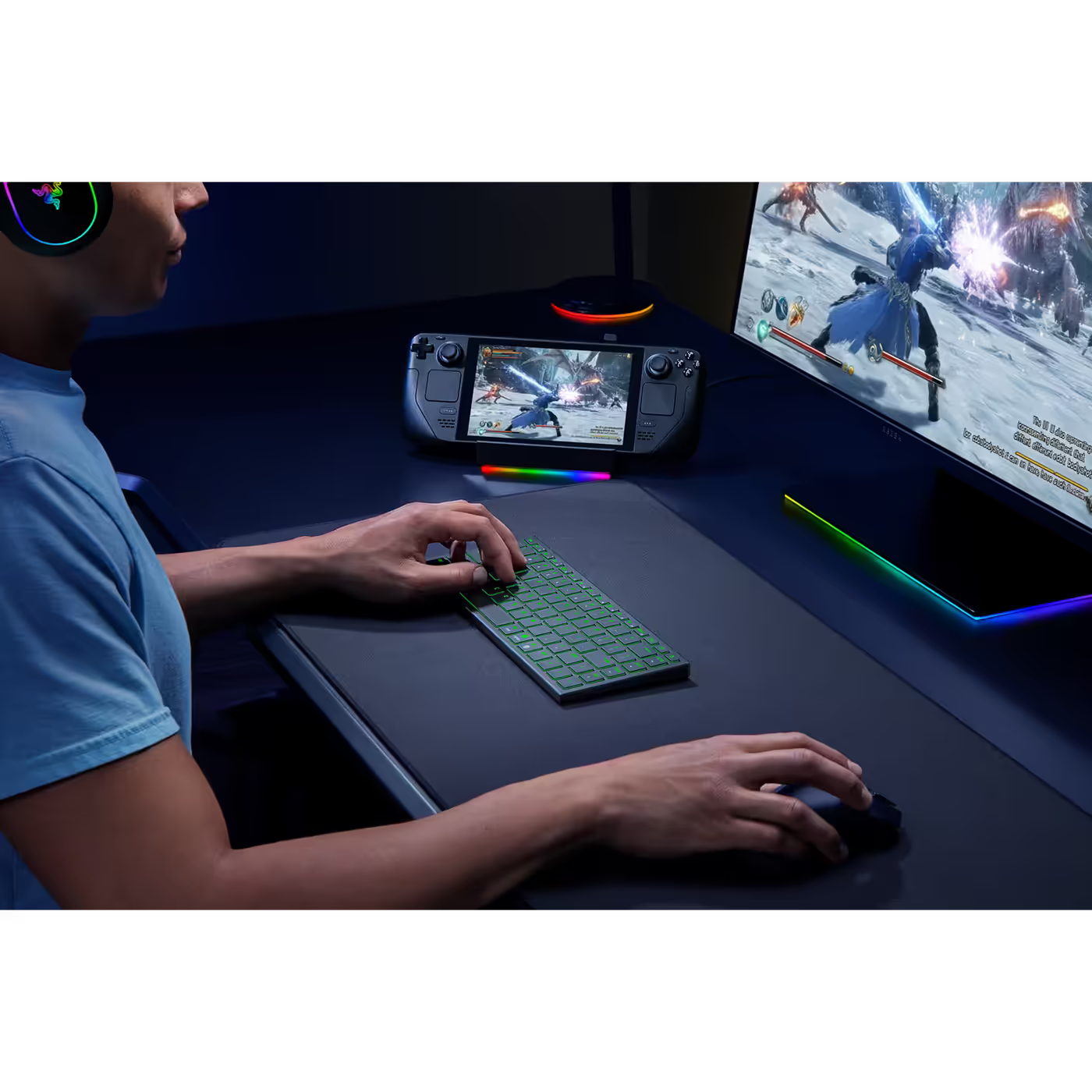
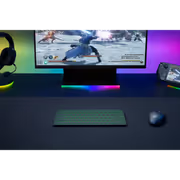
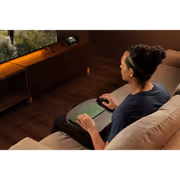
Razer says the Joro works with Bluetooth handhelds such as the Steam Deck and ASUS ROG Ally, so a handheld on a desk becomes a keyboard setup. Razer Snap Tap in Synapse 4 prioritises the latest of two keys for fast direction changes.
Razer says the Joro works with Bluetooth handhelds such as the Steam Deck and ASUS ROG Ally, so a handheld on a desk becomes a keyboard setup. Razer Snap Tap in Synapse 4 prioritises the latest of two keys for fast direction changes.
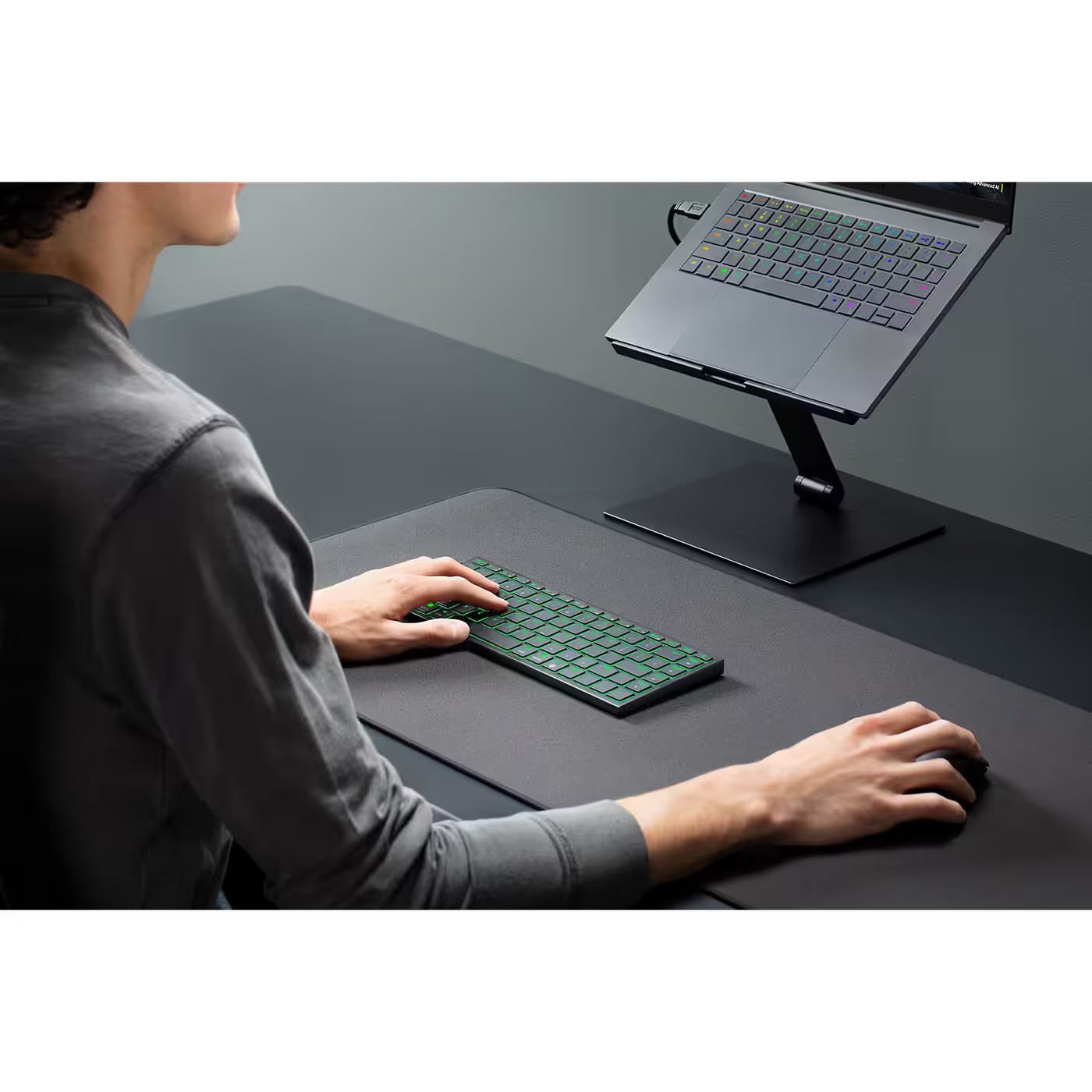
The ultra low-profile switches are scissor switches, like a laptop keyboard, for a short and stable keystroke. Razer tunes them to be quiet but tactile, and the low profile keeps your hands in an ergonomic position.
The ultra low-profile switches are scissor switches, like a laptop keyboard, for a short and stable keystroke. Razer tunes them to be quiet but tactile, and the low profile keeps your hands in an ergonomic position.
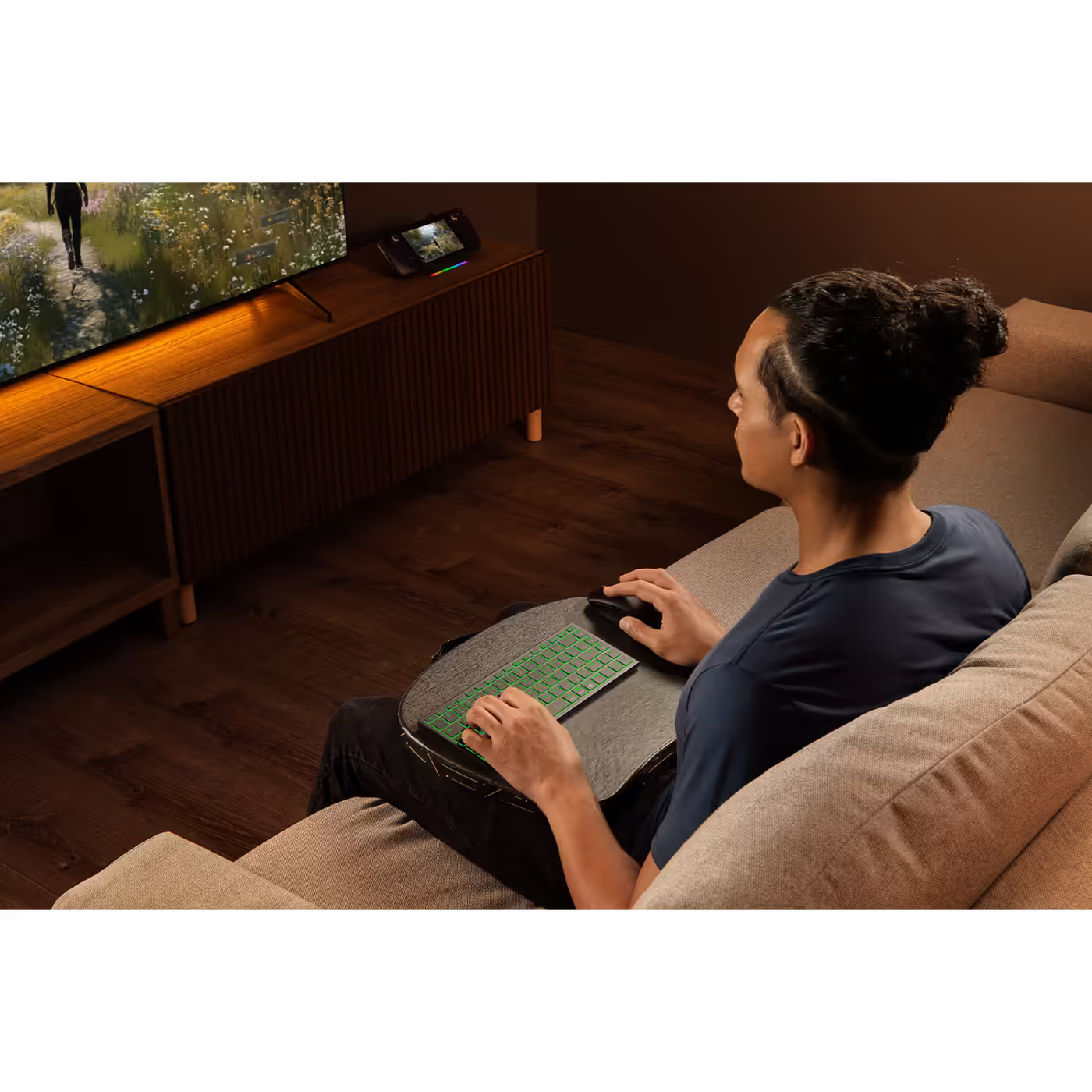
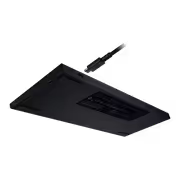
Razer rates the battery at up to 1800 hours with Power Saving Mode (Fn + Esc), which turns off the backlight and lowers the polling rate. Actual battery life depends on how you use it, and the included USB Type-C cable keeps you playing while it charges.
Razer rates the battery at up to 1800 hours with Power Saving Mode (Fn + Esc), which turns off the backlight and lowers the polling rate. Actual battery life depends on how you use it, and the included USB Type-C cable keeps you playing while it charges.
The Joro has N-key rollover with anti-ghosting, fully programmable keys with on-the-fly macro recording, 1000 Hz polling in wired mode and up to 5 onboard profiles. UV-coated laser-etched keycaps resist fading.
The Joro has N-key rollover with anti-ghosting, fully programmable keys with on-the-fly macro recording, 1000 Hz polling in wired mode and up to 5 onboard profiles. UV-coated laser-etched keycaps resist fading.
Everything you need to know about this product
Razer Ultra Low-Profile Switches, which Razer describes as scissor switches like a laptop keyboard: a rubber dome with a scissor stabiliser for a short, stable keystroke. They are quiet but tactile.
Razer rates it at up to 1800 hours with Power Saving Mode (Fn + Esc), which turns off the backlight and lowers the polling rate. Actual battery life depends on usage, settings and environment, and you can play on the included USB Type-C cable while it charges.
Yes. It pairs over Bluetooth 5.0 with up to three devices. Hold F1, F2 or F3 for three seconds to pair, then short-press the same key to switch between them.
Yes, single-zone Razer Chroma RGB with 16.8 million colours. Fn + Ctrl + 1 to 4 cycles the onboard effects or turns them off.
Yes. Razer lists Macs, MacBooks and iPads, and the bottom row has Mac keys such as CMD, Option and the Globe key. Press Fn + Tab to switch between Windows and Mac layouts. It also pairs with handhelds such as the Steam Deck and ASUS ROG Ally over Bluetooth.
It measures 298 mm x 112 mm and is 16.5 mm thin, and weighs about 374 g. The layout is a compact 75% with a full function row and full-sized arrow keys.
Razer says yes: plug a compatible Razer HyperSpeed dongle into your system and pair it in Razer Synapse for a lower-latency wireless link. Out of the box the Joro connects over Bluetooth 5.0 or the USB Type-C cable.
Both. It has Razer Snap Tap, N-key rollover with anti-ghosting, 1000 Hz polling when wired and 5 onboard profiles, in a 374 g body made to go in a bag. It is a low-profile scissor keyboard, so if you want deep mechanical key travel a full-height Razer keyboard suits you better.


AI-Generated Content: These FAQs are generated by an automated AI system and may contain inaccuracies or omissions. Evetech makes no warranties, express or implied, regarding their completeness or reliability. For definitive information, please refer to the manufacturer's official specifications.