uperfect-18-4-4k-qled-portable-monitor
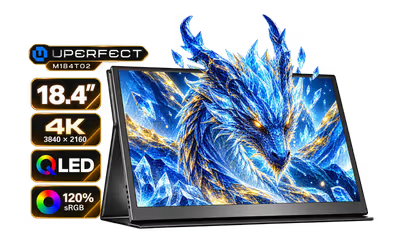
UPERFECT 18.4" 4K QLED Portable Monitor / 4K UHD (3840x2160) QLED Display / 120% sRGB Colour Gamut / 1000:1 Contrast Ratio / 280 cd/m² Peak Brightness / 178° Wide Viewing Angle / 16:9 Aspect Ratio Display / M184T02 + FREE DELIVERY !
2 Years Local Warranty
Model No : UPerfect M184T02
Price Inc. Vat
R 4,299
Save R 2,100
ListR 6,399
4299Free Delivery
Qty:
In Stock with Evetech
UPERFECT 18.4 4K QLED Portable Monitor (QLED 120% sRGB)
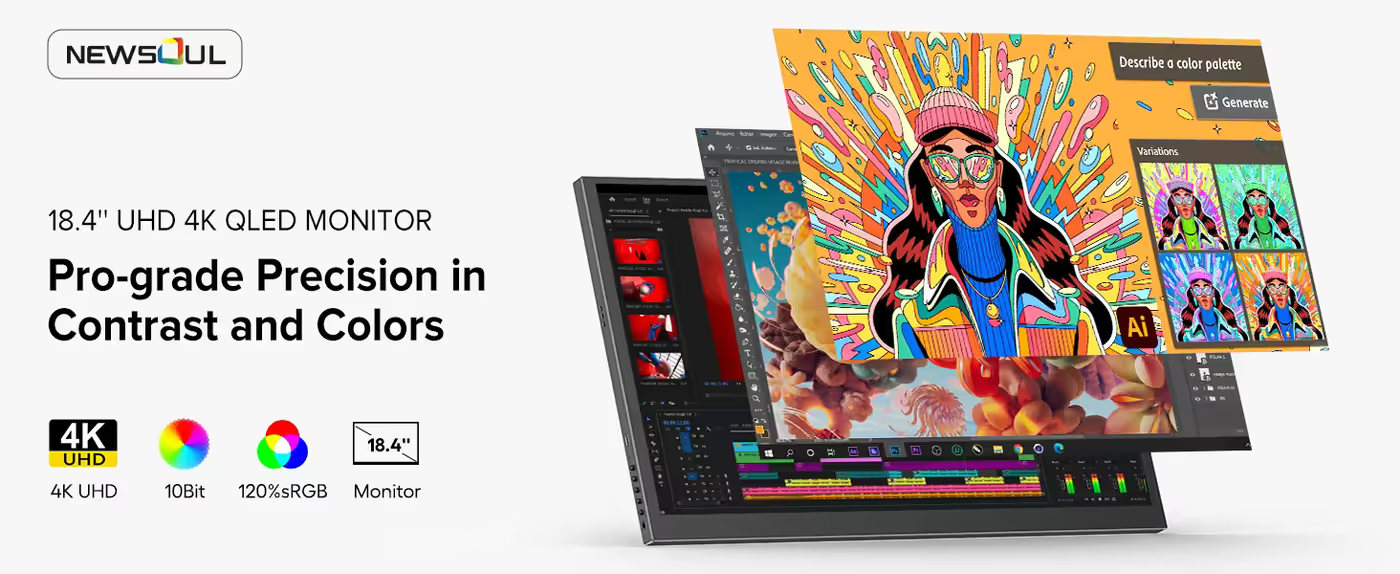
UPERFECT 18.4-Inch 4K QLED Portable Monitor
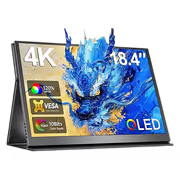
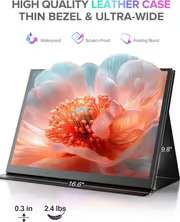
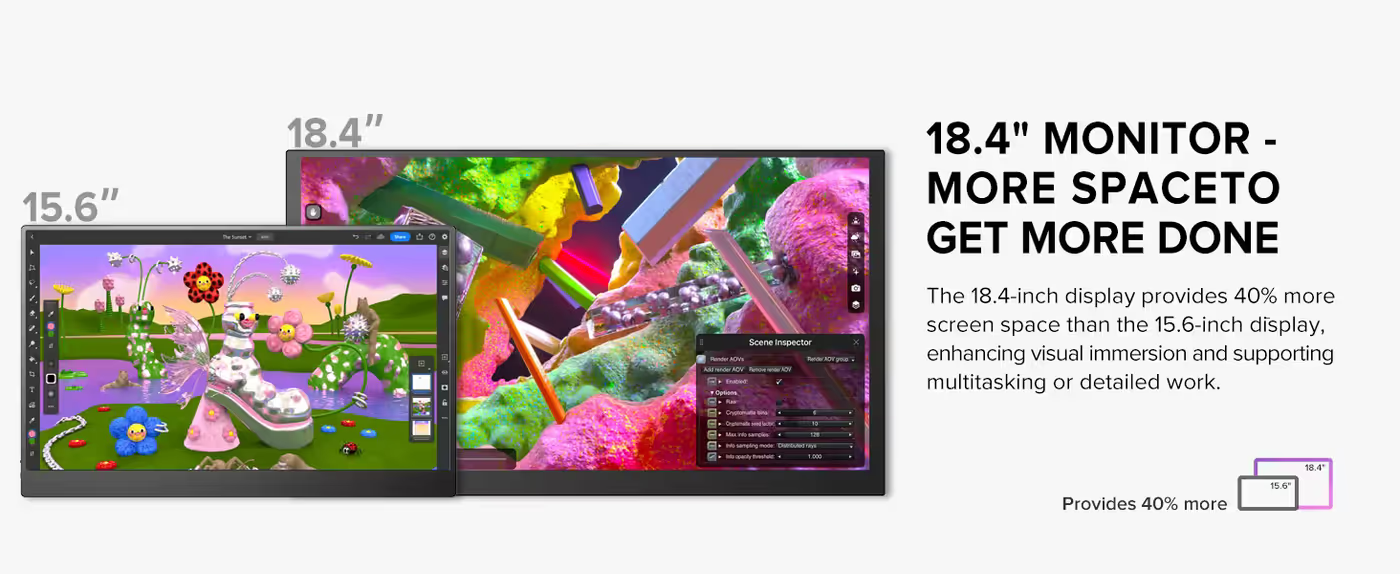
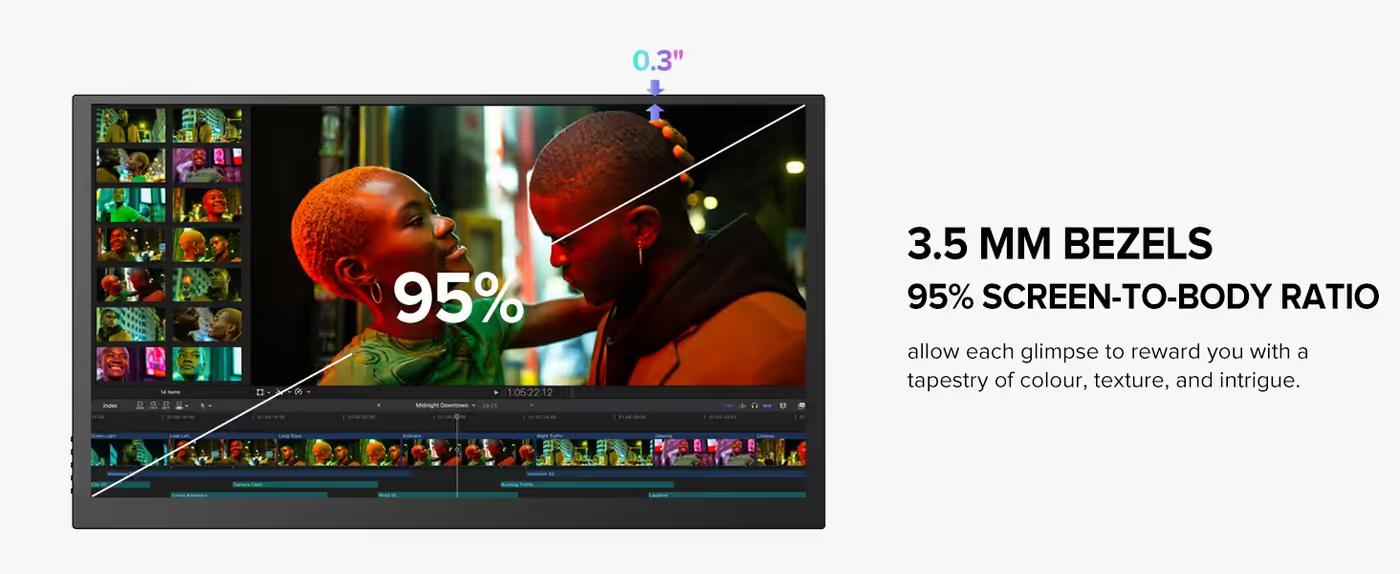
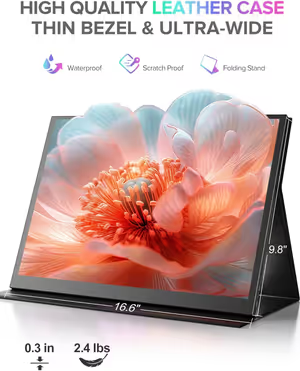
This UPERFECT portable monitor puts an 18.4-inch 4K QLED panel into a screen you can carry, which is noticeably larger than the 15.6-inch size most portable displays settle on. The extra diagonal is what makes two documents side by side genuinely readable rather than technically possible. It is finished in black and built around a 16:9 panel.
UPERFECT 18.4-Inch 4K QLED Portable Monitor
This UPERFECT portable monitor puts an 18.4-inch 4K QLED panel into a screen you can carry, which is noticeably larger than the 15.6-inch size most portable displays settle on. The extra diagonal is what makes two documents side by side genuinely readable rather than technically possible. It is finished in black and built around a 16:9 panel.
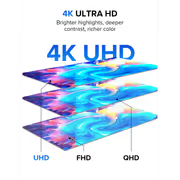
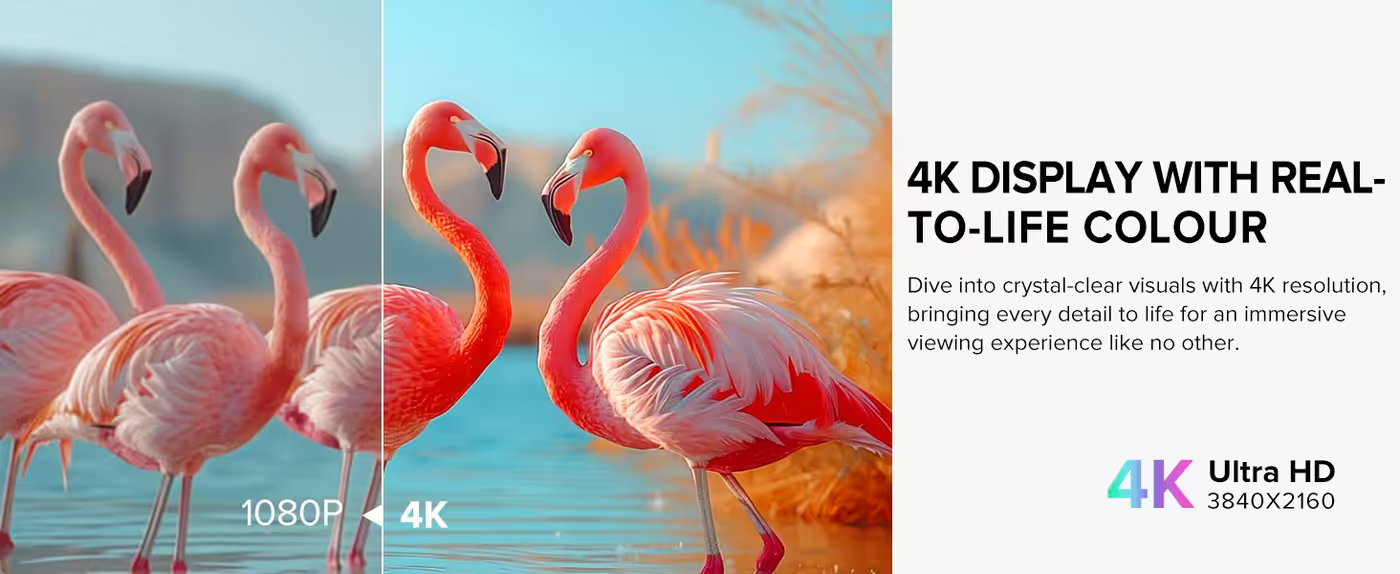
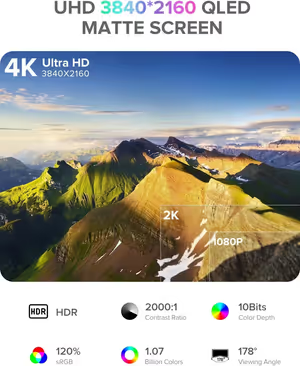
3840 x 2160 Native 4K Resolution
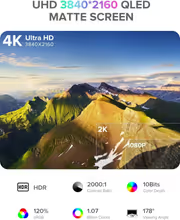
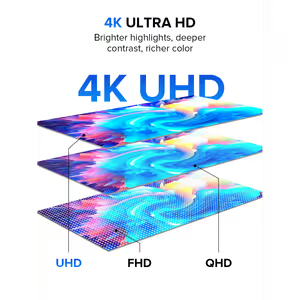
Native resolution is 3840 x 2160, so the panel displays true 4K rather than upscaling a lower signal. On an 18.4-inch screen that resolution gives you room to run two full documents side by side at readable sizes, or a video timeline with the preview still large enough to judge. Nothing is being interpolated on the way to the glass.
3840 x 2160 Native 4K Resolution
Native resolution is 3840 x 2160, so the panel displays true 4K rather than upscaling a lower signal. On an 18.4-inch screen that resolution gives you room to run two full documents side by side at readable sizes, or a video timeline with the preview still large enough to judge. Nothing is being interpolated on the way to the glass.
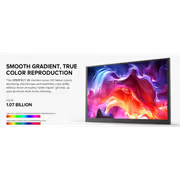
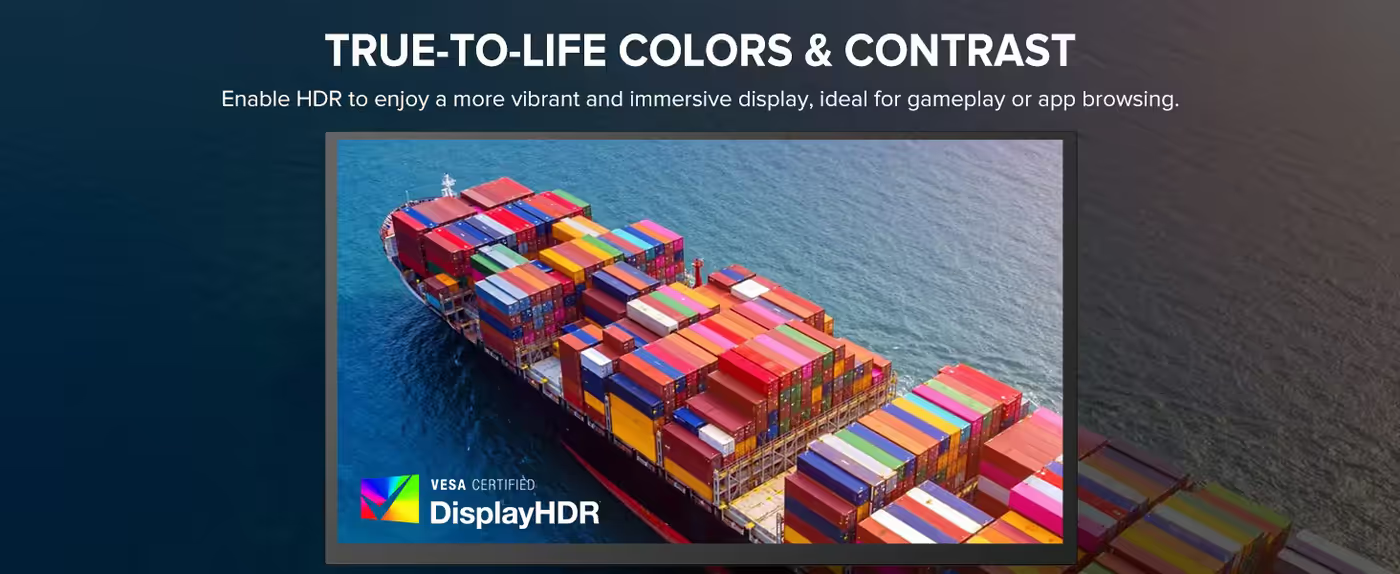
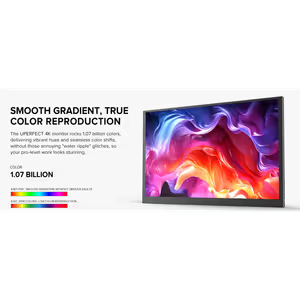
QLED Panel For Purer Primary Colours
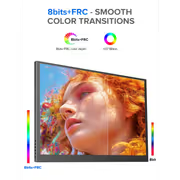
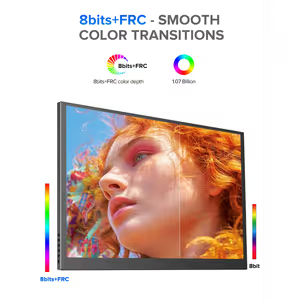
The display uses QLED technology, where a quantum dot layer sits over the backlight and converts light into narrower, purer primaries. Compared with a conventional LED-backlit LCD, that shows up as deeper saturation in reds and greens rather than the slightly washed rendering budget panels produce. It is the panel technology used in premium televisions.
QLED Panel For Purer Primary Colours
The display uses QLED technology, where a quantum dot layer sits over the backlight and converts light into narrower, purer primaries. Compared with a conventional LED-backlit LCD, that shows up as deeper saturation in reds and greens rather than the slightly washed rendering budget panels produce. It is the panel technology used in premium televisions.
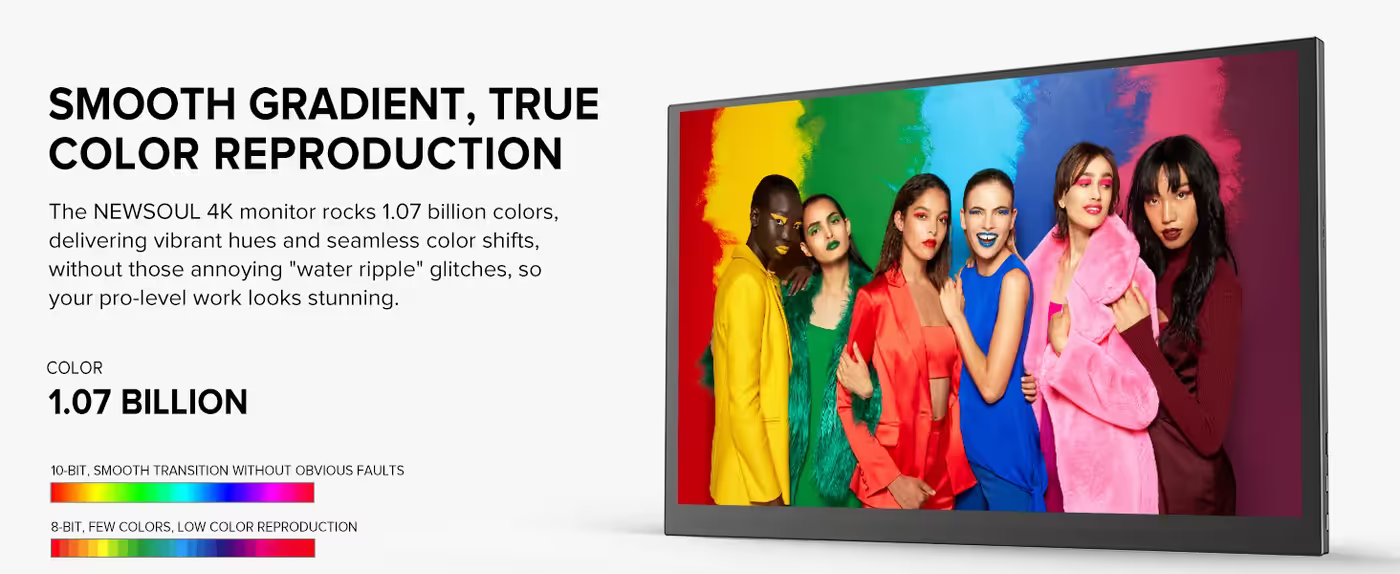
120 Percent sRGB Colour Gamut
Colour gamut coverage is rated at 120 percent of sRGB. That means the panel covers the entire sRGB space that web content, most photography and standard video are authored in, with headroom left over. For a creator working away from a calibrated desktop, gamut coverage is the specification that determines whether colours you approve on the road survive when you get home.
120 Percent sRGB Colour Gamut
Colour gamut coverage is rated at 120 percent of sRGB. That means the panel covers the entire sRGB space that web content, most photography and standard video are authored in, with headroom left over. For a creator working away from a calibrated desktop, gamut coverage is the specification that determines whether colours you approve on the road survive when you get home.
3ms Response Time For Clean Motion
Pixel response is quoted at 3 milliseconds. That figure governs how quickly a pixel can change state, and it is what separates a display where fast motion stays defined from one where it smears into a trail. On an 18.4-inch screen used for gaming or video review, 3ms keeps action legible rather than mushy.
3ms Response Time For Clean Motion
Pixel response is quoted at 3 milliseconds. That figure governs how quickly a pixel can change state, and it is what separates a display where fast motion stays defined from one where it smears into a trail. On an 18.4-inch screen used for gaming or video review, 3ms keeps action legible rather than mushy.
60Hz Refresh Rate For Everyday Work
The panel refreshes at 60Hz, the standard cadence that Windows, macOS, streaming video and most console output are built around. At 60Hz cursor movement and window dragging track your hand smoothly, and 24 and 30 frame video plays back without stutter. For a productivity and media screen, it is the refresh rate that matches the content.
60Hz Refresh Rate For Everyday Work
The panel refreshes at 60Hz, the standard cadence that Windows, macOS, streaming video and most console output are built around. At 60Hz cursor movement and window dragging track your hand smoothly, and 24 and 30 frame video plays back without stutter. For a productivity and media screen, it is the refresh rate that matches the content.
FreeSync Adaptive Sync Removes Tearing
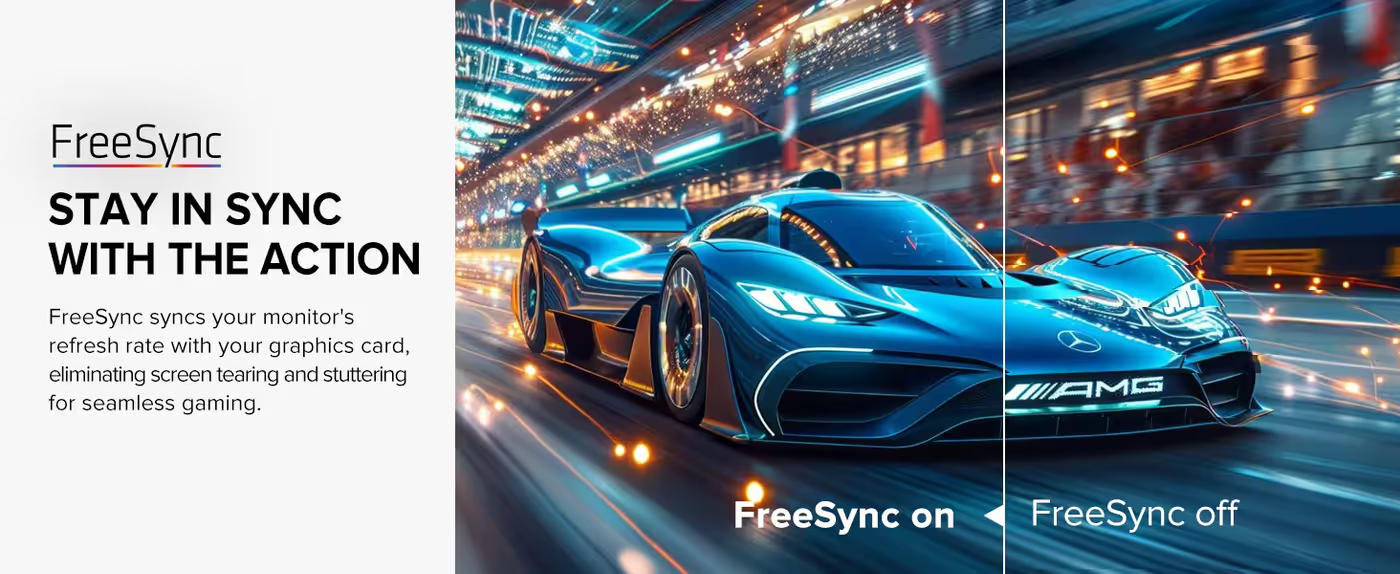
The display supports FreeSync adaptive sync, letting the panel align its refresh with the frame rate a source is actually producing. Without it, a console or laptop delivering frames out of step with a fixed refresh causes a visible tear across the image. FreeSync is a meaningful addition on a screen intended to serve both a laptop and a console.
FreeSync Adaptive Sync Removes Tearing
The display supports FreeSync adaptive sync, letting the panel align its refresh with the frame rate a source is actually producing. Without it, a console or laptop delivering frames out of step with a fixed refresh causes a visible tear across the image. FreeSync is a meaningful addition on a screen intended to serve both a laptop and a console.
178 Degree Wide Viewing Angle
Viewing angle is 178 degrees, so brightness and colour hold their values when you look at the panel from the side rather than straight on. That matters on a portable screen more than a desktop one, because it usually ends up shared: propped on a table for a client, angled toward a colleague, or watched by two people at once.
178 Degree Wide Viewing Angle
Viewing angle is 178 degrees, so brightness and colour hold their values when you look at the panel from the side rather than straight on. That matters on a portable screen more than a desktop one, because it usually ends up shared: propped on a table for a client, angled toward a colleague, or watched by two people at once.
16:9 Aspect Ratio For Familiar Layouts
The panel is 16:9, which is the aspect ratio that video, presentation software and most web layouts are authored in. Content fills the screen without letterboxing, and an 18.4-inch 16:9 panel is wide enough to place two application windows side by side without either dropping into an unusable narrow column.
16:9 Aspect Ratio For Familiar Layouts
The panel is 16:9, which is the aspect ratio that video, presentation software and most web layouts are authored in. Content fills the screen without letterboxing, and an 18.4-inch 16:9 panel is wide enough to place two application windows side by side without either dropping into an unusable narrow column.
0.182mm Pixel Pitch Keeps Text Sharp
Pixel pitch measures 0.182mm, which describes the physical spacing between adjacent pixels. A smaller pitch means a denser image, and at this figure the pixel structure stops being visible at a normal working distance. It is the number behind why 4K on an 18.4-inch panel renders small type cleanly instead of showing jagged edges.
0.182mm Pixel Pitch Keeps Text Sharp
Pixel pitch measures 0.182mm, which describes the physical spacing between adjacent pixels. A smaller pitch means a denser image, and at this figure the pixel structure stops being visible at a normal working distance. It is the number behind why 4K on an 18.4-inch panel renders small type cleanly instead of showing jagged edges.
Matte Screen Finish Diffuses Reflections
The screen finish is matte rather than glossy, which scatters incoming light instead of reflecting the room back at you. A portable monitor gets set up wherever there is space, frequently near a window or under office ceiling lights, so a matte coating removes the single biggest cause of an unusable image in an unfamiliar room.
Matte Screen Finish Diffuses Reflections
The screen finish is matte rather than glossy, which scatters incoming light instead of reflecting the room back at you. A portable monitor gets set up wherever there is space, frequently near a window or under office ceiling lights, so a matte coating removes the single biggest cause of an unusable image in an unfamiliar room.
Built-In Speakers For Sound Without Extras
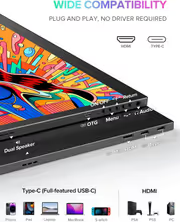
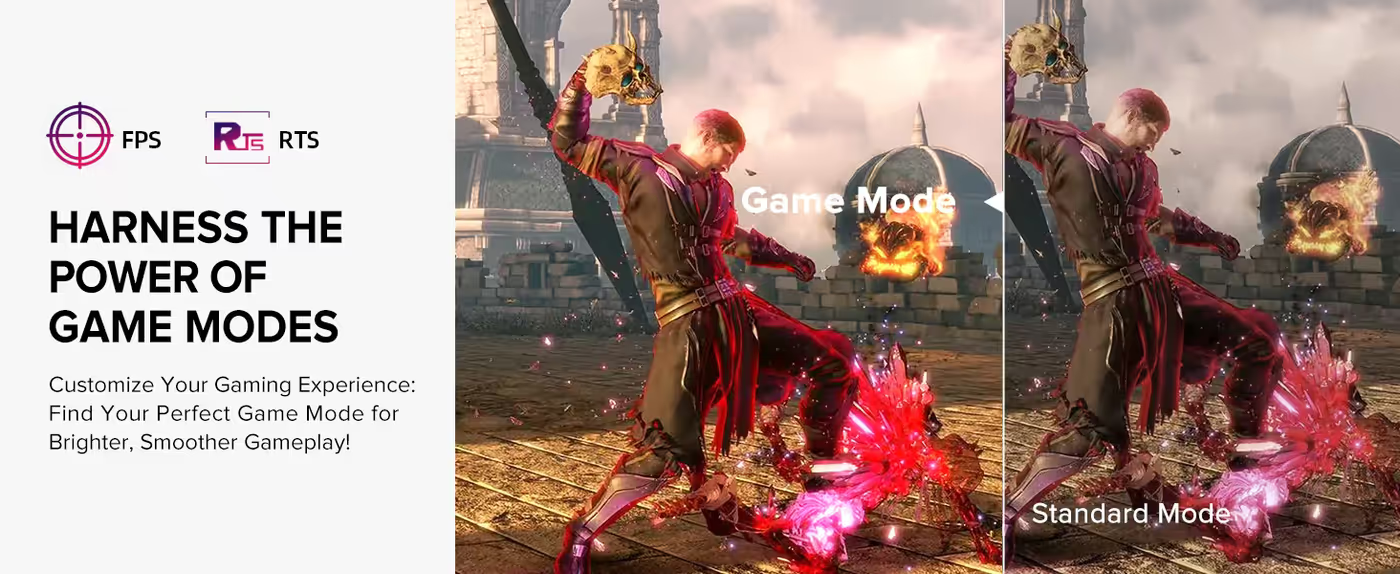
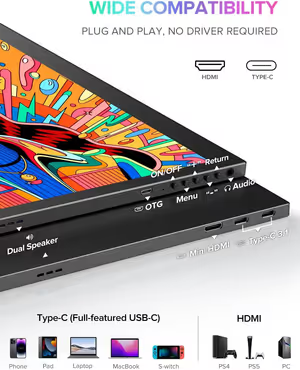
Speakers are built into the monitor, so video calls, tutorials and film playback have audio the moment the screen is connected. It is a small thing until you are in a hotel room without a Bluetooth speaker to hand. Having audio on board also means one fewer accessory to pack for a trip.
Built-In Speakers For Sound Without Extras
Speakers are built into the monitor, so video calls, tutorials and film playback have audio the moment the screen is connected. It is a small thing until you are in a hotel room without a Bluetooth speaker to hand. Having audio on board also means one fewer accessory to pack for a trip.
3.5mm Audio Output For Headphones
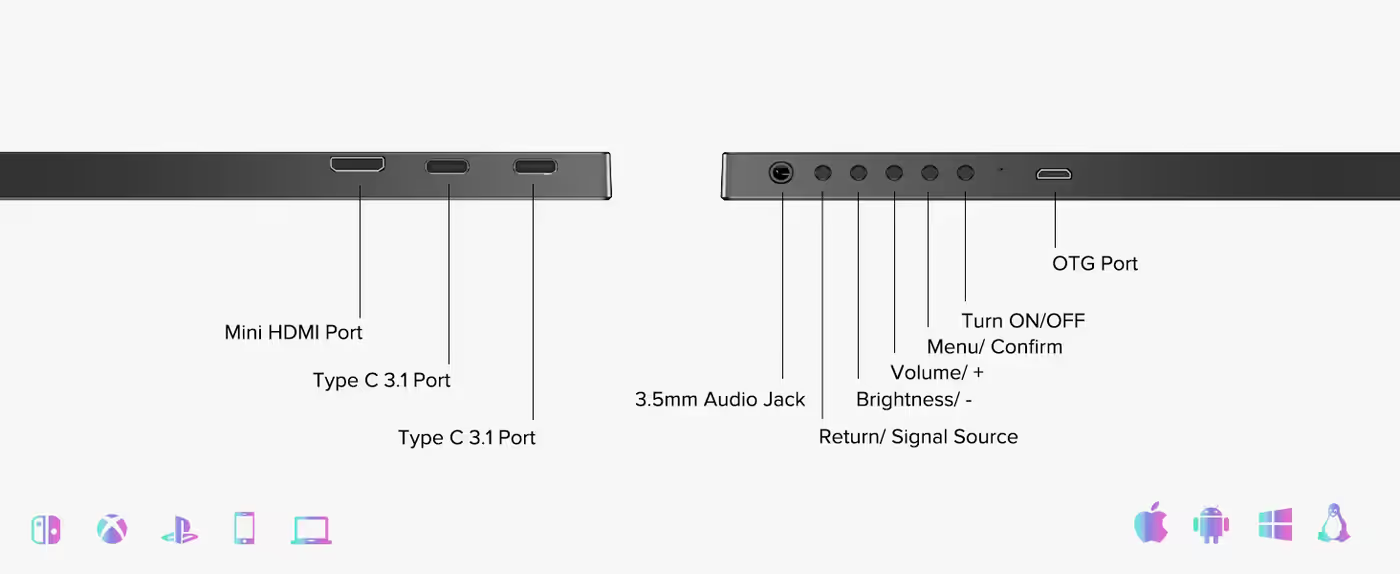
A 3.5mm audio port is fitted for headphones or powered desk speakers. Wired audio out of the monitor avoids the pairing step and latency that Bluetooth introduces, which matters when you are watching video or on a call. It also means the sound follows whichever source is currently driving the display.
3.5mm Audio Output For Headphones
A 3.5mm audio port is fitted for headphones or powered desk speakers. Wired audio out of the monitor avoids the pairing step and latency that Bluetooth introduces, which matters when you are watching video or on a call. It also means the sound follows whichever source is currently driving the display.
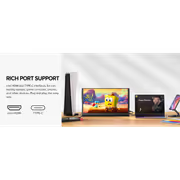
USB 3.1 Type-C Single-Cable Connection
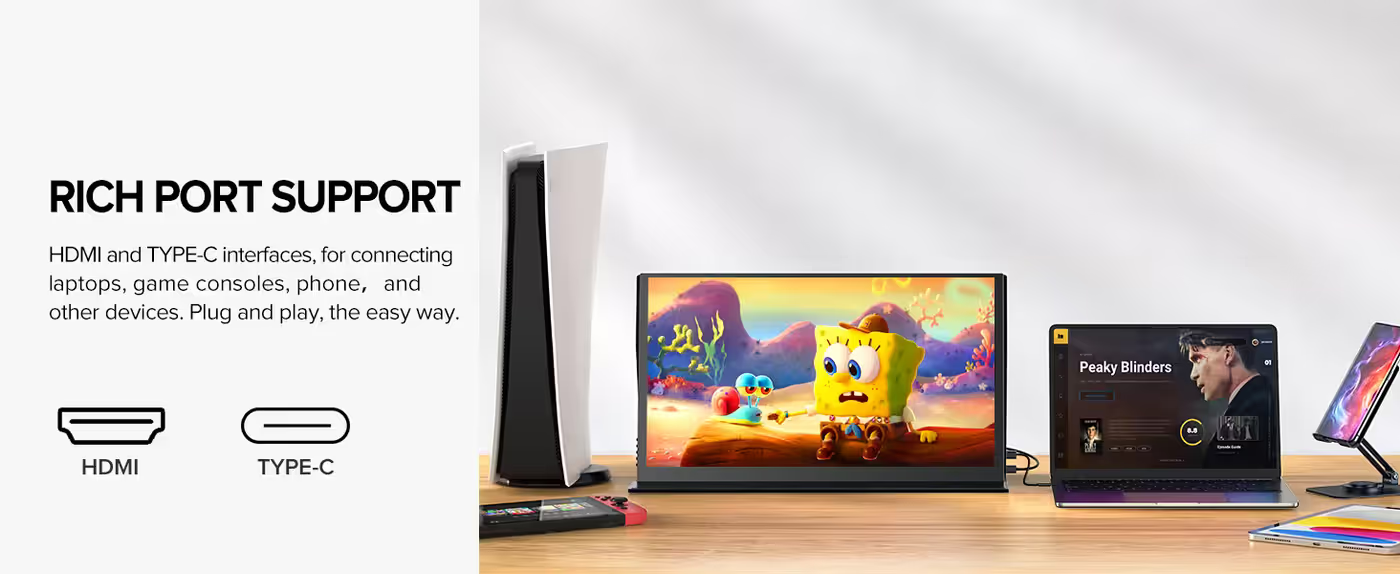
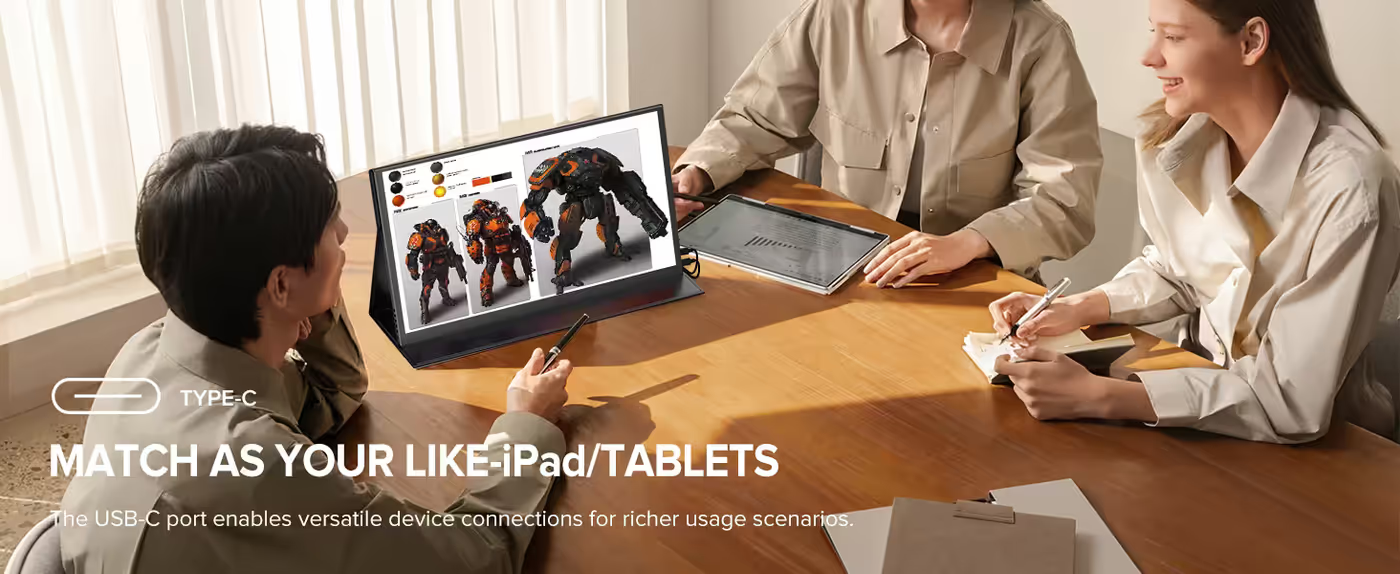
A USB 3.1 Type-C port connects the monitor to a modern laptop, carrying video over one cable. That is the fastest possible setup: plug in and the second screen appears with nothing to configure. On a desk where you dock and undock daily, a single connector is what makes an 18.4-inch monitor practical to keep moving.
USB 3.1 Type-C Single-Cable Connection
A USB 3.1 Type-C port connects the monitor to a modern laptop, carrying video over one cable. That is the fastest possible setup: plug in and the second screen appears with nothing to configure. On a desk where you dock and undock daily, a single connector is what makes an 18.4-inch monitor practical to keep moving.
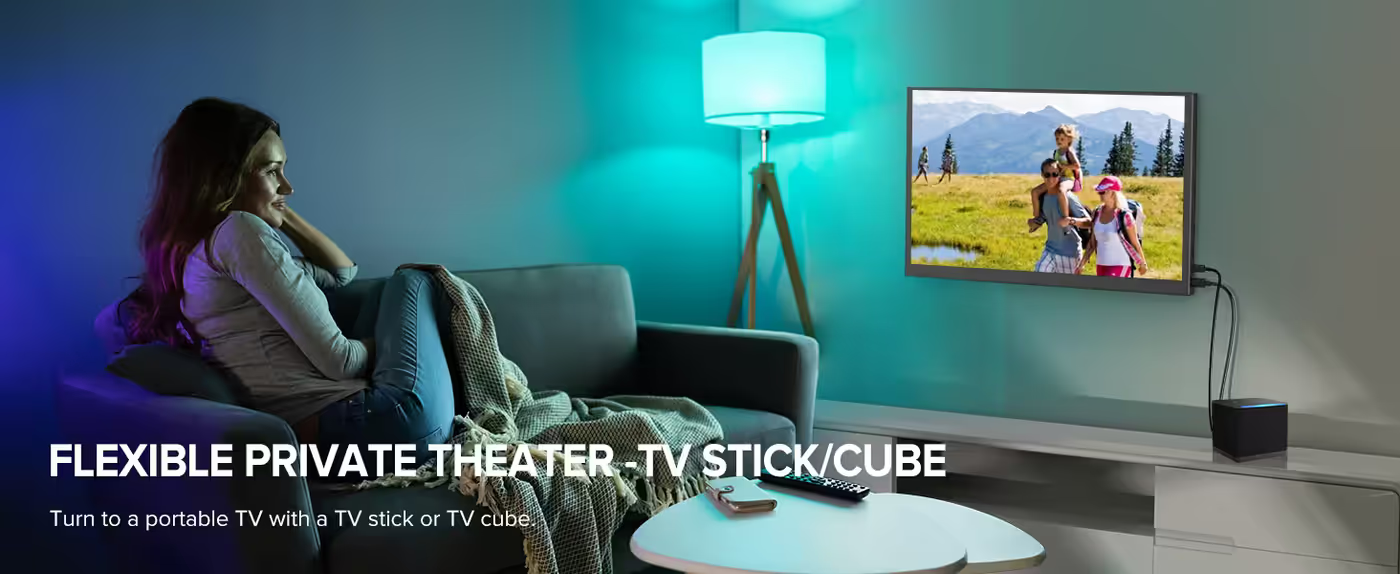
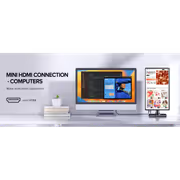
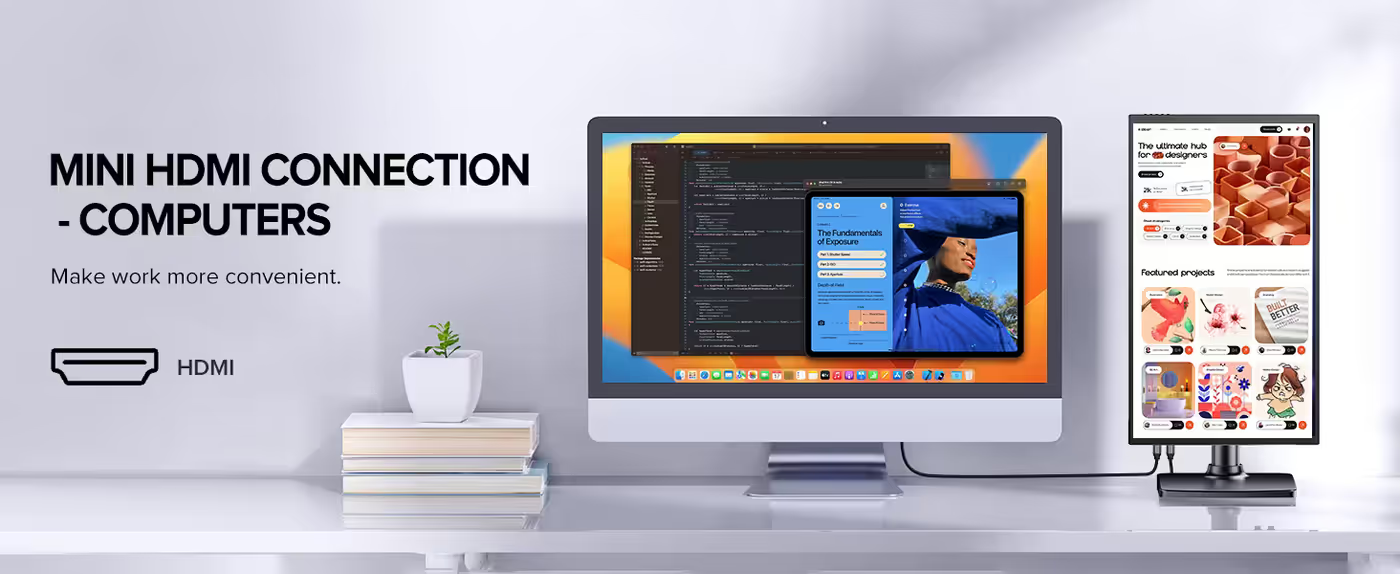
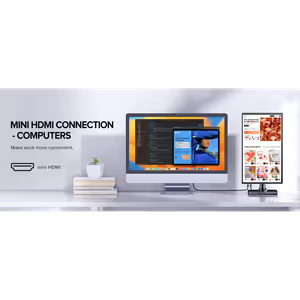
Mini HDMI Input For Consoles And Cameras
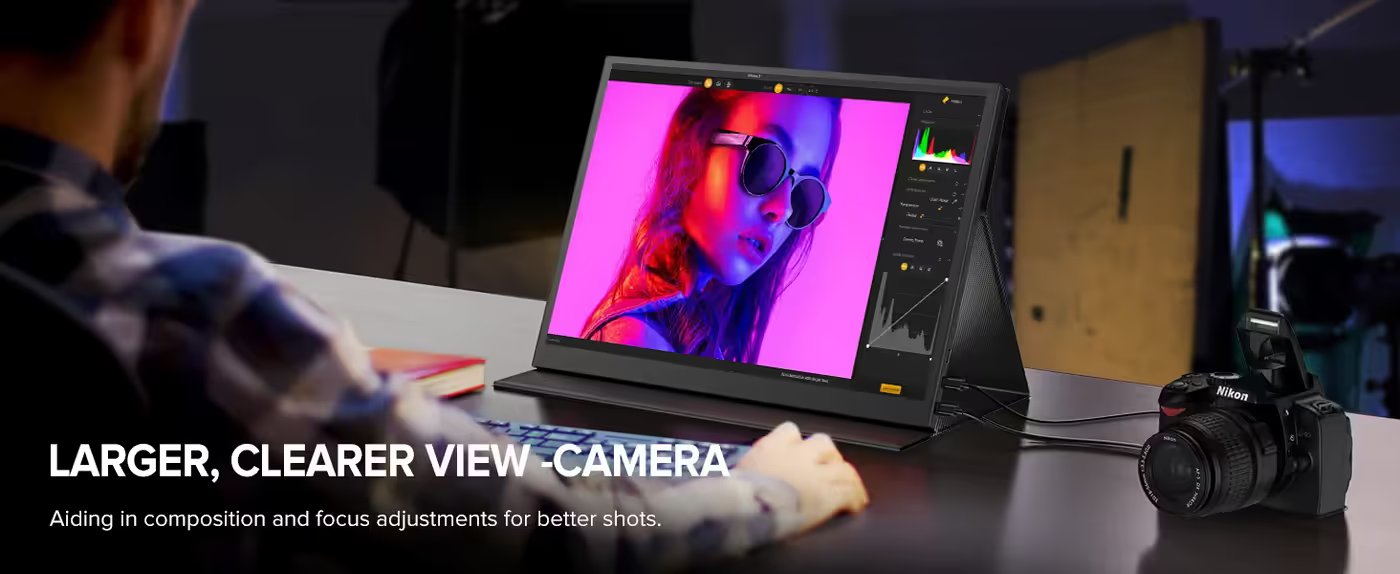
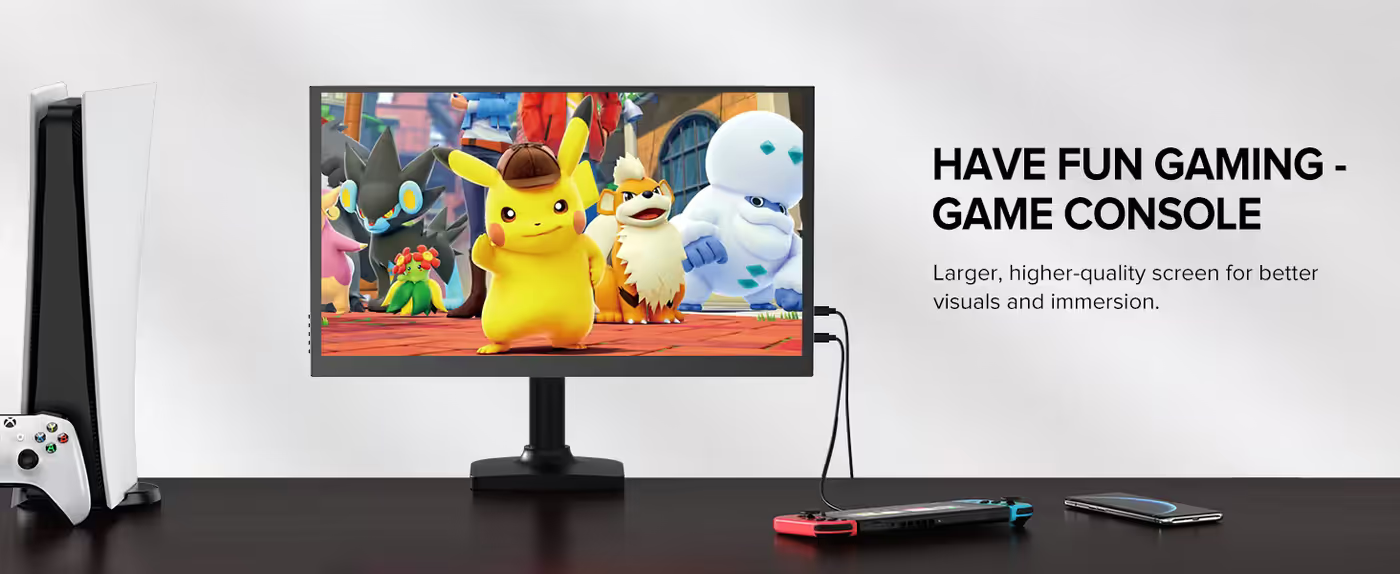
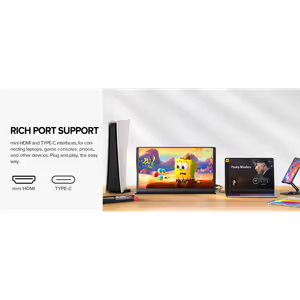
A mini HDMI input handles sources that do not offer USB-C video output, covering games consoles, set-top boxes, cameras and older laptops. Because both interfaces sit on the same panel, one monitor can serve a work laptop through the day and a console in the evening without any change of equipment.
Mini HDMI Input For Consoles And Cameras
A mini HDMI input handles sources that do not offer USB-C video output, covering games consoles, set-top boxes, cameras and older laptops. Because both interfaces sit on the same panel, one monitor can serve a work laptop through the day and a console in the evening without any change of equipment.
Two USB 3.0 Ports On The Panel
The monitor carries two USB 3.0 ports in addition to its video inputs. Having USB on the display itself keeps a mouse, keyboard receiver or flash drive plugged into the screen rather than competing for the limited ports on a thin laptop. It is a small piece of hub behaviour built into the panel.
Two USB 3.0 Ports On The Panel
The monitor carries two USB 3.0 ports in addition to its video inputs. Having USB on the display itself keeps a mouse, keyboard receiver or flash drive plugged into the screen rather than competing for the limited ports on a thin laptop. It is a small piece of hub behaviour built into the panel.

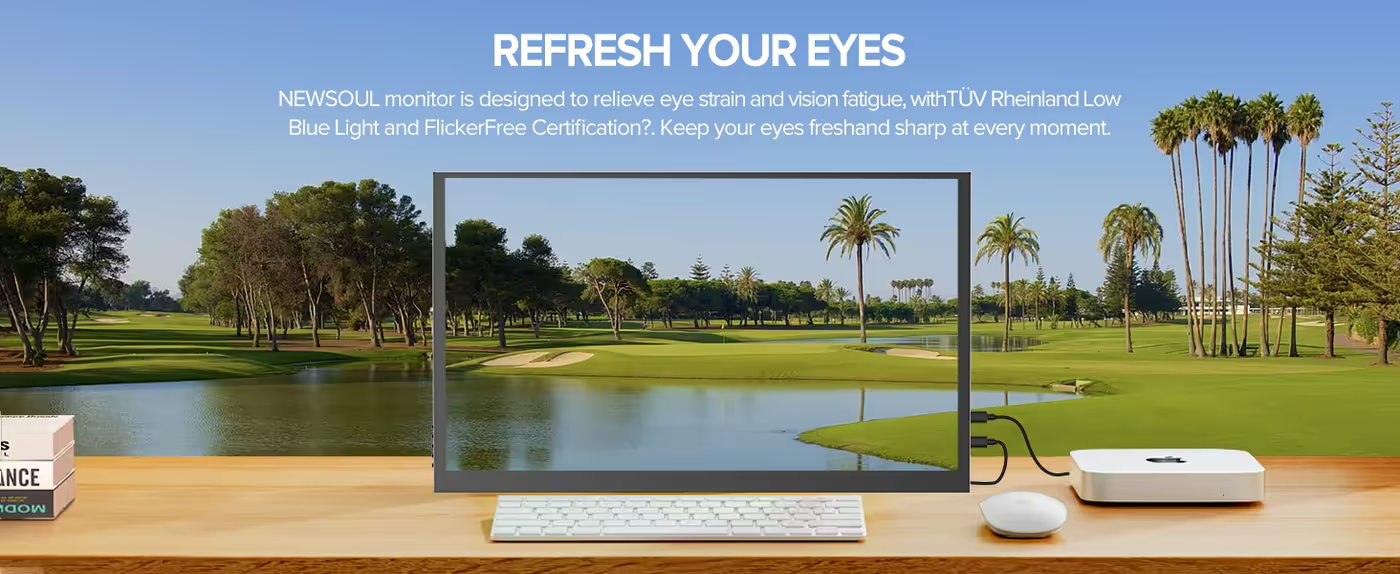
Blue Light Filter And Flicker-Free Backlight
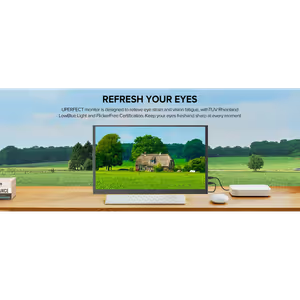
The display includes a blue light filter and a flicker-free backlight, listed together under its eye care features. Flicker-free means the backlight is driven without the rapid brightness cycling that causes fatigue over a long session, and the blue light filter shifts the colour balance warmer for late-night work. Both matter on a screen used for full working days.
Blue Light Filter And Flicker-Free Backlight
The display includes a blue light filter and a flicker-free backlight, listed together under its eye care features. Flicker-free means the backlight is driven without the rapid brightness cycling that causes fatigue over a long session, and the blue light filter shifts the colour balance warmer for late-night work. Both matter on a screen used for full working days.

30W Power Delivery Charger In The Box
A PD 30W power charger is supplied with the monitor, which means the screen has its own supply rather than drawing everything from the laptop. That is the difference between a portable monitor that runs at full brightness all day and one that flattens the machine driving it. The charger connects over the panel's USB-C interface.
30W Power Delivery Charger In The Box
A PD 30W power charger is supplied with the monitor, which means the screen has its own supply rather than drawing everything from the laptop. That is the difference between a portable monitor that runs at full brightness all day and one that flattens the machine driving it. The charger connects over the panel's USB-C interface.
Cables And Smart Cover Included
The box holds the 18.4-inch monitor, one mini HDMI cable, two Type-C to Type-C cables, and a user manual with a smart cover. Two Type-C cables is a deliberate choice, since one carries video from the laptop while the other runs power from the supplied adapter. The smart cover protects the panel between locations.
Cables And Smart Cover Included
The box holds the 18.4-inch monitor, one mini HDMI cable, two Type-C to Type-C cables, and a user manual with a smart cover. Two Type-C cables is a deliberate choice, since one carries video from the laptop while the other runs power from the supplied adapter. The smart cover protects the panel between locations.
Wall Mounting And Black Finish
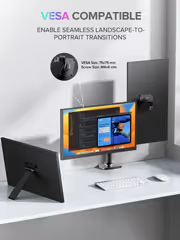
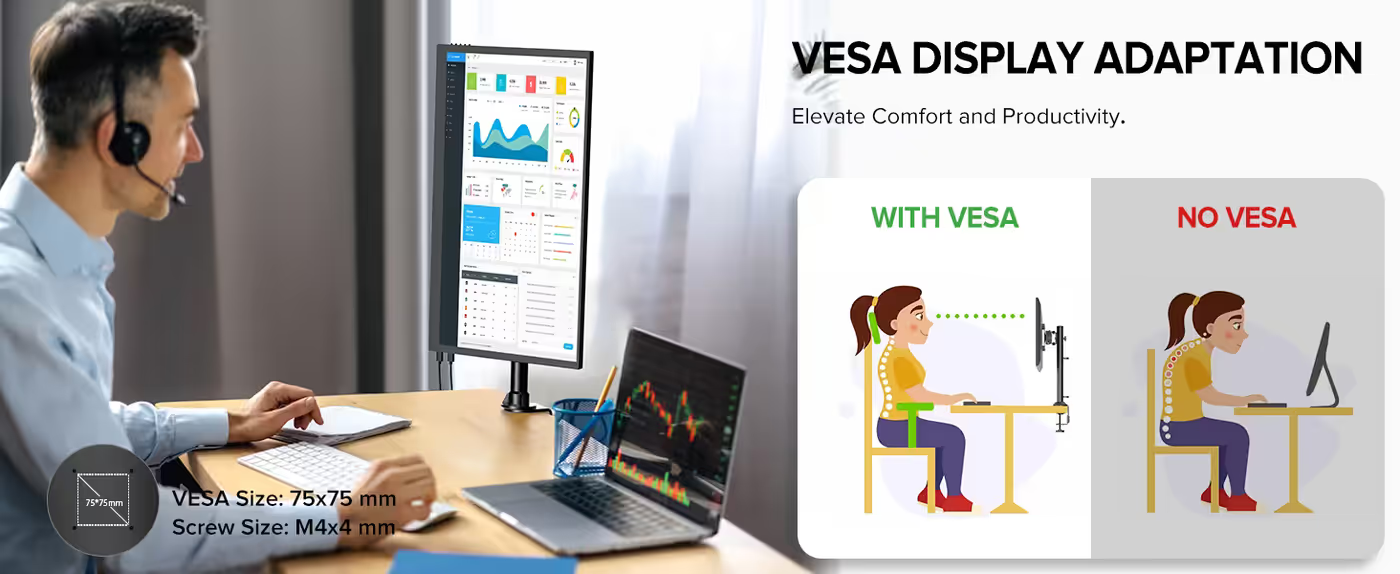
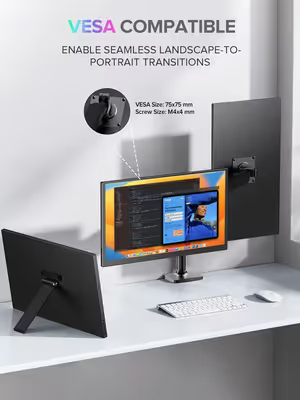
The monitor supports wall mounting, so it can be fixed in place as a secondary display in a workshop, kitchen or studio rather than only living on a desk. The chassis is finished in black, which stays visually quiet against most walls and desks. A rectangular slim profile keeps it flush when mounted.
Wall Mounting And Black Finish
The monitor supports wall mounting, so it can be fixed in place as a secondary display in a workshop, kitchen or studio rather than only living on a desk. The chassis is finished in black, which stays visually quiet against most walls and desks. A rectangular slim profile keeps it flush when mounted.
FAQ
Frequently Asked Questions
Everything you need to know about this product
The panel measures 18.4 inches on the diagonal, which is larger than the usual 15.6-inch portable format.
Native resolution is 3840 x 2160, so it displays true 4K UHD rather than upscaling a lower signal.
It uses a QLED panel, where a quantum dot layer produces purer primary colours than a standard LED-backlit LCD.
The display is rated at 120 percent of the sRGB colour gamut, covering the full sRGB space with headroom.
The panel refreshes at 60Hz with a quoted 3 millisecond response time.
Yes, FreeSync is supported, which aligns the panel refresh with the frame rate the source is delivering.
A USB 3.1 Type-C port carries video over a single cable from a compatible laptop.
Yes, a mini HDMI input is fitted alongside the Type-C port for consoles, cameras and older laptops.
Yes, speakers are built into the panel, and a 3.5mm audio port is available for headphones.
You receive the monitor, a mini HDMI cable, a PD 30W power charger, two Type-C to Type-C cables and a user manual with smart cover.
The display includes a blue light filter and a flicker-free backlight for longer working sessions.
Yes, the monitor supports wall mounting as well as standing on a desk.

AI-Generated Content: These FAQs are generated by an automated AI system and may contain inaccuracies or omissions. Evetech makes no warranties, express or implied, regarding their completeness or reliability. For definitive information, please refer to the manufacturer's official specifications.
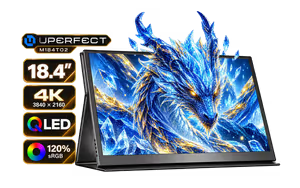
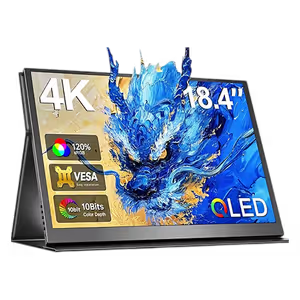
Please Note: Product images are for illustrative purposes only and may differ from the actual product.
Choose your
own PC
Hand-pick every part with live stock, compatibility, and instant pricing.
Try the new builderPrice Inc. Vat
R 4,299
Save R 2,100
ListR 6,399
4299Free Delivery
Qty:
In Stock with Evetech
Choose your
own PC
Hand-pick every part with live stock, compatibility, and instant pricing.
Try the new builderUPERFECT 18.4" 4K QLED Portable Monitor