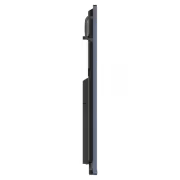
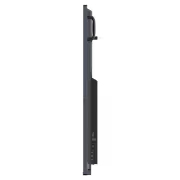
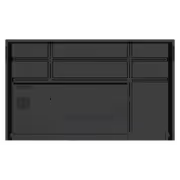
viewsonic-viewboard-75-4k-interactive-display
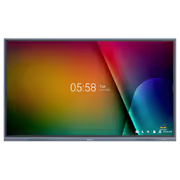
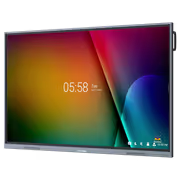
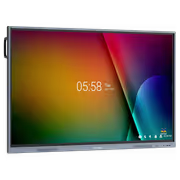
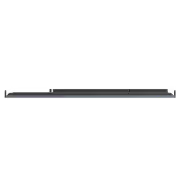
ViewSonic ViewBoard 75" 4K Interactive Display / 4K UHD (3840x2160) Resolution / 6ms Response Time / USB-C One-Cable 65W Power Solution / Android 11 Smooth Operating System / Simplified Organization Clutter-Free Workspace / Professional-Grade Interactive Teaching Display / IFP7533-G + FREE DELIVERY !
3 Years Local Warranty
Model No : Viewsonic IFP7533-G
Price Inc. Vat
R 39,999
Save R 3,000
ListR 42,999
39999Free Delivery
Qty:
In Stock with Evetech
ViewSonic ViewBoard 75 4K Interactive Display | 6ms

Advanced Multitasking for Enhanced Learning
Boost your educational sessions with versatile split-screen functionality. Whether using Picture-in-Picture to sketch while viewing video content or Picture-by-Picture mode to display two separate windows side-by-side for simultaneous note-taking and testing, this display streamlines classroom productivity.
Advanced Multitasking for Enhanced Learning
Boost your educational sessions with versatile split-screen functionality. Whether using Picture-in-Picture to sketch while viewing video content or Picture-by-Picture mode to display two separate windows side-by-side for simultaneous note-taking and testing, this display streamlines classroom productivity.
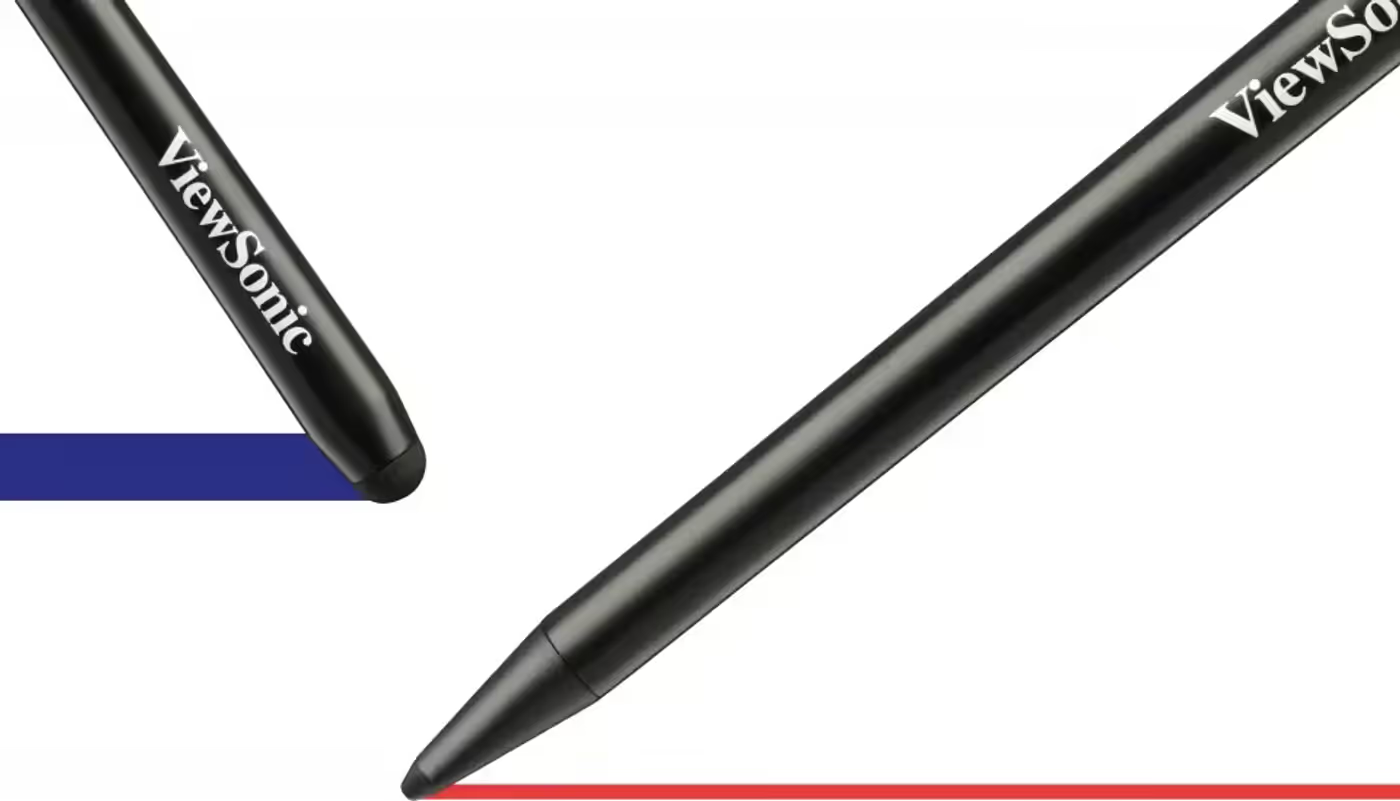
Intuitive Collaboration with Ultra-Fine Touch
The ViewBoard IFP33 Series is engineered for interactive teamwork, boasting 40 touchpoints and advanced Ultra-Fine Touch technology. Its dual-pen support delivers a natural pen-on-paper feel, allowing users to quickly swap between different line thicknesses and colors during group activities.
Intuitive Collaboration with Ultra-Fine Touch
The ViewBoard IFP33 Series is engineered for interactive teamwork, boasting 40 touchpoints and advanced Ultra-Fine Touch technology. Its dual-pen support delivers a natural pen-on-paper feel, allowing users to quickly swap between different line thicknesses and colors during group activities.
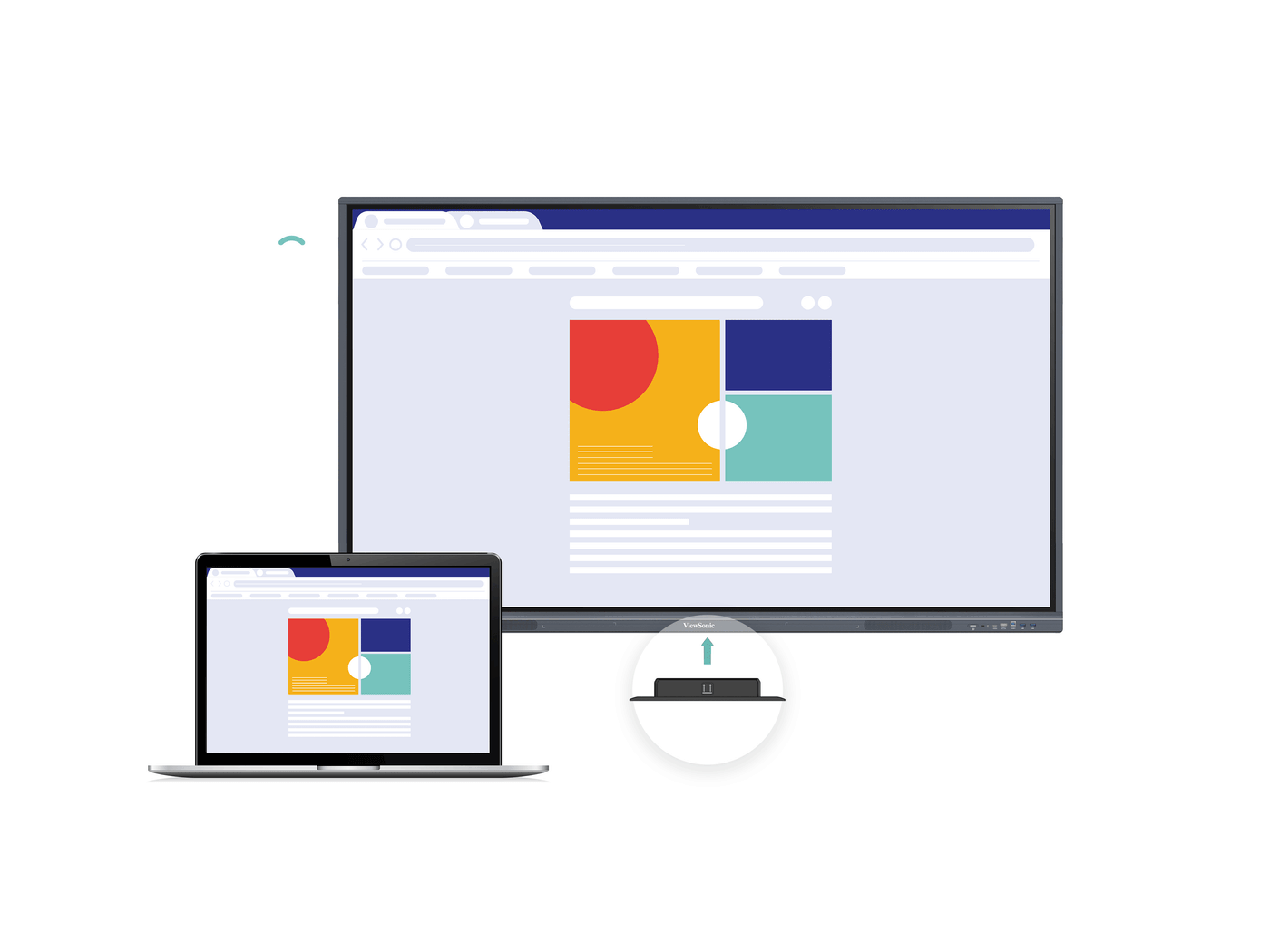
Streamlined Connectivity via USB-C
Simplify your classroom infrastructure with an efficient USB-C single-cable interface. This solution enables rapid data transfer and immediate multimedia playback, while providing up to 65W power delivery to keep your connected laptop charged and your workspace organized.
Streamlined Connectivity via USB-C
Simplify your classroom infrastructure with an efficient USB-C single-cable interface. This solution enables rapid data transfer and immediate multimedia playback, while providing up to 65W power delivery to keep your connected laptop charged and your workspace organized.
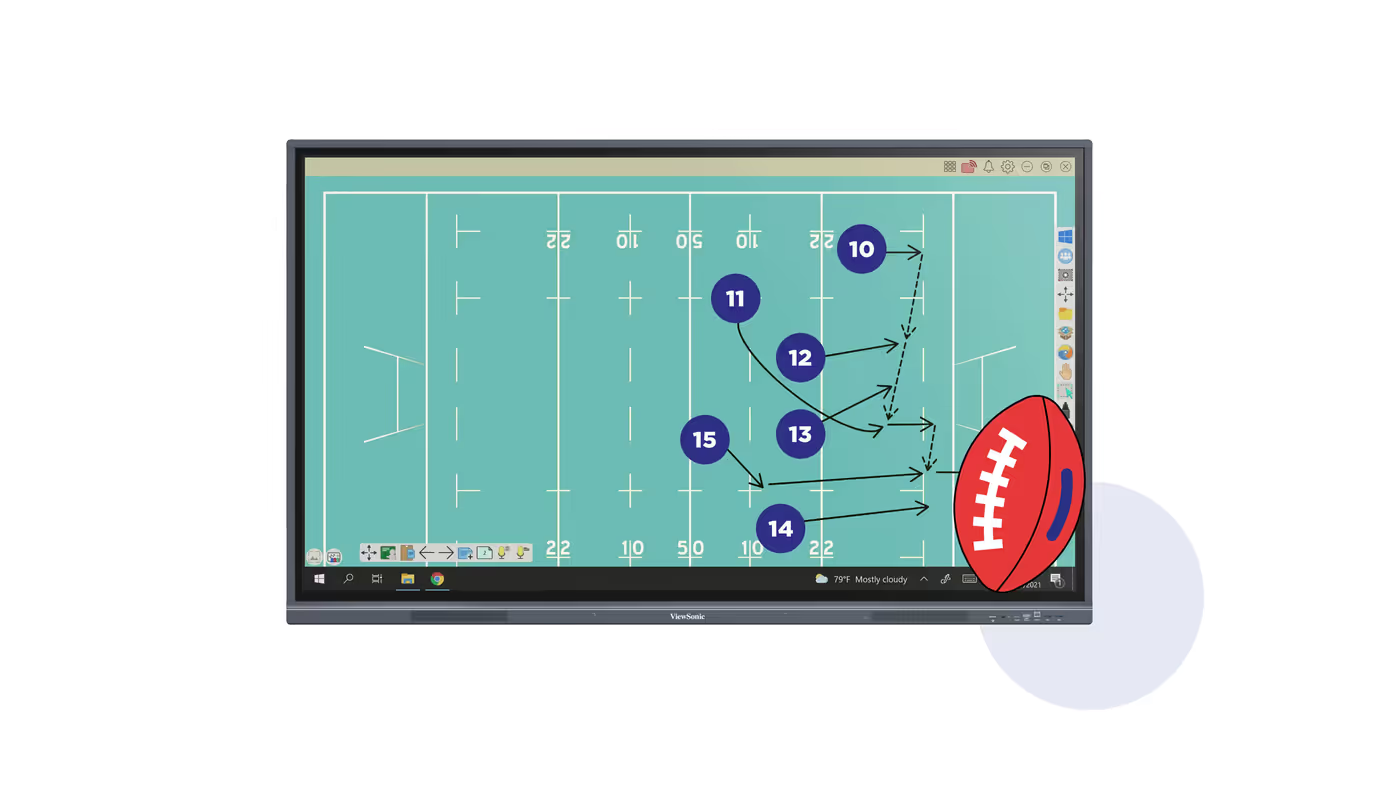
Interactive Lesson Integration with myViewBoard
The ViewBoard IFP33 Series works in harmony with myViewBoard software, empowering educators with a versatile suite of tools for interactive presentations. This platform simplifies the process of creating, storing, and distributing teaching materials instantly across diverse platforms.
Interactive Lesson Integration with myViewBoard
The ViewBoard IFP33 Series works in harmony with myViewBoard software, empowering educators with a versatile suite of tools for interactive presentations. This platform simplifies the process of creating, storing, and distributing teaching materials instantly across diverse platforms.
Streamlined Wireless Content Sharing
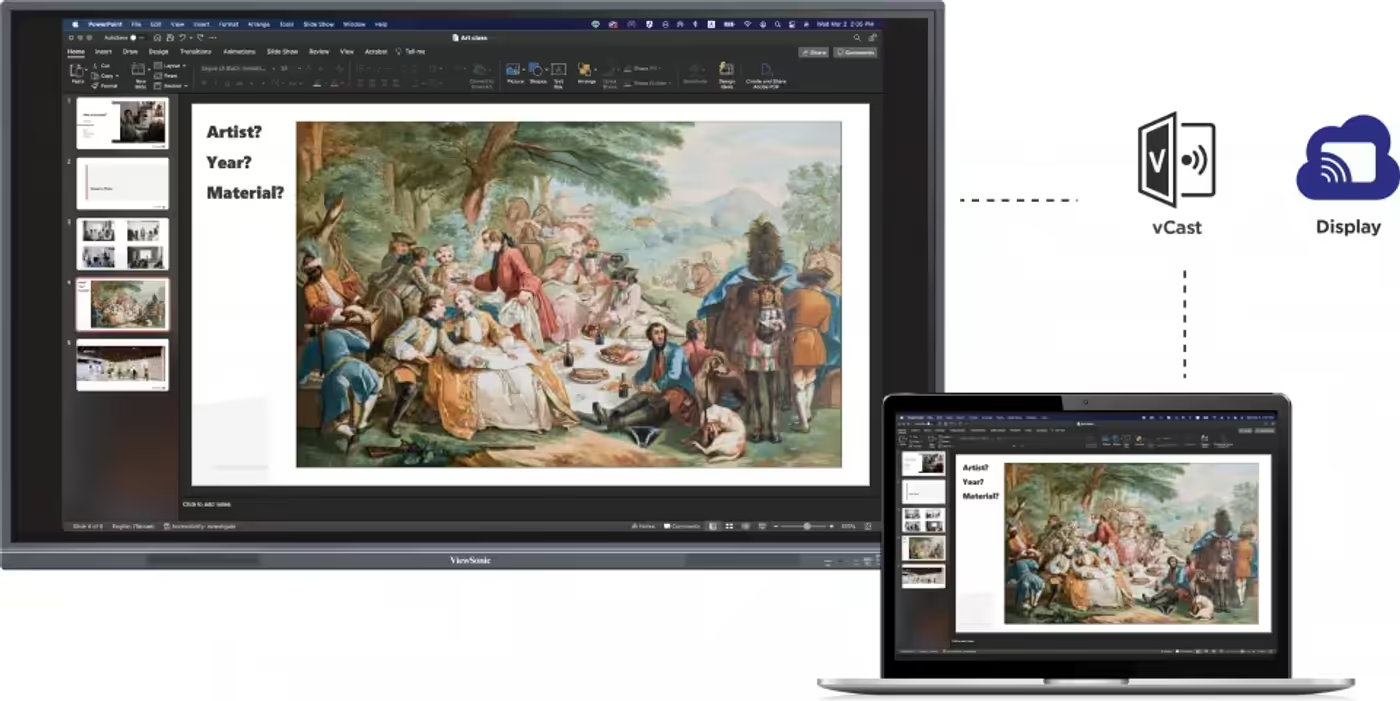
Experience effortless screen casting with integrated wireless solutions. myViewBoard Display enables rapid, browser-based sharing for guests, while the vCast app enhances teaching capabilities by allowing for split, extended, and grouped screen layouts.
Streamlined Wireless Content Sharing
Experience effortless screen casting with integrated wireless solutions. myViewBoard Display enables rapid, browser-based sharing for guests, while the vCast app enhances teaching capabilities by allowing for split, extended, and grouped screen layouts.
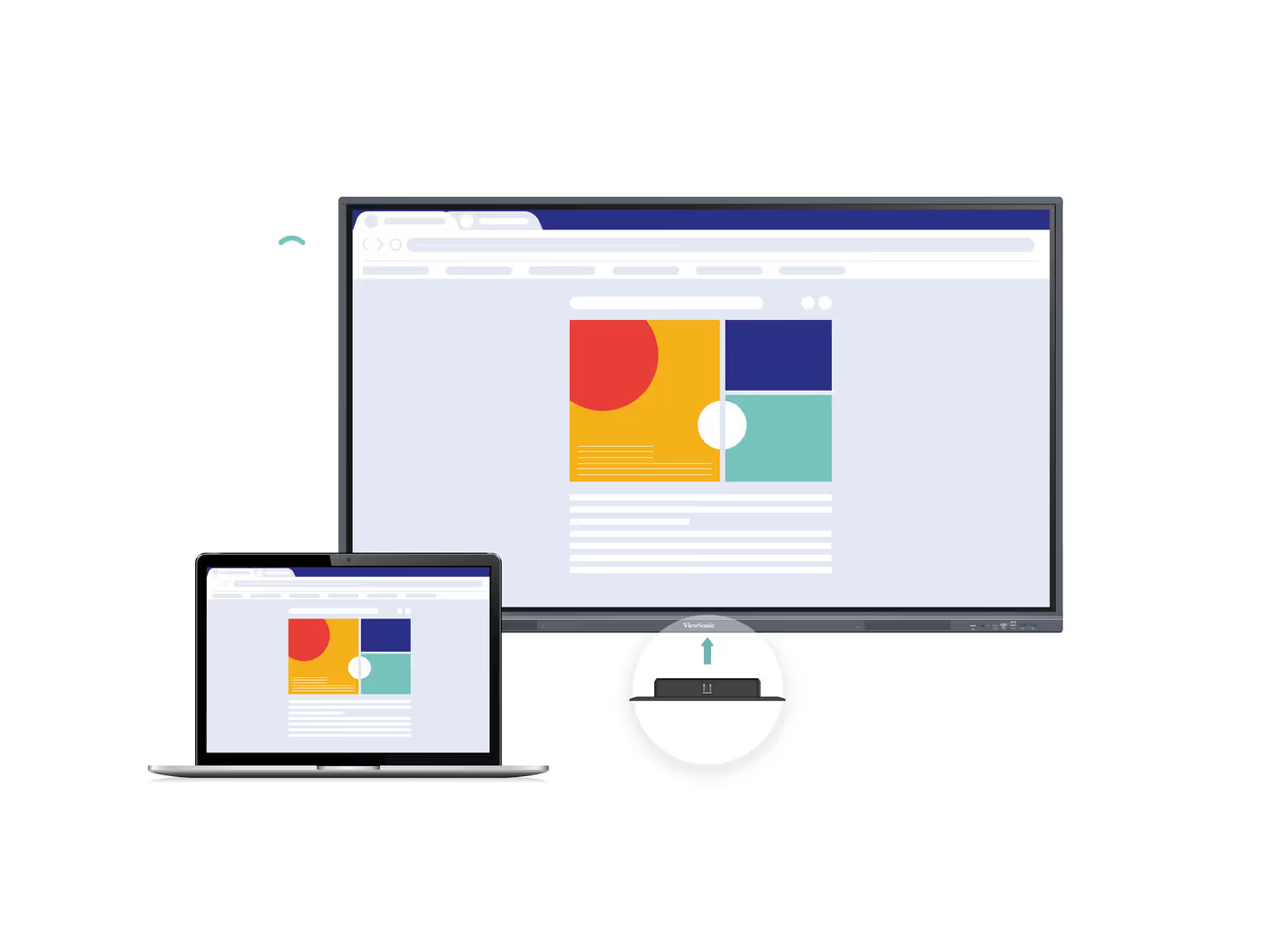
High-Speed Wireless Connectivity and Hotspot Support
Equip the ViewBoard with an optional Wi-Fi module to enjoy cable-free access to online educational resources and videos. Furthermore, the panel can function as a wireless hotspot, providing a reliable and steady internet connection for the entire classroom.
High-Speed Wireless Connectivity and Hotspot Support
Equip the ViewBoard with an optional Wi-Fi module to enjoy cable-free access to online educational resources and videos. Furthermore, the panel can function as a wireless hotspot, providing a reliable and steady internet connection for the entire classroom.
Enhanced Audio via Front-Facing Speakers
Engage students effectively using the integrated dual 16W front-facing speakers. Whether you are playing instructional videos, musical tracks, or listening-based activities, the ViewBoard IFP33 Series provides rich audio performance to ensure a memorable learning environment.
Enhanced Audio via Front-Facing Speakers
Engage students effectively using the integrated dual 16W front-facing speakers. Whether you are playing instructional videos, musical tracks, or listening-based activities, the ViewBoard IFP33 Series provides rich audio performance to ensure a memorable learning environment.
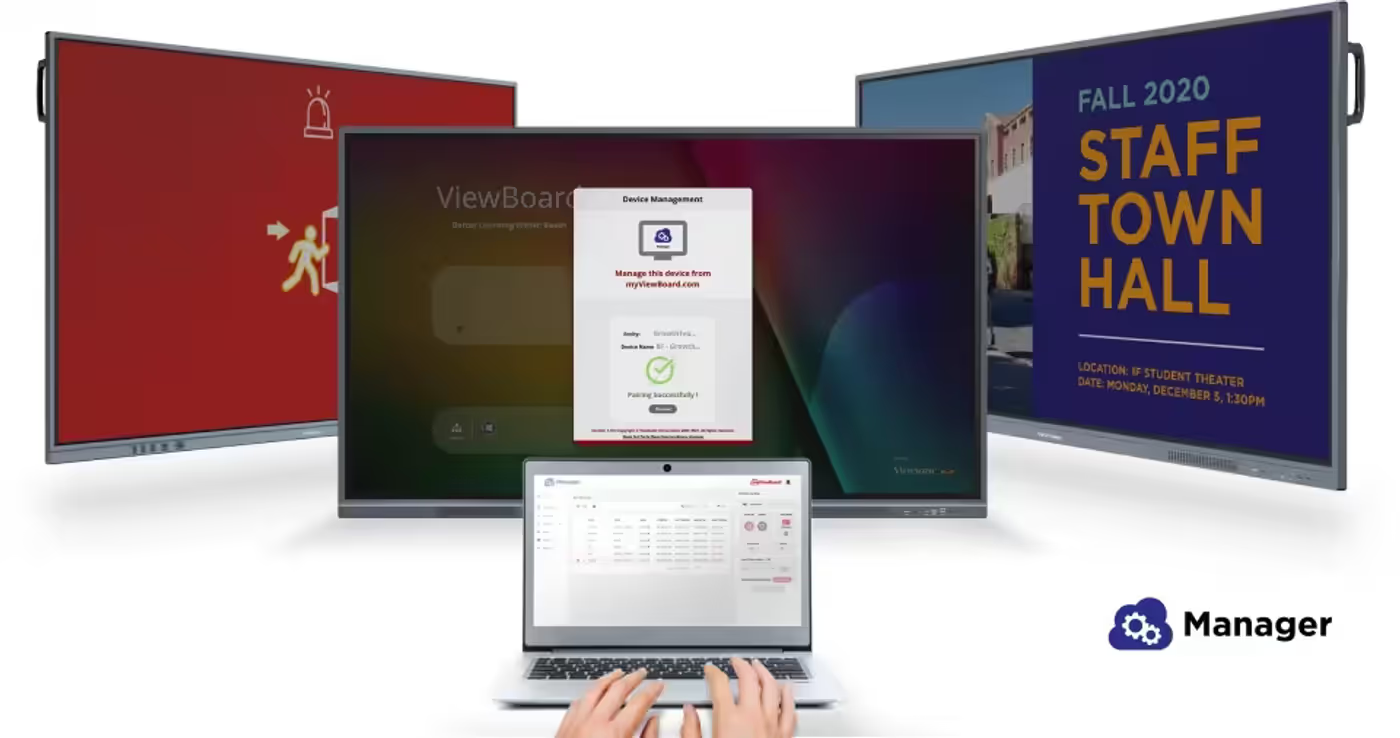
Centralized Campus Communication Management
myViewBoard Manager provides a secure, intuitive remote administration platform for scheduling, updating, and broadcasting across multiple displays from anywhere. This system simplifies communication by allowing for the efficient distribution of text announcements, emergency alerts, and multimedia content. Please note that multimedia broadcasting and task scheduling features require the optional Manager Advanced license.
Centralized Campus Communication Management
myViewBoard Manager provides a secure, intuitive remote administration platform for scheduling, updating, and broadcasting across multiple displays from anywhere. This system simplifies communication by allowing for the efficient distribution of text announcements, emergency alerts, and multimedia content. Please note that multimedia broadcasting and task scheduling features require the optional Manager Advanced license.
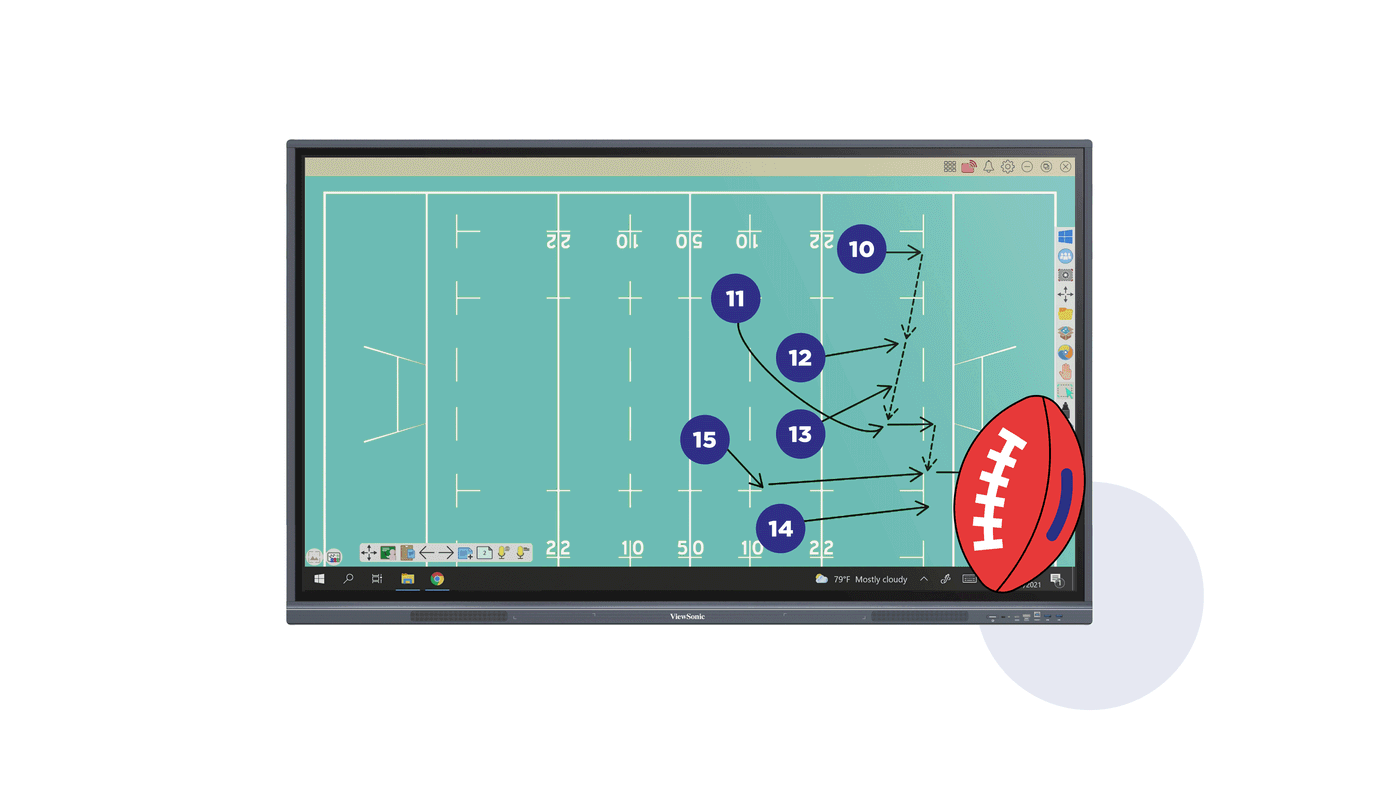
Expand Functionality with Windows Slot-in PC
Further increase your ViewBoard's versatility by installing an optional slot-in PC. This add-on features an industry-standard OPS, a powerful Intel Core processor, and the myViewBoard software pre-installed for Windows.
Expand Functionality with Windows Slot-in PC
Further increase your ViewBoard's versatility by installing an optional slot-in PC. This add-on features an industry-standard OPS, a powerful Intel Core processor, and the myViewBoard software pre-installed for Windows.
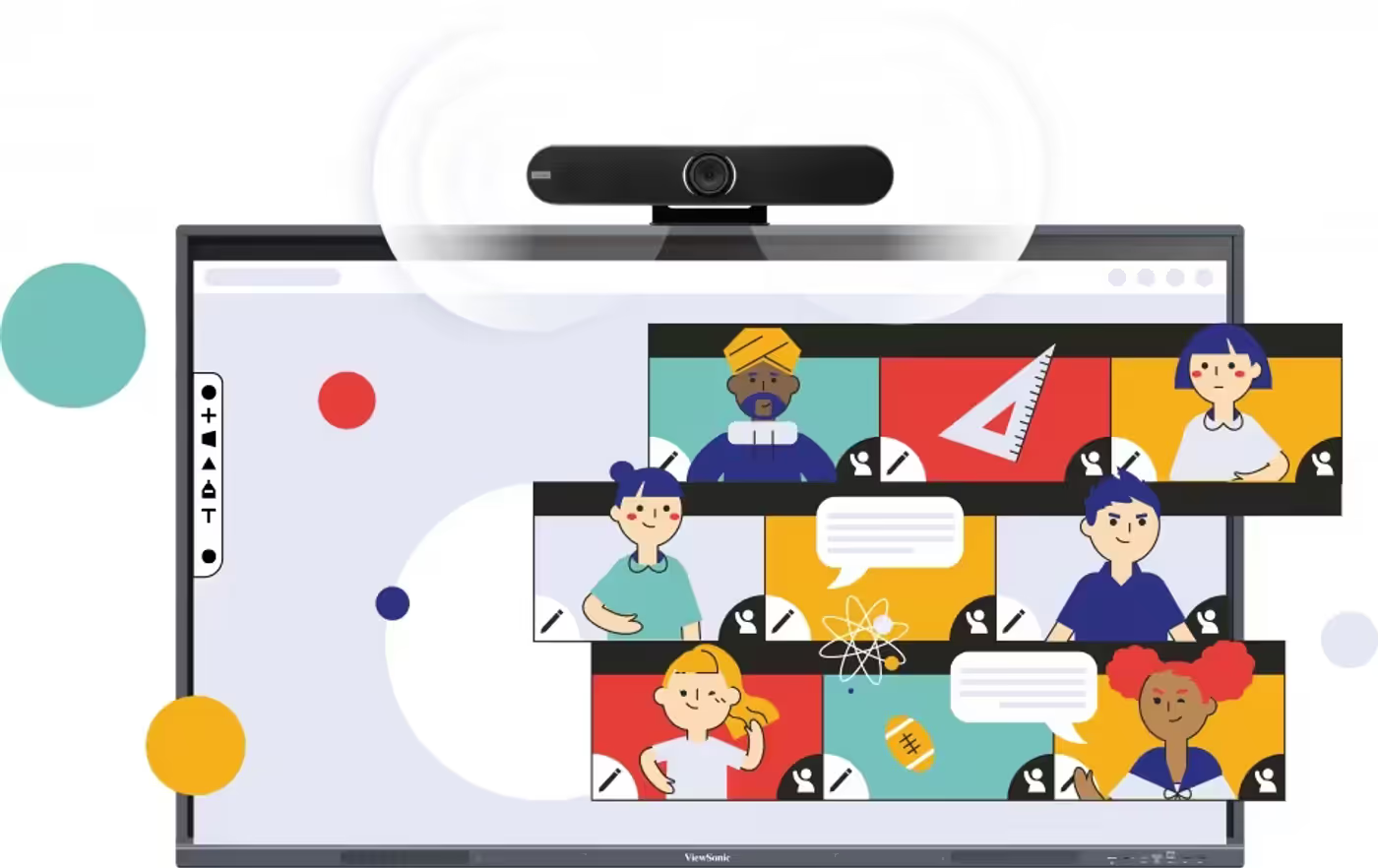
Enhanced Webcam Integration for Hybrid Classrooms
Equip the ViewBoard IFP33 for hybrid educational environments by incorporating a ViewSonic webcam. This setup allows for high-definition streaming or recording of lectures, ensuring that remote learners can stay engaged and follow the lesson seamlessly, even when the instructor moves throughout the classroom.
Enhanced Webcam Integration for Hybrid Classrooms
Equip the ViewBoard IFP33 for hybrid educational environments by incorporating a ViewSonic webcam. This setup allows for high-definition streaming or recording of lectures, ensuring that remote learners can stay engaged and follow the lesson seamlessly, even when the instructor moves throughout the classroom.
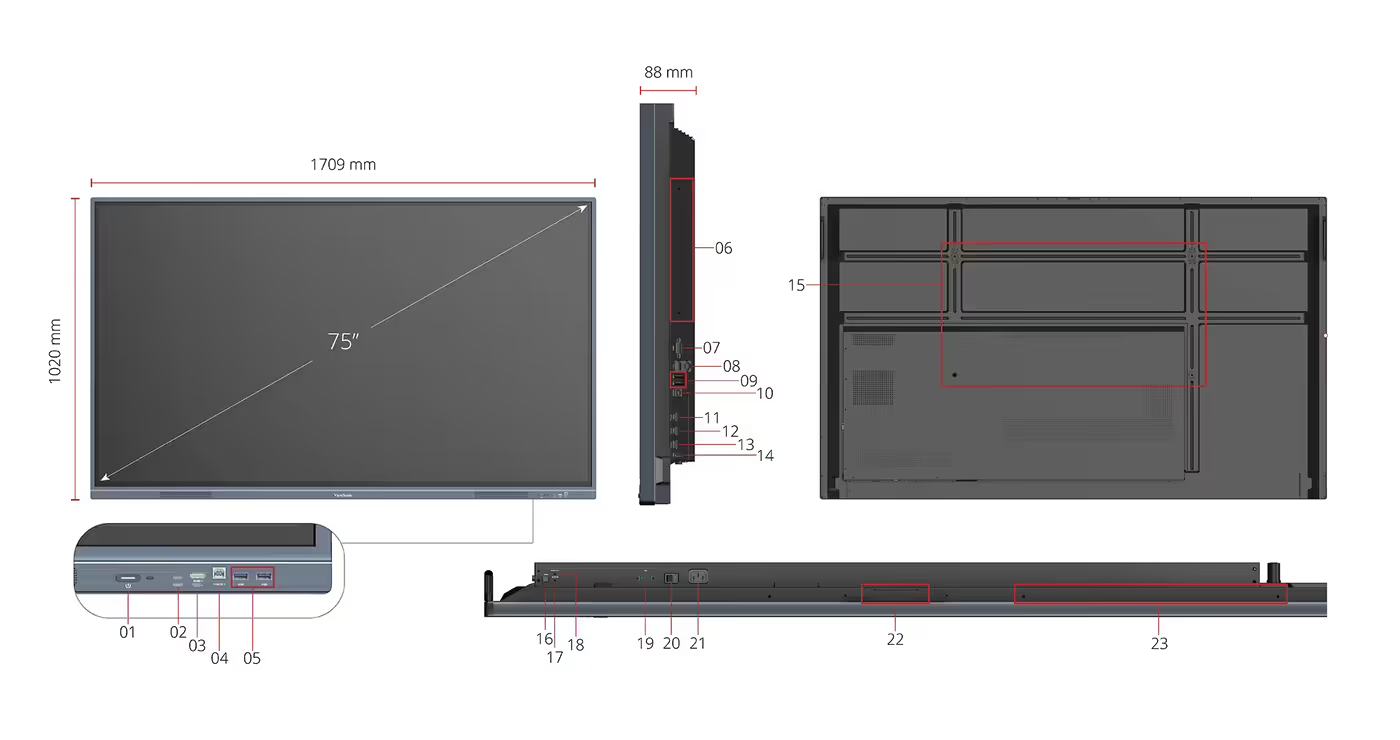
Comprehensive Connectivity and Input/Output Ports
The ViewBoard IFP33 features an extensive array of I/O ports to support diverse classroom peripherals and connectivity needs. Available interfaces include multiple HDMI inputs, a dedicated HDMI output, USB 3.0 and 2.0 ports, USB-C, an OPS slot, RS-232, LAN, VGA, and audio connectivity, along with an 800x400mm VESA wall mount option.
Comprehensive Connectivity and Input/Output Ports
The ViewBoard IFP33 features an extensive array of I/O ports to support diverse classroom peripherals and connectivity needs. Available interfaces include multiple HDMI inputs, a dedicated HDMI output, USB 3.0 and 2.0 ports, USB-C, an OPS slot, RS-232, LAN, VGA, and audio connectivity, along with an 800x400mm VESA wall mount option.
FAQ
Frequently Asked Questions
Everything you need to know about this product
The ViewBoard IFP33 supports Picture-in-Picture mode for sketching while viewing video content, and Picture-by-Picture mode to display two separate windows side-by-side for simultaneous note-taking and testing.
The ViewBoard IFP33 Series features 40 touchpoints with advanced Ultra-Fine Touch technology and dual-pen support for a natural pen-on-paper feel during collaborative activities.
Yes, the USB-C single-cable interface provides up to 65W power delivery to keep your connected laptop charged while enabling rapid data transfer and multimedia playback.
myViewBoard is a versatile software suite that empowers educators with tools for interactive presentations, simplifying the process of creating, storing, and distributing teaching materials instantly across diverse platforms.
The ViewBoard supports effortless screen casting through myViewBoard Display for browser-based sharing and the vCast app, which allows for split, extended, and grouped screen layouts for flexible content sharing.
Yes, with an optional Wi-Fi module, the ViewBoard can function as a wireless hotspot, providing a reliable and steady internet connection for the entire classroom in addition to cable-free access to online resources.
The ViewBoard IFP33 Series features integrated dual 16W front-facing speakers for rich audio performance during instructional videos, musical tracks, and listening-based learning activities.
myViewBoard Manager provides secure remote administration for scheduling, updating, and broadcasting across multiple displays from anywhere, enabling efficient distribution of announcements, alerts, and multimedia content with optional Manager Advanced license for multimedia broadcasting and task scheduling.
Yes, an optional Windows slot-in PC with an industry-standard OPS, Intel Core processor, and myViewBoard software pre-installed can be added to expand the ViewBoard's functionality.
The ViewBoard IFP33 can be equipped with an optional ViewSonic webcam for high-definition streaming or recording of lectures, allowing remote learners to stay engaged even when the instructor moves throughout the classroom.
The ViewBoard IFP33 features multiple HDMI inputs, dedicated HDMI output, USB 3.0 and 2.0 ports, USB-C, OPS slot, RS-232, LAN, VGA, audio connectivity, and supports an 800x400mm VESA wall mount option.
Yes, the dual-pen support with Ultra-Fine Touch technology allows users to quickly swap between different line thicknesses and colors during collaborative group activities.

AI-Generated Content: These FAQs are generated by an automated AI system and may contain inaccuracies or omissions. Evetech makes no warranties, express or implied, regarding their completeness or reliability. For definitive information, please refer to the manufacturer's official specifications.

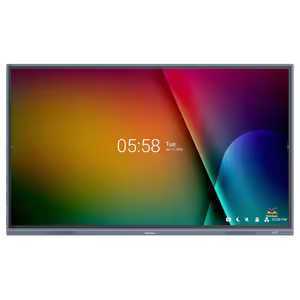
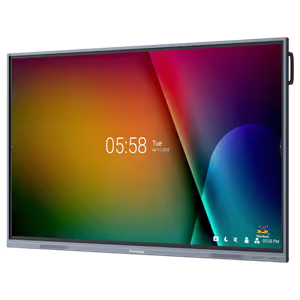
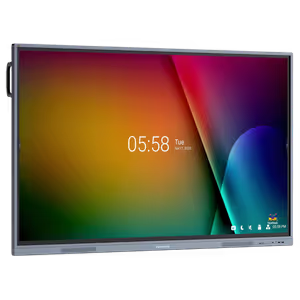


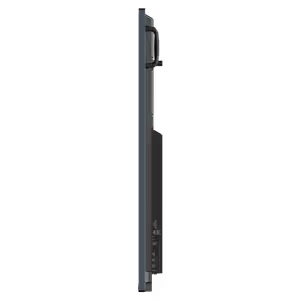

Please Note: Product images are for illustrative purposes only and may differ from the actual product.
Choose your
own PC
Hand-pick every part with live stock, compatibility, and instant pricing.
Try the new builderPrice Inc. Vat
R 39,999
Save R 3,000
ListR 42,999
39999Free Delivery
Qty:
In Stock with Evetech
Choose your
own PC
Hand-pick every part with live stock, compatibility, and instant pricing.
Try the new builderViewSonic ViewBoard 75" 4K Interactive Display