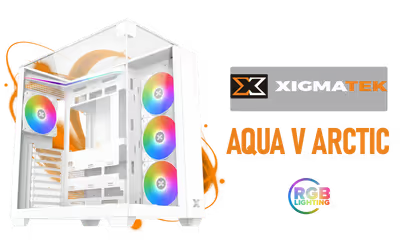
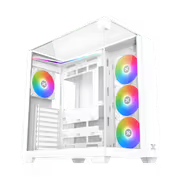
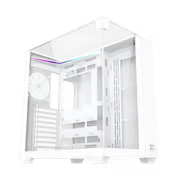
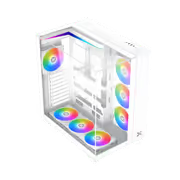
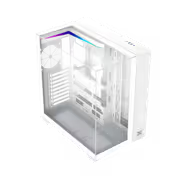
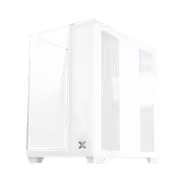
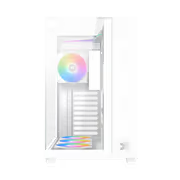
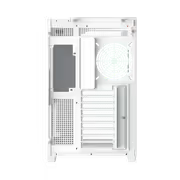
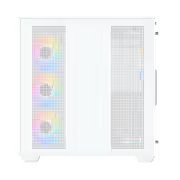
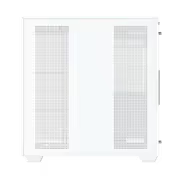
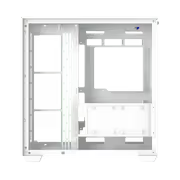
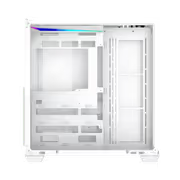
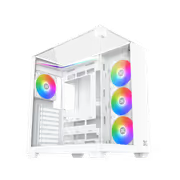
Xigmatek Aqua V Arctic Mid Tower Gaming Case - White
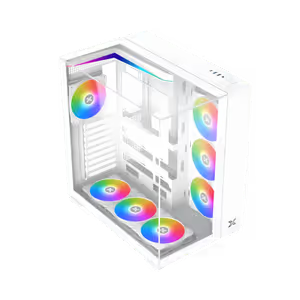
Xigmatek Aqua V Arctic Mid Tower Gaming Case - White / Supports Motherboards up to ATX / 7 x Pre-Installed ARGB Fans Included / EN45813 / EN45813 + FREE DELIVERY !
1 Year Local Warranty
Model No : Xigmatek EN45813
Price Inc. Vat
R 1,999
Save R 600
ListR 2,599
1999Free Delivery
Qty:
In Stock with Evetech
Xigmatek Aqua V Arctic Mid Tower Case — White, ATX Support
White Mid Tower With Tempered Glass And RGB Support
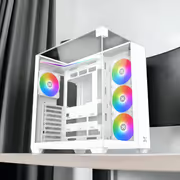
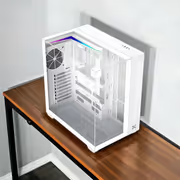
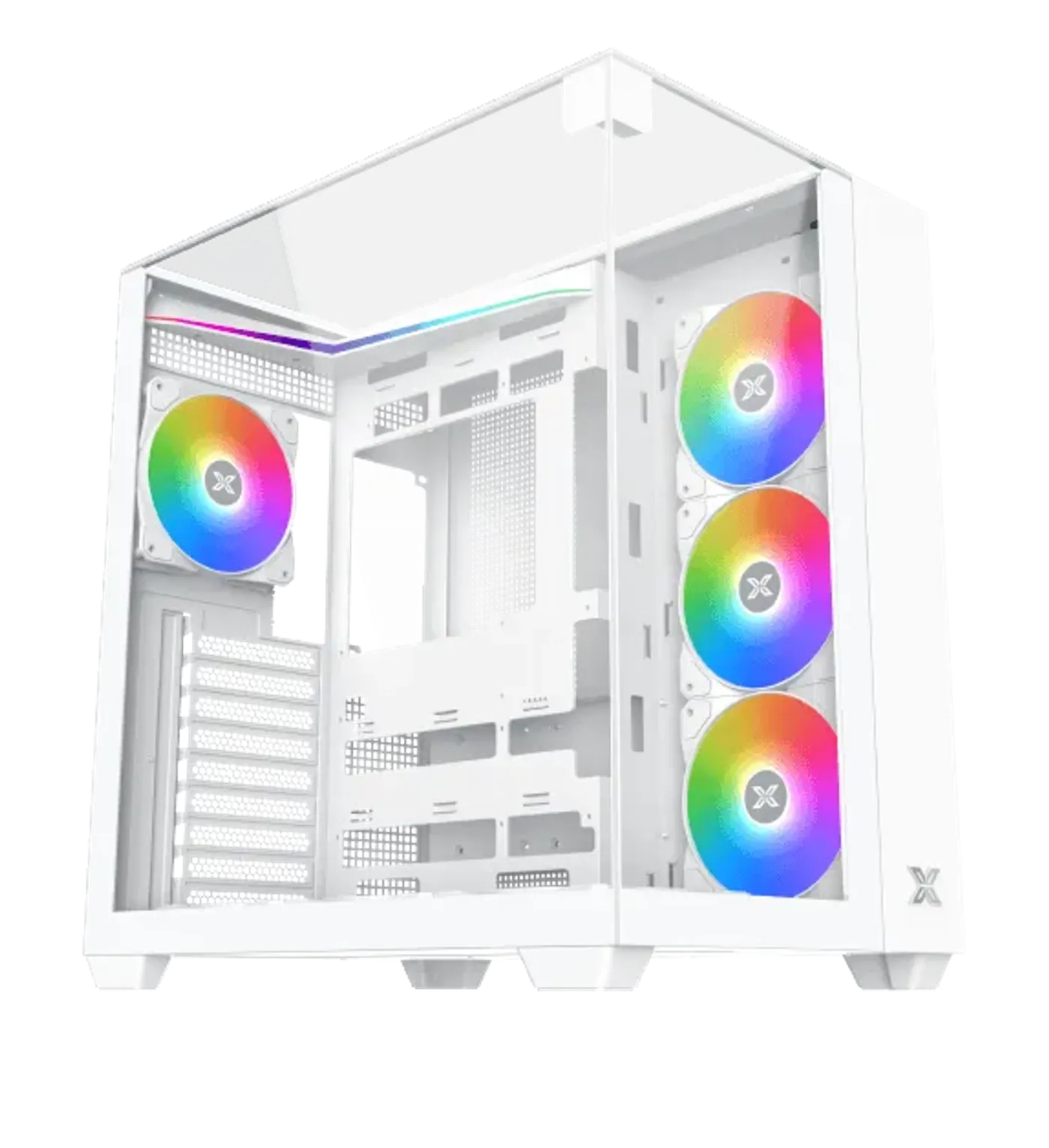
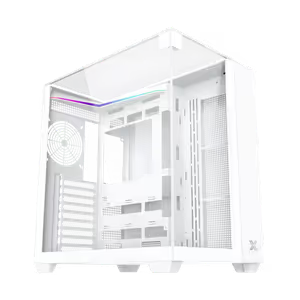
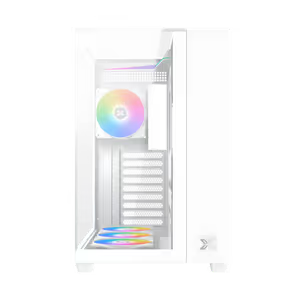
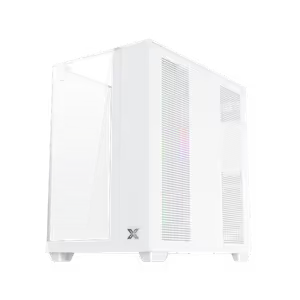
The Xigmatek Aqua V Arctic is a white mid tower gaming case with a tempered glass panel that puts the build on display. Its airflow design keeps components cool through long gaming sessions, and the chassis supports multiple cooling options including RGB fans, so the same case covers both the thermal side and the look of the setup.
White Mid Tower With Tempered Glass And RGB Support
The Xigmatek Aqua V Arctic is a white mid tower gaming case with a tempered glass panel that puts the build on display. Its airflow design keeps components cool through long gaming sessions, and the chassis supports multiple cooling options including RGB fans, so the same case covers both the thermal side and the look of the setup.
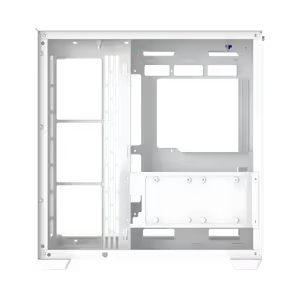
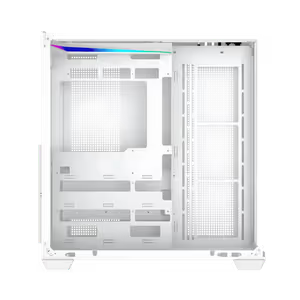
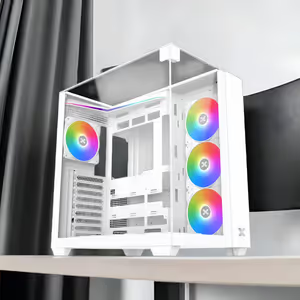
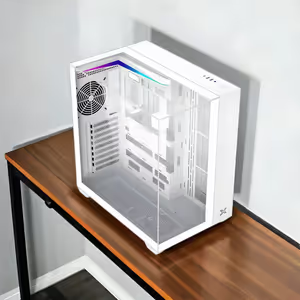
Chassis Built With Three Tempered Glass Panels
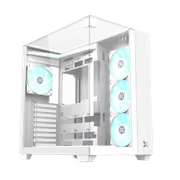
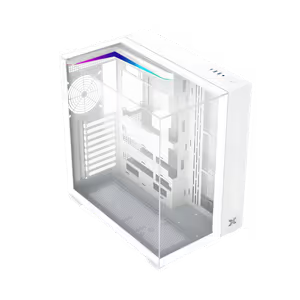
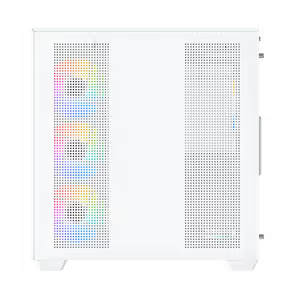
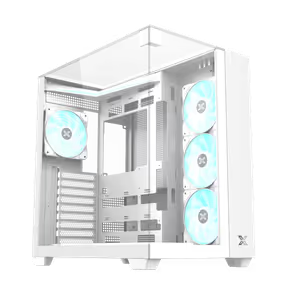
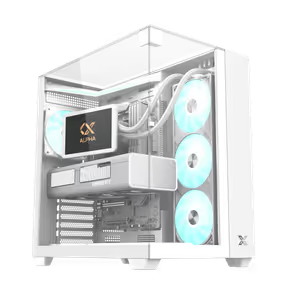
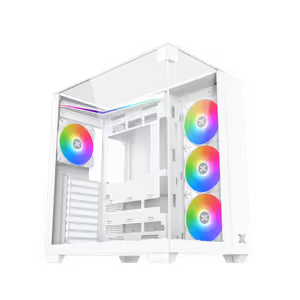
The Aqua V Arctic chassis carries three tempered glass panels, opening up three faces of the build instead of one. On a white case that glass does real work, because the contrast between the pale frame and the darker components inside is a large part of why the build reads well from across a room.
Chassis Built With Three Tempered Glass Panels
The Aqua V Arctic chassis carries three tempered glass panels, opening up three faces of the build instead of one. On a white case that glass does real work, because the contrast between the pale frame and the darker components inside is a large part of why the build reads well from across a room.
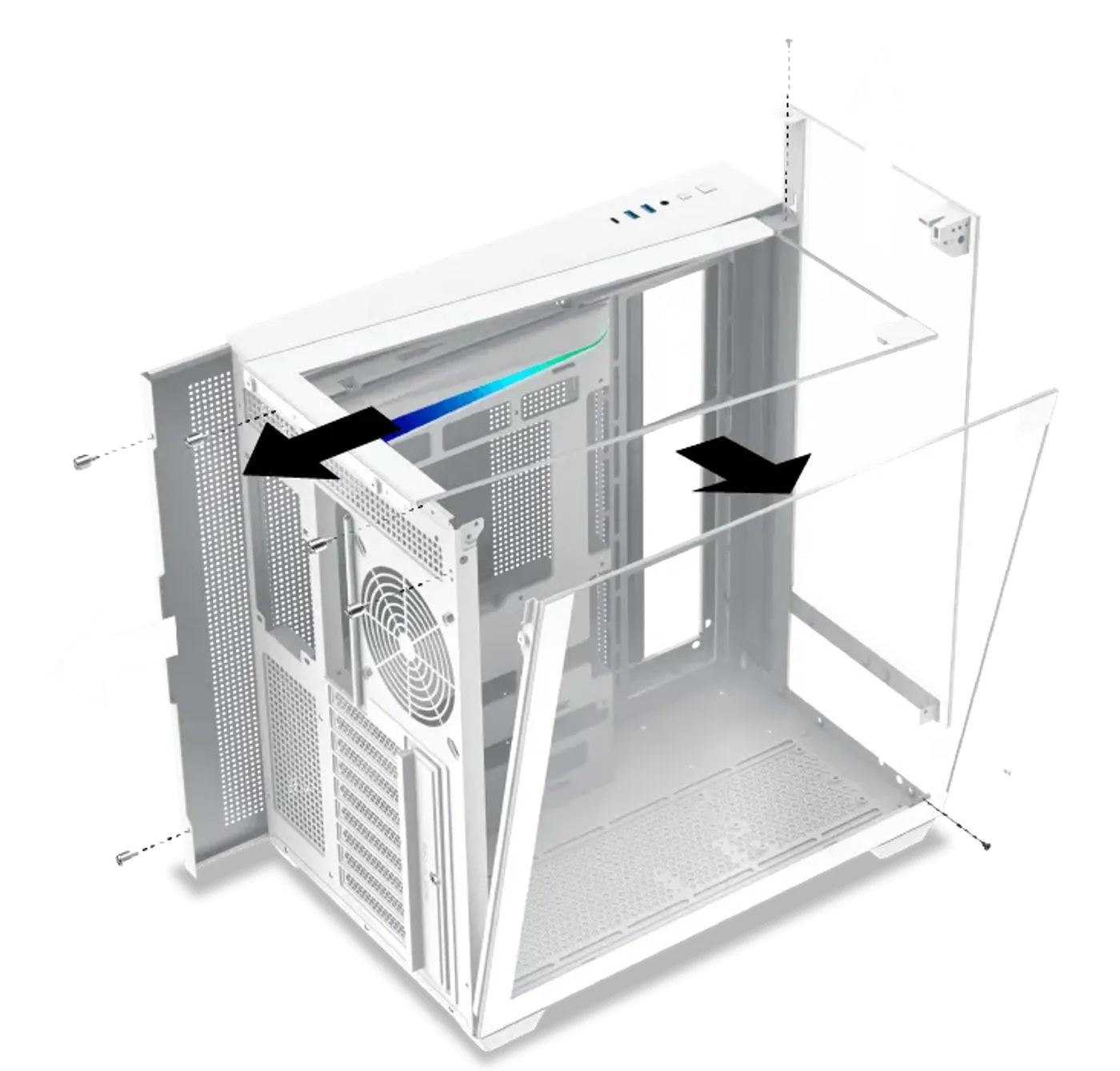
Panels Mount And Come Off Easily
The panels are designed for easy mounting, so opening the case for a cable tidy, a drive swap or a fan change is a short job rather than a fight with alignment pins. That matters more than it sounds on a chassis you will open repeatedly while adding cooling hardware or storage over time.
Panels Mount And Come Off Easily
The panels are designed for easy mounting, so opening the case for a cable tidy, a drive swap or a fan change is a short job rather than a fight with alignment pins. That matters more than it sounds on a chassis you will open repeatedly while adding cooling hardware or storage over time.
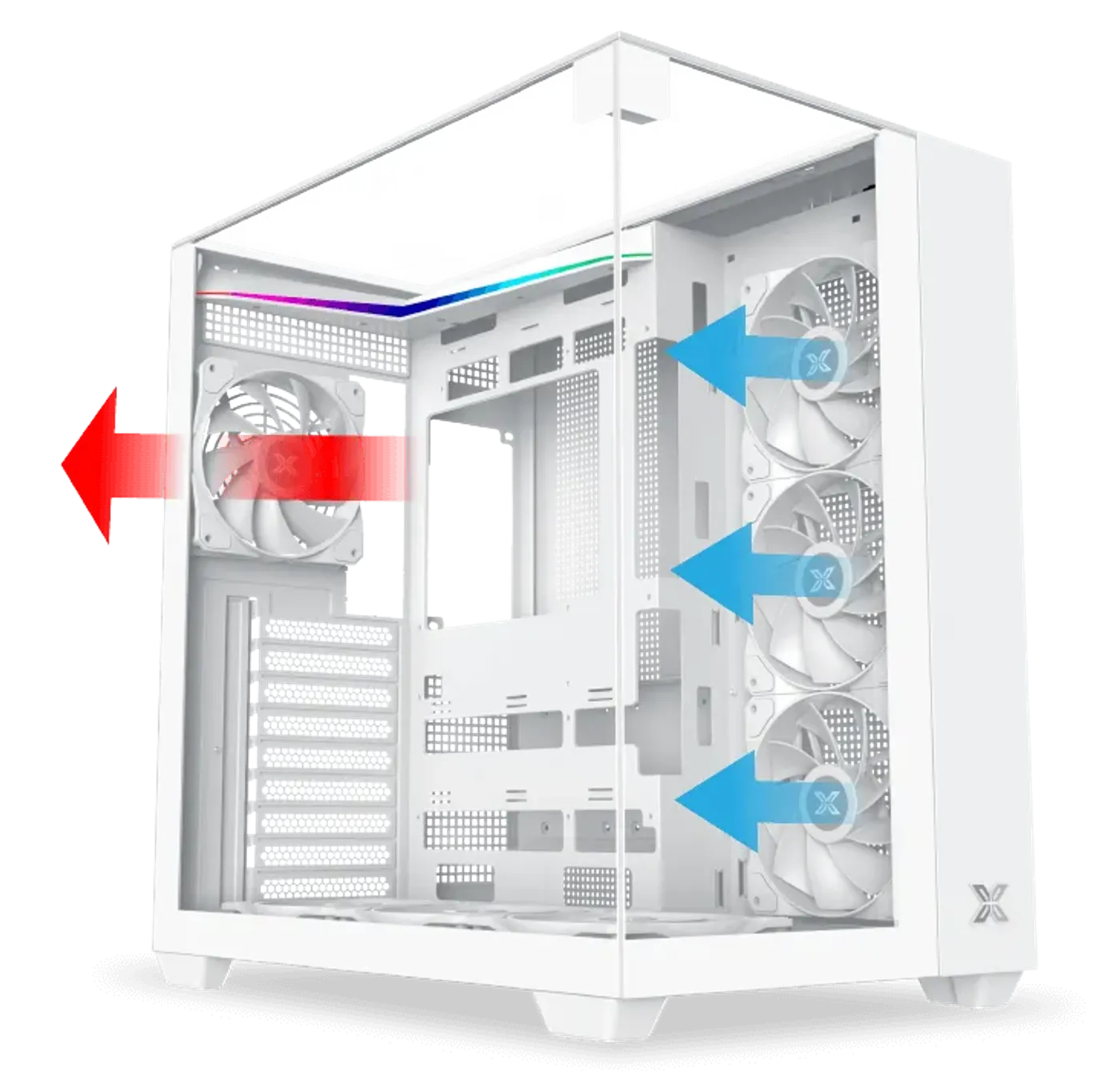
Ventilation Design Handles Long Sessions
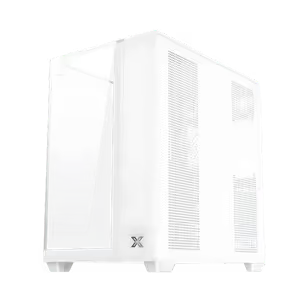
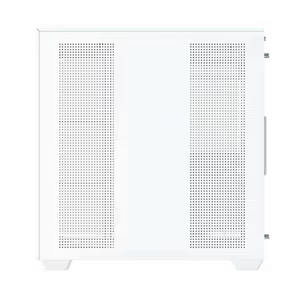
Airflow and ventilation are designed to hold component temperatures during long gaming sessions rather than only under light load. Because the case supports several cooling configurations, you can weight the setup toward intake or exhaust to suit the hardware installed instead of accepting one fixed arrangement.
Ventilation Design Handles Long Sessions
Airflow and ventilation are designed to hold component temperatures during long gaming sessions rather than only under light load. Because the case supports several cooling configurations, you can weight the setup toward intake or exhaust to suit the hardware installed instead of accepting one fixed arrangement.
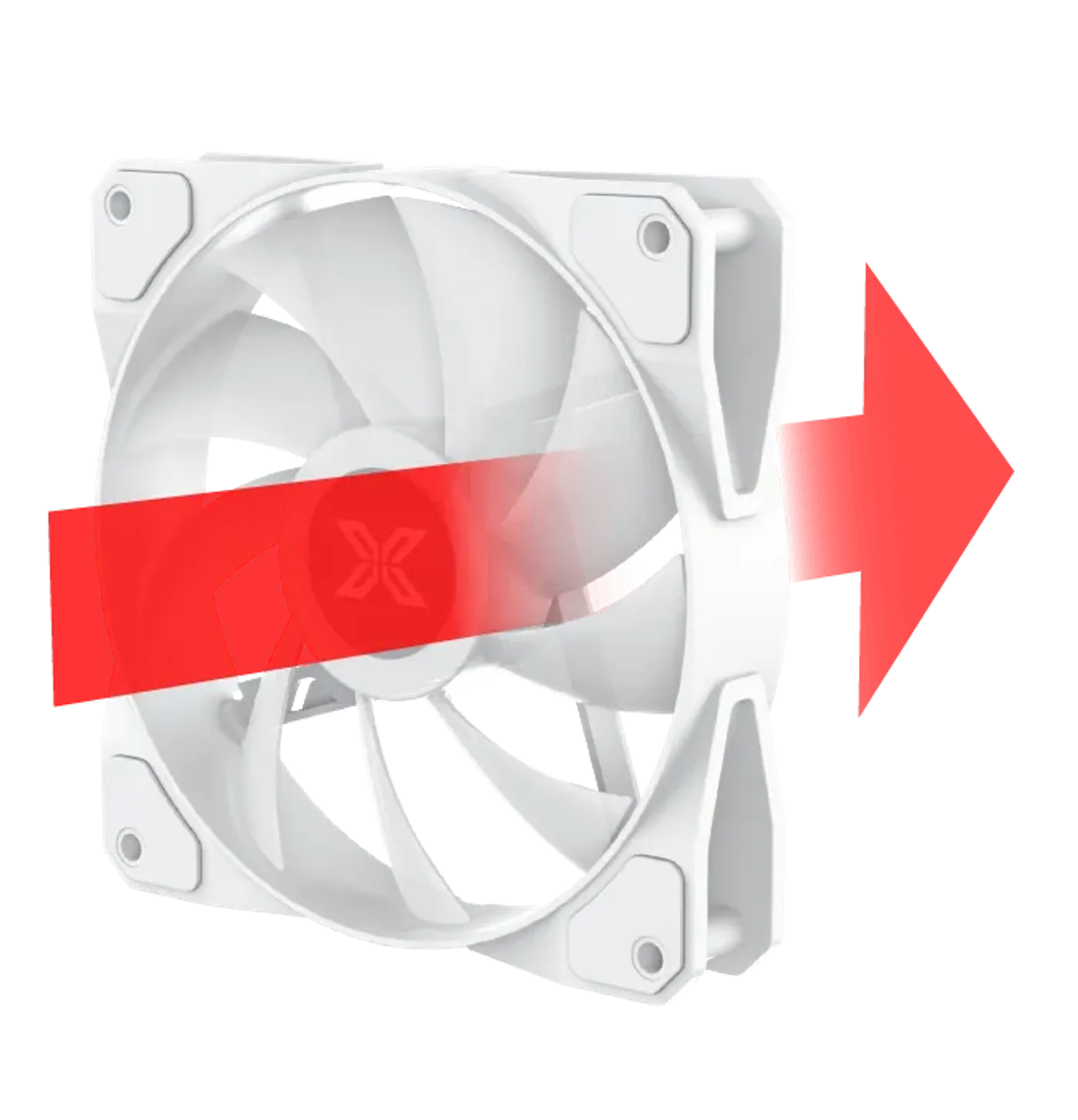
Traditional Blade Fan Pre-Installed At The Rear
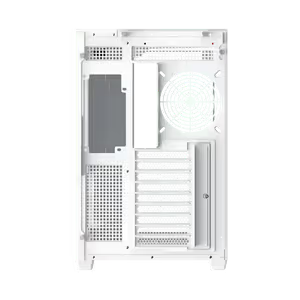
A traditional fan blade comes pre-installed on the rear side, giving the case a working exhaust position from the start. The conventional blade shape is right for the rear, where the fan pushes hot air out behind the motherboard tray and sits outside the sight line through the glass panels.
Traditional Blade Fan Pre-Installed At The Rear
A traditional fan blade comes pre-installed on the rear side, giving the case a working exhaust position from the start. The conventional blade shape is right for the rear, where the fan pushes hot air out behind the motherboard tray and sits outside the sight line through the glass panels.
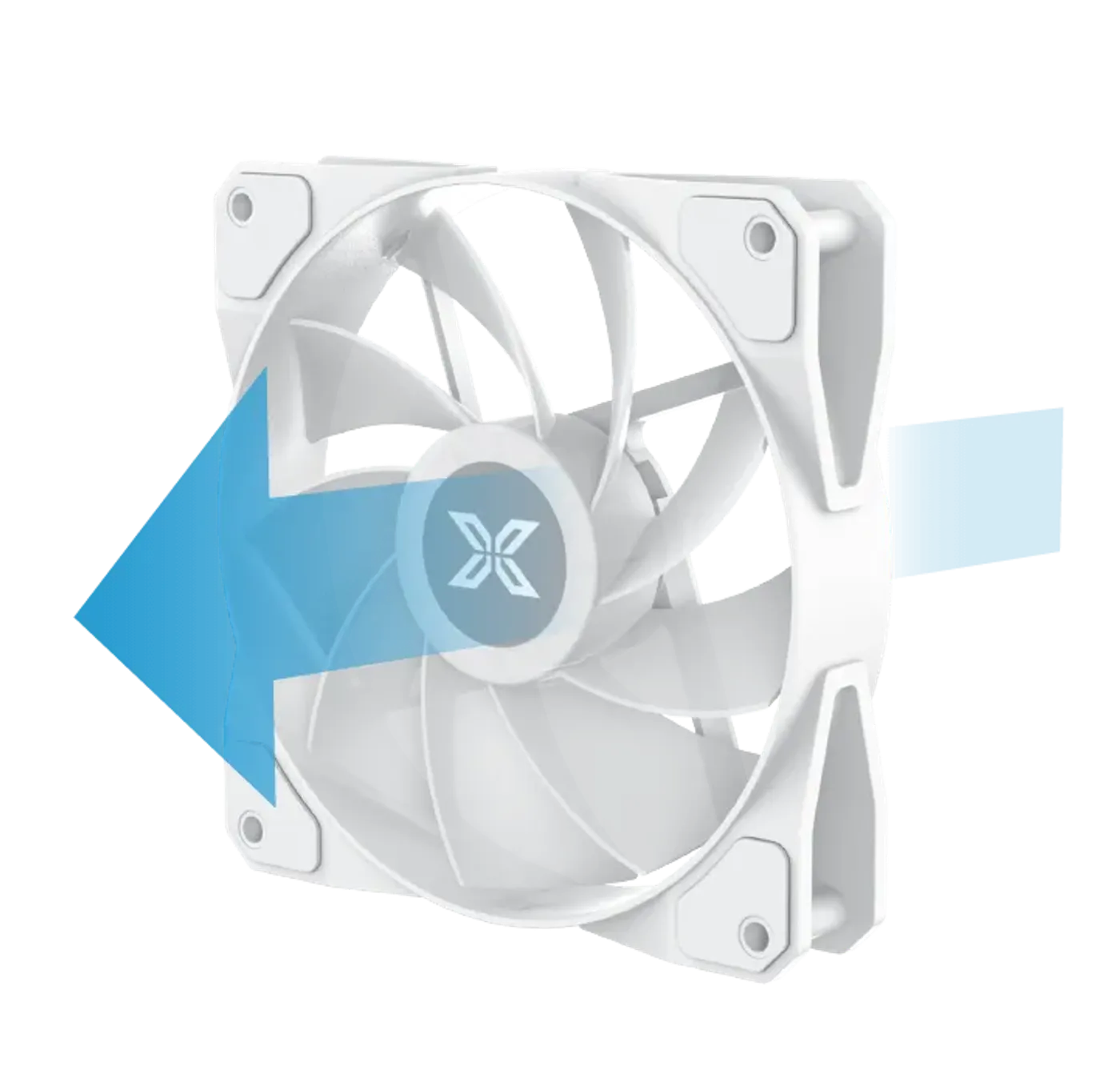
Reverse Blade Fan On The Motherboard Panel
A reverse fan blade comes pre-installed on the motherboard panel side, feeding air straight across the board. Reverse blades face their finished side toward the viewer, so the fan sitting in full view behind the glass looks like part of the design rather than exposing its frame and hub.
Reverse Blade Fan On The Motherboard Panel
A reverse fan blade comes pre-installed on the motherboard panel side, feeding air straight across the board. Reverse blades face their finished side toward the viewer, so the fan sitting in full view behind the glass looks like part of the design rather than exposing its frame and hub.
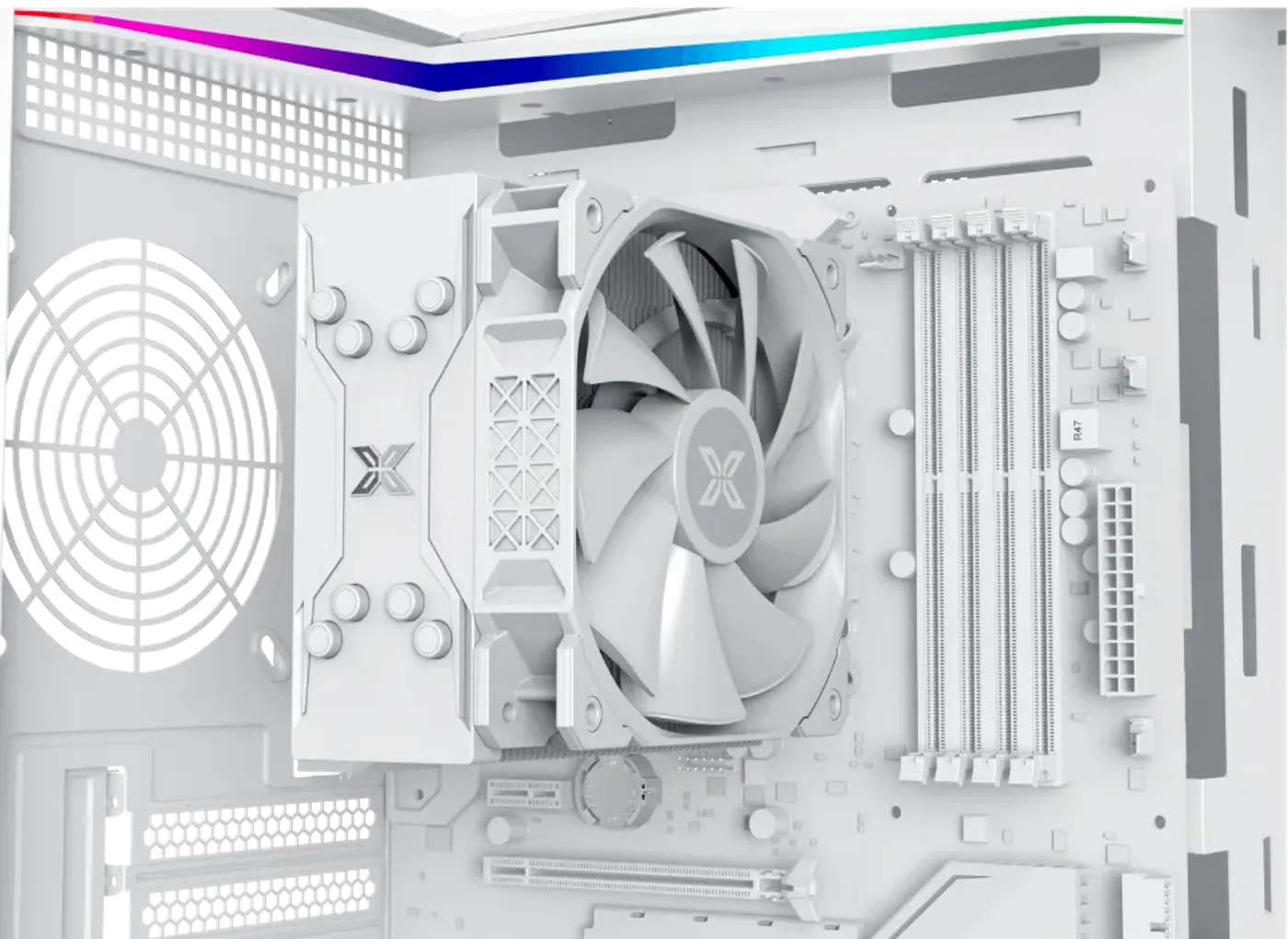
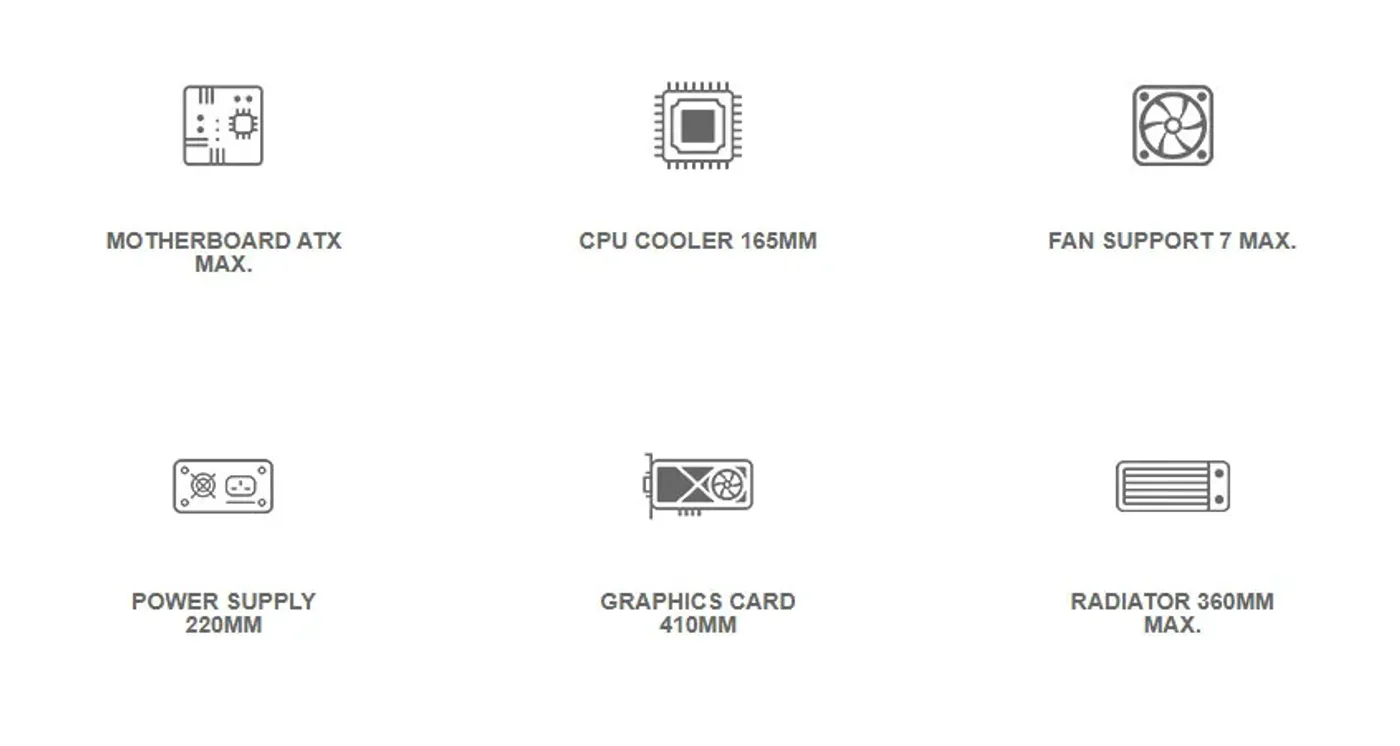
CPU Cooler Clearance Up To 165 mm
There is CPU cooler clearance of up to 165 mm, which accepts a full-height tower air cooler instead of restricting the build to a low-profile heatsink. Check that figure against your cooler's stated height before ordering, since clearance is what decides whether the glass panel closes on a finished build.
CPU Cooler Clearance Up To 165 mm
There is CPU cooler clearance of up to 165 mm, which accepts a full-height tower air cooler instead of restricting the build to a low-profile heatsink. Check that figure against your cooler's stated height before ordering, since clearance is what decides whether the glass panel closes on a finished build.
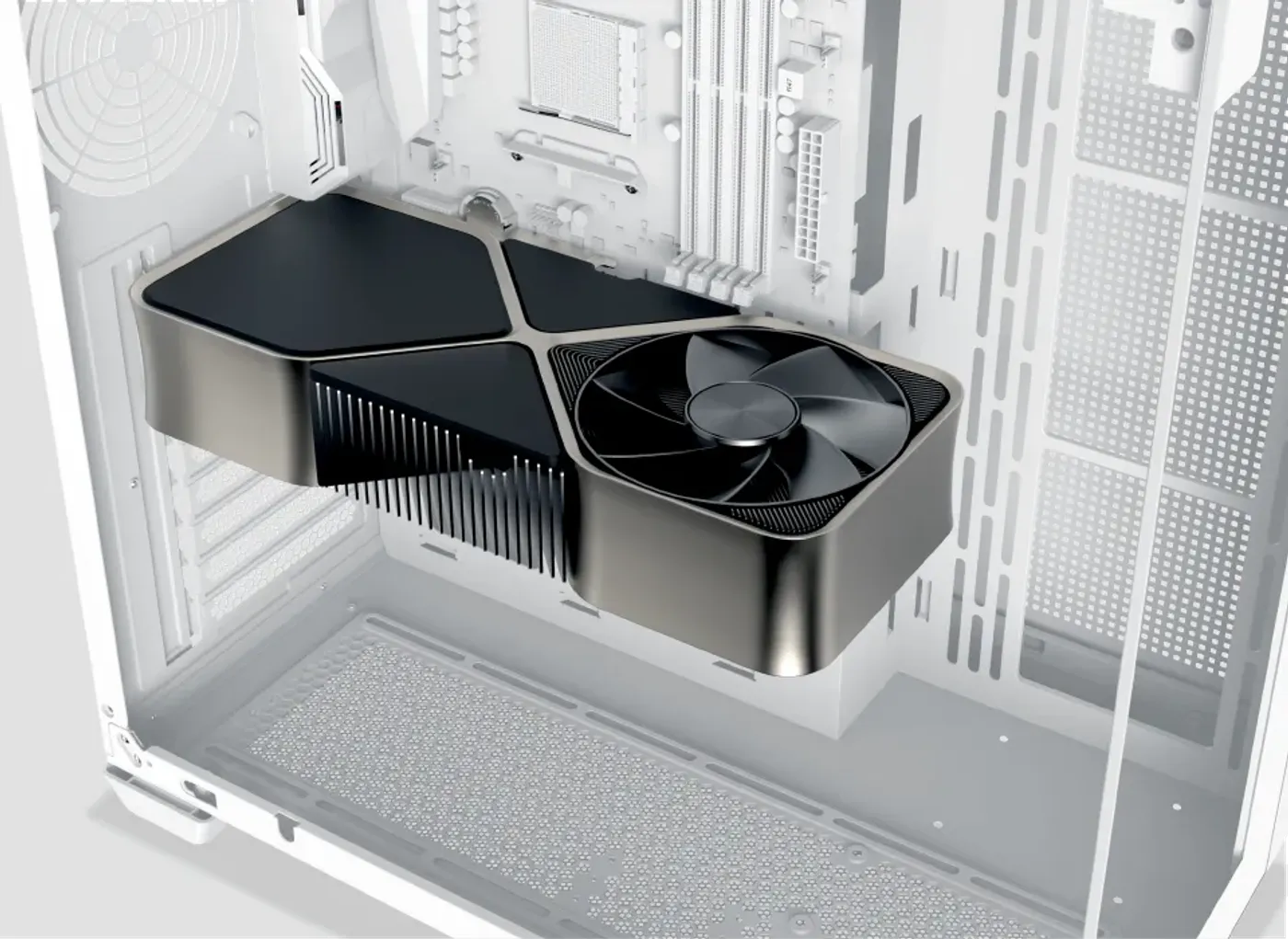
Graphics Cards Up To 410 mm Long
The GPU length limitation is 410 mm, which clears the long triple-fan cards at the top of the current range. Card length is the first specification to confirm when matching a graphics card to a chassis, because unlike cable routing or drive placement it cannot be worked around once the parts arrive.
Graphics Cards Up To 410 mm Long
The GPU length limitation is 410 mm, which clears the long triple-fan cards at the top of the current range. Card length is the first specification to confirm when matching a graphics card to a chassis, because unlike cable routing or drive placement it cannot be worked around once the parts arrive.
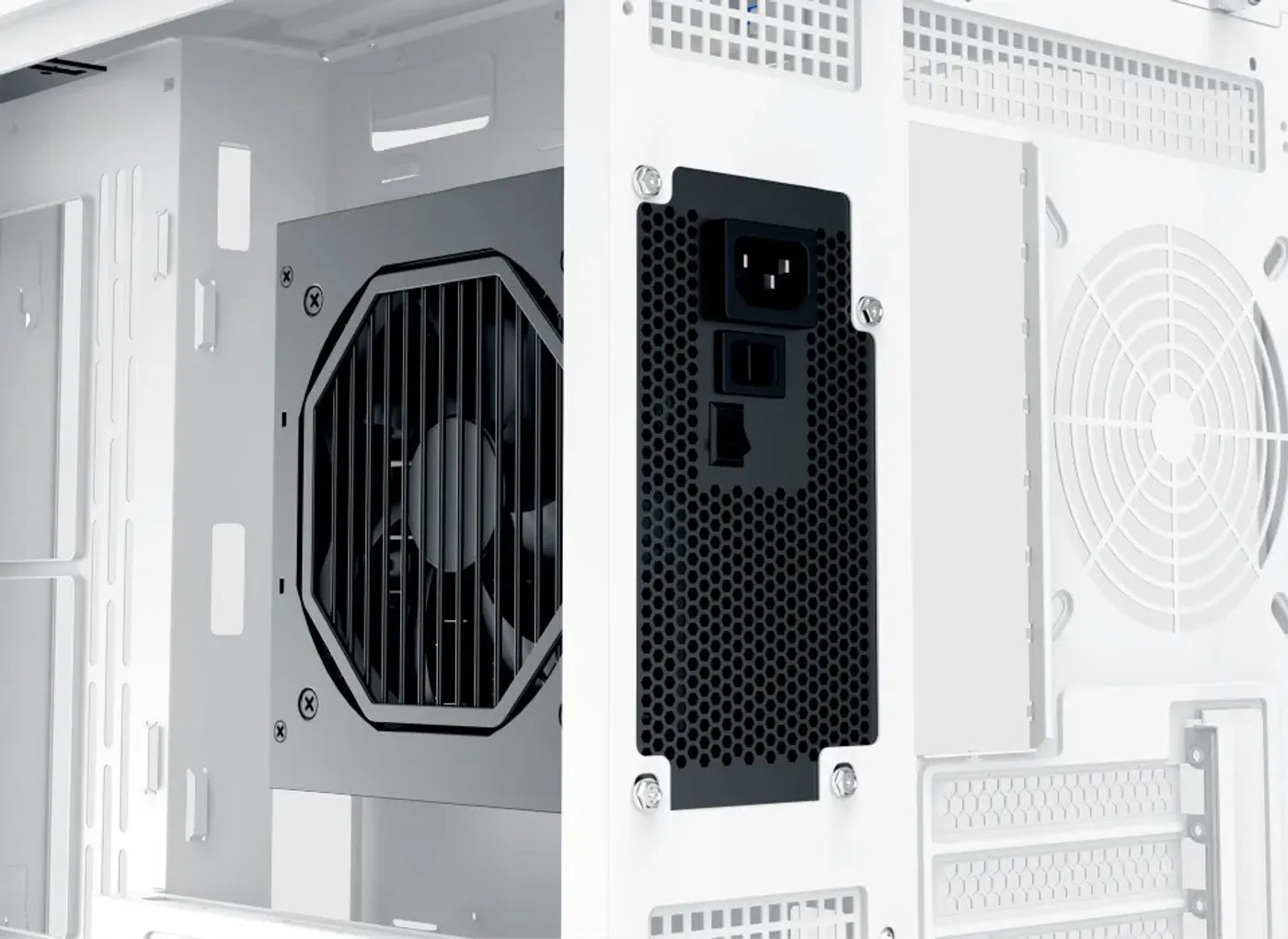
Power Supply Length Limit Of 220 mm
The PSU length limitation runs up to 220 mm, comfortably covering full-size ATX supplies including longer high-wattage units. That depth also leaves space behind the unit for the cable bundle, so the leads are not forced into a tight bend the moment they leave the power supply.
Power Supply Length Limit Of 220 mm
The PSU length limitation runs up to 220 mm, comfortably covering full-size ATX supplies including longer high-wattage units. That depth also leaves space behind the unit for the cable bundle, so the leads are not forced into a tight bend the moment they leave the power supply.
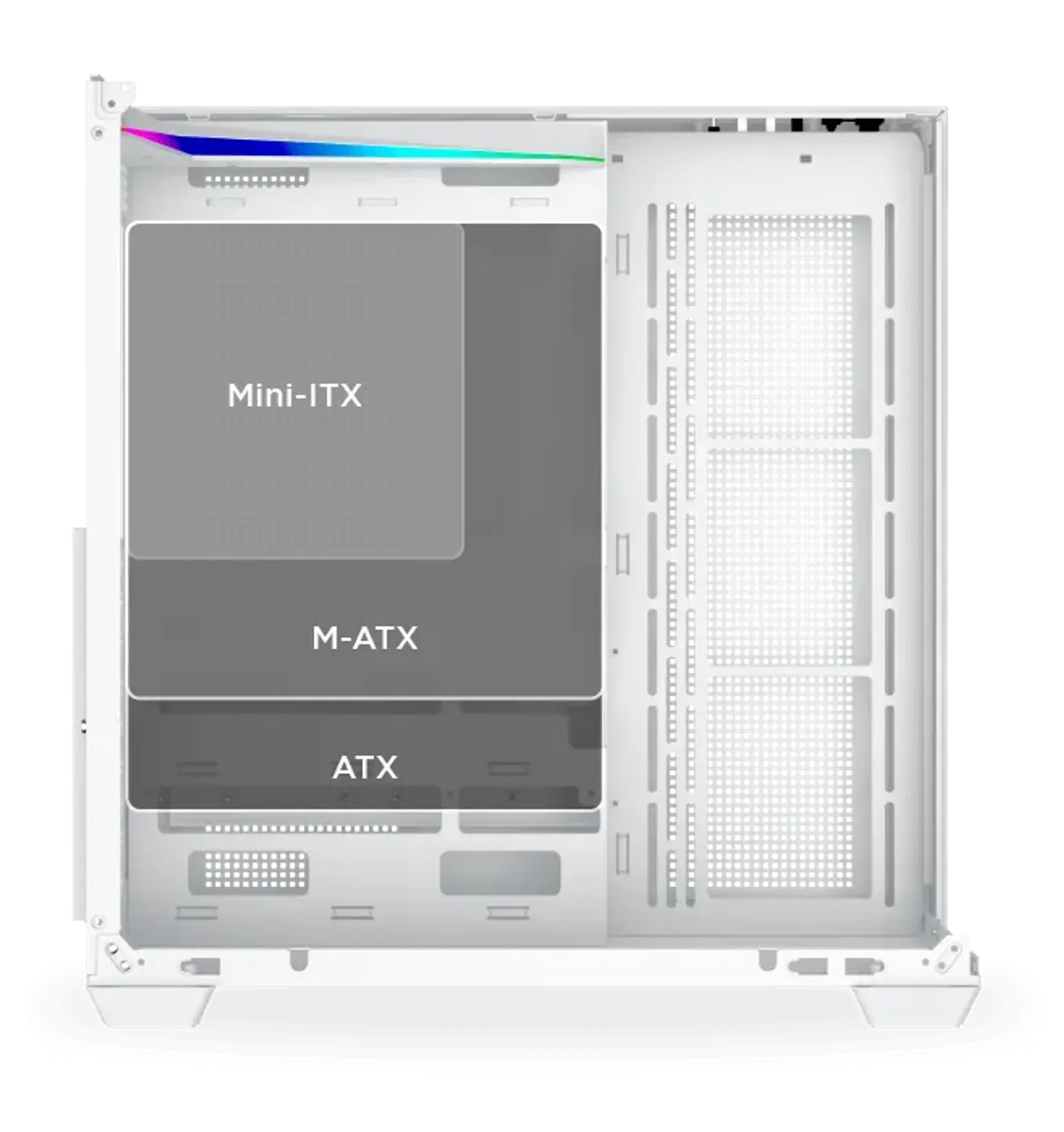
Motherboard Support Runs Up To ATX
The tray supports motherboards up to ATX, which is the standard size most gaming builds use and carries the expansion slots a single-GPU system needs. Smaller boards mount in the same chassis, so the case suits both a full ATX platform and a more compact build without any change of hardware.
Motherboard Support Runs Up To ATX
The tray supports motherboards up to ATX, which is the standard size most gaming builds use and carries the expansion slots a single-GPU system needs. Smaller boards mount in the same chassis, so the case suits both a full ATX platform and a more compact build without any change of hardware.
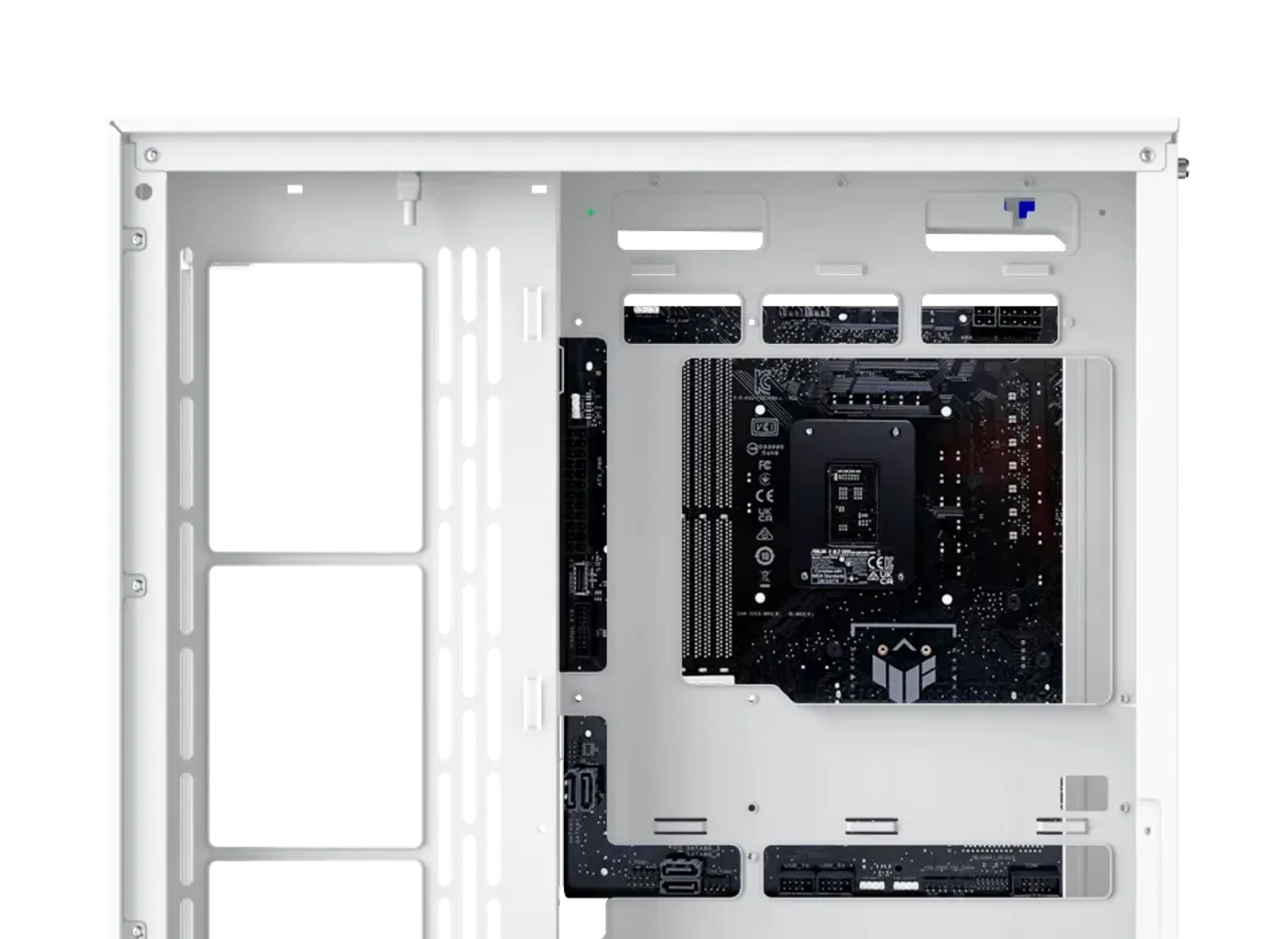
Supports ATX Back Plug Motherboards
The Aqua V Arctic supports ATX back plug motherboards, which move their connectors to the rear of the board so no cables cross the visible side of the build. That is a natural fit here, since a white chassis with three glass panels shows dark cable runs more clearly than a black case would.
Supports ATX Back Plug Motherboards
The Aqua V Arctic supports ATX back plug motherboards, which move their connectors to the rear of the board so no cables cross the visible side of the build. That is a natural fit here, since a white chassis with three glass panels shows dark cable runs more clearly than a black case would.
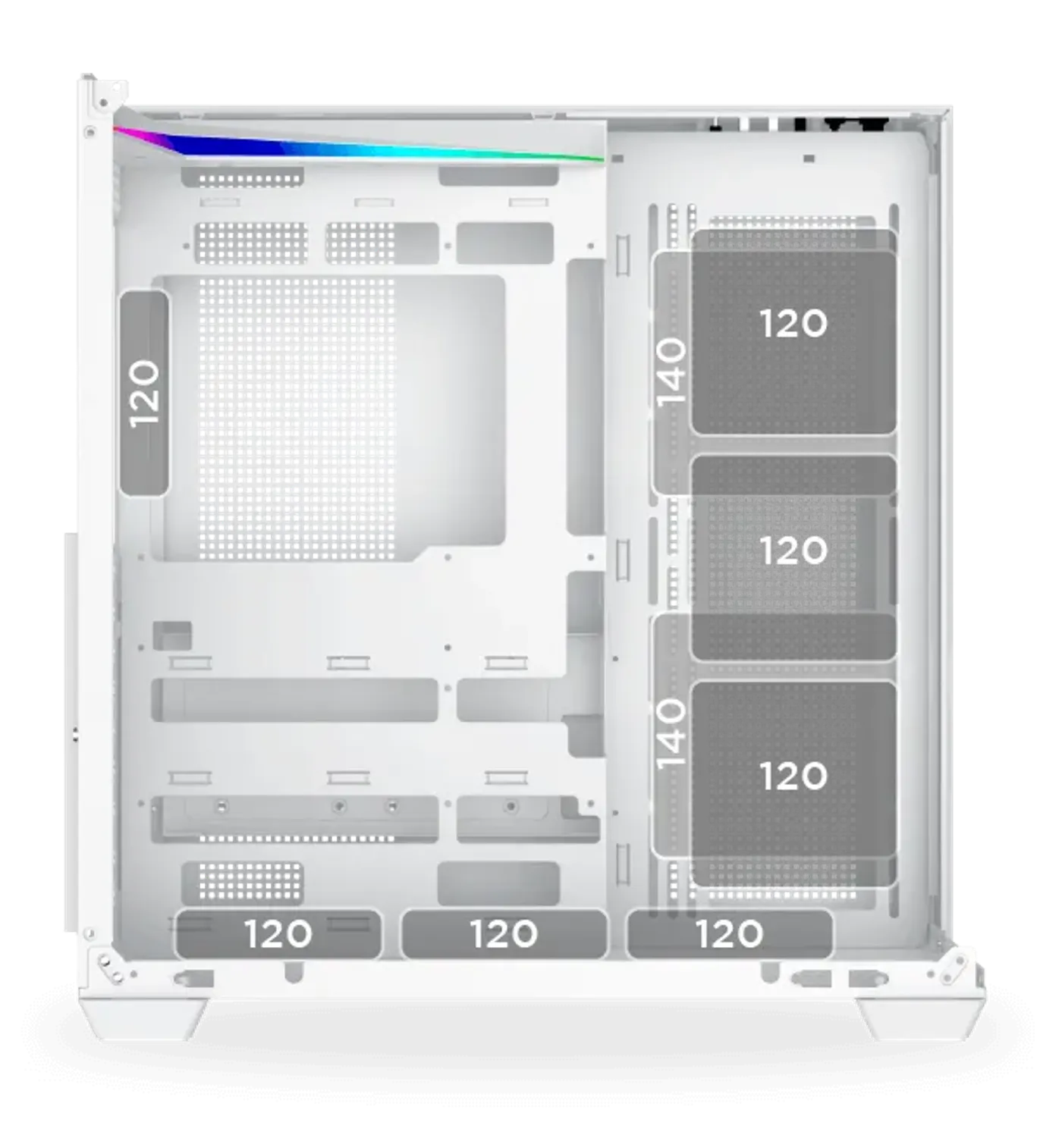
Fan Support Across Panel, Bottom And Rear
The motherboard panel takes three 120 mm fans or two 140 mm fans, the bottom takes three 120 mm fans when no 3.5-inch hard drive is fitted, and the rear takes one 120 mm fan. Note the trade-off at the bottom: that fan row and a 3.5-inch drive compete for the same space.
Fan Support Across Panel, Bottom And Rear
The motherboard panel takes three 120 mm fans or two 140 mm fans, the bottom takes three 120 mm fans when no 3.5-inch hard drive is fitted, and the rear takes one 120 mm fan. Note the trade-off at the bottom: that fan row and a 3.5-inch drive compete for the same space.
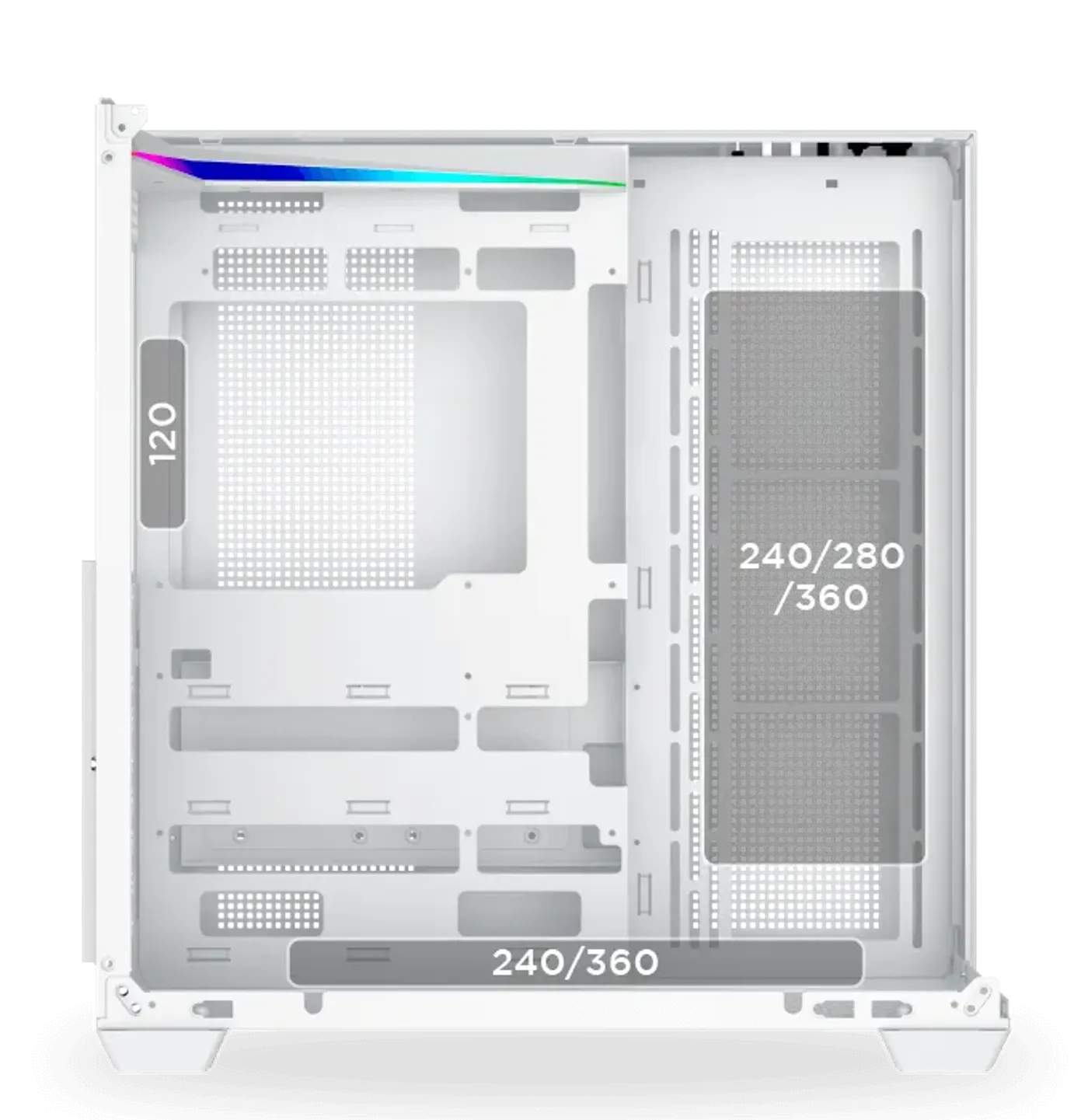
Radiators Up To 360 On The Motherboard Panel
Radiator support covers 240, 280 or 360 on the motherboard panel, 240 or 360 on the bottom and 120 at the rear. Three positions mean a large all-in-one liquid cooler has somewhere to go without displacing the rear exhaust, which is the fan a build can least afford to lose.
Radiators Up To 360 On The Motherboard Panel
Radiator support covers 240, 280 or 360 on the motherboard panel, 240 or 360 on the bottom and 120 at the rear. Three positions mean a large all-in-one liquid cooler has somewhere to go without displacing the rear exhaust, which is the fan a build can least afford to lose.
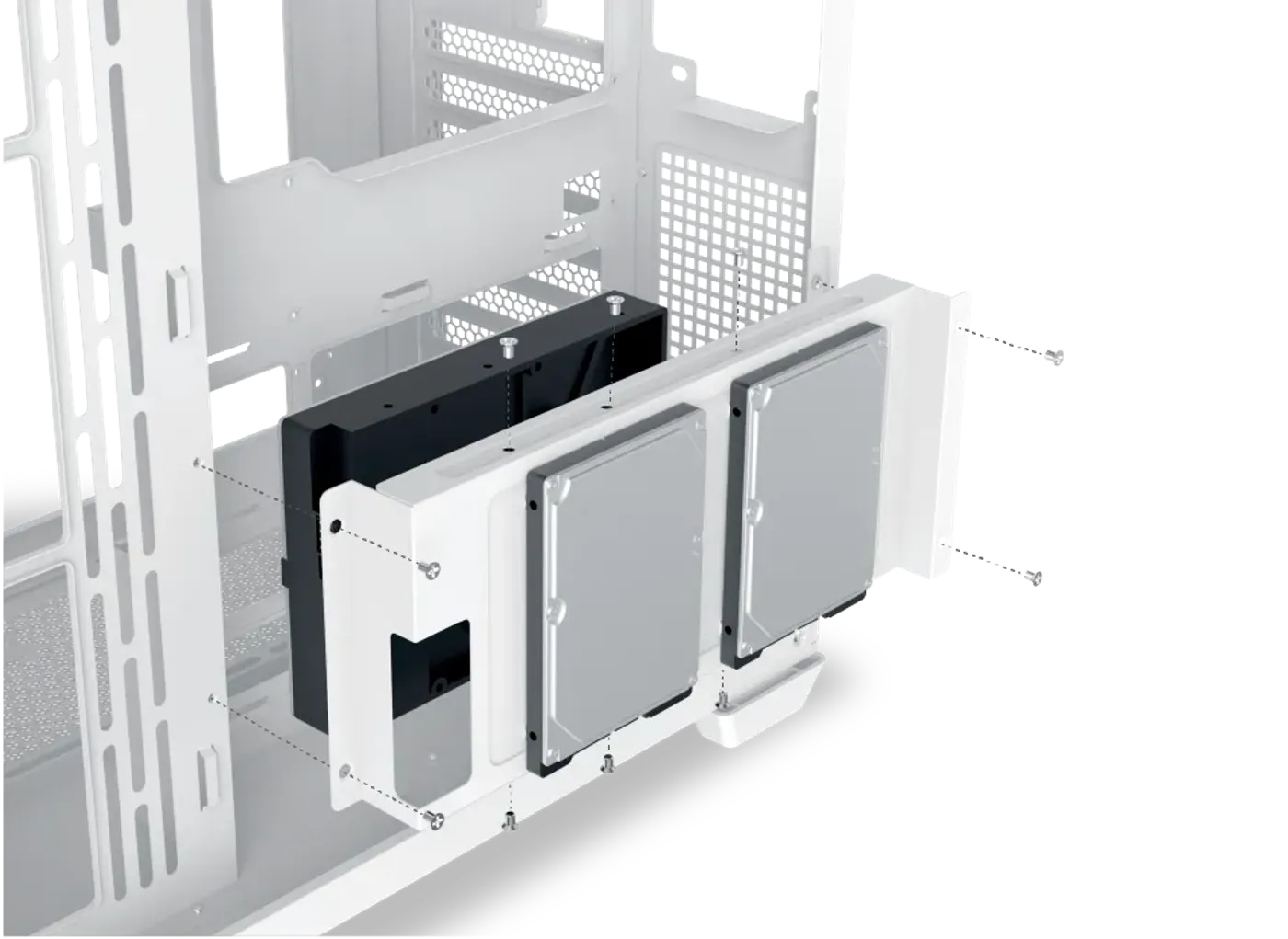
HDD Cage Takes Two SSDs And One Hard Drive
The drive cage holds two 2.5-inch drives alongside one 3.5-inch drive, which covers the common pairing of solid state storage for the system and games with a larger mechanical disk for bulk files. Housing them together keeps the storage in one place rather than scattered through the chassis.
HDD Cage Takes Two SSDs And One Hard Drive
The drive cage holds two 2.5-inch drives alongside one 3.5-inch drive, which covers the common pairing of solid state storage for the system and games with a larger mechanical disk for bulk files. Housing them together keeps the storage in one place rather than scattered through the chassis.
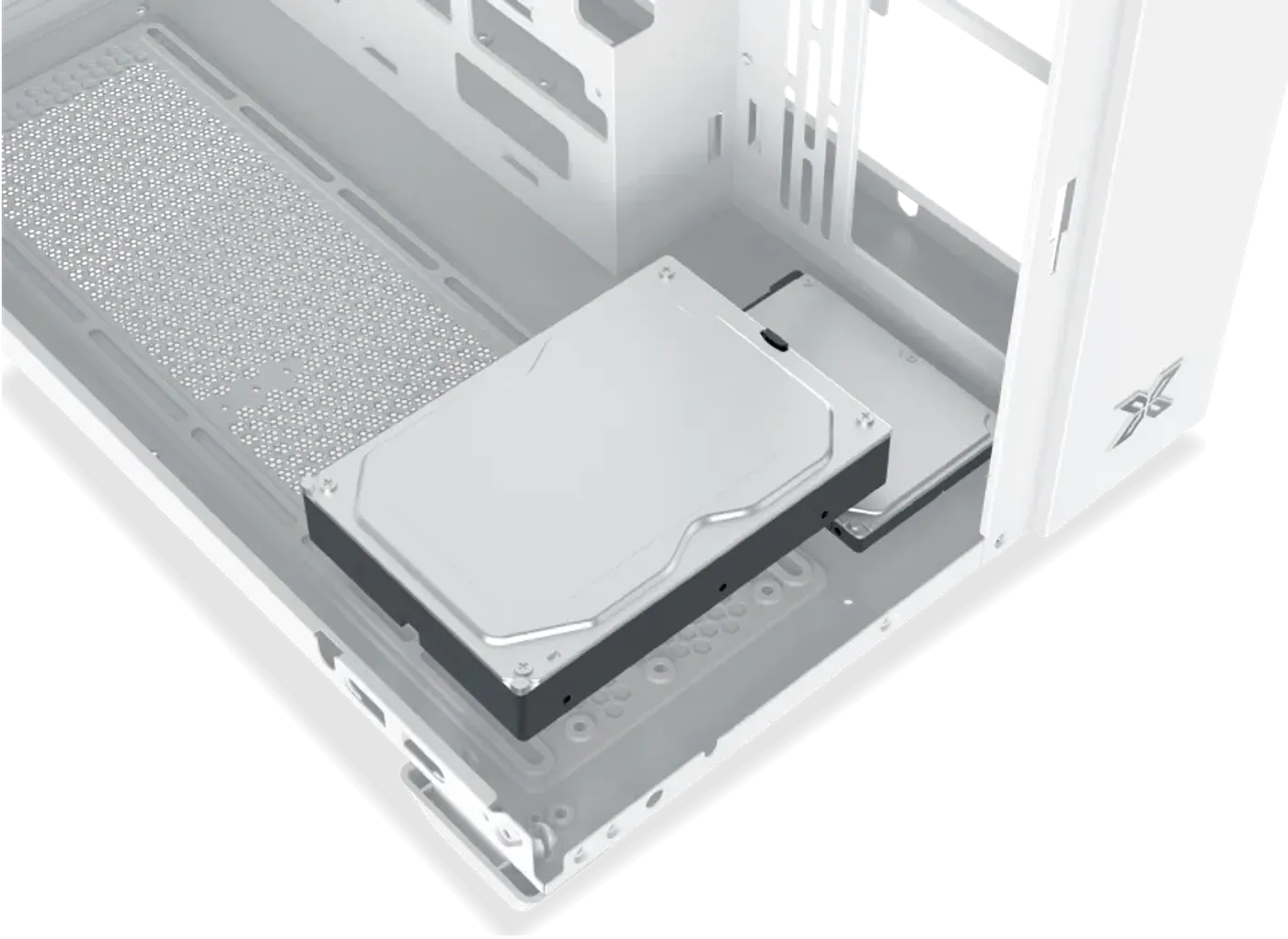
Bottom Panel Adds Two More SSDs And A Hard Drive
The bottom panel provides a second set of mounts for two 2.5-inch drives and one 3.5-inch drive, doubling the case's storage capacity. Remember that fitting a 3.5-inch drive down there rules out the three-fan bottom row, so decide early whether that space goes to cooling or to storage.
Bottom Panel Adds Two More SSDs And A Hard Drive
The bottom panel provides a second set of mounts for two 2.5-inch drives and one 3.5-inch drive, doubling the case's storage capacity. Remember that fitting a 3.5-inch drive down there rules out the three-fan bottom row, so decide early whether that space goes to cooling or to storage.
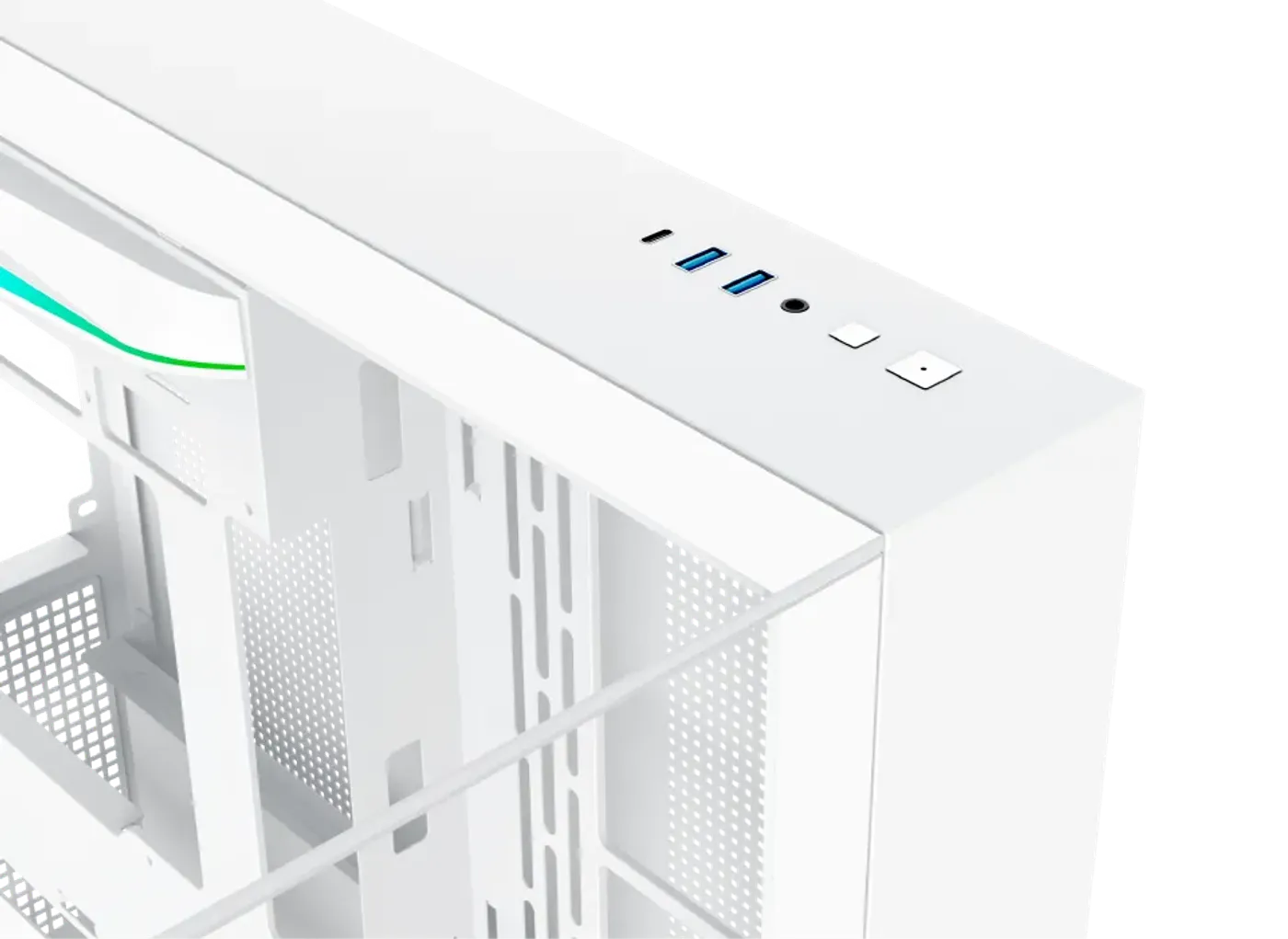
Top I/O With USB-C And A Light Switch
The top mount I/O carries a power button, a reset button, two USB 3.0 ports, one USB-C port, an HD audio jack and a light switch button. The light switch controls the case lighting from the chassis itself, so the RGB setup can be changed without opening software on the desktop.
Top I/O With USB-C And A Light Switch
The top mount I/O carries a power button, a reset button, two USB 3.0 ports, one USB-C port, an HD audio jack and a light switch button. The light switch controls the case lighting from the chassis itself, so the RGB setup can be changed without opening software on the desktop.
FAQ
Frequently Asked Questions
Everything you need to know about this product
Motherboard support runs up to ATX, and the case also supports ATX back plug motherboards.
The GPU length limitation is 410 mm.
CPU cooler clearance is up to 165 mm.
The PSU length limitation is up to 220 mm.
240, 280 or 360 on the motherboard panel, 240 or 360 on the bottom and 120 at the rear.
Three 120 mm or two 140 mm on the motherboard panel, three 120 mm on the bottom and one 120 mm at the rear.
Yes, the bottom row of three 120 mm fans requires that no 3.5-inch hard drive is fitted there.
The HDD cage takes two 2.5-inch drives and one 3.5-inch drive, and the bottom panel takes the same again.
Yes, it supports multiple cooling options including RGB fans.
Yes, the top mount I/O includes a light switch button.
A power button, reset button, two USB 3.0 ports, one USB-C port, an HD audio jack and a light switch button.
The chassis is built with three tempered glass panels.

AI-Generated Content: These FAQs are generated by an automated AI system and may contain inaccuracies or omissions. Evetech makes no warranties, express or implied, regarding their completeness or reliability. For definitive information, please refer to the manufacturer's official specifications.
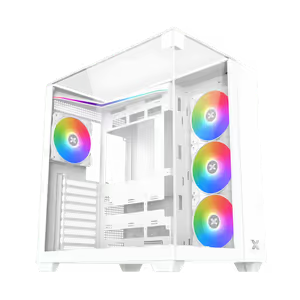
Please Note: Product images are for illustrative purposes only and may differ from the actual product.
Choose your
own PC
Hand-pick every part with live stock, compatibility, and instant pricing.
Try the new builderPrice Inc. Vat
R 1,999
Save R 600
ListR 2,599
1999Free Delivery
Qty:
In Stock with Evetech
Choose your
own PC
Hand-pick every part with live stock, compatibility, and instant pricing.
Try the new builderXigmatek Aqua V Arctic Mid Tower Gaming Case - White