


3 Years Local Warranty
Model No : AOC Q32P4C
Price Inc. Vat
R 8,499
Save R 1,300
ListR 9,799
8499Free Delivery
Qty:
In Stock with Evetech
Price Inc. Vat
R 8,499
Save R 1,300
ListR 9,799
8499Free Delivery
Qty:
In Stock with Evetech
Trusted Partners
Please Note: Product images are for illustrative purposes only and may differ from the actual product.
Hand-pick every part with live stock, compatibility, and instant pricing.
Try the new builderHand-pick every part with live stock, compatibility, and instant pricing.
Try the new builderAOC Q32P4C 31.5" QHD USB-C Monitor
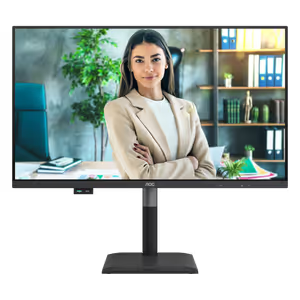
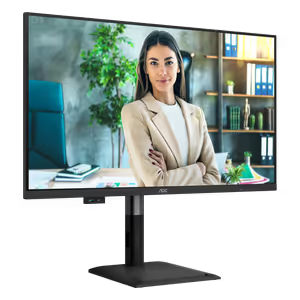
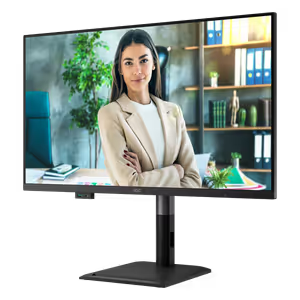
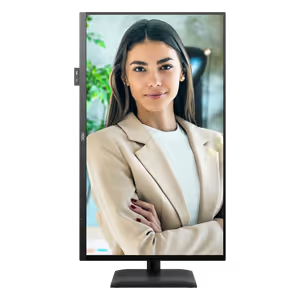
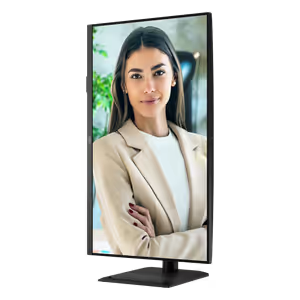
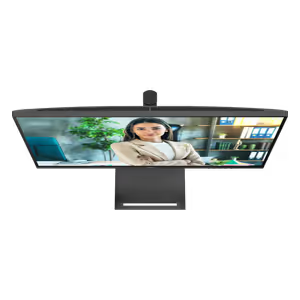
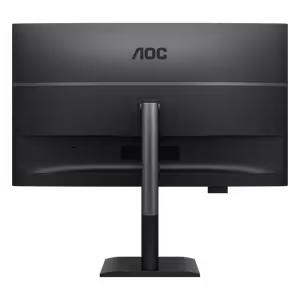
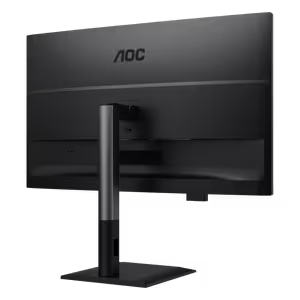
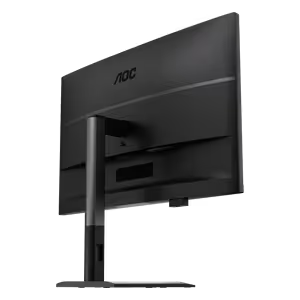
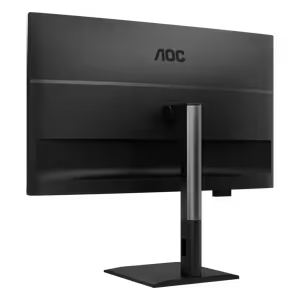
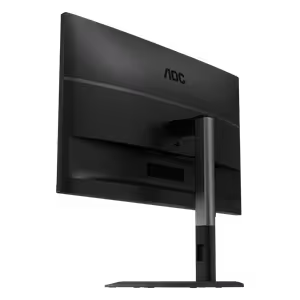
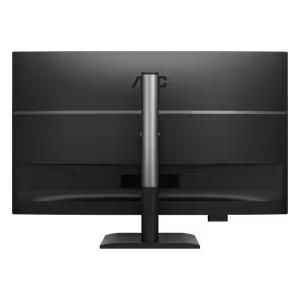
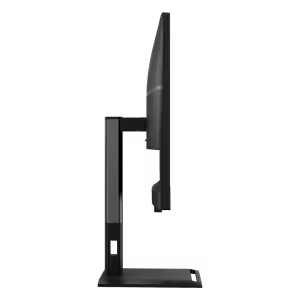



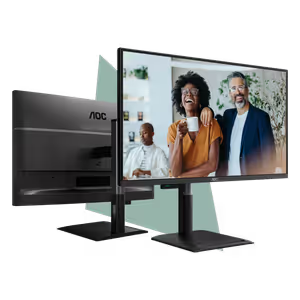
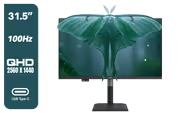
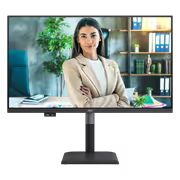
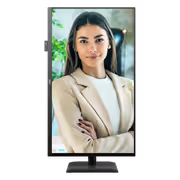
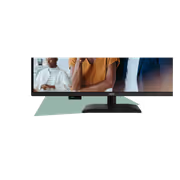
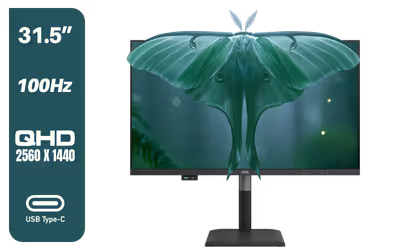
The AOC Q32P4C is a 31.5-inch QHD business monitor built around one-cable laptop docking. Its USB-C port carries video, data and up to 96W of charging, a built-in KVM lets one keyboard and mouse control two computers, and the 2560x1440 IPS panel runs at 100Hz with Adaptive-Sync and HDR10.
The AOC Q32P4C is a 31.5-inch QHD business monitor built around one-cable laptop docking. Its USB-C port carries video, data and up to 96W of charging, a built-in KVM lets one keyboard and mouse control two computers, and the 2560x1440 IPS panel runs at 100Hz with Adaptive-Sync and HDR10.
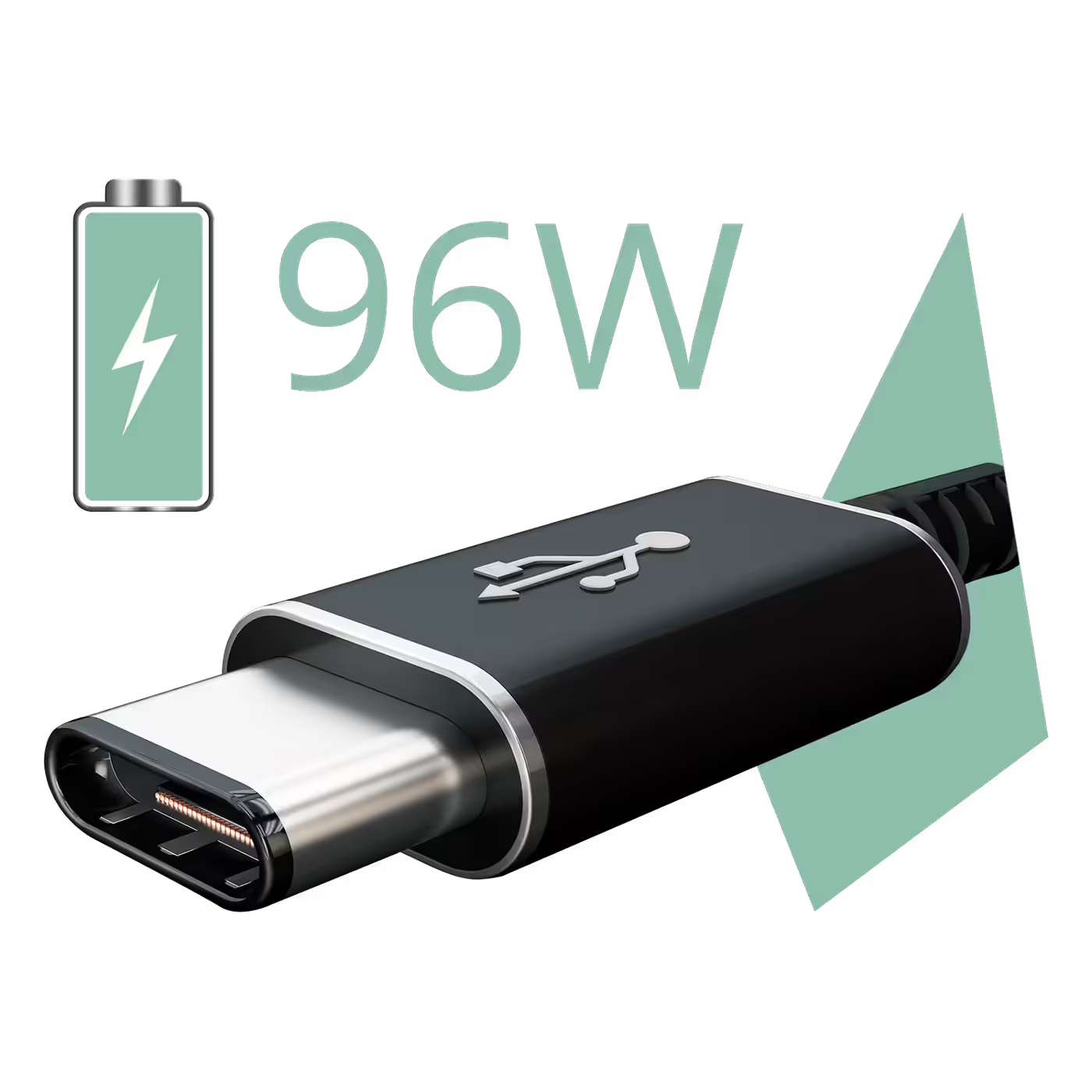
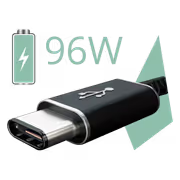
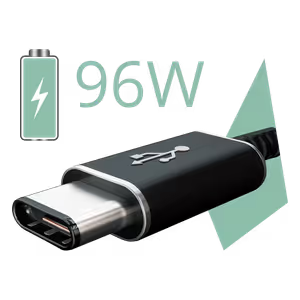
AOC rates the main USB-C port at up to 96W of USB Power Delivery. One cable charges a compatible laptop while it carries the picture and data, so the laptop's own charger can stay in the bag.
AOC rates the main USB-C port at up to 96W of USB Power Delivery. One cable charges a compatible laptop while it carries the picture and data, so the laptop's own charger can stay in the bag.
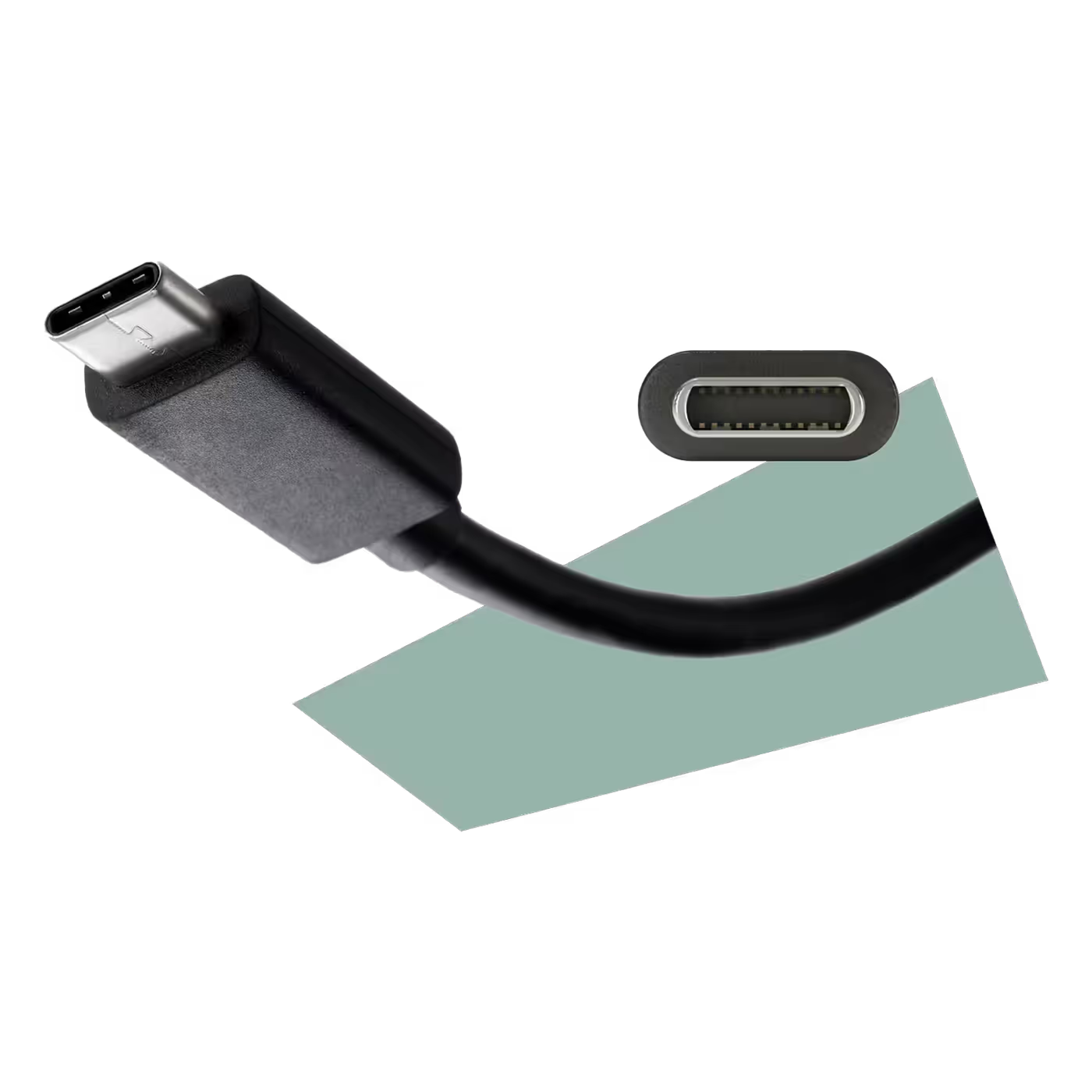
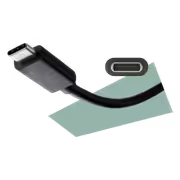
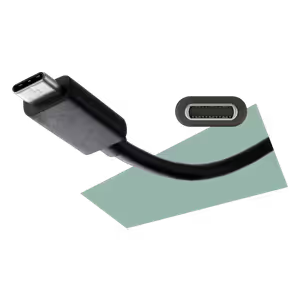
The USB-C connection supports DisplayPort Alt Mode, sending video from a laptop to the monitor over the same cable that charges it. Check that your laptop's USB-C port supports DisplayPort Alt Mode and charging.
The USB-C connection supports DisplayPort Alt Mode, sending video from a laptop to the monitor over the same cable that charges it. Check that your laptop's USB-C port supports DisplayPort Alt Mode and charging.
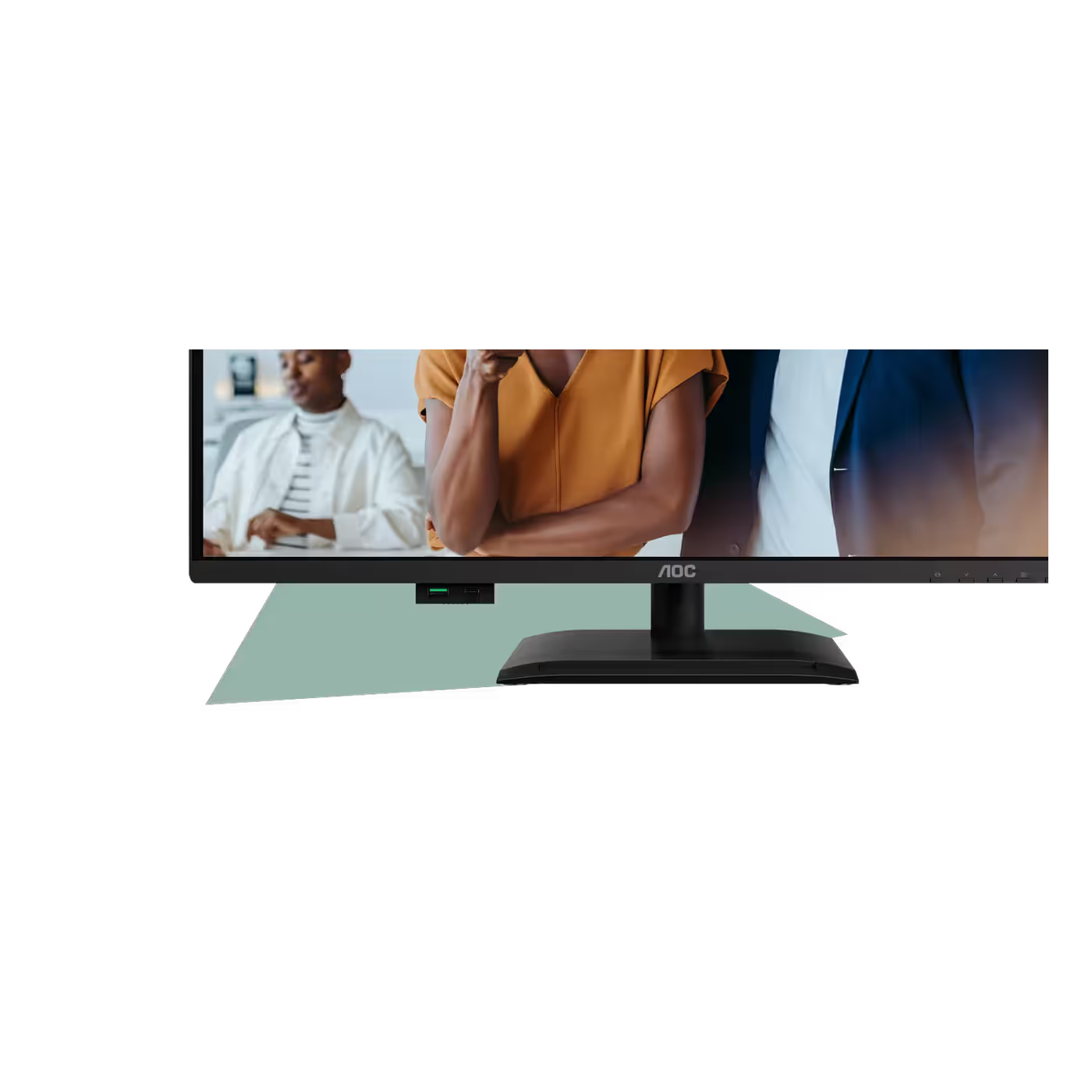
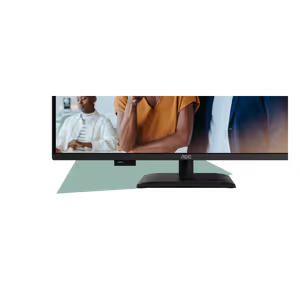
The USB 3.2 hub gives you three USB-A 5Gbps ports and a USB-C port that charges at up to 15W. Part of it pops out from under the bottom bezel, so a flash drive or phone cable plugs in from the front.
The USB 3.2 hub gives you three USB-A 5Gbps ports and a USB-C port that charges at up to 15W. Part of it pops out from under the bottom bezel, so a flash drive or phone cable plugs in from the front.
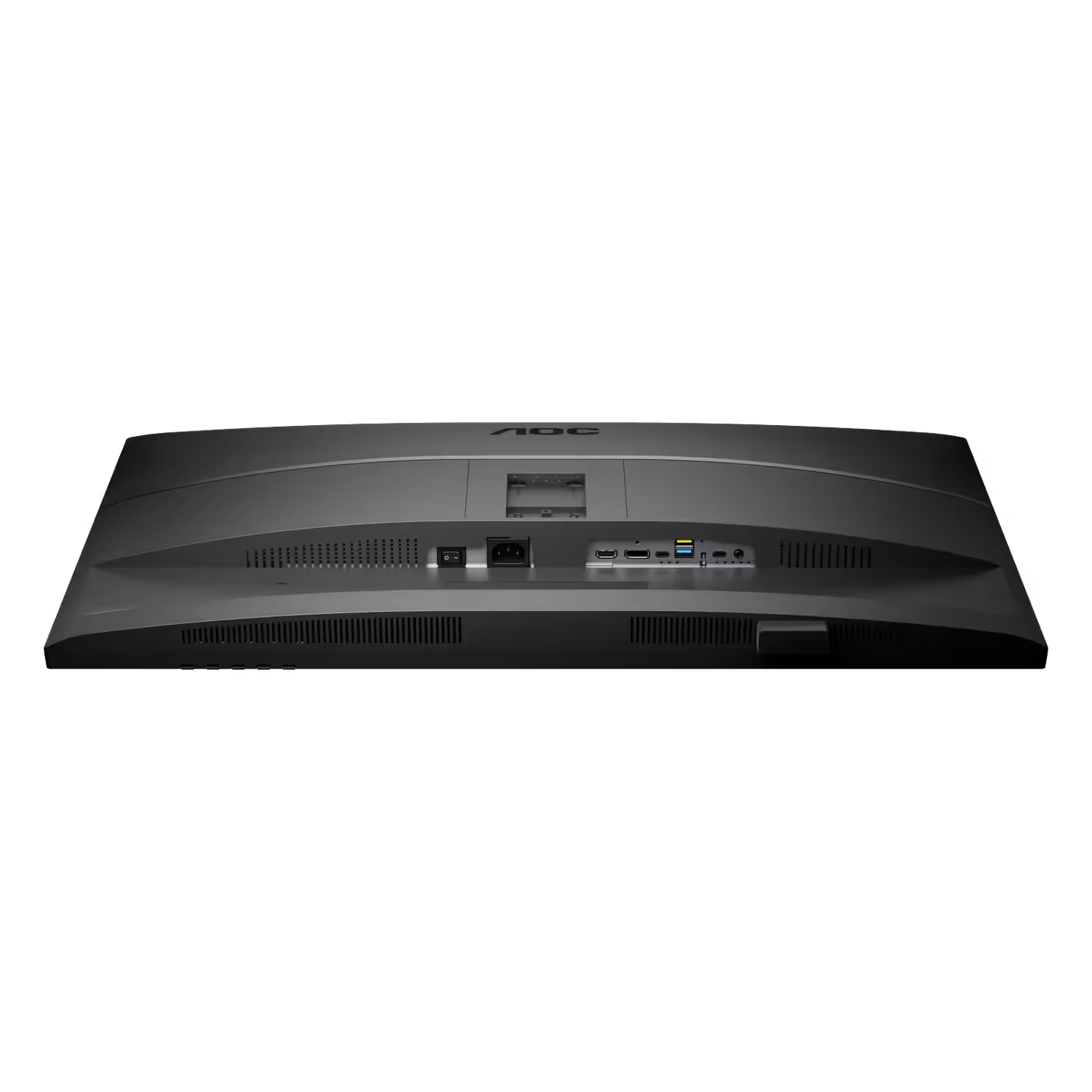
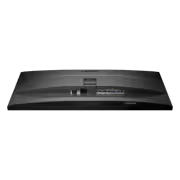
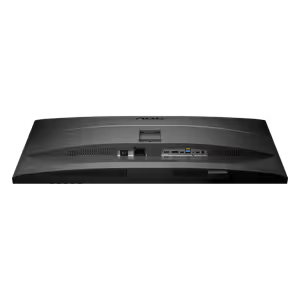
The KVM lets one keyboard and mouse, plugged into the monitor, switch between two computers. Underneath you get one HDMI 2.1, one DisplayPort 1.4, two USB-C upstream ports, USB-A ports and a 3.5mm audio out.
The KVM lets one keyboard and mouse, plugged into the monitor, switch between two computers. Underneath you get one HDMI 2.1, one DisplayPort 1.4, two USB-C upstream ports, USB-A ports and a 3.5mm audio out.

The IPS panel runs 2560x1440 at 100Hz with a 4ms GtG and 1ms MPRT response and Adaptive-Sync. At 93 pixels per inch on 31.5 inches, text stays large and easy to read with room for two windows side by side.
The IPS panel runs 2560x1440 at 100Hz with a 4ms GtG and 1ms MPRT response and Adaptive-Sync. At 93 pixels per inch on 31.5 inches, text stays large and easy to read with room for two windows side by side.
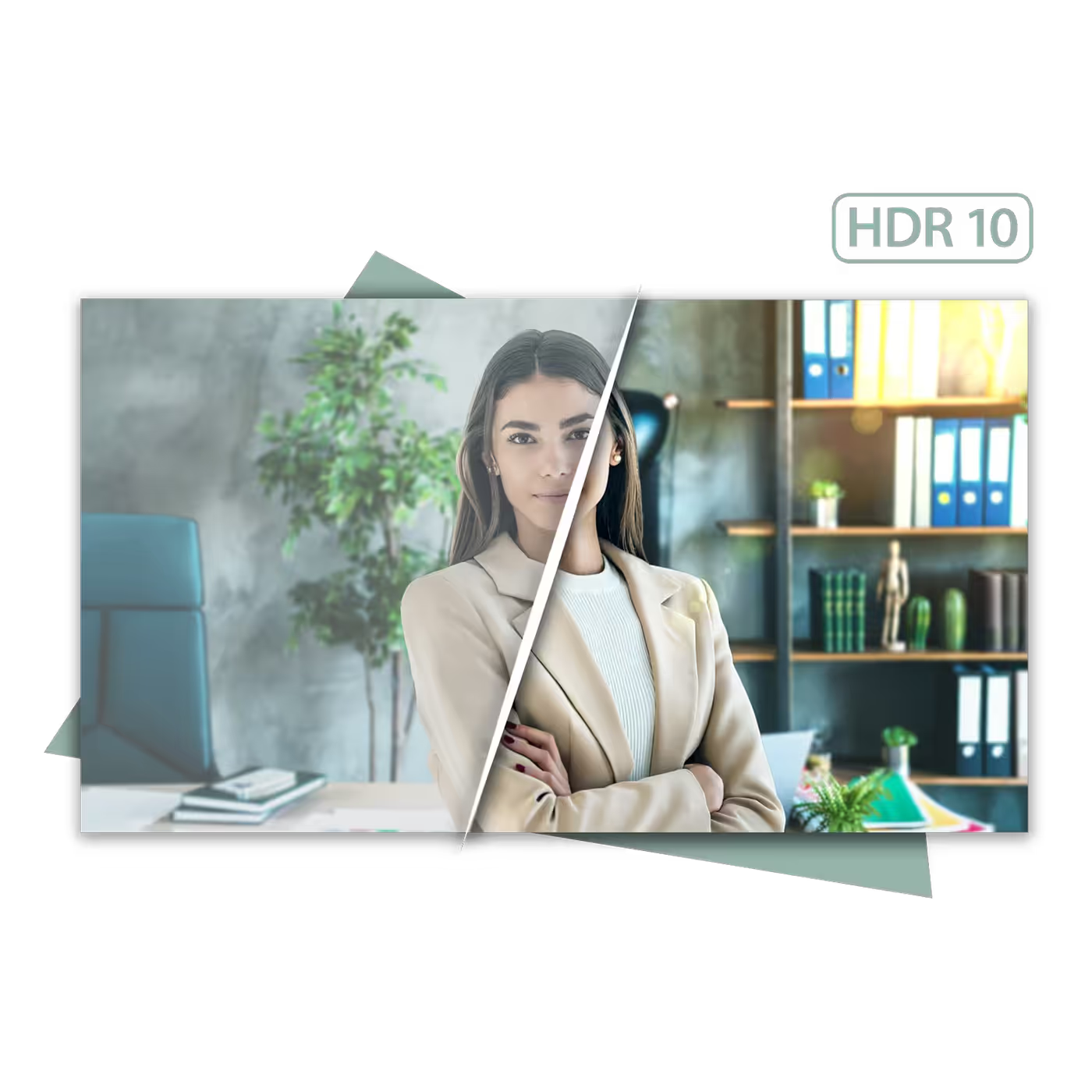
The Q32P4C supports HDR10 at 350 nits. AOC rates the panel at 110% sRGB and 92% DCI-P3, with Delta E under 2 in sRGB and 1.07 billion colours, on an anti-glare 3H surface.
The Q32P4C supports HDR10 at 350 nits. AOC rates the panel at 110% sRGB and 92% DCI-P3, with Delta E under 2 in sRGB and 1.07 billion colours, on an anti-glare 3H surface.

AOC builds the eye-comfort features into the hardware: TUV Low Blue Light and TUV Eye Comfort certification, plus a flicker-free backlight. The blue light is cut in the panel itself, so colours stay natural.
AOC builds the eye-comfort features into the hardware: TUV Low Blue Light and TUV Eye Comfort certification, plus a flicker-free backlight. The blue light is cut in the panel itself, so colours stay natural.
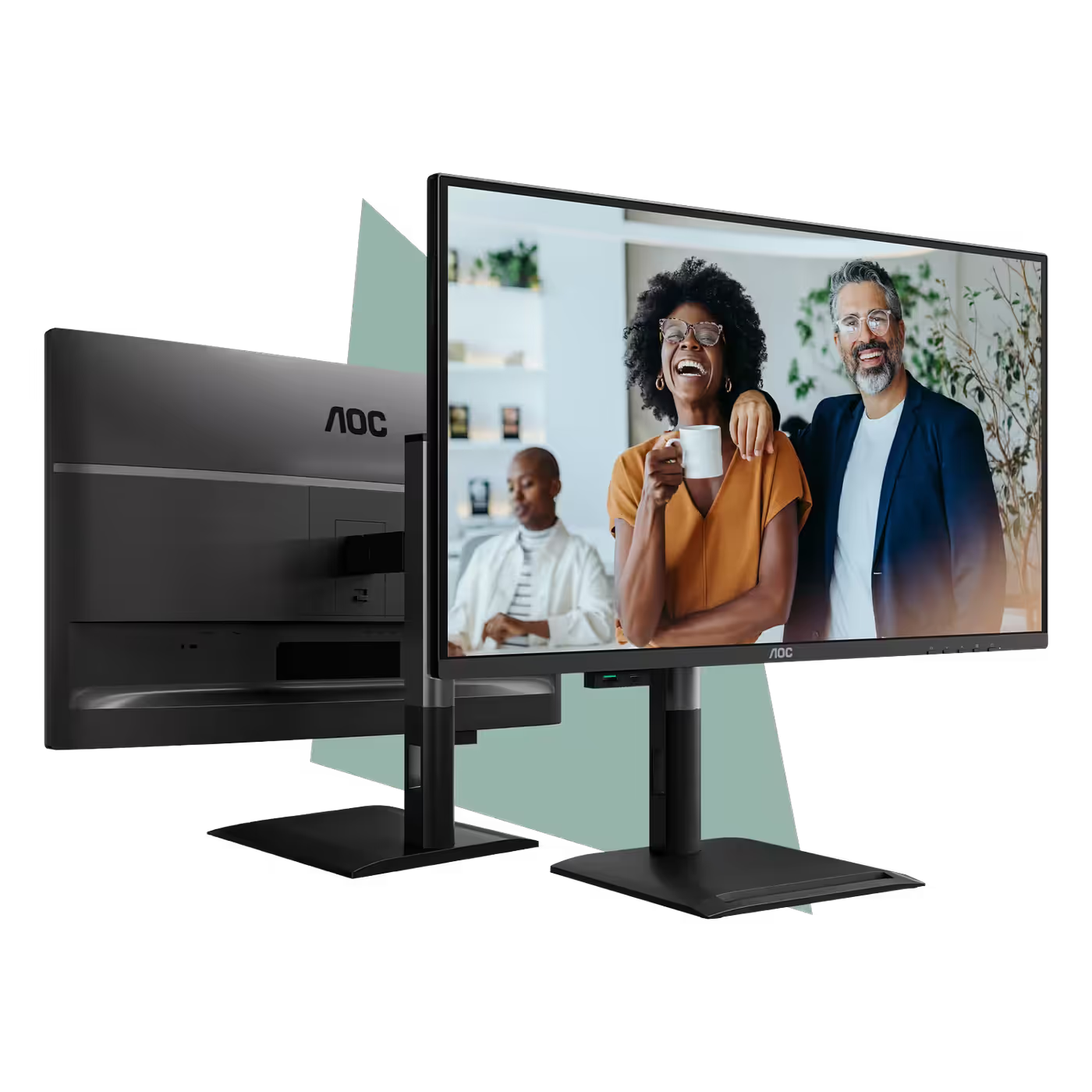
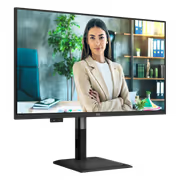
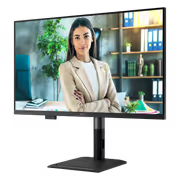
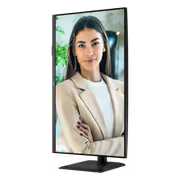
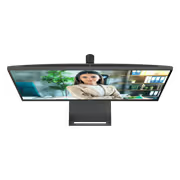
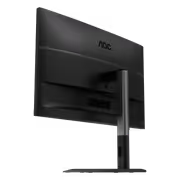
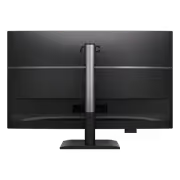
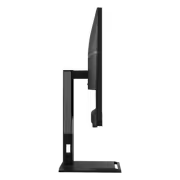
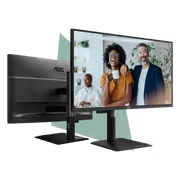
The stand raises and lowers the screen through 180mm, tilts from -5 to 23 degrees and swivels from -180 to 180 degrees. A quick-release mount and 100x100 VESA support let you move it to a monitor arm.
The stand raises and lowers the screen through 180mm, tilts from -5 to 23 degrees and swivels from -180 to 180 degrees. A quick-release mount and 100x100 VESA support let you move it to a monitor arm.
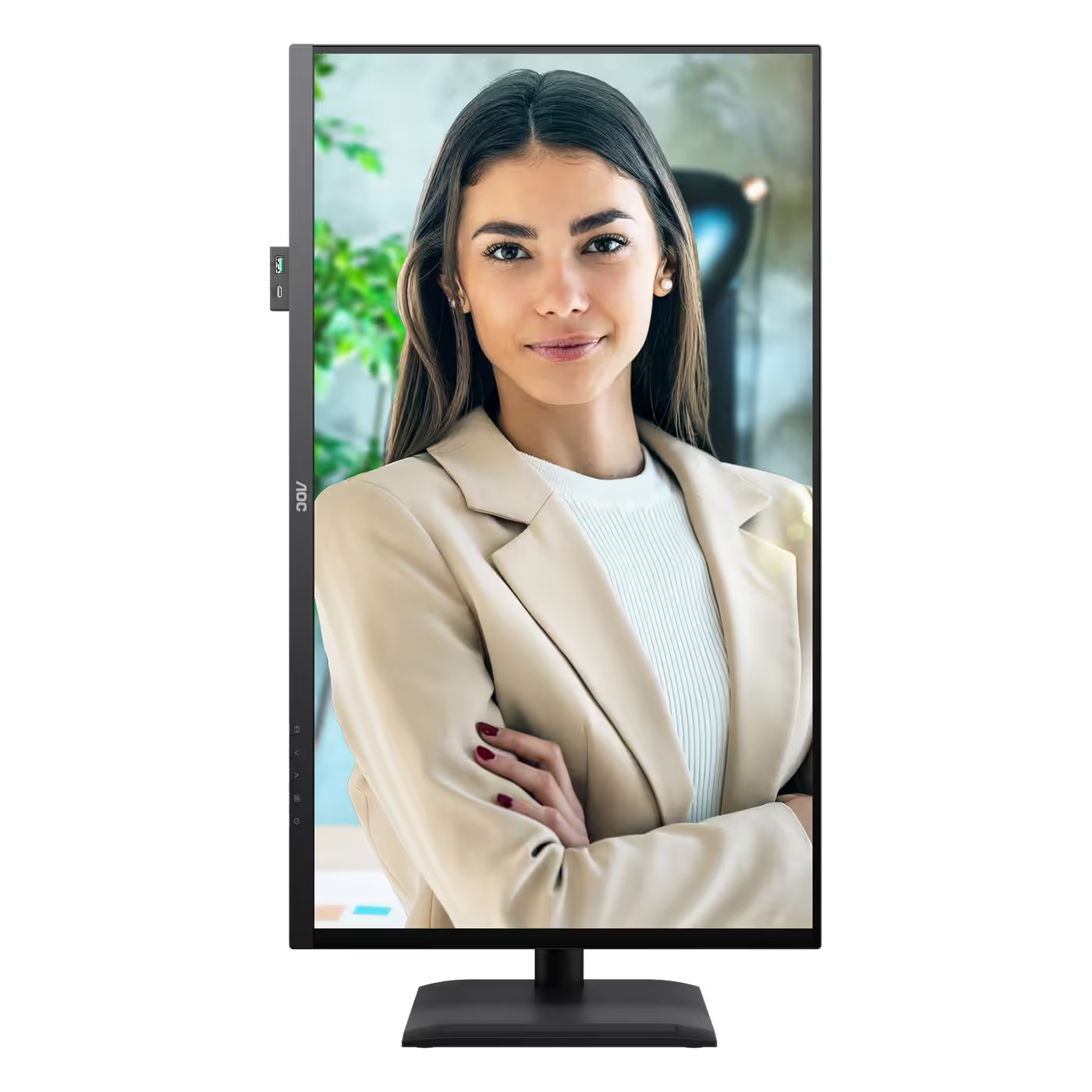
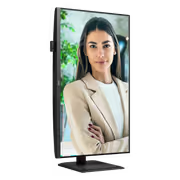
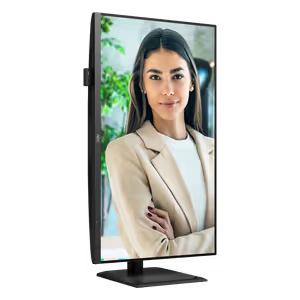
Turn the screen 90 degrees into portrait for long documents, code or web pages. A built-in G-sensor rotates the picture automatically when you pivot the panel.
Turn the screen 90 degrees into portrait for long documents, code or web pages. A built-in G-sensor rotates the picture automatically when you pivot the panel.
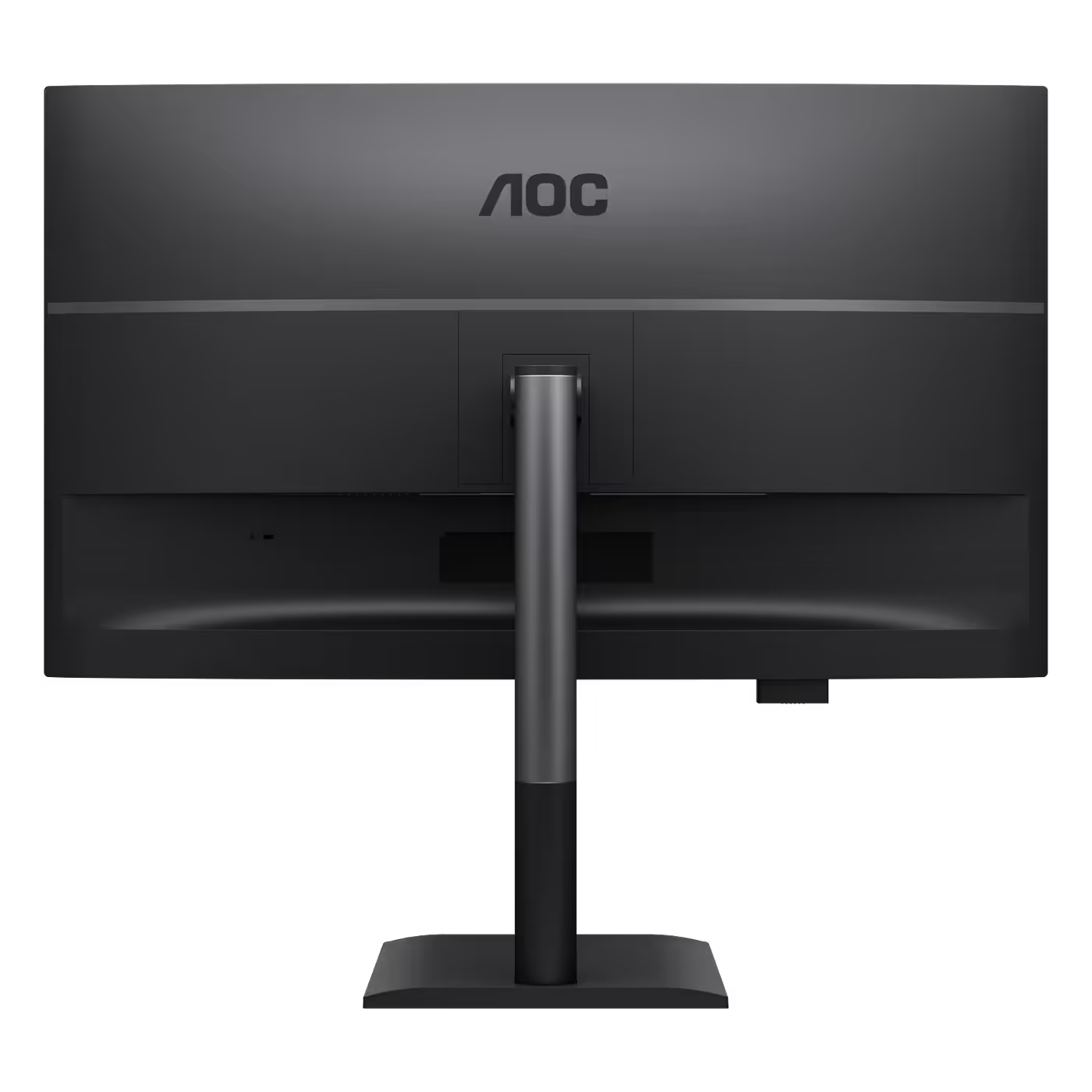
Two built-in 3W speakers handle calls and everyday audio, with a 3.5mm audio out for headphones. The back carries a Kensington lock slot, and the power supply is built into the monitor.
Two built-in 3W speakers handle calls and everyday audio, with a 3.5mm audio out for headphones. The back carries a Kensington lock slot, and the power supply is built into the monitor.
Everything you need to know about this product
Yes. Its main USB-C port supports DisplayPort Alt Mode with up to 96W of power delivery, so one cable carries video, data and charging to a compatible laptop. Check that your laptop's USB-C port supports DisplayPort Alt Mode and USB-C charging.
The built-in KVM lets one keyboard and mouse, plugged into the monitor's USB hub, control two computers. Switch the input and your keyboard and mouse follow, which suits a work laptop and a home PC on one desk.
One HDMI 2.1, one DisplayPort 1.4, two USB-C upstream ports (one with DisplayPort Alt Mode and 96W charging), a pop-out hub with one 15W USB-C port and three USB-A 5Gbps ports, and a 3.5mm audio out.
It is a 31.5-inch QHD panel at 2560x1440 with a 100Hz refresh rate, a 4ms GtG and 1ms MPRT response, and Adaptive-Sync. At 93 pixels per inch, text stays readable at normal scaling.
AOC rates the IPS panel at 110% sRGB and 92% DCI-P3, with Delta E under 2 in sRGB and 1.07 billion colours. Brightness is 350 nits and it supports HDR10.
Very. It offers 180mm of height adjustment, tilt from -5 to 23 degrees, swivel from -180 to 180 degrees and pivot to portrait. A G-sensor rotates the picture automatically when you pivot the screen.
It has two built-in 3W speakers and a 3.5mm audio out. AOC lists no webcam on this model.
Yes, if you want a bigger screen without 4K scaling. 2560x1440 on 31.5 inches gives large, easy-to-read text with room for two windows side by side. If you want sharper text at this size, look at a 4K model.

AI-Generated Content:These FAQs are generated by an automated AI system and may contain inaccuracies or omissions. Evetech makes no warranties, express or implied, regarding their completeness or reliability. For definitive information, please refer to the manufacturer's official specifications.