asus-rog-strix-xg27aqdpg-27-inch-qhd-500hz-qd-oled-monitor
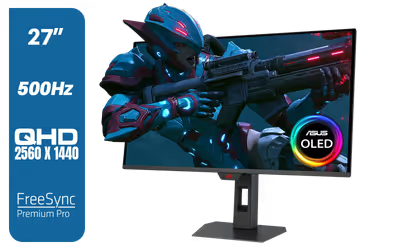
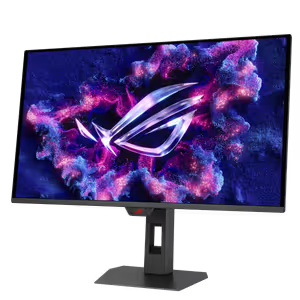
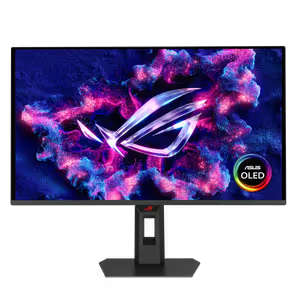
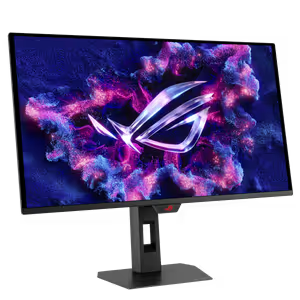
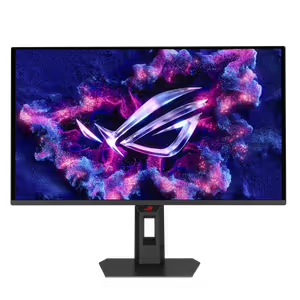
ASUS ROG Strix OLED XG27AQDPG 27" QHD 500Hz QD-OLED Gaming Monitor / DisplayHDR 500 True Black / 0.03ms GTG / OLED Anti-Flicker 2.0 / G-SYNC Compatible / FreeSync Premium Pro / 99% DCI-P3 / HDMI 2.1 / DisplayPort 1.4 / XG27AQDPG + FREE DELIVERY !
3 Years Local Warranty
Model No : ASUS XG27AQDPG
Price Inc. Vat
R 23,899
Save R 2,400.00
ListR 26,299
23899Free Delivery
Qty:
In Stock with Evetech
ASUS ROG Strix XG27AQDPG 27-inch 500Hz OLED
ROG Strix OLED XG27AQDPG Overview
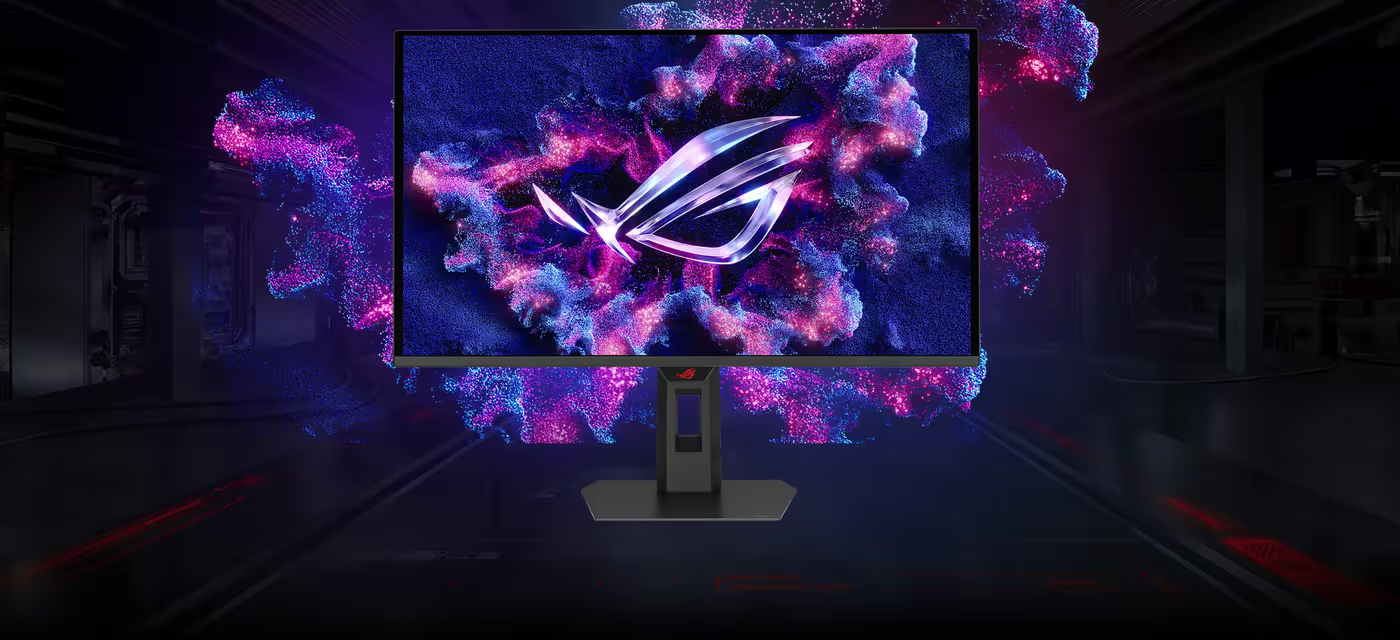
The ROG Strix OLED XG27AQDPG combines a 27-inch QHD display with a 500Hz refresh rate. Its QD-OLED panel is designed for greater longevity than earlier OLED technologies and minimizes flicker during changing frame rates. ASUS OLED Care Pro also includes the Neo Proximity Sensor, which switches the display to a black screen when no user is detected to help guard against burn-in.
ROG Strix OLED XG27AQDPG Overview
The ROG Strix OLED XG27AQDPG combines a 27-inch QHD display with a 500Hz refresh rate. Its QD-OLED panel is designed for greater longevity than earlier OLED technologies and minimizes flicker during changing frame rates. ASUS OLED Care Pro also includes the Neo Proximity Sensor, which switches the display to a black screen when no user is detected to help guard against burn-in.
500Hz OLED Gaming Performance
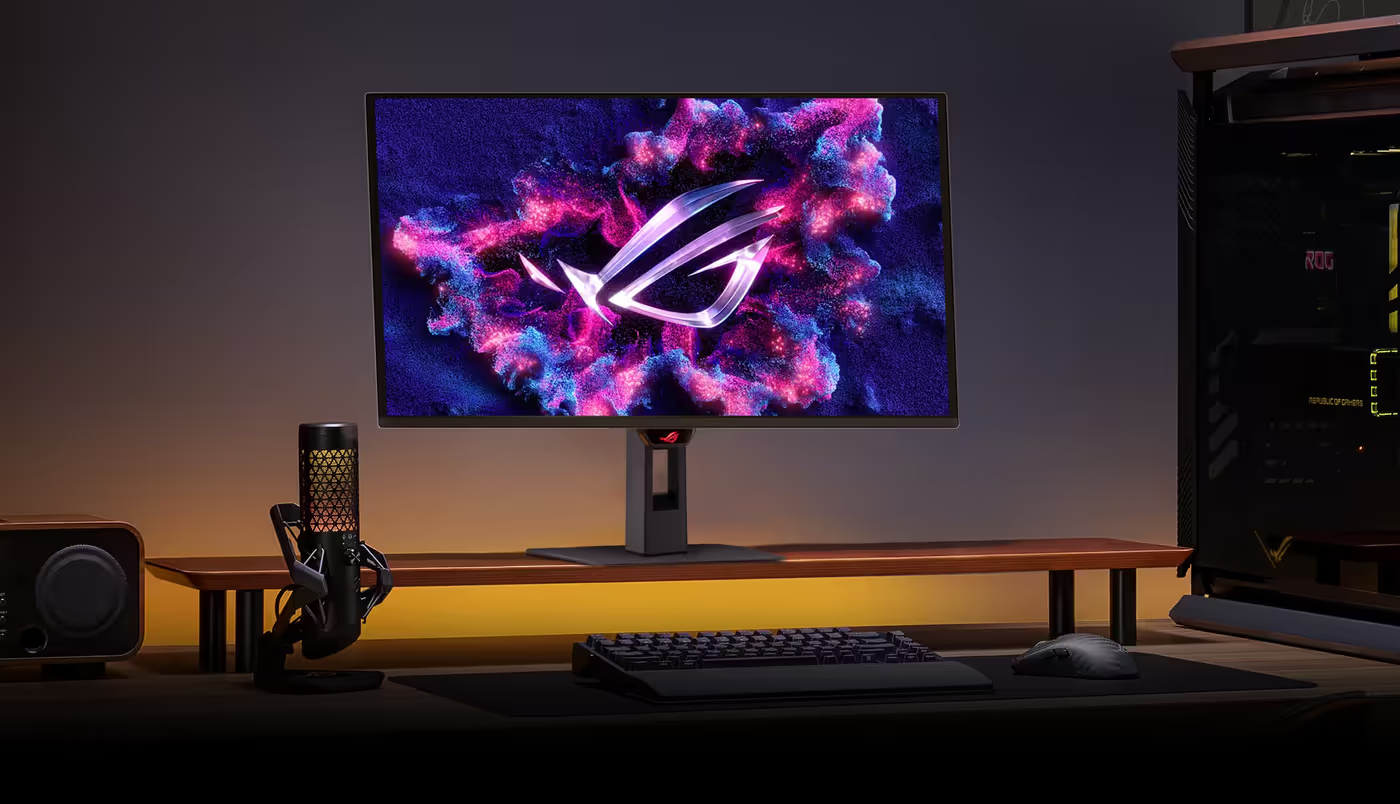
Built for discerning gamers and professional creators, this monitor delivers a 500Hz refresh rate and 0.03ms gray-to-gray (GTG) response time for sharp, fluid visuals.
500Hz OLED Gaming Performance
Built for discerning gamers and professional creators, this monitor delivers a 500Hz refresh rate and 0.03ms gray-to-gray (GTG) response time for sharp, fluid visuals.

QD-OLED Contrast And Color
ASUS OLED technology produces extremely high contrast ratios, deep black tones, and vivid colors for immersive gaming and creative work. The panel provides a 1.5M :1 contrast ratio, 0.03 ms response time, 99% DCI-P3 gamut, and Delta E < 2, alongside DisplayHDR True Black 500.
QD-OLED Contrast And Color
ASUS OLED technology produces extremely high contrast ratios, deep black tones, and vivid colors for immersive gaming and creative work. The panel provides a 1.5M :1 contrast ratio, 0.03 ms response time, 99% DCI-P3 gamut, and Delta E < 2, alongside DisplayHDR True Black 500.
Extreme Low Motion Blur
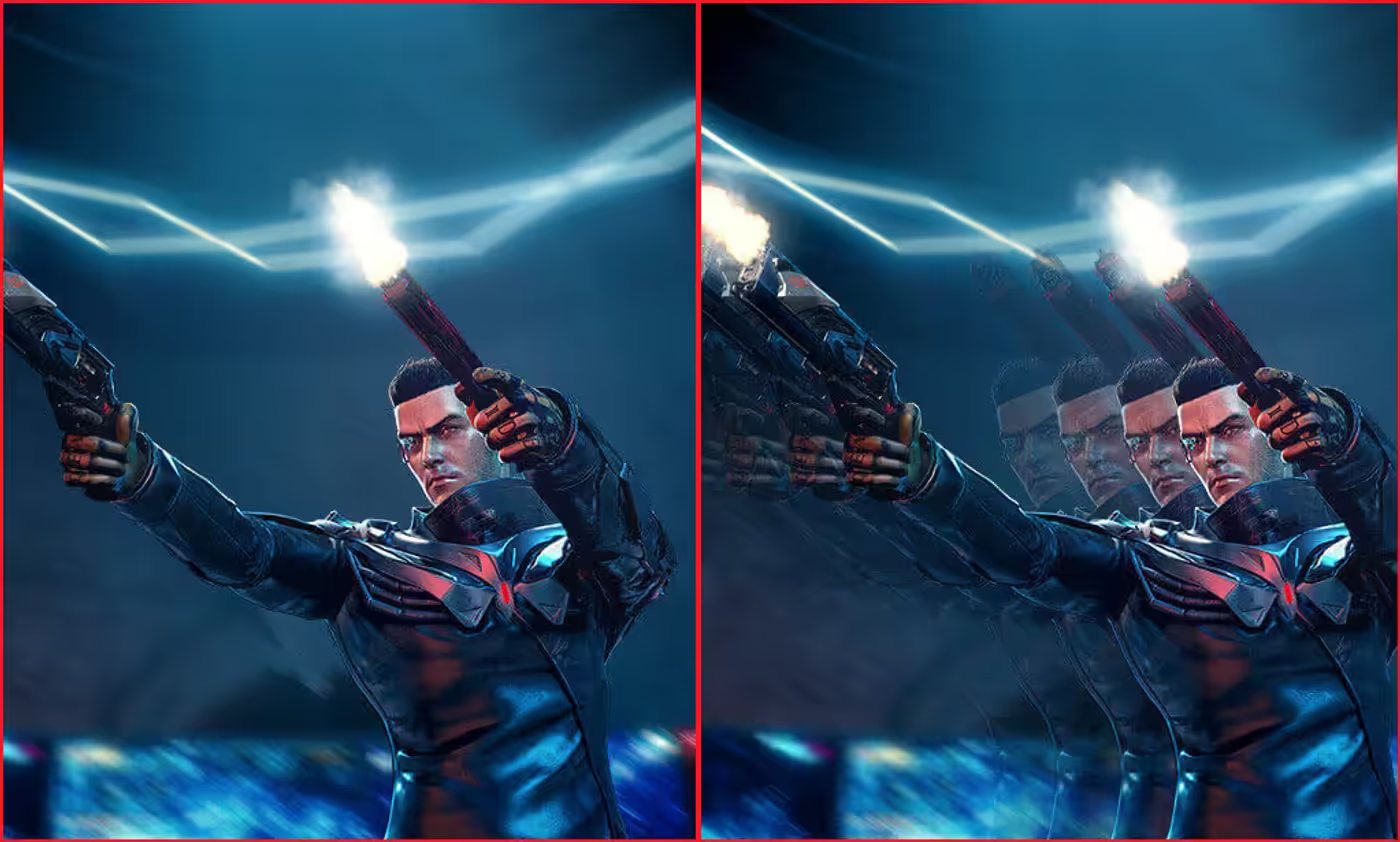
Exclusive ASUS Extreme Low Motion Blur technology reduces ghosting and motion blur, helping preserve clarity during fast-moving scenes.
Extreme Low Motion Blur
Exclusive ASUS Extreme Low Motion Blur technology reduces ghosting and motion blur, helping preserve clarity during fast-moving scenes.
OLED Anti-Flicker 2.0 Protection
ROG OLED Anti-Flicker 2.0 minimizes visible flicker for more comfortable gaming. Its luminance compensation algorithm increases pixel brightness during refresh-rate fluctuations while maintaining input lag and refresh-rate performance, and the Refresh Rate Cap can limit the refresh rate across a wider range.
OLED Anti-Flicker 2.0 Protection
ROG OLED Anti-Flicker 2.0 minimizes visible flicker for more comfortable gaming. Its luminance compensation algorithm increases pixel brightness during refresh-rate fluctuations while maintaining input lag and refresh-rate performance, and the Refresh Rate Cap can limit the refresh rate across a wider range.

ASUS OLED Care Pro Features
ASUS OLED Care Pro provides customizable settings intended to protect the OLED panel and support longevity. The Neo Proximity Sensor detects the user's distance, changes the screen to a black image when the user leaves, and restores the content when the user returns. Detection distance can be customized, while Pixel Cleaning, Screen Move, Screen Saver, and brightness-control features provide additional panel-protection options.
ASUS OLED Care Pro Features
ASUS OLED Care Pro provides customizable settings intended to protect the OLED panel and support longevity. The Neo Proximity Sensor detects the user's distance, changes the screen to a black image when the user leaves, and restores the content when the user returns. Detection distance can be customized, while Pixel Cleaning, Screen Move, Screen Saver, and brightness-control features provide additional panel-protection options.

Gaming And Creator Versatility
The XG27AQDPG is designed for gaming, streaming, and content creation. Its high refresh rate, low response time, vivid colors, wide viewing angles, built-in tripod socket, color accuracy, and wide color gamut support these different uses.
Gaming And Creator Versatility
The XG27AQDPG is designed for gaming, streaming, and content creation. Its high refresh rate, low response time, vivid colors, wide viewing angles, built-in tripod socket, color accuracy, and wide color gamut support these different uses.
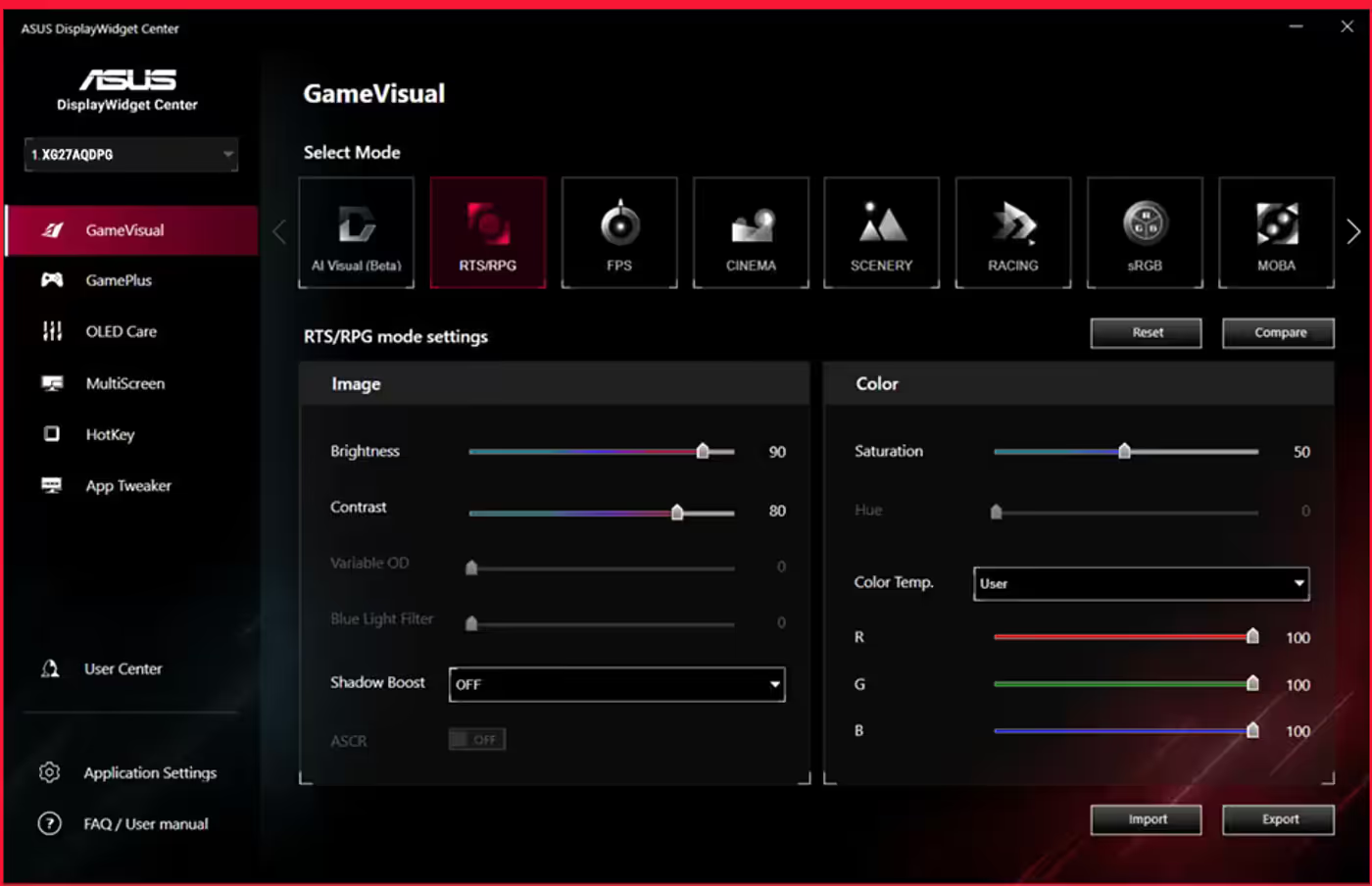
DisplayWidget Center Management
DisplayWidget Center lets users manage and personalize monitor settings with a mouse instead of accessing the OSD menu. It provides firmware-update notifications, direct updating, multiscreen control, OLED protection controls, and display-configuration import and export.
DisplayWidget Center Management
DisplayWidget Center lets users manage and personalize monitor settings with a mouse instead of accessing the OSD menu. It provides firmware-update notifications, direct updating, multiscreen control, OLED protection controls, and display-configuration import and export.

AI Gaming Assistance
ROG AI Assistant includes AI Visual, AI Crosshair, and AI Shadow Boost. AI Crosshair changes the crosshair to contrast with the background, AI Shadow Boost enhances dark areas to reveal enemies, and AI Visual detects onscreen content to apply default or user-preset monitor settings through DisplayWidget Center.
AI Gaming Assistance
ROG AI Assistant includes AI Visual, AI Crosshair, and AI Shadow Boost. AI Crosshair changes the crosshair to contrast with the background, AI Shadow Boost enhances dark areas to reveal enemies, and AI Visual detects onscreen content to apply default or user-preset monitor settings through DisplayWidget Center.
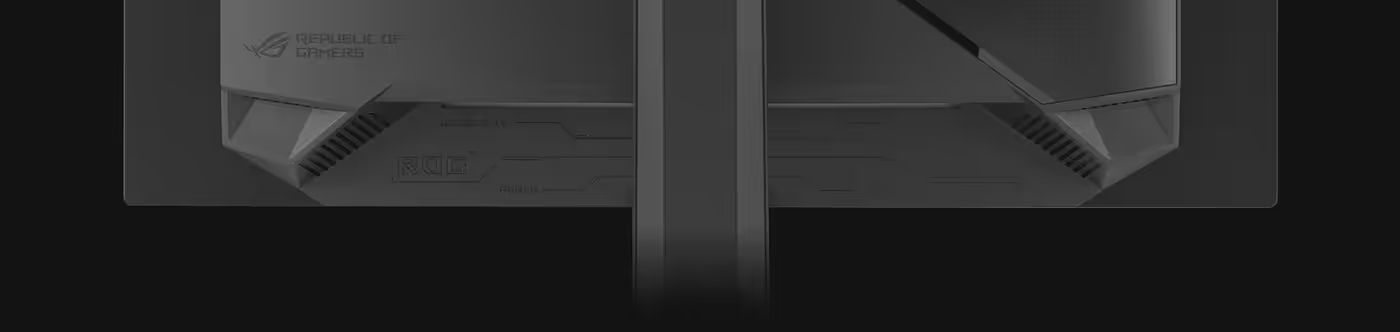
Flexible Connectivity And Positioning
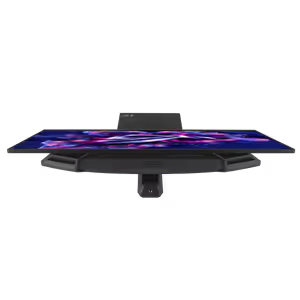
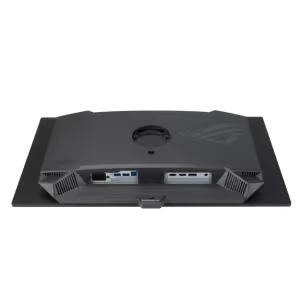
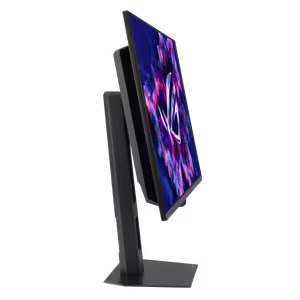
Connectivity includes DisplayPort™ 1.4 with Display Stream Compression (DSC), two HDMI® 2.1 ports, and a USB hub. The stand supports tilt, swivel, pivot, and height adjustment from 0-110MM, -45°~ +45°, -5°~ +20°, and -90°~ +90° respectively, and the display is VESA wall-mount-compatible.
Flexible Connectivity And Positioning
Connectivity includes DisplayPort™ 1.4 with Display Stream Compression (DSC), two HDMI® 2.1 ports, and a USB hub. The stand supports tilt, swivel, pivot, and height adjustment from 0-110MM, -45°~ +45°, -5°~ +20°, and -90°~ +90° respectively, and the display is VESA wall-mount-compatible.
FAQ
Frequently Asked Questions
Everything you need to know about this product
The ROG Strix OLED XG27AQDPG offers a 500Hz refresh rate.
It has a 0.03ms gray-to-gray (GTG) response time.
The monitor uses a QD-OLED panel.
Yes. ASUS Extreme Low Motion Blur technology reduces ghosting and motion blur.
ROG OLED Anti-Flicker 2.0 minimizes onscreen flicker, while its luminance compensation algorithm boosts pixel brightness during refresh-rate fluctuations.
ASUS OLED Care Pro includes customizable panel-protection settings and a Neo Proximity Sensor that changes the display to a black image when the user moves away. Other listed tools include Pixel Cleaning, Screen Move, Screen Saver, and brightness controls.
The monitor is designed for content creation and provides 99% DCI-P3 gamut, Delta E < 2, vivid colors, wide viewing angles, and a built-in tripod socket.
It includes DisplayPort™ 1.4 with Display Stream Compression (DSC), two HDMI® 2.1 ports, and a USB hub.
The stand supports tilt, swivel, pivot, and 0-110MM height adjustment. The display is also VESA wall-mount-compatible.
DisplayWidget Center allows mouse-based monitor management, firmware-update notifications, direct updating, multiscreen control, OLED protection controls, and configuration import and export.

AI-Generated Content:These FAQs are generated by an automated AI system and may contain inaccuracies or omissions. Evetech makes no warranties, express or implied, regarding their completeness or reliability. For definitive information, please refer to the manufacturer's official specifications.
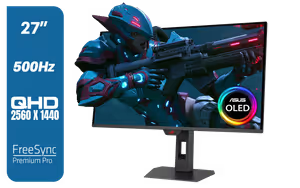
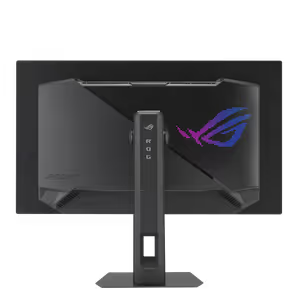
Please Note: Product images are for illustrative purposes only and may differ from the actual product.
Choose your
own PC
Hand-pick every part with live stock, compatibility, and instant pricing.
Try the new builderPrice Inc. Vat
R 23,899
Save R 2,400.00
ListR 26,299
23899Free Delivery
Qty:
In Stock with Evetech
Choose your
own PC
Hand-pick every part with live stock, compatibility, and instant pricing.
Try the new builderASUS ROG Strix OLED XG27AQDPG 27" QHD 500Hz QD-OLED Gaming M