Travel Laptop Buying Guide · 44/44
How to choose a laptop for traveling.
The travel laptop you actually want is lighter than the spec sheet suggests, lasts longer than the marketing claims, and charges from the same brick as your phone. Here's the 2026 shortlist that earns its place in carry-on.
- cabin-ready weight
- Sub-1.5kg
- battery life
- 16+ hrs
- universal charger
- 65W GaN
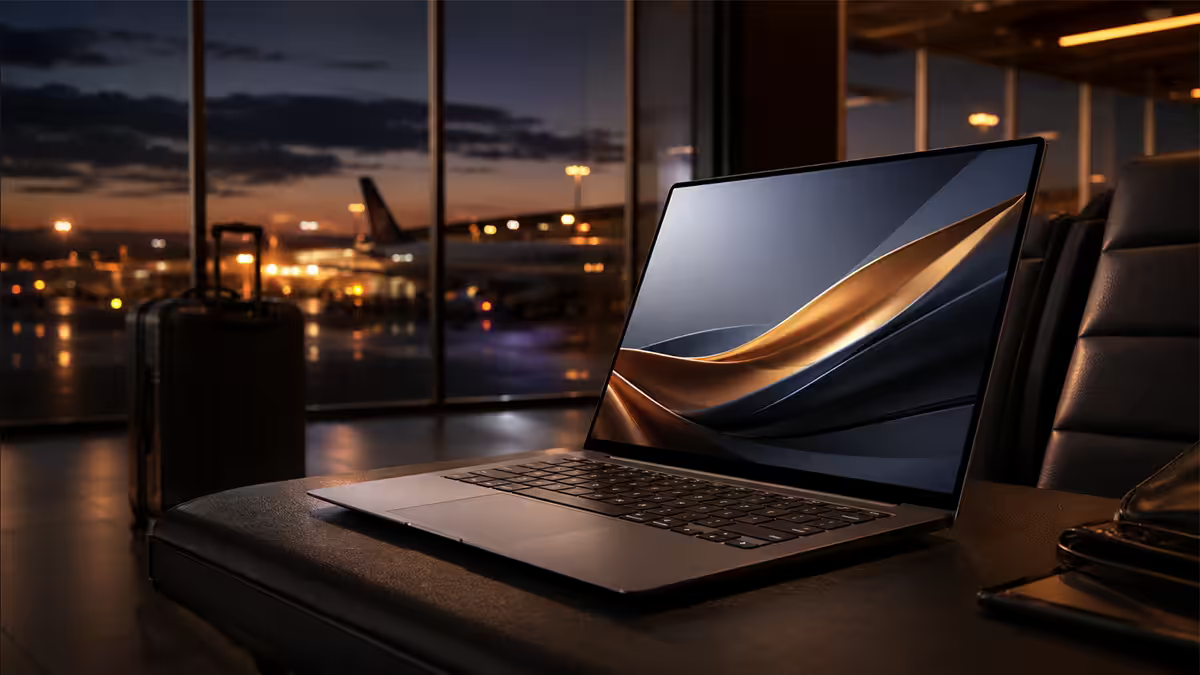
Weight & size — the sub-1.5kg threshold
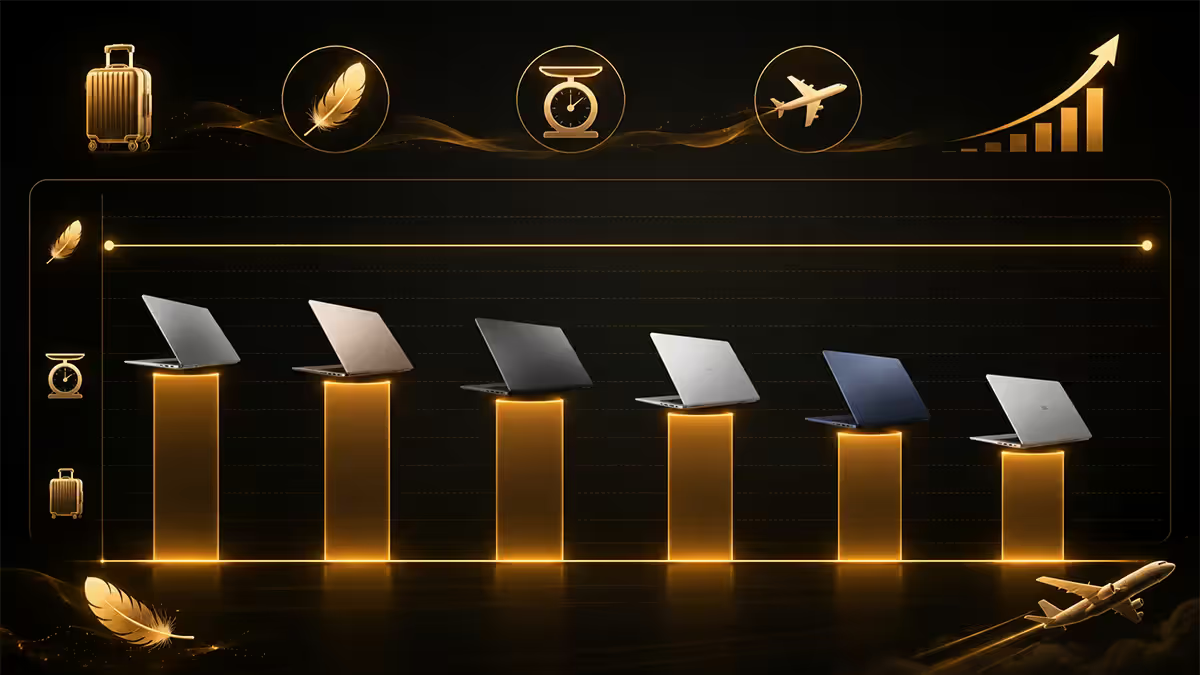
Travel laptops live or die by the kilogram. Anything over 1.6kg stops being a "carry it all day" device and starts being a tool you only unpack at the destination. The serious travel sweet spot sits at under 1.3kg, with a 14-inch chassis.
| Screen size | Typical weight | Travel verdict |
|---|---|---|
| 13 inch | 1.0 – 1.3 kg | Light, but cramped for real work |
| 14 inch | 1.2 – 1.5 kg | The sweet spot for travel |
| 15 – 16 inch | 1.6 – 2.1 kg | Heavy on long days, tight on tray tables |
| 17 inch | 2.2 kg+ | Desktop replacement, not a travel machine |
A 14-inch chassis gives you the keyboard real estate to do real work in an airline lounge — code, write, edit — without the footprint sliding off an economy tray table when the seat in front reclines. 13-inch laptops are lovely on the scale, but four hours of email-and-spreadsheet work makes the missing 2.5cm of screen feel painful.
Battery life — 16 hours rated, 12 hours real
Manufacturer battery claims are tested under best-case conditions: 150 nits brightness, Wi-Fi idle, light productivity. The real-world delivery at 60% brightness with Slack, Chrome, video calls and a few PDFs open is roughly 70-75% of the claim.
That maths means a 16-hour rating delivers about 11-12 real-world hours — enough to cover an OR Tambo to Heathrow flight (11h) without hunting for a plug at Schiphol layover. Anything under a 12-hour rating will run dry mid-flight.
The current 2026 battery champions:
- MacBook Air M4 (13"): 18 hours rated, 14 real-world.
- Microsoft Surface Laptop 7 (13.8", Snapdragon X Elite): 20 hours rated, 14-15 real-world.
- HP OmniBook X 14 (Snapdragon X): 26 hours claimed, 15-17 real-world — currently the long-haul king.
- ASUS ZenBook A14: 32 hours claimed (Snapdragon X variant), 14-16 real-world.
Charging — 65W GaN is the only correct answer
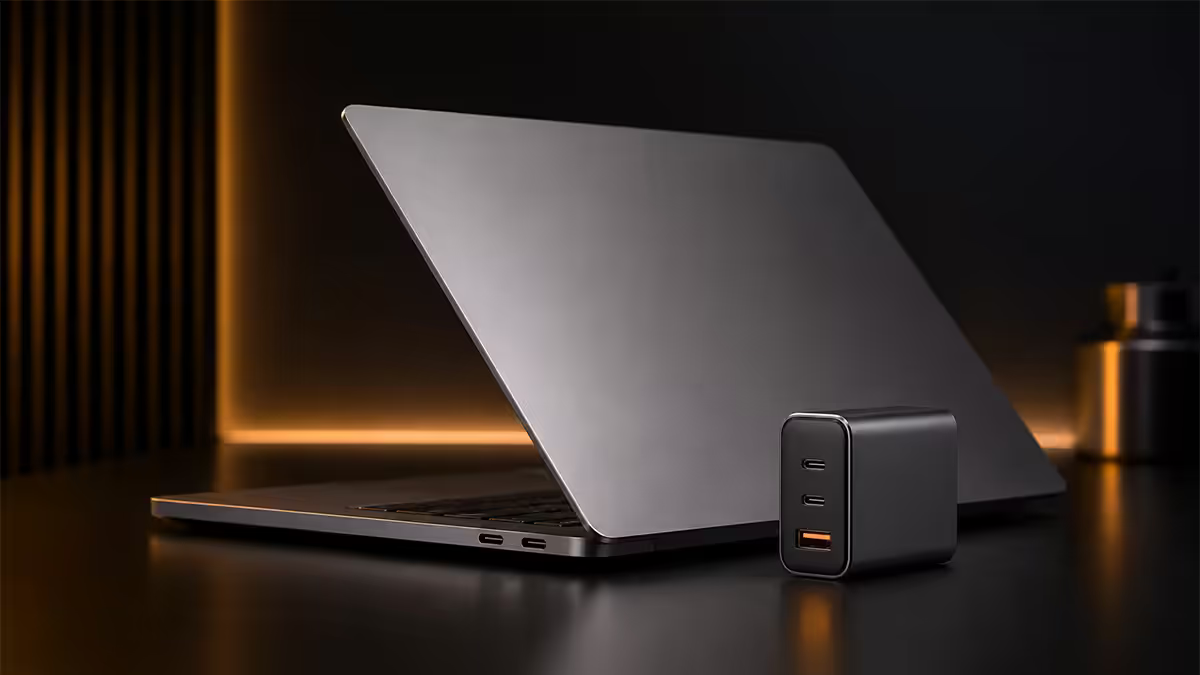
The single best change you can make to your travel kit is replacing the laptop's bundled charger with a 65W USB-C Power Delivery (PD) GaN charger. GaN (gallium nitride) chargers are roughly a third the size and weight of traditional silicon chargers of the same wattage.
More importantly, USB-C PD is universal. One charger handles:
- Your laptop (any MacBook Air, ZenBook, Surface, OmniBook, ThinkPad X1, Dell XPS 13).
- Your phone (iPhone 15/16/17, every Android since 2022).
- Your tablet (iPad Air, iPad Pro, Galaxy Tab).
- Your earbuds case, smartwatch, e-reader and travel router.
One brick, one cable, one wall socket. The carry-on weight saving versus packing a laptop charger plus a phone charger plus a tablet charger is typically 250-400g.
| Charger | Weight | Devices powered |
|---|---|---|
| Stock laptop brick (65W) | ~290 g | Laptop only |
| Anker 65W GaN II Nano | ~110 g | Laptop + phone + earbuds |
| UGREEN Nexode 65W (3-port) | ~130 g | Laptop + phone + tablet simultaneously |
| Baseus 100W GaN5 Pro | ~170 g | Heavier laptops (XPS 15, 16" MacBook Pro) |
TSA-friendly bags & airport security
Standard ICAO security — which ACSA follows at OR Tambo, Cape Town and Durban International — requires laptops to be removed from the bag and placed in a separate tray for X-ray screening. The exception: "TSA-friendly" butterfly-style laptop bags that fully unfold so the X-ray can see through both sides of the device without obstruction.
The travel-friendly checklist for your laptop bag:
- Butterfly opening or scan-fly compartment that lays flat at 180° with no flaps, pockets or buckles over the laptop.
- Padded sleeve with at least 5mm foam on all sides, not just the back.
- Quick-access top pocket for chargers, cables, passport and boarding pass.
- Trolley pass-through strap that slides over a roller-bag handle — saves your shoulder on long terminal walks.
- Under-seat dimensions for the laptop sleeve insert. Aim for under 45 × 35 × 20 cm.
Solid options at SA retail: Targus Mobile Elite, Samsonite Pro-DLX 6, Peak Design Everyday Backpack 20L, and Bellroy Transit Backpack.
Anti-theft & biometric — three layers, not one
Laptop theft on the road is overwhelmingly opportunistic — bag-snatch at a Cape Town cafe, distraction grab at Schiphol's smoking area, hotel room cleaning crew. Real-world defence isn't fancy: it's three boring layers that work together.
Layer 1: Biometric login. Windows Hello fingerprint or IR camera, Touch ID on MacBook, or both. A snatched laptop is useless to the snatcher without your finger or face. Every laptop on the 2026 shortlist below has biometric login.
Layer 2: Full-disk encryption. BitLocker on Windows Pro (enable it in Settings → Privacy & Security), FileVault on macOS (System Settings → Privacy & Security → FileVault, on by default on Apple Silicon). Without this, the thief pops the SSD out and reads your data on a desktop. With it, the data is a brick.
Layer 3: Device tracking + remote wipe. Apple's Find My (on by default), Microsoft's Find My Device (Settings → Privacy & Security → Find my device), Lenovo Vantage and HP Wolf Connect all let you locate or remote-wipe a missing laptop from your phone.
eSIM-supported laptops — the honest reality
A small but persistent slice of travellers want a laptop with built-in eSIM and a 5G modem. The current 2026 reality is that very few mainstream laptops support it, and the ones that do command a R5,000-R9,000 premium for a feature most users barely touch.
The eSIM-capable shortlist in 2026:
- Microsoft Surface Pro 11 (5G SKU): eSIM + Sub-6 5G, ~R8,000 premium over Wi-Fi-only.
- Lenovo ThinkPad X1 Carbon Gen 13 (cellular): eSIM + 5G, ~R7,500 premium.
- HP Dragonfly G4: eSIM + 5G, enterprise pricing.
- Dell Latitude 9450 (eSIM SKU): business-grade, premium.
Notably not on this list: MacBook Air, MacBook Pro, ASUS ZenBook, LG gram, HP OmniBook X, Acer Swift. Apple has resisted cellular MacBooks for over a decade and shows no signs of changing.
Top travel laptops 2026 — Evetech picks
| Laptop | Weight / battery | SA price |
|---|---|---|
| Best overall | Apple MacBook Air M4 13" — 1.24 kg · 18hr rated · Touch ID | ~R24,999 |
| Best Windows / Snapdragon | Microsoft Surface Laptop 7 13.8" — 1.34 kg · 20hr rated · Windows Hello IR | ~R28,499 |
| Sub-1kg OLED | ASUS ZenBook A14 — 980 g · 32hr claimed · OLED | ~R22,999 |
| Ultralight 14" | LG gram 14 — 999 g · 17hr rated · fingerprint | ~R23,499 |
| Best-claimed battery | HP OmniBook X 14 — 1.35 kg · 26hr claimed · Snapdragon X | ~R21,999 |
How to choose between them in one line each. Get the MacBook Air M4 if you live in an iPhone-and-iPad ecosystem. Get the Surface Laptop 7 if you need Windows and want the best battery on Windows. Get the ZenBook A14 if you want the lightest laptop in the room with an OLED panel. Get the LG gram 14 if you want a 14" Intel laptop under 1kg. Get the HP OmniBook X if battery life is your single non-negotiable.
Key takeaways
- Aim for sub-1.5kg, ideally under 1.3kg. Weigh laptop + charger, not chassis alone.
- 14 inches is the travel sweet spot — 13" is cramped, 15"+ won't open on tray tables.
- Buy 16+ hour rated battery to get 12 real-world hours — enough for one long-haul leg.
- Replace the stock brick with a 65W GaN USB-C PD charger. One brick, all your devices.
- Stack three security layers: biometric login + full-disk encryption + device tracking.
- Skip laptop eSIM — tether to a phone with a local eSIM (Airalo/Holafly) and save thousands.
- Top 2026 picks: MacBook Air M4, Surface Laptop 7, ZenBook A14, LG gram 14, HP OmniBook X.
Frequently asked questions
What weight should a travel laptop be?
Sub-1.5kg is the threshold; under 1.3kg is the sweet spot for daily airport carry. Cross 1.6kg and the bag becomes uncomfortable on long terminal walks. Ultralights like the LG gram 14 (999g) and ZenBook A14 (under 1kg) make a real difference on multi-leg trips.What screen size is best for a travel laptop?
14 inches. 13" is cramped for serious lounge work; 15"+ won't open properly on an economy tray table when the seat in front reclines. A 14" chassis balances usable workspace against a small footprint.How much battery life do I actually need for travel?
A 16+ hour manufacturer rating, which is ~12 hours real-world. Enough to cover OR Tambo to Heathrow plus a layover. Current champs: MacBook Air M4, Surface Laptop 7, HP OmniBook X.Why is a 65W USB-C PD GaN charger important for travel?
A GaN charger is a third the weight of the stock brick and is universal — same charger powers your laptop, phone and tablet. One brick, one cable, one wall socket. Saves 250-400g of carry-on weight.Do travel laptops support eSIM for mobile data?
Only a few — Surface Pro 11, ThinkPad X1 Carbon (cellular SKU), HP Dragonfly G4, Dell Latitude 9450. MacBook, ZenBook, gram and OmniBook do not. For most travellers, tethering to a phone with an Airalo eSIM is cheaper and more flexible.Apple Silicon or Snapdragon X for travel?
Both excellent. Apple Silicon (M4) has the most mature software and instant wake. Snapdragon X Elite (Surface Laptop 7, HP OmniBook X) has caught up on app compatibility in 2025-26 and matches Apple on battery. Pick by ecosystem, not silicon.Is my travel laptop allowed in carry-on through OR Tambo?
Yes, always — laptops are carry-on worldwide. ACSA at OR Tambo, Cape Town and Durban follow ICAO standard: take the laptop out into its own X-ray tray unless you have a TSA-friendly butterfly bag. Power banks and spare batteries must also fly carry-on, never checked.How do I protect a travel laptop from theft?
Three layers: biometric login (Windows Hello, Touch ID), full-disk encryption (BitLocker/FileVault) and device tracking (Find My / Find My Device). Never leave a laptop unattended on a cafe table. Opportunistic snatch is the real threat, not sophisticated attackers.
Get the Evetech app
Exclusive app-only prices, daily flash sales, and free delivery on orders over R4,000 — download the app and start saving.