Troubleshooting · Power
Laptop battery draining fast. — Diagnose, fix or replace. Battery Report first.
Three suspects cause 80% of fast-drain cases: a bright high-refresh panel, the discrete GPU stuck awake, and a USB-C dock pulling in the background. The other 20% is the chemistry itself — and that you can measure in 60 seconds.
- cycle wear floor
- 500-700
- refresh-rate saving
- ~60 min
- SA replacement
- R900-R2.8k
Step 1 — Run the Windows Battery Report
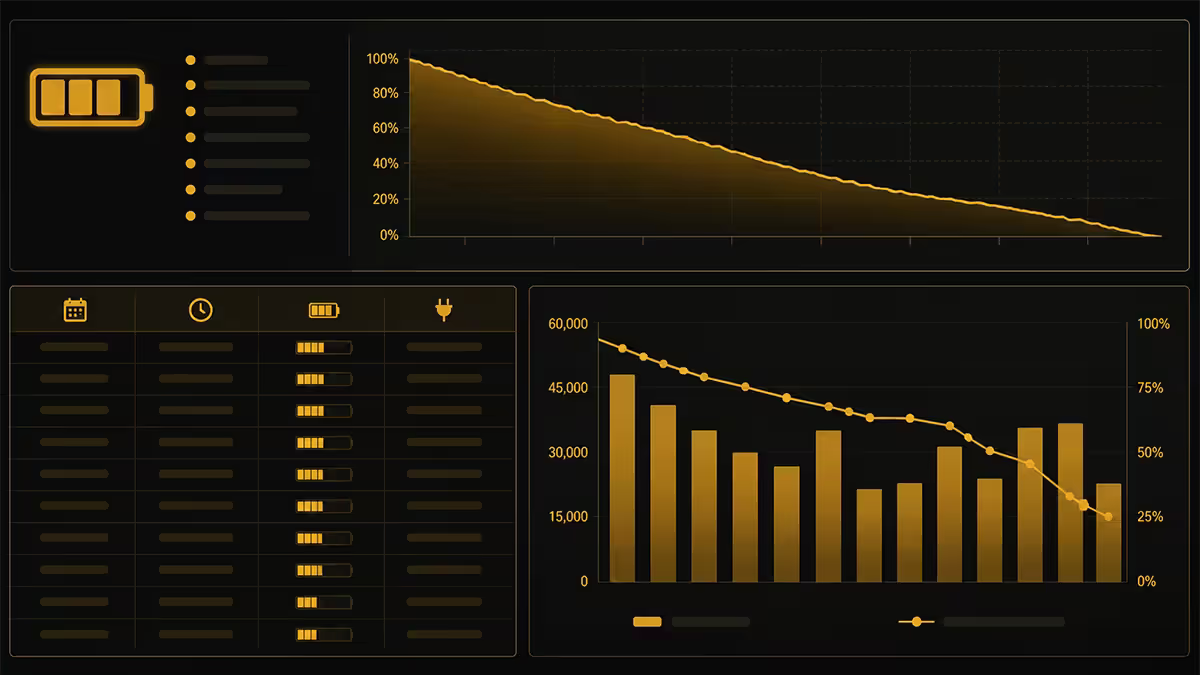
Before changing a single setting, find out whether the battery itself is the problem. Windows has a free, hidden diagnostic that nobody uses.
Open Command Prompt as administrator (Start menu, type cmd, right-click "Run as administrator") and run:
powercfg /batteryreport /output "C:\battery-report.html"
Open the HTML file. The four numbers that matter:
- Design Capacity — what the battery shipped with (e.g. 60,000 mWh).
- Full Charge Capacity — what the battery now charges to. If this is <70% of design, the cells are gone.
- Cycle Count — total equivalent full discharges. 500-700 is the soft wear floor.
- Recent usage — last 3 days of drain rate per session.
Decision: if Full Charge / Design is below 70%, skip to the replacement section. Everything else below is software you can fix.
| Full Charge vs Design | Battery state | Action |
|---|---|---|
| 85-100% | Healthy | Software fix only |
| 70-85% | Aging — normal wear | Software fix, plan replacement |
| 50-70% | Degraded | Replacement recommended |
| <50% | End of life | Replace or accept tethered use |
Step 2 — Brightness and refresh rate
The display is the single biggest power consumer on most modern laptops. Two settings dominate.
Brightness. Going from 100% to 50% can save 20-35% on overall runtime. SA office and home lighting rarely needs more than 50-60% brightness. Set it via the function row or Windows Action Centre slider — don't trust auto-brightness sensors that ramp under fluorescent light.
Refresh rate. Modern gaming and creator laptops ship with 165Hz, 240Hz or 360Hz panels. Running those at full speed on battery for typing, browsing or video can cost 30-60 minutes of runtime. In Windows 11, go to Settings → System → Display → Advanced display and set "Refresh rate when on battery" to 60Hz. Manufacturer apps (Lenovo Vantage, Asus Armoury Crate, HP Omen Gaming Hub) have one-click toggles for this too.
Step 3 — Force the integrated GPU on battery
If your laptop has both an iGPU (Intel UHD / Iris Xe, AMD Radeon Graphics) and a dGPU (NVIDIA RTX, AMD Radeon RX), an idle dGPU still pulls 3-8W. If it gets woken by a YouTube tab, Discord overlay or Chrome hardware acceleration, that figure jumps to 15-25W.
The MUX switch (NVIDIA Optimus / Advanced Optimus). Most gaming and creator laptops from 2023 onwards have a MUX — a hardware switch that lets the iGPU drive the display directly without the dGPU running at all. Find it in:
- Asus / ROG: Armoury Crate → System → GPU Mode → "Eco" or "Optimus".
- Lenovo Legion: Lenovo Vantage → GPU Working Mode → "Hybrid".
- HP Omen: Omen Gaming Hub → Performance Control → "Hybrid mode".
- MSI: MSI Center → User Scenario → "Silent" + "Hybrid Graphics".
- Acer Predator: PredatorSense → System → "Eco mode".
Then in NVIDIA Control Panel: Manage 3D Settings → Global Settings → Preferred graphics processor → "Integrated graphics". This forces every app to start on the iGPU unless explicitly allowed otherwise. Reboot after toggling MUX mode.
AMD Advantage laptops handle this automatically through Adrenalin's SmartShift Eco when on battery — no manual toggle needed for most workloads.
Step 4 — Background apps audit
Open Task Manager (Ctrl+Shift+Esc), go to Processes, click the "Power usage" column header. Windows ranks every running process by current power draw — including processes Windows itself flags as "Very High".
The repeat offenders we see on customer laptops at our service bench:
- OneDrive / Dropbox / Google Drive sync — uploading a large folder in the background.
- Steam / Epic / Battle.net — auto-updating games.
- Discord — overlay running even when minimised.
- Microsoft Teams / Slack — Electron apps are notoriously power-hungry.
- Adobe Creative Cloud — Bridge and Genuine Service run constantly.
- Spotify — even paused, it idles the network.
- Chrome / Edge tabs — pinned tabs auto-refreshing.
Then go to Settings → Apps → Installed apps → ⋮ → Advanced options → Background apps permissions and set anything you don't need running to "Never". For startup, use Settings → Apps → Startup and disable everything except antivirus and the manufacturer's power-management app.
Step 5 — USB-C dock pull, Bluetooth and Wi-Fi
USB-C docks pull power in two directions. Even when your dock isn't supplying enough to charge the laptop, attached devices (external SSDs, USB hubs, capture cards, second monitors via DisplayLink) continuously draw current from the laptop's battery. Unplug the dock when going mobile.
Bluetooth idle draw is small (~0.3-0.8W) but adds up over a day. If you're using a wired mouse and built-in keyboard, disable Bluetooth from Action Centre.
Wi-Fi radios negotiating poor signal (one bar of 2.4GHz, hunting for a stronger AP) pull 2-4x more than a clean connection. If you're working offline or tethered to phone hotspot, toggle Wi-Fi off entirely.
Keyboard backlighting at full brightness costs 0.5-1.5W. Most laptops have an auto-off-after-X-seconds setting in their control app — set it to 15 seconds.
Battery health reality — what the cycle count means
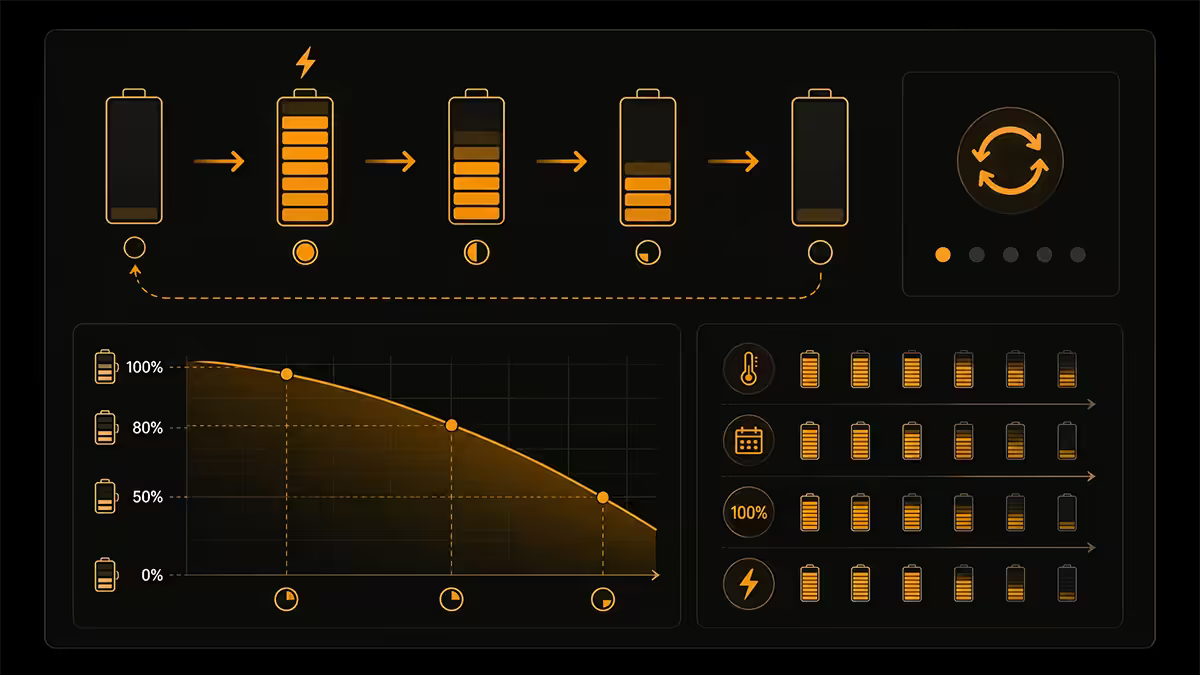
Lithium-ion laptop batteries don't fail suddenly — they fade. The chemistry is rated for a number of "equivalent full charge cycles" (going from 100% to 0% counts as one cycle; going from 80% to 30% twice counts as one). After hitting that count, the cell holds proportionally less energy each charge.
| Cycle count | Typical capacity remaining | Reality |
|---|---|---|
| 0-200 | 95-100% | Brand new feel |
| 200-500 | 85-95% | Normal use, no concern |
| 500-800 | 75-85% | Noticeable runtime loss |
| 800-1200 | 60-75% | Replacement window |
| 1200+ | <60% | End of life |
Two habits accelerate wear: keeping the battery at 100% all day plugged in, and letting it deep-discharge to 0% repeatedly. Most manufacturers have a "battery conservation" or "battery protect" mode that caps charging at 60% or 80% — turn it on if your laptop lives on a desk.
Replacement reality in South Africa
If the Battery Report says it's the cells, you have three paths: replace the battery, replace the laptop, or accept tethered use.
Serviceable batteries (good news). ThinkPad T/X-series, Latitude 5xxx/7xxx, EliteBook 8xx, most Asus ROG, MSI Stealth, HP Omen and Lenovo Legion gaming laptops have removable batteries accessed by unscrewing the bottom panel. SA replacement cost R900-R2,500 through Evetech, Sahara, or the manufacturer's service partner. The job takes 15-30 minutes for someone comfortable with a Phillips screwdriver.
Soldered / glued batteries (bad news). MacBooks, Dell XPS 13, Asus ZenBook S, HP Spectre x360 (newer revisions), Microsoft Surface — batteries are glued to the chassis and require careful adhesive removal. Specialist repair shops in Joburg, Cape Town and Durban quote R1,500-R4,500 including labour. The risk of damaging the trackpad or speaker during removal is non-trivial.
| Laptop category | Replacement | SA price range |
|---|---|---|
| Business (ThinkPad, Latitude, EliteBook) | User-replaceable | R900-R1,800 |
| Gaming (Legion, ROG, Omen) | Bottom-panel access | R1,200-R2,800 |
| Ultrabook (XPS, ZenBook, Spectre) | Specialist repair | R1,500-R3,500 |
| MacBook Air / Pro | Apple Authorised Service Provider | R2,500-R4,500 |
| Surface | Microsoft mail-in | R3,500-R5,500 (or whole-unit swap) |
Key takeaways
- Run powercfg /batteryreport first — if Full Charge < 70% of Design, it's the cells, not software.
- Display dominates power draw — drop to 50-60% brightness and 60Hz refresh on battery.
- Force the iGPU via the MUX switch in your manufacturer's control app for 3-8W of free runtime.
- Sort Task Manager by Power Usage and kill the top three background apps.
- Past 500-700 cycles, runtime loss is chemistry — R900-R2,800 replacement in SA depending on chassis.
Frequently asked questions
Why is my laptop battery draining so fast?
Three suspects cover most cases: screen brightness above 60% on a high-refresh-rate panel, the discrete GPU being woken by a background app or video, and a USB-C dock or accessory pulling continuous power. Start with the Windows Battery Report (powercfg /batteryreport) to see whether the battery itself is healthy or you're past 500-700 cycles and the chemistry is the actual problem.How do I run a Windows Battery Report?
Open Command Prompt as administrator and type powercfg /batteryreport — a HTML file is written to your user folder showing design capacity vs current full-charge capacity, recent usage, and the full cycle count. If full-charge capacity is below 70% of design capacity, the battery has degraded and a replacement is the only real fix.Does refresh rate kill laptop battery?
Yes — meaningfully. Running a 240Hz or 360Hz panel at full refresh on battery can cost 30-60 minutes of runtime compared to 60Hz for the same task. Most gaming laptops let you set a separate refresh rate on battery in Windows display settings or the manufacturer's control software (Lenovo Vantage, Armoury Crate, Omen Gaming Hub).How do I force my laptop to use integrated graphics only?
On NVIDIA Optimus laptops, set the MUX switch (if available) to "Hybrid" or "iGPU only" in the manufacturer's app — Armoury Crate, Lenovo Vantage, Omen Gaming Hub. Then in NVIDIA Control Panel set "Preferred graphics processor" to "Integrated graphics" for battery use. AMD Advantage laptops handle this automatically through AMD Adrenalin's SmartShift.How many charge cycles should a laptop battery last?
Most modern lithium-ion laptop batteries are rated for 500-1000 cycles to 80% of original capacity. A cycle is one full discharge equivalent, not one plug-in. After 500-700 cycles you'll typically see noticeable runtime loss — that's chemistry, not a software issue. The Battery Report's Cycle Count line tells you exactly where you are.Can I replace the battery in my laptop in South Africa?
Depends on the model. Most business laptops (ThinkPad, Latitude, EliteBook) and many gaming laptops have serviceable batteries — replacements are available through Evetech, Sahara, or the manufacturer's local service partner for R900-R2,800. Ultrabooks (MacBook, XPS 13, ZenBook S) often have batteries glued to the chassis — possible but specialist repair only, R1,500-R4,500.Should I let my laptop battery fully discharge?
No. Modern lithium-ion chemistry prefers to stay between 20% and 80%. Full discharges accelerate wear. The "calibrate by deep cycling" advice is from the nickel-cadmium era and doesn't apply to current laptop batteries. If you're plugged in all day, enable battery-conservation mode (limits charge to 80%) in your laptop's control app — it dramatically extends battery lifespan.Do background apps really drain that much battery?
Yes, particularly OneDrive sync, Dropbox, Steam, Discord, Slack, Teams, Adobe Creative Cloud and Spotify in the background. Open Task Manager and sort by Power Usage on the Processes tab — Windows shows you exactly which apps are eating runtime. Closing the worst three offenders often adds 30-90 minutes.
Get the Evetech app
Exclusive app-only prices, daily flash sales, and free delivery on orders over R4,000 — download the app and start saving.