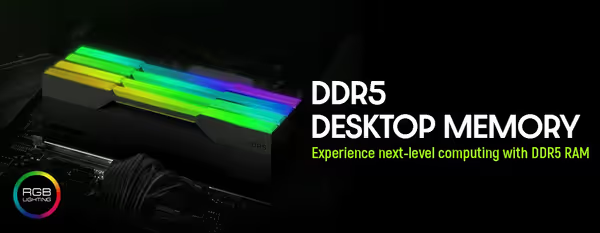
DDR5 Desktop Memory (RAM) 🚀
DDR5 is the current desktop memory standard, required by AMD AM5 and the latest Intel platforms. If you're building or upgrading on one of those boards, DDR5 is the RAM you need — it delivers higher bandwidth than DDR4, which helps in newer games and memory-heavy work like content creation.
For gaming, 16GB (2x8GB) is the minimum and 32GB (2x16GB) is the comfortable recommendation, especially if you multitask or stream. A 6000–6400MHz kit is the sweet spot for most builds; on current AMD Ryzen, around 6000MHz pairs particularly well with the memory controller. Enable EXPO (AMD) or XMP (Intel) in the BIOS to run the kit at its rated speed.
DDR5 will not fit a DDR4 motherboard — the slots and boards are different — so confirm your platform before buying. Evetech stocks DDR5 desktop kits with local warranty and fast nationwide delivery; check your motherboard's supported speeds below and choose a matched kit for stable dual-channel performance.


