dell-pro-27-plus-p2725de-usb-c-hub-qhd-100hz-monitor
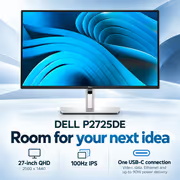
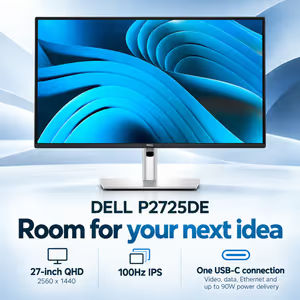
Dell Pro 27 Plus P2725DE USB-C Hub Monitor / 27" QHD (2560 x 1440) 100Hz IPS / 5ms Fast Mode / 90W USB-C Power Delivery / RJ45 Ethernet / DisplayPort Out Daisy Chain / Height Adjustable Stand / P2725DE + FREE DELIVERY !
3 Years Local Warranty
Model No : Dell P2725DE
Price Inc. Vat
R 6,999
Save R 1,496
ListR 8,495
6999Free Delivery
Qty:
In Stock with Evetech
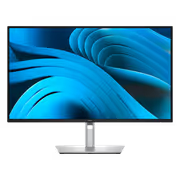
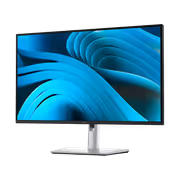
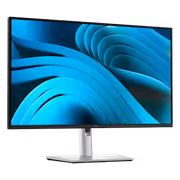
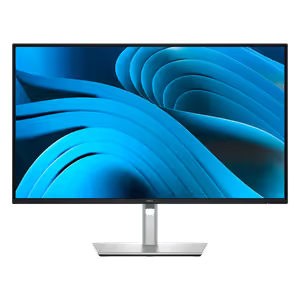
Dell Pro P2725DE 27-inch QHD 100Hz USB-C Hub Monitor
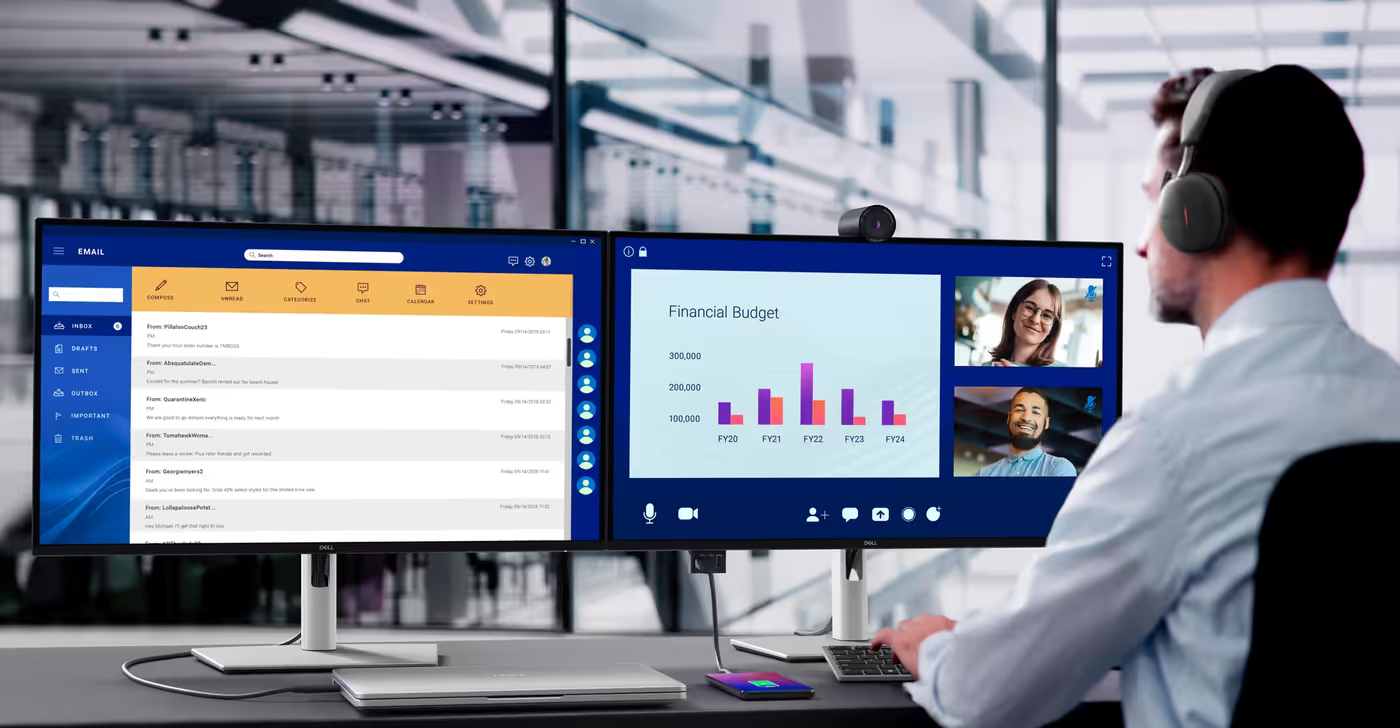
One Cable Between Your Laptop And The Desk
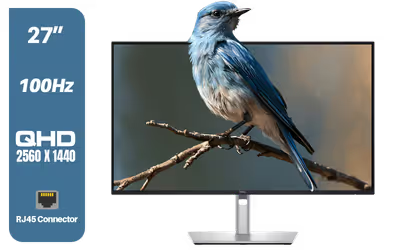
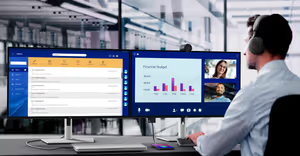
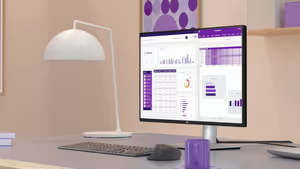
The Dell Pro 27 Plus P2725DE is a 27" QHD monitor built as a USB-C hub. One USB-C cable from the laptop carries video, USB data and up to 90W of charging, and the RJ45 port on the back gives that laptop a wired 1GbE network connection through the same cable. Dell lists compatibility across Windows and macOS, and the DisplayPort output supports daisy chaining, so a second screen hangs off this one rather than off the notebook.
One Cable Between Your Laptop And The Desk
The Dell Pro 27 Plus P2725DE is a 27" QHD monitor built as a USB-C hub. One USB-C cable from the laptop carries video, USB data and up to 90W of charging, and the RJ45 port on the back gives that laptop a wired 1GbE network connection through the same cable. Dell lists compatibility across Windows and macOS, and the DisplayPort output supports daisy chaining, so a second screen hangs off this one rather than off the notebook.
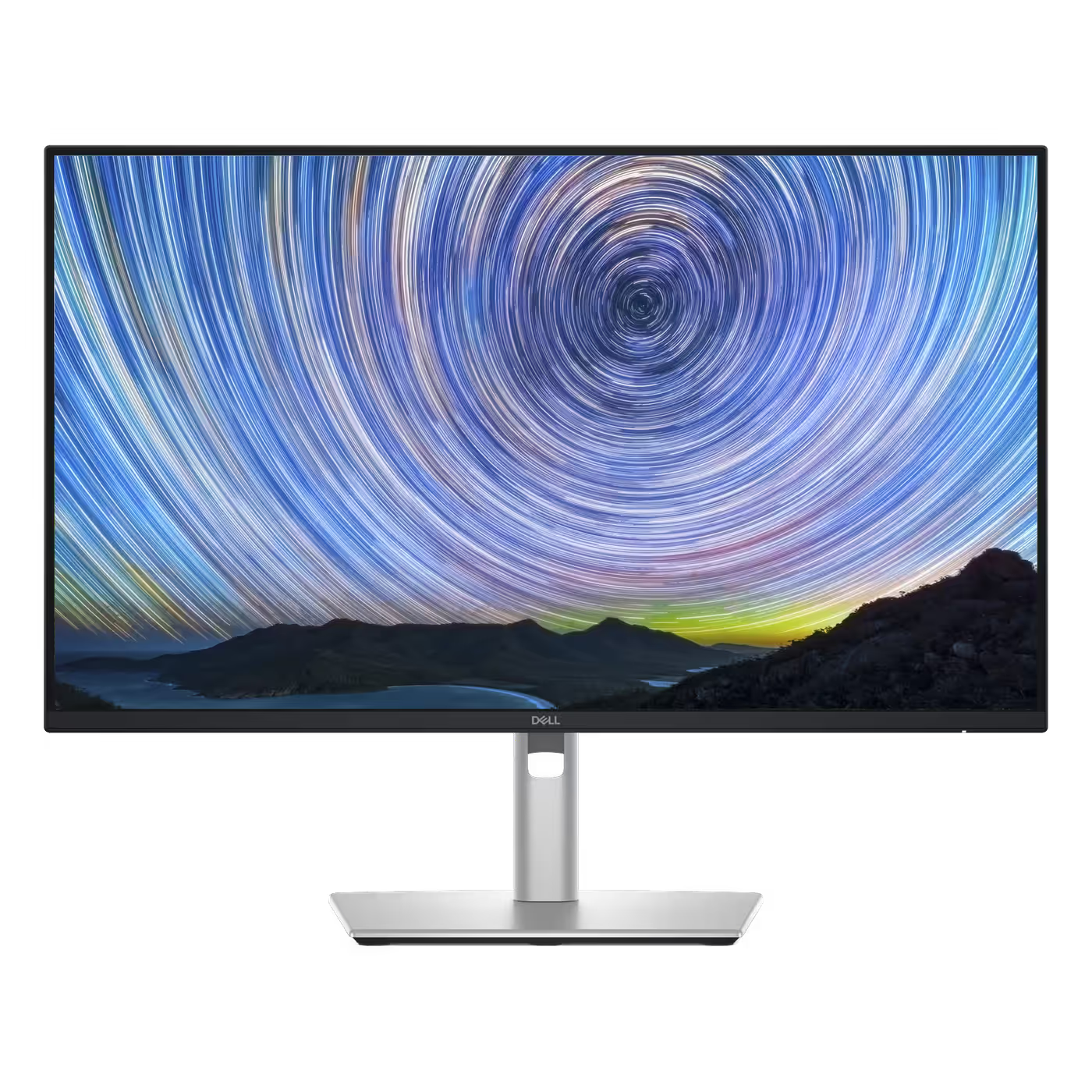
27" QHD IPS At 100Hz
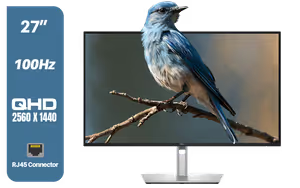
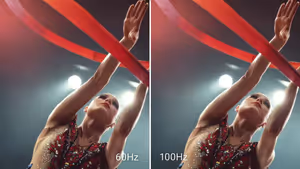
The 2560 x 1440 In-Plane Switching panel gives 109 pixels per inch with 178-degree viewing angles in both directions, a 1500:1 contrast ratio for deeper blacks, 350 nits of brightness and 99% sRGB colour coverage across 16.7 million colours. It runs up to 100Hz, which keeps scrolling and cursor movement smoother than a standard 60Hz office screen, with a 5ms grey-to-grey response in Fast mode.
27" QHD IPS At 100Hz
The 2560 x 1440 In-Plane Switching panel gives 109 pixels per inch with 178-degree viewing angles in both directions, a 1500:1 contrast ratio for deeper blacks, 350 nits of brightness and 99% sRGB colour coverage across 16.7 million colours. It runs up to 100Hz, which keeps scrolling and cursor movement smoother than a standard 60Hz office screen, with a 5ms grey-to-grey response in Fast mode.
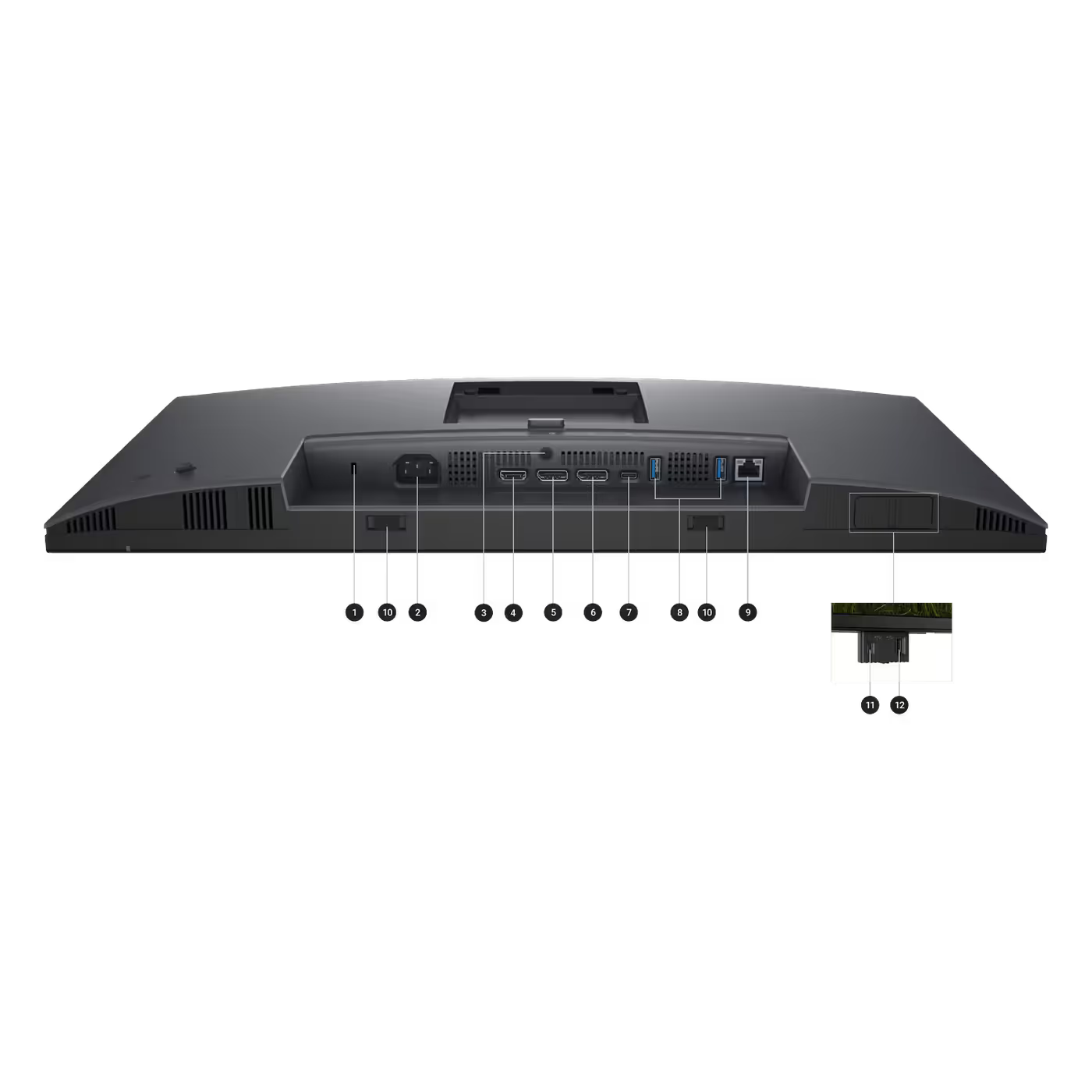
Every Port On The Back, Two More On The Front
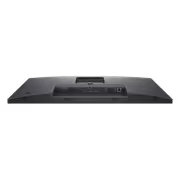
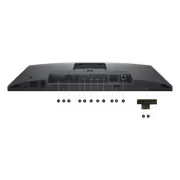
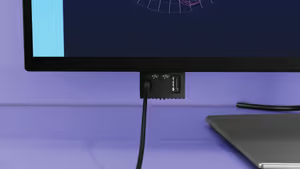
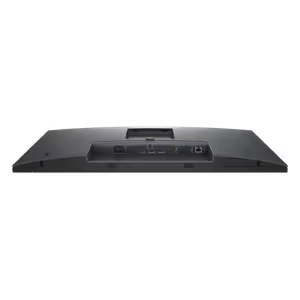
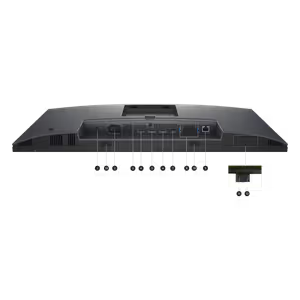
Underneath: one HDMI, DisplayPort 1.4 in, DisplayPort 1.4 out with MST for daisy chaining, the USB-C 5Gbps upstream port with DisplayPort Alt Mode and 90W Power Delivery, two USB 5Gbps Type-A ports, the RJ45 Ethernet port and the power input, plus a security lock slot and an anti-theft stand lock. A pop-out panel on the front adds a USB-C port with 15W charging and a USB Type-A port for the things you plug in and out during the day.
Every Port On The Back, Two More On The Front
Underneath: one HDMI, DisplayPort 1.4 in, DisplayPort 1.4 out with MST for daisy chaining, the USB-C 5Gbps upstream port with DisplayPort Alt Mode and 90W Power Delivery, two USB 5Gbps Type-A ports, the RJ45 Ethernet port and the power input, plus a security lock slot and an anti-theft stand lock. A pop-out panel on the front adds a USB-C port with 15W charging and a USB Type-A port for the things you plug in and out during the day.
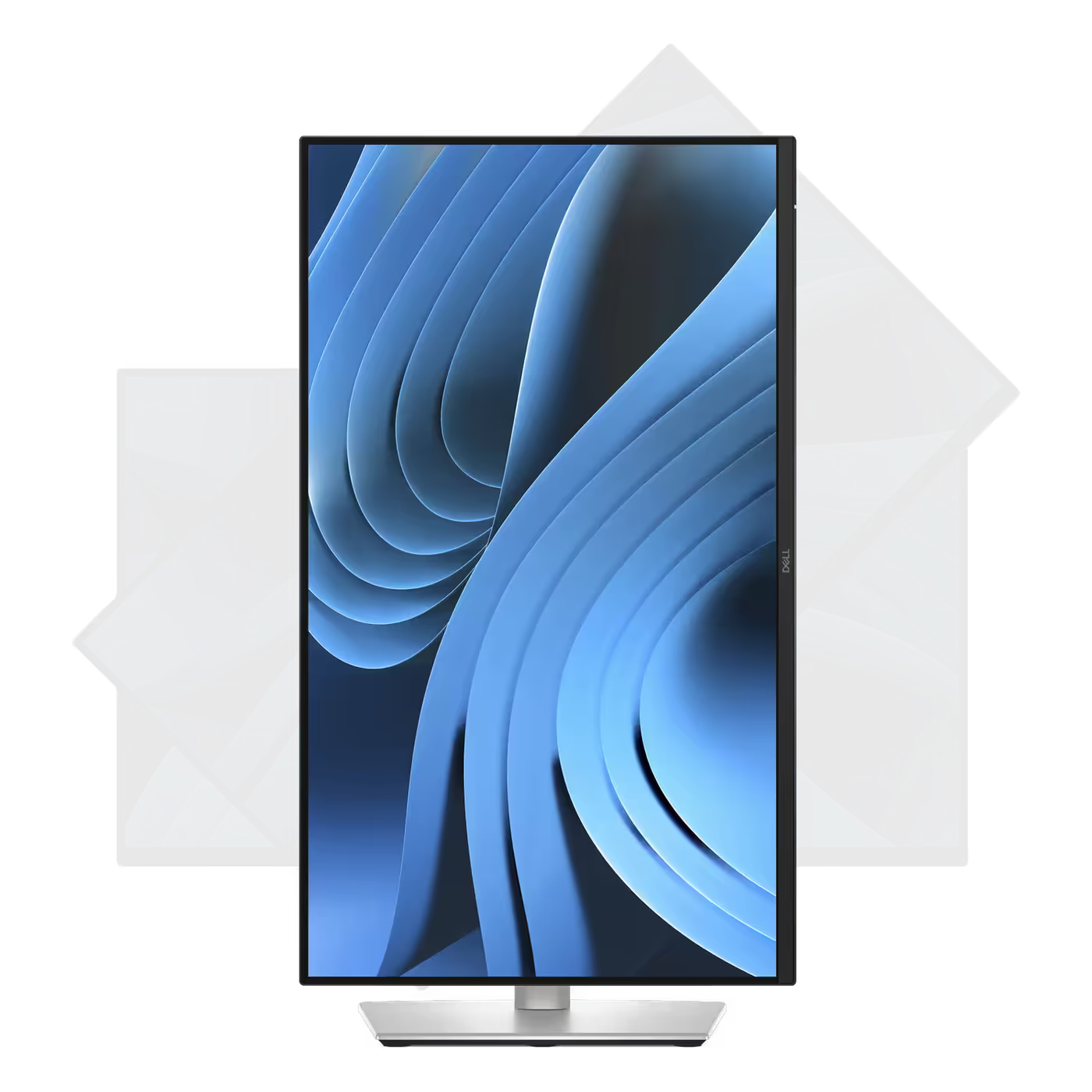
Pivot 90 Degrees For Portrait
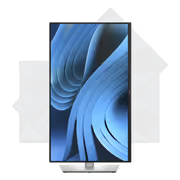
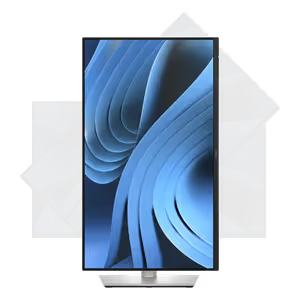
The panel rotates 90 degrees in either direction, so a long document, a code file or a chat column runs top to bottom without scrolling. The bezel is thin on three sides, which keeps the join tidy when a pivoted screen sits next to a landscape one.
Pivot 90 Degrees For Portrait
The panel rotates 90 degrees in either direction, so a long document, a code file or a chat column runs top to bottom without scrolling. The bezel is thin on three sides, which keeps the join tidy when a pivoted screen sits next to a landscape one.
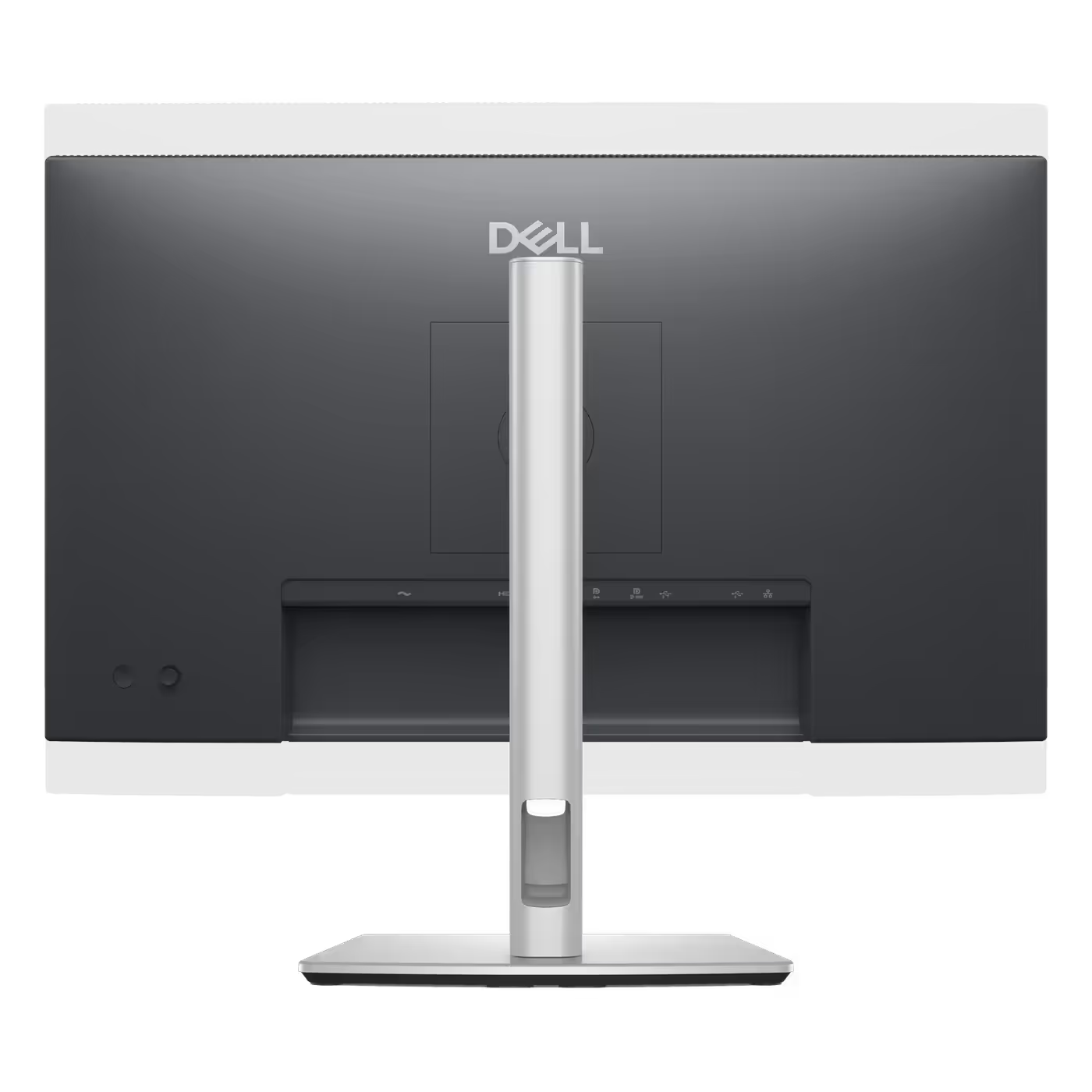
150mm Of Height, Cables Hidden In The Riser
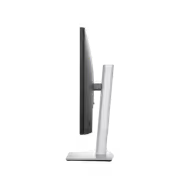
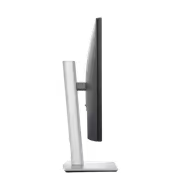
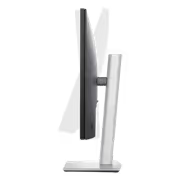
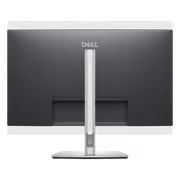
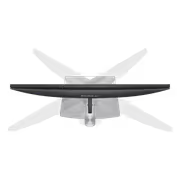
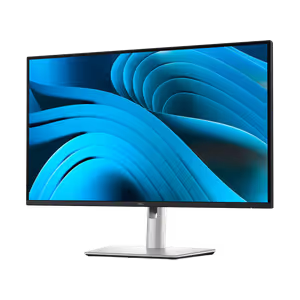
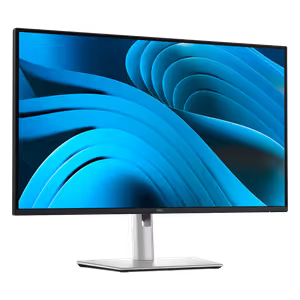
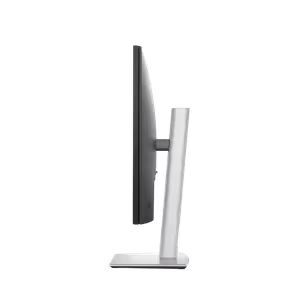
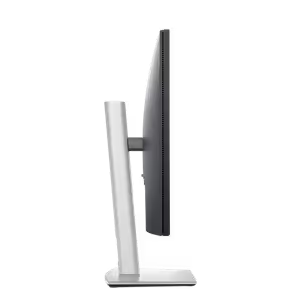
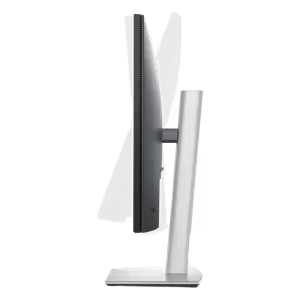
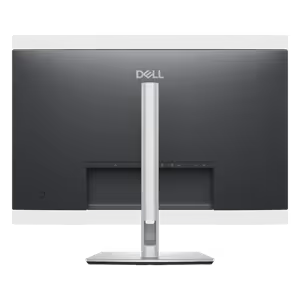
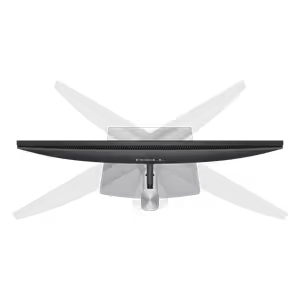
The stand lifts the panel through 150mm of height, tilts from -5 to +21 degrees and swivels 45 degrees each way. Cables tuck through the riser and the base is small, so the desk stays clear. The stand comes off for a 100 x 100mm VESA mount, and the head alone weighs 4.60kg.
150mm Of Height, Cables Hidden In The Riser
The stand lifts the panel through 150mm of height, tilts from -5 to +21 degrees and swivels 45 degrees each way. Cables tuck through the riser and the base is small, so the desk stays clear. The stand comes off for a 100 x 100mm VESA mount, and the head alone weighs 4.60kg.
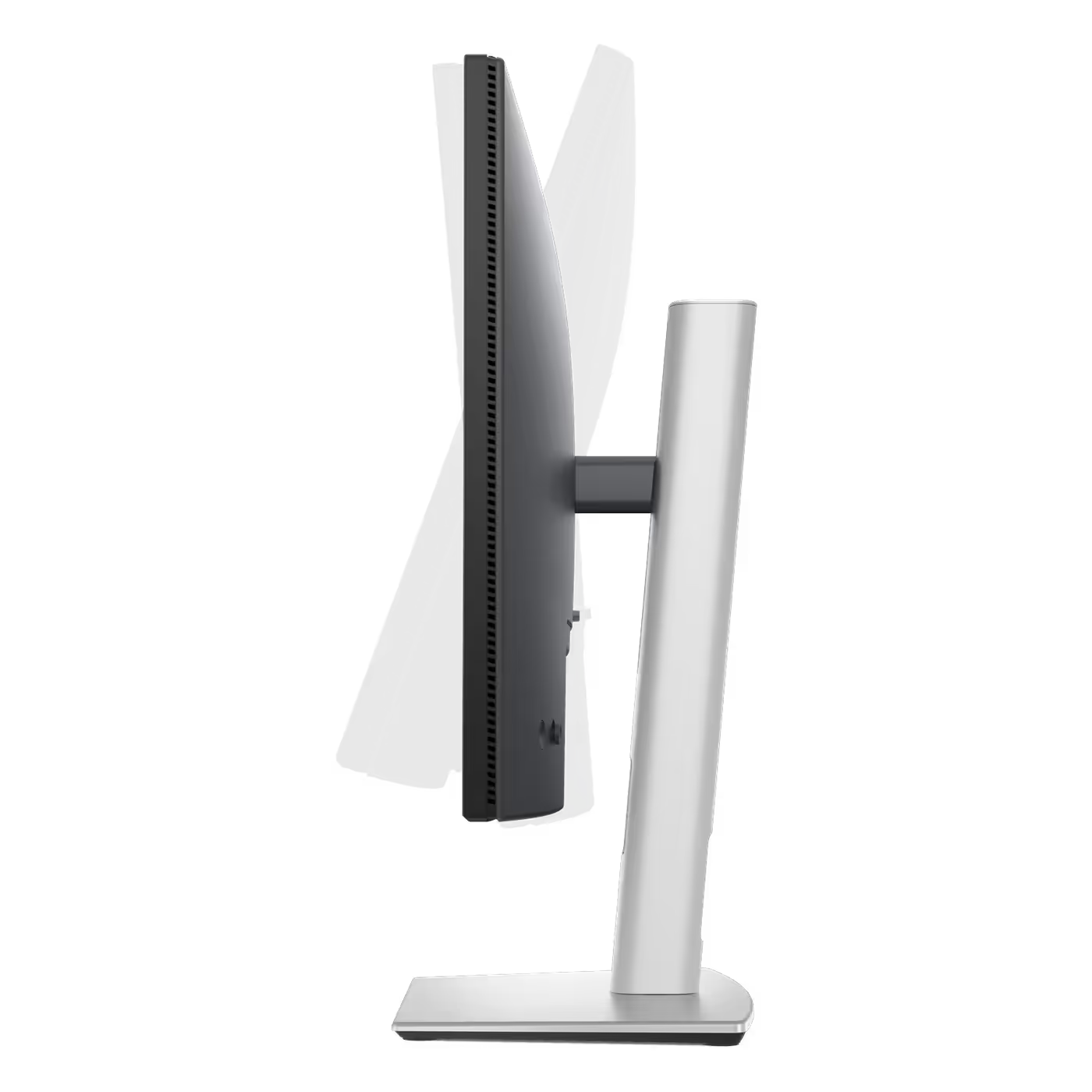
Rated For Eye Comfort, Built From Recycled Material
Dell certifies this monitor to TUV Rheinland's 4-star eye comfort standard, and ComfortView Plus keeps blue light emission at or below 35% without washing out the colour. It is ENERGY STAR 8.0 certified, EPEAT Gold with Climate+ registered and TCO Certified, and Dell builds it with up to 85% post-consumer recycled plastic, 100% recycled aluminium in the stand and 50% recycled steel. The box is made from 100% renewable materials.
Rated For Eye Comfort, Built From Recycled Material
Dell certifies this monitor to TUV Rheinland's 4-star eye comfort standard, and ComfortView Plus keeps blue light emission at or below 35% without washing out the colour. It is ENERGY STAR 8.0 certified, EPEAT Gold with Climate+ registered and TCO Certified, and Dell builds it with up to 85% post-consumer recycled plastic, 100% recycled aluminium in the stand and 50% recycled steel. The box is made from 100% renewable materials.
FAQ
Frequently Asked Questions
Everything you need to know about this product
Yes. 2560 x 1440 on a 27-inch panel is 109 pixels per inch, which most people run at 100% scaling. You get about 78% more working area than a Full HD screen of the same size, so two documents fit side by side.
One USB-C cable from the laptop carries video, USB data and up to 90W of charging. Everything plugged into the monitor, including the wired network, reaches the laptop through that single cable.
Yes. A rear RJ45 port rated at 1GbE gives a USB-C connected laptop a wired network connection, which matters for thin notebooks that have no Ethernet jack.
One HDMI, one DisplayPort 1.4 in, one DisplayPort 1.4 out with MST, one USB-C 5Gbps upstream with DisplayPort Alt Mode and 90W Power Delivery, two USB Type-A 5Gbps ports and one RJ45 Ethernet port. The front has a pop-out USB-C (15W) and USB Type-A pair.
Yes. The DisplayPort out port supports MST, so a second display connects to this monitor rather than to the laptop.
Up to 100Hz, with an 8ms grey-to-grey response in Normal mode and 5ms in Fast mode. There is no adaptive sync on this model, so it is aimed at office and creative work rather than gaming.
No. There are no built-in speakers. The stand has soundbar slots for Dell's clip-on soundbar if you want sound from the monitor.
150mm of height, -5 to +21 degrees of tilt, 45 degrees of swivel each way and a 90 degree pivot for portrait mode. The stand comes off for a 100 x 100mm VESA mount.
The monitor with stand, a power cable, a 1.8m DisplayPort 1.4 cable, a 1.0m USB-C to USB-C 100W cable, a 1.8m USB-C to USB-A cable, a QR card, regulatory information and a cable tie.

AI-Generated Content: These FAQs are generated by an automated AI system and may contain inaccuracies or omissions. Evetech makes no warranties, express or implied, regarding their completeness or reliability. For definitive information, please refer to the manufacturer's official specifications.
Please Note: Product images are for illustrative purposes only and may differ from the actual product.
Choose your
own PC
Hand-pick every part with live stock, compatibility, and instant pricing.
Try the new builderPrice Inc. Vat
R 6,999
Save R 1,496
ListR 8,495
6999Free Delivery
Qty:
In Stock with Evetech
Choose your
own PC
Hand-pick every part with live stock, compatibility, and instant pricing.
Try the new builderDell Pro 27 Plus P2725DE USB-C Hub Monitor