dell-pro-27-plus-p2725qe-usb-c-hub-4k-100hz-monitor-black
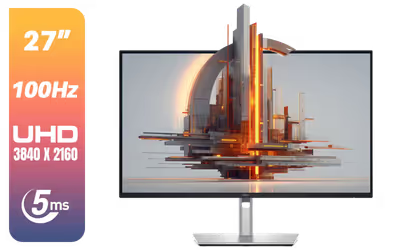
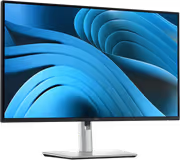
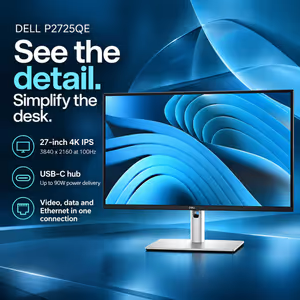
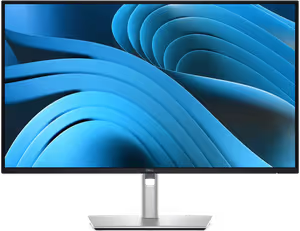
Dell Pro 27 Plus P2725QE USB-C Hub Monitor - 27-inch 4K (3840 x 2160) 100Hz Display, 5ms Response Time (Fast Mode), USB-C/DisplayPort/HDMI/USB-A Connectivity, Color Depth: 1.07 Billion Colors – Black + FREE DELIVERY !
3 Years Local Warranty
Model No : Dell P2725QE
Price Inc. Vat
R 9,199
Save R 1,400
ListR 10,599
9199Free Delivery
Qty:
In Stock with Evetech
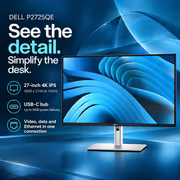
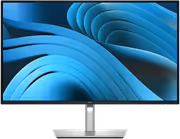
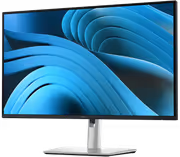
Dell Pro P2725QE 27-inch 4K 100Hz USB-C Hub Monitor
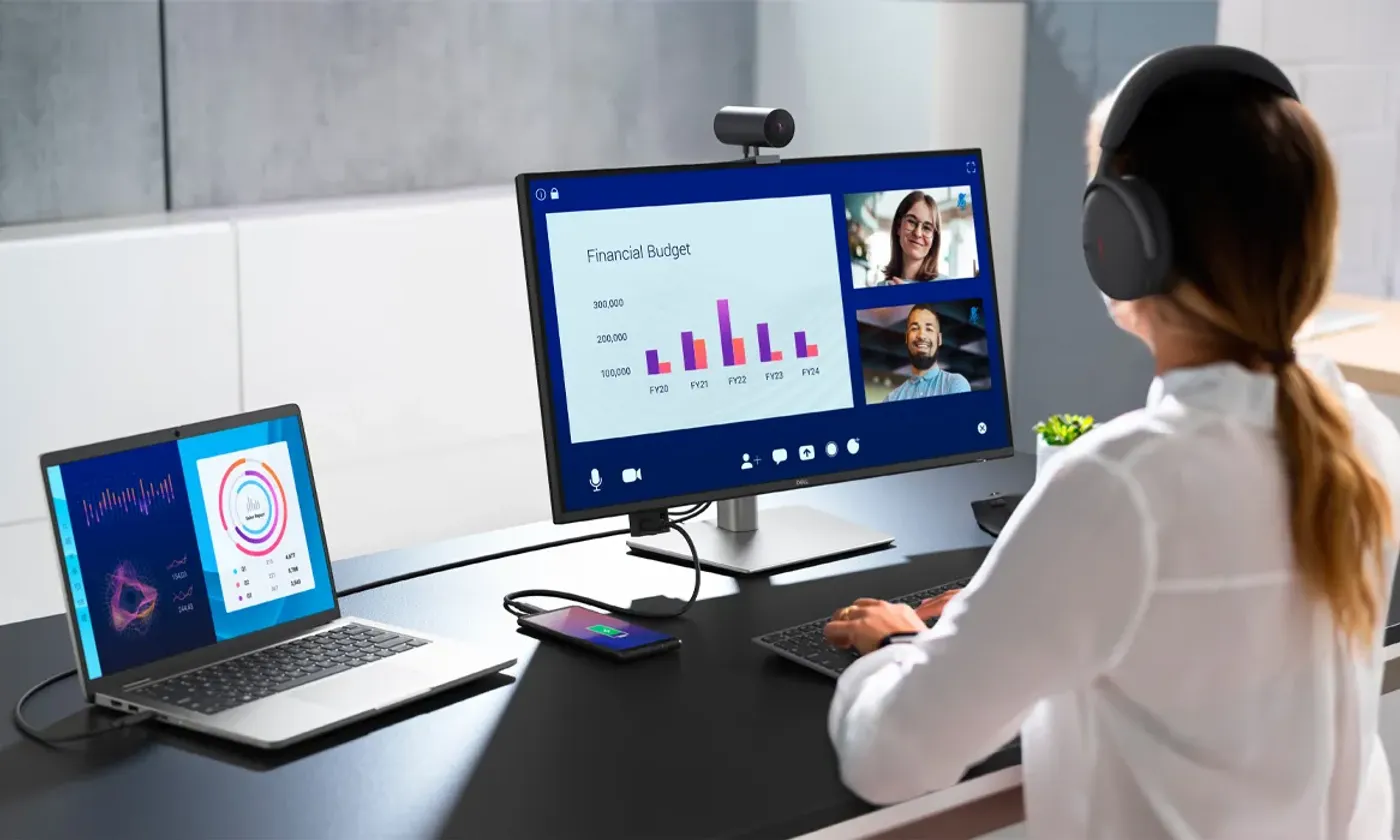
A Docking Display That Replaces A Dock
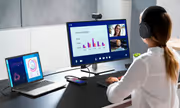
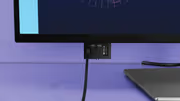
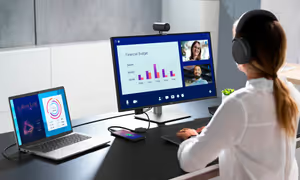
The P2725QE is a hub monitor, meaning your keyboard, mouse, network cable and other peripherals live on the back of the screen rather than on a separate docking station. A laptop joins that whole setup with one connector, and leaves it the same way. For anyone moving a notebook between desk and meetings, that removes the daily ritual of reconnecting four cables.
A Docking Display That Replaces A Dock
The P2725QE is a hub monitor, meaning your keyboard, mouse, network cable and other peripherals live on the back of the screen rather than on a separate docking station. A laptop joins that whole setup with one connector, and leaves it the same way. For anyone moving a notebook between desk and meetings, that removes the daily ritual of reconnecting four cables.
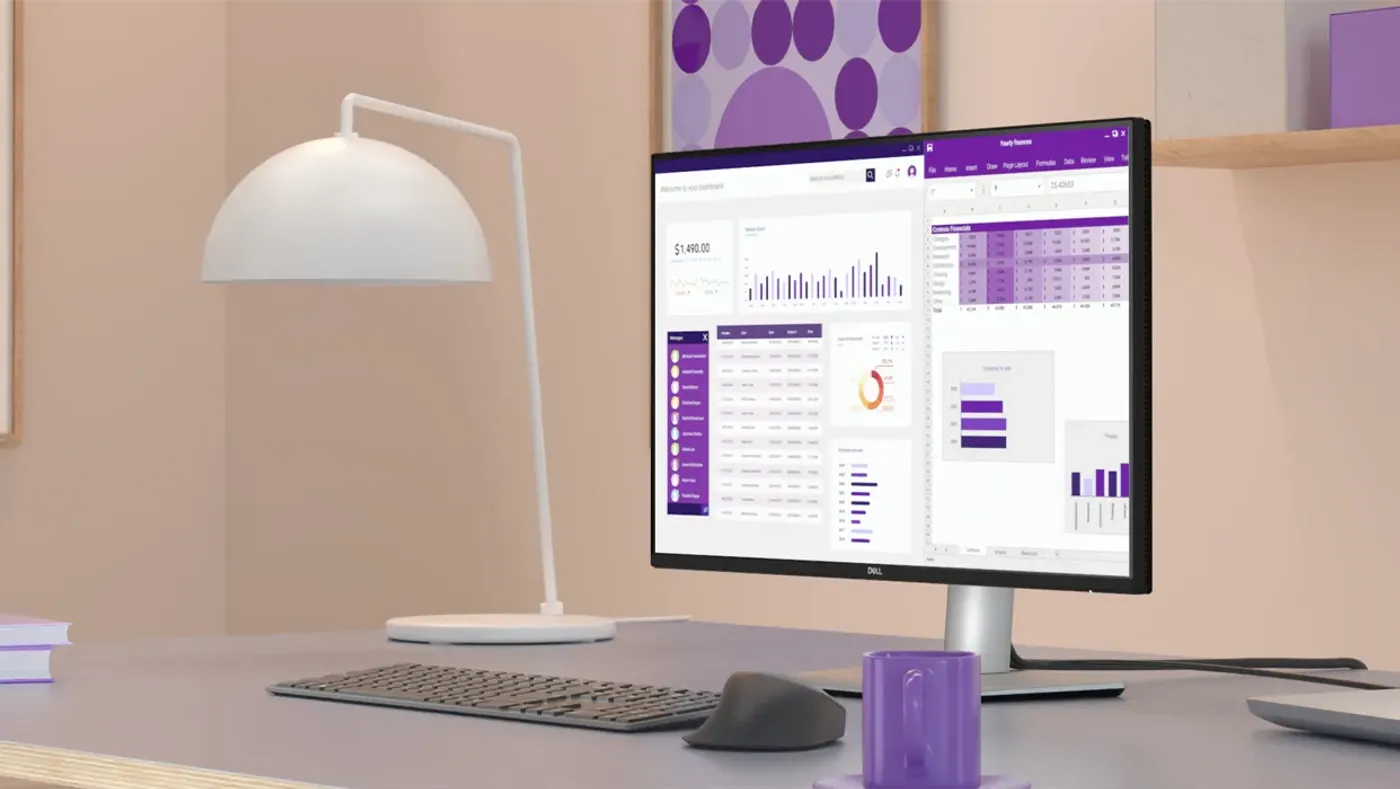
ComfortView Plus Cuts Blue Light To 35%
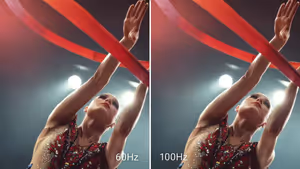
Improved ComfortView Plus reduces blue light emissions to 35% or lower without compromising colour accuracy, which is the trade older blue-light modes usually made. The 100Hz refresh rate minimises flicker for smoother scrolling, easing strain during long reading sessions, and colour coverage of up to 1.07 billion colours with 99% sRGB keeps the image true to life.
ComfortView Plus Cuts Blue Light To 35%
Improved ComfortView Plus reduces blue light emissions to 35% or lower without compromising colour accuracy, which is the trade older blue-light modes usually made. The 100Hz refresh rate minimises flicker for smoother scrolling, easing strain during long reading sessions, and colour coverage of up to 1.07 billion colours with 99% sRGB keeps the image true to life.
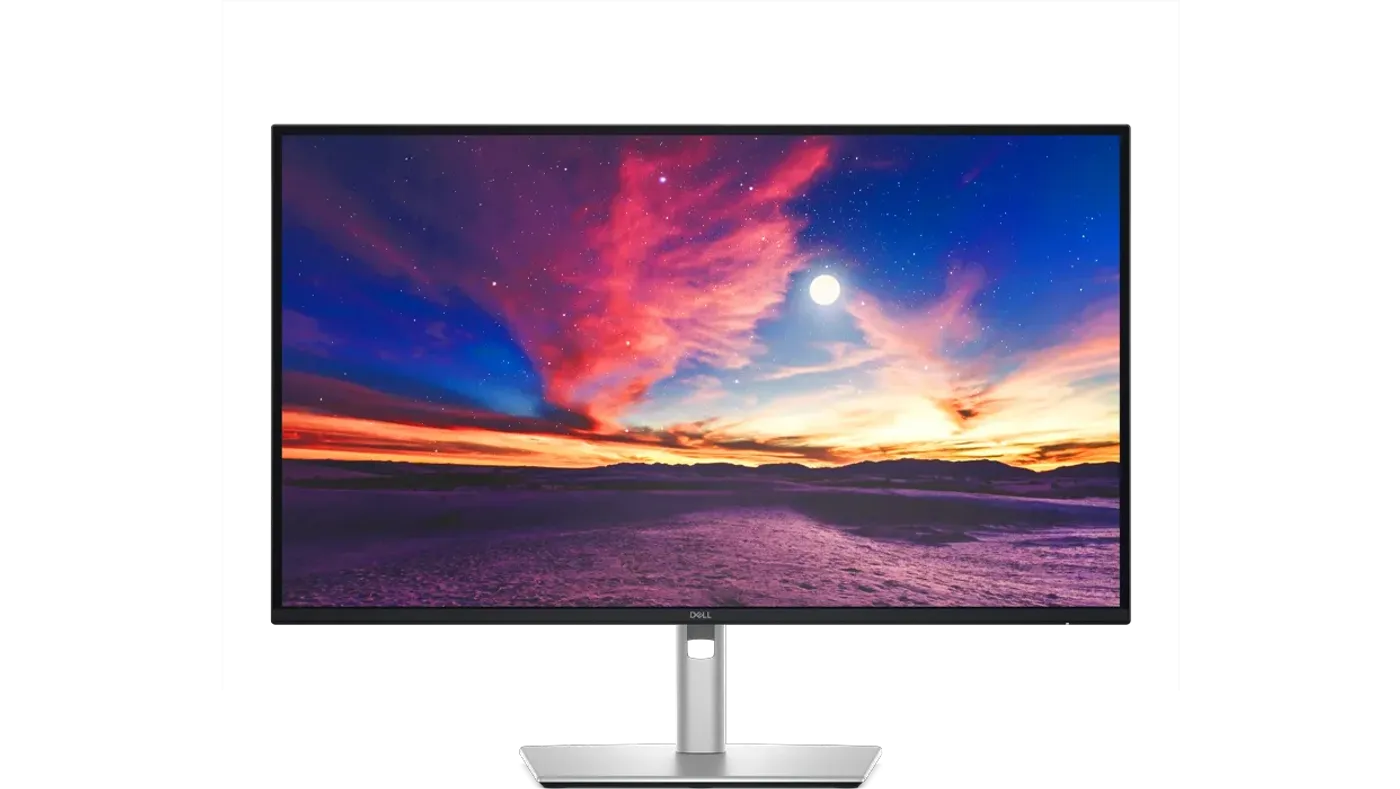
3840 x 2160 IPS Panel With 1500:1 Contrast
The 3840 x 2160 resolution puts four times the pixels of a 1080p panel into 27 inches, so text edges and fine detail hold up at normal viewing distance. IPS technology keeps colour consistent across wide viewing angles, which matters when two people share a screen, and the 1500:1 contrast ratio deepens blacks and lifts bright highlights.
3840 x 2160 IPS Panel With 1500:1 Contrast
The 3840 x 2160 resolution puts four times the pixels of a 1080p panel into 27 inches, so text edges and fine detail hold up at normal viewing distance. IPS technology keeps colour consistent across wide viewing angles, which matters when two people share a screen, and the 1500:1 contrast ratio deepens blacks and lifts bright highlights.
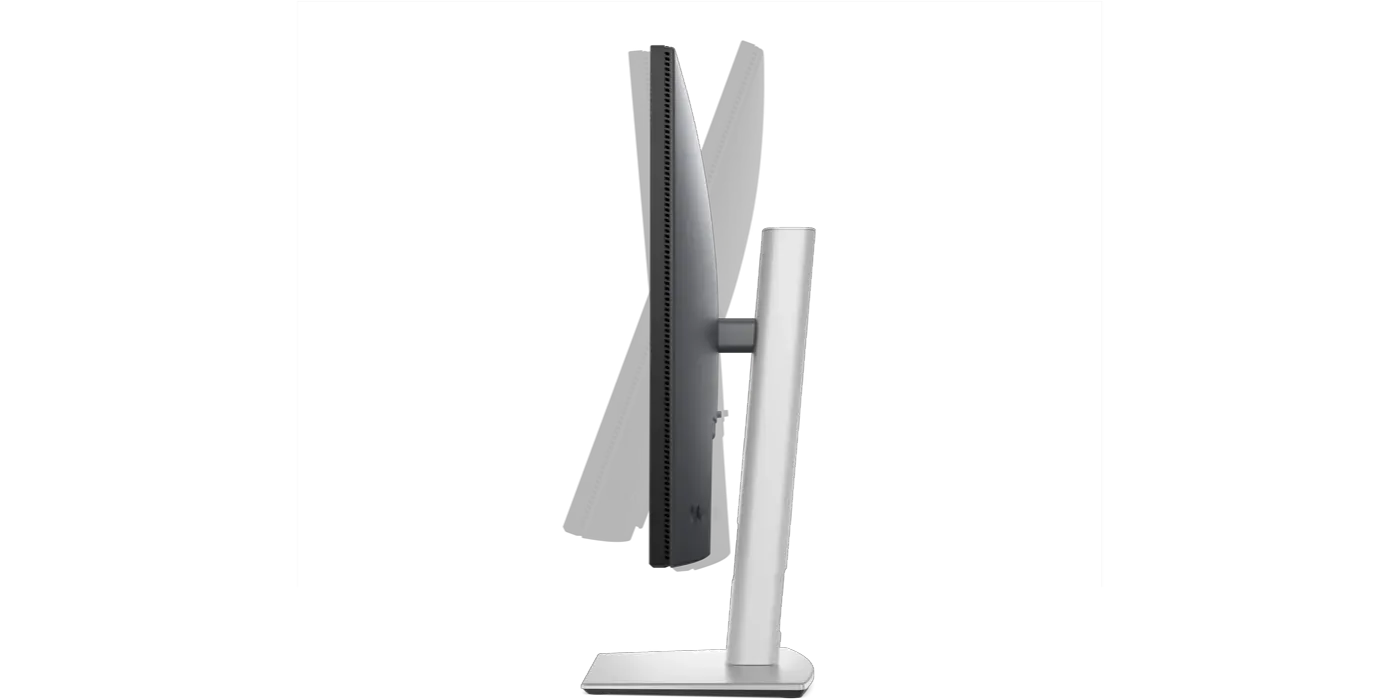
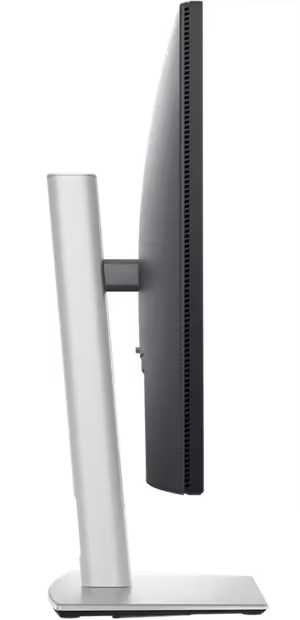
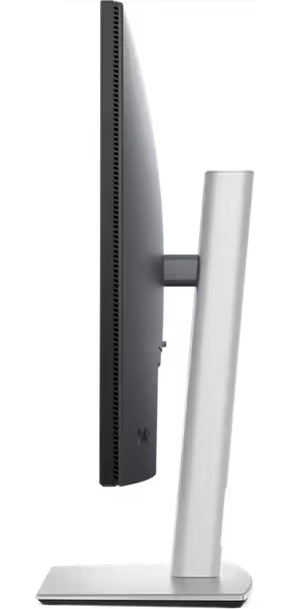
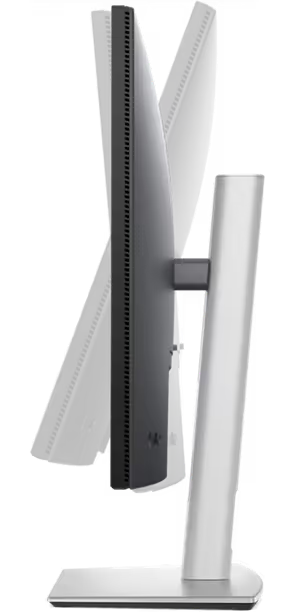
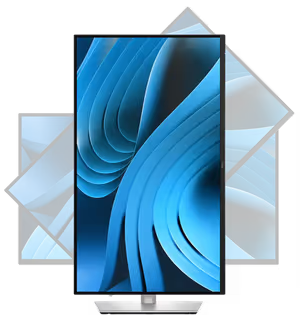
150mm Height Range And 90-Degree Pivot
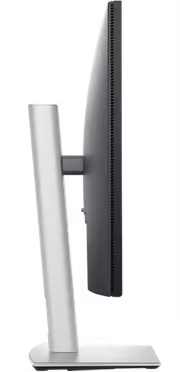
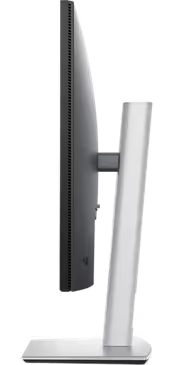
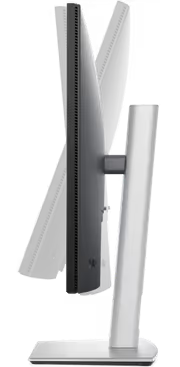
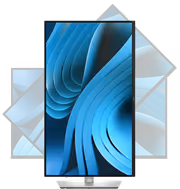
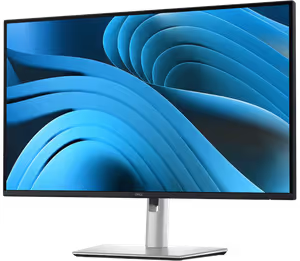
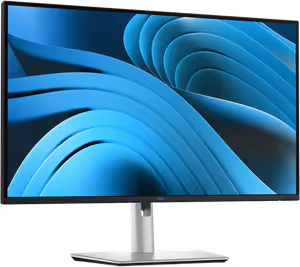
Tilt runs from -5 degrees to +21 degrees, the screen swivels bi-directionally up to 45 degrees, it pivots up to 90 degrees for portrait orientation, and height adjusts through 150mm. Portrait mode is the useful one for developers and anyone reading long documents, since a rotated 4K panel shows far more lines of code or text at once.
150mm Height Range And 90-Degree Pivot
Tilt runs from -5 degrees to +21 degrees, the screen swivels bi-directionally up to 45 degrees, it pivots up to 90 degrees for portrait orientation, and height adjusts through 150mm. Portrait mode is the useful one for developers and anyone reading long documents, since a rotated 4K panel shows far more lines of code or text at once.
Window Partitions, Profiles And IT Management
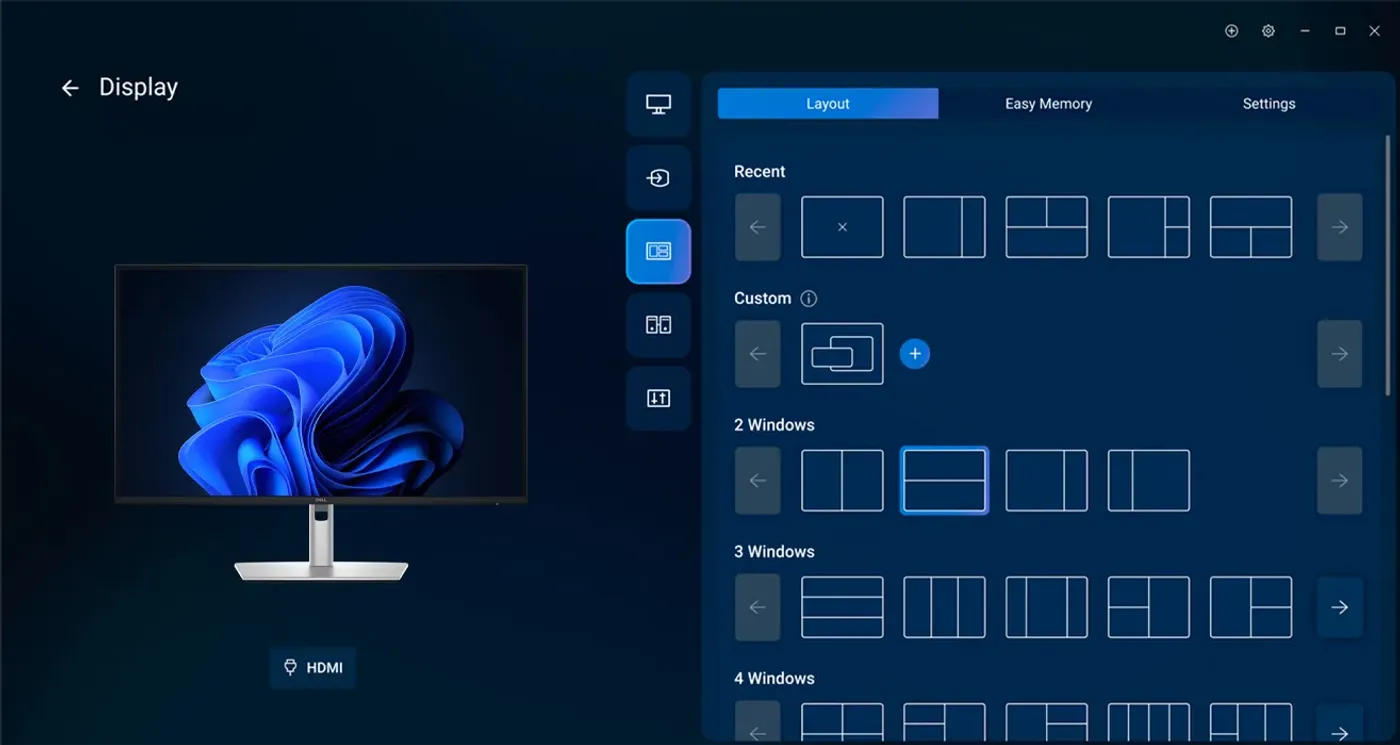
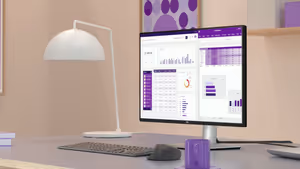
The manager arranges multiple windows using pre-set partitions and saves layouts as profiles, so a multitasking arrangement can be recalled rather than rebuilt each morning. For IT teams there is Dell's Device Management Console, plus an advanced command-line interface for scripting monitor configuration across a fleet instead of touching each desk individually.
Window Partitions, Profiles And IT Management
The manager arranges multiple windows using pre-set partitions and saves layouts as profiles, so a multitasking arrangement can be recalled rather than rebuilt each morning. For IT teams there is Dell's Device Management Console, plus an advanced command-line interface for scripting monitor configuration across a fleet instead of touching each desk individually.

Built With Up To 85% Post-Consumer Plastic
Sustainable materials make up a substantial share of the P2725QE, including up to 85% post-consumer recycled plastic along with recycled aluminium, steel and glass. Recycled content in the chassis is where a monitor's environmental footprint is most easily reduced, because the enclosure is the heaviest non-electronic part of the product.
Built With Up To 85% Post-Consumer Plastic
Sustainable materials make up a substantial share of the P2725QE, including up to 85% post-consumer recycled plastic along with recycled aluminium, steel and glass. Recycled content in the chassis is where a monitor's environmental footprint is most easily reduced, because the enclosure is the heaviest non-electronic part of the product.

EPEAT Gold, ENERGY STAR And TCO Certified
The monitor is registered EPEAT Gold, ENERGY STAR certified and TCO certified, three independent programmes covering sustainable manufacturing standards. Dell also assists with retiring legacy IT equipment in an environmentally responsible and secure manner, and the monitor ships in boxes made from 100% renewable and recycled fibre-based materials rather than plastic packaging.
EPEAT Gold, ENERGY STAR And TCO Certified
The monitor is registered EPEAT Gold, ENERGY STAR certified and TCO certified, three independent programmes covering sustainable manufacturing standards. Dell also assists with retiring legacy IT equipment in an environmentally responsible and secure manner, and the monitor ships in boxes made from 100% renewable and recycled fibre-based materials rather than plastic packaging.
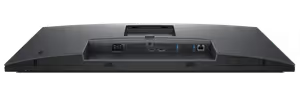
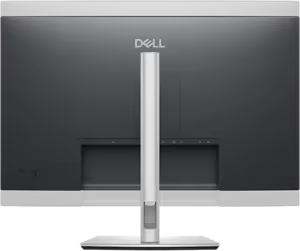
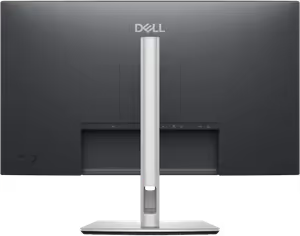
Rear Panel Ports And Security Slot
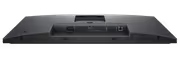
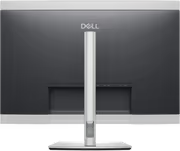
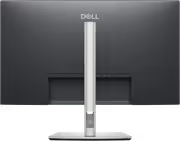
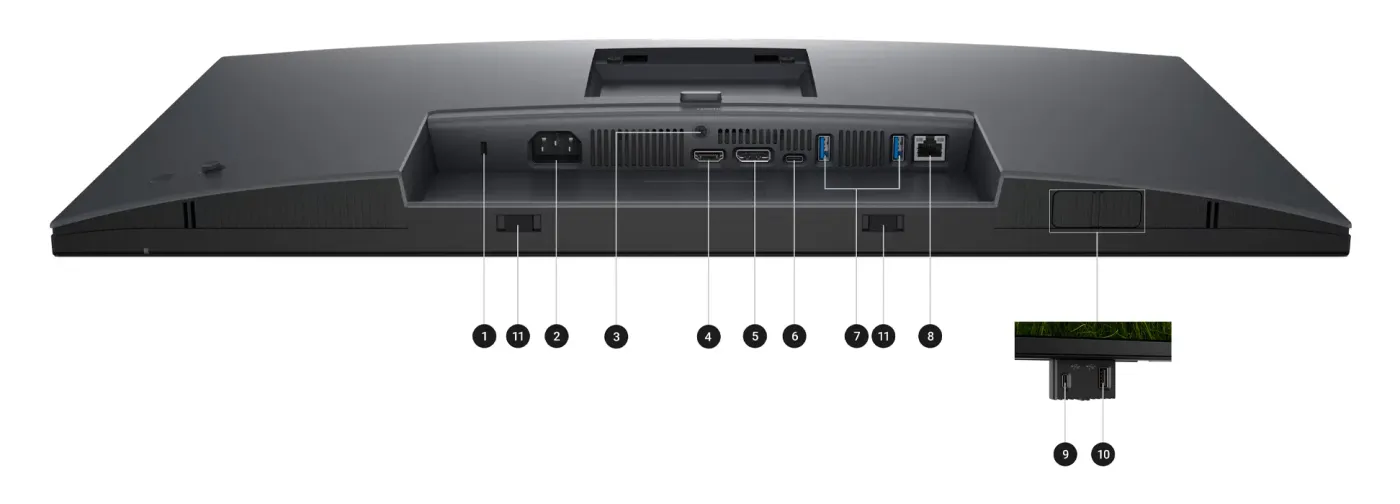
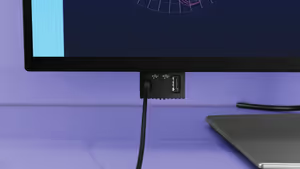
The rear of the P2725QE carries a Kensington Security Slot for a lock, the power input connector, a stand lock for keeping the ergonomic setup fixed, an HDMI port for a second source and DisplayPort 1.4 for high-resolution video output. Grouping them at the back keeps permanent connections tidy and out of the way of daily use.
Rear Panel Ports And Security Slot
The rear of the P2725QE carries a Kensington Security Slot for a lock, the power input connector, a stand lock for keeping the ergonomic setup fixed, an HDMI port for a second source and DisplayPort 1.4 for high-resolution video output. Grouping them at the back keeps permanent connections tidy and out of the way of daily use.
612.50mm Wide And Under 50mm Deep
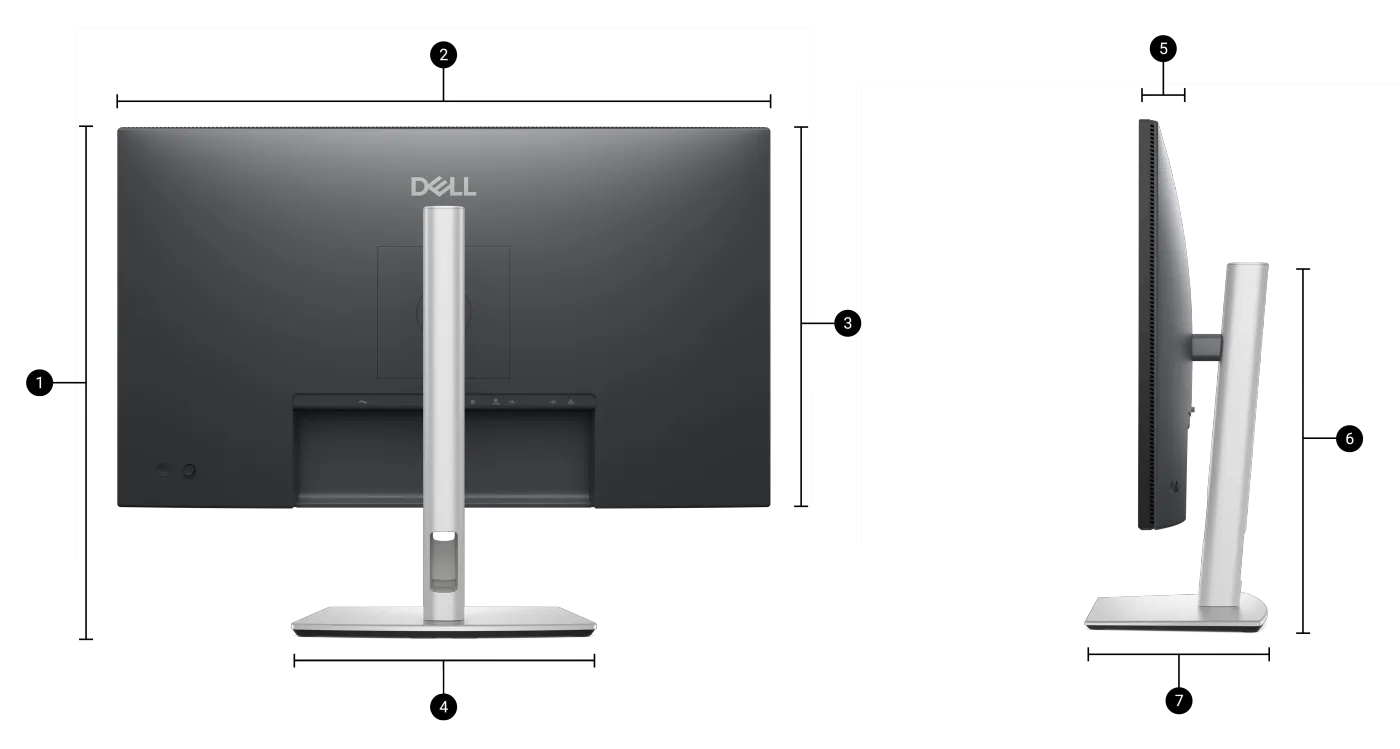
The monitor measures 612.50mm wide and 356.55mm high, with a depth of just 49.99mm, and the stand base takes up 272.84mm of width and 189.00mm of depth. Those numbers matter before you buy rather than after, because a 27-inch panel on a shallow desk is decided by stand footprint more than by screen size.
612.50mm Wide And Under 50mm Deep
The monitor measures 612.50mm wide and 356.55mm high, with a depth of just 49.99mm, and the stand base takes up 272.84mm of width and 189.00mm of depth. Those numbers matter before you buy rather than after, because a 27-inch panel on a shallow desk is decided by stand footprint more than by screen size.
FAQ
Frequently Asked Questions
Everything you need to know about this product
It is a 27-inch panel running 4K UHD at 3840 x 2160.
The panel runs at 100Hz, which also smooths scrolling and reduces flicker.
The USB-C upstream port supplies up to 90W alongside video, data and Ethernet.
Yes. There is an RJ45 port supporting 1GbE connectivity.
HDMI, DisplayPort 1.4, USB-C, USB Type-A, RJ45 Ethernet, power input, a stand lock and a Kensington Security Slot.
Yes. Dell tested it with macOS devices for plug-and-play use over USB-C or HDMI.
Tilt runs -5 to +21 degrees, swivel up to 45 degrees, pivot up to 90 degrees and height through 150mm.
The IPS panel is rated at a 1500:1 contrast ratio.
It covers 99% sRGB and displays up to 1.07 billion colours.
A power cable, a 1.8m DisplayPort 1.4 cable, a 1.0m USB-C to C cable and a 1.8m USB-C to Type-A cable.
It weighs 6.60kg with the stand fitted and 4.62kg without it.
It is TUV 4-Star certified, is flicker-free, and ComfortView Plus holds blue light emissions at 35% or lower.

AI-Generated Content: These FAQs are generated by an automated AI system and may contain inaccuracies or omissions. Evetech makes no warranties, express or implied, regarding their completeness or reliability. For definitive information, please refer to the manufacturer's official specifications.
Please Note: Product images are for illustrative purposes only and may differ from the actual product.
Choose your
own PC
Hand-pick every part with live stock, compatibility, and instant pricing.
Try the new builderPrice Inc. Vat
R 9,199
Save R 1,400
ListR 10,599
9199Free Delivery
Qty:
In Stock with Evetech
Choose your
own PC
Hand-pick every part with live stock, compatibility, and instant pricing.
Try the new builderDell Pro 27 Plus P2725QE USB-C Hub Monitor