Trusted Partners
Please Note: Product images are for illustrative purposes only and may differ from the actual product.
Hand-pick every part with live stock, compatibility, and instant pricing.
Try the new builderHand-pick every part with live stock, compatibility, and instant pricing.
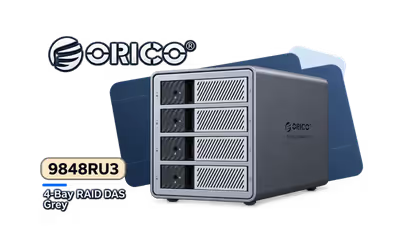
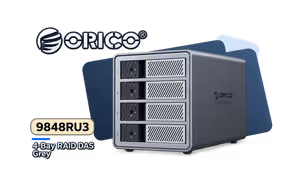
Try the new builderOrico 4 Bay RAID DAS Solution ProRAID Grey


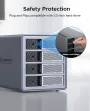
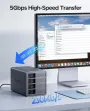
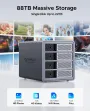
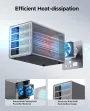
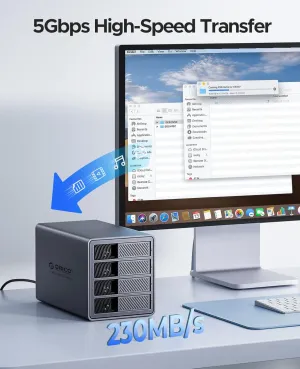
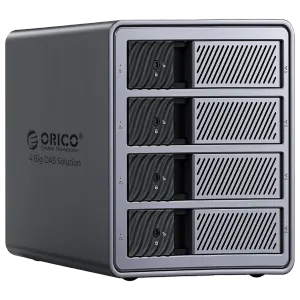
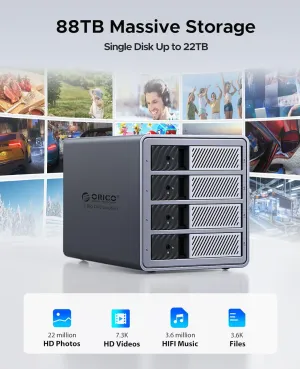
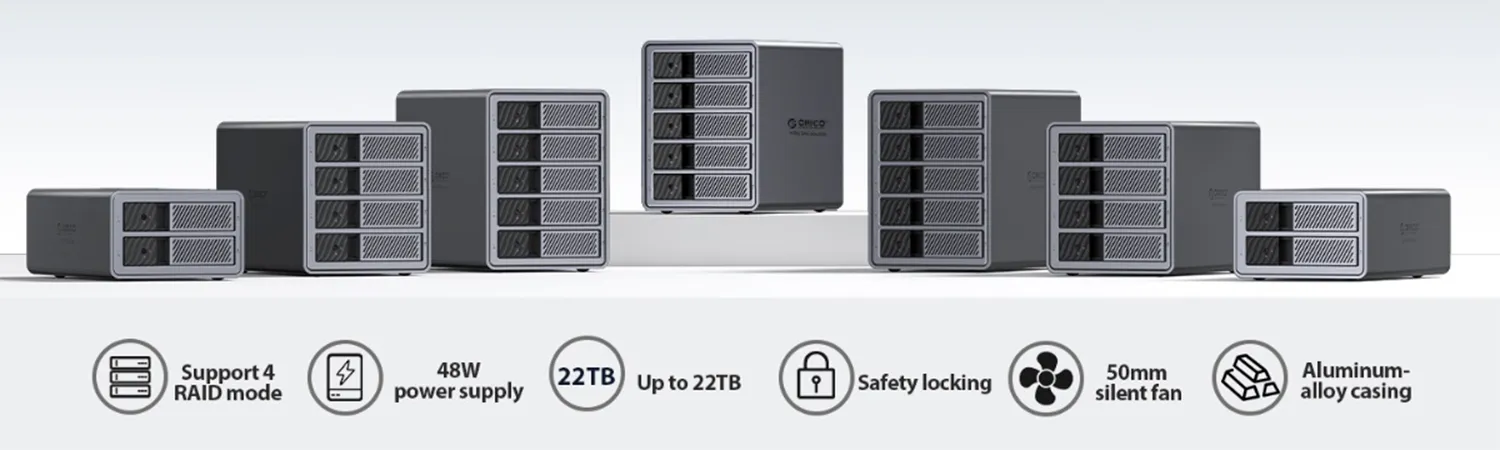
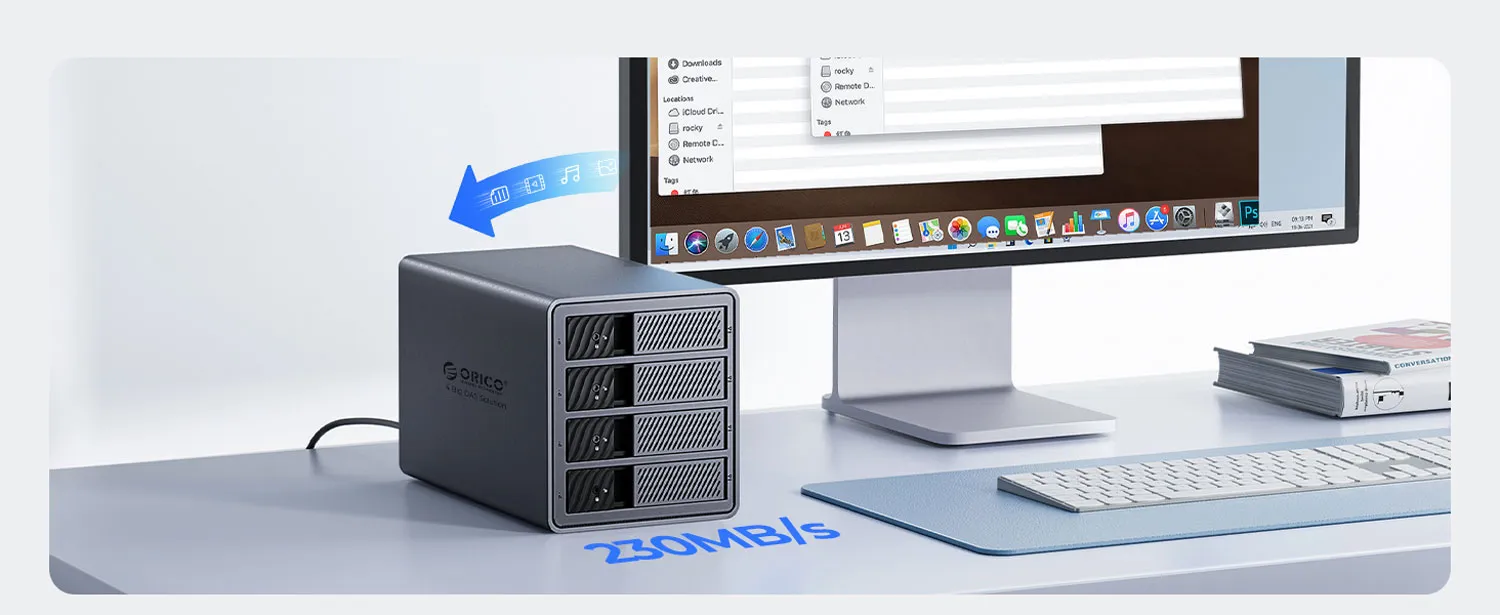
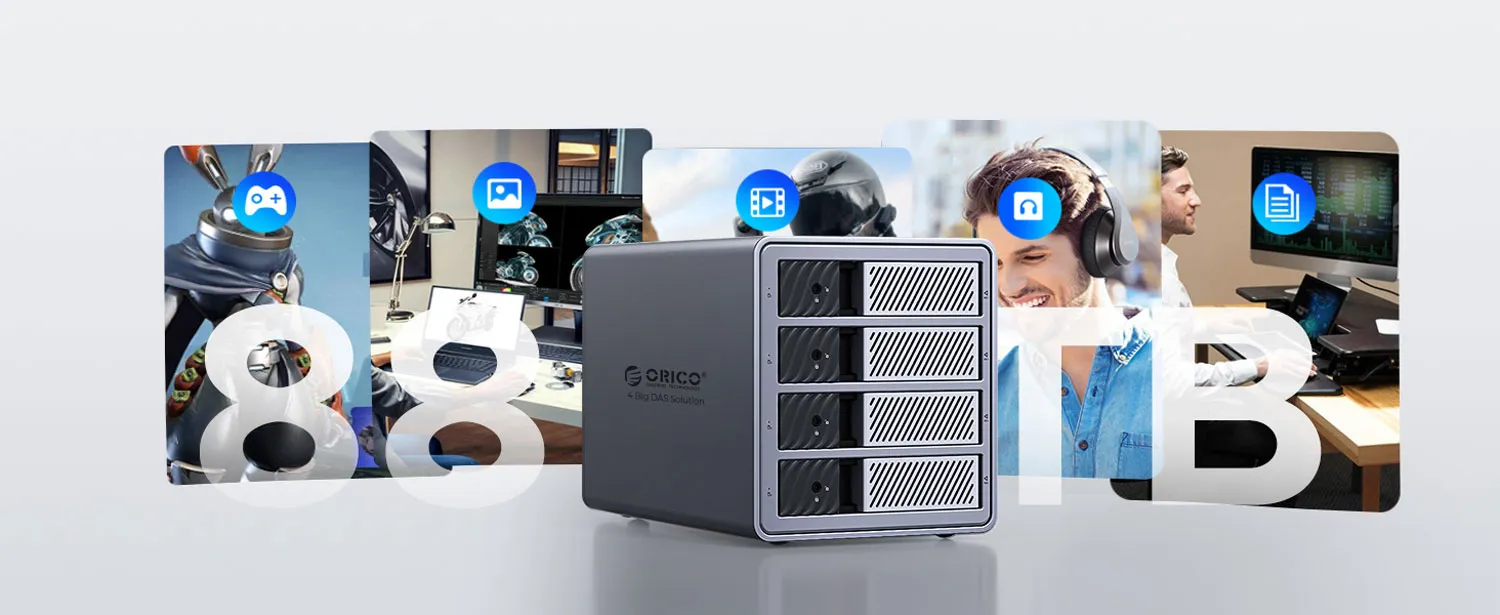
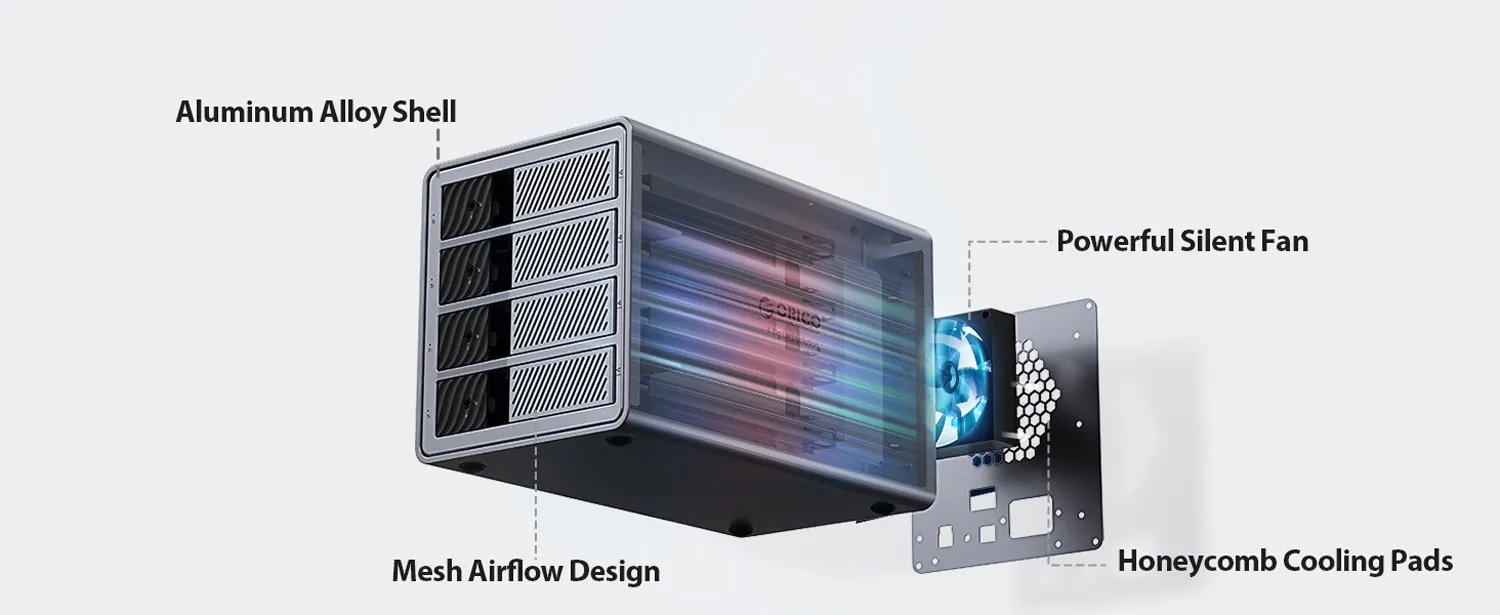
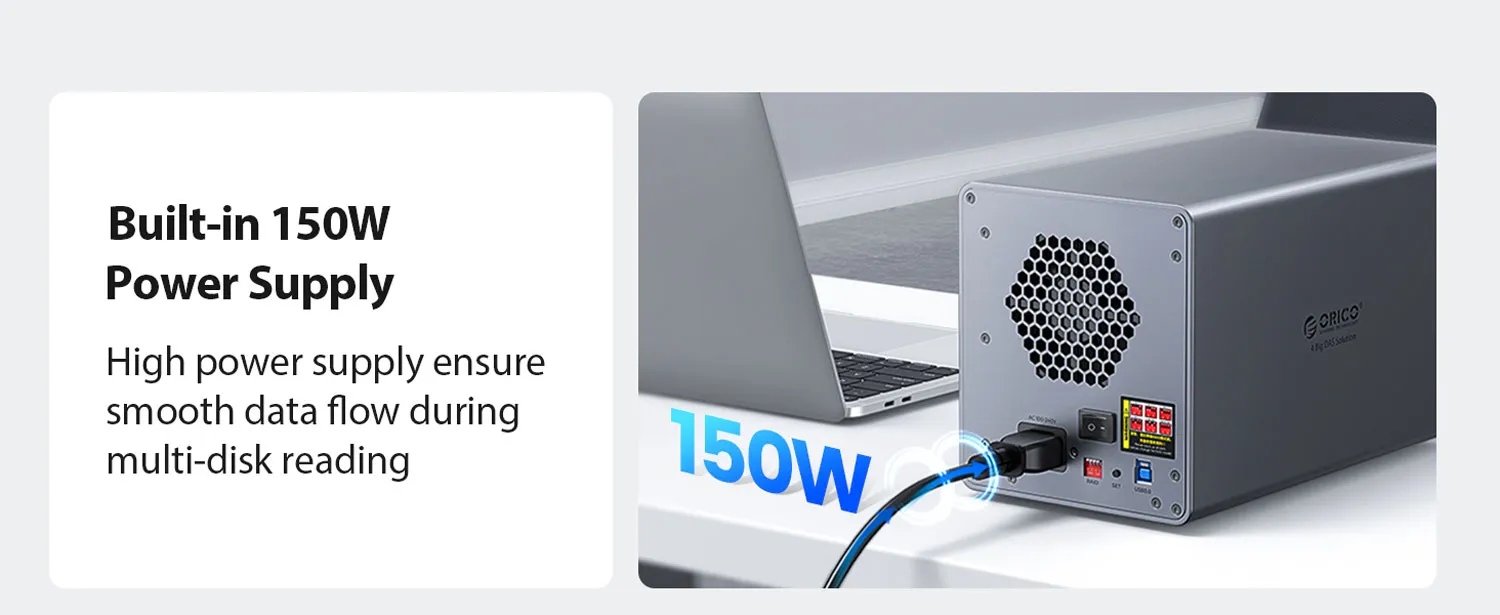
Meet the Orico 4-Bay ProRAID: a desktop box that holds up to 88TB (22TB per bay) and connects over 5Gbps USB. Its grey aluminium body helps cooling. It’s an Orico RAID DAS you can set up in minutes.
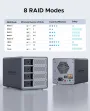
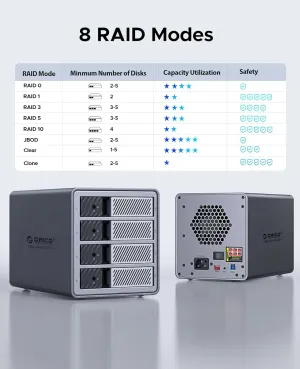
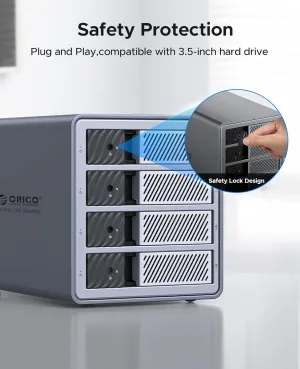
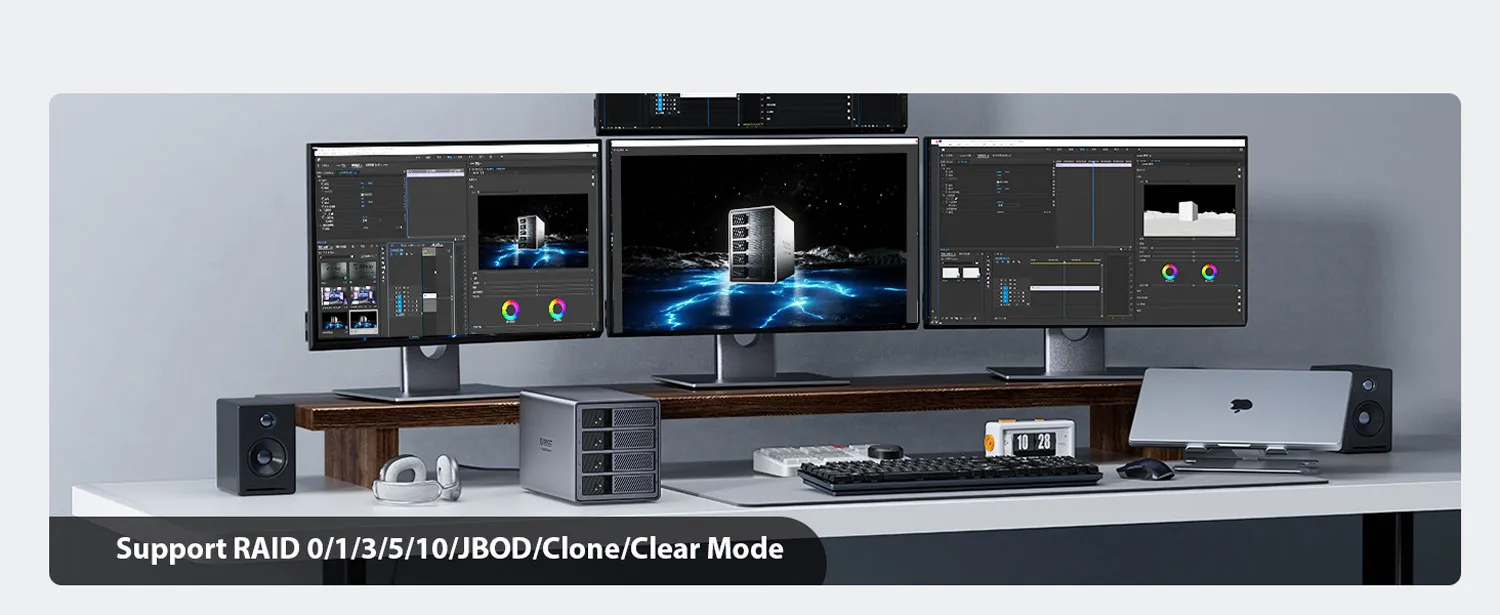
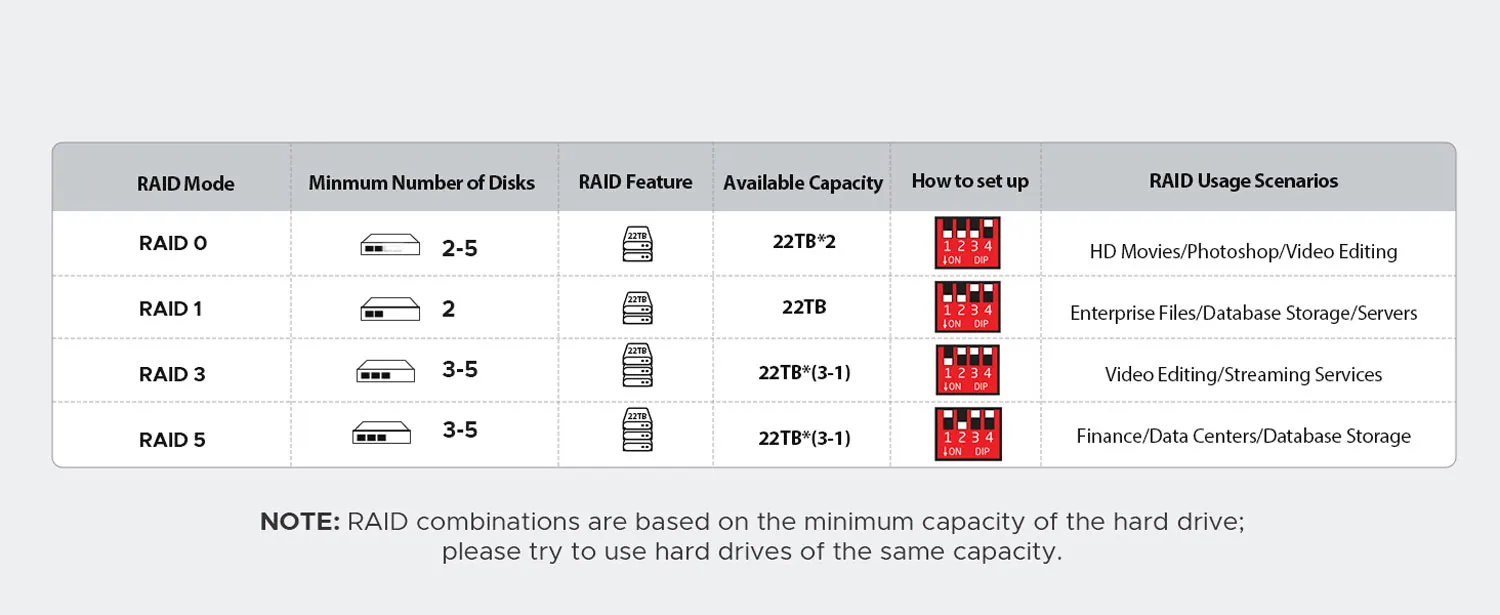
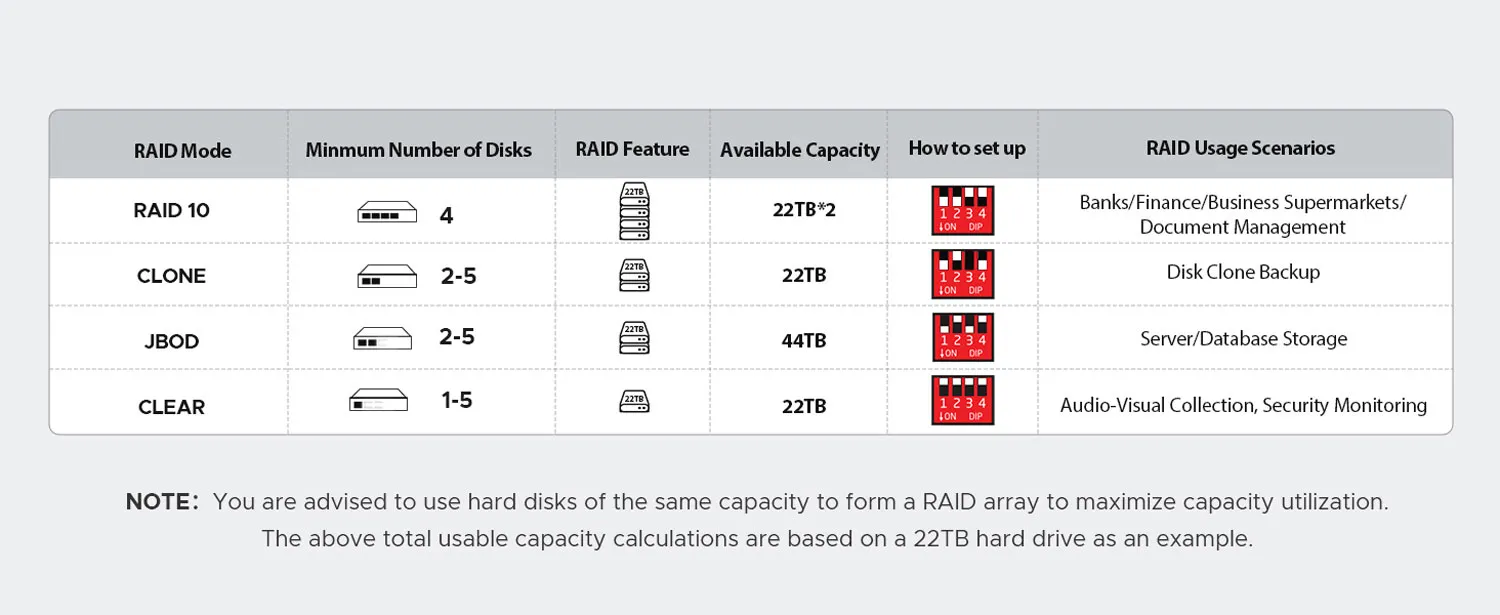
Fill it with 3.5" or 2.5" drives (sold separately) and pick a RAID mode for your needs. Stripe for speed, mirror for safety, or mix both. With four bays working together, you get high-speed data storage that is simple to manage from one place.
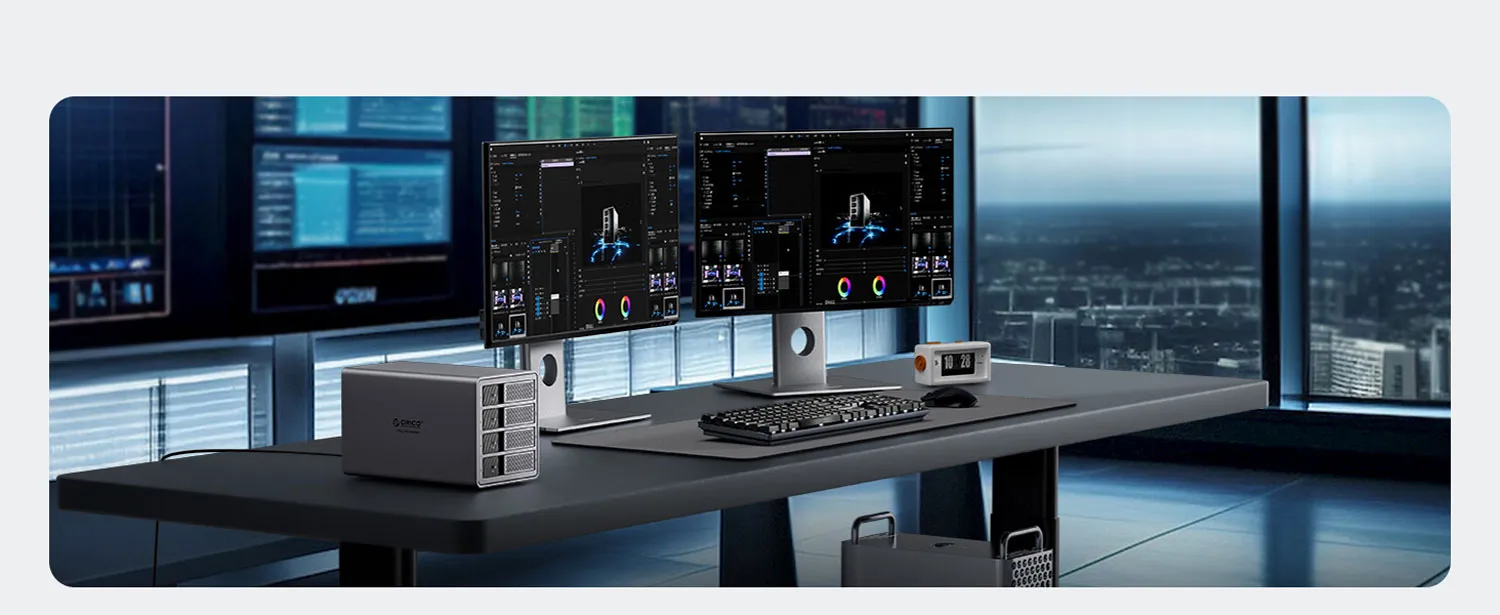
This is great for video teams, photographers, and small offices. Keep projects, backups, and game libraries in one box. Use it as reliable external RAID storage that grows with you and stays easy to use every day.
NOTE: RAID groups use the smallest drive capacity in the array; for best results, use hard drives with the same capacity.
New hard drives often require repartitioning (formatting). If a drive is not recognized, contact customer support. Always back up important data in advance to prevent loss.
1. Insert the hard disk into the enclosure and connect it to the
computer.
2. Format/Partition: Right-click “My Computer” → Manage → Disk Management →
select Disk 1 → Right-click → Format/Partition.
This product is an accessory enclosure and will not damage hard drives under normal use. Back up important files regularly; we cannot be responsible for data loss.
Hard drives are consumables; lifespan depends on workload and environment. Replace drives every 3–5 years to reduce the risk of data loss from aging media.