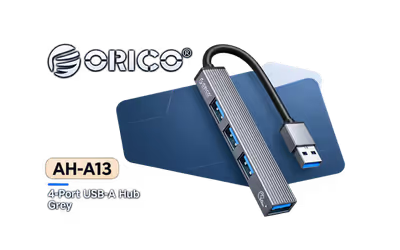
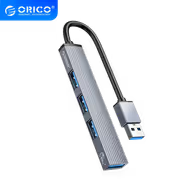
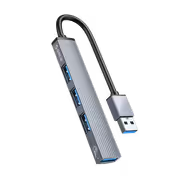
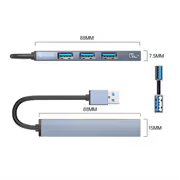
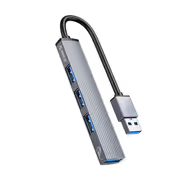
Orico 4 Port USB A HUB with Aluminum Case
Orico 4-Port USB-A HUB with Aluminum Case / Stable Connection / Compact and Light-Weight
Model No : Orico ORICO-AH-A13-GY-EP-HW
Price Inc. Vat
R 149
Save R 100
ListR 249
149Change Quantity:
In Stock with Evetech
Orico ORICO-AH-A13 4-Port USB-A Hub — Aluminum, Compact
Four USB-A Ports From One Aluminium Hub
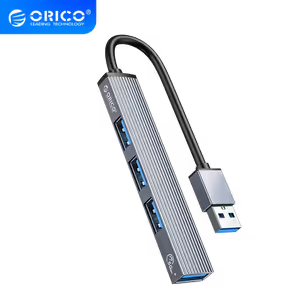
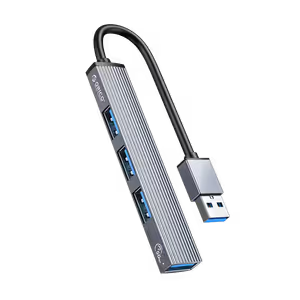
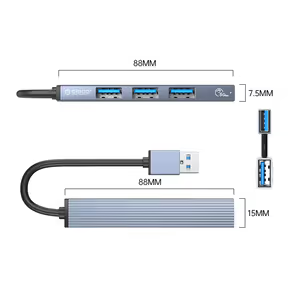
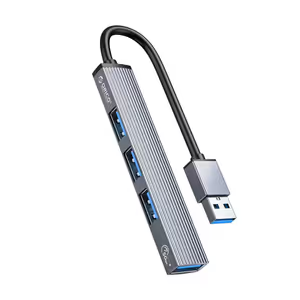
The ORICO 4-Port USB-A Hub carries one USB 3.0 port and three USB 2.0 ports, letting you connect several devices at the same time from a single upstream USB port. It suits anyone short of ports for keyboards, mice or external hard drives. Setup is driver-free plug and play, so it works straight out of the box, and the aluminium alloy body keeps the build durable and compact.
Four USB-A Ports From One Aluminium Hub
The ORICO 4-Port USB-A Hub carries one USB 3.0 port and three USB 2.0 ports, letting you connect several devices at the same time from a single upstream USB port. It suits anyone short of ports for keyboards, mice or external hard drives. Setup is driver-free plug and play, so it works straight out of the box, and the aluminium alloy body keeps the build durable and compact.
One Upstream Port Becomes Four Connections
A single USB-A port on a laptop or desktop becomes four with this hub in line, which is the whole point of the device. Modern thin laptops ship with fewer ports than a full peripheral set needs, and a desktop front panel runs out just as quickly. The hub adds the ports without requiring any change to the machine itself.
One Upstream Port Becomes Four Connections
A single USB-A port on a laptop or desktop becomes four with this hub in line, which is the whole point of the device. Modern thin laptops ship with fewer ports than a full peripheral set needs, and a desktop front panel runs out just as quickly. The hub adds the ports without requiring any change to the machine itself.
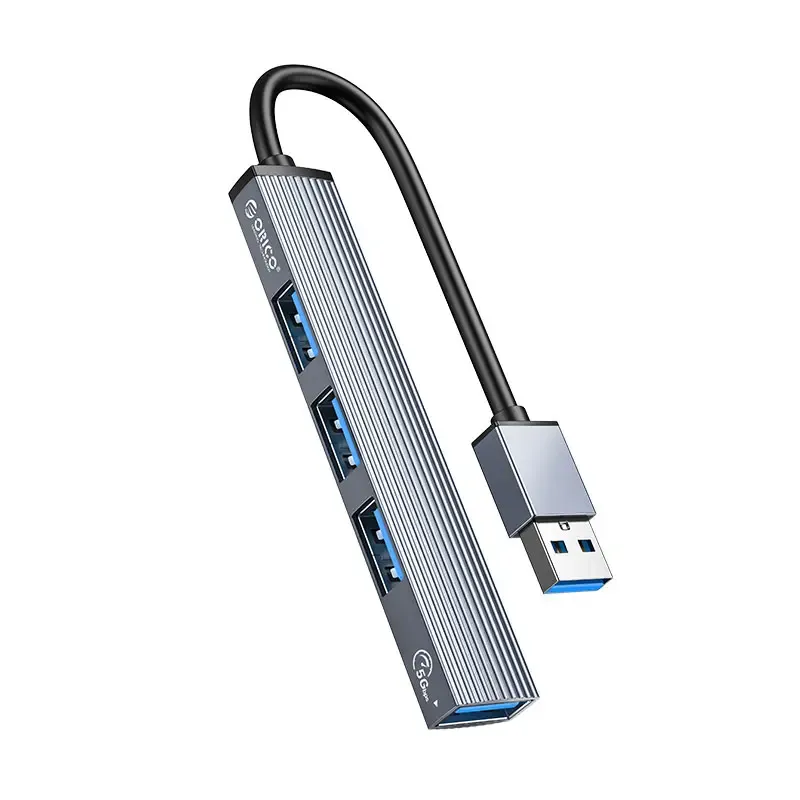
Key Specifications Of The ORICO USB Hub
The specification set is straightforward: one USB 3.0 connector and three USB 2.0 connectors, speeds of up to 5Gbps on the USB 3.0 port, a stable connection, a robust aluminium alloy build, a lightweight and compact shape, driver-free plug and play setup, and wide compatibility with various devices. Nothing here needs configuring after it is plugged in.
Key Specifications Of The ORICO USB Hub
The specification set is straightforward: one USB 3.0 connector and three USB 2.0 connectors, speeds of up to 5Gbps on the USB 3.0 port, a stable connection, a robust aluminium alloy build, a lightweight and compact shape, driver-free plug and play setup, and wide compatibility with various devices. Nothing here needs configuring after it is plugged in.
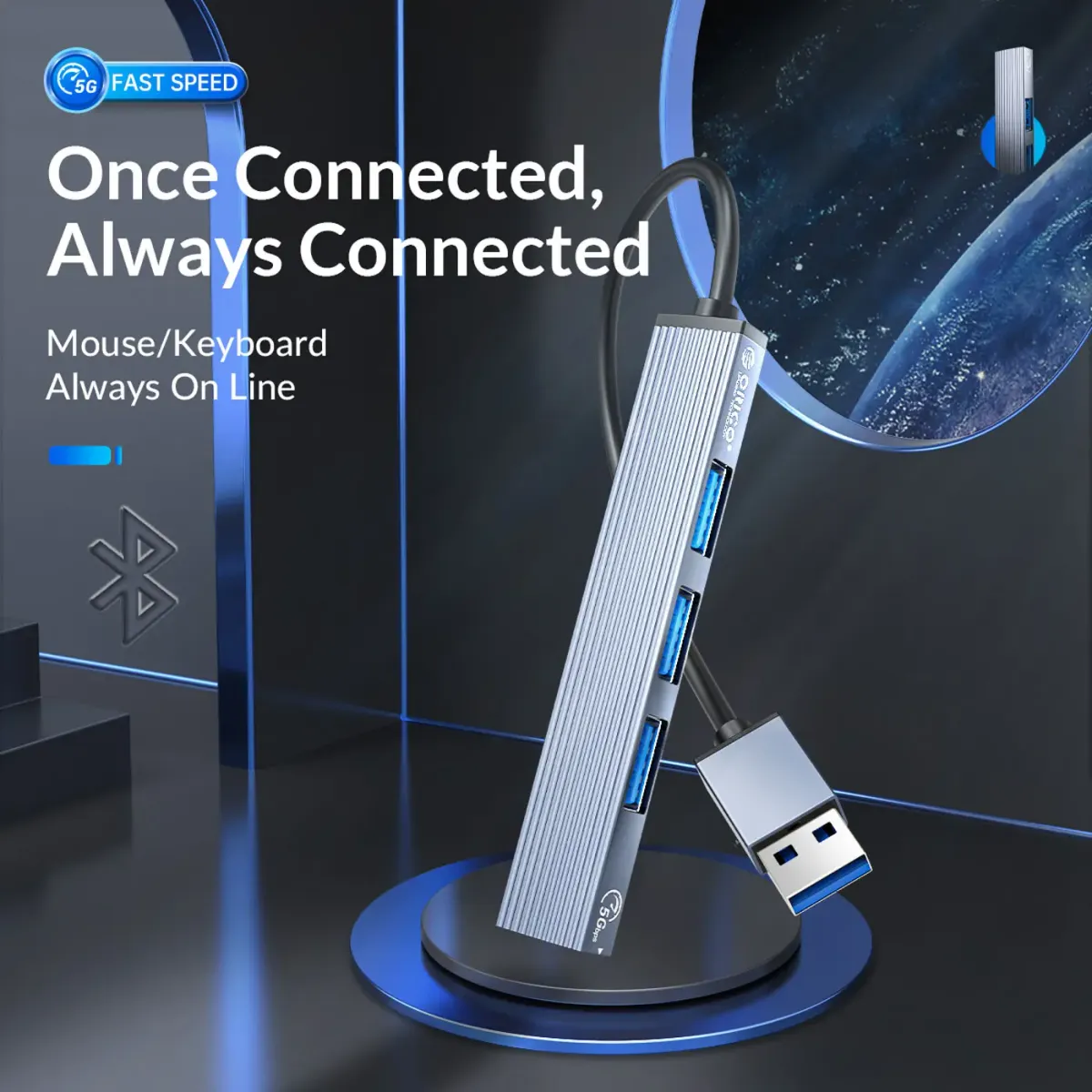
USB 3.0 Port Runs At Up To 5Gbps
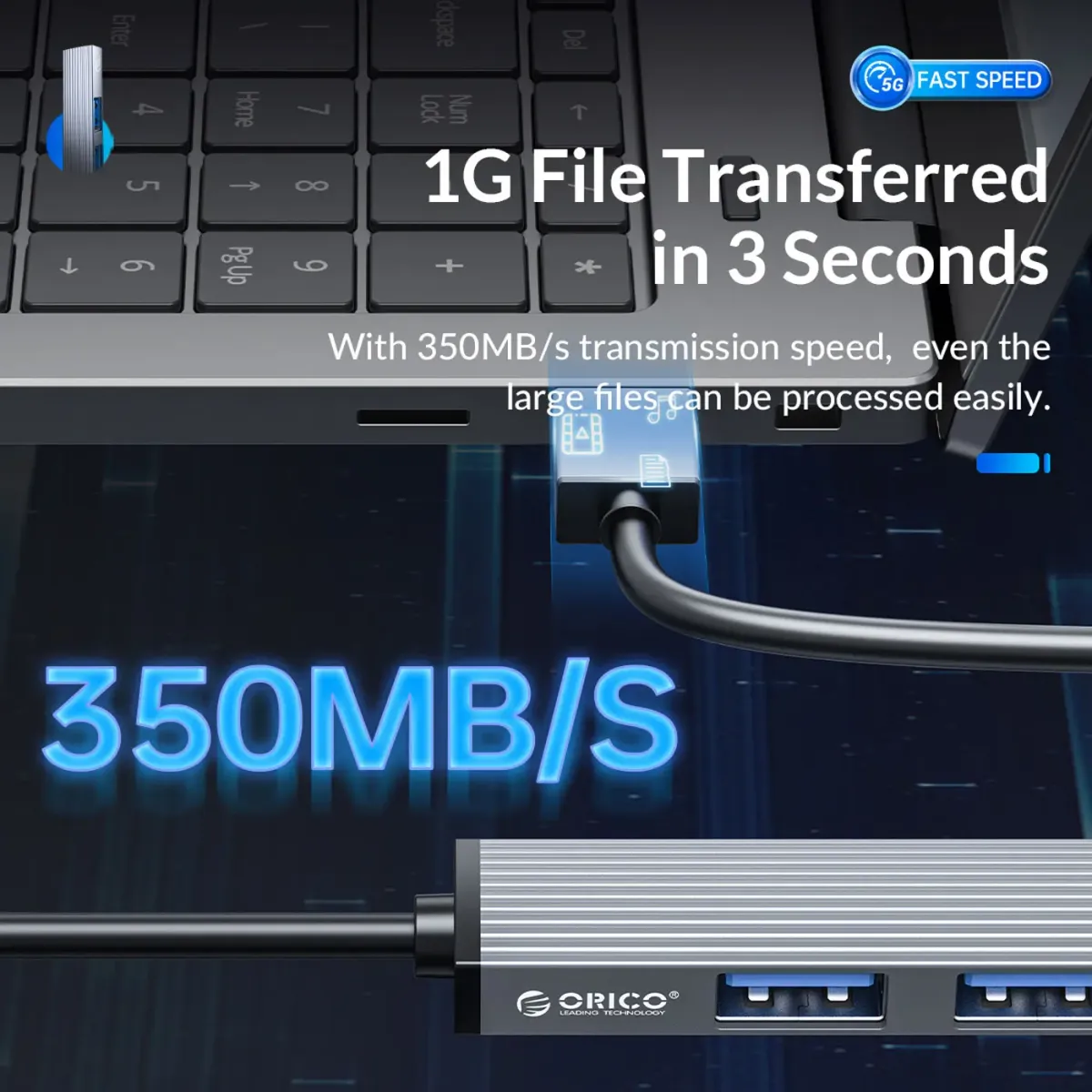
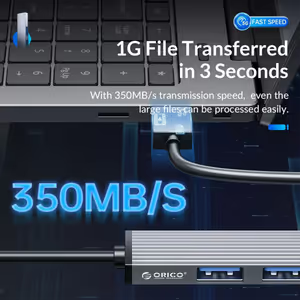
The USB 3.0 connector on the hub reaches speeds of up to 5Gbps, which is the port to reserve for whatever moves the most data. Bandwidth on a hub is shared, so putting the fast device on the 3.0 port and the slow accessories on the 2.0 ports is what keeps large transfers from being held up behind a keyboard.
USB 3.0 Port Runs At Up To 5Gbps
The USB 3.0 connector on the hub reaches speeds of up to 5Gbps, which is the port to reserve for whatever moves the most data. Bandwidth on a hub is shared, so putting the fast device on the 3.0 port and the slow accessories on the 2.0 ports is what keeps large transfers from being held up behind a keyboard.
Three USB 2.0 Ports For Everyday Peripherals
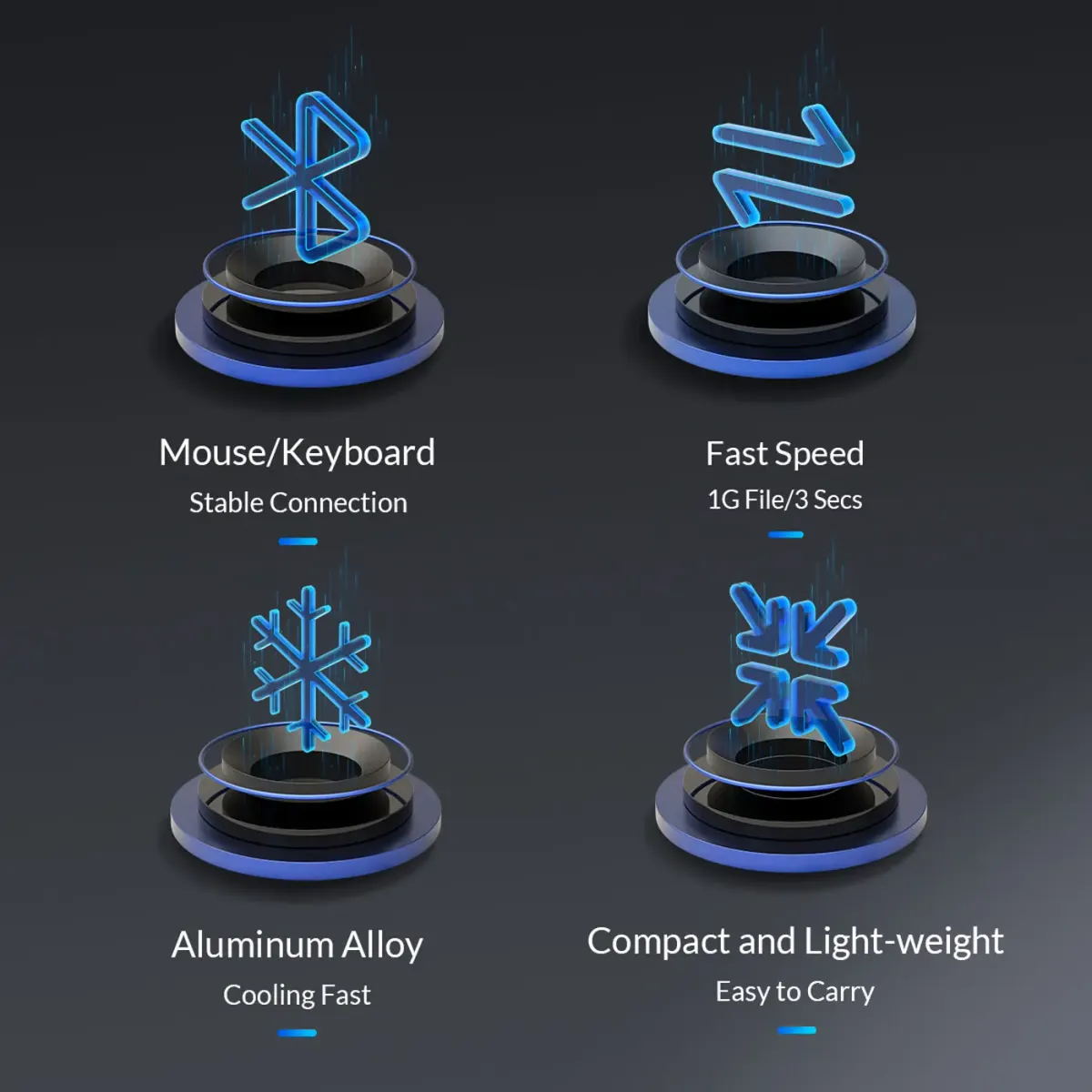
Three USB 2.0 ports handle the accessories that never needed high bandwidth in the first place: keyboards, mice, dongles and similar peripherals. Splitting the hub this way is deliberate, because those devices occupy a port permanently but move almost no data, and dedicating 2.0 connectors to them leaves the 3.0 port free.
Three USB 2.0 Ports For Everyday Peripherals
Three USB 2.0 ports handle the accessories that never needed high bandwidth in the first place: keyboards, mice, dongles and similar peripherals. Splitting the hub this way is deliberate, because those devices occupy a port permanently but move almost no data, and dedicating 2.0 connectors to them leaves the 3.0 port free.
Driver-Free Plug And Play Setup
The hub is driver-free plug and play, so it can be used immediately after unpacking with no installation or configuration step. That also means there is no vendor software to keep updated and nothing to reinstall when you move the hub to a different machine, which is what makes it a sensible item to keep in a laptop bag.
Driver-Free Plug And Play Setup
The hub is driver-free plug and play, so it can be used immediately after unpacking with no installation or configuration step. That also means there is no vendor software to keep updated and nothing to reinstall when you move the hub to a different machine, which is what makes it a sensible item to keep in a laptop bag.
Durable Aluminium Alloy Shell
The hub is constructed from durable aluminium alloy rather than plastic, which is what makes it resilient enough for a device that gets pulled in and out of a bag and tugged sideways by four attached cables. The metal shell also gives it a finish that suits a desk setup rather than looking like a temporary accessory.
Durable Aluminium Alloy Shell
The hub is constructed from durable aluminium alloy rather than plastic, which is what makes it resilient enough for a device that gets pulled in and out of a bag and tugged sideways by four attached cables. The metal shell also gives it a finish that suits a desk setup rather than looking like a temporary accessory.
Lightweight And Compact For A Laptop Bag
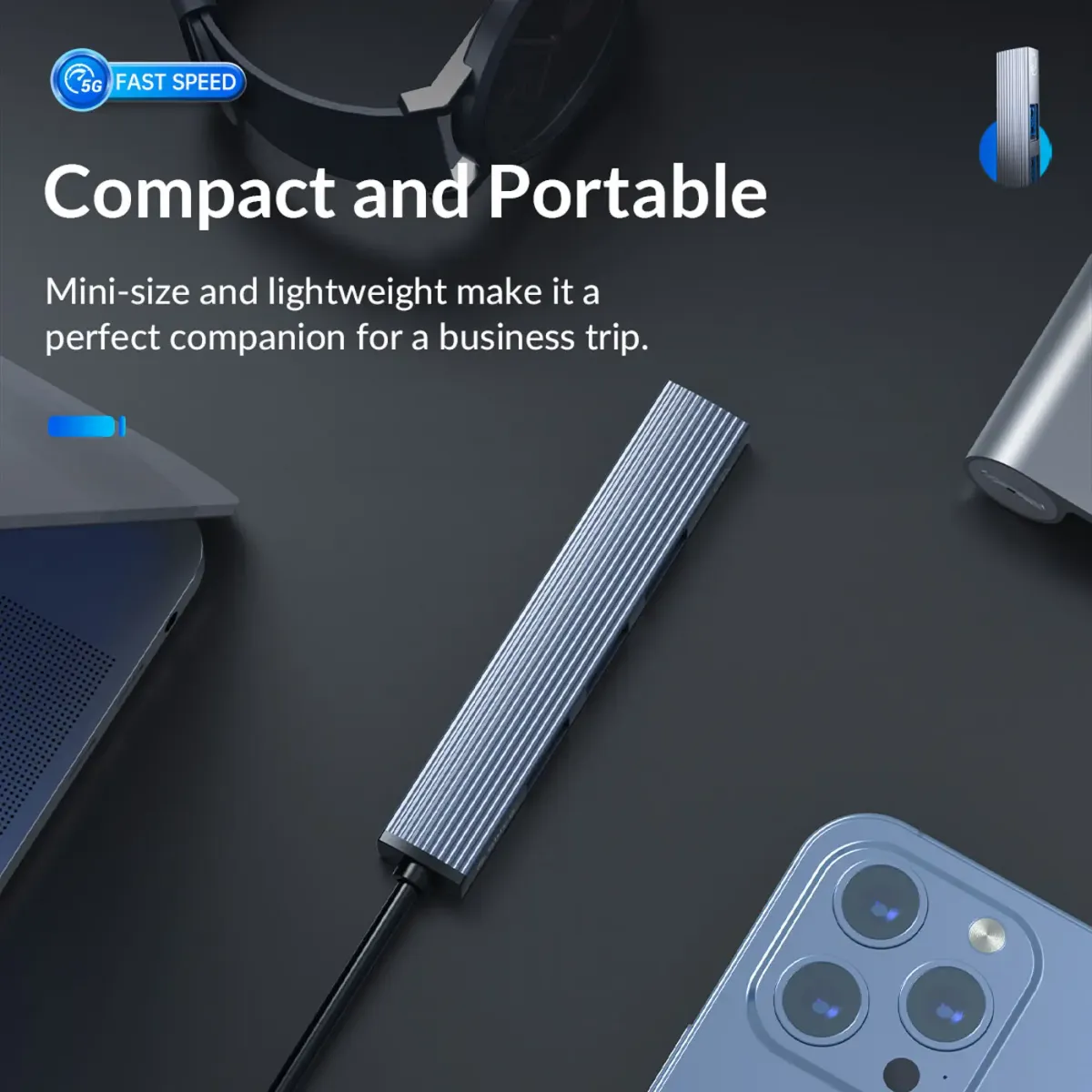
The hub is lightweight and compact, small enough to travel in a laptop sleeve or a side pocket without adding noticeable bulk. That portability is the reason a bus-powered hub like this tends to get used, since anything that needs its own power adapter effectively stays on one desk permanently.
Lightweight And Compact For A Laptop Bag
The hub is lightweight and compact, small enough to travel in a laptop sleeve or a side pocket without adding noticeable bulk. That portability is the reason a bus-powered hub like this tends to get used, since anything that needs its own power adapter effectively stays on one desk permanently.
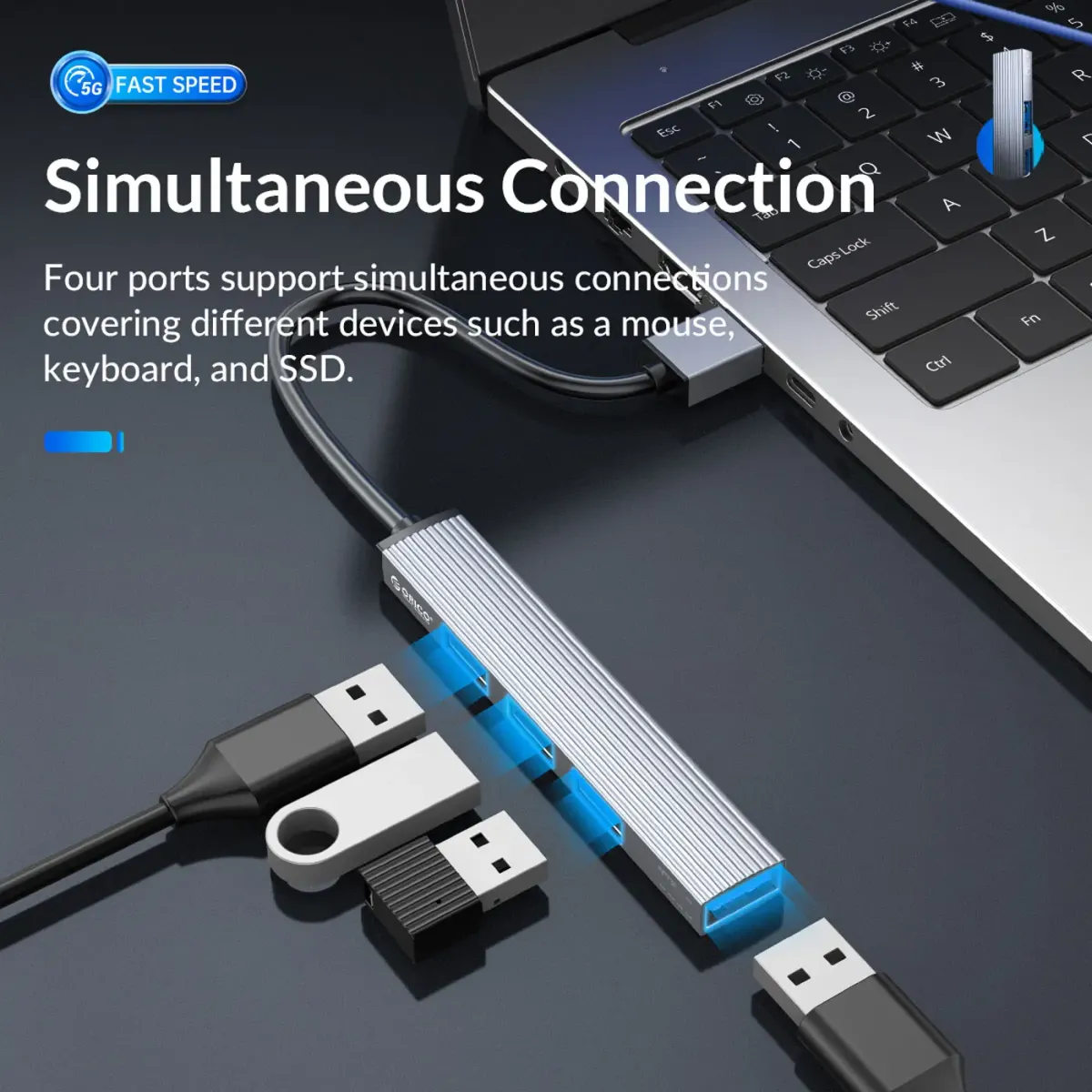
Built For A Reliable, Stable Connection
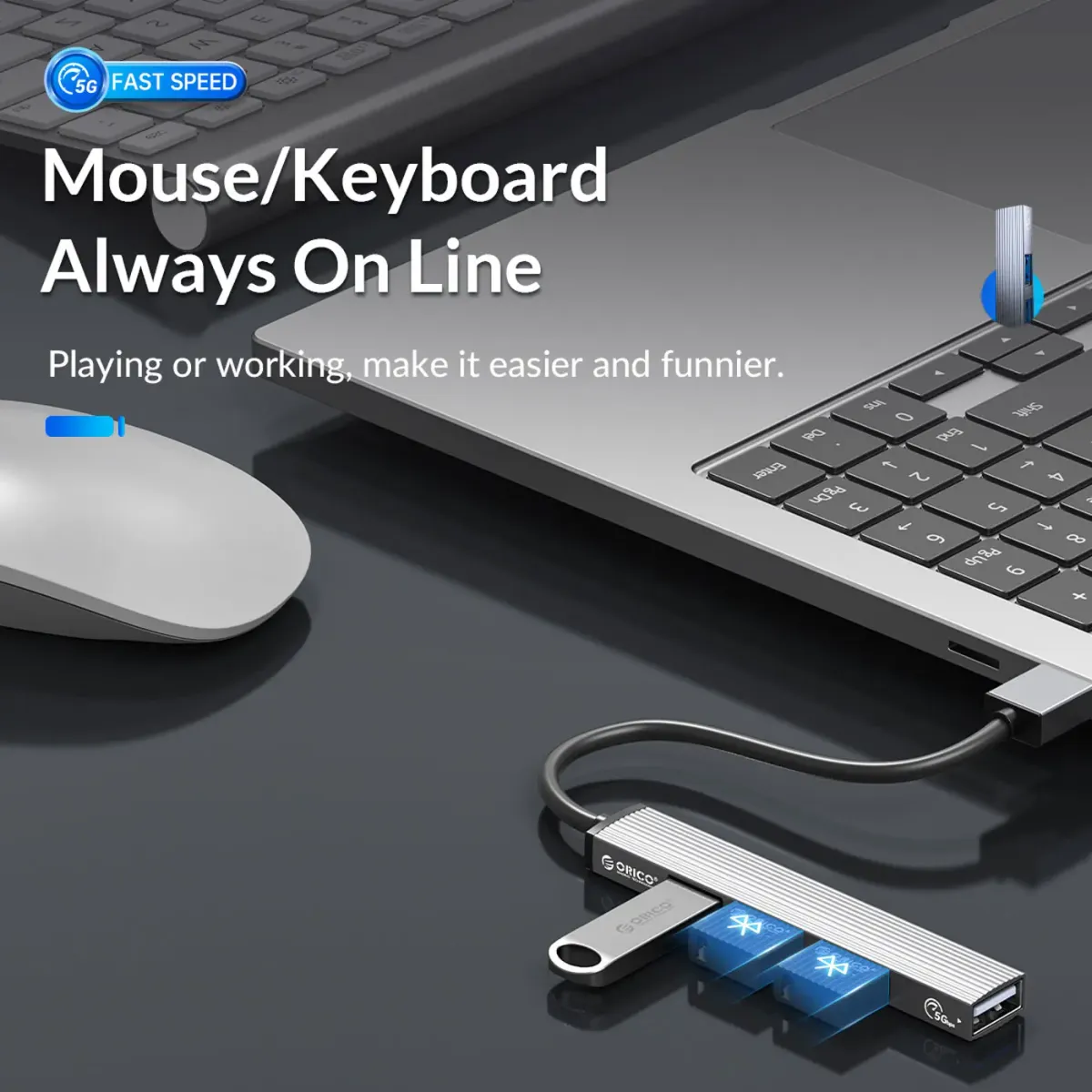
A reliable, stable connection is listed among the hub's key features, and it is the property that matters most in daily use. A hub that drops a device intermittently is worse than having no hub at all, because the failure shows up as a mouse freezing or a drive disconnecting mid-copy rather than as an obvious fault.
Built For A Reliable, Stable Connection
A reliable, stable connection is listed among the hub's key features, and it is the property that matters most in daily use. A hub that drops a device intermittently is worse than having no hub at all, because the failure shows up as a mouse freezing or a drive disconnecting mid-copy rather than as an obvious fault.
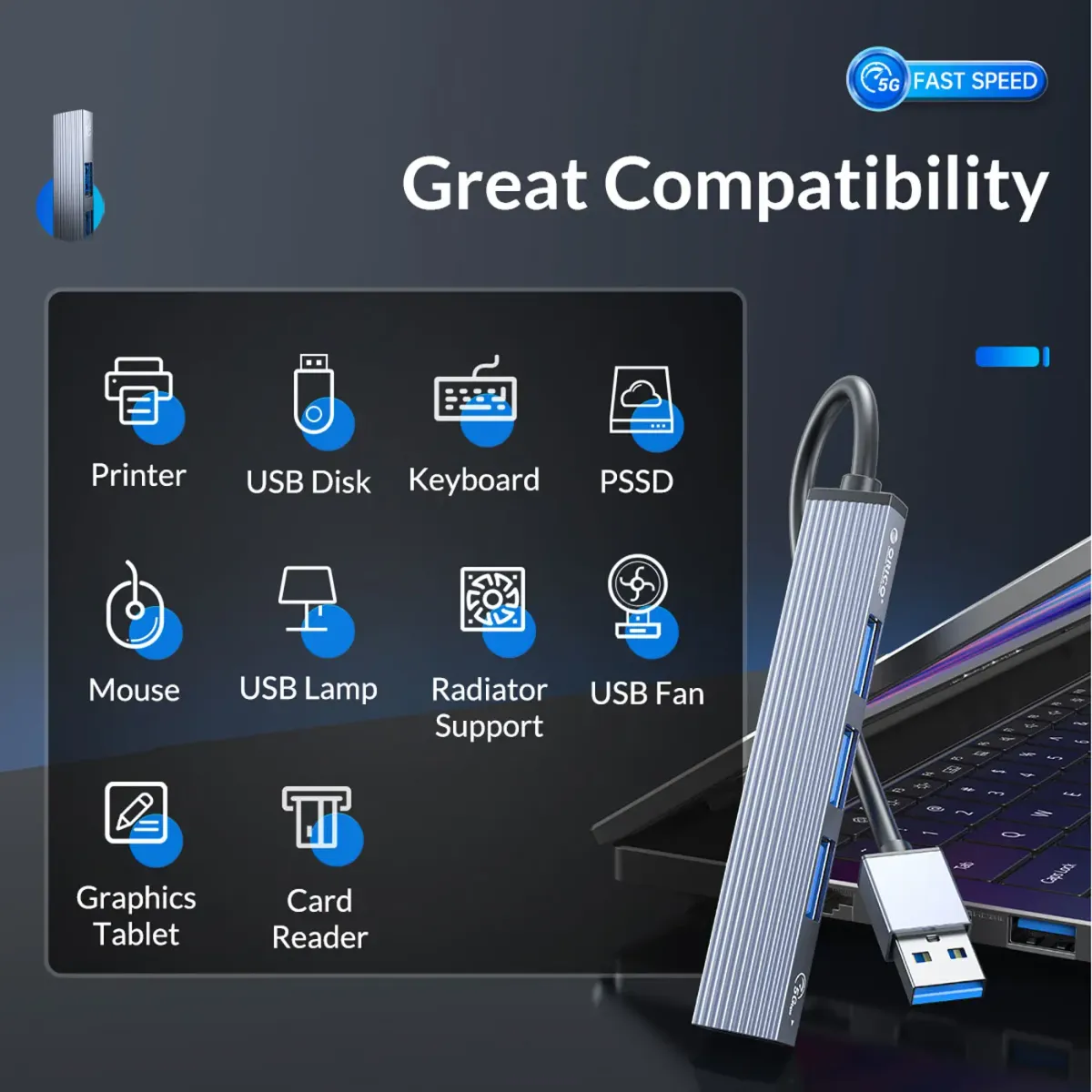
Wide Compatibility Across Devices
The hub offers wide compatibility with various devices, which follows from using standard USB-A connectors and no drivers. Anything that already works on a direct USB-A port on the host machine works through the hub, so there is no separate compatibility list to check before connecting a peripheral.
Wide Compatibility Across Devices
The hub offers wide compatibility with various devices, which follows from using standard USB-A connectors and no drivers. Anything that already works on a direct USB-A port on the host machine works through the hub, so there is no separate compatibility list to check before connecting a peripheral.
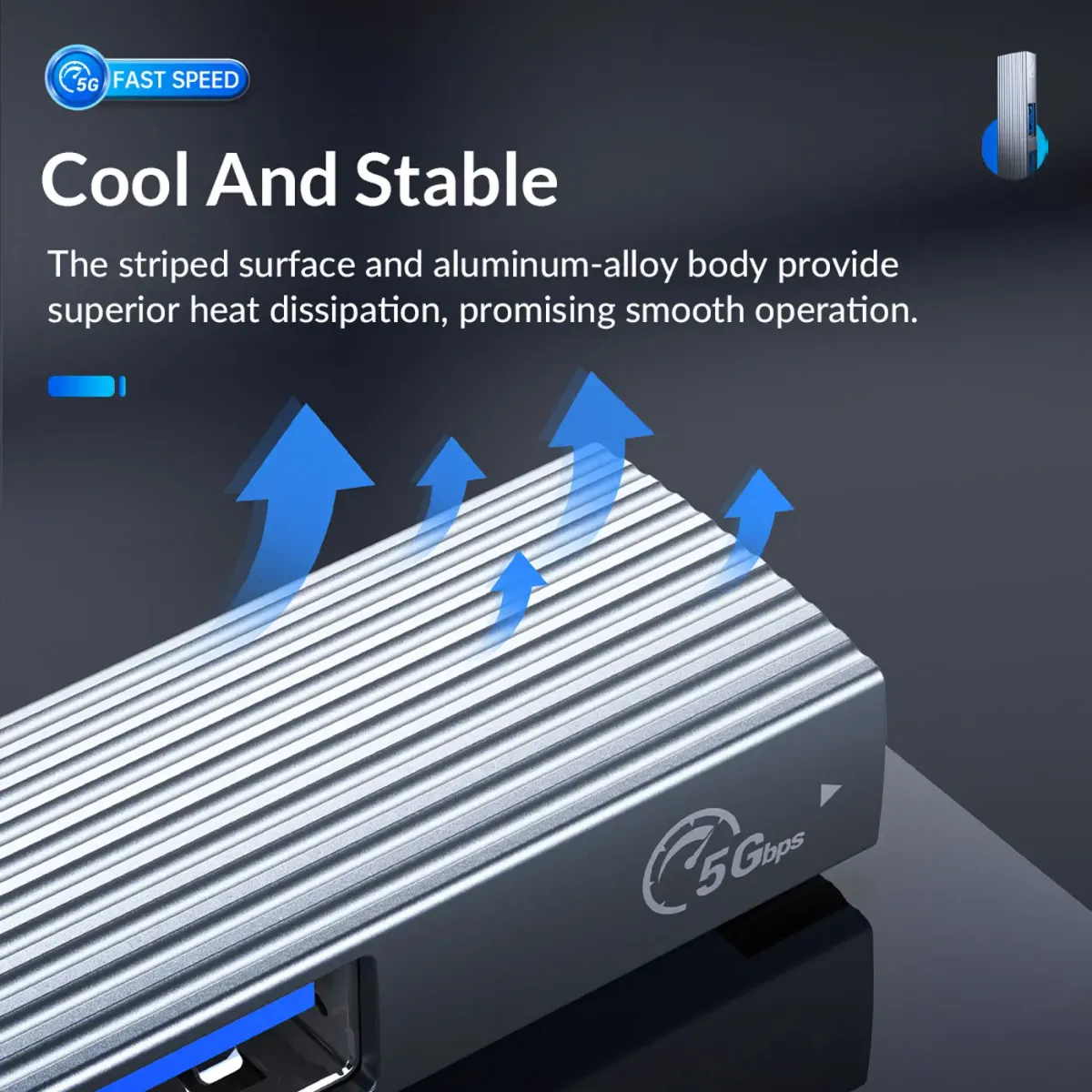
Connect An External Hard Drive Over USB 3.0
External hard drives are called out specifically as a target device for this hub, and the USB 3.0 connector is where they belong. Drives are the peripheral most sensitive to interface speed, so running one through the 5Gbps port rather than a 2.0 port is the difference between a backup that finishes and one you abandon.
Connect An External Hard Drive Over USB 3.0
External hard drives are called out specifically as a target device for this hub, and the USB 3.0 connector is where they belong. Drives are the peripheral most sensitive to interface speed, so running one through the 5Gbps port rather than a 2.0 port is the difference between a backup that finishes and one you abandon.
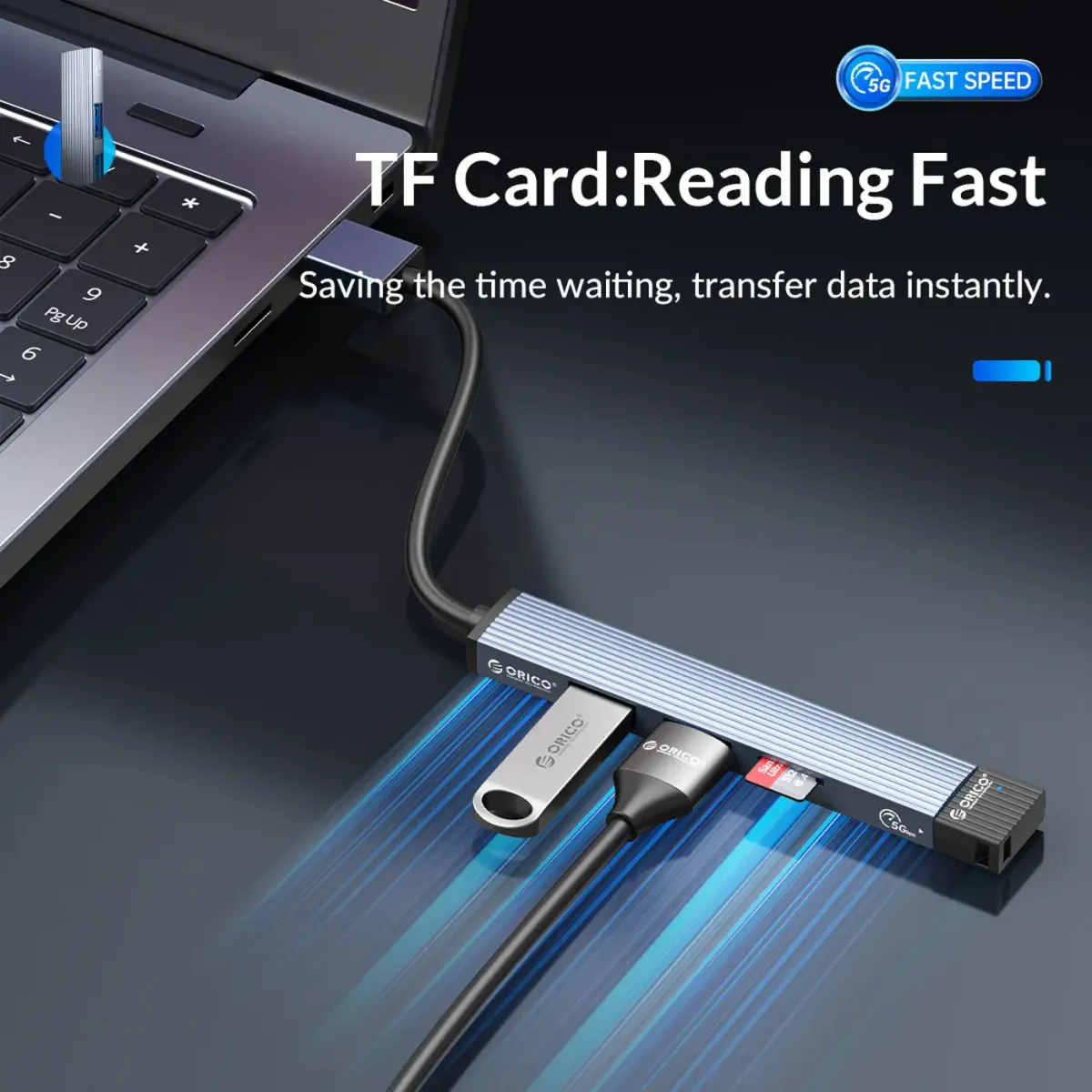
Run Four Devices Simultaneously
All four ports work at the same time, so a keyboard, a mouse, a dongle and an external drive can stay connected without swapping cables. Simultaneous connection is the specification worth confirming on any hub, because a device that only serves one port at a time creates the same problem it was bought to solve.
Run Four Devices Simultaneously
All four ports work at the same time, so a keyboard, a mouse, a dongle and an external drive can stay connected without swapping cables. Simultaneous connection is the specification worth confirming on any hub, because a device that only serves one port at a time creates the same problem it was bought to solve.

Quick File Transfers Without Reconfiguration
Because there is no driver or configuration layer, moving files is a matter of plugging the hub in and copying. The USB 3.0 port carries the transfer at up to 5Gbps while the USB 2.0 ports keep the input devices live, which is the arrangement that lets you keep working during a long copy rather than waiting it out.
Quick File Transfers Without Reconfiguration
Because there is no driver or configuration layer, moving files is a matter of plugging the hub in and copying. The USB 3.0 port carries the transfer at up to 5Gbps while the USB 2.0 ports keep the input devices live, which is the arrangement that lets you keep working during a long copy rather than waiting it out.
A Dependable Way To Expand One USB Port
Taken together, the ORICO 4-Port USB-A Hub is a dependable way to turn one USB port into four using an aluminium alloy body, mixed USB 3.0 and USB 2.0 connectors and no software. It is the type of accessory that stays plugged in permanently, which is why the build material and the stability of the connection matter more than the feature list.
A Dependable Way To Expand One USB Port
Taken together, the ORICO 4-Port USB-A Hub is a dependable way to turn one USB port into four using an aluminium alloy body, mixed USB 3.0 and USB 2.0 connectors and no software. It is the type of accessory that stays plugged in permanently, which is why the build material and the stability of the connection matter more than the feature list.
FAQ
Frequently Asked Questions
Everything you need to know about this product
It has four ports in total: one USB 3.0 connector and three USB 2.0 connectors.
The USB 3.0 port supports speeds of up to 5Gbps.
No, it uses driver-free plug and play, so it can be used immediately after unpacking.
It is constructed from durable aluminium alloy for a robust, long-lasting build.
It suits peripherals such as keyboards, mice and external hard drives.
Yes, the hub is designed for simultaneous connection of multiple devices.
Yes, it has a lightweight and compact design that fits easily in a laptop bag.
Use the USB 3.0 port, since it carries up to 5Gbps for large file transfers.
A reliable, stable connection is one of the hub's stated key features.
It uses USB-A connectors and expands a single USB port on the host machine.
It offers wide compatibility with various devices and needs no configuration to work.

AI-Generated Content:These FAQs are generated by an automated AI system and may contain inaccuracies or omissions. Evetech makes no warranties, express or implied, regarding their completeness or reliability. For definitive information, please refer to the manufacturer's official specifications.



Please Note: Product images are for illustrative purposes only and may differ from the actual product.
Choose your
own PC
Hand-pick every part with live stock, compatibility, and instant pricing.
Try the new builderPrice Inc. Vat
R 149
Save R 100
ListR 249
149Change Quantity:
In Stock with Evetech
Choose your
own PC
Hand-pick every part with live stock, compatibility, and instant pricing.
Try the new builderOrico 4 Port USB A HUB with Aluminum Case