1 Year Local Warranty
Model No : UGREEN CM512-60515
Price Inc. Vat
R 649
Save R 150
ListR 799
649Change Quantity:
In Stock with Evetech
Price Inc. Vat
R 649
Save R 150
ListR 799
649Change Quantity:
In Stock with Evetech
Trusted Partners
Please Note: Product images are for illustrative purposes only and may differ from the actual product.
Hand-pick every part with live stock, compatibility, and instant pricing.
Try the new builderHand-pick every part with live stock, compatibility, and instant pricing.
Try the new builderUGREEN Revodok 107 7-in-1 USB-C Hub
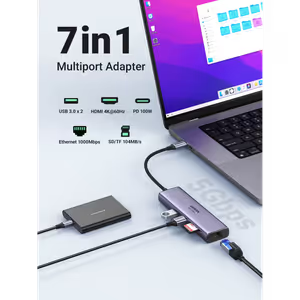
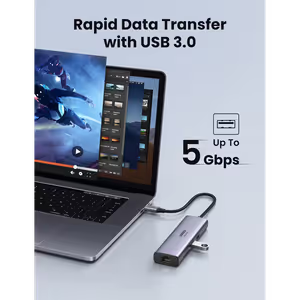
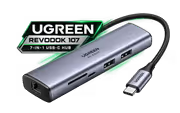
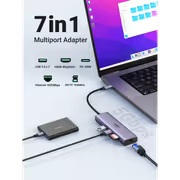
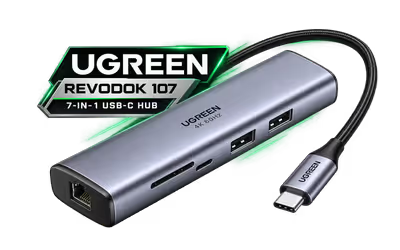
The UGREEN Revodok 107 turns one USB-C port into seven: a 4K@60Hz HDMI port, Gigabit Ethernet, a 100W PD charging port, two 5Gbps USB-A 3.0 ports and SD plus microSD card slots. It is built for USB-C laptops and tablets that need a screen, a wired network and fast storage from a single cable.
The UGREEN Revodok 107 turns one USB-C port into seven: a 4K@60Hz HDMI port, Gigabit Ethernet, a 100W PD charging port, two 5Gbps USB-A 3.0 ports and SD plus microSD card slots. It is built for USB-C laptops and tablets that need a screen, a wired network and fast storage from a single cable.
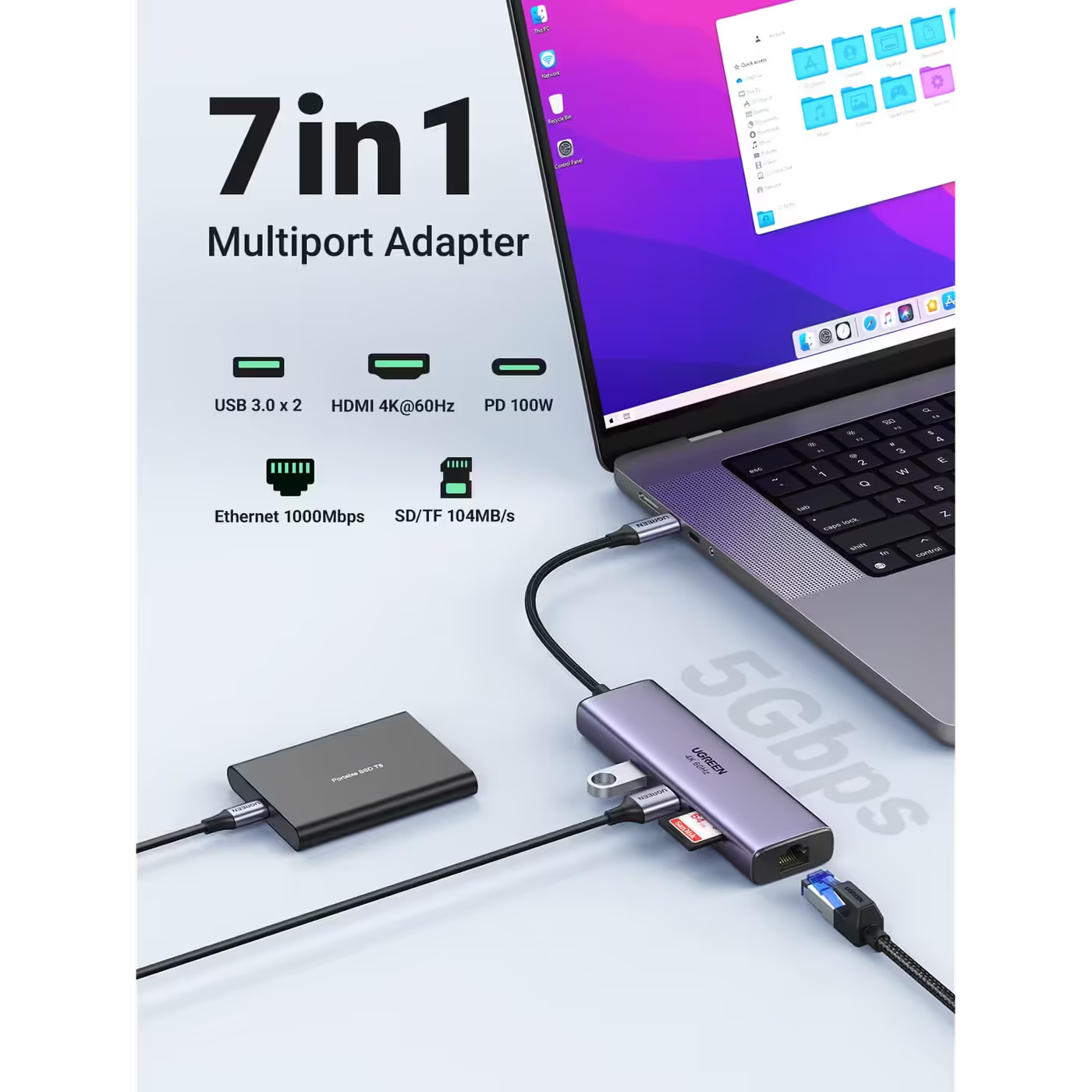
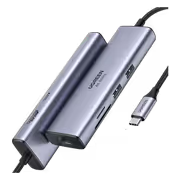
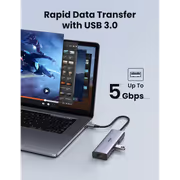
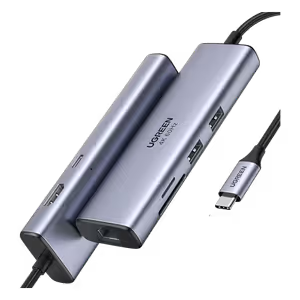
UGREEN's port map shows the full set: two USB 3.0 ports, a 4K@60Hz HDMI port, a 100W PD port, a Gigabit Ethernet port and the SD and TF card slots. Every port works at the same time, so a drive, a screen, a network cable and a charger can all stay plugged in.
UGREEN's port map shows the full set: two USB 3.0 ports, a 4K@60Hz HDMI port, a 100W PD port, a Gigabit Ethernet port and the SD and TF card slots. Every port works at the same time, so a drive, a screen, a network cable and a charger can all stay plugged in.
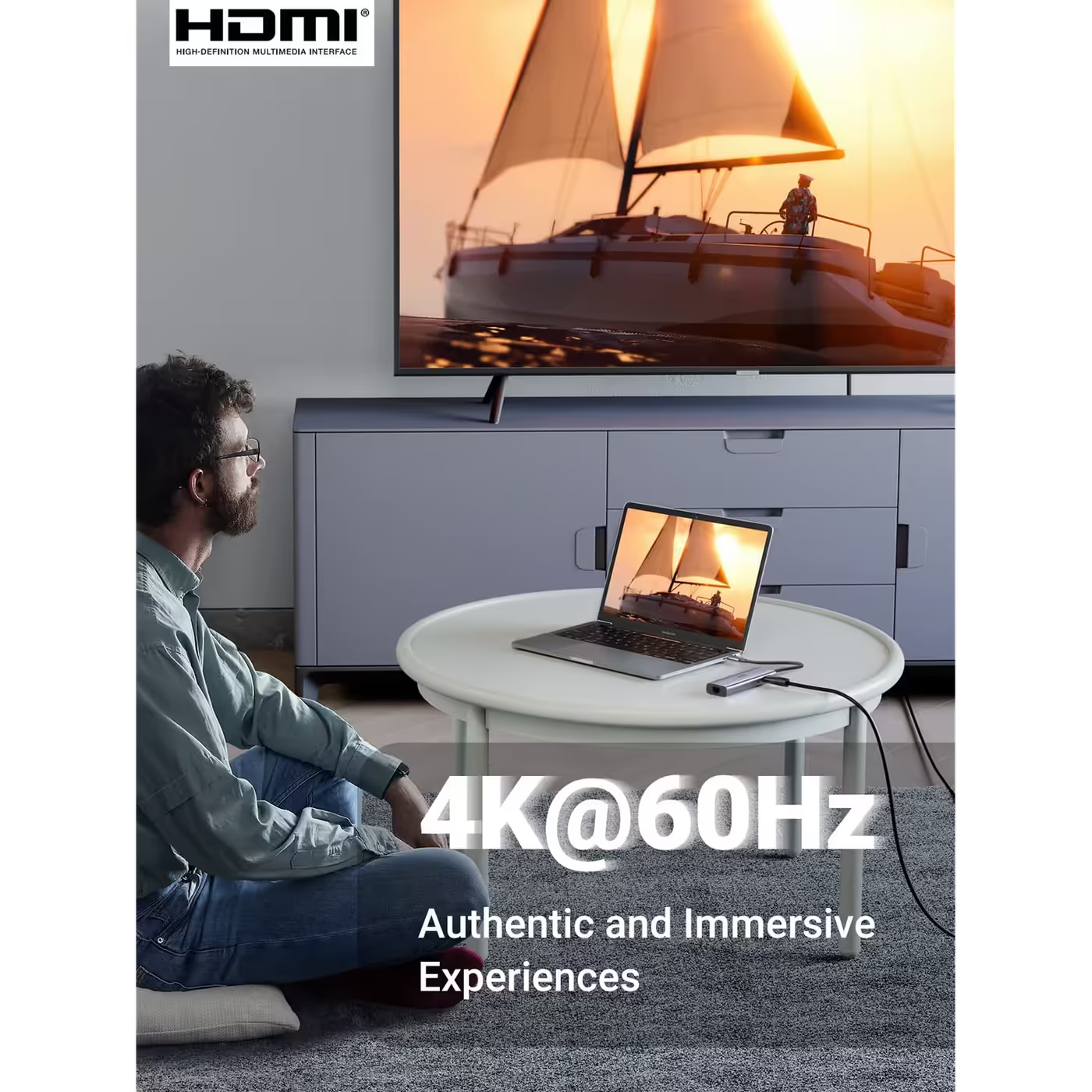
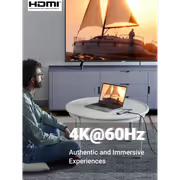
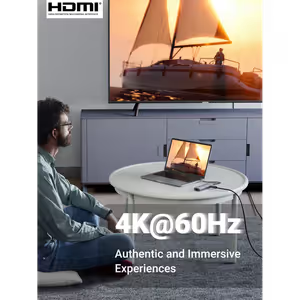
The HDMI 2.0 port drives one external display at up to 4K@60Hz in Mirror or Extend mode. A laptop needs DisplayPort 1.4 over USB-C for 60Hz; on older USB-C video ports the same screen runs at 4K@30Hz.
The HDMI 2.0 port drives one external display at up to 4K@60Hz in Mirror or Extend mode. A laptop needs DisplayPort 1.4 over USB-C for 60Hz; on older USB-C video ports the same screen runs at 4K@30Hz.
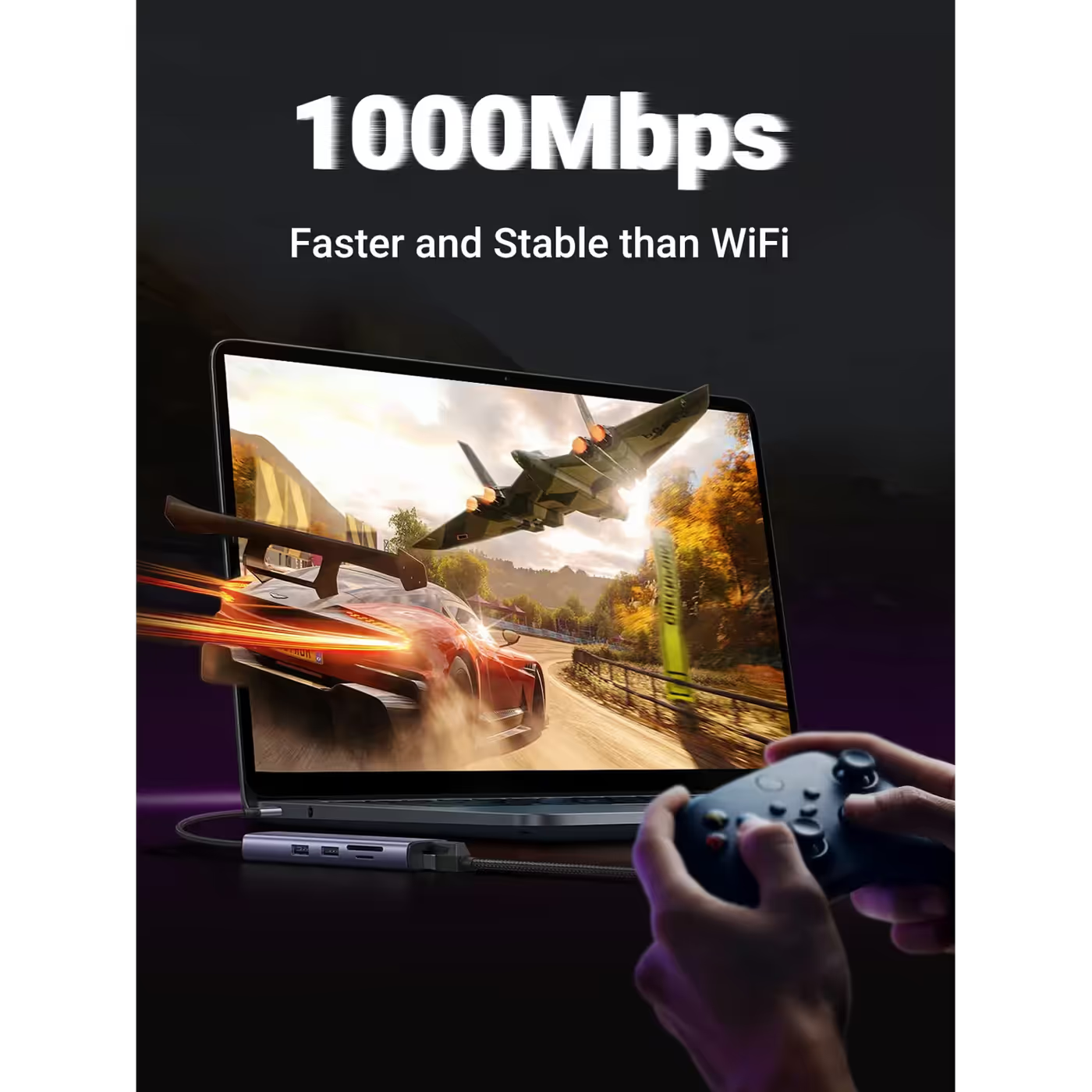
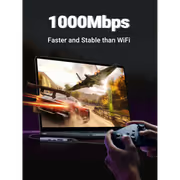
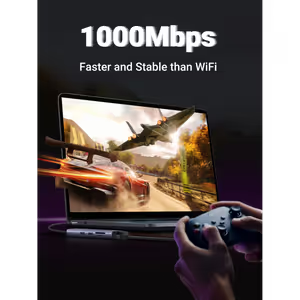
The RJ45 port gives a laptop a wired 1000Mbps network connection, which UGREEN pitches as faster and more stable than Wi-Fi for gaming, calls and big downloads. It steps down to 100 or 10Mbps automatically on older networks.
The RJ45 port gives a laptop a wired 1000Mbps network connection, which UGREEN pitches as faster and more stable than Wi-Fi for gaming, calls and big downloads. It steps down to 100 or 10Mbps automatically on older networks.
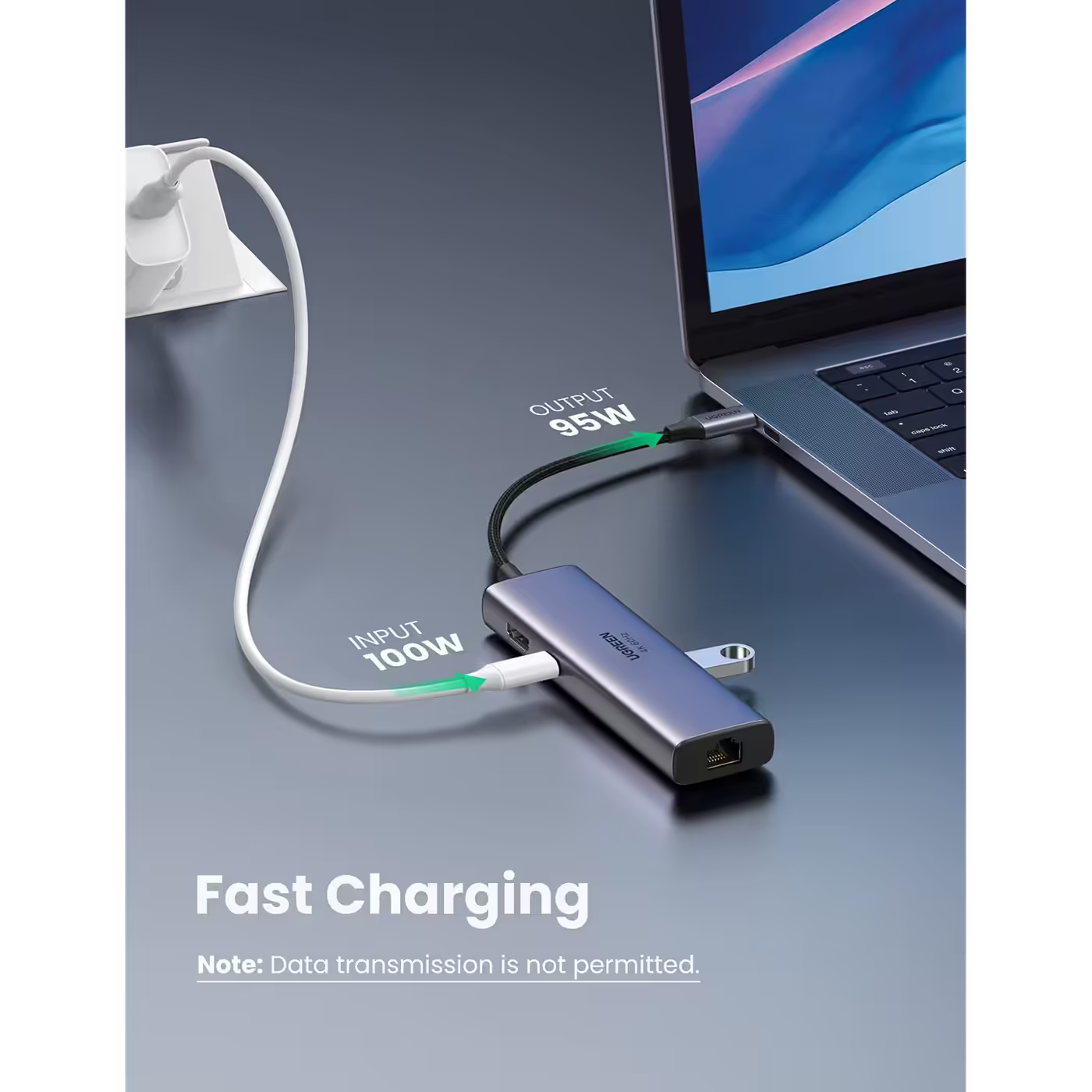
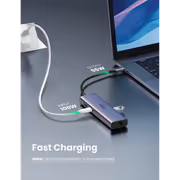
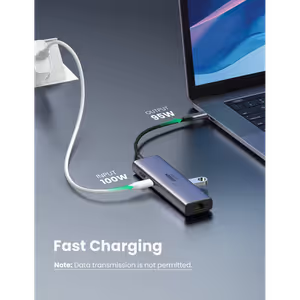
Plug the laptop's own USB-C charger into the hub's PD port and UGREEN's charging diagram shows 100W in and up to 95W out to the laptop, so it keeps charging while every port is in use. The USB-C port charges only; it does not carry data or video.
Plug the laptop's own USB-C charger into the hub's PD port and UGREEN's charging diagram shows 100W in and up to 95W out to the laptop, so it keeps charging while every port is in use. The USB-C port charges only; it does not carry data or video.
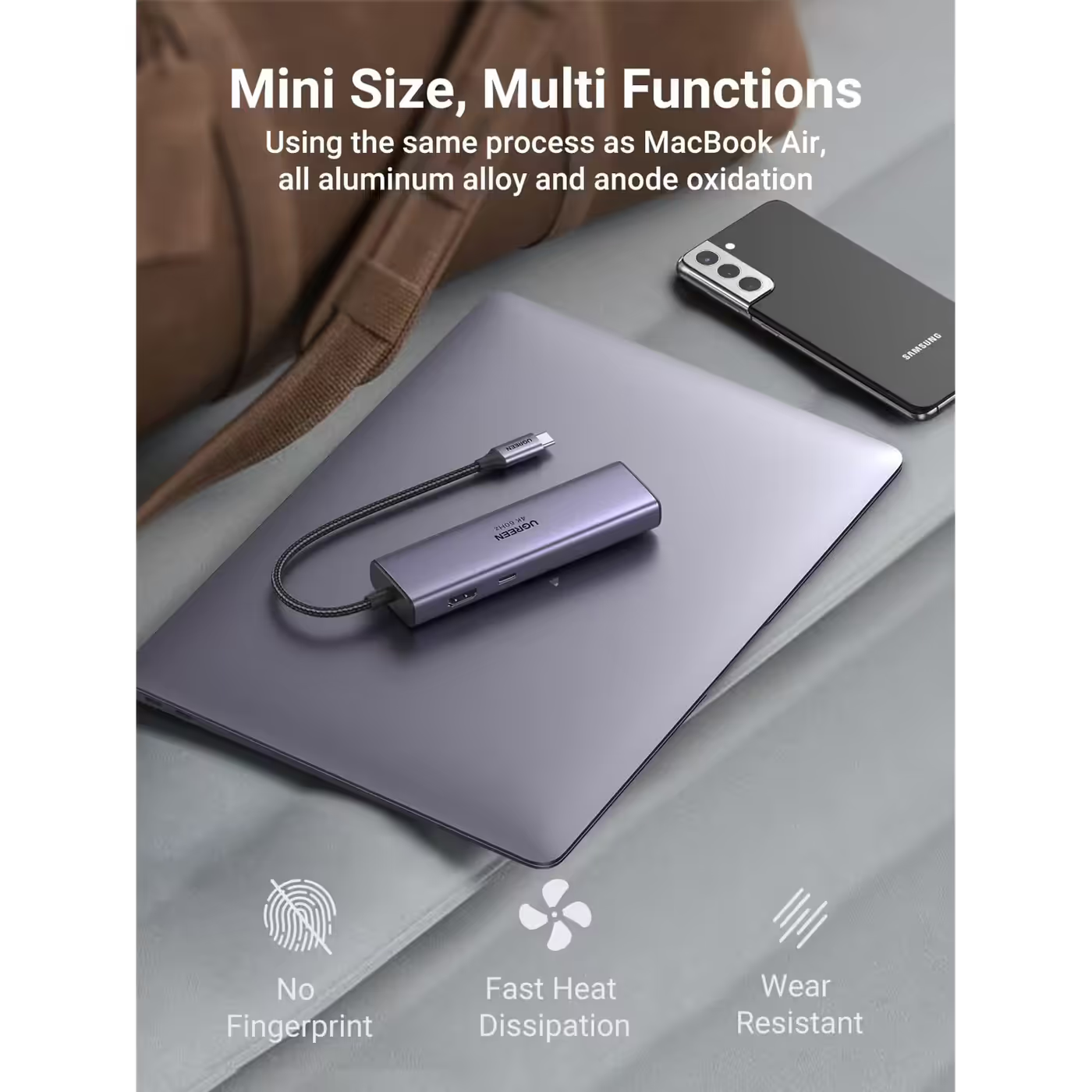
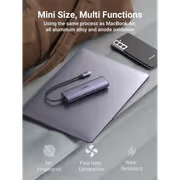
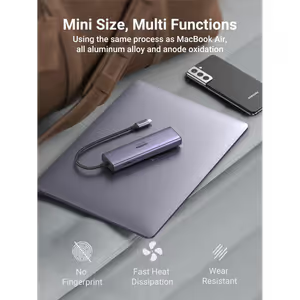
The hub sits on a 20cm nylon-braided USB-C cable in an aluminium alloy shell that matches the finish of most aluminium laptops. The SD and microSD slots read and write two cards at the same time.
The hub sits on a 20cm nylon-braided USB-C cable in an aluminium alloy shell that matches the finish of most aluminium laptops. The SD and microSD slots read and write two cards at the same time.
Everything you need to know about this product
Yes, if your laptop's USB-C port supports DisplayPort 1.4. On a laptop without it, the HDMI port runs at up to 4K@30Hz.
The USB-C PD port takes up to 100W from your charger and passes up to 95W through to the laptop. The charger is not in the box.
It is Gigabit Ethernet. The RJ45 port runs at 10, 100 or 1000Mbps, matching the fastest speed your network offers.
Both USB-A ports are USB 3.0 at up to 5Gbps, good for external drives and flash drives.
Yes. UGREEN states both card slots can read and write at the same time.
No. The USB-C port is for charging only. It does not carry data or video.
Yes. The laptop's USB-C port must support video output (DisplayPort Alt Mode). A USB-C port that only charges or moves data will not drive the HDMI screen.
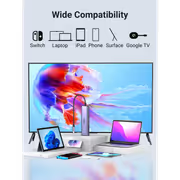
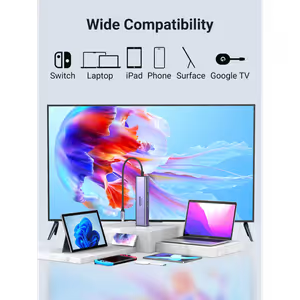
USB-C laptops and tablets, including MacBook, iPad Pro, Chromebook, Surface and Steam Deck.

AI-Generated Content: These FAQs are generated by an automated AI system and may contain inaccuracies or omissions. Evetech makes no warranties, express or implied, regarding their completeness or reliability. For definitive information, please refer to the manufacturer's official specifications.