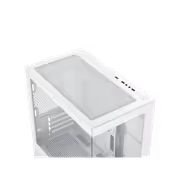
xigmatek-alphard-m-arctic-mid-tower-case-white
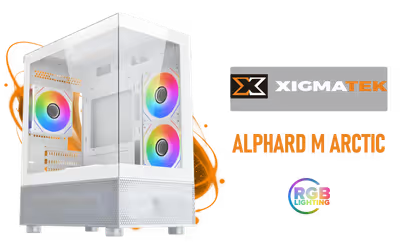
Xigmatek Alphard M Arctic Mid Tower Gaming Case - White/ Supports Motherboards up to M-ATX, Mini-ITX / EN44533 / EN44533
1 Year Local Warranty
Model No : Xigmatek EN44533
Price Inc. Vat
R 699
Save R 700
ListR 1,399
699Out of Stock
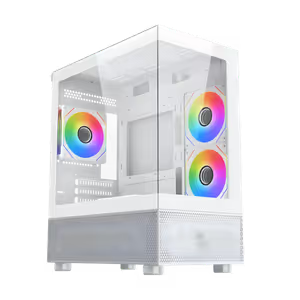
Xigmatek Alphard M Arctic Mid Tower Gaming Case (White) - EN44533
White M-ATX Mid Tower With RGB Lighting
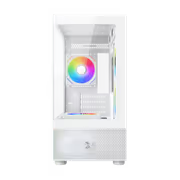
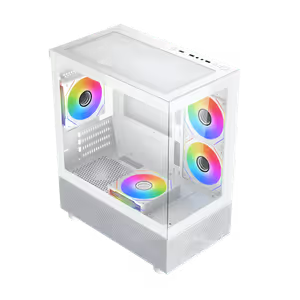
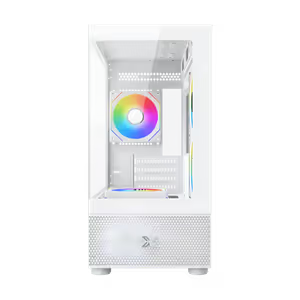
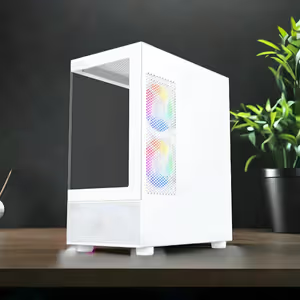
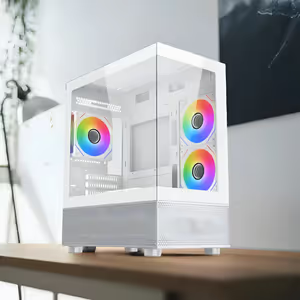
The Xigmatek Alphard M Arctic is a mid tower gaming case in a white finish, built around the M-ATX form factor with an expansive interior and outstanding airflow. RGB lighting sets the look of the build while the cooling layout holds performance through intense gaming sessions, which makes it a practical foundation for a first serious gaming PC.
White M-ATX Mid Tower With RGB Lighting
The Xigmatek Alphard M Arctic is a mid tower gaming case in a white finish, built around the M-ATX form factor with an expansive interior and outstanding airflow. RGB lighting sets the look of the build while the cooling layout holds performance through intense gaming sessions, which makes it a practical foundation for a first serious gaming PC.
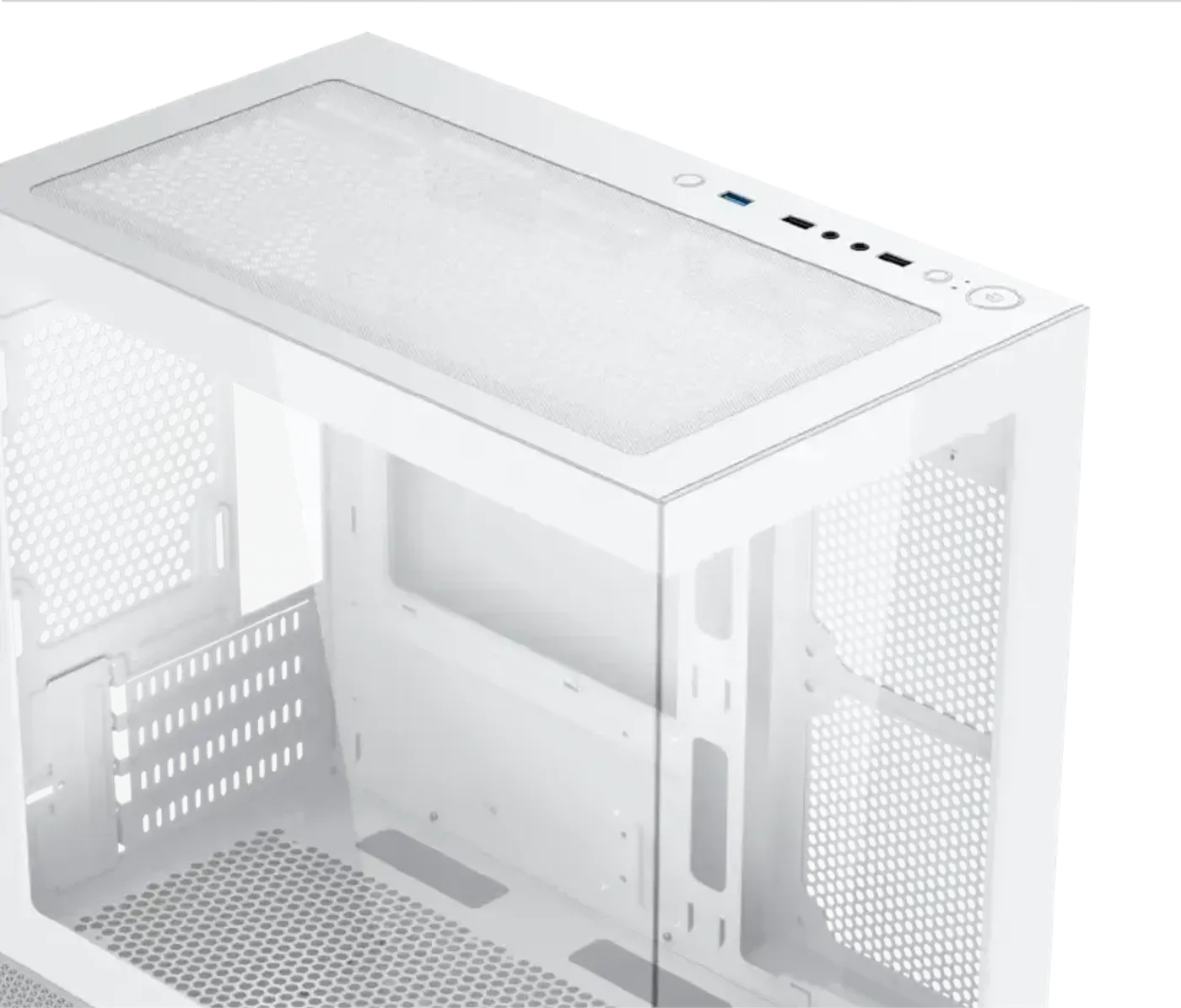
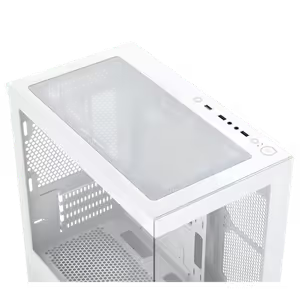
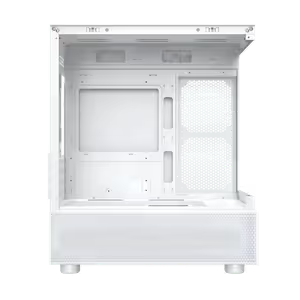
Dual Tempered Glass Panels Show Two Sides
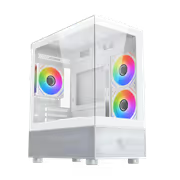
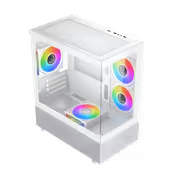
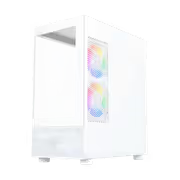
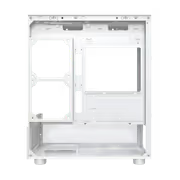
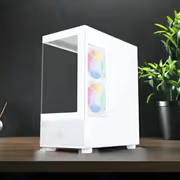
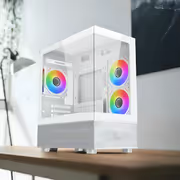
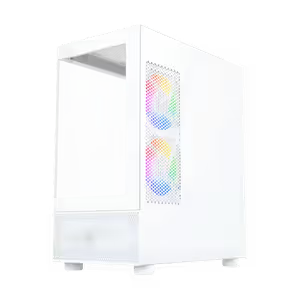
The Alphard M Arctic uses a dual tempered glass panel design, so the build is visible from two faces rather than through a single side window. That matters on a case with RGB lighting inside, because the light and the components read from more than one seating position instead of only from directly beside the desk.
Dual Tempered Glass Panels Show Two Sides
The Alphard M Arctic uses a dual tempered glass panel design, so the build is visible from two faces rather than through a single side window. That matters on a case with RGB lighting inside, because the light and the components read from more than one seating position instead of only from directly beside the desk.
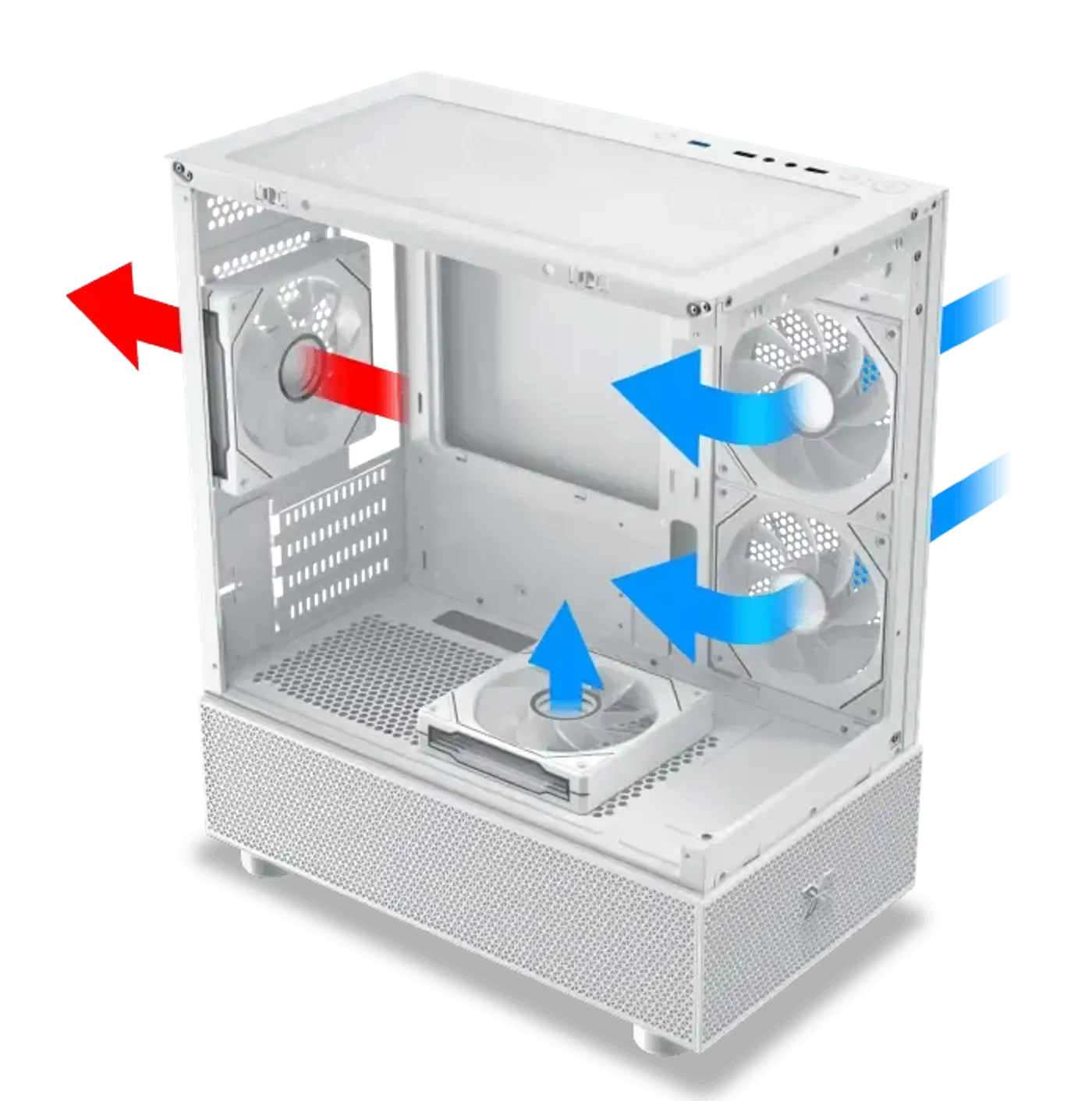
Airflow Optimisation Keeps Components Cool Under Load
Airflow through the chassis is optimised so the cooling holds up during intense gaming sessions rather than only at idle. Combined with the expansive interior, which leaves the air path clear instead of packed tight against the hardware, that ventilation is what protects sustained clock speeds on the CPU and graphics card.
Airflow Optimisation Keeps Components Cool Under Load
Airflow through the chassis is optimised so the cooling holds up during intense gaming sessions rather than only at idle. Combined with the expansive interior, which leaves the air path clear instead of packed tight against the hardware, that ventilation is what protects sustained clock speeds on the CPU and graphics card.
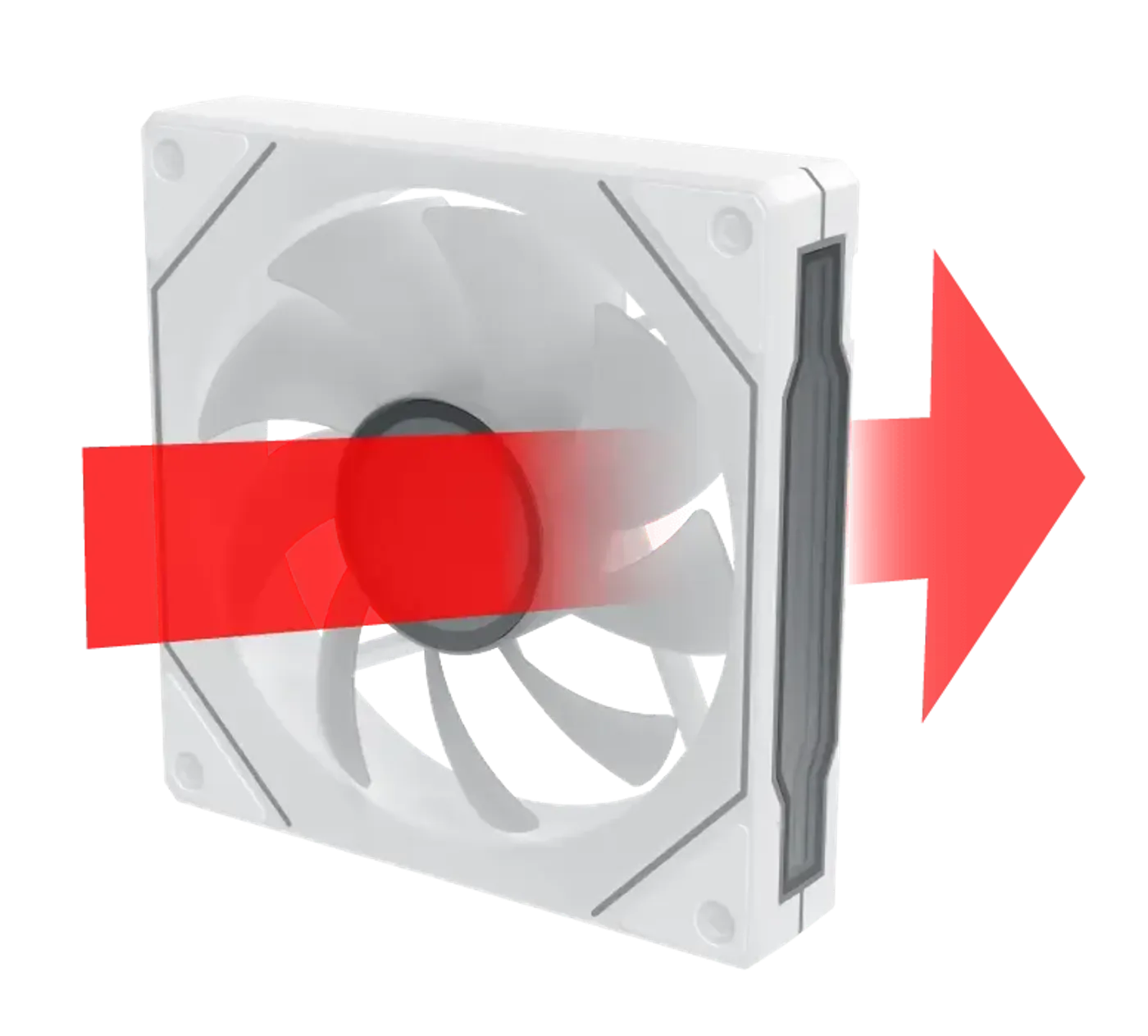
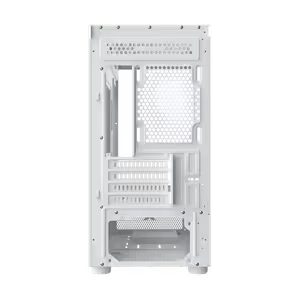
Conventional Blade Fan Pre-Installed At The Rear
A conventional fan blade comes pre-installed on the rear side, giving the case a working exhaust position before you add anything to it. The traditional blade shape is the efficient choice at the rear, where the fan pushes hot air straight out behind the motherboard rather than sitting on display inside the chassis.
Conventional Blade Fan Pre-Installed At The Rear
A conventional fan blade comes pre-installed on the rear side, giving the case a working exhaust position before you add anything to it. The traditional blade shape is the efficient choice at the rear, where the fan pushes hot air straight out behind the motherboard rather than sitting on display inside the chassis.
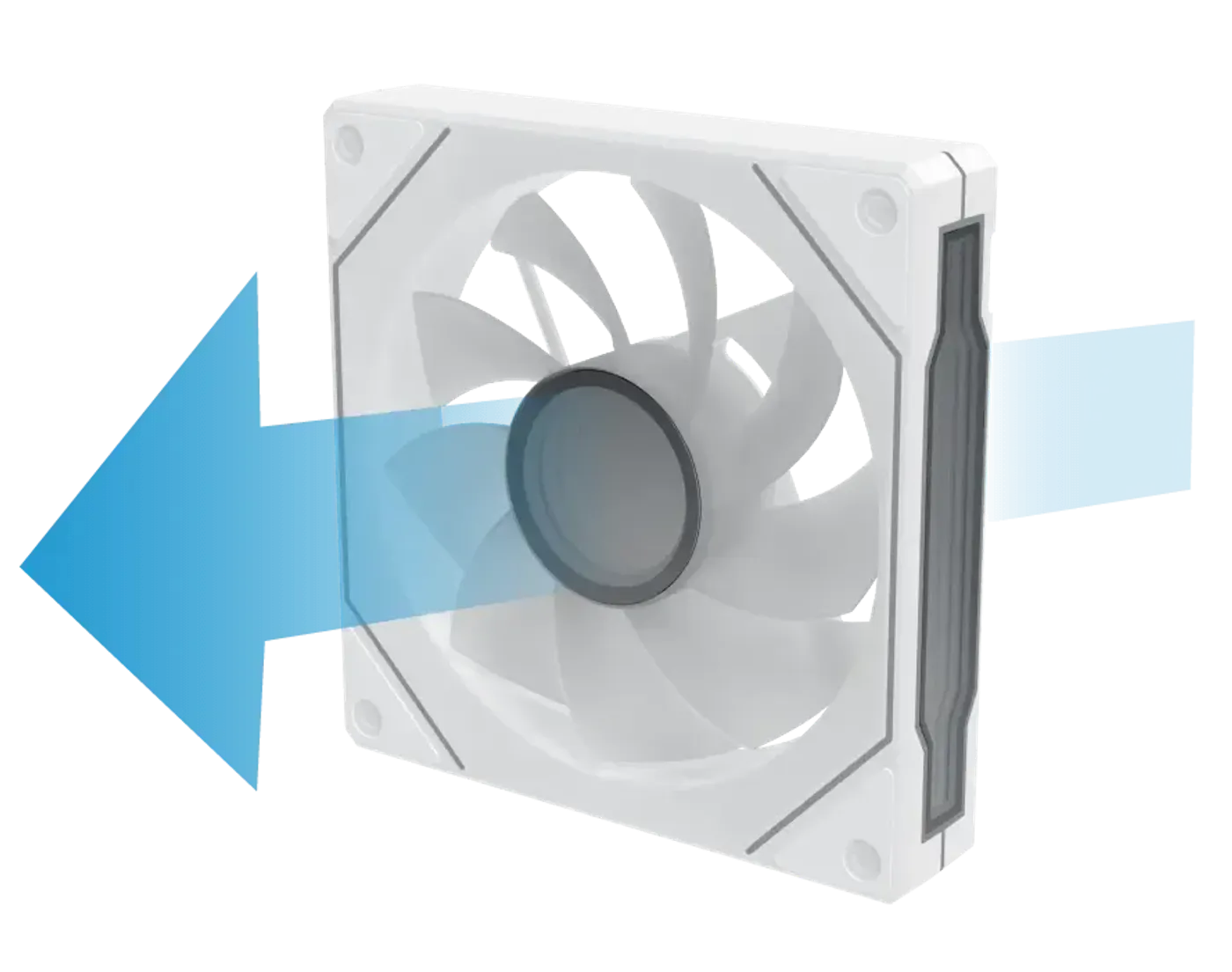
Reverse Blade Fan Fitted On The Motherboard Panel
Reverse fan blade technology comes pre-installed on the motherboard panel side, where the fan feeds air directly across the board. A reverse blade presents its finished face to the viewer, so the fan that sits in the line of sight through the glass looks intentional instead of showing its frame and hub.
Reverse Blade Fan Fitted On The Motherboard Panel
Reverse fan blade technology comes pre-installed on the motherboard panel side, where the fan feeds air directly across the board. A reverse blade presents its finished face to the viewer, so the fan that sits in the line of sight through the glass looks intentional instead of showing its frame and hub.
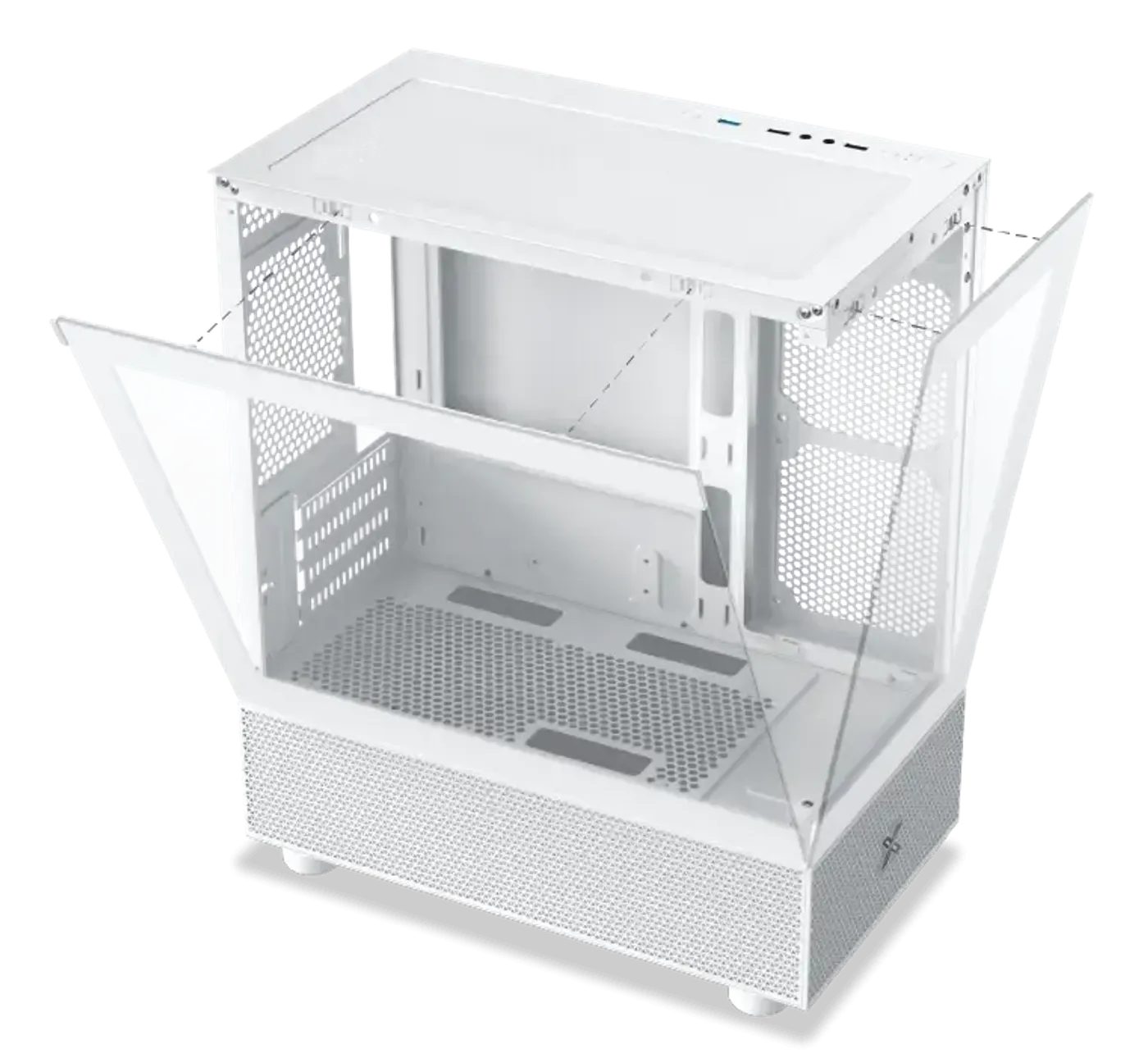
Glass Panels Come Off Without A Struggle
The tempered glass panels are designed for effortless installation, so getting into the case for a cable tidy or a component swap is a short job rather than a wrestling match with alignment pins. On a case you will open again every time you add a drive or a fan, easy panel removal is worth more than it sounds.
Glass Panels Come Off Without A Struggle
The tempered glass panels are designed for effortless installation, so getting into the case for a cable tidy or a component swap is a short job rather than a wrestling match with alignment pins. On a case you will open again every time you add a drive or a fan, easy panel removal is worth more than it sounds.
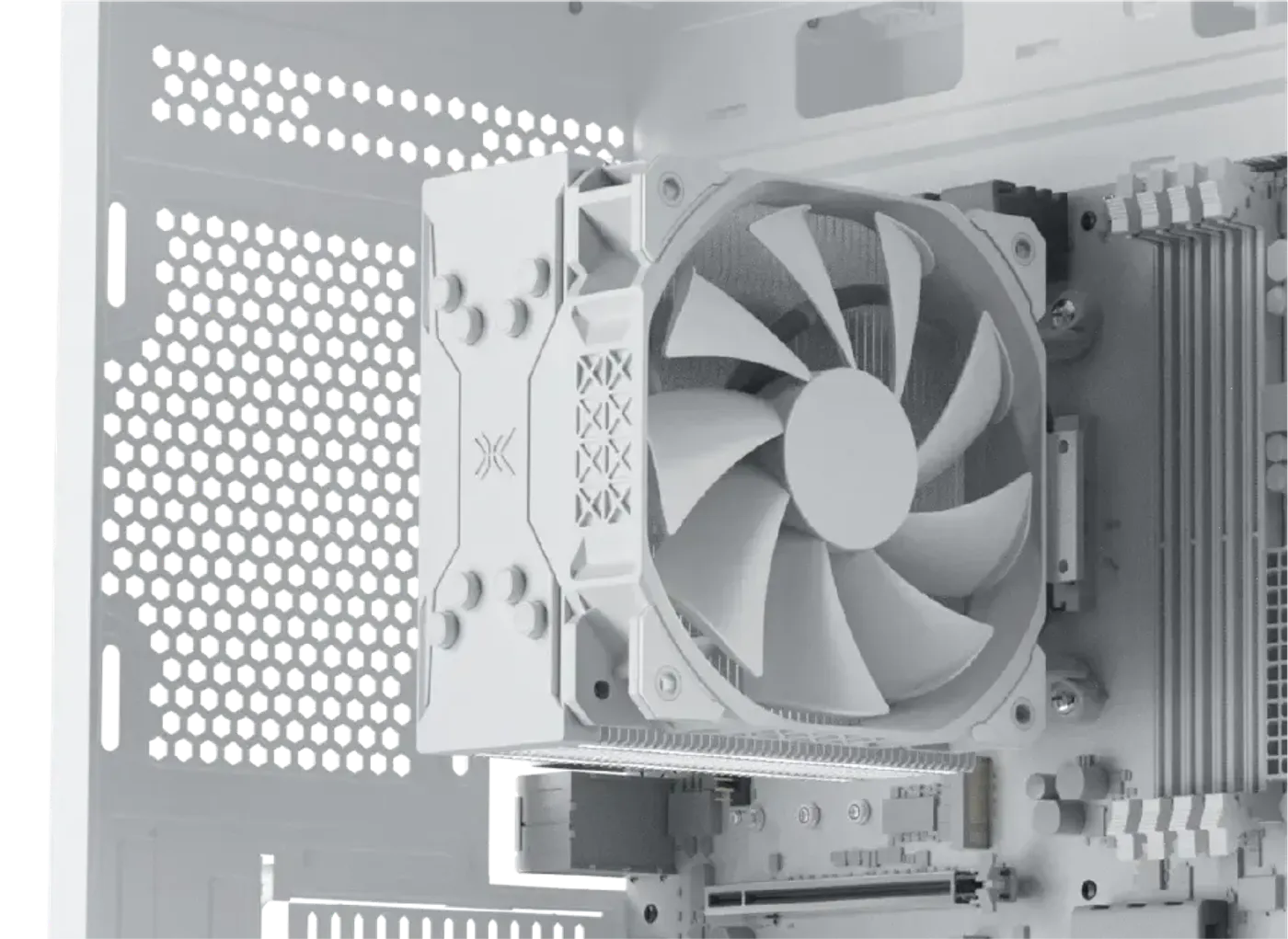
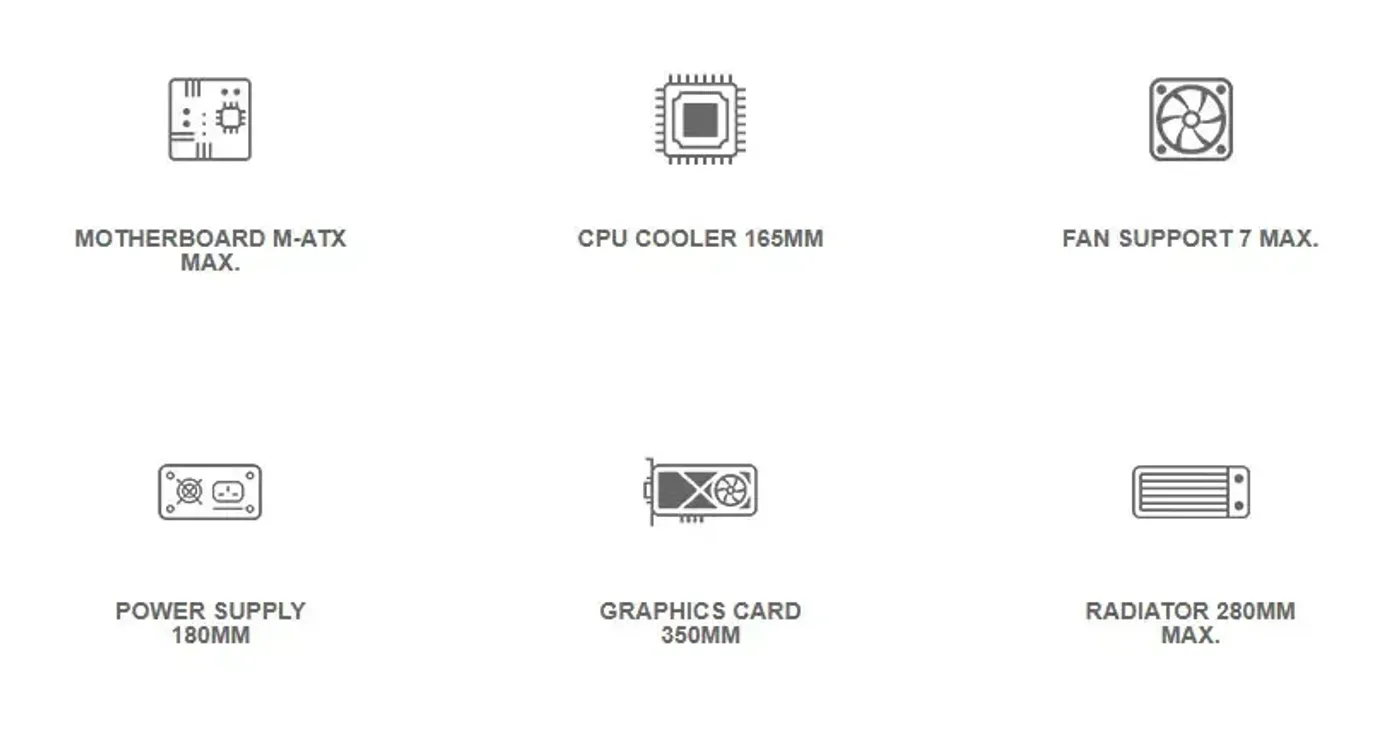
CPU Cooler Clearance Of 165 mm
There is up to 165 mm of CPU cooler clearance, which is generous for an M-ATX chassis and takes a full-height tower air cooler rather than restricting the build to a low-profile heatsink. Check your cooler's stated height against that figure, since clearance is what decides whether the side panel closes on the finished build.
CPU Cooler Clearance Of 165 mm
There is up to 165 mm of CPU cooler clearance, which is generous for an M-ATX chassis and takes a full-height tower air cooler rather than restricting the build to a low-profile heatsink. Check your cooler's stated height against that figure, since clearance is what decides whether the side panel closes on the finished build.
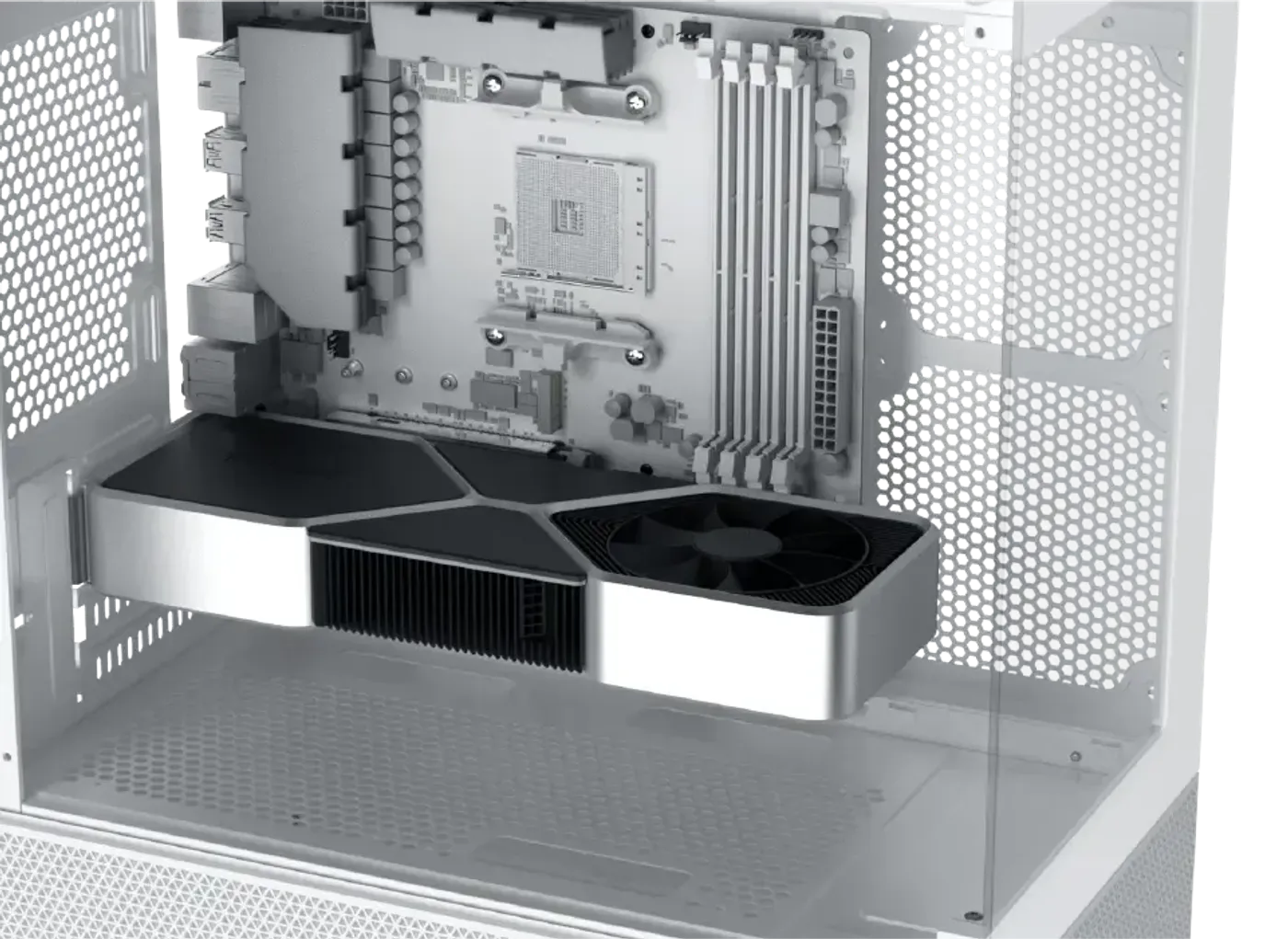
Graphics Cards Up To 350 mm Fit
GPU length is limited to 350 mm, which covers most dual-fan cards and a good number of triple-fan models. Card length is the first specification to check when matching a graphics card to a compact chassis, because it is a hard physical limit that no amount of cable tidying will work around.
Graphics Cards Up To 350 mm Fit
GPU length is limited to 350 mm, which covers most dual-fan cards and a good number of triple-fan models. Card length is the first specification to check when matching a graphics card to a compact chassis, because it is a hard physical limit that no amount of cable tidying will work around.
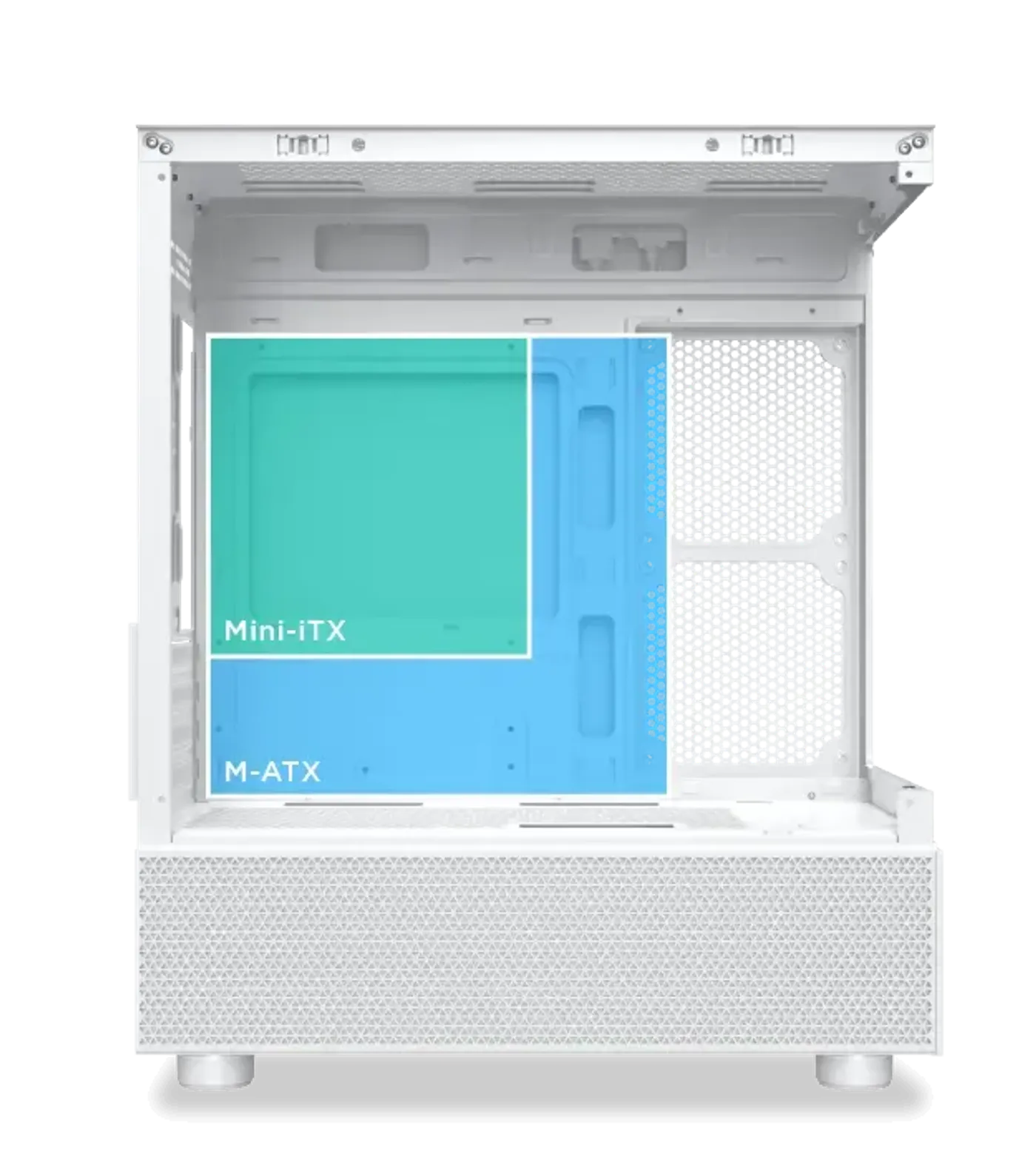
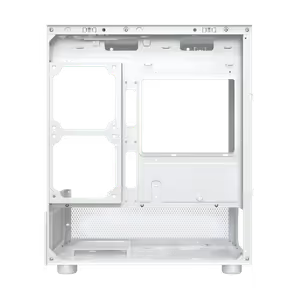
Built For The M-ATX Form Factor
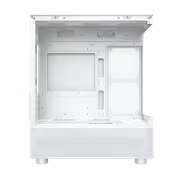
The motherboard tray supports the M-ATX form factor, which keeps the chassis footprint modest while still carrying the expansion slots most gaming builds use. Choosing M-ATX is what allows this case to combine an expansive interior with a size that fits on a desk rather than only underneath it.
Built For The M-ATX Form Factor
The motherboard tray supports the M-ATX form factor, which keeps the chassis footprint modest while still carrying the expansion slots most gaming builds use. Choosing M-ATX is what allows this case to combine an expansive interior with a size that fits on a desk rather than only underneath it.
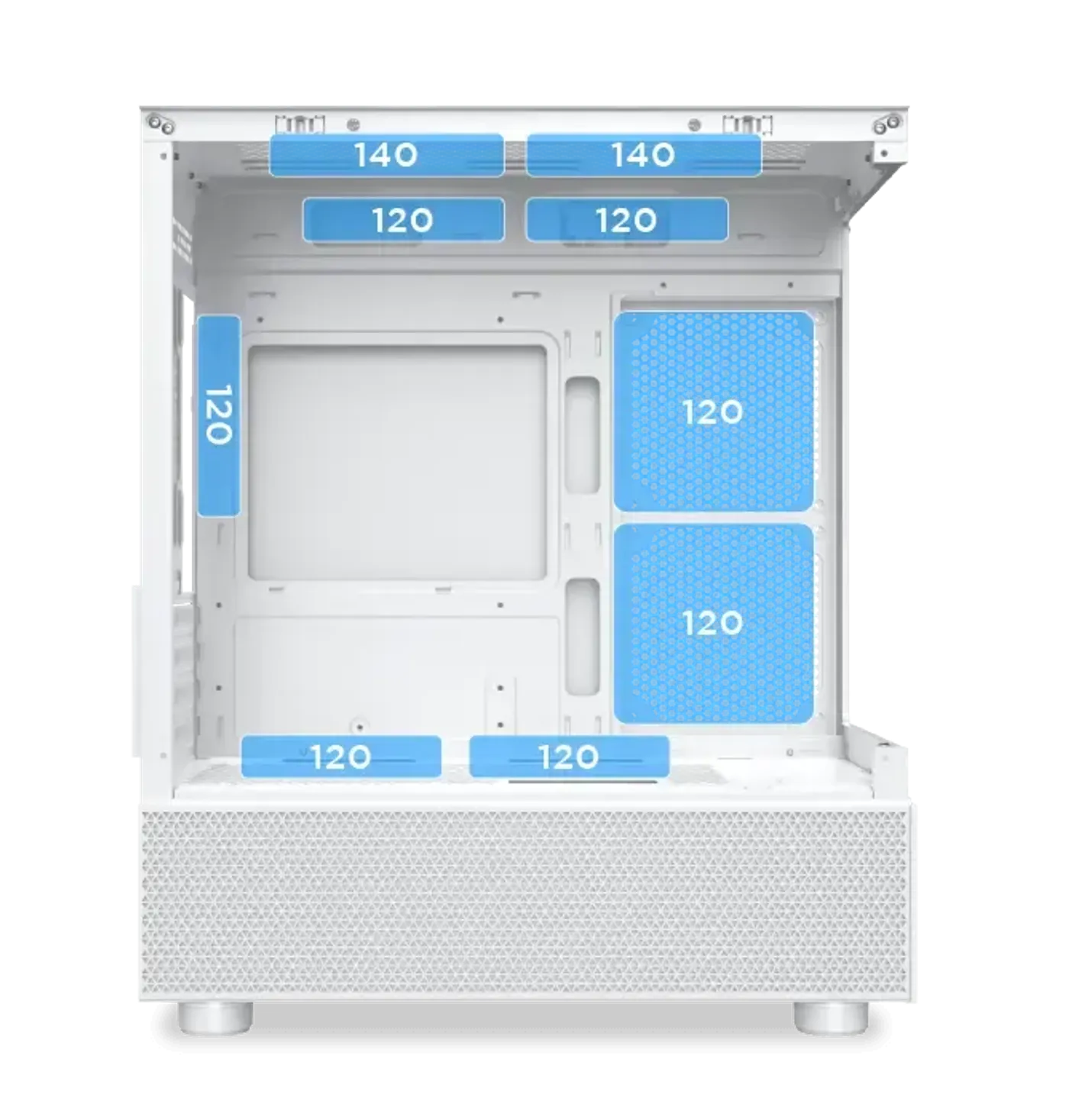
Four Fan Positions Around The Chassis
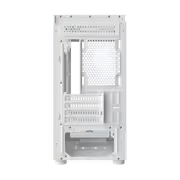
The top takes two 120 mm or two 140 mm fans, the motherboard panel takes two 120 mm fans, the PSU shroud takes two 120 mm fans and the rear takes one 120 mm fan. Spreading mounts across four locations lets you build a proper intake and exhaust path instead of relying on one bank of fans.
Four Fan Positions Around The Chassis
The top takes two 120 mm or two 140 mm fans, the motherboard panel takes two 120 mm fans, the PSU shroud takes two 120 mm fans and the rear takes one 120 mm fan. Spreading mounts across four locations lets you build a proper intake and exhaust path instead of relying on one bank of fans.
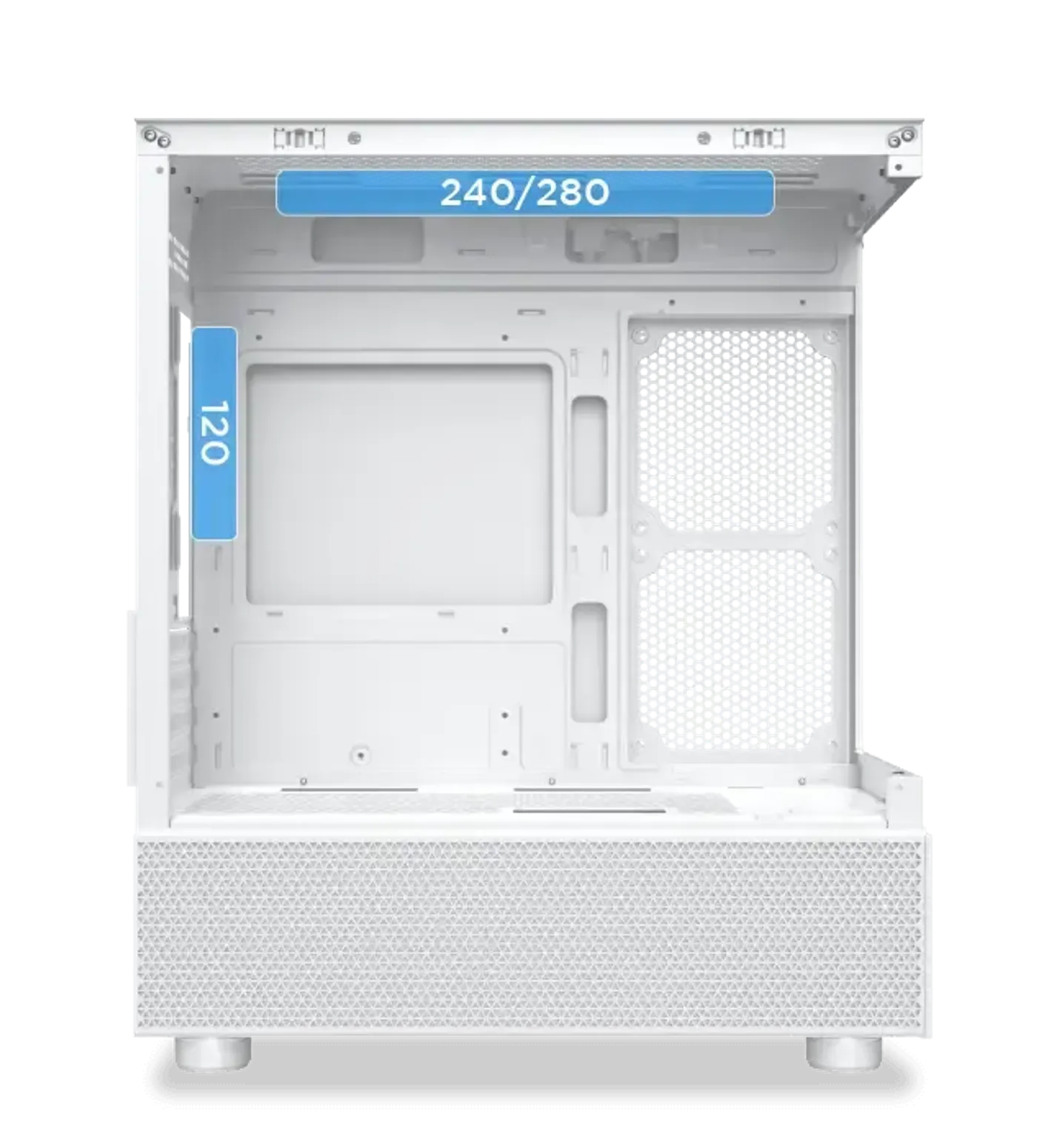
Radiator Support: 240 Or 280 Top, 120 Rear
For liquid cooling the top position takes a 240 or 280 radiator and the rear takes a 120. That covers the mainstream all-in-one cooler sizes, and mounting the radiator overhead keeps it clear of the graphics card so the two are not competing for the same space inside a compact chassis.
Radiator Support: 240 Or 280 Top, 120 Rear
For liquid cooling the top position takes a 240 or 280 radiator and the rear takes a 120. That covers the mainstream all-in-one cooler sizes, and mounting the radiator overhead keeps it clear of the graphics card so the two are not competing for the same space inside a compact chassis.
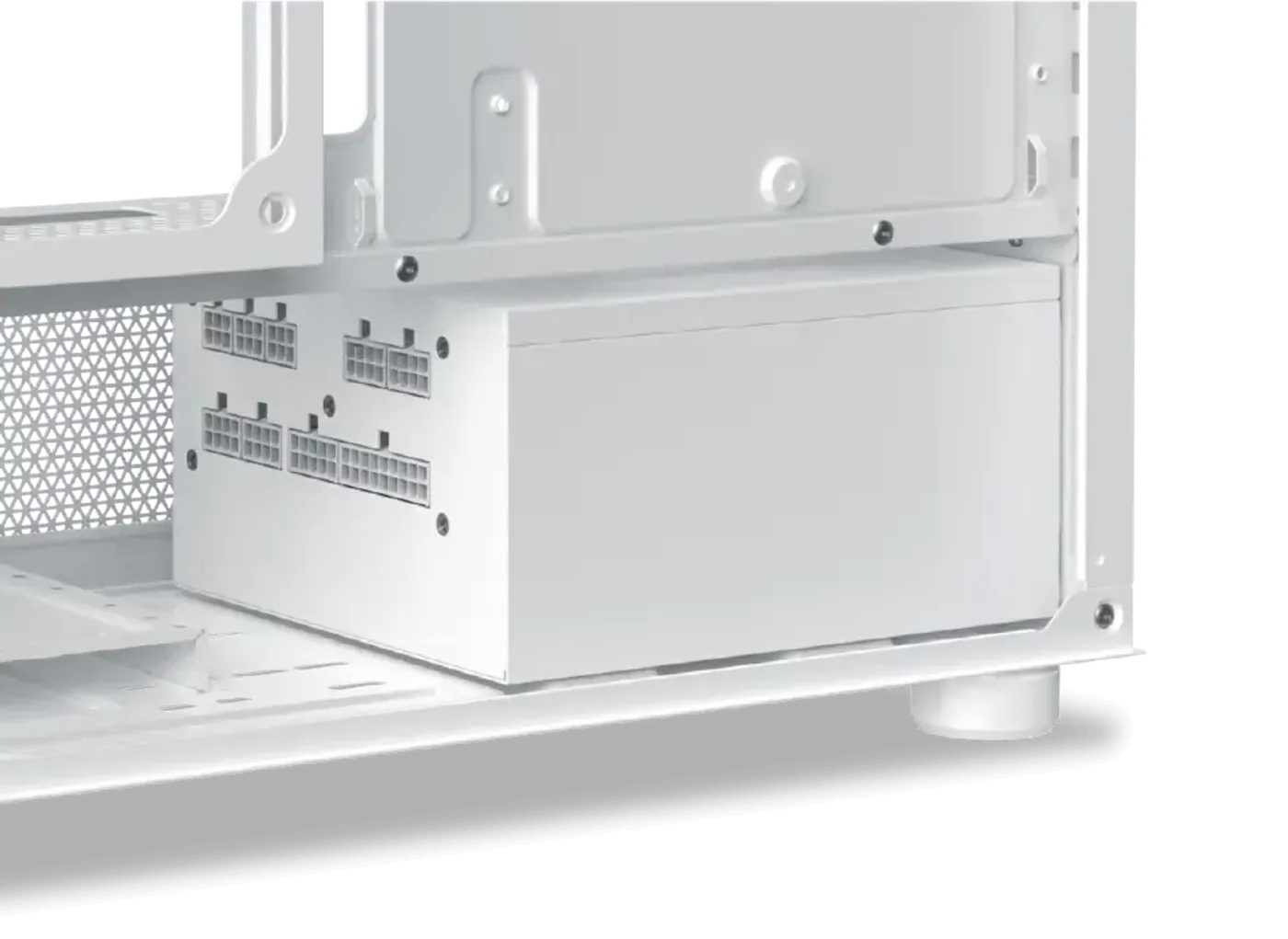
Power Supply Length Limited To 180 mm
The power supply bay takes units up to 180 mm long, so check the length on the PSU spec sheet before ordering rather than assuming any ATX unit will drop in. Most standard-depth supplies fall inside that figure, and staying well under it leaves more room in the bay for the cable bundle.
Power Supply Length Limited To 180 mm
The power supply bay takes units up to 180 mm long, so check the length on the PSU spec sheet before ordering rather than assuming any ATX unit will drop in. Most standard-depth supplies fall inside that figure, and staying well under it leaves more room in the bay for the cable bundle.
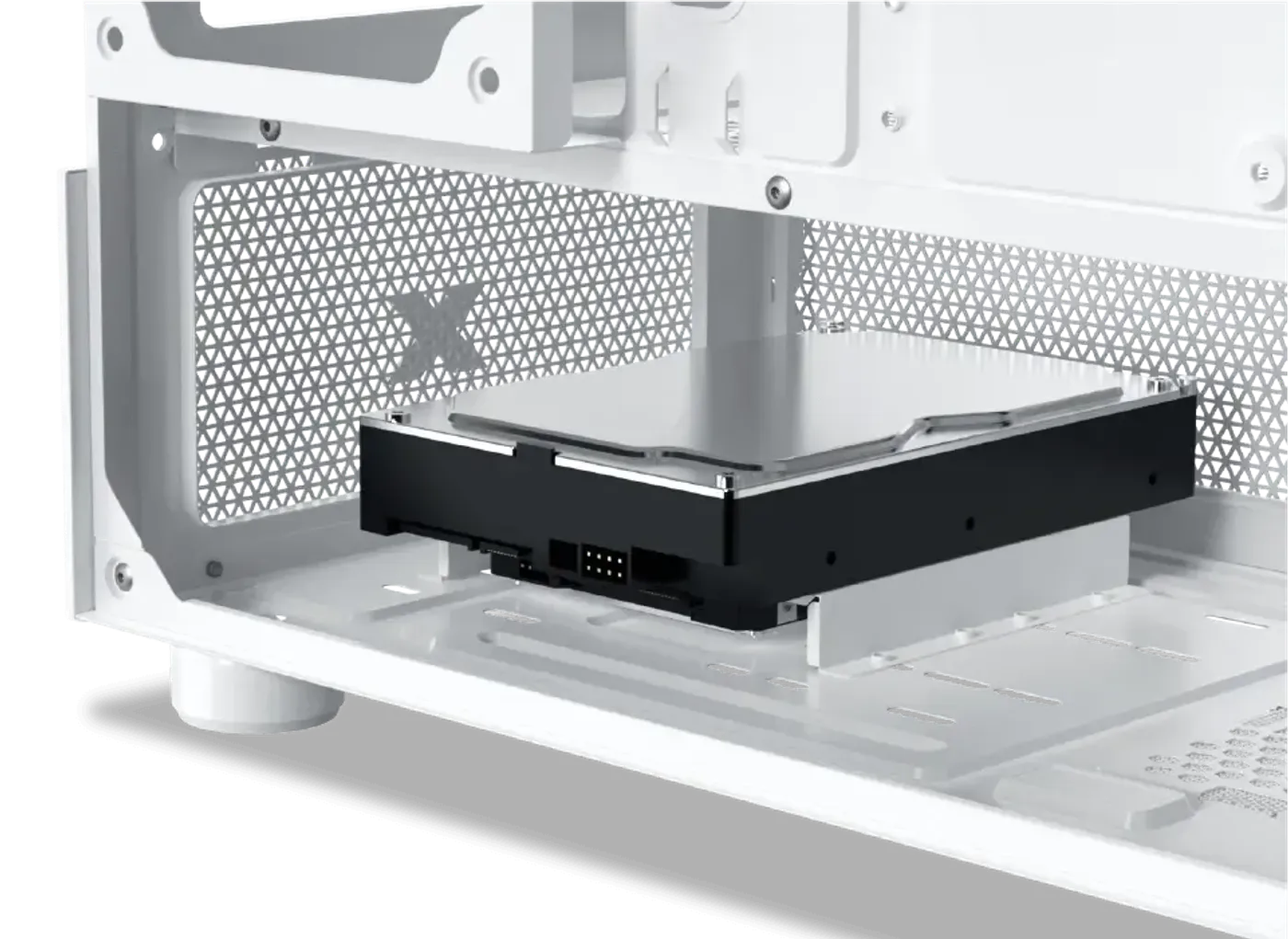
One 3.5-Inch And One 2.5-Inch Drive Bay
Storage splits across two cages: the top cage takes one 3.5-inch drive and the bottom cage takes one 2.5-inch drive. That pairing suits the common setup of a fast 2.5-inch SSD for the system and games alongside a larger mechanical disk for bulk files, without either cage crowding the airflow path.
One 3.5-Inch And One 2.5-Inch Drive Bay
Storage splits across two cages: the top cage takes one 3.5-inch drive and the bottom cage takes one 2.5-inch drive. That pairing suits the common setup of a fast 2.5-inch SSD for the system and games alongside a larger mechanical disk for bulk files, without either cage crowding the airflow path.
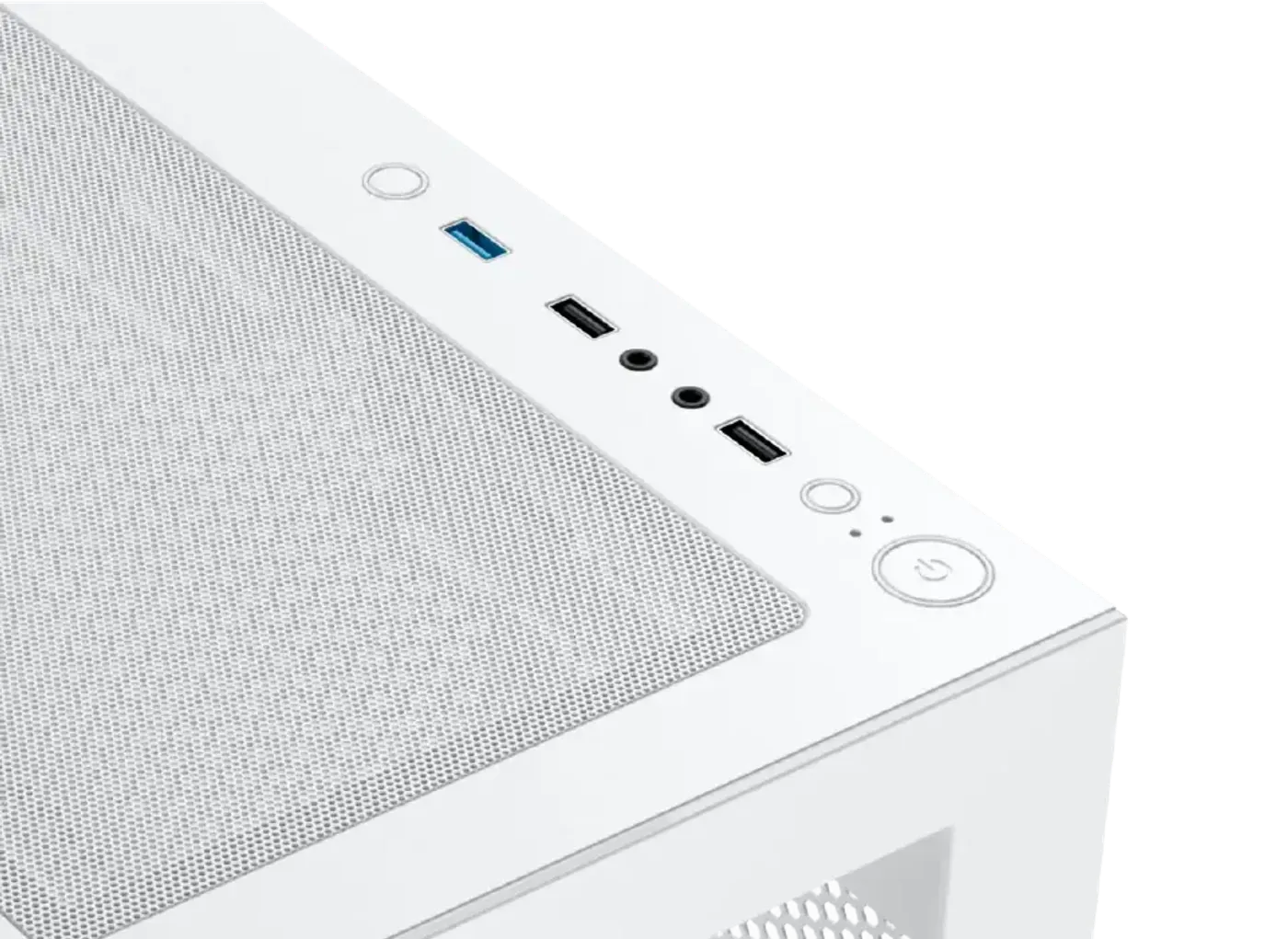
Top I/O With USB 3.0, Audio And LED Switch
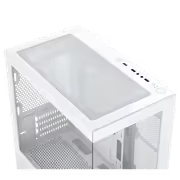
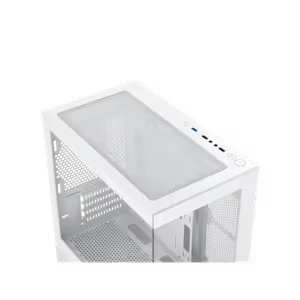
The top-mounted I/O panel carries one power button, one reset button, two USB 2.0 ports, one USB 3.0 port, one HD audio jack and one LED switch. The LED switch means the lighting can be changed at the case itself, and the top placement keeps every port in reach when the tower sits beside the desk.
Top I/O With USB 3.0, Audio And LED Switch
The top-mounted I/O panel carries one power button, one reset button, two USB 2.0 ports, one USB 3.0 port, one HD audio jack and one LED switch. The LED switch means the lighting can be changed at the case itself, and the top placement keeps every port in reach when the tower sits beside the desk.
FAQ
Frequently Asked Questions
Everything you need to know about this product
It supports the M-ATX form factor.
The GPU length limitation accommodates cards up to 350 mm.
The case offers CPU cooler clearance of up to 165 mm.
The PSU length limitation is up to 180 mm.
The top takes a 240 or 280 radiator and the rear takes a 120.
Yes, a conventional blade fan is pre-installed at the rear and a reverse blade fan is pre-installed on the motherboard panel side.
Two 120 mm or 140 mm on top, two 120 mm on the motherboard panel, two 120 mm on the PSU shroud and one 120 mm at the rear.
The top HDD cage holds one 3.5-inch drive and the bottom cage holds one 2.5-inch drive.
One power button, one reset button, two USB 2.0 ports, one USB 3.0 port, one HD audio jack and one LED switch.
Yes, an LED switch is built into the top-mounted I/O panel.
It uses a dual tempered glass panel design and the panels are made for effortless installation.

AI-Generated Content:These FAQs are generated by an automated AI system and may contain inaccuracies or omissions. Evetech makes no warranties, express or implied, regarding their completeness or reliability. For definitive information, please refer to the manufacturer's official specifications.
Please Note: Product images are for illustrative purposes only and may differ from the actual product.
Choose your
own PC
Hand-pick every part with live stock, compatibility, and instant pricing.
Try the new builderPrice Inc. Vat
R 699
Save R 700
ListR 1,399
699Out of Stock
Choose your
own PC
Hand-pick every part with live stock, compatibility, and instant pricing.
Try the new builderXigmatek Alphard M Arctic Mid Tower Gaming Case