1 Year Local Warranty
Model No : Xigmatek EN44410
Price Inc. Vat
R 1,299
Save R 400
ListR 1,699
1299Free Delivery
Qty:
In Stock with Evetech
Price Inc. Vat
R 1,299
Save R 400
ListR 1,699
1299Free Delivery
Qty:
In Stock with Evetech
Trusted Partners
Please Note: Product images are for illustrative purposes only and may differ from the actual product.
Hand-pick every part with live stock, compatibility, and instant pricing.
Try the new builderHand-pick every part with live stock, compatibility, and instant pricing.
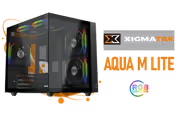
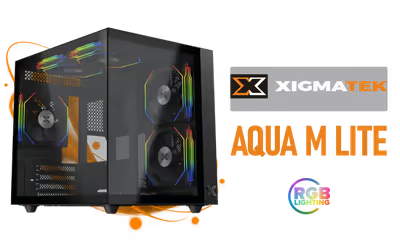
Try the new builderXigmatek Aqua M Lite Gaming Case - Black
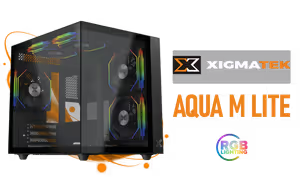
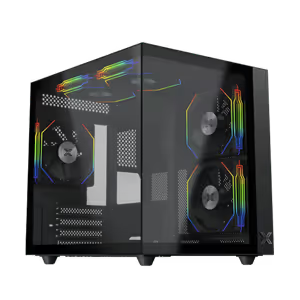
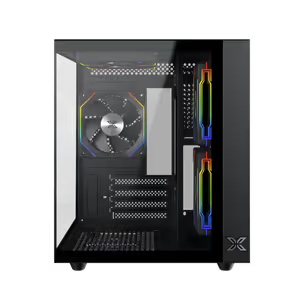
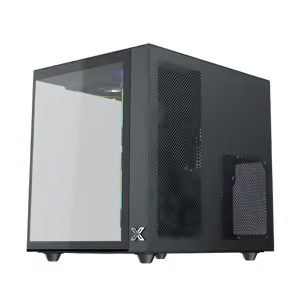
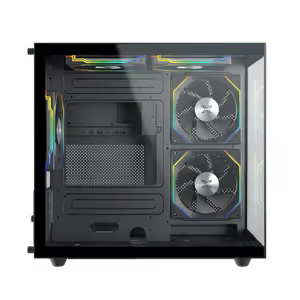
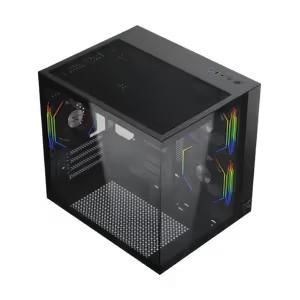
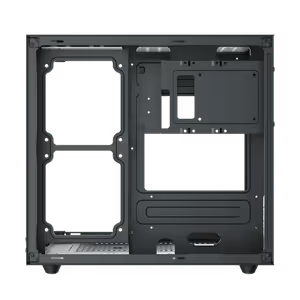
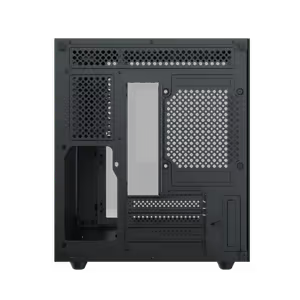
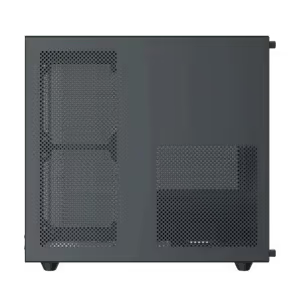
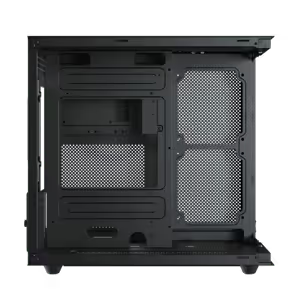
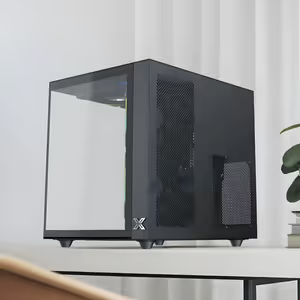
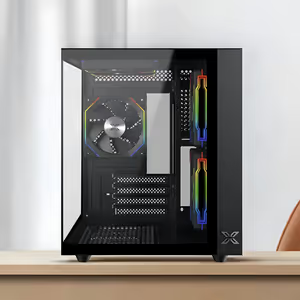
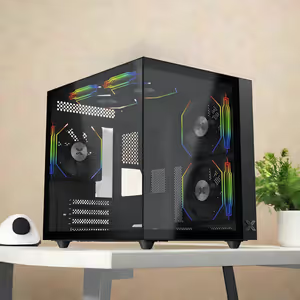
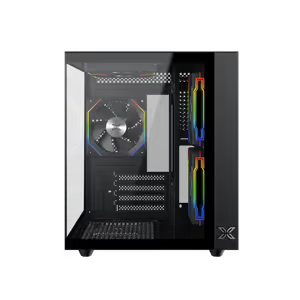
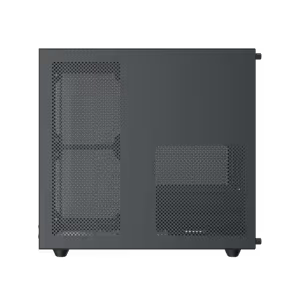
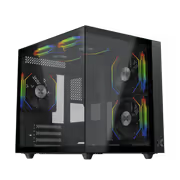
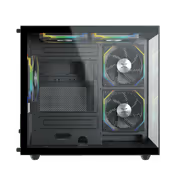
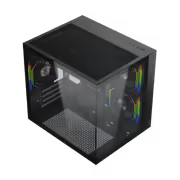
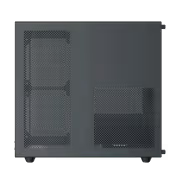
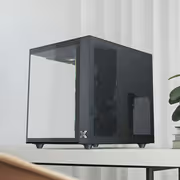
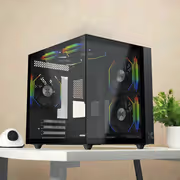
The Xigmatek Aqua M Lite is a black gaming case built as a starting point for a new gaming PC, with adjustable airflow configurations that hold cooling performance through demanding sessions. It leaves room for a high-end GPU and for a choice of cooling hardware, so the components inside keep their performance instead of being boxed in by the chassis around them.
The Xigmatek Aqua M Lite is a black gaming case built as a starting point for a new gaming PC, with adjustable airflow configurations that hold cooling performance through demanding sessions. It leaves room for a high-end GPU and for a choice of cooling hardware, so the components inside keep their performance instead of being boxed in by the chassis around them.
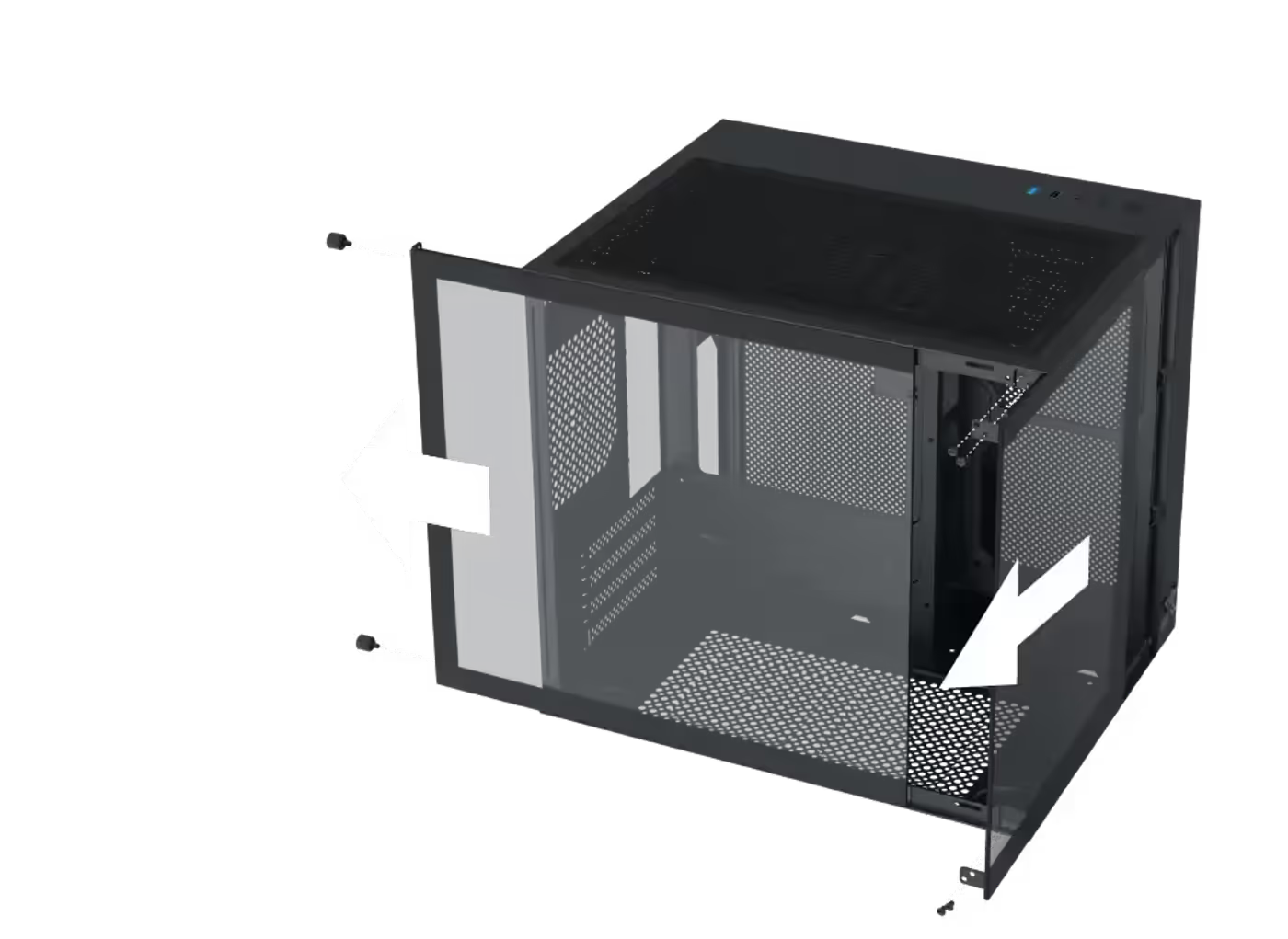
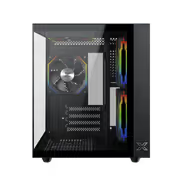
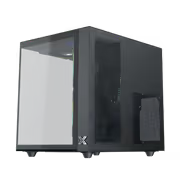
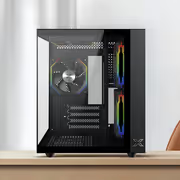
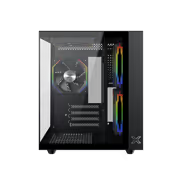
The tempered glass side panel is designed for effortless installation, so it goes on and comes off without the alignment struggle that turns a simple component swap into a long job. Glass also keeps the finished build visible rather than hidden behind a solid steel panel, which matters on a case meant to sit in view.
The tempered glass side panel is designed for effortless installation, so it goes on and comes off without the alignment struggle that turns a simple component swap into a long job. Glass also keeps the finished build visible rather than hidden behind a solid steel panel, which matters on a case meant to sit in view.
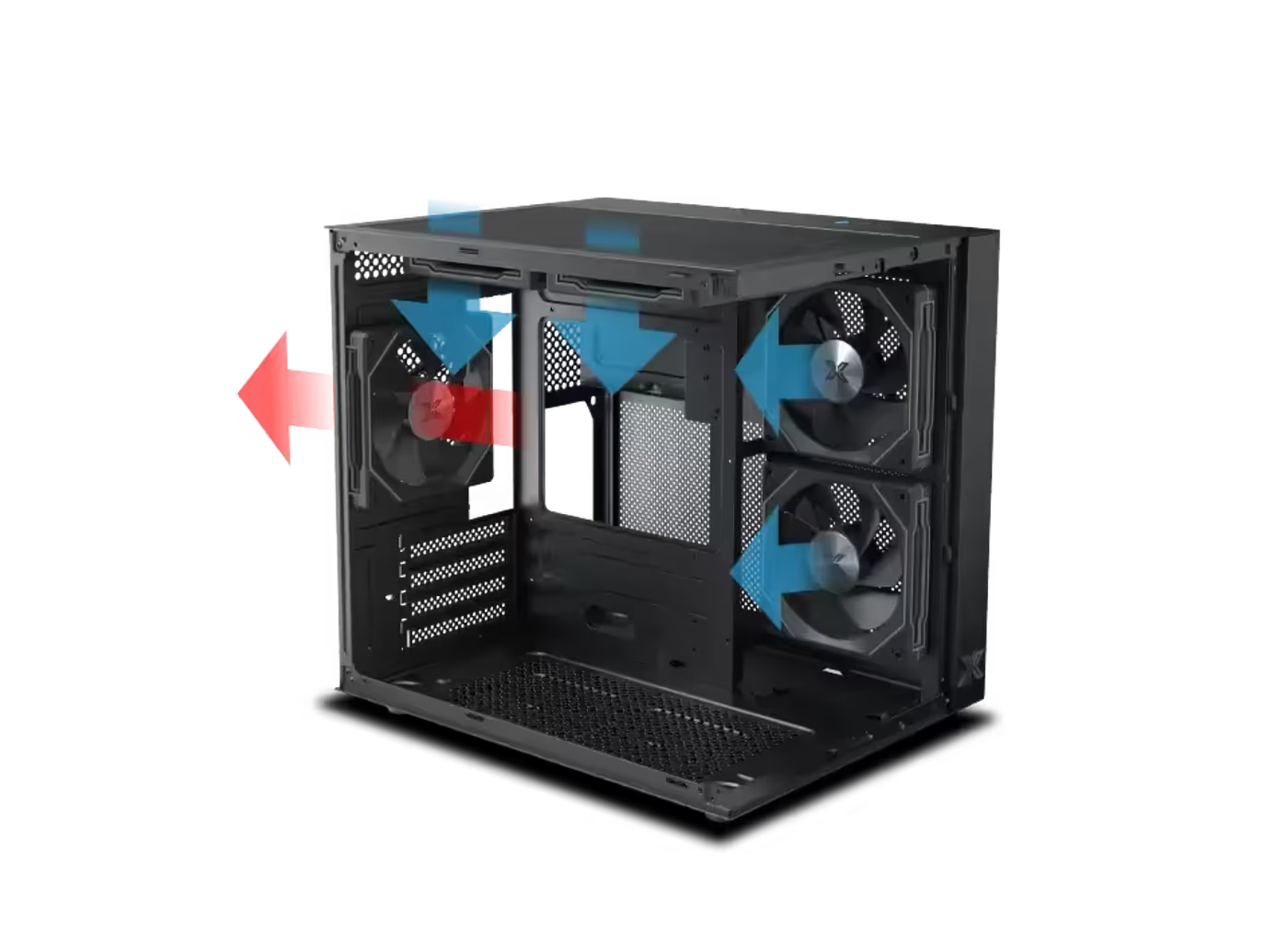
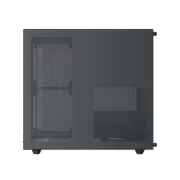
An enhanced airflow and ventilation system moves air through the Aqua M Lite so the hardware inside stays in a safe thermal range under load. The case is built around adjustable airflow configurations rather than one fixed path, which lets you set intake and exhaust to suit the components you actually installed.
An enhanced airflow and ventilation system moves air through the Aqua M Lite so the hardware inside stays in a safe thermal range under load. The case is built around adjustable airflow configurations rather than one fixed path, which lets you set intake and exhaust to suit the components you actually installed.
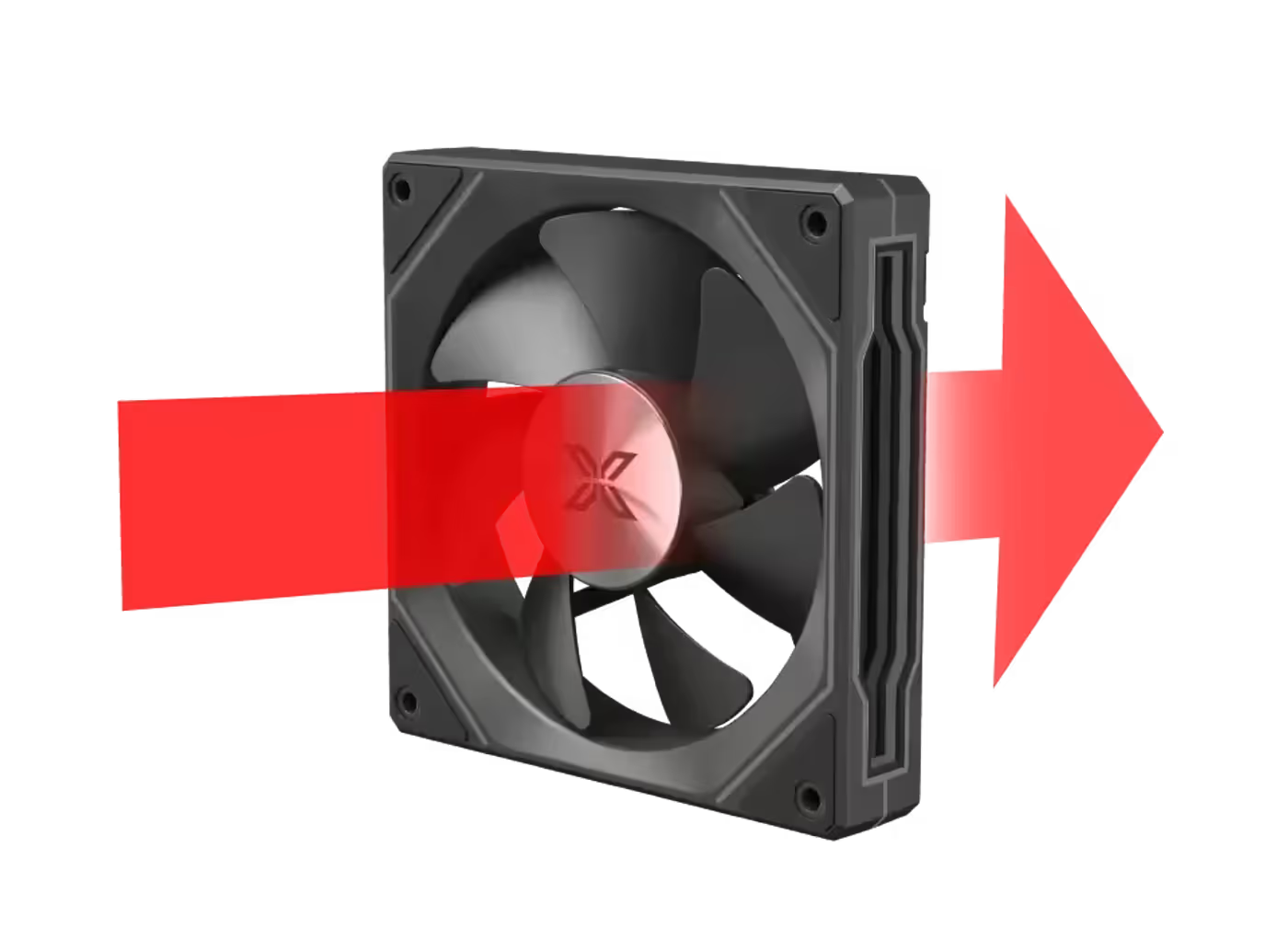
A standard fan blade comes pre-installed on the rear side of the case, so the exhaust position is populated before you start the build. The conventional blade shape is the right choice there because the fan faces outward and is not on display, and having it fitted means the case can move air from the moment it is powered.
A standard fan blade comes pre-installed on the rear side of the case, so the exhaust position is populated before you start the build. The conventional blade shape is the right choice there because the fan faces outward and is not on display, and having it fitted means the case can move air from the moment it is powered.
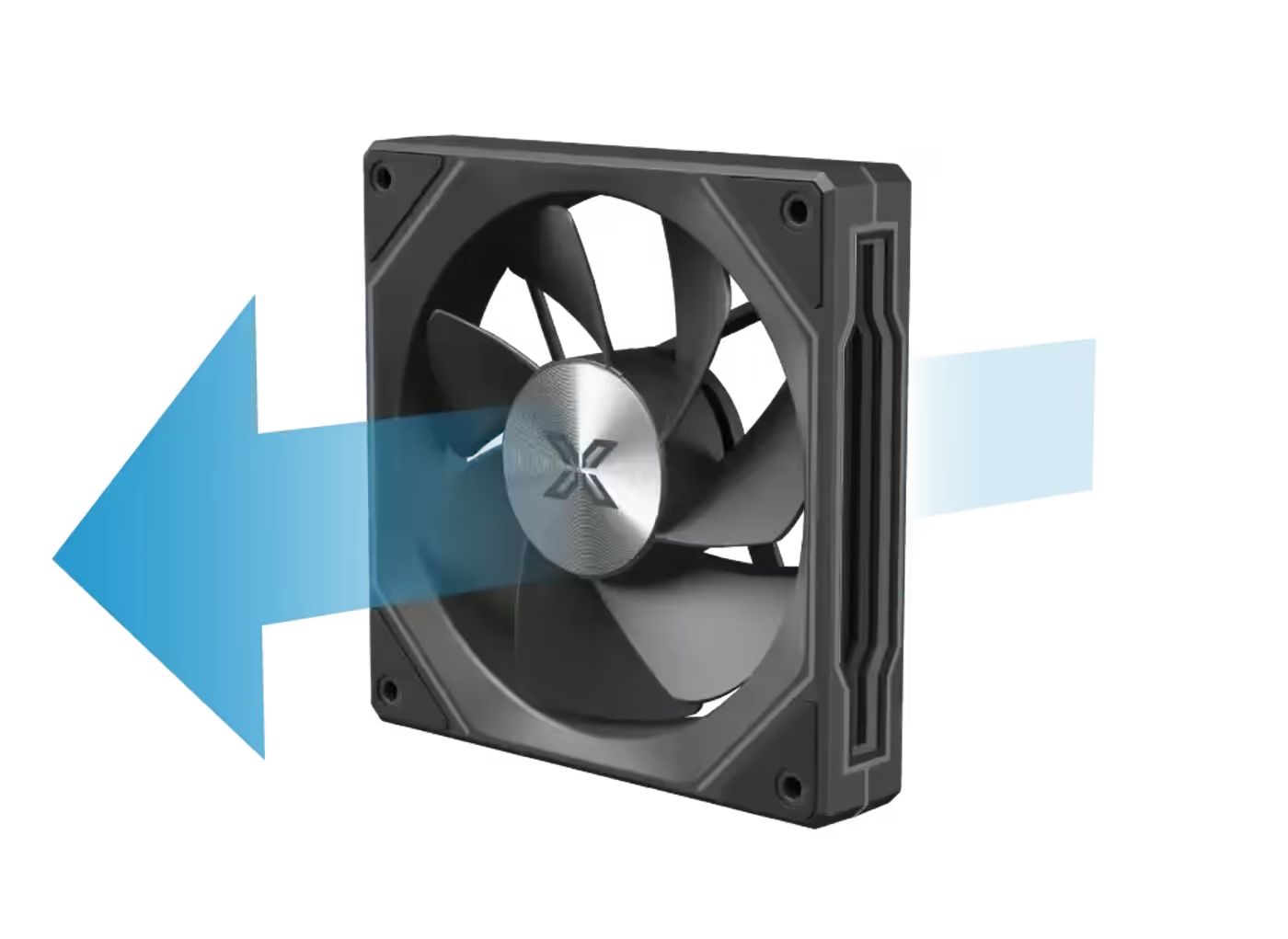
Reverse fan blade designs come pre-installed on the motherboard panel and the top side. Reverse blades present their clean face to the viewer, which is what you want on the two positions visible through the glass, and it means the fans that sit in the line of sight look finished without any extra hardware.
Reverse fan blade designs come pre-installed on the motherboard panel and the top side. Reverse blades present their clean face to the viewer, which is what you want on the two positions visible through the glass, and it means the fans that sit in the line of sight look finished without any extra hardware.
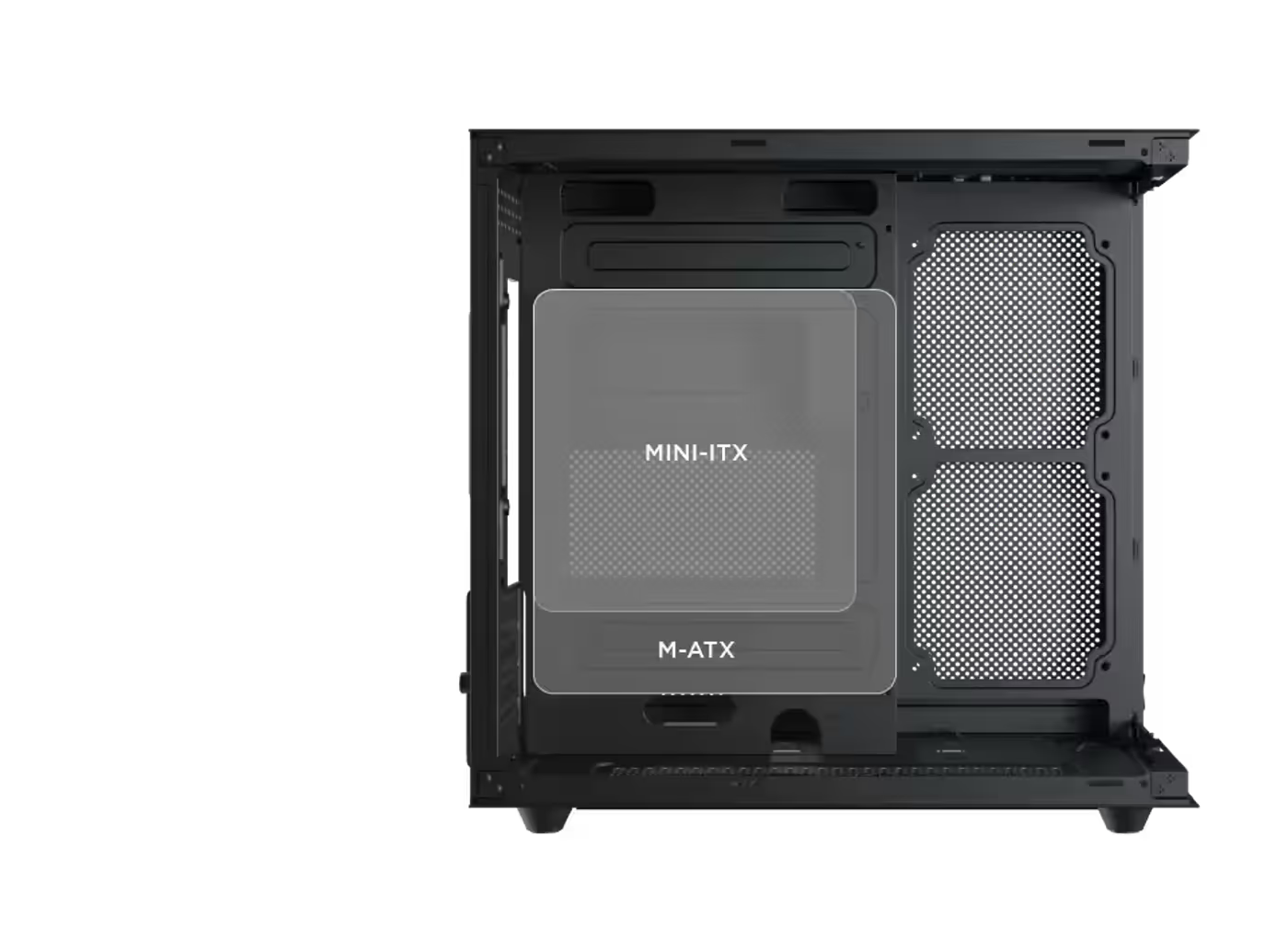
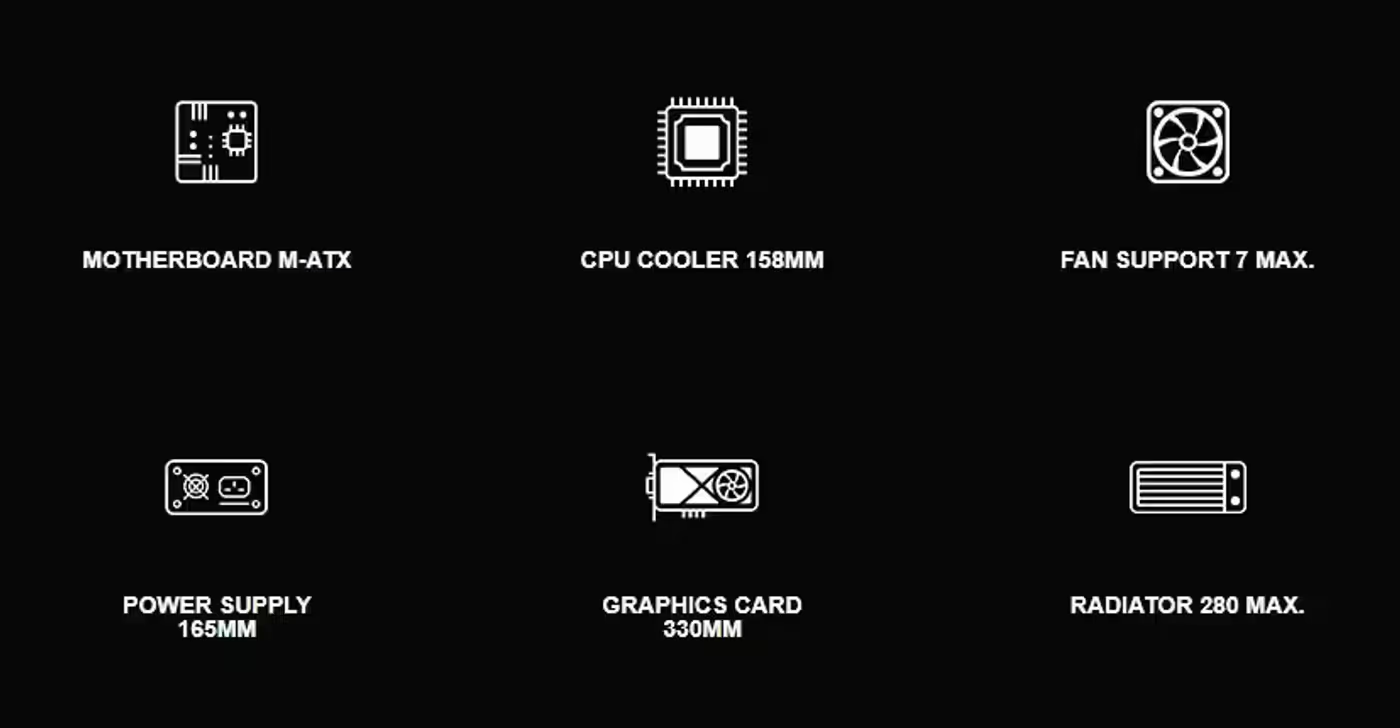
The Aqua M Lite is compatible with M-ATX motherboards, which keeps the chassis footprint down while still leaving room for a full graphics card and a cooling setup. An M-ATX board carries the slots most builds actually use, so the smaller layout costs very little in practice and makes the case easier to place on a desk.
The Aqua M Lite is compatible with M-ATX motherboards, which keeps the chassis footprint down while still leaving room for a full graphics card and a cooling setup. An M-ATX board carries the slots most builds actually use, so the smaller layout costs very little in practice and makes the case easier to place on a desk.
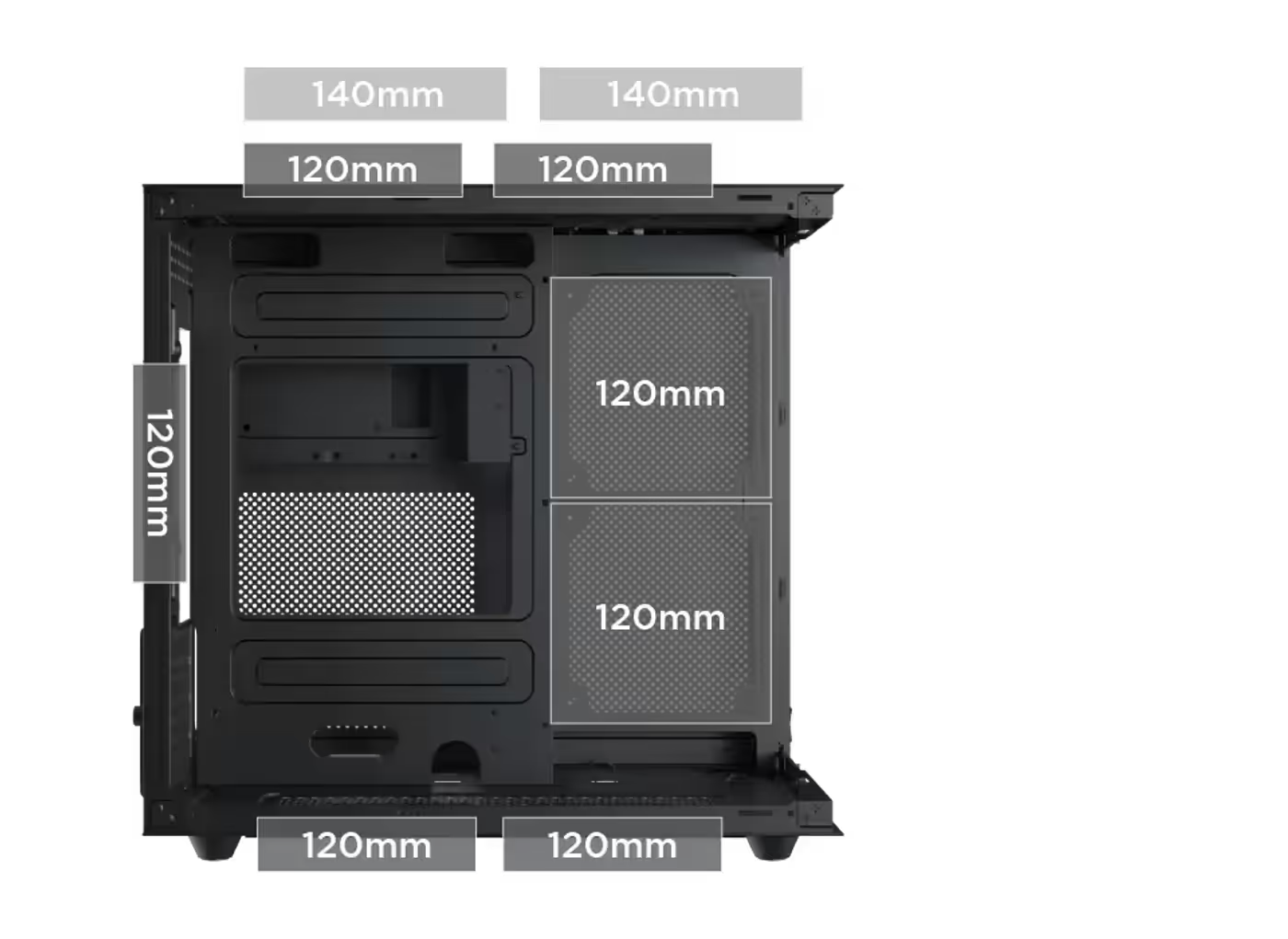
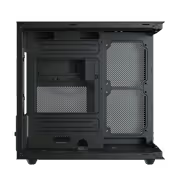
The top takes two 120 mm fans or a 140 mm fan, the motherboard panel takes two 120 mm fans, the bottom takes two 120 mm fans and the rear takes one 120 mm fan. Those four locations are what make the airflow adjustable, letting you weight the build toward intake or exhaust depending on the hardware inside.
The top takes two 120 mm fans or a 140 mm fan, the motherboard panel takes two 120 mm fans, the bottom takes two 120 mm fans and the rear takes one 120 mm fan. Those four locations are what make the airflow adjustable, letting you weight the build toward intake or exhaust depending on the hardware inside.
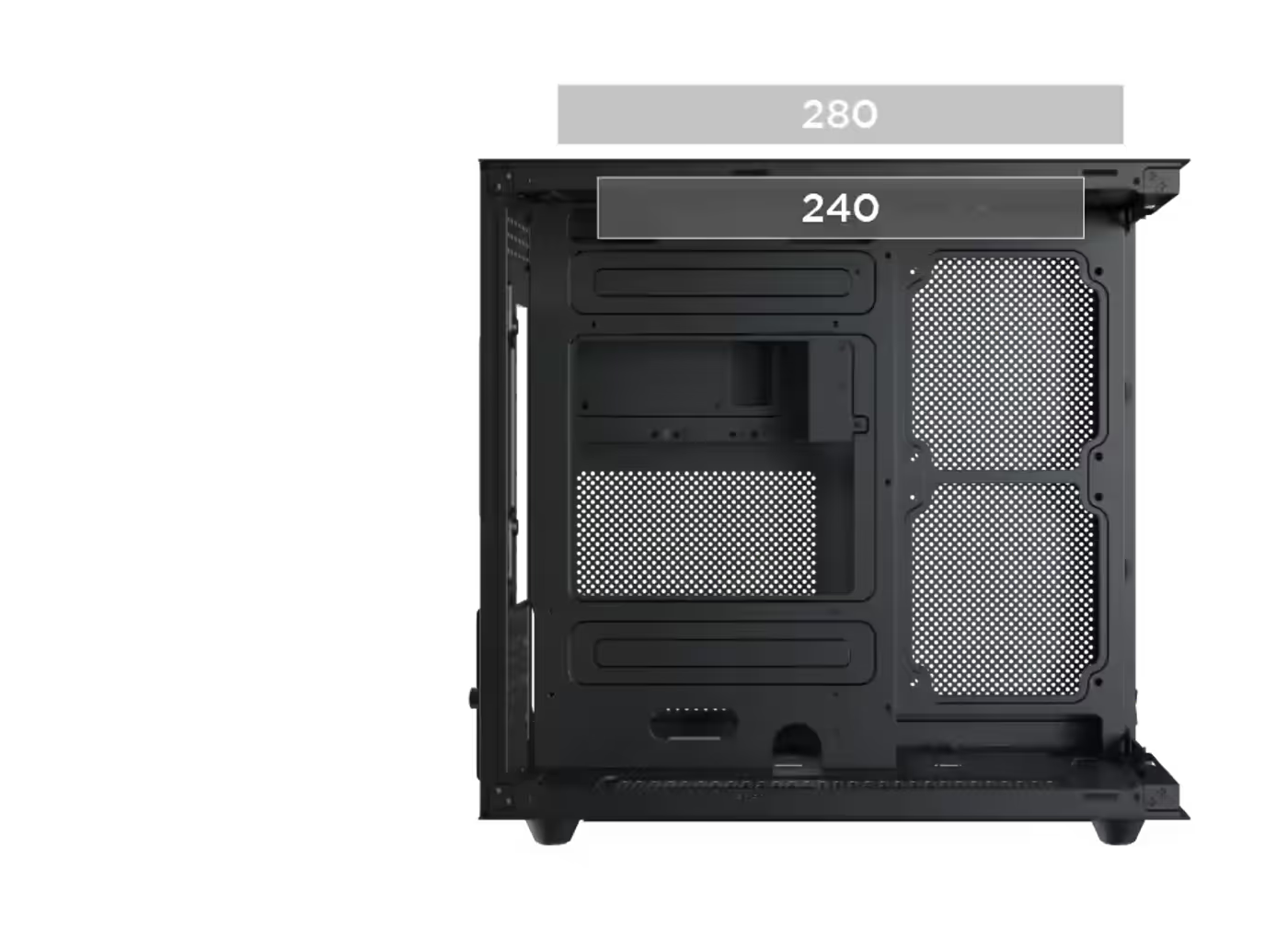
Radiator support is at the top of the case, taking either a 240 mm or a 280 mm unit. That covers most mainstream all-in-one liquid coolers, and mounting the radiator overhead keeps it out of the front of the chassis where the graphics card needs its clearance. Check your cooler's radiator size against those two figures.
Radiator support is at the top of the case, taking either a 240 mm or a 280 mm unit. That covers most mainstream all-in-one liquid coolers, and mounting the radiator overhead keeps it out of the front of the chassis where the graphics card needs its clearance. Check your cooler's radiator size against those two figures.
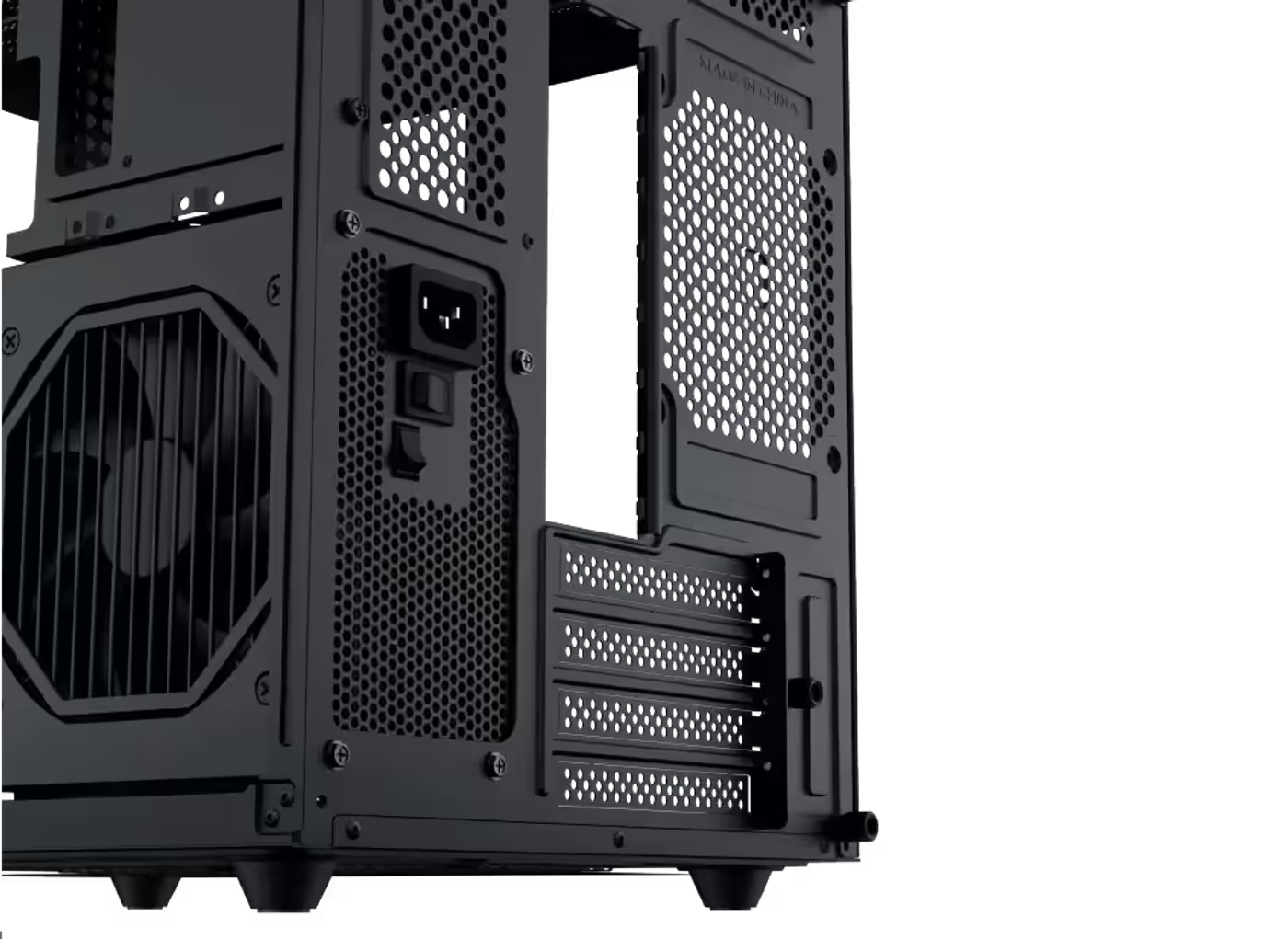
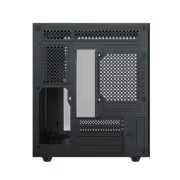
The Aqua M Lite specifies a power supply unit limitation, so the length of the unit you choose is worth checking against the case before the build begins. A shorter power supply also leaves more of the bay free for the cable bundle, which keeps the leads clear of the airflow path the rest of the chassis depends on.
The Aqua M Lite specifies a power supply unit limitation, so the length of the unit you choose is worth checking against the case before the build begins. A shorter power supply also leaves more of the bay free for the cable bundle, which keeps the leads clear of the airflow path the rest of the chassis depends on.
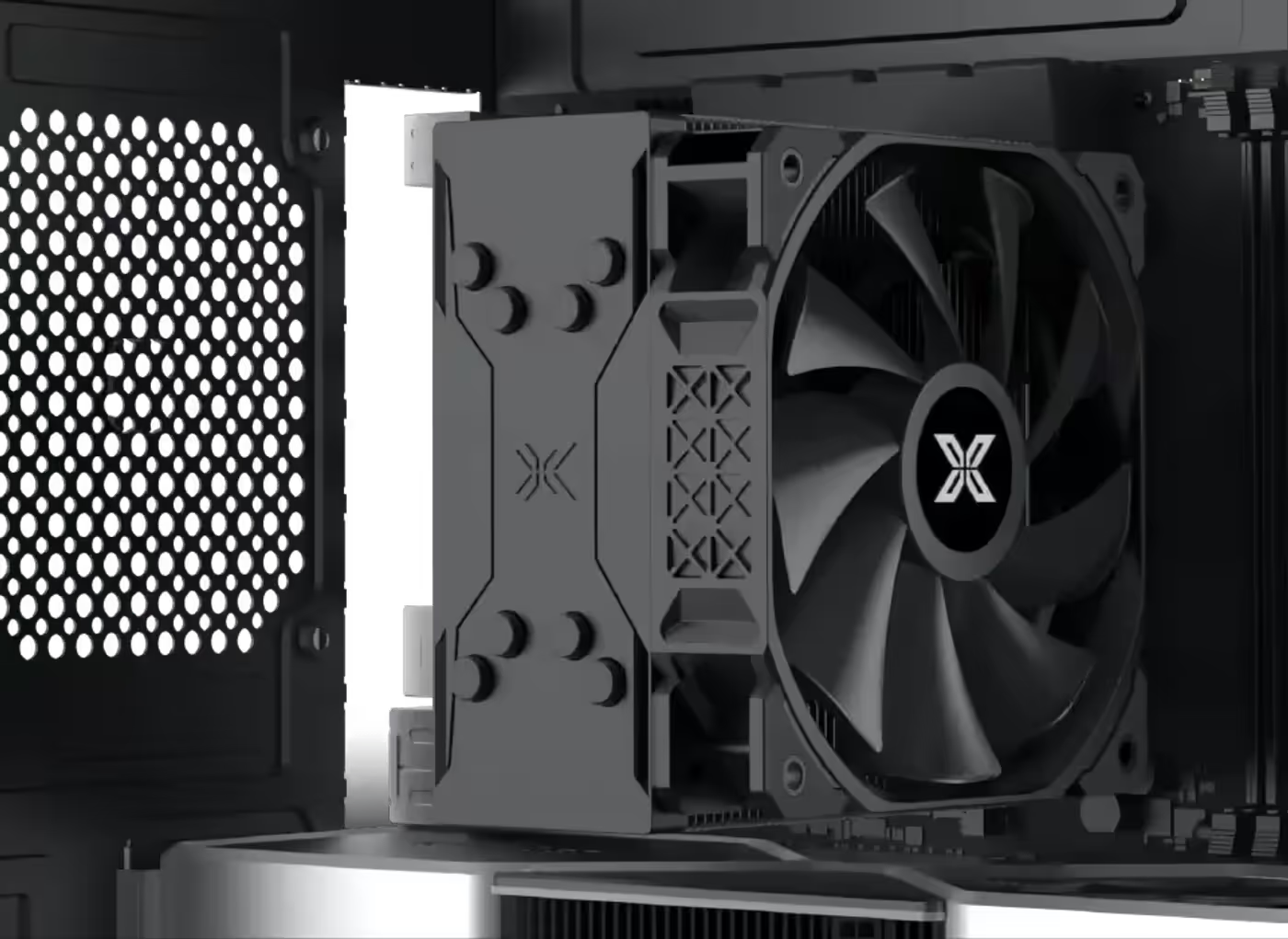
There is clearance for a CPU cooler up to 158 mm tall, which accepts most mid-height tower air coolers rather than restricting the build to a low-profile heatsink. Measure your cooler against that figure first, because on a compact chassis the cooler height is the specification most likely to stop the side panel closing.
There is clearance for a CPU cooler up to 158 mm tall, which accepts most mid-height tower air coolers rather than restricting the build to a low-profile heatsink. Measure your cooler against that figure first, because on a compact chassis the cooler height is the specification most likely to stop the side panel closing.
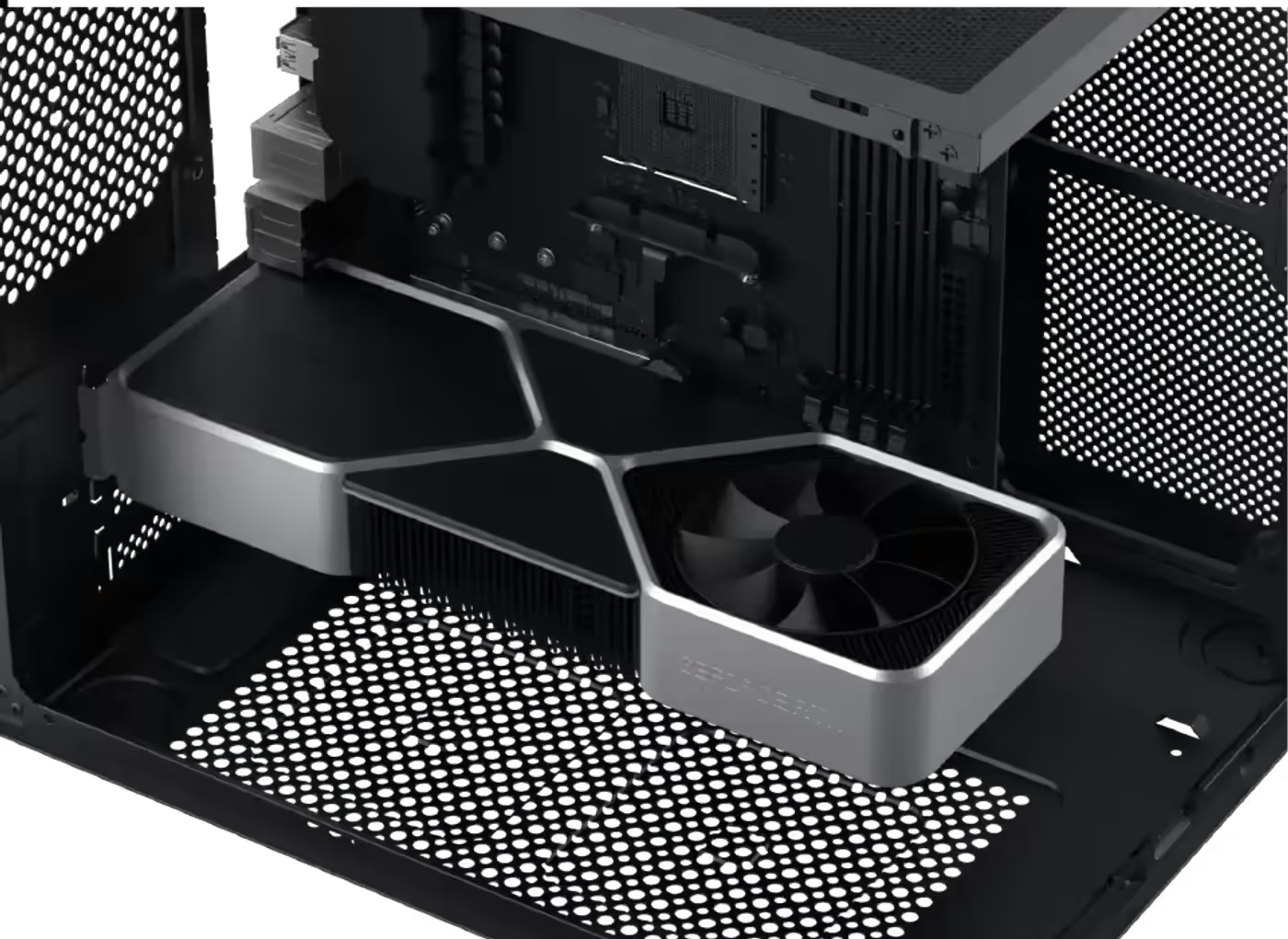
GPU length is limited to 330 mm, which takes in the large majority of dual-fan and many triple-fan graphics cards. Check the length on the card's spec sheet before ordering, since physical size rather than power draw is what decides whether a high-end GPU fits a compact chassis like this one.
GPU length is limited to 330 mm, which takes in the large majority of dual-fan and many triple-fan graphics cards. Check the length on the card's spec sheet before ordering, since physical size rather than power draw is what decides whether a high-end GPU fits a compact chassis like this one.
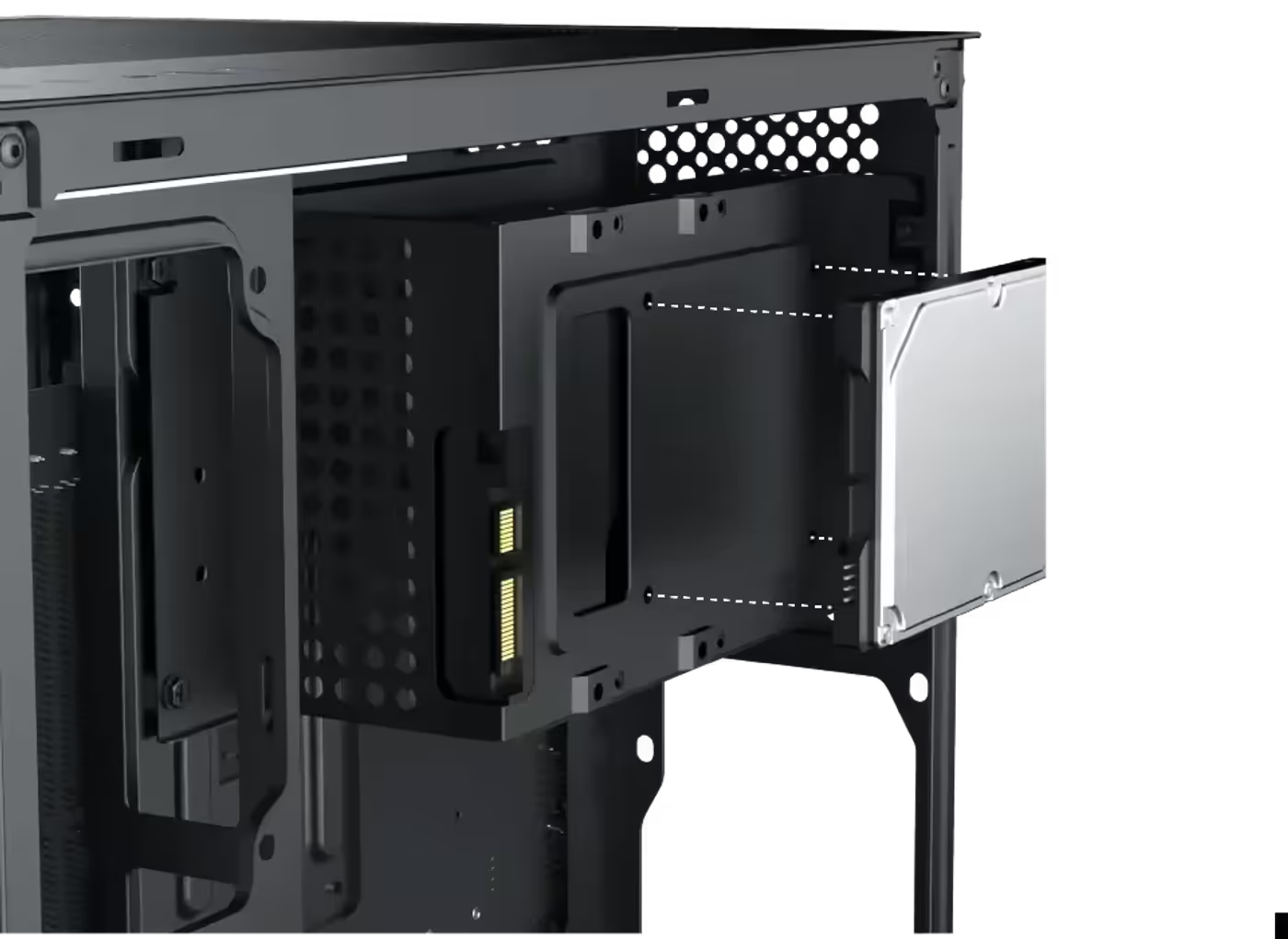
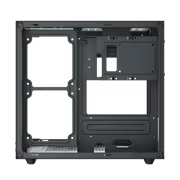
Storage mounts on two combo brackets, each taking either a 2.5-inch SSD or a 3.5-inch hard drive. That flexibility means you can run two SSDs, two mechanical drives, or one of each without changing hardware, and it keeps the storage layout open while you decide how much bulk capacity the build actually needs.
Storage mounts on two combo brackets, each taking either a 2.5-inch SSD or a 3.5-inch hard drive. That flexibility means you can run two SSDs, two mechanical drives, or one of each without changing hardware, and it keeps the storage layout open while you decide how much bulk capacity the build actually needs.
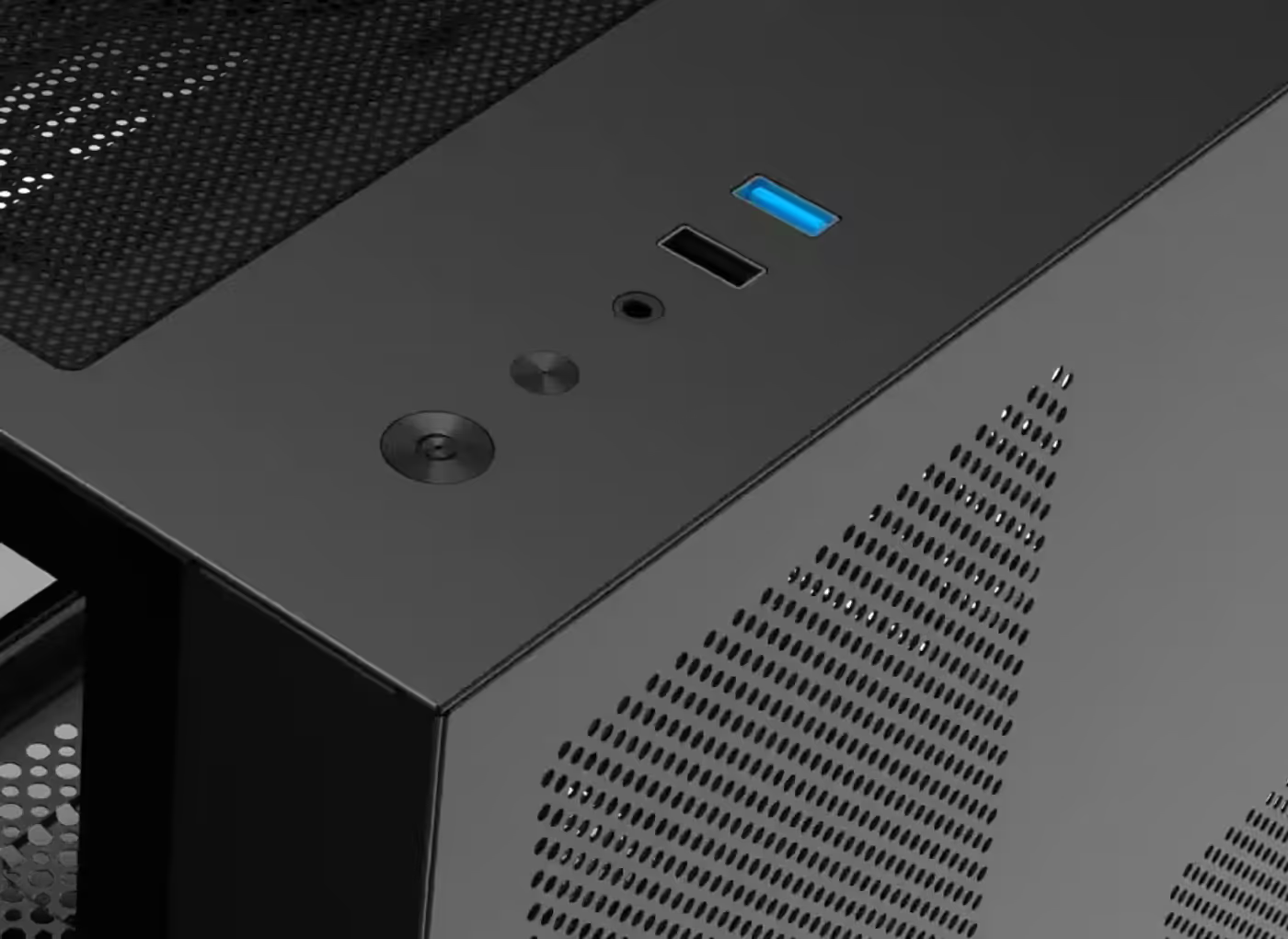
The top I/O panel carries a power button, a reset button, an HD audio jack, one USB 2.0 port and one USB 3.0 port. Placing the cluster on the top face means a headset and a flash drive stay within reach when the case sits on the floor next to the desk rather than on top of it.
The top I/O panel carries a power button, a reset button, an HD audio jack, one USB 2.0 port and one USB 3.0 port. Placing the cluster on the top face means a headset and a flash drive stay within reach when the case sits on the floor next to the desk rather than on top of it.
Everything you need to know about this product
It is compatible with M-ATX motherboards.
The GPU length limit is up to 330 mm.
There is clearance for CPU coolers up to 158 mm in height.
The top position supports a 240 mm or 280 mm radiator.
Yes, a standard blade fan is pre-installed at the rear and reverse blade fans are pre-installed on the motherboard panel and top side.
The reverse blade fans sit on the motherboard panel and top side, the positions that are visible in a finished build.
It takes two 120 mm or one 140 mm on top, two 120 mm on the motherboard panel, two 120 mm on the bottom and one 120 mm at the rear.
There are two combo brackets, each taking either a 2.5-inch SSD or a 3.5-inch hard drive.
The top I/O has a power button, reset button, HD audio jack, one USB 2.0 port and one USB 3.0 port.
Yes, the case uses a tempered glass panel designed for effortless installation.
This model is finished in black.

AI-Generated Content: These FAQs are generated by an automated AI system and may contain inaccuracies or omissions. Evetech makes no warranties, express or implied, regarding their completeness or reliability. For definitive information, please refer to the manufacturer's official specifications.