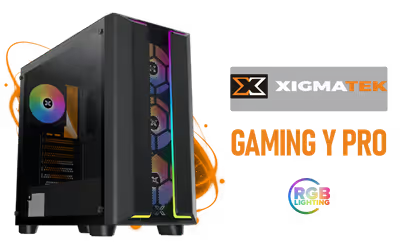
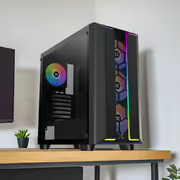
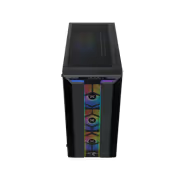
Xigmatek Gaming Y Pro Mid Tower Gaming Case - Black
Xigmatek Gaming Y Pro Mid Tower Gaming Case - Black / Supports Motherboards up to E-ATX / 4 x Pre-Installed Fans Included / EN42249 / EN42249 + FREE DELIVERY !
1 Year Local Warranty
Model No : Xigmatek EN42249
Price Inc. Vat
R 1,599
Save R 300
ListR 1,899
1599Free Delivery
Qty:
In Stock with Evetech
Xigmatek Gaming Y Pro Mid Tower Case — E-ATX Compatible
Mid Tower E-ATX Gaming Case In Classic Black
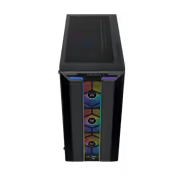
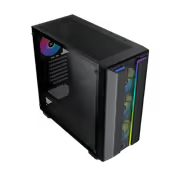
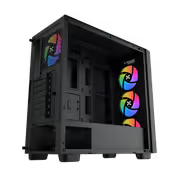
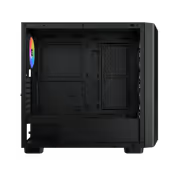
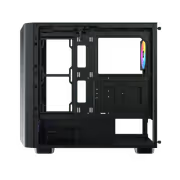
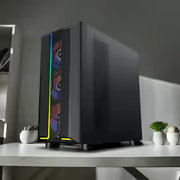
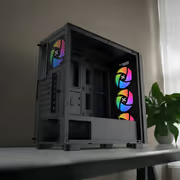
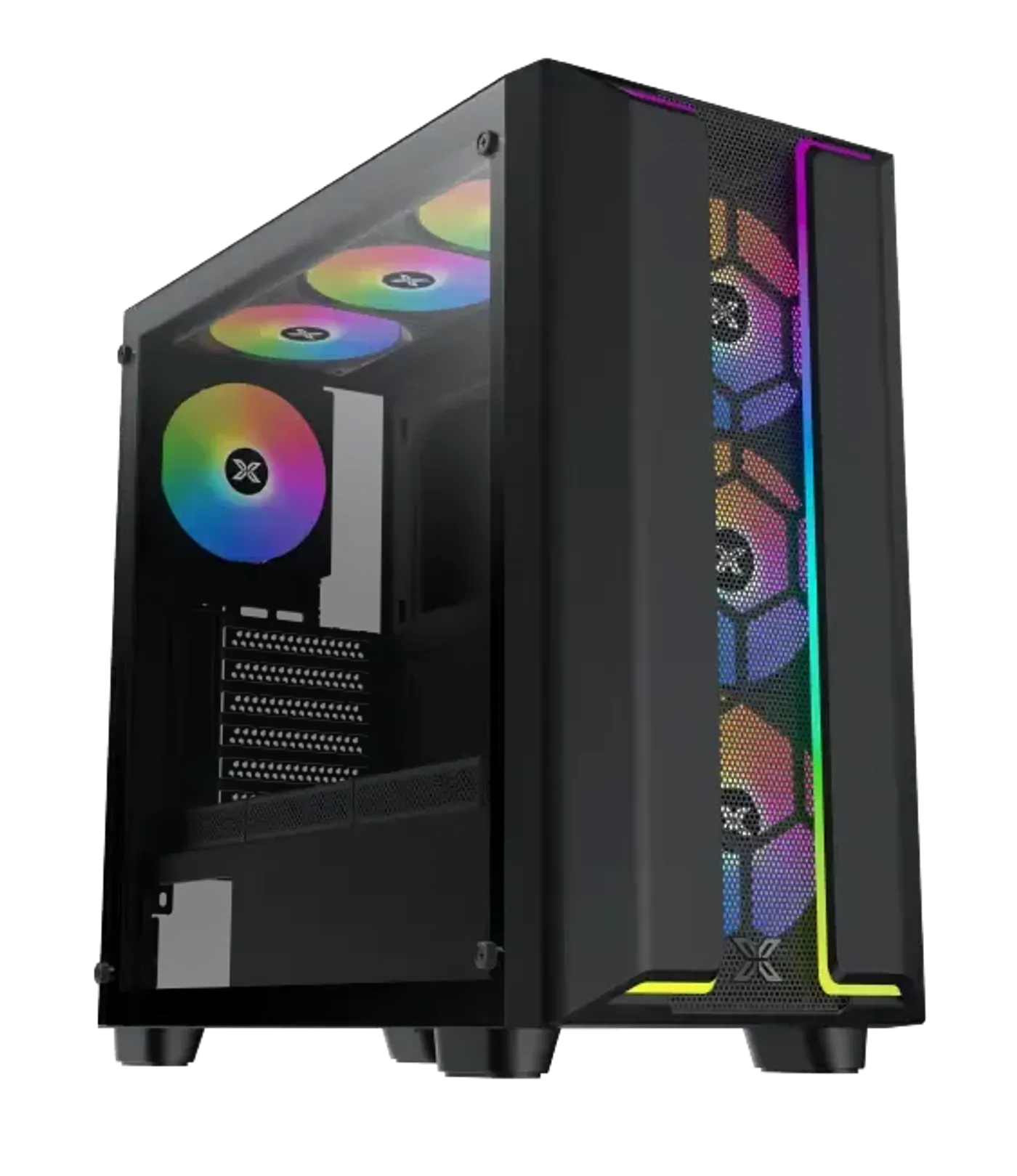
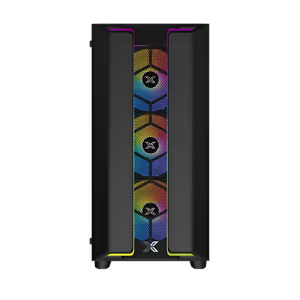
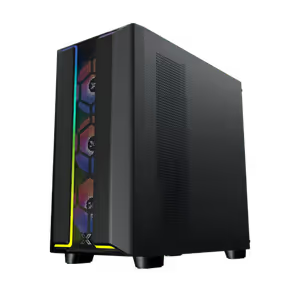
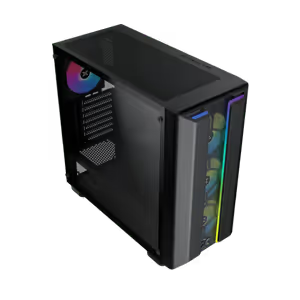
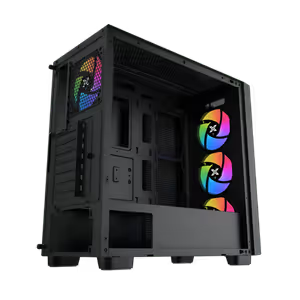
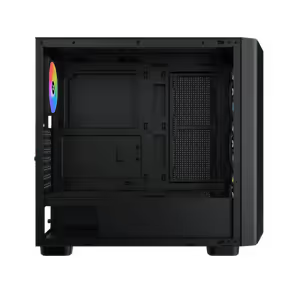
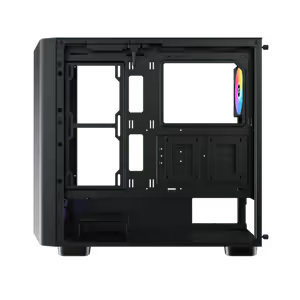
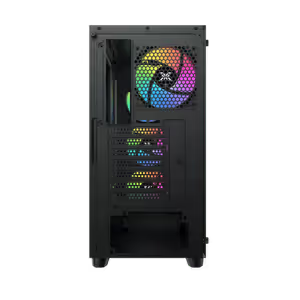
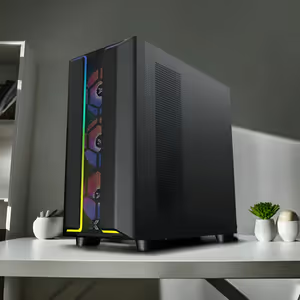
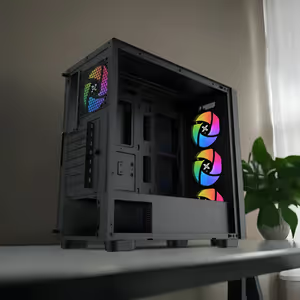
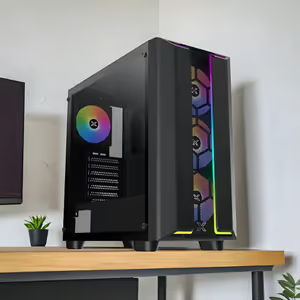
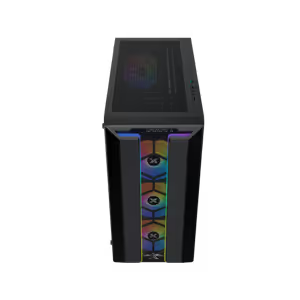
The Xigmatek Gaming Y Pro is a mid tower gaming case in black that supports motherboards up to E-ATX and includes four pre-installed fans. Customisable RGB lighting is built in, and fan mounting points sit on the top, front, motherboard panel, PSU shroud and rear for airflow on multiple planes. Cable management is designed into the chassis, which keeps a build with a large board and several drives orderly.
Mid Tower E-ATX Gaming Case In Classic Black
The Xigmatek Gaming Y Pro is a mid tower gaming case in black that supports motherboards up to E-ATX and includes four pre-installed fans. Customisable RGB lighting is built in, and fan mounting points sit on the top, front, motherboard panel, PSU shroud and rear for airflow on multiple planes. Cable management is designed into the chassis, which keeps a build with a large board and several drives orderly.
Mesh Front Panel Feeds The Intake Fans
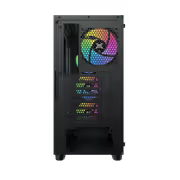
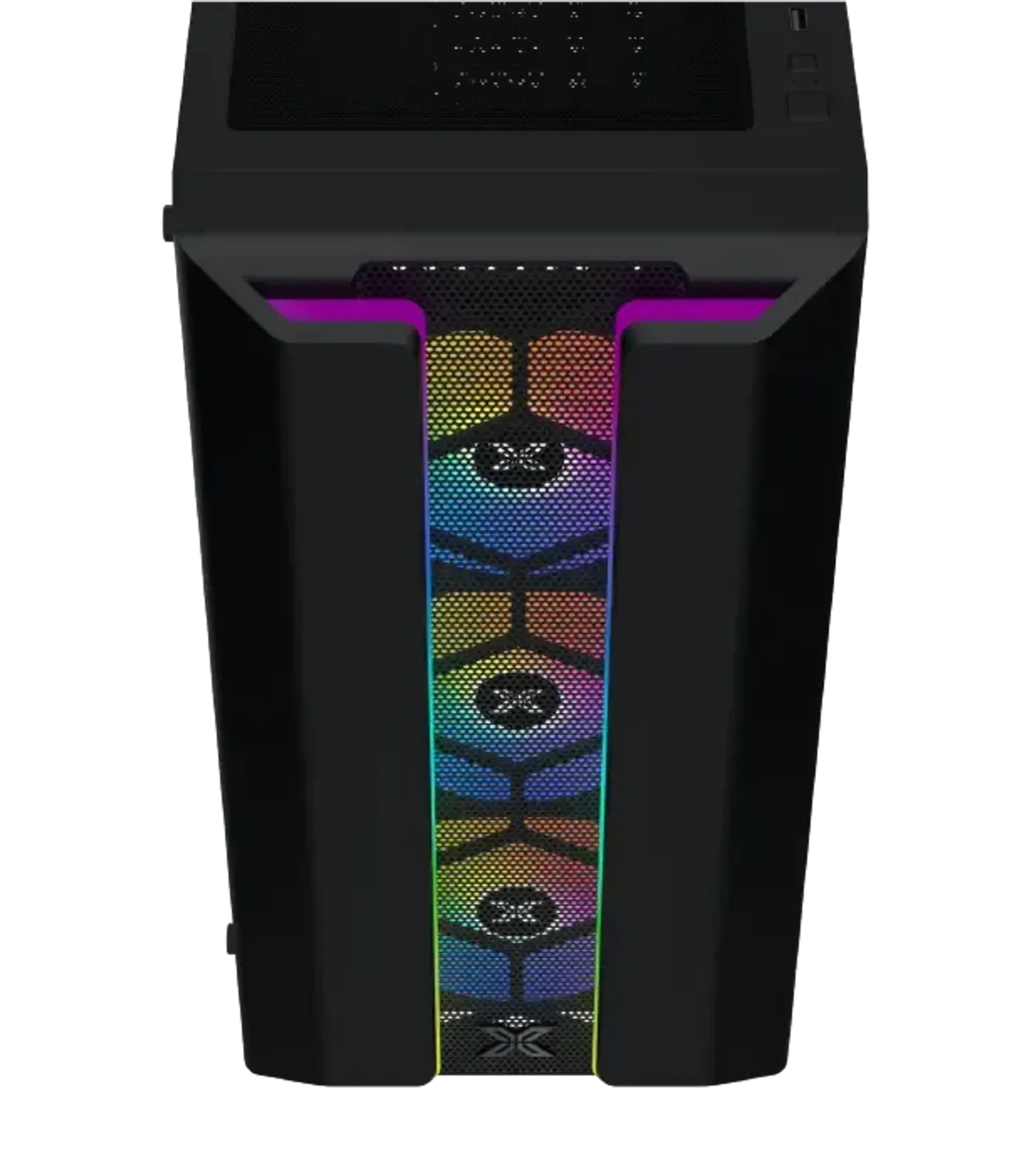
The front of the Gaming Y Pro is a mesh grill, an open surface that lets the three 120mm front fan positions draw air instead of fighting a solid door. Mesh is the reason a chassis like this can stay cool with the front fully populated. It also gives the case a plain, functional face that suits the classic black finish.
Mesh Front Panel Feeds The Intake Fans
The front of the Gaming Y Pro is a mesh grill, an open surface that lets the three 120mm front fan positions draw air instead of fighting a solid door. Mesh is the reason a chassis like this can stay cool with the front fully populated. It also gives the case a plain, functional face that suits the classic black finish.
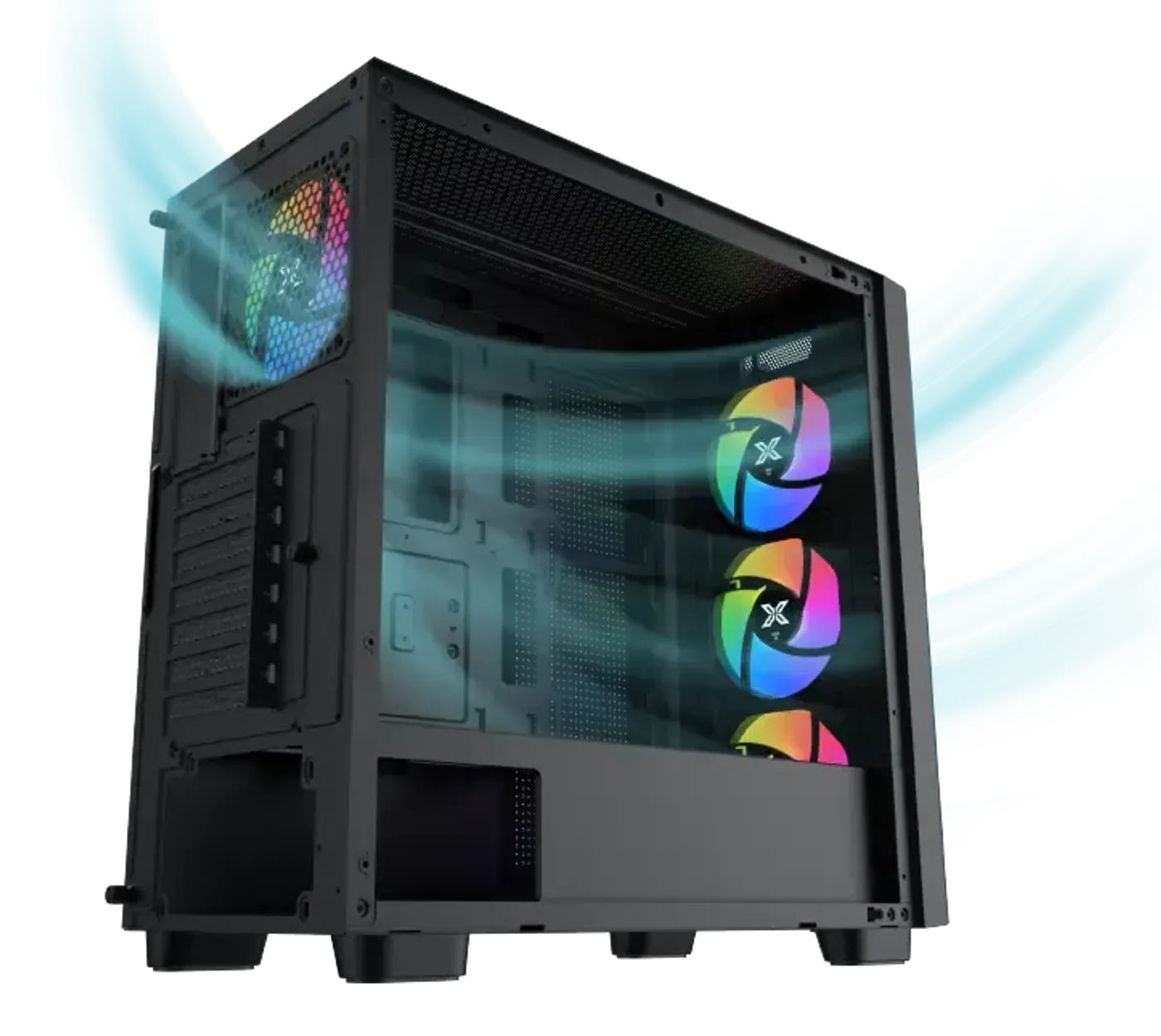
Ventilation Spread Across Five Mounting Zones
Air moves through the Gaming Y Pro on several paths, with fan positions in the roof, the front, the motherboard panel, the PSU shroud and the rear. Intake at the front and shroud with exhaust at the top and back is the arrangement that stops hot air settling around the graphics card. More positions also let you run more fans at lower speed for a quieter machine.
Ventilation Spread Across Five Mounting Zones
Air moves through the Gaming Y Pro on several paths, with fan positions in the roof, the front, the motherboard panel, the PSU shroud and the rear. Intake at the front and shroud with exhaust at the top and back is the arrangement that stops hot air settling around the graphics card. More positions also let you run more fans at lower speed for a quieter machine.
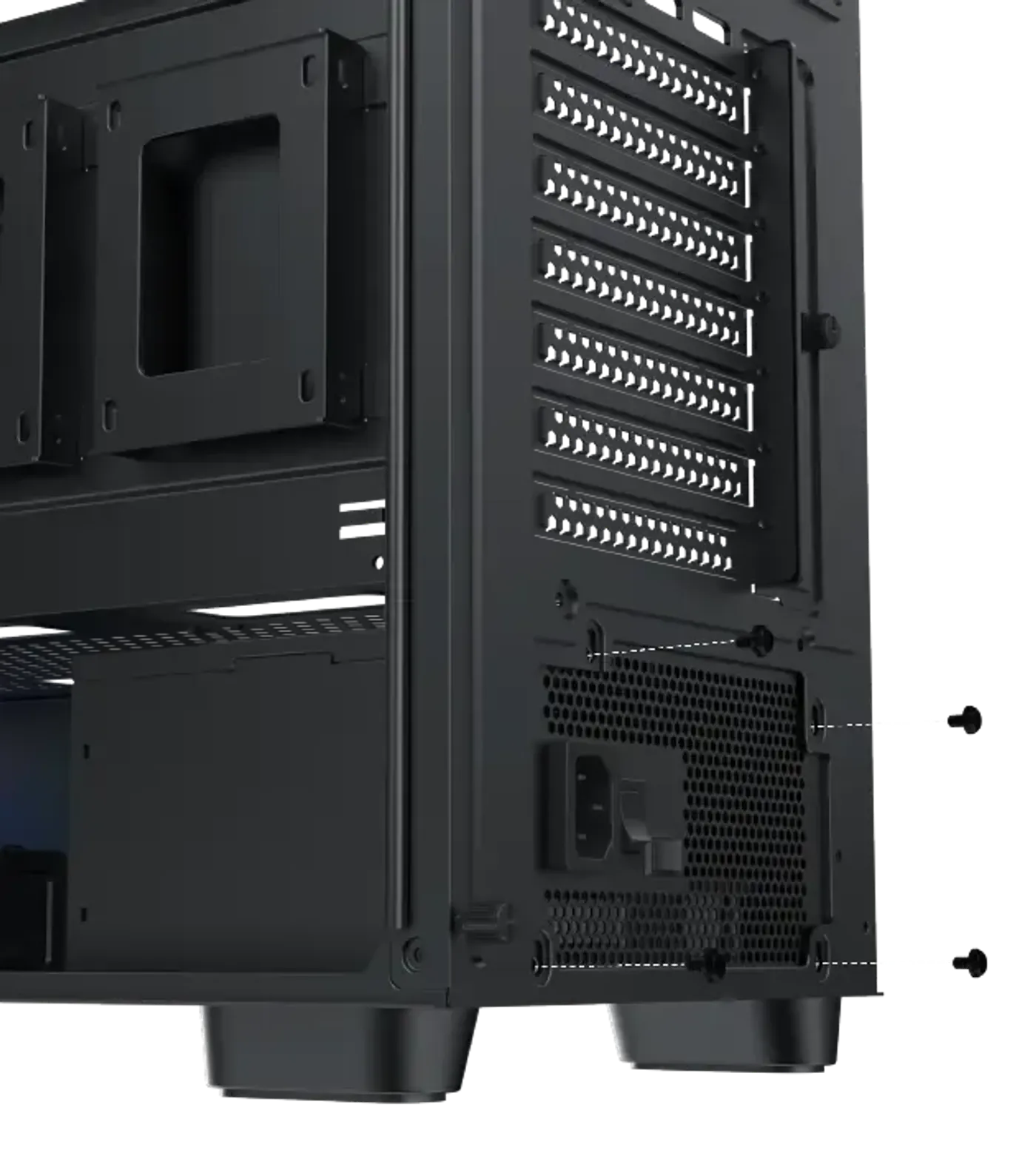
Power Supply Bay Clears Units Up To 220mm
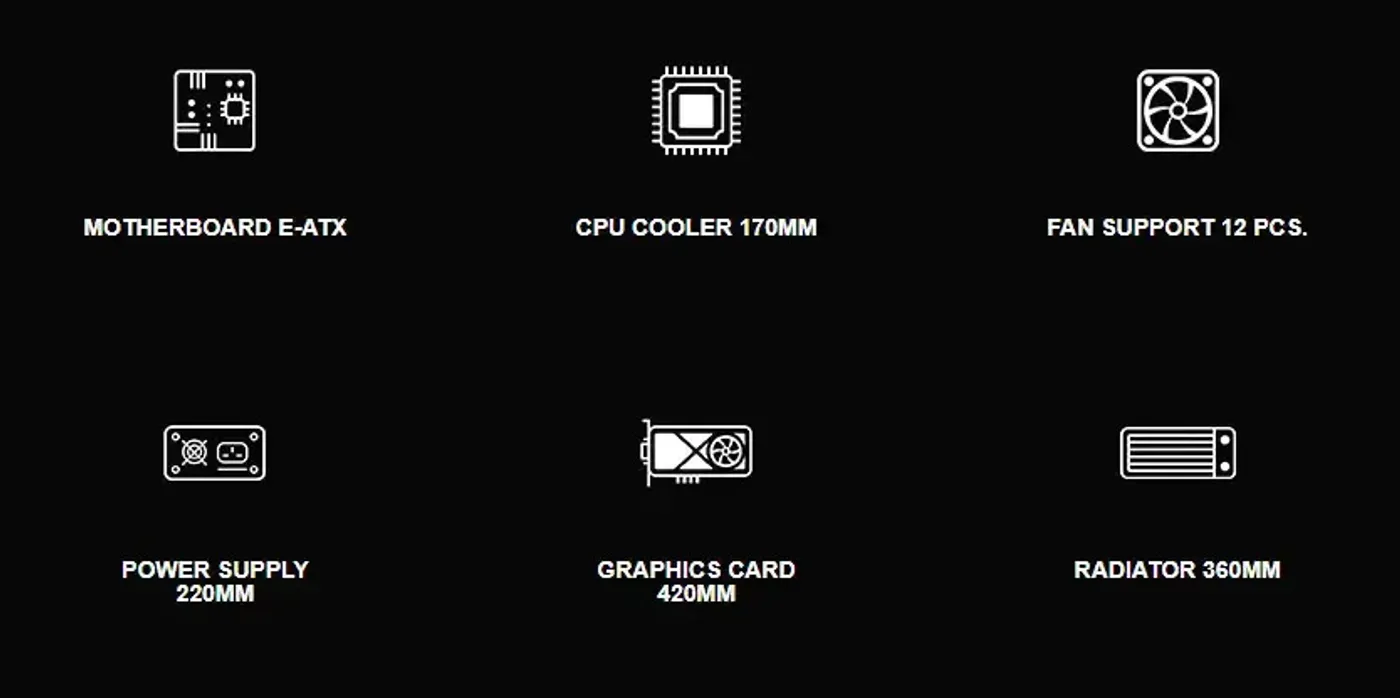
The power supply bay takes units up to 220mm long, enough for high-wattage ATX supplies with their cabling attached rather than compact models alone. Longer supplies tend to be the ones carrying the biggest fans and the highest continuous output. That measurement is worth confirming on any build pairing a power-hungry graphics card with a large PSU.
Power Supply Bay Clears Units Up To 220mm
The power supply bay takes units up to 220mm long, enough for high-wattage ATX supplies with their cabling attached rather than compact models alone. Longer supplies tend to be the ones carrying the biggest fans and the highest continuous output. That measurement is worth confirming on any build pairing a power-hungry graphics card with a large PSU.
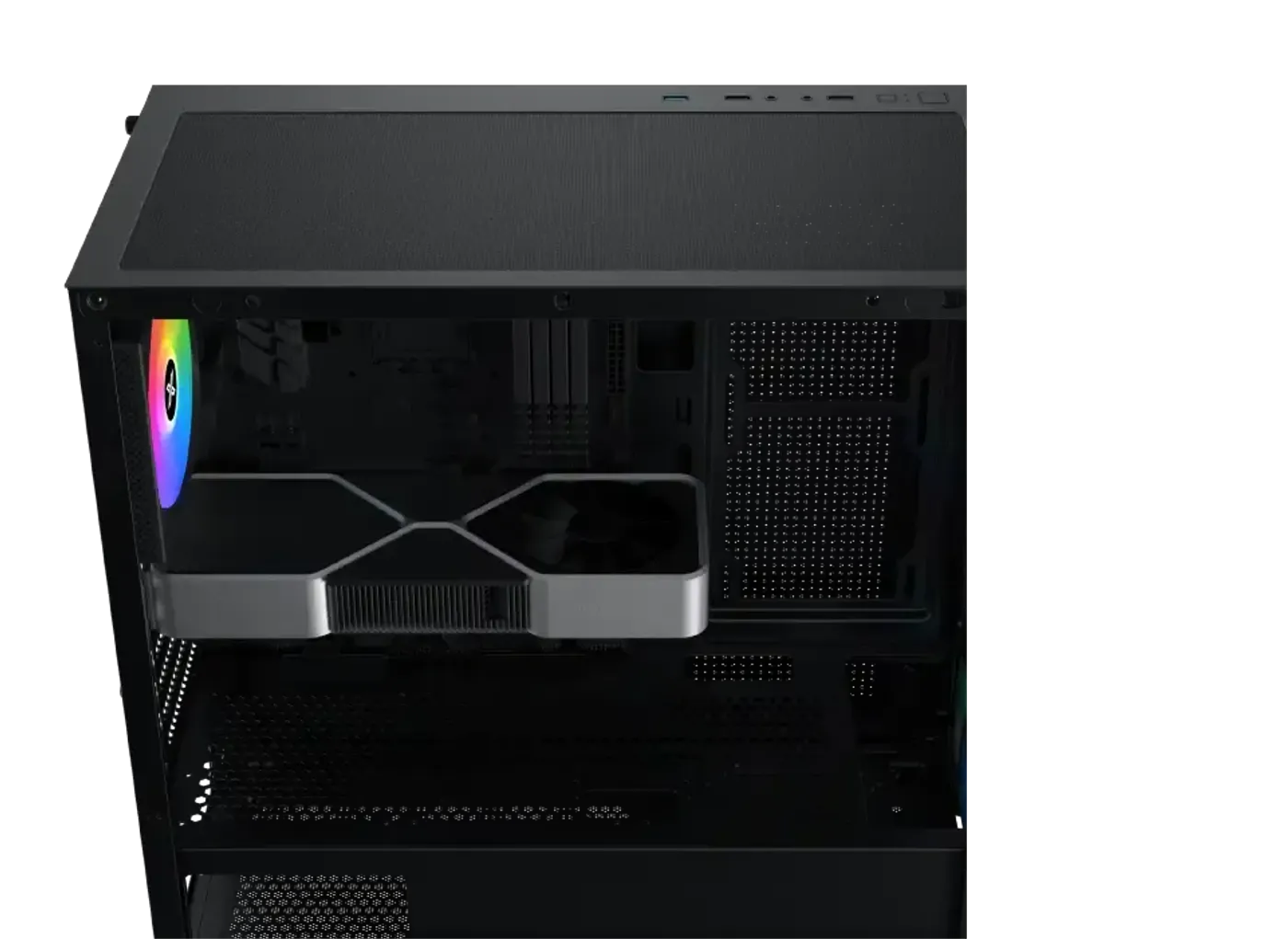
Graphics Cards To 420mm Without A Panel Fan
Graphics card clearance is 420mm with the motherboard panel left empty, and 285mm once a fan is mounted on that panel. The gap between the two figures makes the panel fan a real decision rather than a free addition. Measure the card you plan to fit against whichever of the two configurations you intend to run.
Graphics Cards To 420mm Without A Panel Fan
Graphics card clearance is 420mm with the motherboard panel left empty, and 285mm once a fan is mounted on that panel. The gap between the two figures makes the panel fan a real decision rather than a free addition. Measure the card you plan to fit against whichever of the two configurations you intend to run.
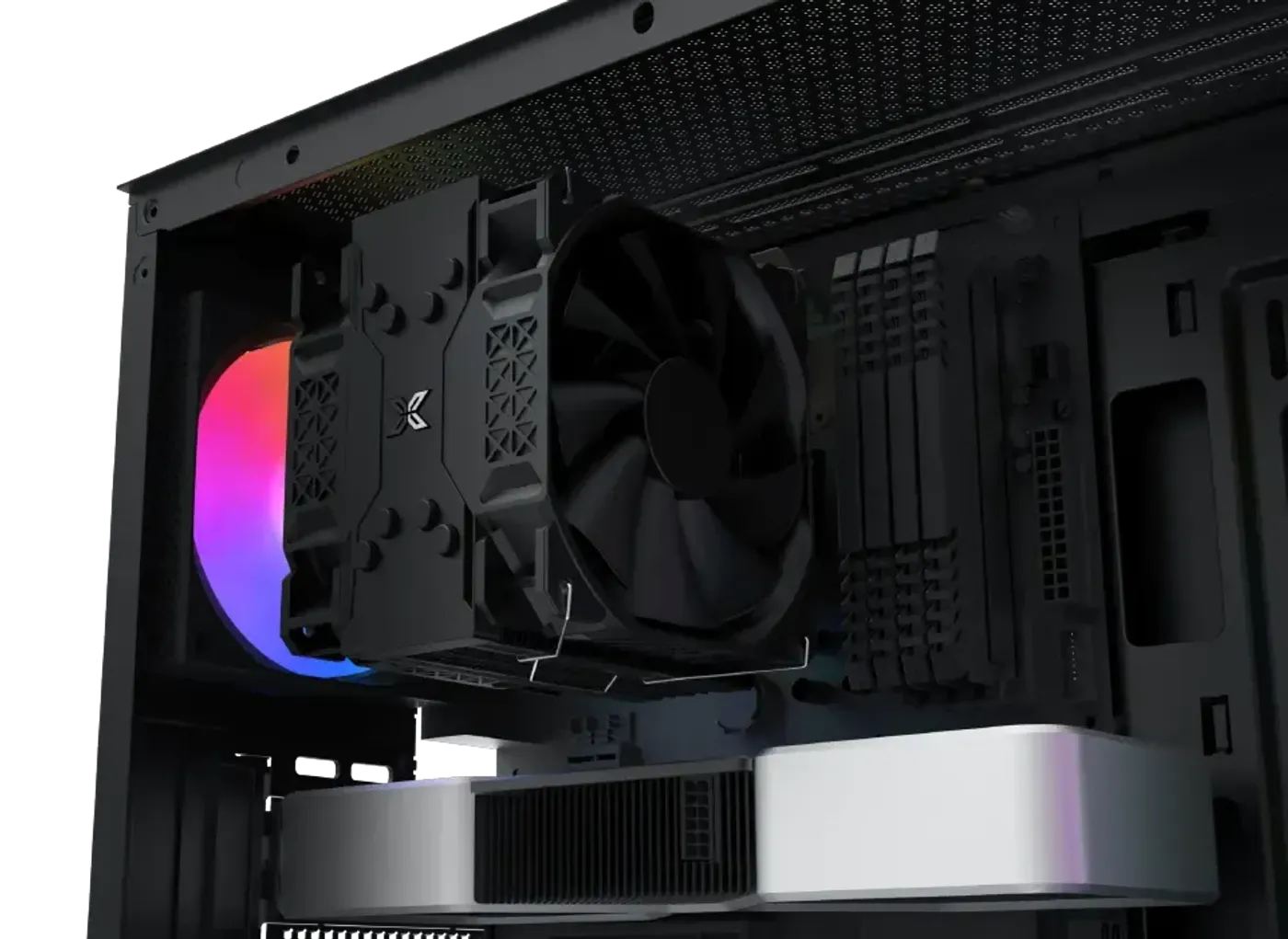
CPU Cooler Height Clearance Of 170mm
Cooler height clearance is 170mm, which accommodates the tall dual-tower air coolers fitted to high-wattage processors. Air cooling at that height is a straightforward alternative to a loop for anyone who would rather avoid pumps and tubing. If liquid suits the build better, the front and top positions both take a 360mm radiator.
CPU Cooler Height Clearance Of 170mm
Cooler height clearance is 170mm, which accommodates the tall dual-tower air coolers fitted to high-wattage processors. Air cooling at that height is a straightforward alternative to a loop for anyone who would rather avoid pumps and tubing. If liquid suits the build better, the front and top positions both take a 360mm radiator.
Fan Mounts At Top, Front, Panel And Shroud
The fan map covers three 120mm or two 140mm fans in the top, three 120mm at the front, two 120mm on the motherboard panel with E-ATX support, three 120mm on the PSU shroud, a 120mm rear fan and an additional 120mm rear position. Four fans are pre-installed, so the airflow path works from the first boot. The remaining mounts are there for anyone who wants to push cooling further.
Fan Mounts At Top, Front, Panel And Shroud
The fan map covers three 120mm or two 140mm fans in the top, three 120mm at the front, two 120mm on the motherboard panel with E-ATX support, three 120mm on the PSU shroud, a 120mm rear fan and an additional 120mm rear position. Four fans are pre-installed, so the airflow path works from the first boot. The remaining mounts are there for anyone who wants to push cooling further.
Fits Motherboards Up To E-ATX
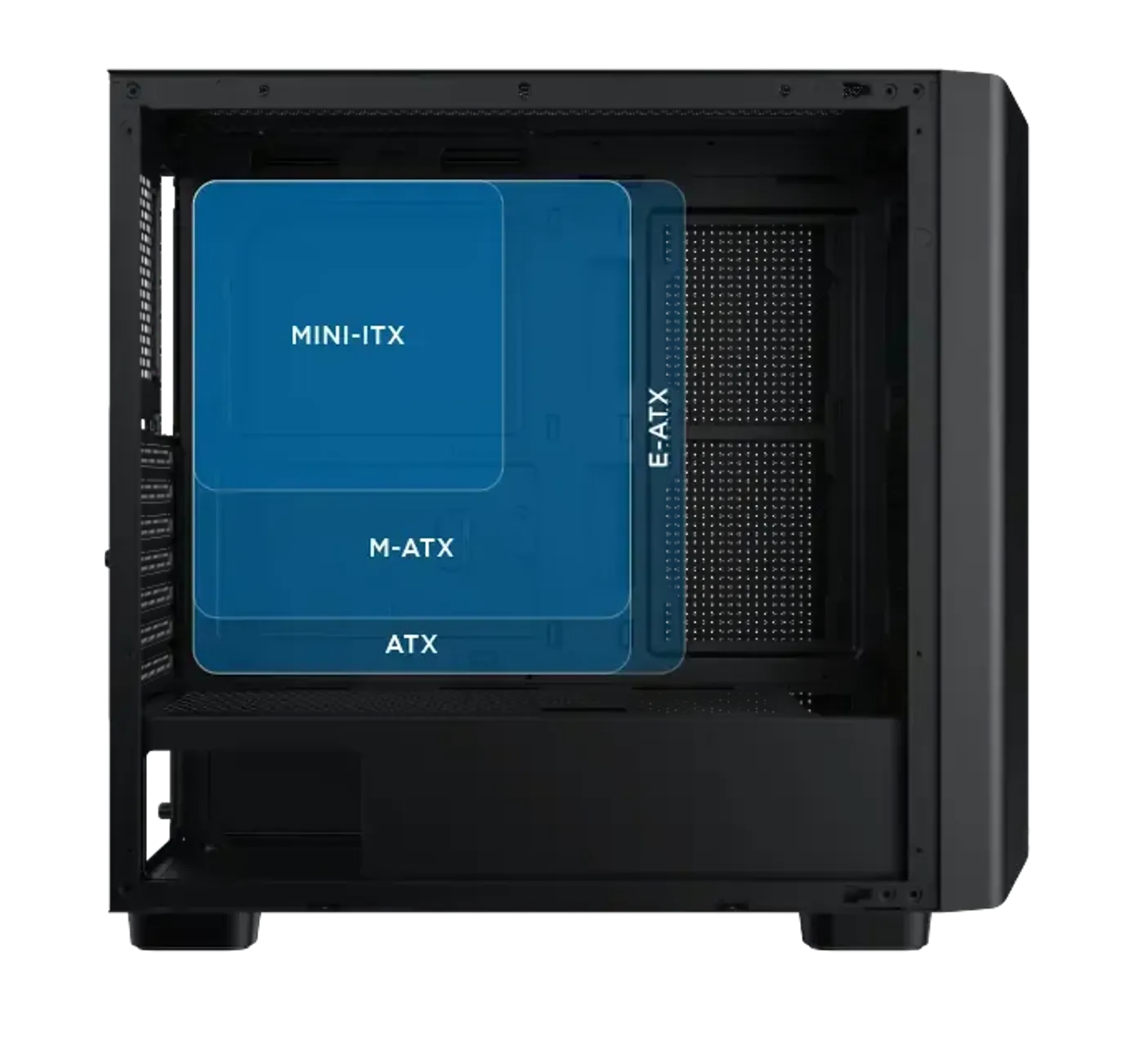
The Gaming Y Pro accepts motherboards up to E-ATX, so a wide high-end desktop or workstation board mounts fully instead of hanging off the edge of the tray. The two 120mm motherboard-panel fan positions are specified with E-ATX support, which means the side intake still works alongside the larger board. Board size and side airflow do not have to be traded against each other here.
Fits Motherboards Up To E-ATX
The Gaming Y Pro accepts motherboards up to E-ATX, so a wide high-end desktop or workstation board mounts fully instead of hanging off the edge of the tray. The two 120mm motherboard-panel fan positions are specified with E-ATX support, which means the side intake still works alongside the larger board. Board size and side airflow do not have to be traded against each other here.
360mm Radiators In Both Front And Top
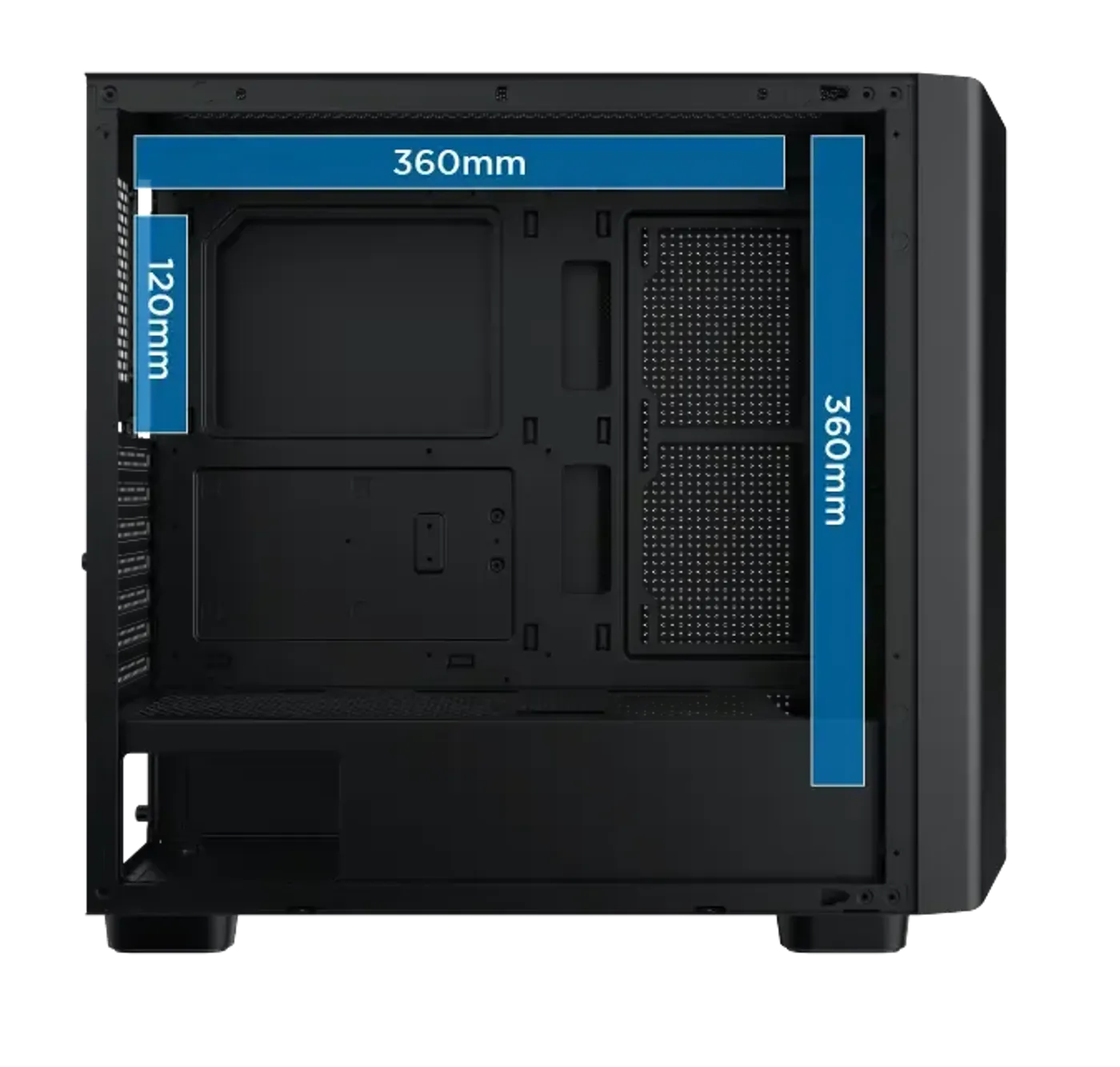
Liquid cooling mounts at 360mm in the front, 360mm in the top provided memory height is 45mm or less, and 120mm at the rear. Two 360mm positions is a large amount of radiator area for a mid tower, which suits a build cooling both the processor and the graphics card. Check the height of your memory modules before committing to a top-mounted radiator.
360mm Radiators In Both Front And Top
Liquid cooling mounts at 360mm in the front, 360mm in the top provided memory height is 45mm or less, and 120mm at the rear. Two 360mm positions is a large amount of radiator area for a mid tower, which suits a build cooling both the processor and the graphics card. Check the height of your memory modules before committing to a top-mounted radiator.
Bottom Cage And Top Combo Cage For Drives
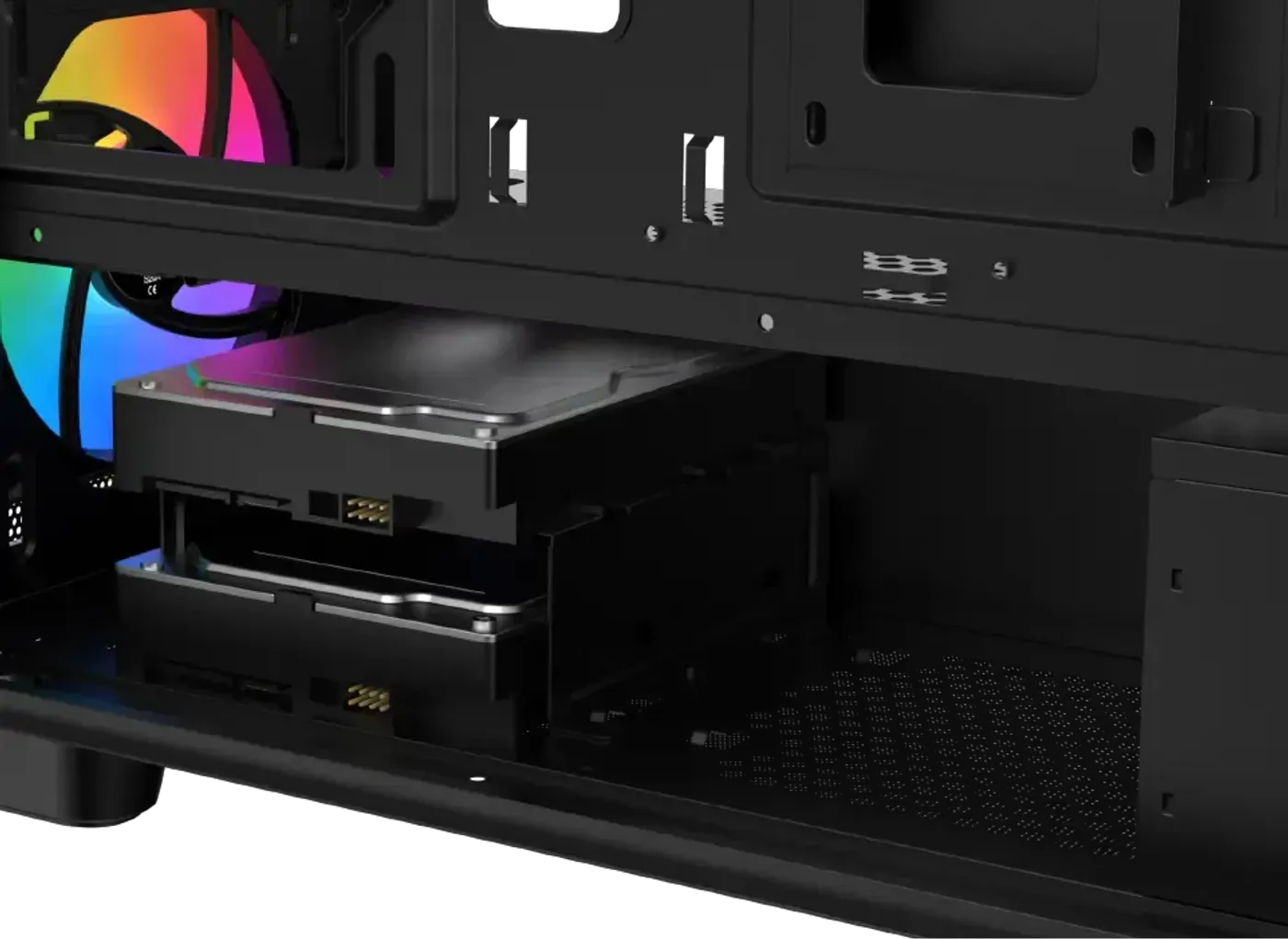
Drive mounting is split between a bottom cage holding one 3.5-inch hard drive and a top combo cage that takes one 3.5-inch or 2.5-inch drive. Splitting storage across two cages gives a build room for a capacity disk plus a second drive without stacking them together. Between the two you can run a mechanical drive for bulk files and an SSD in the combo position.
Bottom Cage And Top Combo Cage For Drives
Drive mounting is split between a bottom cage holding one 3.5-inch hard drive and a top combo cage that takes one 3.5-inch or 2.5-inch drive. Splitting storage across two cages gives a build room for a capacity disk plus a second drive without stacking them together. Between the two you can run a mechanical drive for bulk files and an SSD in the combo position.
Two Dedicated 2.5-Inch SSD Mounts
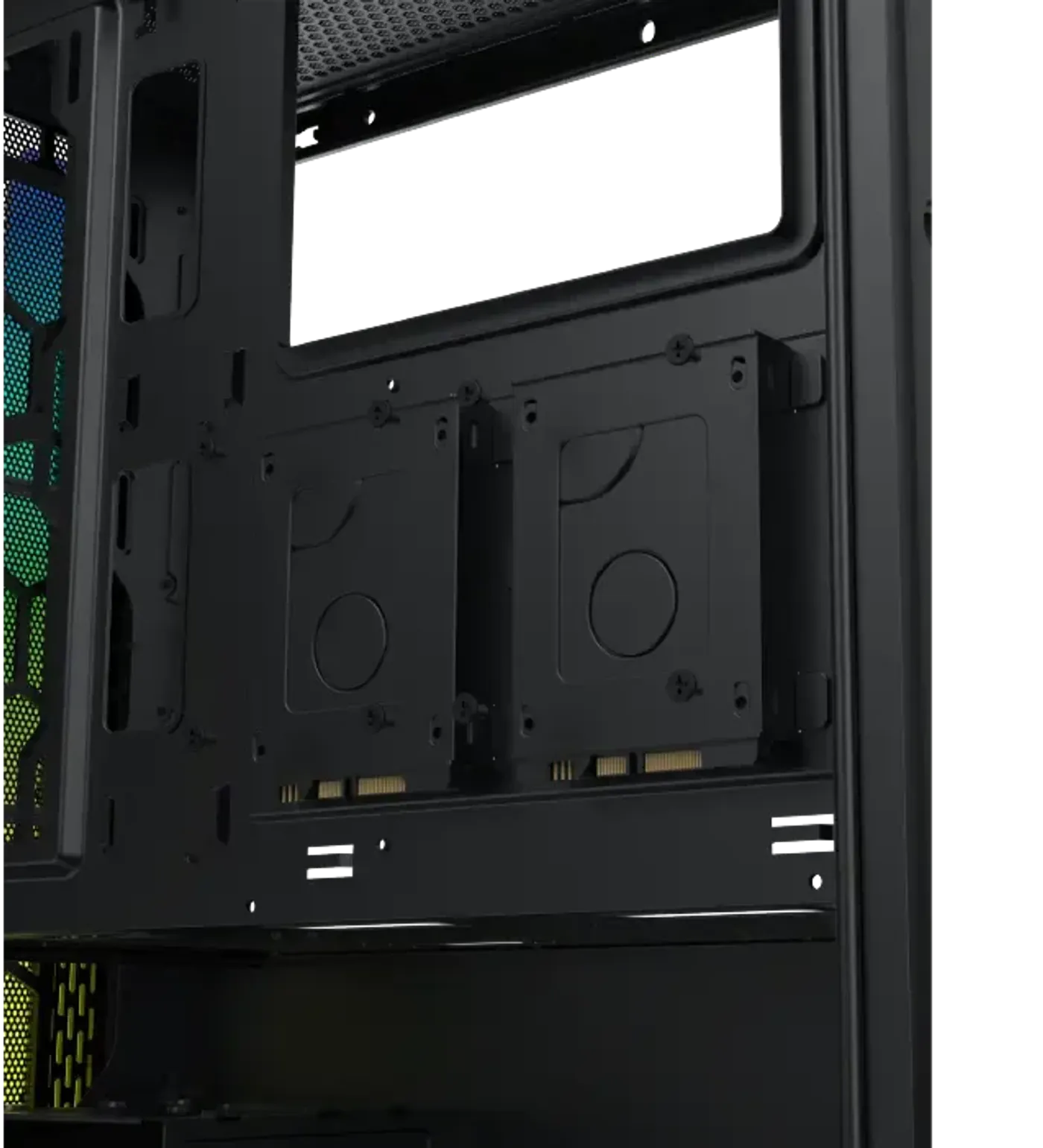
Alongside the drive cages, the Gaming Y Pro provides two dedicated 2.5-inch SSD mounts. That brings total drive capability to a hard drive in the bottom cage, a 3.5-inch or 2.5-inch drive in the combo cage and two further SSDs on their own mounting points. Four positions is enough for a boot drive, a game library and archive storage in a single machine.
Two Dedicated 2.5-Inch SSD Mounts
Alongside the drive cages, the Gaming Y Pro provides two dedicated 2.5-inch SSD mounts. That brings total drive capability to a hard drive in the bottom cage, a 3.5-inch or 2.5-inch drive in the combo cage and two further SSDs on their own mounting points. Four positions is enough for a boot drive, a game library and archive storage in a single machine.
Top Mounted I/O With Three USB Ports
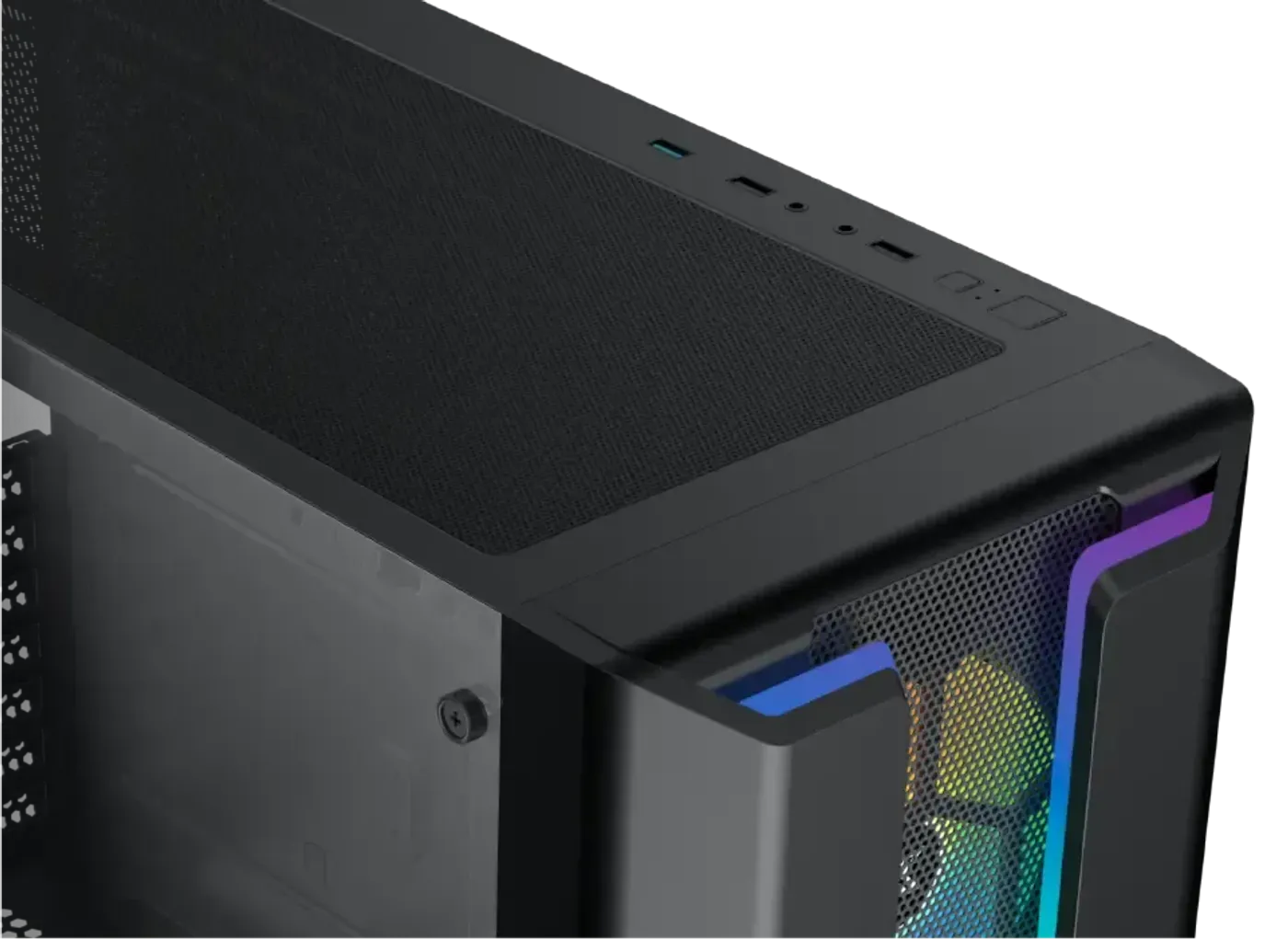
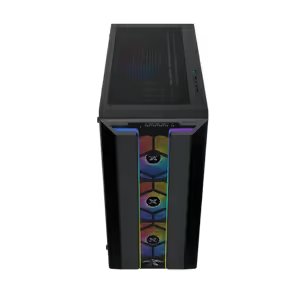
The I/O panel sits on top of the case and carries a power button, a reset button, an HD audio jack, two USB 2.0 ports and one USB 3.0 port. Placing it up there suits a machine that lives on the floor, where front-facing ports end up out of reach. With three USB ports on the panel, a flash drive can go in without unplugging a controller or a headset first.
Top Mounted I/O With Three USB Ports
The I/O panel sits on top of the case and carries a power button, a reset button, an HD audio jack, two USB 2.0 ports and one USB 3.0 port. Placing it up there suits a machine that lives on the floor, where front-facing ports end up out of reach. With three USB ports on the panel, a flash drive can go in without unplugging a controller or a headset first.
FAQ
Frequently Asked Questions
Everything you need to know about this product
It supports motherboards up to E-ATX, and the two motherboard-panel fan mounts are specified with E-ATX support as well.
Cards up to 420mm fit without a fan on the motherboard panel, or up to 285mm with a fan mounted there.
CPU cooler compatibility is up to 170mm in height, which covers the large tower coolers used on high-wattage processors.
The power supply bay is compatible with units up to 220mm long, so a large ATX supply fits with its cabling attached.
It takes a 360mm radiator in the front, a 360mm radiator in the top with memory height of 45mm or less, and a 120mm radiator at the rear.
Four fans are pre-installed in the case, so an airflow path is already in place before you add any of your own.
Mounts cover three 120mm or two 140mm fans in the top, three 120mm at the front, two 120mm on the motherboard panel, three 120mm on the PSU shroud and 120mm fans at the rear.
There is a bottom cage for one 3.5-inch hard drive, a top combo cage for one 3.5-inch or 2.5-inch drive, and two dedicated 2.5-inch SSD mounts.
Yes, the case includes customisable RGB lighting so the look of the build can be matched to the rest of a setup.
The front uses a mesh grill panel, which keeps the intake fans supplied with air while giving the case its plain black look.
The I/O panel is mounted on the top of the chassis with a power button, reset button, HD audio jack, two USB 2.0 ports and one USB 3.0 port.
This black mid tower version of the Xigmatek Gaming Y Pro is listed as model EN42249.

AI-Generated Content:These FAQs are generated by an automated AI system and may contain inaccuracies or omissions. Evetech makes no warranties, express or implied, regarding their completeness or reliability. For definitive information, please refer to the manufacturer's official specifications.
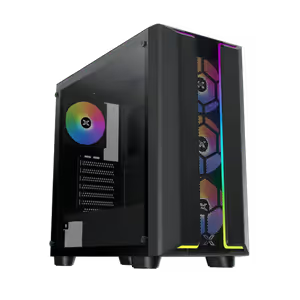
Please Note: Product images are for illustrative purposes only and may differ from the actual product.
Choose your
own PC
Hand-pick every part with live stock, compatibility, and instant pricing.
Try the new builderPrice Inc. Vat
R 1,599
Save R 300
ListR 1,899
1599Free Delivery
Qty:
In Stock with Evetech
Choose your
own PC
Hand-pick every part with live stock, compatibility, and instant pricing.
Try the new builderXigmatek Gaming Y Pro Mid Tower Gaming Case - Black