1 Year Local Warranty
Model No : Xigmatek EN42201
Price Inc. Vat
R 2,299
Save R 500
ListR 2,799
2299Change Quantity:
In Stock with Evetech
Price Inc. Vat
R 2,299
Save R 500
ListR 2,799
2299Change Quantity:
In Stock with Evetech
Trusted Partners
Please Note: Product images are for illustrative purposes only and may differ from the actual product.
Hand-pick every part with live stock, compatibility, and instant pricing.
Try the new builderHand-pick every part with live stock, compatibility, and instant pricing.
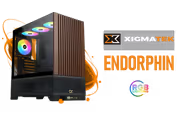
Try the new builderXigmatek Endorphin WD Air Mid Tower Gaming Case Black
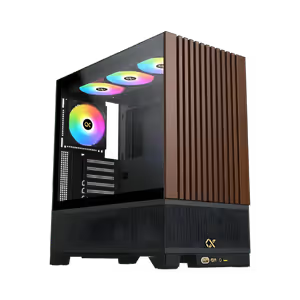
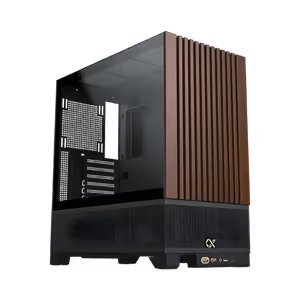
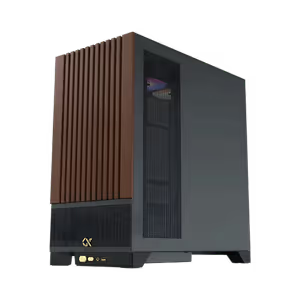
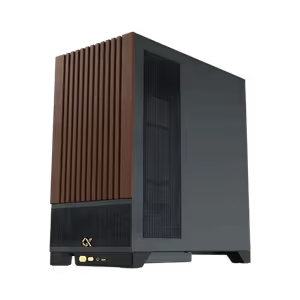
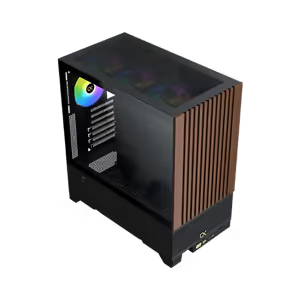
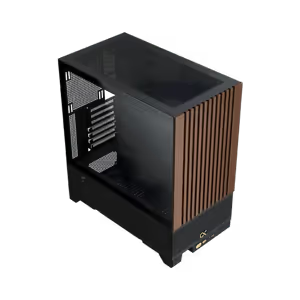
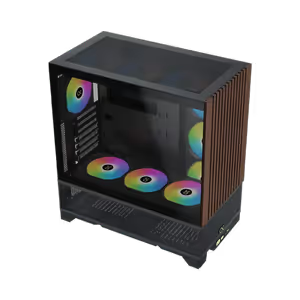
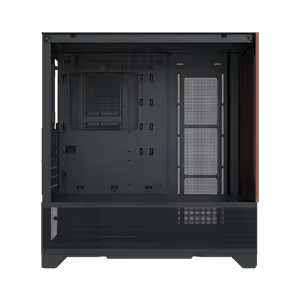
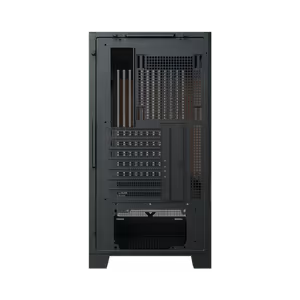
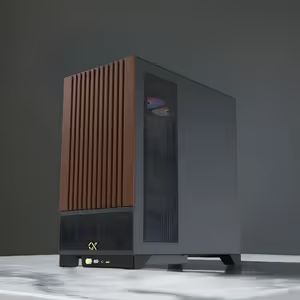
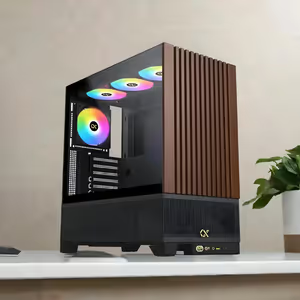
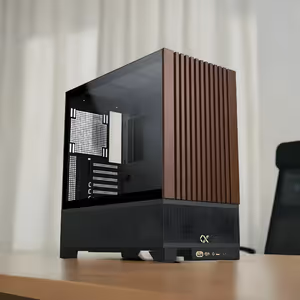
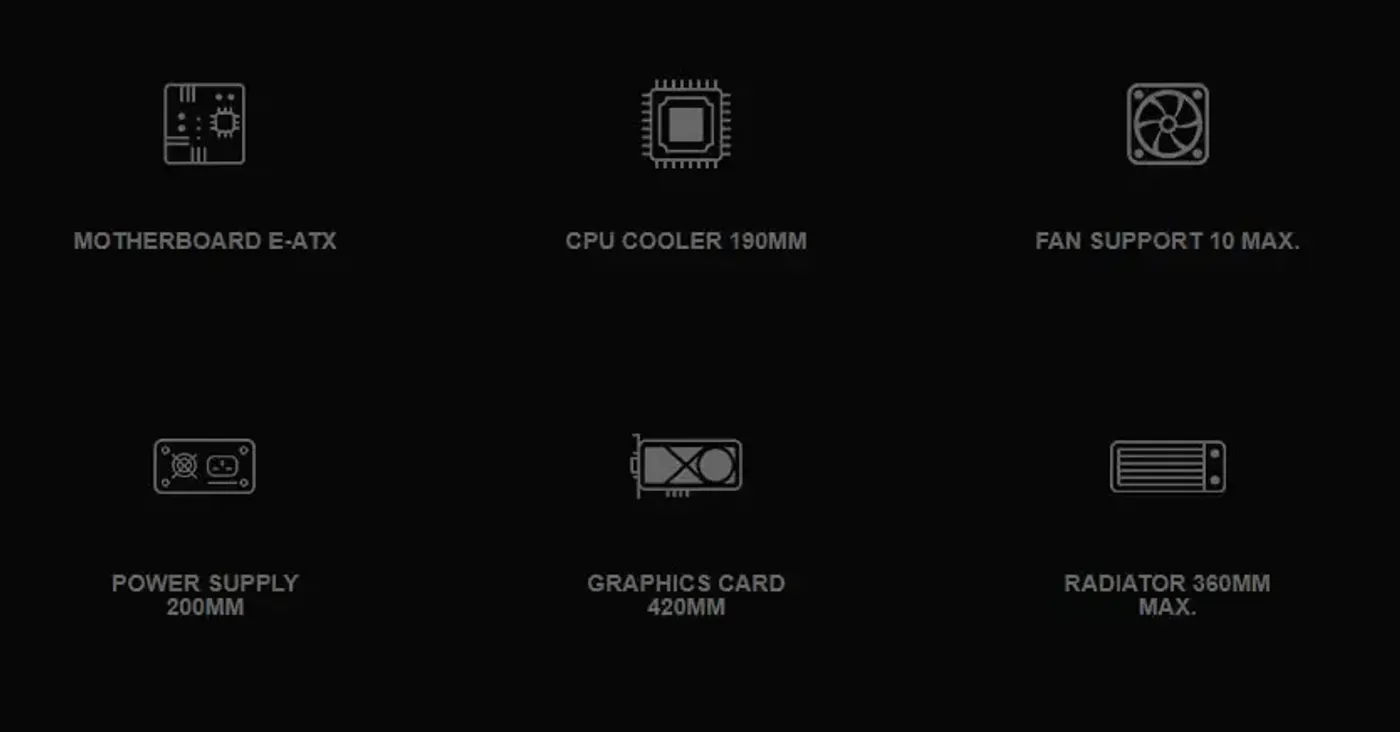
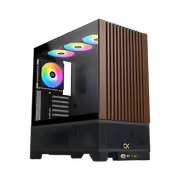
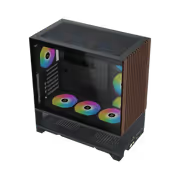
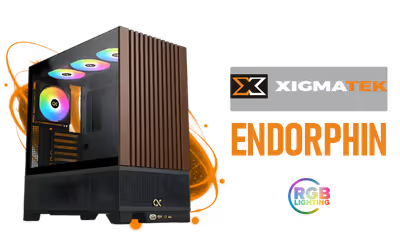
The Xigmatek Endorphin WD Air is a mid tower gaming case in black that supports motherboards up to E-ATX and arrives with four pre-installed ARGB fans. Multiple fan mounting positions and heavily vented panels keep component temperatures steady through long gaming sessions. The interior is deliberately spacious, so cable routing and component installation stay straightforward for a first build or a rebuild.
The Xigmatek Endorphin WD Air is a mid tower gaming case in black that supports motherboards up to E-ATX and arrives with four pre-installed ARGB fans. Multiple fan mounting positions and heavily vented panels keep component temperatures steady through long gaming sessions. The interior is deliberately spacious, so cable routing and component installation stay straightforward for a first build or a rebuild.
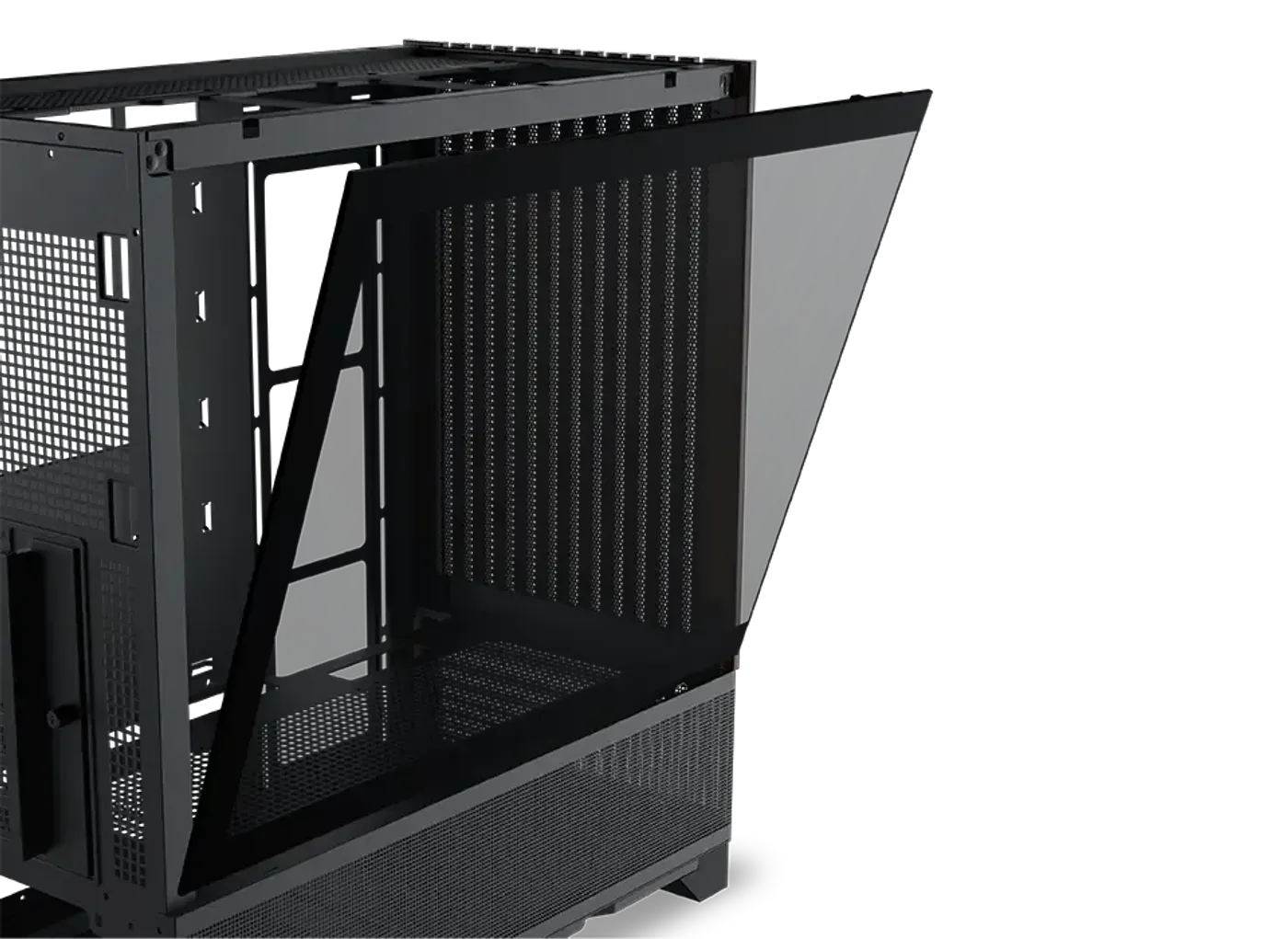
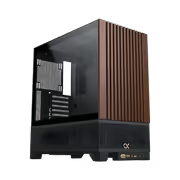
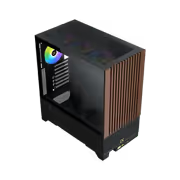
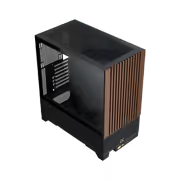
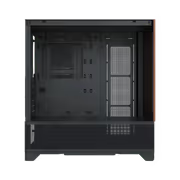
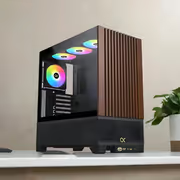
The left side panel is tempered glass and comes away from the chassis without effort, opening the whole interior whenever you need to reach a cable or swap a part. With it removed the four pre-installed ARGB fans and your components are on full view rather than hidden behind steel. Taking it off first is the quickest way to begin a build in this case.
The left side panel is tempered glass and comes away from the chassis without effort, opening the whole interior whenever you need to reach a cable or swap a part. With it removed the four pre-installed ARGB fans and your components are on full view rather than hidden behind steel. Taking it off first is the quickest way to begin a build in this case.
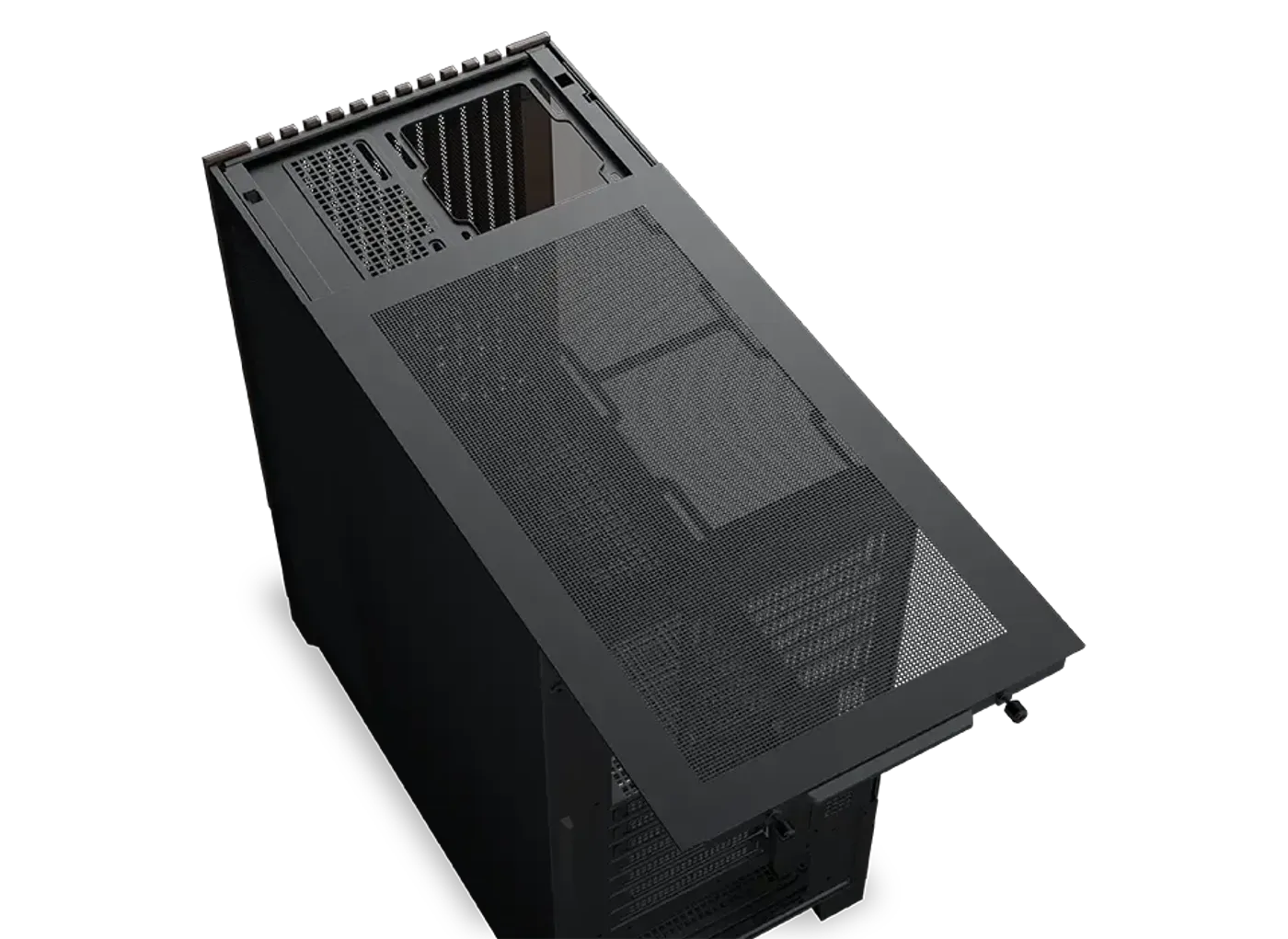
The top cover of the Endorphin WD Air detaches, exposing the roof mounts so fans or a radiator can be fitted to the bracket outside the case and lowered in as one unit. Working on the roof in open air is far easier than reaching over an already fitted motherboard. The panel returns to position once the cooling hardware is secured.
The top cover of the Endorphin WD Air detaches, exposing the roof mounts so fans or a radiator can be fitted to the bracket outside the case and lowered in as one unit. Working on the roof in open air is far easier than reaching over an already fitted motherboard. The panel returns to position once the cooling hardware is secured.
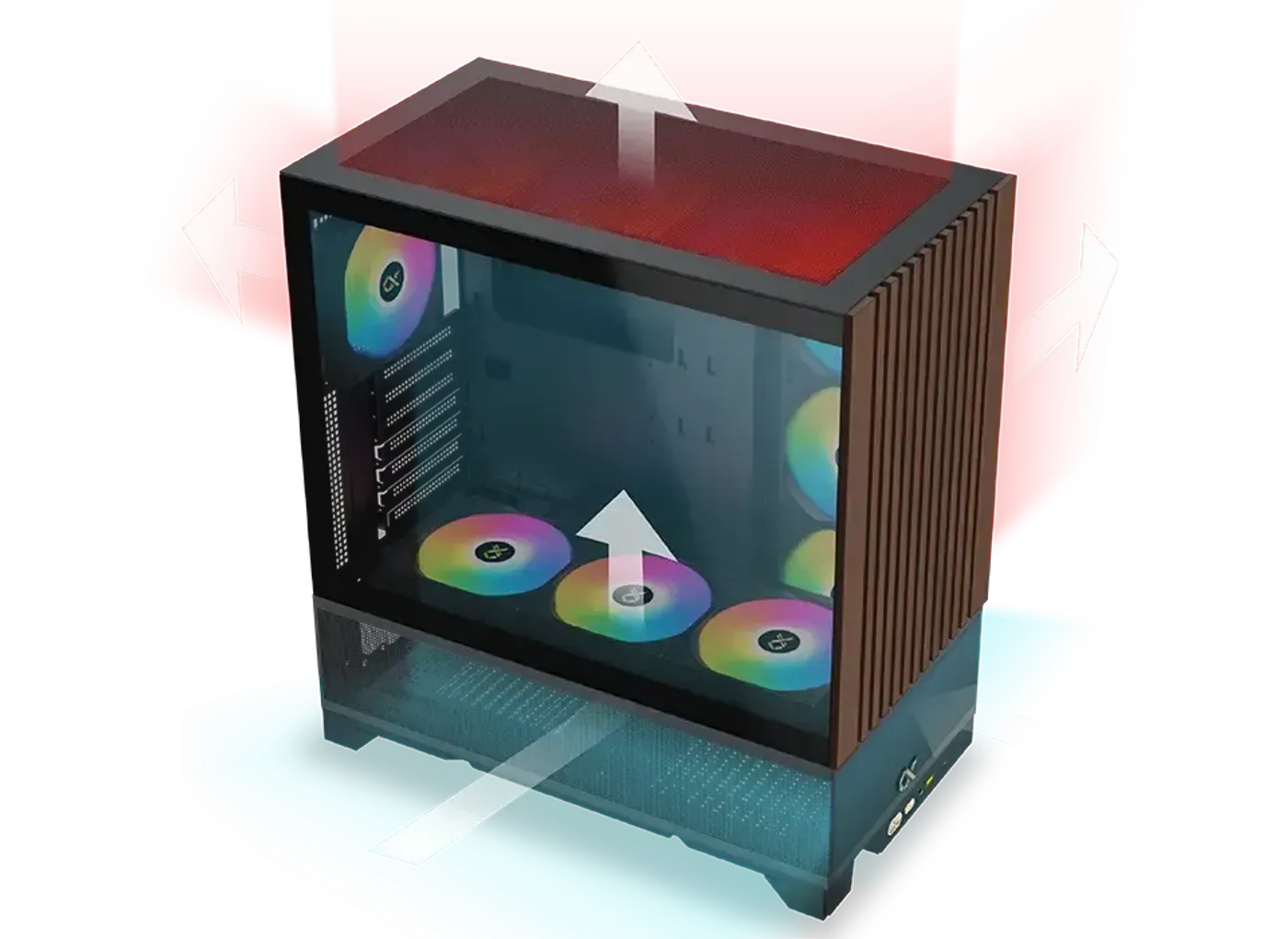
Air enters and leaves the Endorphin WD Air on several planes, with mounting positions on the roof, the motherboard panel, the PSU shroud and the rear. That spread lets you set intake and exhaust across more than one wall instead of relying on a single row of fans. Sustained load is where it shows, because heat is carried out continuously rather than left to recirculate inside the chamber.
Air enters and leaves the Endorphin WD Air on several planes, with mounting positions on the roof, the motherboard panel, the PSU shroud and the rear. That spread lets you set intake and exhaust across more than one wall instead of relying on a single row of fans. Sustained load is where it shows, because heat is carried out continuously rather than left to recirculate inside the chamber.
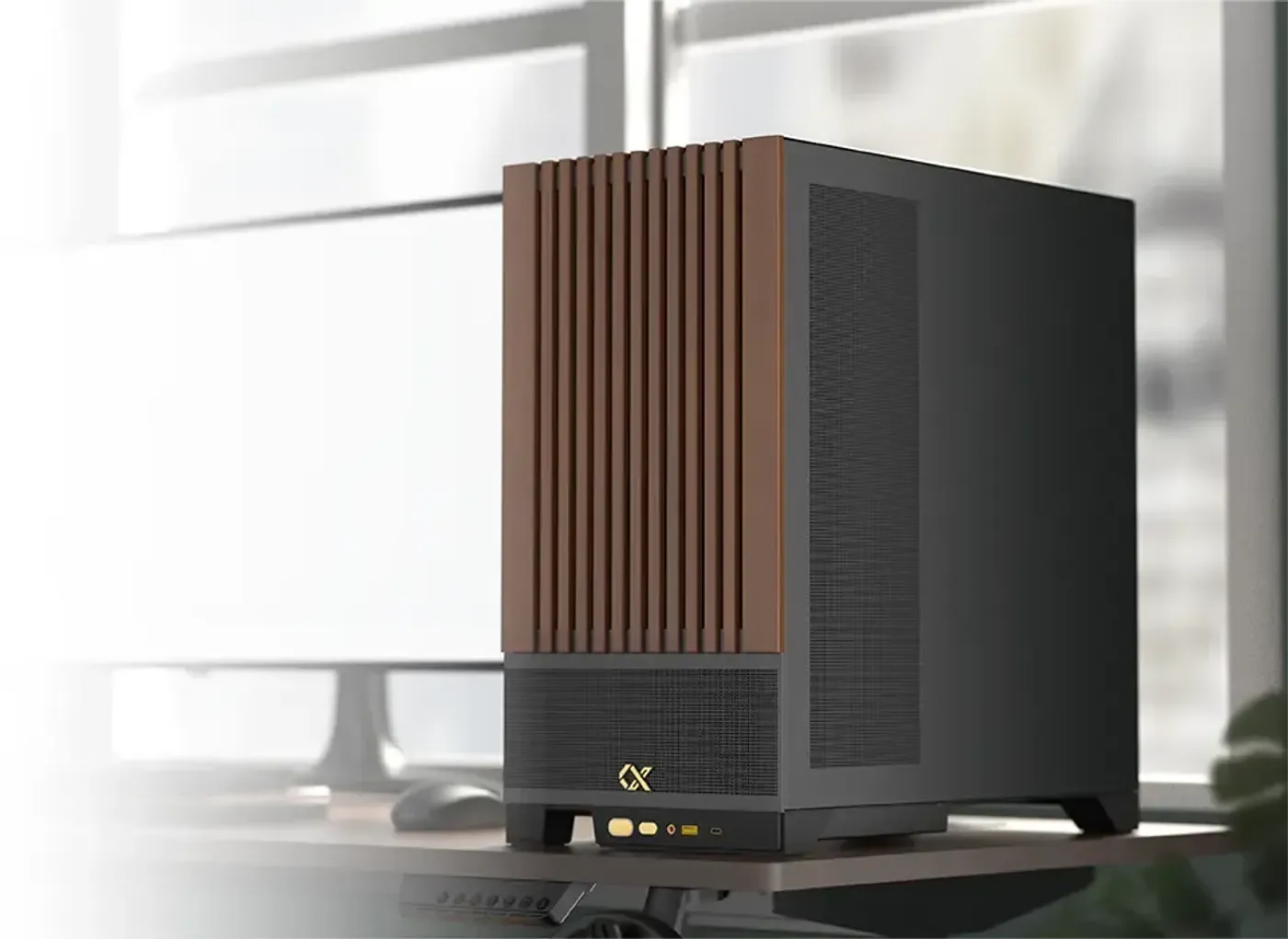
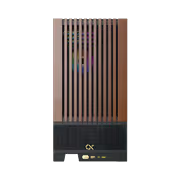
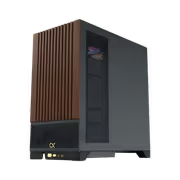
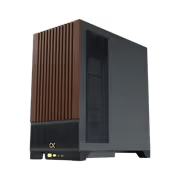
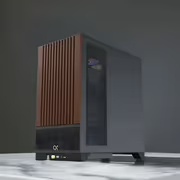
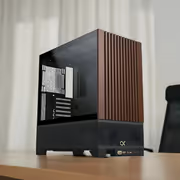
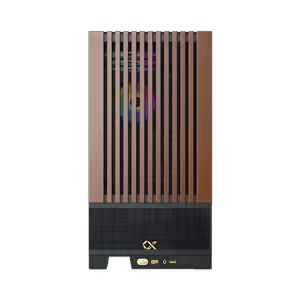
The front of the Endorphin WD Air is finished in wood, an unusual material against the black chassis and glass that make up the rest of the case. It gives the tower a warmer, furniture-like face that suits a lounge or study as readily as a dedicated gaming room. Every other surface keeps the plain contemporary black look, so the front is what people notice.
The front of the Endorphin WD Air is finished in wood, an unusual material against the black chassis and glass that make up the rest of the case. It gives the tower a warmer, furniture-like face that suits a lounge or study as readily as a dedicated gaming room. Every other surface keeps the plain contemporary black look, so the front is what people notice.
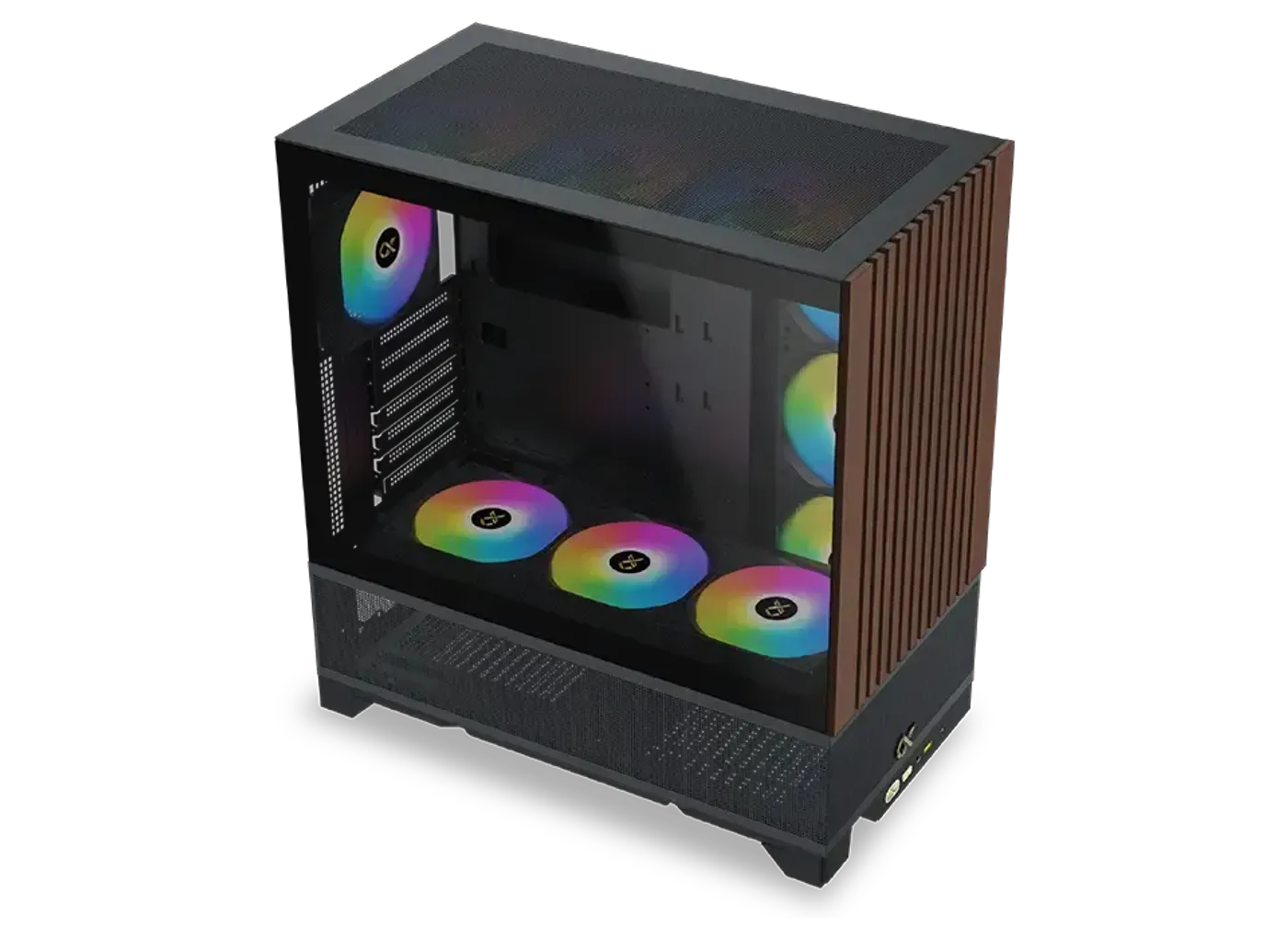
The roof takes three 120mm or three 140mm fans, the motherboard panel takes three 120mm fans when an ATX board is fitted, and the rear takes a single 120mm fan. The motherboard-panel row is the useful trick here, aiming cool air side-on at the graphics card and VRM area instead of only front to back. These positions are available whether you run all air or mix in a radiator.
The roof takes three 120mm or three 140mm fans, the motherboard panel takes three 120mm fans when an ATX board is fitted, and the rear takes a single 120mm fan. The motherboard-panel row is the useful trick here, aiming cool air side-on at the graphics card and VRM area instead of only front to back. These positions are available whether you run all air or mix in a radiator.
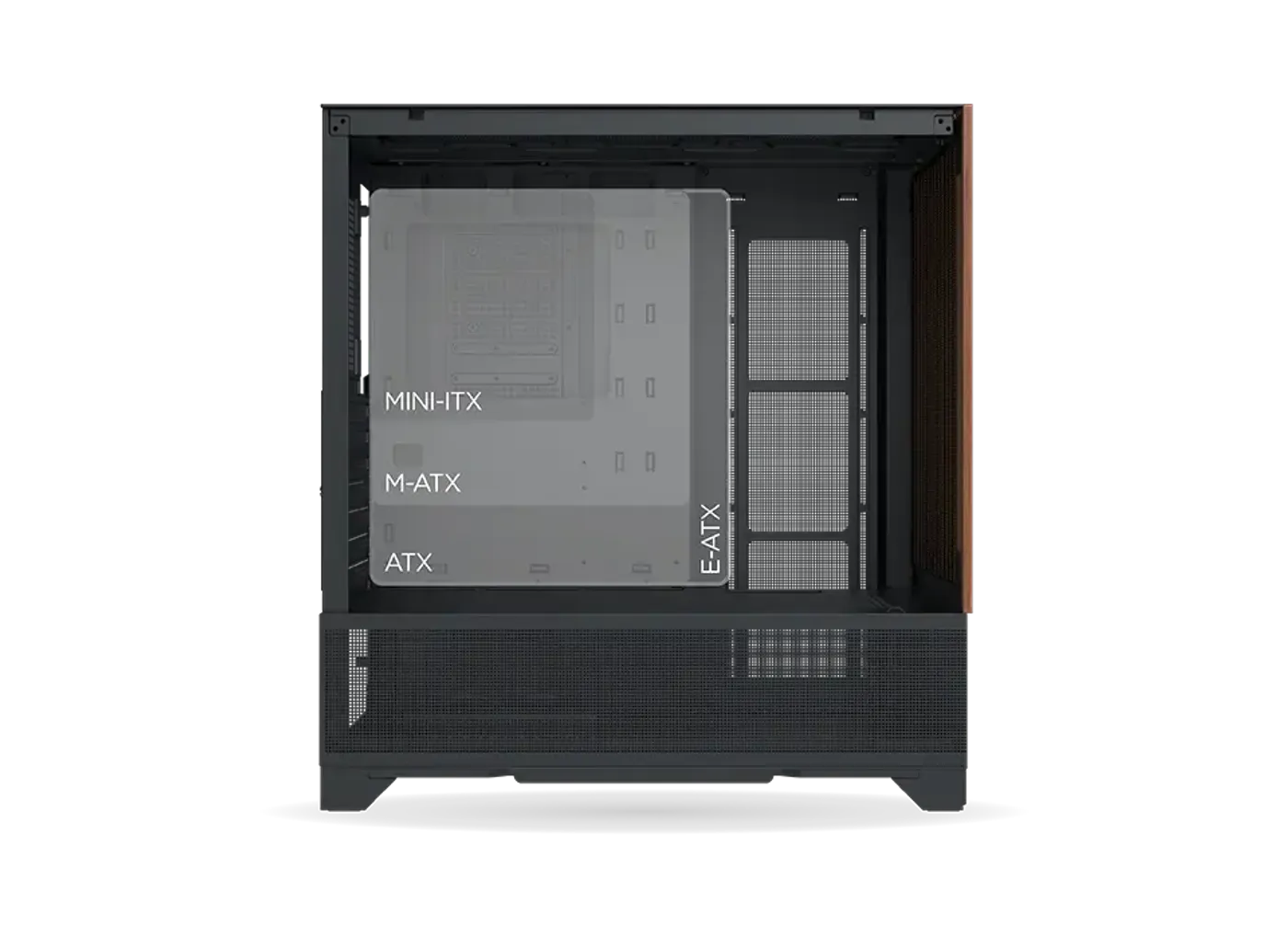
The Endorphin WD Air accepts motherboards up to E-ATX, so a wide workstation-class board mounts fully rather than overhanging the tray. Note that the three 120mm motherboard-panel fan mounts are specified for ATX boards, which makes a wider board and that side fan wall an either-or decision. Plan the board size and the panel fans together before you buy either one.
The Endorphin WD Air accepts motherboards up to E-ATX, so a wide workstation-class board mounts fully rather than overhanging the tray. Note that the three 120mm motherboard-panel fan mounts are specified for ATX boards, which makes a wider board and that side fan wall an either-or decision. Plan the board size and the panel fans together before you buy either one.
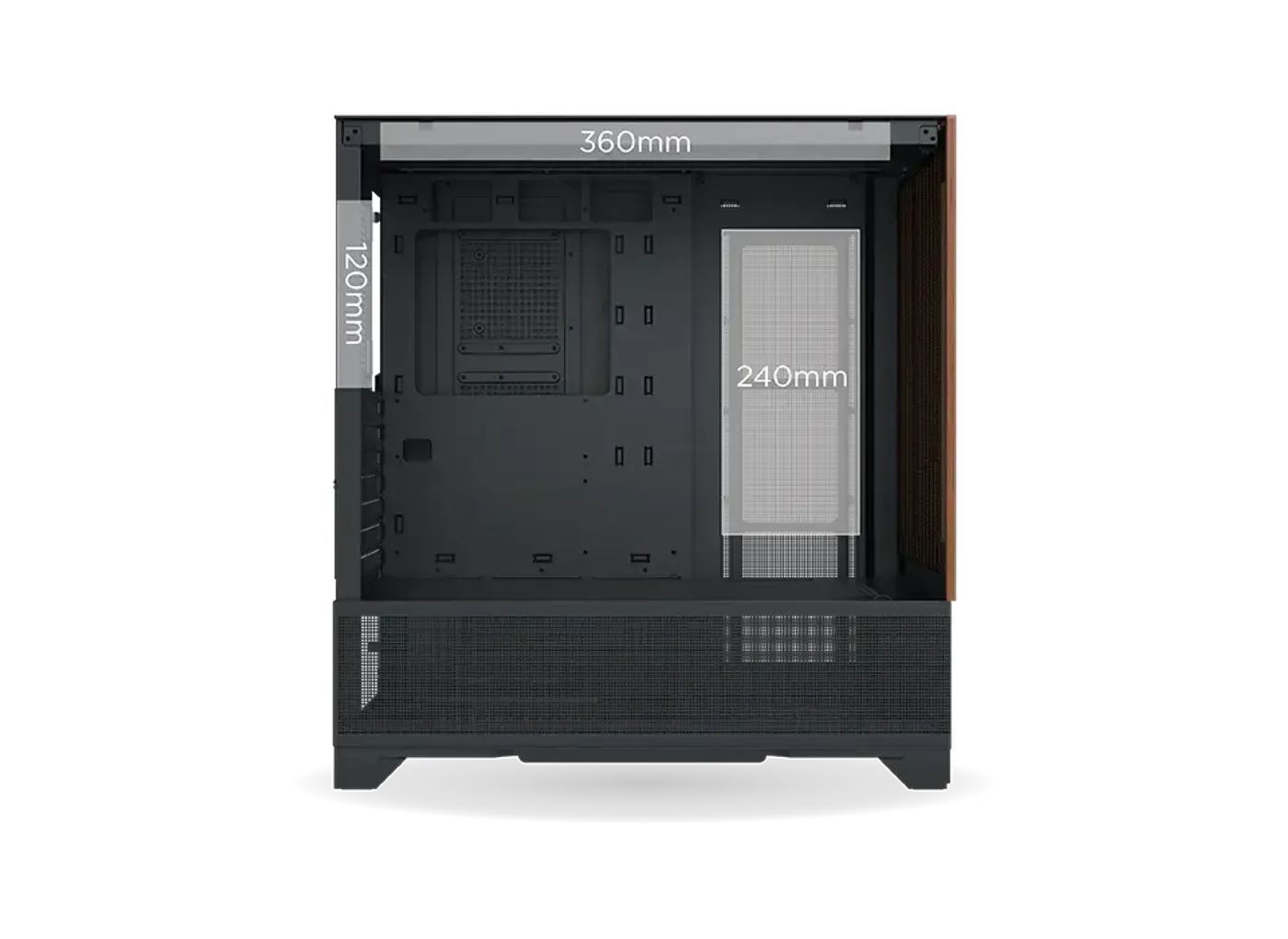
Liquid cooling mounts at 360mm in the top, 240mm on the motherboard panel with an ATX board fitted, and 120mm at the rear. A 360mm roof radiator gives a high-wattage processor a full three-fan surface to shed heat into. The motherboard-panel position is then free for a second loop or an all-in-one aimed at the graphics card, with the rear 120mm mount left for exhaust.
Liquid cooling mounts at 360mm in the top, 240mm on the motherboard panel with an ATX board fitted, and 120mm at the rear. A 360mm roof radiator gives a high-wattage processor a full three-fan surface to shed heat into. The motherboard-panel position is then free for a second loop or an all-in-one aimed at the graphics card, with the rear 120mm mount left for exhaust.
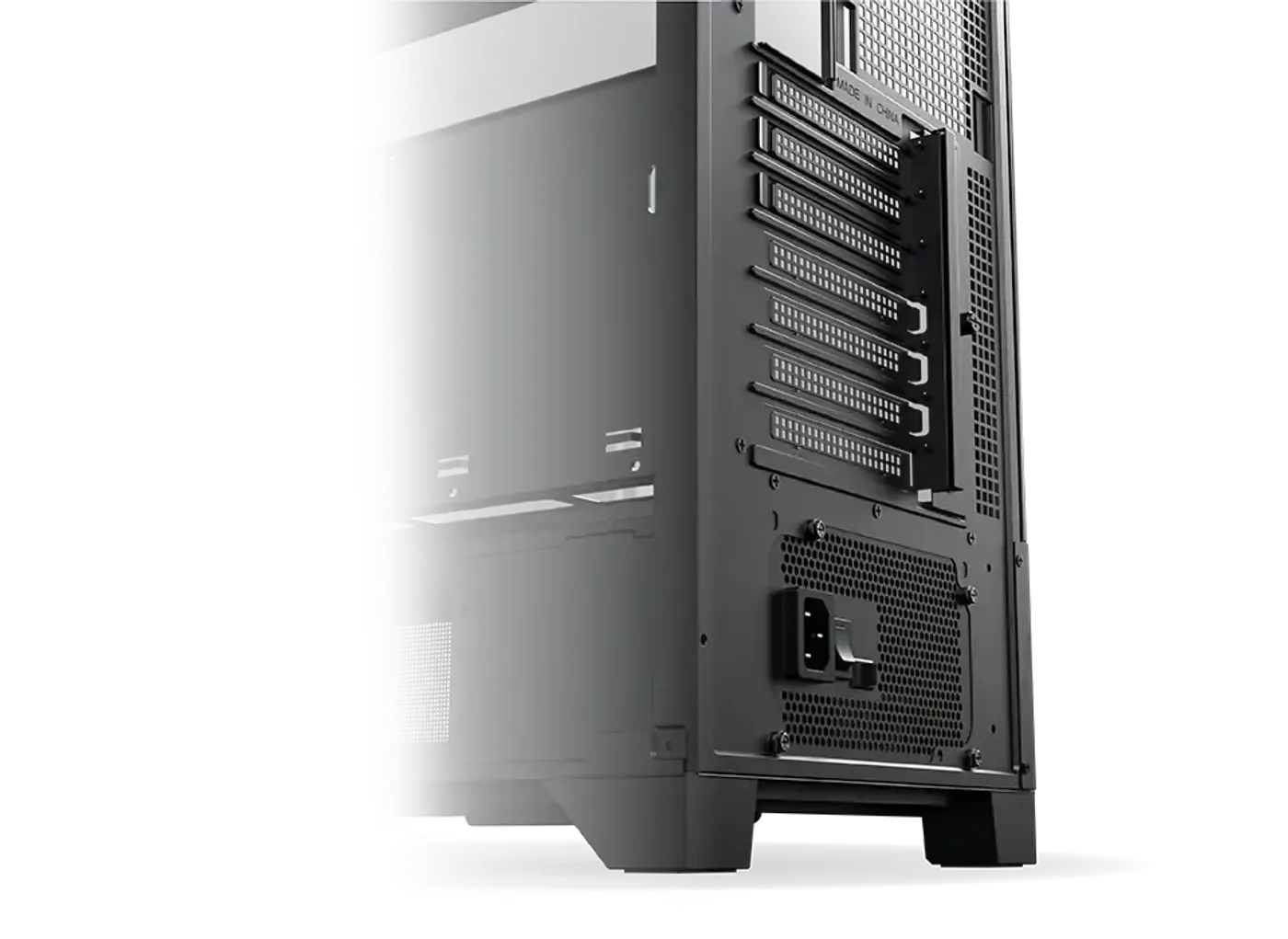
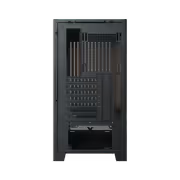
The layout leaves room to route and gather cables away from the main chamber, which is what keeps a build with an E-ATX board and several drives looking clean through the glass. The same open interior means components go in at fewer awkward angles during assembly. Tidy routing pays back twice, since loose cable bundles are the usual reason airflow through a case falls short.
The layout leaves room to route and gather cables away from the main chamber, which is what keeps a build with an E-ATX board and several drives looking clean through the glass. The same open interior means components go in at fewer awkward angles during assembly. Tidy routing pays back twice, since loose cable bundles are the usual reason airflow through a case falls short.
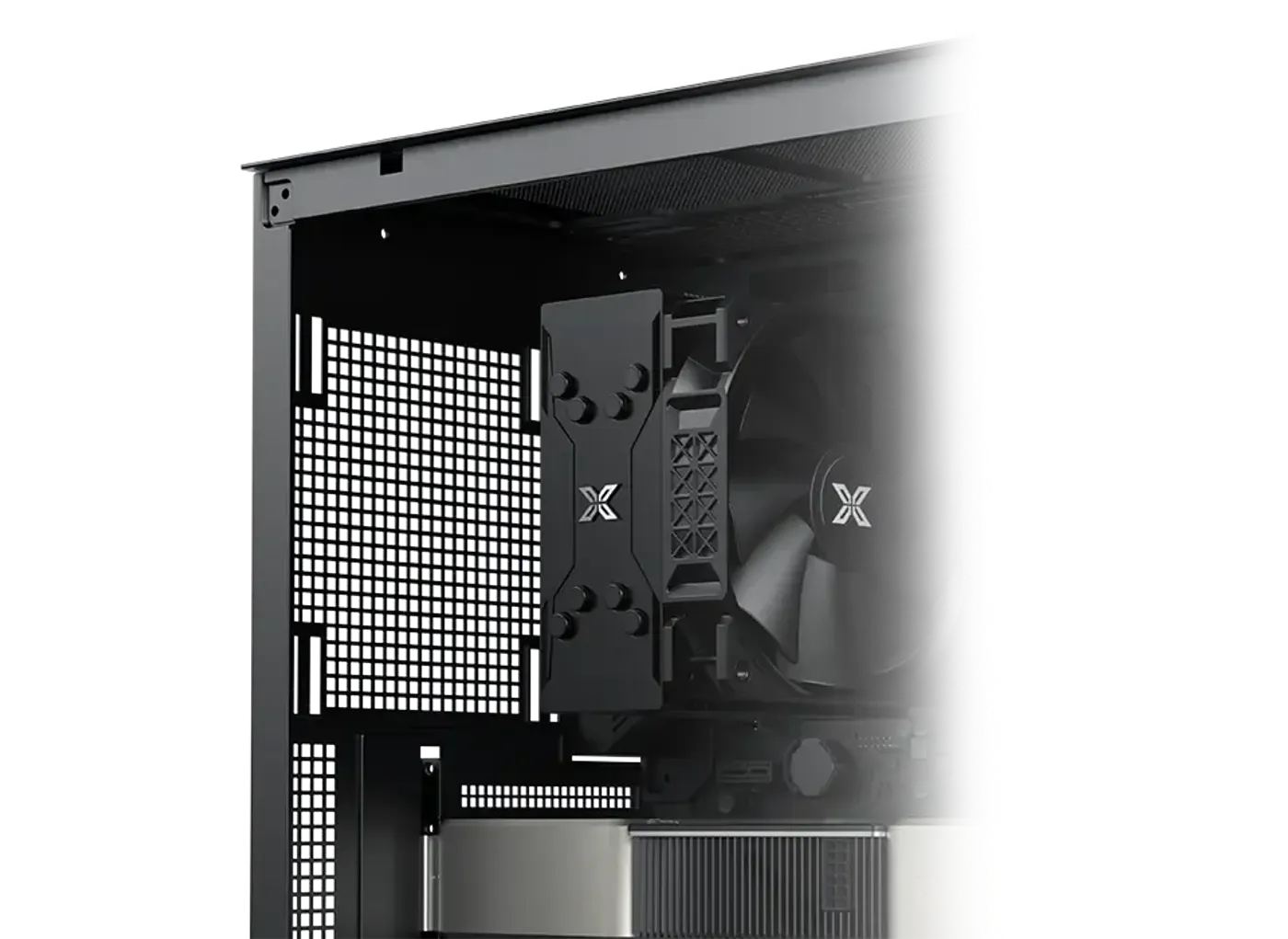
The full fan map covers three 120mm or 140mm mounts in the top, three 120mm on the motherboard panel for ATX boards, one 120mm or 140mm in the floor, two 120mm on the PSU shroud and one 120mm at the rear. The floor and shroud positions push cool air straight at the underside of the graphics card. Not every mount has to be filled, so pick the ones that suit your cooling plan.
The full fan map covers three 120mm or 140mm mounts in the top, three 120mm on the motherboard panel for ATX boards, one 120mm or 140mm in the floor, two 120mm on the PSU shroud and one 120mm at the rear. The floor and shroud positions push cool air straight at the underside of the graphics card. Not every mount has to be filled, so pick the ones that suit your cooling plan.
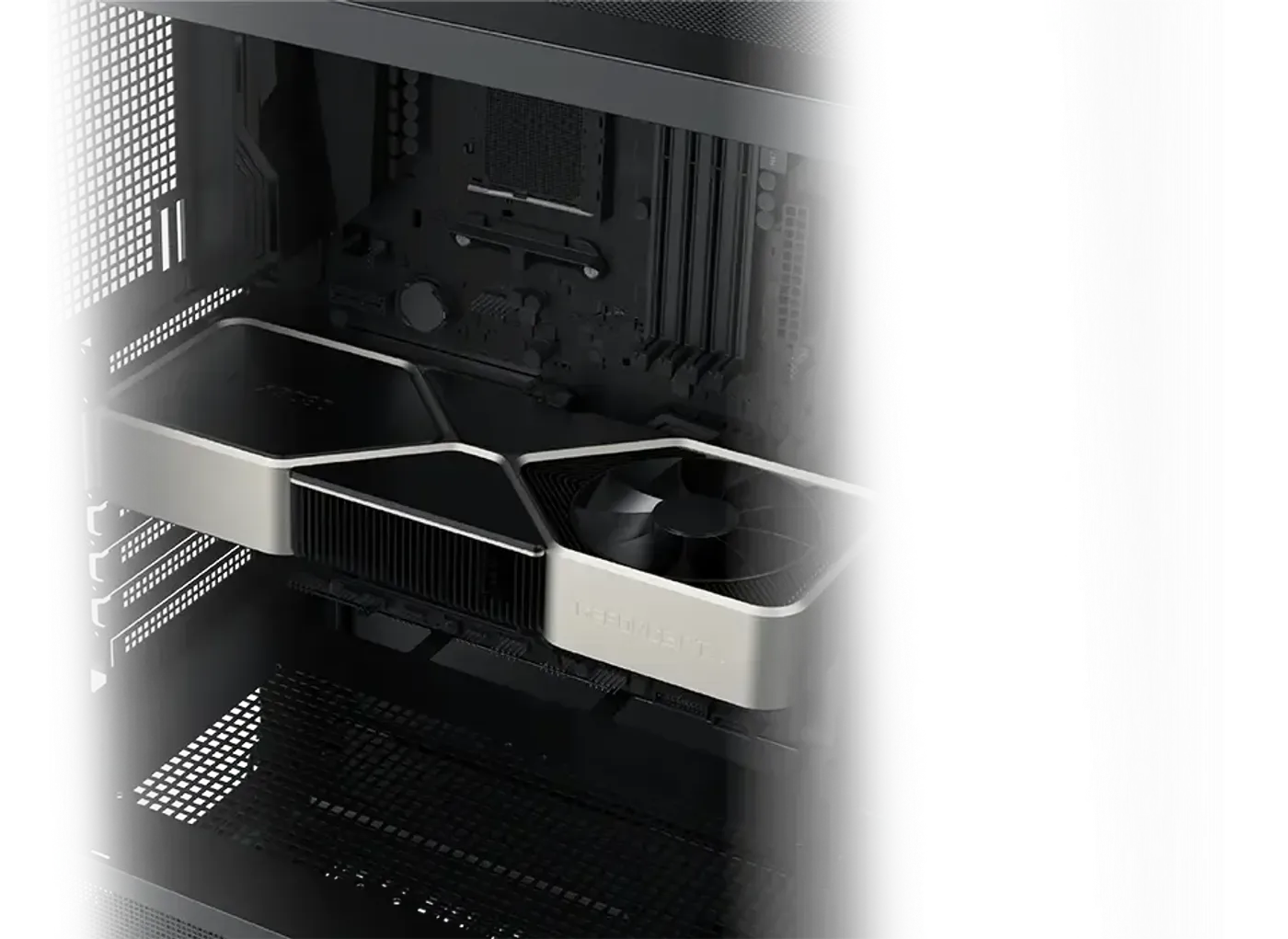
Graphics card clearance is 420mm with the motherboard panel left clear, dropping to 270mm once a liquid cooler is mounted on that panel. The higher figure covers full-length triple-fan cards, so length is rarely the limiting factor in this chassis. Settle the motherboard-panel radiator question first, because that single choice is what sets your card limit.
Graphics card clearance is 420mm with the motherboard panel left clear, dropping to 270mm once a liquid cooler is mounted on that panel. The higher figure covers full-length triple-fan cards, so length is rarely the limiting factor in this chassis. Settle the motherboard-panel radiator question first, because that single choice is what sets your card limit.
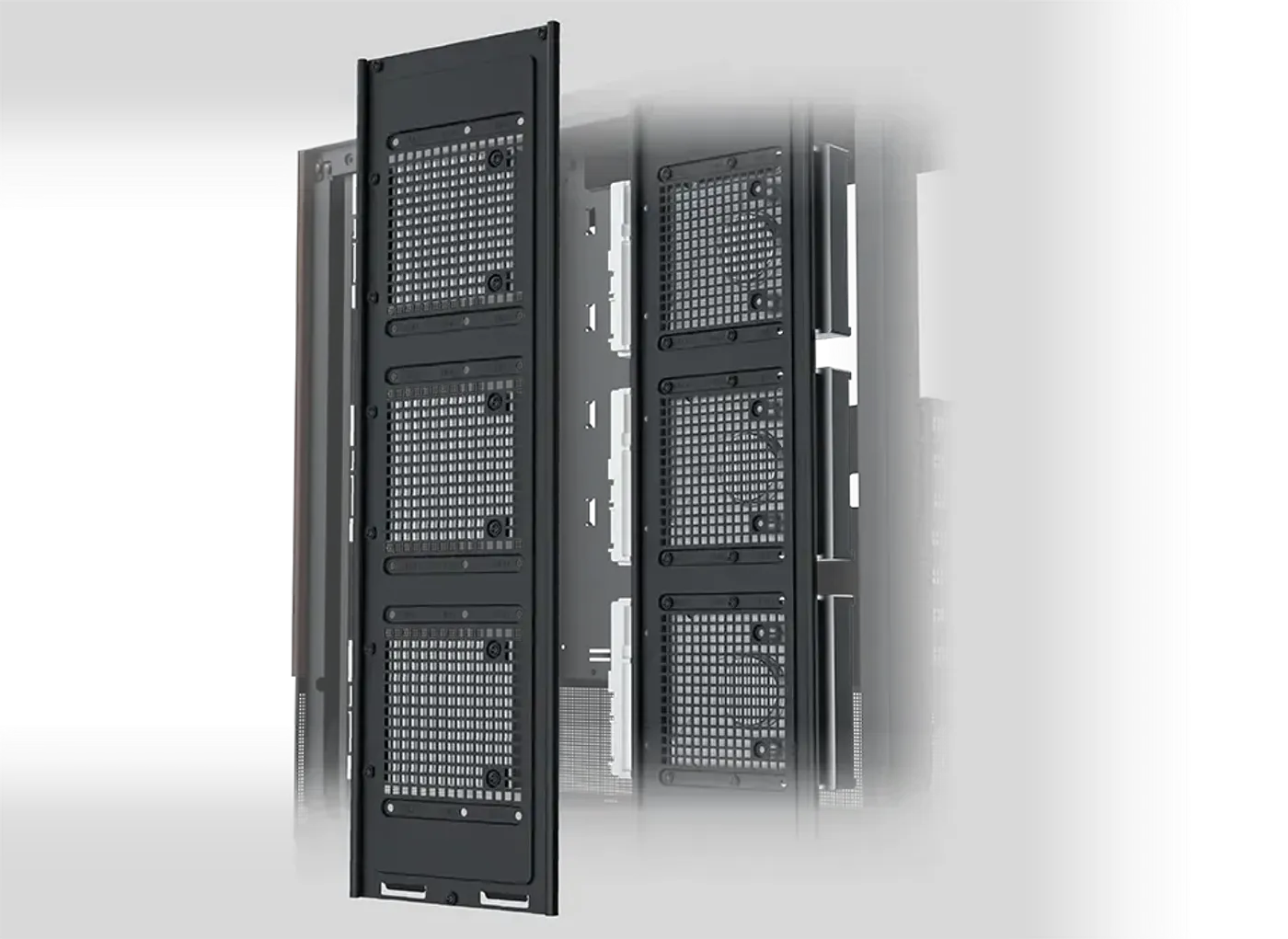
Storage is handled by three combination brackets, each able to carry a 3.5-inch hard drive or a 2.5-inch SSD. That covers the common arrangement of an NVMe boot drive on the motherboard with bulk game and media storage on mechanical disks. Because every bay accepts either format, you are not locked into one drive type at build time.
Storage is handled by three combination brackets, each able to carry a 3.5-inch hard drive or a 2.5-inch SSD. That covers the common arrangement of an NVMe boot drive on the motherboard with bulk game and media storage on mechanical disks. Because every bay accepts either format, you are not locked into one drive type at build time.
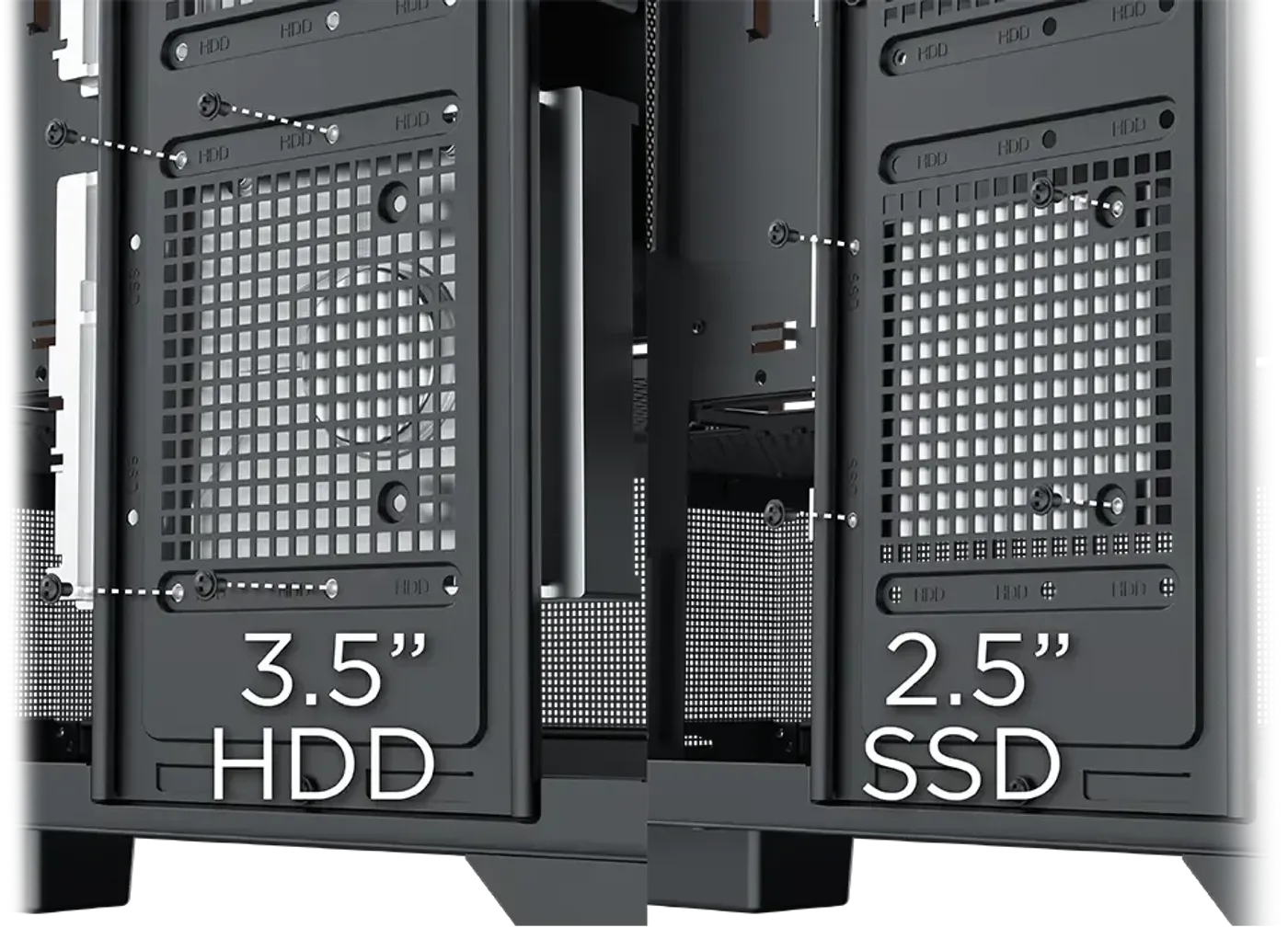
The three combo brackets can be filled in any order, so a machine can start with a single 2.5-inch SSD and gain 3.5-inch drives later without changing any mounting hardware. Capacity upgrades on a media or archive build are the usual reason all three end up occupied. Each position accepts either drive format, which keeps later storage decisions open.
The three combo brackets can be filled in any order, so a machine can start with a single 2.5-inch SSD and gain 3.5-inch drives later without changing any mounting hardware. Capacity upgrades on a media or archive build are the usual reason all three end up occupied. Each position accepts either drive format, which keeps later storage decisions open.
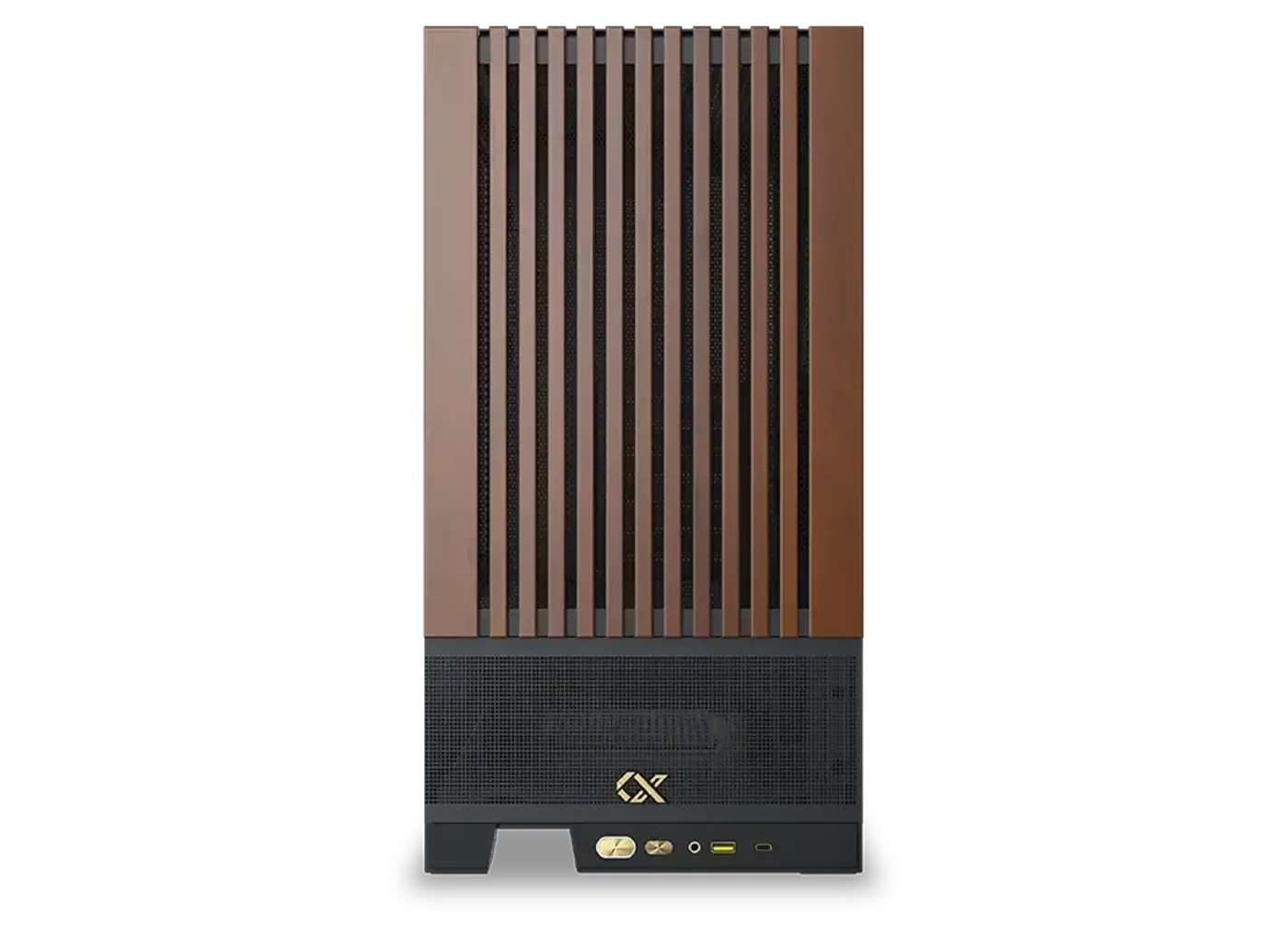
The front panel carries a power button, a reset button, an HD audio jack, one USB 3.0 port and one Type-C port. Having Type-C at the front means a phone, external SSD or headset dock plugs in directly instead of being routed around to the rear of the machine. Everything sits on the leading edge, within reach from a desk or a floor position.
The front panel carries a power button, a reset button, an HD audio jack, one USB 3.0 port and one Type-C port. Having Type-C at the front means a phone, external SSD or headset dock plugs in directly instead of being routed around to the rear of the machine. Everything sits on the leading edge, within reach from a desk or a floor position.
Everything you need to know about this product
It supports motherboards up to E-ATX, although the three 120mm motherboard-panel fan mounts are specified for ATX boards.
Four ARGB fans are pre-installed, so the case has a working airflow path before you add anything of your own.
Liquid cooling mounts at 360mm in the top, 240mm on the motherboard panel with an ATX board, and 120mm at the rear.
Cards up to 420mm fit with the motherboard panel left clear, or up to 270mm once a liquid cooler is fitted on that panel.
Mounts cover three 120mm or 140mm fans in the top, three 120mm on the motherboard panel, one 120mm or 140mm in the floor, two 120mm on the PSU shroud and one 120mm at the rear.
The front panel has a power button, a reset button, an HD audio jack, one USB 3.0 port and one Type-C port.
There are three combination brackets, each of which takes either a 3.5-inch hard drive or a 2.5-inch SSD.
Yes, the left side panel is tempered glass and is designed to be removed easily for access to the interior.
Yes, the top panel is removable, which opens up the roof mounts so fans or a radiator can be fitted more easily.
The front panel uses a distinctive wooden finish that contrasts with the black chassis and tempered glass side.
This black version of the Xigmatek Endorphin WD mid tower gaming case is listed as model EN42201.

AI-Generated Content: These FAQs are generated by an automated AI system and may contain inaccuracies or omissions. Evetech makes no warranties, express or implied, regarding their completeness or reliability. For definitive information, please refer to the manufacturer's official specifications.