Free Mac Essentials
The free Mac apps worth installing. — Essentials first. Experiments later.
Thirteen open-source and free utilities that turn a stock Mac into the productivity machine the macOS pros use. No subscriptions, no upsells, no telemetry that you can't audit. Install in 30 minutes.
- curated list
- 13 apps
- total cost
- R0
- install time
- 30 mins
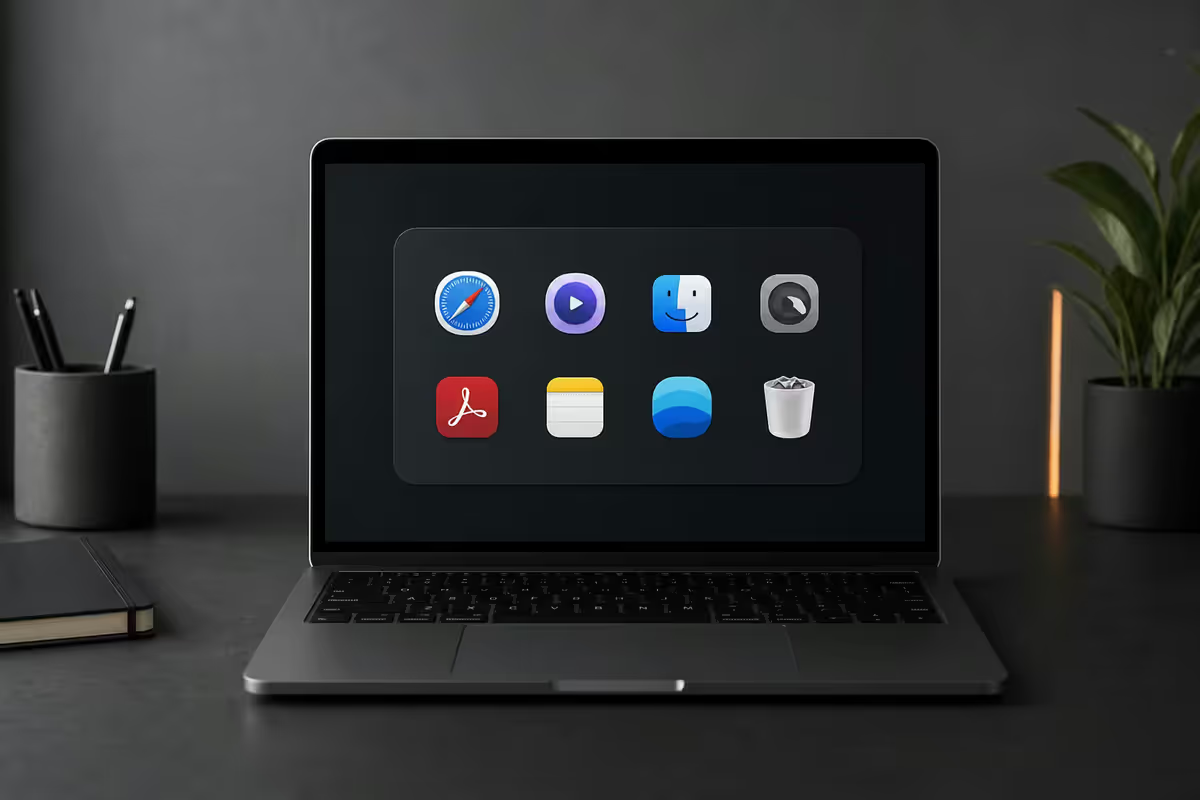
Essentials first. Experiment later.
There's a temptation when setting up a new Mac to install everything you've ever bookmarked. Resist it. A clean Mac is fast. A Mac groaning under sixty utility apps you forgot you installed is slow, confused, and brittle.
The thirteen apps in this guide are the ones we've installed on every Mac we've shipped from Centurion since 2020. They've earned their place. The dozens that didn't make this list — Alfred (mostly replaced by Spotlight + Raycast), BetterDisplay, Karabiner Elements (too deep for first-time users), Hammerspoon (developer-only) — are worth exploring eventually. Start here.
Window management & switching
Rectangle — window snapping done right
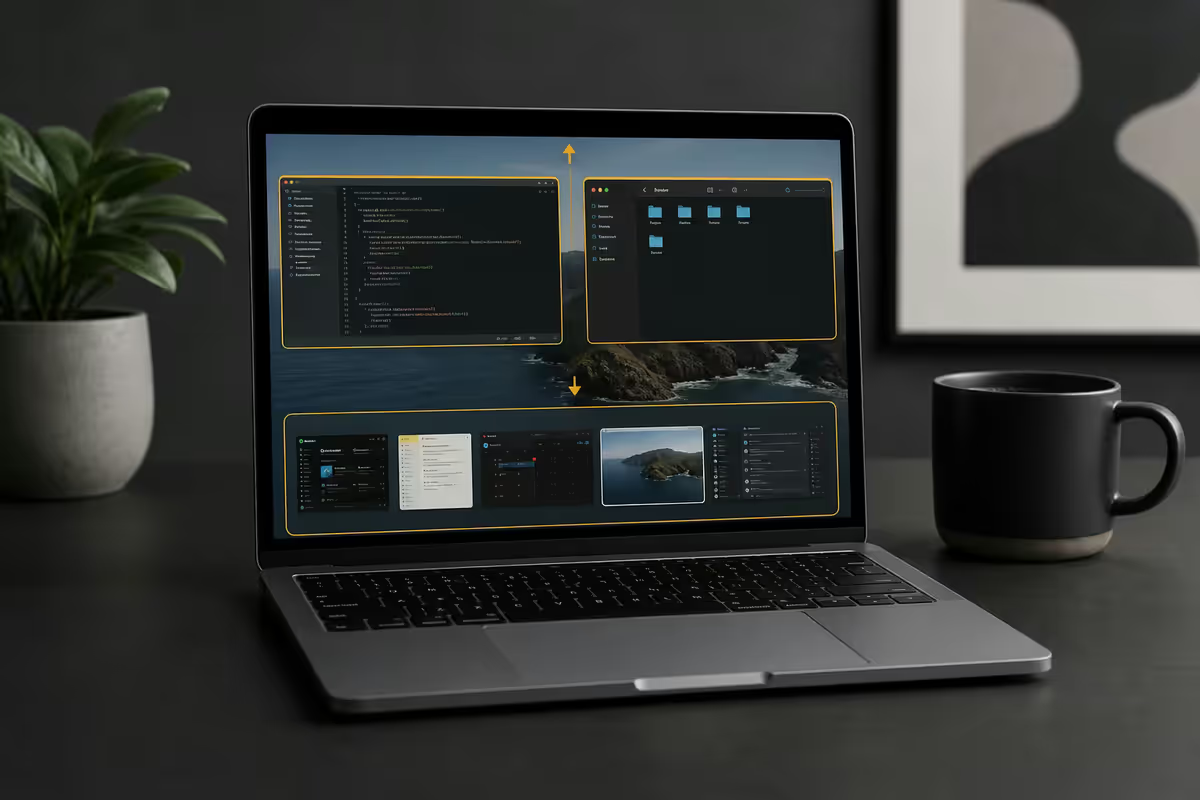
macOS 15 Sequoia added native window tiling, but Rectangle remains better: more layouts, more keyboard shortcuts, more flexibility. Cmd+Option+Left for left half, Right for right half, F for full screen, U for top-left quarter, etc. Set up once; never think about window placement again.
- Free, open-source on GitHub.
- Native Apple silicon binary.
- Available via Mac App Store or direct download from rectangleapp.com.
AltTab — Windows-style window switcher
Cmd+Tab on Mac switches applications. AltTab adds Option+Tab to switch windows (Windows users will recognise the difference instantly). Shows thumbnail previews, supports filtering by app, handles minimised windows. The single biggest macOS muscle-memory upgrade for Windows refugees.
System monitoring & menu bar
Stats — system monitor in the menu bar
Live CPU, GPU, RAM, disk, network and battery graphs in the menu bar. Click any indicator for a detailed dropdown. Replaces the paid iStat Menus (R450) entirely. Knowing at a glance whether a runaway process is eating your CPU prevents a lot of "why is my Mac slow" frustration.
- Free, open-source on GitHub (mac-stats).
- Configurable — show only what you want in the menu bar.
- Negligible resource use itself (~30 MB RAM, <0.5% CPU).
KeepingYouAwake — coffee but free
Caffeine-style menu bar app that prevents your Mac from sleeping. Click the icon to toggle. Useful when downloading a large file overnight, running a long render, or presenting from a MacBook on battery. Free, open-source, native Apple silicon. Amphetamine (App Store) does the same thing but with more configuration if you want it.
Productivity utilities
Maccy — clipboard history
macOS clipboard holds one thing. Maccy holds the last 200. Cmd+Shift+C to open the history list, click to paste. Quietly the most-used utility on our team's Macs. Copy a tracking number from one email, an address from another, then paste both into a courier form in 4 seconds.
TinkerTool — hidden macOS preferences
Exposes macOS preferences Apple doesn't show in System Settings — extended dock options, screenshot file format defaults, hidden Finder behaviour, Safari developer features without enabling the full Develop menu. Use sparingly; each change to default behaviour is something you'll later forget you set when you sit at someone else's Mac.
ImageOptim — image compression
Drag any PNG, JPG, GIF onto ImageOptim. It strips metadata and reduces file size — typically 30–60% smaller — with no visible quality loss. Essential for emailing photos, posting to Notion, or any time bandwidth or storage matters. Free, open-source, no settings to configure.
Dev & creative
iTerm2 — the best terminal on any OS
macOS Terminal works fine for occasional use. iTerm2 is what every Mac developer uses instead: split panes, tabbed sessions, configurable themes, intelligent autocomplete, hotkey window (Cmd+Shift+Space brings up a quake-style terminal from anywhere). Free, open-source, native Apple silicon. If you ever run a command in Terminal, install iTerm2.
Visual Studio Code — the best free text editor
Not just for developers. VS Code is faster than Word for plain-text drafting, has Markdown preview, edits config files and JSON elegantly, and the extension ecosystem covers academic writing (LaTeX), spreadsheet refugees (CSV/TSV editors), and documentation writers (Pandoc).
- Free, open-source build (VSCodium) available if you want zero telemetry.
- Standard build has opt-out telemetry — settings.json → "telemetry.telemetryLevel": "off".
- Cmd+P quick-open files; Cmd+Shift+P command palette.
OBS Studio — screen recording & streaming
macOS Screenshot tool (Cmd+Shift+5) handles simple recordings. OBS handles multi-source screen recording with webcam overlay, transitions, real-time audio mixing, and direct streaming to YouTube/Twitch/Facebook. Free, open-source. The Mac version is fully native Apple silicon since 30.0.
Media & communication
Apple Music vs Spotify free
No install needed for either — Apple Music is pre-installed; Spotify is a free download from spotify.com or the App Store. The honest comparison:
- Apple Music is in your Mac, iPhone, iPad and Apple Watch with zero configuration. The Family tier (R109/month for 6 users) is the cheapest streaming in SA.
- Spotify free has ads but works on every platform — Mac, Windows, Linux, Android, iOS, Chromecast, smart TVs, gaming consoles.
- Music catalog and audio quality are functionally identical for casual listeners.
Discord, WhatsApp, Telegram, Signal, Slack
All ship native Mac apps. Discord for gaming/community chat (free, ad-free, voice and video included). WhatsApp Desktop for SA messaging (essential). Telegram, Signal as alternatives. Slack for work — free tier covers most personal use cases.
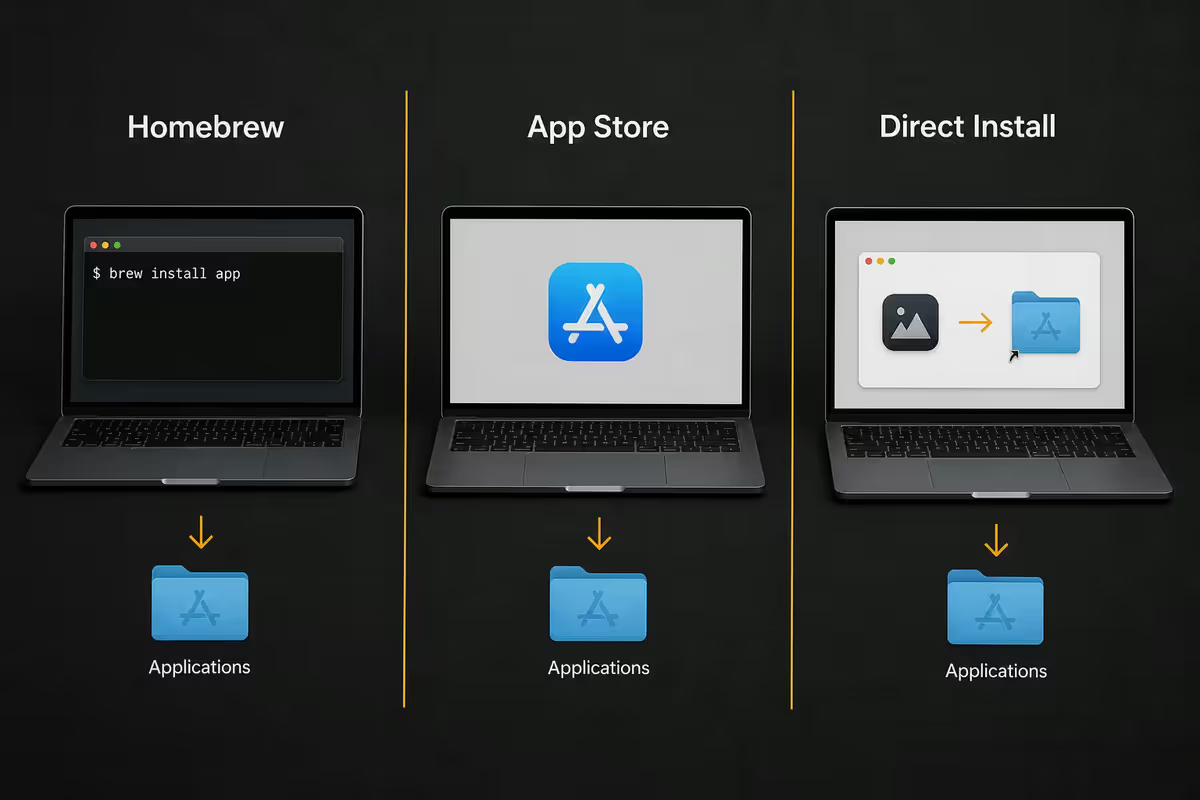
Homebrew vs App Store vs direct download
Three ways to install most of these apps. Pick the route that matches you:
| Route | Best for | Trade-off |
|---|---|---|
| Mac App Store | Casual users | Sandboxed (limits some apps); auto-updates |
| Direct download from developer | Most users for non-App-Store apps | You handle updates manually |
| Homebrew (brew install) | Developers + power users | Requires Terminal; one-command install & update |
The Homebrew one-liner to install most of this list:
brew install --cask rectangle iterm2 stats maccy alttab keepingyouawake visual-studio-code obs imageoptim tinkertool discord spotify
First, install Homebrew itself from brew.sh (one curl command). Then run the above. Two minutes total. Every app current to the latest version.
Full list — by category
| App | What it does | Install |
|---|---|---|
| Rectangle | Window snapping (Cmd+Opt+arrows) | Brew / App Store / direct |
| AltTab | Windows-style window switcher | Brew / direct |
| Stats | Menu bar system monitor | Brew / direct |
| KeepingYouAwake | Prevent sleep on demand | Brew / direct |
| Maccy | Clipboard history | Brew / App Store |
| TinkerTool | Hidden macOS preferences | Direct (bresink.com) |
| ImageOptim | Lossless image compression | Brew / direct |
| iTerm2 | Replaces Terminal | Brew / direct |
| Visual Studio Code | Free text editor / IDE | Brew / direct |
| OBS Studio | Screen recording & streaming | Brew / direct |
| Discord | Community chat & voice | Brew / direct / App Store |
| Spotify free | Music streaming (with ads) | Brew / direct / App Store |
| Apple Music (built-in) | Music streaming via subscription | Pre-installed |
Key takeaways
- Five must-have free Mac apps: Rectangle, iTerm2, Stats, Maccy, AltTab. Install these first.
- Layer in KeepingYouAwake, VS Code, OBS, ImageOptim, TinkerTool, Discord, Spotify.
- Stats replaces the paid iStat Menus (R450) for free. Maccy becomes the most-used utility within a week.
- Homebrew installs everything with one command. Direct download from the developer is the App-Store-free alternative.
- Essentials first. Resist installing dozens of utilities. A clean Mac is fast; a cluttered one is brittle.
Frequently asked questions
What's the single most useful free Mac app to install first?
Rectangle. Adds keyboard-driven window snapping (Cmd+Opt+arrows) that's more flexible than macOS 15's native tiling. Free, open-source, 30-second install.Should I install apps from the Mac App Store or direct download?
Both. App Store sandboxes apps and auto-updates them. Direct download (or Homebrew) gives access to apps that need deeper system access (Rectangle, iTerm2, Stats). Most apps in this guide are direct-download because the sandbox would cripple them.What is Homebrew and should I install it?
Command-line package manager. One curl command from brew.sh installs it. After that, brew install --cask installs apps in one line. Essential for developers, overkill for casual users. You can always install later.Is Rectangle still needed now that macOS has native window tiling?
For most people yes. Rectangle has 15+ keyboard shortcuts vs macOS 4, supports thirds and sixths layouts, better cross-display behaviour. Native tiling is fine; Rectangle is better.What does Stats do that Activity Monitor doesn't?
Live CPU, GPU, RAM, disk, network, battery in your menu bar — no need to open Activity Monitor. Stats is the dashboard; Activity Monitor is the deep dive. Together they replace paid iStat Menus.What about Discord, Spotify, Zoom — are those free Mac apps?
Yes — Discord, Spotify free, Zoom basic, WhatsApp, Telegram, Signal, Slack free tier all ship native Mac apps. Install the ones your friends/work use.Spotify free vs Apple Music — which on Mac?
Apple Music is built in and the Family tier (R109/mo for 6 users) is cheapest in SA. Spotify free has ads but works on every platform. Catalog and audio quality functionally identical for casual listeners.Should I install VS Code if I don't code?
Probably yes. Best free text editor on Mac — Markdown preview, config-file editing, faster than Word for plain text. Free, open-source.
Get the Evetech app
Exclusive app-only prices, daily flash sales, and free delivery on orders over R4,000 — download the app and start saving.