Gaming Performance · Fortnite 2026
Best settings for Fortnite on PC. — Performance Mode beats DX12 for the build & edit loop.
Two engines, four game modes, and the gulf between "looks pretty" and "wins fights" has never been wider. Performance Mode is still the answer for Battle Royale — and there's nuance for Lego, Festival and Rocket Racing.
- target FPS @ 1440p
- 300+
- Perf Mode vs DX12
- 2-3×
- monitor recommended
- 240Hz+
Performance Mode vs DirectX 12 — pick once, per mode
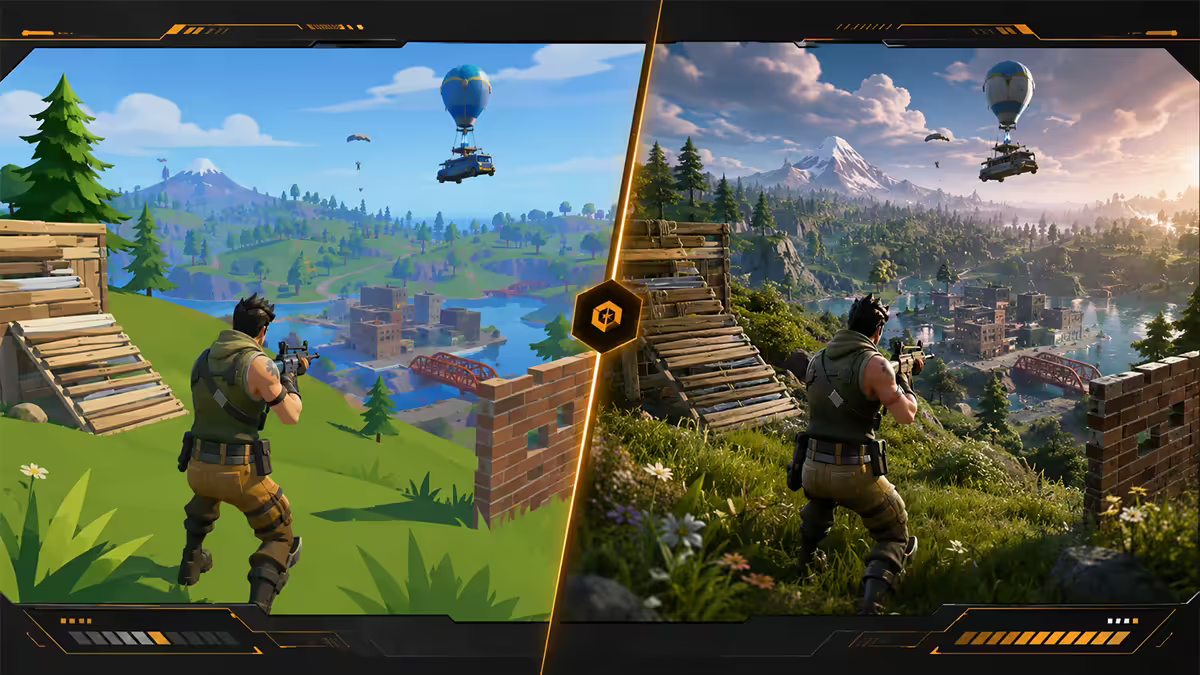
Fortnite ships with two distinct rendering pipelines: Performance Mode (the cut-down, esports-tuned path) and DirectX 12 (the full Unreal Engine 5 visual experience). They aren't presets on the same engine — they're functionally different renderers, and switching between them takes a relaunch.
| Aspect | Performance Mode | DirectX 12 |
|---|---|---|
| FPS at 1440p (RTX 4070) | 320-450 FPS | 140-200 FPS |
| Visual quality | Flat, "old Fortnite" look | Full UE5 — Nanite, Lumen, ray-traced |
| Input latency | Lowest possible | +10-15ms vs Performance |
| RAM use | ~6 GB | 10-14 GB |
| VRAM use | ~3 GB | 6-10 GB |
| Best for | Battle Royale, Zero Build competitive | Lego Fortnite, Rocket Racing, Festival, casual BR |
The honest answer: if you play competitive BR, use Performance Mode. The 2-3× FPS gain and 10-15ms latency reduction translate to real build & edit speed advantages. If you mainly play casual / Lego / Festival, DirectX 12 with Medium-High settings is the better experience — and modern GPUs handle it fine.
Video settings — the competitive baseline
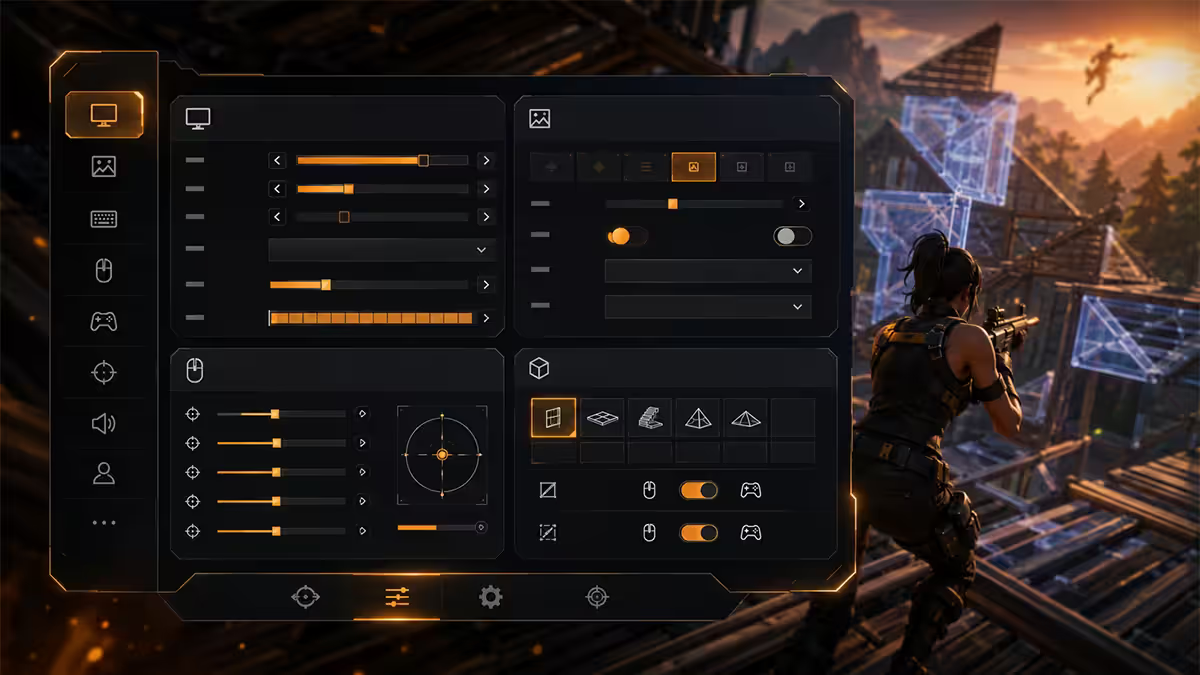
With Performance Mode enabled, your Video settings menu changes substantially. The right values for competitive BR in 2026:
| Setting | Value | Reason |
|---|---|---|
| Window Mode | Fullscreen | Lowest latency, exclusive GPU access |
| Resolution | Native | 1080p or 1440p — don't scale |
| Frame Rate Limit | Unlimited | Cap at monitor refresh only if G-Sync on |
| Quality Presets | Custom | Don't use Epic/High presets |
| 3D Resolution | 100% | Below 100% is upscaling; visibility hit |
| View Distance | Far | See enemies at long range |
| Shadows | Off | Tactical info gone, but huge FPS gain |
| Anti-Aliasing & Super Resolution | Off | TAA = blur; AA Low if jaggies bother you |
| Textures | Low | Performance Mode forces this anyway |
| Effects | Low | Clean smoke visibility |
| Post-Processing | Low | Less bloom, more clarity |
| Vsync | Off | Adds frames of latency |
| Motion Blur | Off | Never on for any FPS |
| NVIDIA Reflex Low Latency | Enabled + Boost | Cut input lag on RTX |
| Allow Multithreaded Rendering | On | Uses all CPU cores properly |
| Vibrant Mode | Off | Trend in 2024 — most pros now back off |
Performance Mode sub-toggles
Below the main video options, Performance Mode adds a few extra checkboxes:
- Mesh / Stream High-Detail Models — leave ON. Switching off makes player models pixelated.
- Stream Textures — toggle decides whether textures download progressively. For the absolute lowest VRAM use, switch OFF (textures become flat colours). Most pros leave it ON for visibility.
- Loading Screen Optimisations — ON. Cuts loading time without affecting gameplay.
NVIDIA Reflex & AMD Anti-Lag 2
Reflex (NVIDIA) and Anti-Lag 2 (AMD) sync the GPU render queue with CPU input polling. In Fortnite specifically, this means a build piece you place lands on the screen 10-30ms earlier than without Reflex — the difference between winning and losing a 1v1 box fight.
- RTX 30/40/50 series: Enable Reflex Low Latency + Boost.
- RTX 20 series: Enable Reflex Low Latency (without Boost on older cards saves heat).
- AMD Radeon 7000/9000: Enable Anti-Lag 2 via Adrenalin → Gaming Profile → Fortnite.
- GTX 16xx and older: Reflex unavailable. Skip it; rely on G-Sync at the monitor.
Mouse, sensitivity & polling — building demands its own math
Fortnite sensitivity is a dual question. You're aiming, you're also editing and building — and these need different responsiveness. The settings menu separates them:
| Setting | Value | Note |
|---|---|---|
| Mouse DPI | 800 | Pro standard — works with any sens math |
| X-axis sensitivity | 6-9% | Equivalent to 35-50 cm/360° |
| Y-axis sensitivity | same as X-axis | Symmetrical avoids confusion |
| Targeting (ADS) sensitivity | 50-70% | Slows aim during scoped shots |
| Scope sensitivity | 50-70% | Match targeting for consistency |
| Build Mode sensitivity multiplier | 1.5-2.0× | Snappier for fast box-ups |
| Edit Mode sensitivity multiplier | 2.0-2.5× | Reach far corners of the edit grid |
| Mouse polling rate | 1,000Hz | 8,000Hz no measurable benefit in Fortnite |
| Raw Input | ON | Disable Windows pointer acceleration |
If you've migrated from CS2 or Valorant, your aim sensitivity will feel roughly halved — Fortnite uses faster sens math because building demands it. Start at 8% X with 800 DPI and adjust by feel over a week of play.
Building & editing — the settings that win fights
Three controls beyond raw FPS make or break Fortnite competitive play. Get them right once and forget them.
Mouse-button binds for build pieces
Standard Q/E/F/G/C/V keyboard binds were the 2018 norm, but they limit your build-edit-build loop. Pro standard in 2026:
- Mouse 4 (thumb back): Wall
- Mouse 5 (thumb forward): Stairs
- C / V: Floor / Pyramid (less-used pieces stay on keyboard)
- F: Edit
- Spacebar: Jump (default — don't change)
- Mouse wheel down: Reset edit (some pros use; experiment)
Putting Wall and Stairs on thumb buttons means your fingers can place build pieces without leaving WASD. The result is meaningfully faster box-ups under pressure.
Edit settings — these matter more than people think
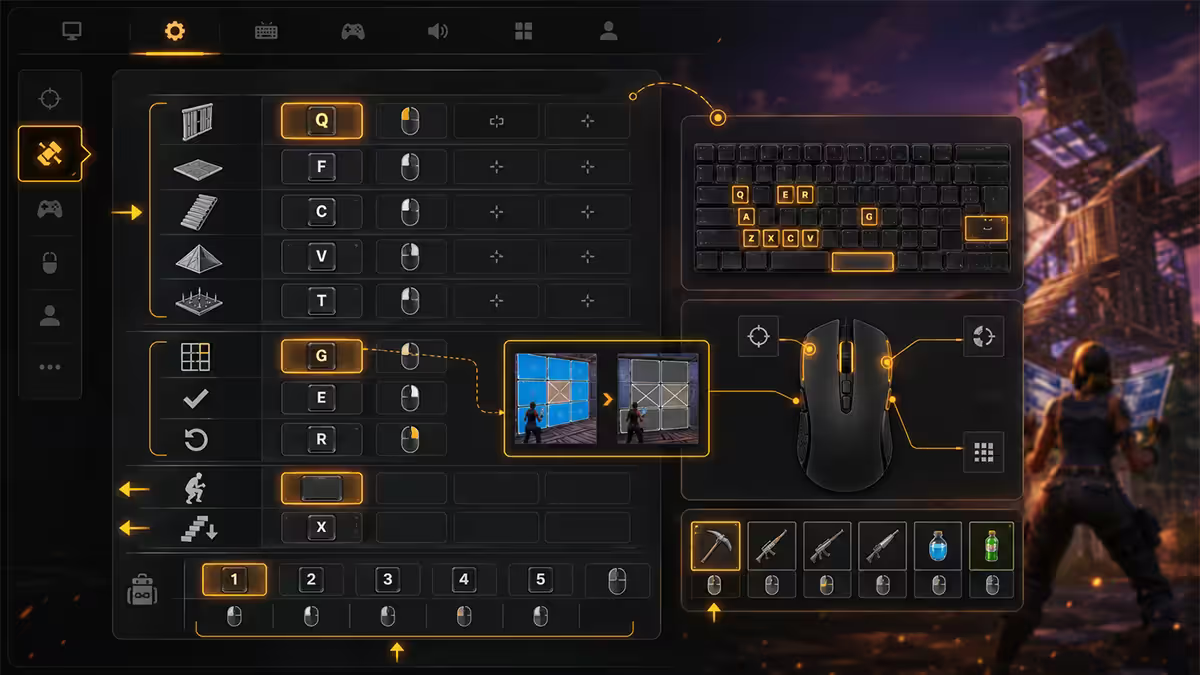
- Edit Hold Time: 0.000 — instant edit access from build mode. Default 0.150 introduces a delay that kills box-fight responsiveness.
- Confirm Edit on Release: ON. Lets you select an edit shape by dragging then releasing the mouse, instead of clicking twice.
- Reset Edit Choice on Release: Personal preference. Most pros leave ON so each edit press is fresh.
- Disable Pre-Edits: OFF (leave pre-edits enabled — saves a click).
Launch options — most are obsolete in 2026
Old guides recommend strings like -high -dx12 -USEALLAVAILABLECORES -refresh=240 -nosplash. In 2026 almost all of these are either default behaviour or counter-productive. The honest pro standard is:
No launch options at all. The Epic Games Launcher handles startup competently. The Unreal Engine 5 build that powers Fortnite respects in-game settings over launch flags.
The one launch option still worth mentioning:
-nohmd— disables VR headset detection on systems with VR hardware connected. No FPS impact, just removes a startup check that occasionally hangs Fortnite for a second or two.
What to avoid:
-dx12/-dx11— Performance Mode overrides; flag ignored.-high— Force high CPU priority can starve other Windows processes including anti-cheat, leading to crashes.-USEALLAVAILABLECORES— Default in modern Unreal builds. Adding it does nothing.-refresh=240— In-game Frame Rate Limit handles this correctly. Launch flag can fight monitor refresh.
Lego Fortnite, Festival & Rocket Racing — different rules
Performance Mode applies engine-wide but the other Fortnite modes don't share the same engine path:
Lego Fortnite
Lego runs through the standard UE5 pipeline — Performance Mode setting affects it but the savings are smaller. Lego is dramatically lighter than Battle Royale because the world is simpler and there are no 100 player models loaded. Even maxed Medium-High settings hit 200+ FPS on a mid-range build. Recommendation: if you split between BR and Lego, run Performance Mode on globally (slight visual hit in Lego is acceptable for big BR gain).
Fortnite Festival
Rhythm-game mode. Almost any modern PC hits 240+ FPS regardless of settings. Stable timing matters more than raw FPS — disable any frame-pacing that causes microstutter. Recommendation: match BR settings, no tuning needed.
Rocket Racing
Visual feedback for boost, drift and collision actually matters here — fully low settings make the game harder to read. Recommendation: in Rocket Racing specifically, bump View Distance and Effects to Medium. The race lengths are short so FPS hit is tolerable.
Common Fortnite settings mistakes
Running DirectX 12 in competitive BR. The visual upgrade isn't worth the FPS and latency hit. Switch back to Performance Mode if winning fights matters.
Capping FPS at monitor refresh without G-Sync. Caps just below refresh add input latency without smoothing. Uncap fully unless G-Sync is enabled.
Cranking 3D Resolution above 100%. Render-scaling above 100% is a sharpness upgrade for screenshots, not a competitive tool. Stay at 100%.
Leaving Vibrant Mode on. The 2024 trend that made everything neon. Most pros have reverted to off because it crushes contrast in long-range fights.
Keeping default Edit Hold Time 0.150. The single biggest unforced error. Set it to 0.000 — your edit responsiveness will visibly improve in a single play session.
Key takeaways
- Performance Mode ON for BR — 2-3× FPS and lower latency than DirectX 12.
- 3D Resolution 100%, View Distance Far, all quality Low. Shadows off, AA off, Motion Blur off, Vibrant off.
- NVIDIA Reflex Enabled + Boost (or AMD Anti-Lag 2). Fullscreen, V-sync off, uncapped FPS.
- Bind Wall to Mouse 4, Stairs to Mouse 5. Edit Hold Time 0.000, Confirm Edit on Release ON.
- No launch options in 2026. Most legacy flags are obsolete or harmful in Performance Mode.
Frequently asked questions
Performance Mode vs DirectX 12 in Fortnite — which is better?
Performance Mode for competitive BR (2-3× FPS, lower latency). DirectX 12 for Lego, Festival, Rocket Racing and casual play where visuals matter.What are the best Fortnite graphics settings for competitive play?
Performance Mode ON, 3D Resolution 100%, View Distance Far, all quality Low, Shadows Off, AA Off, Motion Blur Off, Reflex Enabled + Boost.Should I skip texture loading in Performance Mode?
For absolute lowest VRAM/RAM use — yes, switch Texture Streaming off. Most pros leave it on for player-model visibility.What are good Fortnite launch options for 2026?
None. The old strings (-high, -dx12, -USEALLAVAILABLECORES, -refresh) are obsolete or harmful in 2026. Optionally -nohmd if you have VR hardware.What is NVIDIA Reflex and should I enable it in Fortnite?
Yes — Enabled + Boost on RTX cards. Cuts click-to-pixel latency 10-30ms. AMD Anti-Lag 2 is the equivalent on Radeon 7000/9000.What mouse DPI and sensitivity do Fortnite pros use?
800 DPI × 6-9% X/Y (35-50 cm/360°). Build multiplier 1.5-2.0×, edit 2.0-2.5×. 1,000Hz polling.Are Lego Fortnite, Festival and Rocket Racing the same settings as BR?
No — these modes are lighter or visual-feedback heavier. Bump View Distance and Effects to Medium for Rocket Racing specifically.How do I improve Fortnite building / edit speed?
Wall on Mouse 4, Stairs on Mouse 5, Edit Hold Time 0.000, Confirm Edit on Release ON. Plus stable 240+ FPS and a low-latency keyboard.