GTA V / GTA Online Optimisation
GTA V settings. — Kill the FPS thieves. Keep the looks.
Rockstar buried the worst FPS killers on a separate Advanced Graphics page most players never open. Grass quality, MSAA and Long Shadows cost 30-50% framerate combined and you barely see them in motion. Here's the 144Hz GTA Online config that actually works.
- fps gain typical
- +45%
- still on charts
- 13 yrs
- target preset
- 144Hz
The FPS-killer hierarchy in GTA V
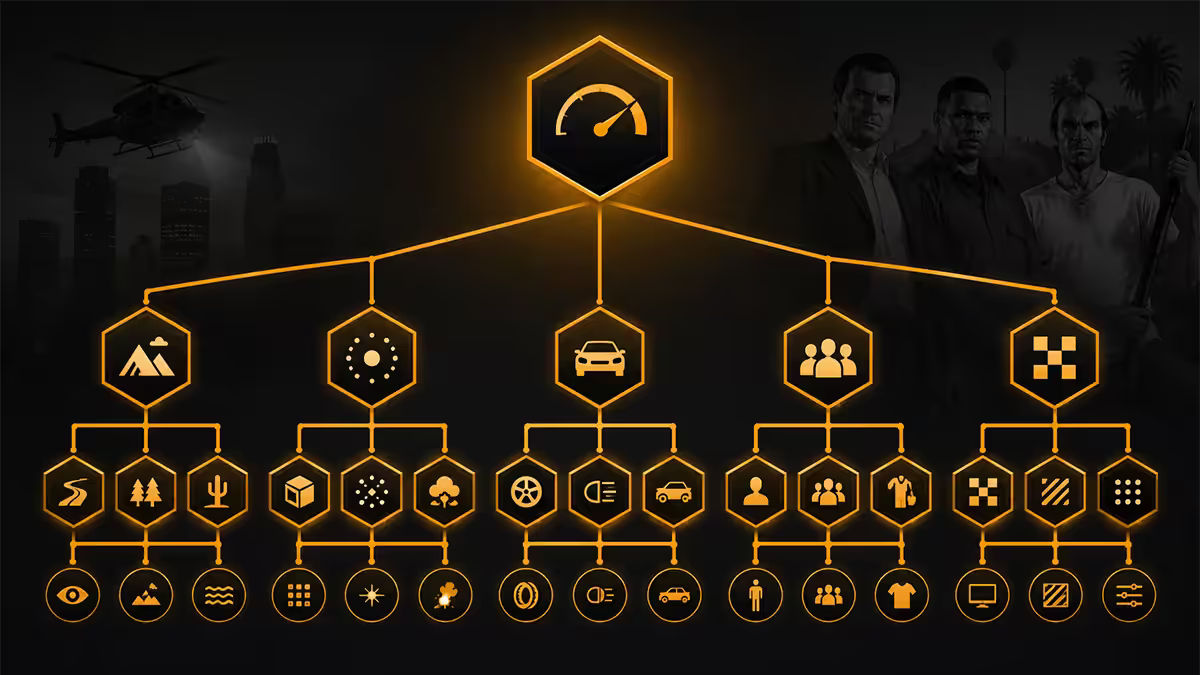
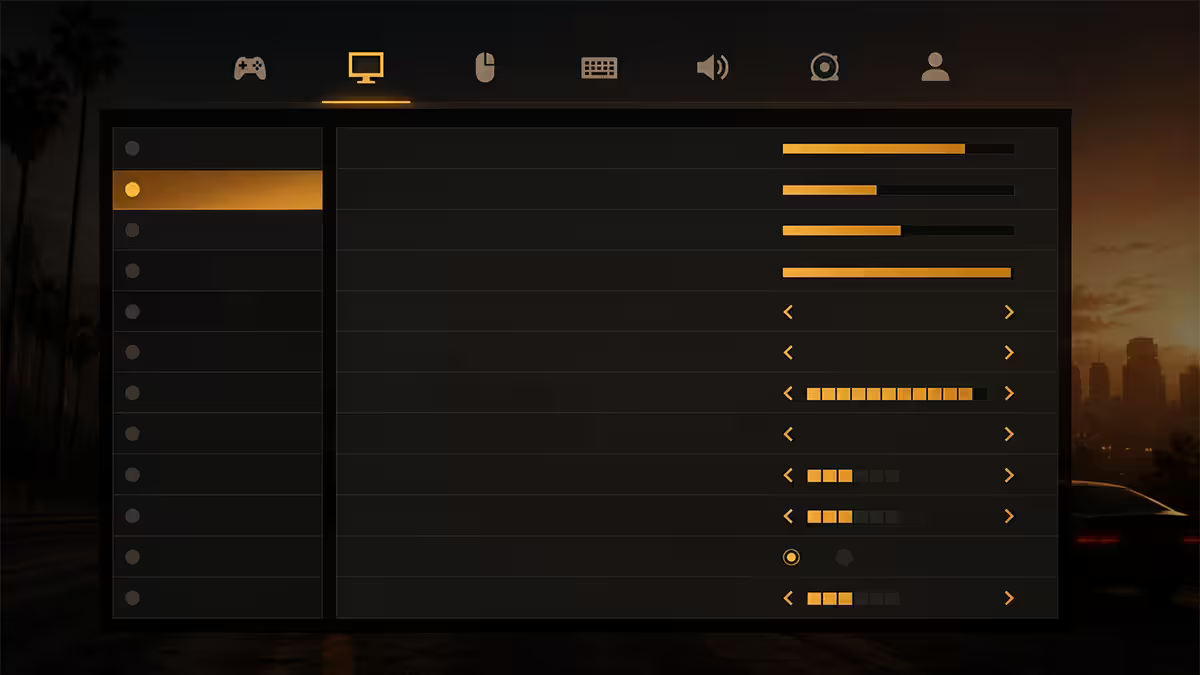
GTA V's settings menu is unusually honest — there's a graphics estimator bar at the top showing how much VRAM each setting needs. But the bar doesn't measure framerate cost, and the most expensive settings in framerate terms aren't always the most VRAM-hungry. Here's the actual cost hierarchy from Evetech's testing on RTX 5060 Ti at 1440p high.
| Setting | FPS cost at max | Visual impact |
|---|---|---|
| MSAA 4x | -30% to -50% | Sharper edges, barely visible in motion |
| Long Shadows (Advanced) | -15% to -20% | Distant shadow cones, cosmetic only |
| Grass Quality at Ultra | -12% to -18% | Denser grass blade detail, you don't see it driving |
| Shadow Quality Very High | -8% to -12% | Slightly softer shadow falloff |
| Soft Shadows (Softest) | -5% to -10% | Less visible edges on shadow borders |
| Reflection Quality | -4% to -8% | Sharper vehicle / water reflections |
| Population Density 100% | -5% to -10% in city | More NPCs and traffic |
| Texture Quality Very High | -2% to -4% | Sharp surface detail |
| Post FX Very High | -3% to -5% | Bloom, lens dirt, light shafts |
The pattern is clear — five settings account for two-thirds of GTA V's framerate cost, and all five have minimal visual impact during gameplay. Cut those and keep everything else at Very High and the game still looks excellent.
FXAA vs MSAA vs TXAA
GTA V's anti-aliasing options pre-date modern temporal AA techniques. Three options exist:
- FXAA: post-process blur. Cheap (~1% framerate cost), softens the image slightly, hides aliasing reasonably well. The competitive choice.
- MSAA 2x / 4x / 8x: traditional multi-sampling. Sharpest edges but most expensive. MSAA 4x costs 30-50% framerate, MSAA 8x can halve your fps.
- TXAA (with MSAA enabled): temporal blur on top of MSAA. Softer but smoother in motion.
The right choice in 2026: FXAA. Always. Modern monitors run at 144Hz+ and the image is in motion almost constantly — high refresh rates and tonemapping mask aliasing far better than 2014 monitors could. MSAA's cost is from another era. If you specifically dislike the FXAA softness, try TXAA without MSAA — it's softer still but cheaper.
The hidden Advanced Graphics page
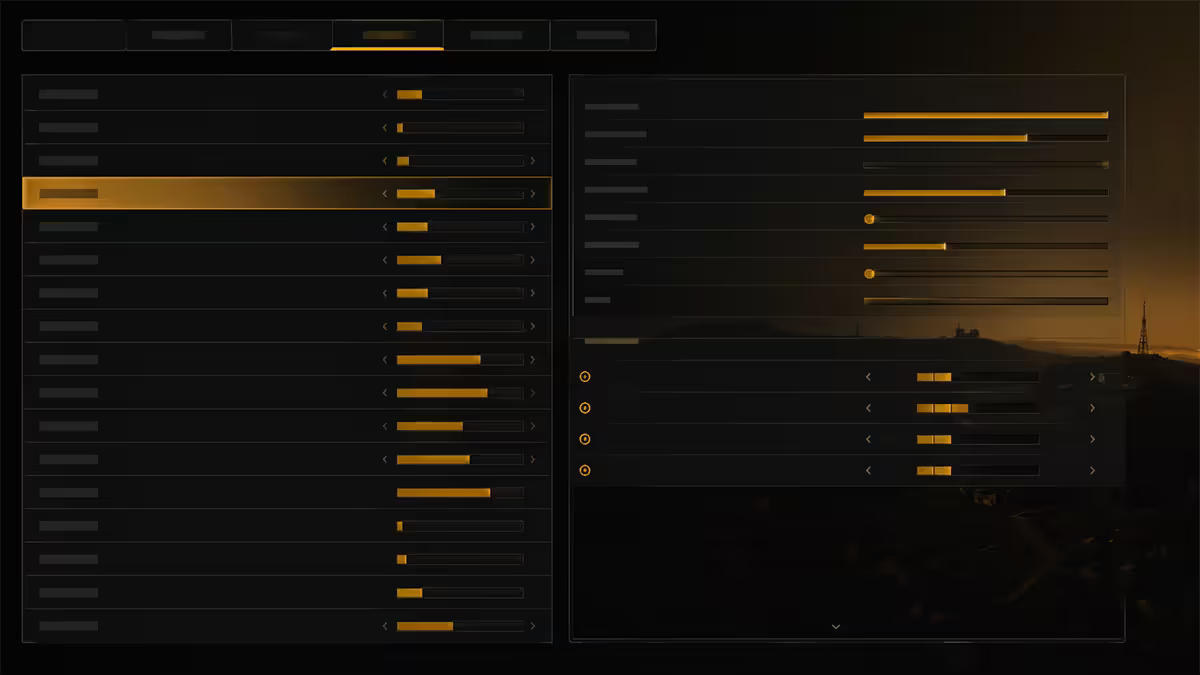
The most expensive setting in GTA V — Long Shadows — lives on a separate "Advanced Graphics" tab that most players never see. Open Settings → Graphics → scroll to the right (or PageDown on keyboard) to switch tabs. Suddenly five new settings appear.
| Advanced setting | What it does | Recommend |
|---|---|---|
| Long Shadows | Adds distant shadow cones | OFF — biggest free FPS win |
| High Resolution Shadows | Sharper shadow maps | ON if you have RTX 4070+ class GPU |
| High Detail Streaming While Flying | Better texture streaming in aircraft | ON — minimal cost, nice visuals |
| Extended Distance Scaling | Pushes draw distance further | OFF or 30-50% — exponential cost |
| Extended Shadows Distance | Shadows render farther | OFF or 0% — invisible at speed |
| Frame Scaling Mode | Internal render resolution multiplier | OFF (1.0×) — anything above is super-sampling |
If you only do one thing, open this hidden tab and turn off Long Shadows. That single click can deliver 15-20% more framerate. Long Shadows adds elongated dawn/dusk shadow cones that you literally cannot see at 60+ km/h cruising through Los Santos.
Two recommended presets
Preset 1 — Competitive (144fps target)
For online play, races, deathmatches, and the absolute smoothest input feel. Optimised for RTX 4060 Ti / RX 7700 XT class and above at 1080p, RTX 5060 Ti / RX 9070 at 1440p.
| Setting | Value |
|---|---|
| FXAA | On |
| MSAA | Off |
| Population Density | 60% |
| Population Variety | 60% |
| Distance Scaling | 55% |
| Texture Quality | Very High |
| Shader Quality | Very High |
| Shadow Quality | High |
| Reflection Quality | Very High |
| Reflection MSAA | Off |
| Water Quality | Very High |
| Particles Quality | Very High |
| Grass Quality | Normal |
| Soft Shadows | Off |
| Post FX | High |
| Long Shadows (Advanced) | Off |
| Extended Distance Scaling (Advanced) | Off |
| VSync | Off (use G-Sync / FreeSync) |
Preset 2 — Visual Quality (60-100fps, story mode)
Cinematic story mode, screenshots, photo mode. Optimised for RTX 5070 Ti / RX 9070 XT class and above at 1440p, RTX 5080 / RX 9070 XT at 4K.
| Setting | Value |
|---|---|
| FXAA | On |
| MSAA | 2x (or off if you want 144fps) |
| Population Density | 100% |
| Distance Scaling | 90% |
| Texture / Shader Quality | Very High |
| Shadow Quality | Very High |
| Reflection / Water Quality | Very High |
| Grass Quality | High |
| Soft Shadows | Sharp or Softer |
| Post FX | Very High |
| Long Shadows | Off — even here it's not worth it |
| High Res Shadows | On |
| Extended Distance Scaling | 30% |
GTA Online specifics
GTA Online uses the same engine but adds 30-player lobbies, server tick rate constraints, and significant additional CPU load for net code and other-player simulation. Hardware that hits 144fps in story mode might struggle to maintain it in a busy public lobby with helicopters, sports cars and pursuing cops on screen.
Settings tweaks specific to Online:
- Population Density: drop to 50-60%. Online lobbies already have other players adding visual chaos — you don't need 100% NPC density on top.
- Distance Scaling: 50-60% is fine. The competitive advantage of seeing helicopters at maximum distance is minor; the framerate cost is significant.
- VSync: off. G-Sync / FreeSync ON. VSync introduces input lag that's noticeable in online play.
- Borderless Fullscreen: on. Fullscreen Exclusive can introduce alt-tab issues that crash Online sessions; borderless is the safer default.
- Mouse acceleration: off in settings and in Windows. Default GTA V mouse settings have subtle acceleration that ruins aim precision.
Modder and cheater landscape — 2026 reality
Rockstar's rollout of BattlEye anti-cheat on GTA V PC (2023) has substantially reduced the volume of obvious mod menu griefers. Money drops, instant-kill griefing, godmode runners, and rapid teleportation cheats are all rarer than in 2020-2023 — but the problem isn't gone.
What still exists:
- Sophisticated paid cheats that evade BattlEye detection. Less common but more dangerous when encountered — they can corrupt your character data.
- FiveM roleplay servers — separate ecosystem from Rockstar's official lobbies, generally well-moderated.
- Modders in public lobbies — still happens, just less often.
Safe play strategies:
- Solo Public Lobby trick (alt-tab method) — gives you the public lobby economy benefits without other players. Search the current method; Rockstar patches and methods change.
- Invite-Only sessions — fully empty lobbies if you want to play heists with friends only.
- Crew lobbies — restricted to your crew, generally safer.
- Don't accept random Crew invites — most modder approaches start there.
Why GTA V is still on the charts in 2026
GTA V launched in 2013 for last-gen consoles, hit PC in 2015, and yet sits in the top 10 most-played Steam games every single week of 2026. Why?
- Continuous content updates — Rockstar has shipped a major Online expansion roughly every 6 months for 13 years (new cars, properties, businesses, heists, races, events).
- Polished story mode replayability — five hours into a fresh playthrough you remember why it's one of the best single-player games ever made. Heists and trip-events scale to your own pace.
- FiveM roleplay scene — entirely separate ecosystem of community-run RP servers. Dedicated player base of tens of thousands daily.
- Low hardware floor — runs reasonably on a 2018 mid-range PC, still scales beautifully to 2026 flagship hardware.
- Open-world template — the missions, characters and city remain a benchmark other open-world games haven't surpassed.
GTA 6's arrival will eventually move the centre of gravity, but GTA V's online economy and FiveM communities will likely keep it on the charts for several more years past launch — much like World of Warcraft, CS, and TF2 outlived their "successor" projections.
SA hardware tier for GTA V
| Target | GPU | SA price |
|---|---|---|
| 1080p 60fps high | RX 7600 / RTX 4060 | R6,000-R7,500 |
| 1080p 144fps competitive | RTX 4060 Ti / RX 7700 XT | R8,500-R10,500 |
| 1440p 144fps competitive | RTX 5060 Ti / RX 9070 | R10,500-R13,500 |
| 1440p 144fps maxed | RTX 5070 Ti / RX 9070 XT | R14,000-R18,000 |
| 4K 60fps high (story mode) | RTX 5070 Ti / RX 9070 XT | R14,000-R18,000 |
| 4K 144fps maxed | RTX 5080 / RX 9070 XT | R22,000-R30,000 |
Key takeaways
- MSAA off, FXAA on. The single largest framerate gain in GTA V for invisible visual cost in motion.
- Long Shadows lives on the hidden Advanced Graphics tab — turn it off, gain 15-20% framerate.
- Grass Quality Ultra costs huge framerate for grass blade detail you can't see driving past at 80km/h.
- GTA V is CPU-bound in busy areas. Pair a strong single-thread CPU (Ryzen 5 7600 / Core Ultra 5) for max fps.
- For Online, use Solo Public Lobby or Invite-Only to dodge cheaters. BattlEye helps but doesn't eliminate the problem.
Frequently asked questions
What settings give the biggest FPS boost in GTA V?
In order of impact: turn off MSAA (replace with FXAA), drop grass quality from Ultra to Normal or High, disable Long Shadows on the Advanced Graphics page, drop Shadow Quality from Very High to High, and disable Soft Shadows. These five changes alone can deliver 40-60% more framerate on mid-range hardware with minimal visual loss. The hidden Advanced Graphics page (separate menu, easy to miss) hides several FPS killers — Long Shadows being the worst.Should I use FXAA or MSAA in GTA V?
FXAA. MSAA in GTA V is extremely expensive — MSAA 4x can cost 30-50% framerate versus FXAA. FXAA produces a softer image but the performance gain is enormous and most players find the visual difference invisible in motion. If you want sharper edges with less performance cost, drop MSAA and enable TXAA (also softer but cheaper). Reserve MSAA 4x for screenshots, not gameplay.What is the Advanced Graphics page and why does it matter?
Buried under a separate menu tab in GTA V's graphics settings, the Advanced Graphics page contains some of the most expensive options in the game: Long Shadows, High Resolution Shadows, High Detail Streaming While Flying, Extended Distance Scaling, and Frame Scaling Mode. Long Shadows alone can cost 15-20% framerate. Most players never see this page because it's a separate tab — but it's where the biggest performance gains live.What FPS should I target in GTA Online?
For competitive online play (heists, races, deathmatches) target 144fps to match a 144Hz monitor. The server tick rate is fixed but client-side responsiveness benefits enormously from high framerate, especially in vehicle handling and shootouts. For story mode or general roaming, 60-100fps with high settings is the more pleasant balance. GTA Online does cap meaningfully high — 144fps is achievable on modern mid-range hardware (RTX 4060 / RX 7600 and above) at 1080p with tuned settings.Why is GTA V still so relevant in 2026?
GTA V launched in 2013 (PC in 2015) and remains one of the most played games on Steam every single week. Reasons: Rockstar's continuous GTA Online content updates (new cars, properties, events, businesses), an active mod scene with FiveM roleplay servers, the polish and replay value of the story mode, and a relatively low hardware bar that means it runs on almost everything. With GTA 6 imminent the engine is showing its age, but the social and meta ecosystem around GTA V keeps it relevant.Is GTA Online safer from cheaters in 2026?
Rockstar has rolled out BattlEye anti-cheat on GTA V PC, which has significantly reduced the volume of obvious mod menu griefers and money droppers. The experience is meaningfully better than 2020-2023, but it's not perfect — sophisticated cheats still exist and public lobbies can still encounter problem players. For competitive play, Solo Public Lobby tricks and Invite-Only sessions remain the safest environments. The modder problem is reduced, not solved.Does GTA V support DLSS / FSR upscaling?
The original GTA V does not have native DLSS or FSR support — the engine pre-dates both technologies. However, there are community mods (DLSS Tweaks and FSR injection mods) that add upscaling to GTA V, and they work reasonably well. For most players the game is already efficient enough that upscaling isn't critical at 1080p or 1440p, but at 4K an FSR / DLSS mod can deliver 30-40% more framerate. The official GTA Online does not support unmodified clients in protected lobbies, so use upscaling mods cautiously.What hardware do I need for 144fps GTA V at 1440p?
For 144fps locked at 1440p high (not max) settings — an RTX 4060 Ti / RX 7700 XT class GPU paired with a Ryzen 5 7600 / Core Ultra 5 245K and 16GB DDR5. GTA V is more CPU-bound than most modern games, especially in busy urban areas, so the CPU matters more than people expect. At 1440p maxed (including MSAA 4x and Advanced Graphics on) you're looking at RTX 5070 Ti / RX 9070 XT territory to hold 144fps.