SA Disposal Playbook
E-waste recycling, the SA way. — Sell first. Wipe second. Recycle third.
South Africa generates around 360,000 tonnes of e-waste a year and only 12% of it gets handled properly. Most of what's in your cupboard still has a buyer, a school that needs it, or a free drop-off bin twenty minutes away.
The SA e-waste landscape in 2026
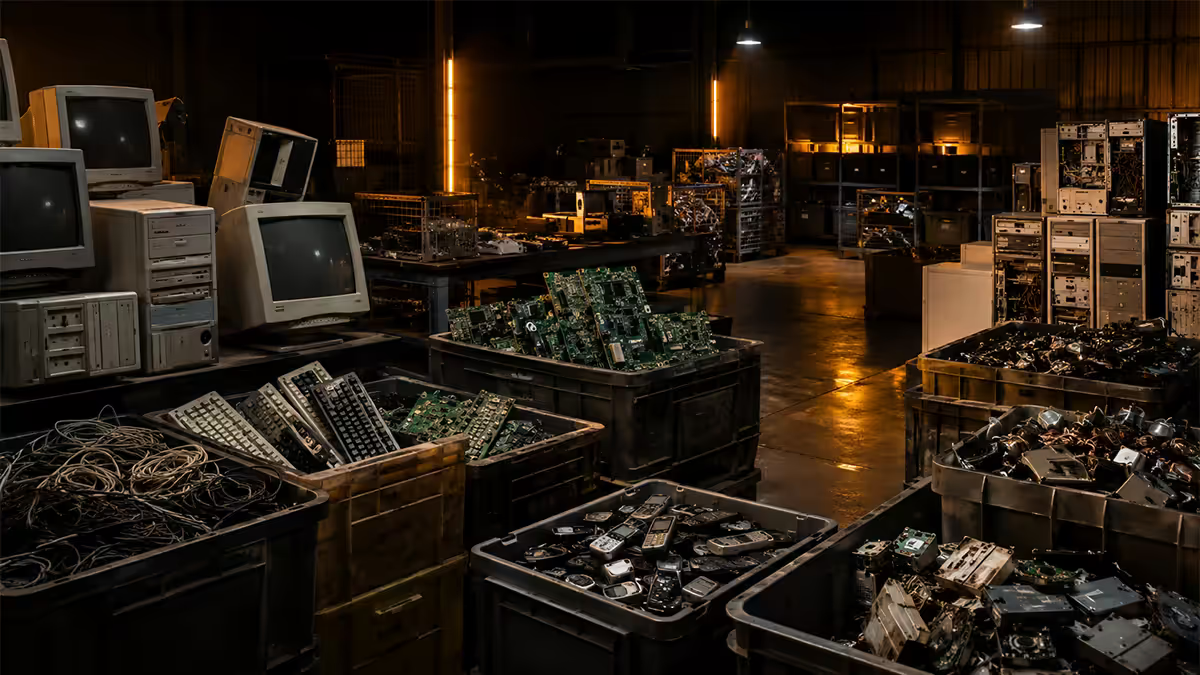
South Africa is one of the largest e-waste generators on the African continent — roughly 360,000 tonnes per year, according to ITU and DSI estimates. About 12% of that gets handled by formally licensed recyclers. The remainder ends up in landfill, informal scrap yards, or the back of a cupboard until somebody finally takes it somewhere.
The system is better than most South Africans realise. The e-Waste Association of South Africa (eWASA) coordinates a registry of compliant recyclers. Big players include Desco Electronic Recyclers (Joburg, Cape Town, Durban), Reclite SA (national), and Wasteplan. Most accept walk-in household quantities at no charge — the model works because the recovered gold, copper, aluminium and rare earths cover the disposal cost.
Where things get unsightly is the informal sector. Cable burning for copper recovery is still common in peri-urban areas and releases dioxins and heavy metals into soil and air. The licensed route exists precisely because the informal one is a public-health problem.
What you can sell first — get your money back
The most overlooked step in e-waste disposal is selling the device. If it boots, charges and isn't physically destroyed, there is almost certainly a buyer at some price point.
In the SA market in 2026, a 5-year-old mid-range gaming PC still fetches R3,500-R5,500. An iPhone 11 in working condition goes for R3,000-R3,800. A Samsung Galaxy S20 sits around R2,500-R3,500. A Dell Latitude business laptop with i5 and SSD trades at R2,800-R4,200. Even a dead-screen laptop has parts buyers if you list it as "for spares".
Where to list:
- Facebook Marketplace SA — the largest used-tech marketplace in the country by listing volume. Most accessible to buyers.
- Cash Crusaders — instant offer at branches, lower than private resale but immediate.
- Bob Shop (formerly Bidorbuy) — auction format, best for niche or collectable items.
- OLX SA — broad reach, free listings, requires more buyer vetting.
- Reddit r/PCMRSouthAfrica and r/SouthAfrica — for tech-savvy buyers who know what a 5800X is worth.
Trade-in programmes — Apple and Samsung
Trade-in beats selling when you value time over maximum payout. The credit is guaranteed, the device is collected, and the data wipe is handled professionally. Here's how the three main SA programmes compare.
| Programme | What they accept | Payout type |
|---|---|---|
| Apple Trade In (iStore / Core Group) | iPhone, iPad, Mac, Apple Watch (any condition). Non-Apple devices accepted for recycling. | Apple store credit or gift card |
| Samsung Trade-In | Galaxy phones & tablets (working). Other Android brands sometimes accepted via campaigns. | Discount on new Samsung purchase |
| Dell & HP corporate take-back | Any brand laptops & desktops in bulk (10+ units). | Free collection, certificate of destruction |
| Cash Crusaders trade-in | Working phones, laptops, gaming consoles, TVs. | Instant cash (lower than private sale) |
Apple Trade In in SA is run through iStore and authorised resellers including Digicape and the Core Group. You start the quote online, can drop the device at any iStore, and receive the credit on a gift card or against a new purchase. Crucially, Apple also accepts non-Apple devices for recycling — phone, laptop or tablet — at zero payout but with documented responsible disposal. Useful if you want one collection point for a household tech clearout.
Samsung Trade-In SA is run quarterly as part of new Galaxy launches. Trade-in values fluctuate with campaign aggressiveness — peak values on a Galaxy S22 traded toward an S25 can hit R5,500-R7,000. Outside campaign windows, the programme still runs but at thinner margins.
Evetech's buy-back programme is the most builder-friendly. We're specifically looking for current-generation parts that can be re-deployed into refurbished builds — Ryzen 5/7/9 7000-series and 9000-series, Intel Core Ultra, RTX 30 and 40-series GPUs, DDR5 kits, Gen 4 NVMe drives. Submit photos, original receipts where possible, and serial numbers via the contact form.
Free drop-off points by city
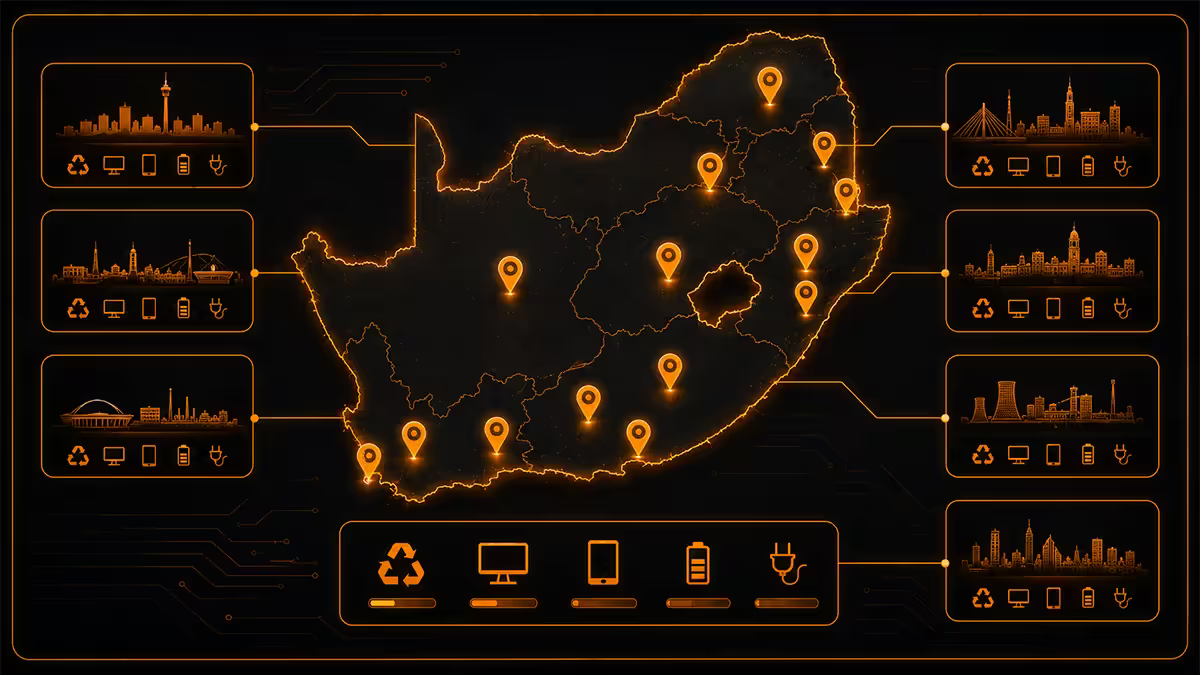
If sale and trade-in aren't worth the time, the next step is free disposal at an eWASA-licensed handler or municipal drop-off. Most accept walk-ins at household volumes (a couple of laptops, a phone, a monitor) without booking.
| City | Where to drop | Accepts |
|---|---|---|
| Cape Town | COCT e-waste days (Athlone, Killarney, Woodstock drop-offs); Desco CT (Maitland) | All electronics, batteries, monitors |
| Johannesburg | Pikitup garden refuse sites (Linbro, Robertsham, Marlboro); Desco JHB (Wynberg) | Small electronics, cables, batteries |
| Pretoria / Tshwane | Tshwane Waste Management depots; Evetech Centurion drop-bin | PCs, laptops, peripherals |
| Durban / eThekwini | Springfield & Mariannhill depots; Desco KZN (Pinetown) | All categories incl. monitors & TVs |
| Port Elizabeth / Gqeberha | NMBM Arlington landfill e-waste bay; Reclite drop-off | Small electronics, lighting, batteries |
| Bloemfontein | Mangaung Southern Landfill e-waste section; selected Pick n Pay battery bins | Phones, batteries, small electronics |
| Nationwide retail | Makro, Game and Pick n Pay battery / phone collection bins; Vodacom and MTN trade-in counters | Phones, batteries, small accessories |
The data-wipe checklist — before anything leaves the house
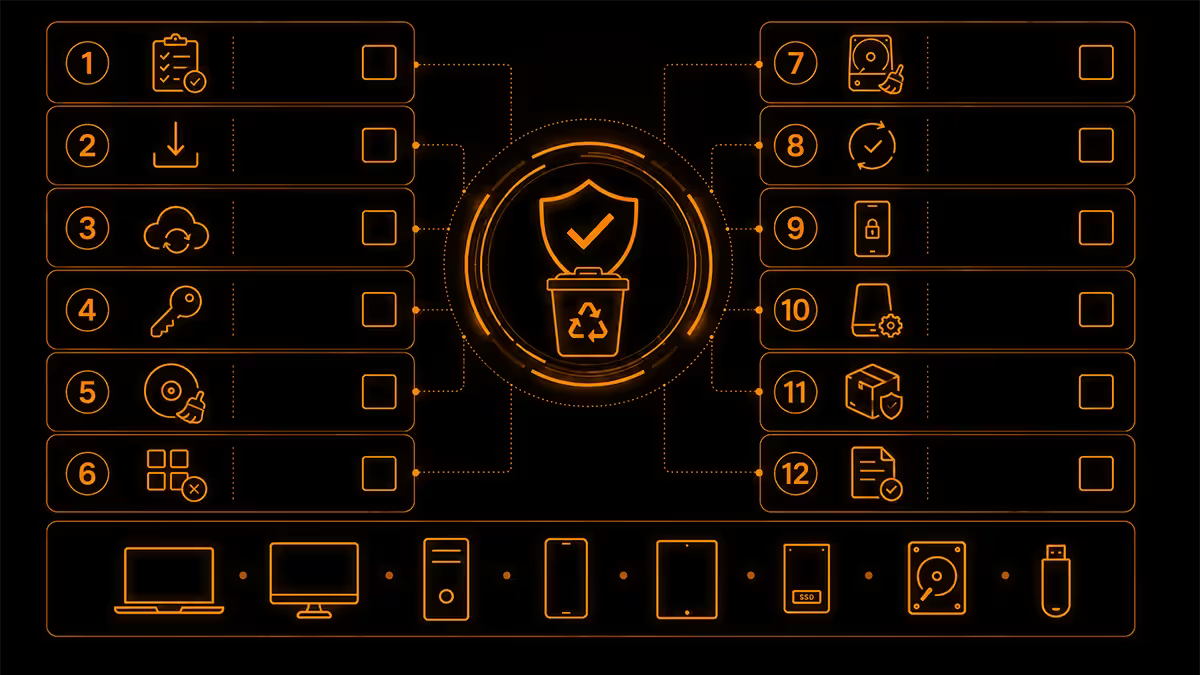
This is the step almost everyone skips and almost nobody should. Once a device leaves your hands, you have no control over who powers it on next. Run the wipe before sale, trade-in, donation or recycling — every time.
Mechanical hard drives (HDDs)
Use DBAN (Darik's Boot and Nuke) — free, open-source, boots from USB. Pick the DoD short wipe (3 passes) or Gutmann method (35 passes — overkill but feels good). Takes 1-6 hours depending on drive size. A factory format is not enough — data remains recoverable until properly overwritten.
Solid-state drives (SSDs and NVMe)
DBAN does not securely wipe SSDs reliably because of wear-levelling controllers. Use the manufacturer's secure-erase utility instead: Samsung Magician, Crucial Storage Executive, WD Dashboard, Kingston SSD Manager. Each issues an ATA Secure Erase command directly to the drive controller. Takes 30 seconds. Genuinely wipes everything.
Phones and tablets
iOS and modern Android (8.0+) ship with full-disk encryption enabled. A standard factory reset is cryptographically secure — the encryption key is destroyed and the data is unrecoverable. Sign out of iCloud / Google Account first (otherwise the device is locked to your account and useless to the next owner). Then Settings → Reset → Erase All Content and Settings.
The paranoid option
For SSDs holding genuinely sensitive data (medical, financial, trade-secret), physical destruction is the only guaranteed wipe. Drill three holes through the NAND chips on the PCB or smash them with a hammer. Then recycle the metal carcass through a licensed handler — they'll route it correctly even with destroyed media inside.
Donation paths — schools, NGOs, community
Working tech with a few years left in it shouldn't be recycled. It should be given to someone who needs it. SA has a network of organisations refurbishing donated hardware for schools, after-school coding programmes and youth development centres.
- Computers 4 Kids (Gauteng & Cape Town) — refurbishes desktop and laptop donations for primary and high schools. Accepts hardware up to 10 years old that still boots.
- RLabs (Cape Town, national reach) — youth coding and digital-skills programmes. Take working laptops with at least 4GB RAM and SSDs or fast HDDs.
- Sci-Bono Discovery Centre (Newtown, Joburg) — STEM education centre, accepts working hardware for student projects.
- Tafelberg Remedial School and similar special-needs schools — direct donation requests posted in local Facebook groups.
- Local primary school in your suburb — Section 18A receipts available if registered as PBO. Email the principal directly.
Etiquette matters. A working laptop with a charger, wiped clean, in a padded sleeve is a gift. A box of dead hardware is a burden — the charity pays the same eWASA fee you would have. Test the device works, do the data wipe, include the original charger and any documentation. If it's properly dead, take it directly to a recycler instead.
What you must NEVER throw in the regular bin
These items are illegal to landfill under the National Environmental Management: Waste Act and dangerous in your black bin. They damage Pikitup collection equipment, leach into landfill liners, and contaminate the wider waste stream.
- Lithium-ion batteries — laptop, phone, power bank, vape, e-bike. They puncture in compactor trucks and ignite. Multiple Joburg and Cape Town refuse fires in 2024-2025 were traced to lithium cells.
- CRT and LCD monitors / TVs — contain lead (CRT) and mercury fluorescent backlights (older LCDs). Newer LED-backlit LCDs are safer but still belong at a recycler.
- Fluorescent tubes and CFL bulbs — mercury vapour. Most Pick n Pay and Builders stores have collection bins for these.
- Printed circuit boards (PCBs) — lead solder, brominated flame retardants, cadmium. Recoverable for precious metals at licensed handlers.
- Power supplies and adapters — high copper content; never bin, always recycle.
- Printer toner cartridges — toner powder is a fine respiratory hazard. HP, Canon, Epson all run free return programmes.
- Old CRT television sets — mass and lead content make these the single worst item to landfill. eThekwini and COCT both run special collection days for CRTs.
Common e-waste mistakes
Skipping the sale step. Throwing a working laptop straight into the recycle bin loses you R2,000-R5,000 and adds load on the recycling stream. Try Marketplace SA for two weeks before recycling.
Forgetting to sign out of cloud accounts. An iPhone with Find My still enabled is useless to the next owner — they can't activate it. iCloud, Google Account, Samsung Account, Microsoft Account: sign out everywhere before the device leaves the house.
"Donating" dead hardware. Charities are not free recycling. If it doesn't boot, take it to a licensed recycler directly. The school doesn't need your broken 2008 ThinkPad.
Mixing batteries with other e-waste. Lithium cells belong in a separate bag or container, kept dry and terminal-taped. A pile of unbagged batteries in a box of cables is a fire hazard.
Trusting "free collection" ads on social media. Some informal collectors take e-waste only to strip copper and burn the rest. If they can't tell you which eWASA-licensed processor they deliver to, they're not the right pickup. Stick to the names in this guide.
Skipping the data wipe for "old" phones. A 2015 Android phone still holds your old WhatsApp backups, photos and saved passwords. Factory reset every device — even the ones that "have nothing on them".
Key takeaways
- Sell first on Facebook Marketplace SA or Cash Crusaders — even an old PC is worth R3,500-R5,500.
- Trade-in second — Apple Trade In or Samsung trade-in.
- Donate working hardware to Computers 4 Kids, RLabs or your local school — wiped, charged, with charger.
- Recycle the rest free at eWASA-licensed handlers (Desco, Reclite) or your city's e-waste depot.
- Wipe every device first — DBAN for HDDs, manufacturer secure-erase for SSDs, factory reset for phones with cloud sign-out.
Frequently asked questions
Where can I recycle e-waste for free in South Africa?
Most major metros offer free e-waste drop-off. City of Cape Town runs e-waste days at municipal drop-off sites (Athlone, Killarney, Woodstock). Joburg has Pikitup garden refuse sites that accept small electronics. eThekwini (Durban) operates dedicated drop-off depots in Springfield and Mariannhill. Desco Electronic Recyclers and Reclite (eWASA-licensed) accept walk-ins at their Joburg, Cape Town and Durban branches at no charge for household quantities.Can I sell my old PC instead of recycling it?
Yes — and you should try first. Working PCs, laptops and phones less than 7 years old usually have resale value on Facebook Marketplace SA, Cash Crusaders, OLX SA or Bob Shop. A 2019 Ryzen 5 PC still fetches R3,500-R5,500. An iPhone 11 still goes for R3,000+. Selling before recycling means money back in your pocket and one fewer device in the recycling chain. Only recycle gear that's genuinely dead or unsafe.Does Apple South Africa offer trade-in?
Yes. The Apple Trade In programme is live in SA via iStore and Apple-authorised resellers like Digicape and the Core Group. You get a quote online, ship the device or drop it at an iStore, and receive credit toward a new Apple product or a gift card. Trade-in values are typically lower than private resale but the convenience and guaranteed payout make it worth comparing. Non-Apple devices (Android phones, old PCs) are also accepted but credited at a flat recycling rate (often R0 — just responsible disposal).How do I securely wipe my hard drive before disposing?
For mechanical hard drives (HDDs), use DBAN (Darik's Boot and Nuke) — free, bootable, runs a multi-pass overwrite. For SSDs, use the manufacturer's secure erase utility (Samsung Magician, Crucial Storage Executive, WD Dashboard) — DBAN does not securely wipe SSDs due to wear levelling. For phones, a factory reset with encryption enabled is sufficient on iOS and modern Android. For paranoid disposal of SSDs holding sensitive data, drill three holes through the chip area or take a hammer to it — physical destruction is the only guaranteed wipe.What should I NEVER throw in the regular rubbish bin?
Lithium-ion batteries (laptop, phone, power bank, vape), CRT and LCD monitors (mercury and lead), fluorescent backlights and bulbs (mercury), printed circuit boards (lead, cadmium, brominated flame retardants), power supplies and cables (copper recoverable), and printer cartridges (toner is a respiratory hazard). These leach into landfill and damage Pikitup/municipal waste collection equipment. They belong at an eWASA-licensed e-waste handler — not in your black bin.Can I donate old laptops to schools in South Africa?
Yes, several SA NGOs refurbish donated devices for under-resourced schools. Computers 4 Kids (Cape Town and Gauteng) accepts laptops less than 10 years old. RLabs (Cape Town) takes laptops and desktops for youth coding programmes. Tafelberg Remedial School and the Sci-Bono Discovery Centre also accept working hardware. Devices should be wiped, charging cable included, and ideally still hold a charge for at least an hour. Don't dump dead hardware on charities — they pay to recycle it just like you would.Does Evetech offer a buy-back or trade-in?
No — Evetech does not run a buy-back or trade-in programme. To get value back on used parts in SA, your options are private sale (Carbonite, Facebook Marketplace) or a formal manufacturer programme such as Apple Trade In via iStore. Evetech does accept e-waste drop-off at the Centurion warehouse and routes it to an eWASA-licensed recycling partner at no charge.What happens to e-waste once it's collected?
eWASA-licensed recyclers (Desco, Reclite, Wasteplan) follow a four-step process: manual disassembly (separating screens, batteries, PCBs, plastics), magnetic and eddy-current sorting of metals, shredding of circuit boards for precious-metal recovery (gold, silver, palladium), and safe disposal of hazardous components (mercury, lead, lithium). Around 90% of a typical PC is recoverable by mass. The remaining 10% (mostly mixed plastics and contaminated material) goes to licensed hazardous-waste landfill. Reputable recyclers issue a Certificate of Destruction on request — useful if you're disposing of corporate hardware.